15 Best Virtual Training Platforms in 2026: For Corporates, Institutes and Course Creators in 2026

Casey Zeman
Published on Sep 30, 2026 • 66 min read

TL;DR
- Fifteen virtual training platforms were scored on live reliability, automation depth, learner structure, monetization with CRM, and pricing transparency, with stars assigned in twenty-point bands.
- EasyWebinar ranks first because live, Simulated Live, and Evergreen delivery run in one account, priced from $44 to $349 monthly with in-session checkout from Growth.
- A virtual training platform is the delivery layer; an LMS is the record layer. Add an LMS only for SCORM, graded assessments, or recertification cycles.
- Benchmarks matter more than features: 49% live attendance, 57% with replays, 71% session completion, and only 5% to 10% average course completion.
- Validate live first, hit at least a 10% attendee-to-buyer rate, then graduate the session to Simulated Live or Evergreen with just-in-time scheduling.
- True cost shows up in month three through attendee overages, paid custom fields, transaction percentages, and the second subscription bought to automate.
Q1. What are the 15 best virtual training platforms for corporates, institutes and course creators in 2026?
EasyWebinar runs live training, Simulated Live sessions, and Evergreen automated sessions inside one account, with live capacity from 50 attendees on the $44/month Launch plan up to 1,000 on the $349/month Scale plan, and custom Enterprise capacity to 100,000 live attendees. Growth and above add built-in checkout, paid webinars, EasyCRM lead scoring, and EasyCast multistreaming. The 15 platforms evaluated here are EasyWebinar, Zoom Webinars Plus, GoTo Webinar, meetn, Riverside, Descript, Kajabi, Skool, Circle, Heartbeat, Stan Store, the Webflow plus Outseta plus Circle stack, LearnDash on WordPress, Classplus, and Edusquadz. (EasyWebinar pricing)
A training lead I spoke with last quarter had 380 registrants for a Wednesday 2pm compliance session. Ninety-five showed up. She had four browser tabs open: the meeting room, the mail tool sending reminders, a spreadsheet for attendance, and the video portal where the replay would land. When the slide share stalled at minute six, she did not know which tab to fix first. That is the real buying problem, and no feature grid on a vendor site describes it.
Fifteen vendors were evaluated against defined criteria because this decision touches revenue, compliance records, and learner completion at the same time. The daily operator is the person running the session: the L&D manager, the institute program head, or the course creator presenting the offer. The shadow readers on the buying committee are the CFO checking tool consolidation, the IT director checking SSO and data handling, the CHRO checking training records, and the marketing or revenue lead checking pipeline contribution. Read the list by architecture, not by brand familiarity.
Our Evaluation Criteria
Training format coverage 🎥
Whether the platform supports live sessions, Simulated Live broadcasts, Evergreen automated delivery, replay, and on-demand access. Our own breakdown of live versus automated webinars sets the boundary between these formats.
Time to launch ⏰
How long it takes to build a registration page, schedule the session, and wire reminder emails without a developer.
Engagement depth 💬
Live chat, polls, Q and A, breakout interaction, timed offers, and whether engagement survives into automated sessions. The mechanics behind each of these sit in our guide to webinar engagement tools.
Learner structure and completion support ✅
Cohort scheduling, attendance tracking per learner, module progression, and certificates.
Follow-up and CRM readiness 📈
Native CRM, attendee tagging, lead scoring on watch time, segmented follow-up, and sync into HubSpot or Salesforce. See how a sales CRM handles webinar behavior directly.
Monetization support 💰
Paid access, ticketing, in-session checkout, and whether money moves without a redirect.
Analytics and attribution 📊
Registration, attendance, watch time, offer clicks, replay behavior, and conversion visibility. Our primer on webinar analytics explains which of these actually predicts revenue.
Reliability, compliance, and scale ⚠️
Stream stability, attendee ceilings, SOC 2 and GDPR compliance posture, and the support model you actually get.
Who This Guide Is For
- Course creators turning a teaching session into a repeatable sales funnel.
- Corporate L&D teams running compliance, onboarding, and product training at scale.
- Institute program heads managing multi-timezone cohorts, attendance, and certificates.
- Marketing and revenue operators who need webinar behavior flowing into CRM scoring.
- Consultants and founders replacing separate hosting, page, email, checkout, and follow-up tools.
- Buying-committee readers: CFOs validating consolidation, IT leads checking security, CHROs checking training records.
| Provider | Best For | Standout Strength | Known Limitation | Training Formats Covered | Support Model | Pricing Model |
|---|---|---|---|---|---|---|
| EasyWebinar ⭐⭐⭐⭐⭐ | Creators and teams selling or onboarding through training sessions | Live, Simulated Live, and Evergreen delivery with checkout and CRM in one account (pricing) | Automated setup requires the recorded presentation uploaded before the funnel can be built (G2) | Live, Simulated Live, Evergreen, replay, just-in-time, paid | Email, dedicated account manager on Pro, Slack support on Scale | Flat monthly by attendee tier, $44 to $349, Enterprise quoted |
| Zoom Webinars Plus ⭐⭐⭐⭐ | Enterprise broadcasts needing backstage production control | Pre-recorded sessions broadcast like live, plus production tooling (Zoom pricing) | Registration flow pulls users off the landing page (G2) | Live, simulive, on-demand | Ticket-based, tiered by plan | Per-user monthly by capacity, or pay-per-attendee |
| GoTo Webinar ⭐⭐⭐ | Legacy enterprise training with established procurement | Fast default setup and reporting management teams accept (GoTo pricing) | Registration pages lack customization depth (G2) | Live, simulated, on-demand | Ticket-based | Per-organizer monthly, quote-based above tiers |
| meetn ⭐⭐⭐ | Small teams wanting low-friction live rooms | Stealth admin entry without alerting attendees (meetn pricing) | Limited interface styling control | Live, replay | Email-only | Flat monthly, lifetime tier available |
| Riverside ⭐⭐⭐⭐ | Recording polished training modules | Local multi-track capture that survives internet dips (Riverside pricing) | Not a funnel or registration system | Live stream, recorded modules | Email and chat | Flat monthly per seat |
| Descript ⭐⭐⭐ | Editing recorded training fast | Text-based transcript editing and retakes (Descript pricing) | No live delivery layer | Recorded only | Email-only | Flat monthly per seat |
| Kajabi ⭐⭐⭐⭐ | Creators selling structured courses with coaching calls | Course modules, email, and checkout in one portal (Kajabi pricing) | Live session depth is thinner than webinar tools | Recorded courses, live coaching | Email and chat | Flat monthly tiers |
| Skool ⭐⭐⭐ | Cohorts wanting gamified accountability | Flat $99 monthly covering community, courses, and events (Skool pricing) | Fixed layouts, separate account per community | Recorded modules, live events | Community and email | Flat monthly |
| Circle ⭐⭐⭐⭐ | Institutes running discussion-led cohorts | Topic spaces, white-label apps, and native AI agents (Circle pricing) | API access and custom fields sit behind the Business plan | Recorded courses, live events | Email and chat | Flat monthly tiers |
| Heartbeat ⭐⭐⭐ | Event-centric training communities | Public and paid event ticketing inside private spaces (Heartbeat pricing) | No chat topics, so channels become a long list | Live events, recorded | Email-only | Flat monthly tiers |
| Stan Store ⭐⭐⭐ | Solo creators selling from social traffic | Mobile checkout tied to Instagram and TikTok flows (Stan Store pricing) | No multi-speaker stage management | Recorded, live workshops | Email-only | Flat monthly, $29 or $99 |
| Webflow + Outseta + Circle ⭐⭐⭐ | Technical teams needing design and data control | Full ownership of pages, billing, and portal (Outseta pricing) | Requires API work across three subscriptions | Live sessions, recorded cohorts | Per-vendor, partner-delivered | Three separate monthly subscriptions |
| LearnDash on WordPress ⭐⭐ | Teams with in-house developers and SCORM needs | Complete data ownership and plugin flexibility (LearnDash pricing) | Plugin conflicts and ongoing maintenance load | Recorded, quizzes, certificates | Ticket-only plus host support | Annual license plus hosting |
| Classplus ⭐⭐⭐ | Regional institutes needing branded mobile apps | Turn-key app with local payment gateways | Limited live production control | Recorded, live classes | Phone and account manager | Setup fee plus monthly, quote-based |
| Edusquadz ⭐⭐ | Local coaching centers digitizing first | Low setup cost for white-label delivery | Thin analytics and engagement tooling | Recorded, live classes | Phone and email | Setup fee plus monthly, quote-based |
1. EasyWebinar
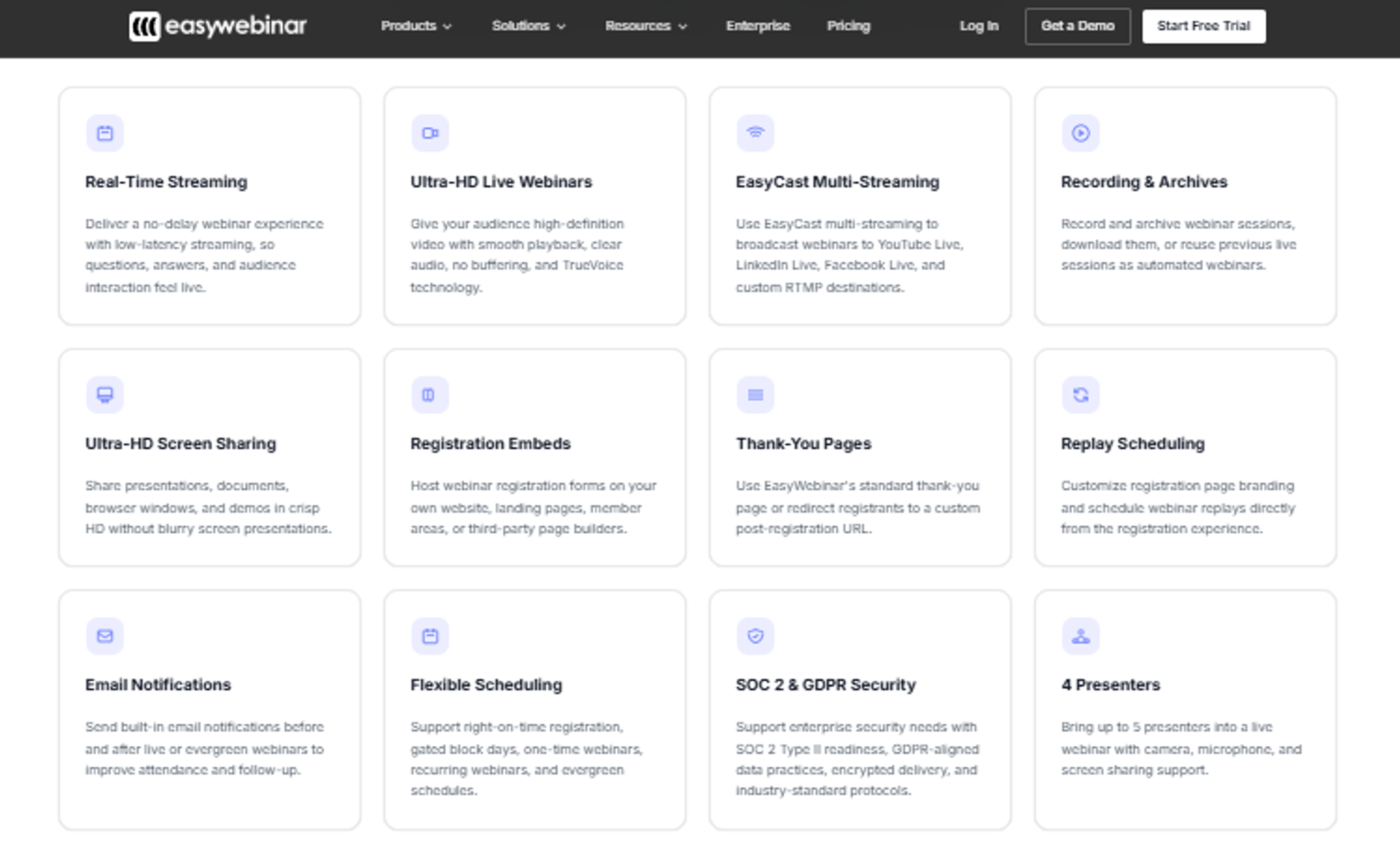
EasyWebinar is best for course creators, coaches, and B2B teams that need a training session to sell, onboard, or convert, because it combines live webinar software, Simulated Live and Evergreen automation, registration pages, in-session checkout, and EasyCRM follow-up in one subscription, but it may not fit teams that need SCORM packages, graded assessments, or multi-year transcripts.
| Quick fit | Detail |
|---|---|
| Best for | Creators and revenue teams running training that sells or onboards |
| Skip if | You need SCORM content, graded exams, or formal recertification records |
| Strongest edge | Live, Simulated Live, and Evergreen in one account, no second tool to automate |
| Biggest trade-off | Automated setup needs the recording uploaded before the funnel is built |
| Pricing snapshot | Launch $44, Growth $116, Pro $198, Scale $349 monthly, Enterprise to 100,000 attendees quoted (EasyWebinar pricing page) |
Why EasyWebinar ranks #1
🎯 The architecture matches how training actually earns
EasyWebinar scores highest on format coverage and follow-up readiness, the two criteria where most tools trade one away. Live sessions, Simulated Live broadcasts, Evergreen delivery, replay, and just-in-time scheduling all live in one account, as listed on the EasyWebinar pricing page.
I built this because I lived the alternative. My YouTube course took six months and sold nothing until I ran a webinar. In year one of live sessions, that motion built a 14,000-person list and $245,000 in course sales.
💰 One bill instead of eight
EasyWebinar's own stack math puts a typical assembled setup at roughly $1,063 to $1,500 monthly across eight tools for hosting, pages, automation, storage, AI copy, email, CRM, and multistreaming. The consolidated plan starts at $96 monthly on annual billing, per the published webinar pricing tiers.
That number is the CFO conversation, not a marketing line. My read is that consolidation matters most for teams under five people, where the integration work has no owner.
What EasyWebinar does well
- Format range in one login ⭐ EasyWebinar supports live, Simulated Live, Evergreen, replay, and paid sessions, so a validated live session graduates without a rebuild. Our walkthrough of the simulated live webinar format shows the mechanic.
- Evergreen scheduling for global cohorts ⏰ Just-in-time and multi-slot scheduling sit in the automated webinar tier, so one recorded masterclass serves each region at a local hour.
- Checkout inside the room 💰 Timed offer buttons let attendees buy without a redirect, and Paid Webinars gate access before registration, both from the Growth plan.
- Behavior-based follow-up 📈 EasyCRM scores leads on watch time and engagement, then triggers sequences for no-shows, replay viewers, and offer clickers.
- Distribution without extra tooling 📡 EasyCast multistreaming sends the session to YouTube, LinkedIn, Facebook, and RTMP, with three destinations on Growth and unlimited on Scale.
- Compliance posture for procurement ✅ EasyWebinar holds SOC 2 Type II certification and GDPR compliance, with SSO and API on Scale.
Where EasyWebinar falls short
- Recording required before automation ⚠️ You cannot open registrations for an automated session before the video is uploaded, which blocks early promotion.
- Email analytics are thinner than a dedicated ESP ❌ One reviewer keeps a separate email system because open and click tracking is not available inside the platform.
- Not a learning record system ❌ No SCORM, no graded assessments, no recertification cycles. Pair it with an LMS if audit records matter.
- Attendee overages are billed 💸 Beyond plan limits, automated attendees bill at $0.078 each and live attendees at $0.78 each.
Decision scorecard
| Evaluation criterion | EasyWebinar fit | Why it matters |
|---|---|---|
| Live sessions | Strong | Live capacity runs from 50 to 1,000 by plan, with Enterprise to 100,000. |
| Simulated Live | Strong | Pre-recorded broadcast keeps real-time chat, polls, and timed offers. |
| Evergreen automation | Strong | Just-in-time and timezone-adjusted delivery ship in the Automated tier. |
| Funnel pages | Strong | Registration, thank-you, and replay pages are built in. |
| Engagement | Strong | Chat, polls, Q and A, and timed CTAs run inside the room. |
| CRM and follow-up | Strong | EasyCRM scores on watch time, with HubSpot and Salesforce sync on Pro. |
| Monetization | Strong | In-session checkout and paid access from Growth. |
| Analytics | Partial | Session and behavior reporting is solid; email open tracking is not. |
| Learner records | Weak | No SCORM, assessments, or recertification tracking. |
| Pricing fit | Strong | $44 entry, published tiers, no quote needed below Enterprise. |
| Best-fit buyer | Creators, coaches, SaaS demo and onboarding teams | Training tied to revenue rather than transcripts. |
Best for / skip if
Choose EasyWebinar if your training session is also your selling or onboarding motion, and you want the automated version to live in the same account as the live one. Skip it if your mandate is compliance record-keeping, graded assessment, or certification cycles. Keep it on the shortlist if your current stack has more than three logins for one session. Named outcomes across buyer types sit in our customer reviews.
Reviews
Creators consistently point to the Evergreen layer as the reason they stay. One G2 reviewer describes EasyWebinar as the platform built specifically to scale evergreen sessions, while naming a real friction point: the presentation must be uploaded before the automated webinar can be configured.
"The biggest challenge is around setting up automated webinars, and needing the presentation uploaded first in order to set it up."- Ash A., 5/5, EasyWebinar G2 - Verified Review
"I do use other email systems to send post-webinar email sequences because I can't track open and click rates on EasyWebinar."- Eliza W., 4.5/5, EasyWebinar G2 - Verified Review
2. Zoom Webinars Plus
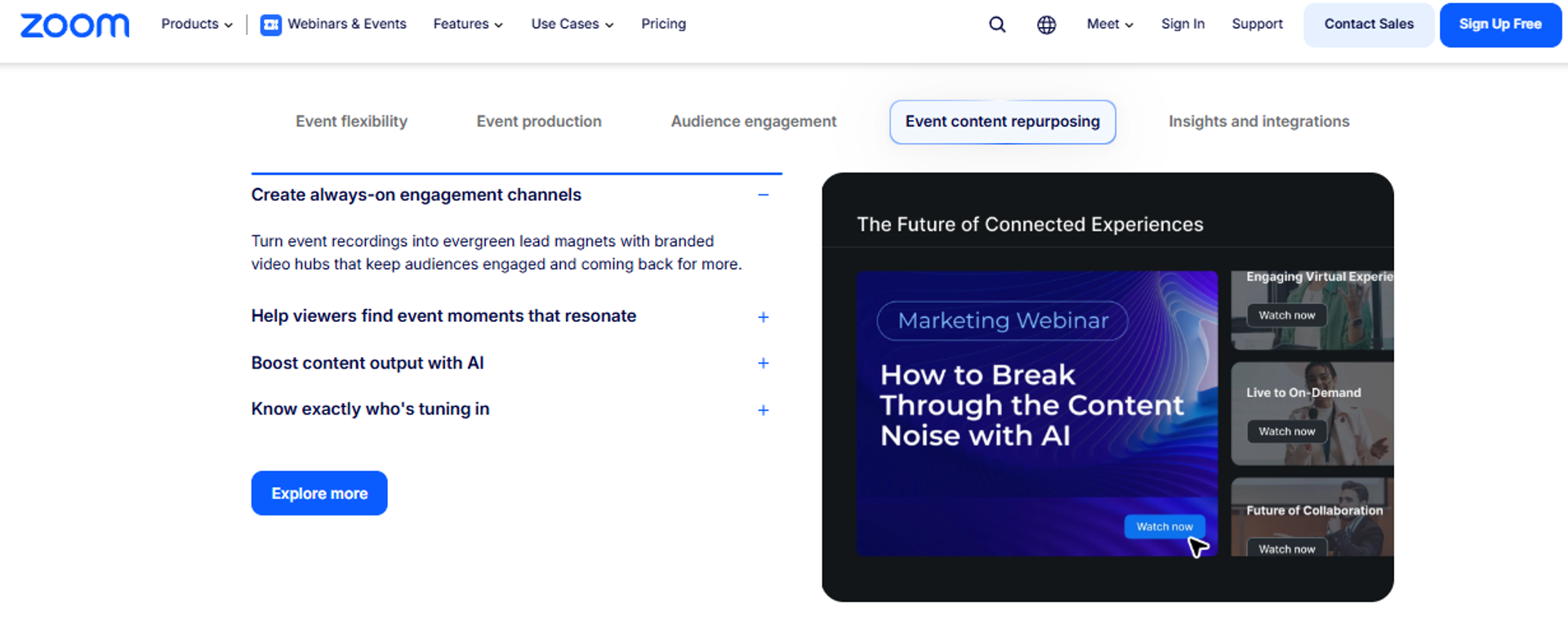
Zoom Webinars Plus is best for corporate and institutional teams running large broadcast training where stream stability and speaker coordination decide the outcome, because it adds backstage control, pre-recorded sessions that broadcast like live, and on-demand video to the standard Zoom webinar room, but it may not fit teams that need registration pages, offer checkout, and behavior-based follow-up in the same tool. For the direct architectural contrast, see EasyWebinar vs Zoom.
| Quick fit | Detail |
|---|---|
| Best for | Enterprise L&D and institutes broadcasting to large, familiar audiences |
| Skip if | You need funnel pages, in-session selling, or native CRM scoring |
| Strongest edge | Backstage area where hosts and panelists align off-air during the event |
| Biggest trade-off | Registration pulls attendees off your landing page |
| Pricing snapshot | Zoom Webinars $83.33 per user monthly billed annually for 500 attendees; Webinars Plus $290.83 per user monthly billed annually for 500 attendees, with a $99 monthly entry tier (Zoom Webinars, Zoom events and webinars pricing) |
Why Zoom Webinars Plus ranks #2
🎥 Reliability and production, priced as a tier upgrade
Zoom earns this position on reliability and format coverage at scale, not on funnel workflow. Webinars Plus adds pre-recorded broadcast and production tooling on top of the standard webinar platform. Capacity is sold by attendee tier, and pay-per-attendee licensing is available for Webinars Plus and Zoom Events, per Zoom's published pricing.
The backstage area is the detail experienced facilitators notice. Hosts, panelists, and speakers talk privately before and during the session without the audience hearing it. That removes the visible slide hunt that makes corporate sessions feel amateur.
💸 The cost jump is the procurement question
Standard Zoom Webinars runs $83.33 per user monthly on annual billing for 500 attendees, while Webinars Plus at the same capacity runs $290.83, as listed on Zoom's webinars product page. That is roughly a 3.5x step for production features. EasyWebinar's $198 Pro plan covers 500 live attendees plus 2,500 automated viewers, pages, checkout, and CRM, which is the honest comparison a CFO will ask for. Teams weighing a switch usually start with our list of Zoom alternative webinar platforms.
What Zoom Webinars Plus does well
- Familiar join experience ✅ Most attendees already have Zoom installed, which removes a support ticket category before the session starts.
- Backstage speaker coordination 🎬 Presenters align off-air mid-event, so transitions stop being visible to learners.
- Pre-recorded broadcast 🎥 Sessions can be recorded and played on schedule, useful for repeated compliance training.
- Scale headroom 📈 Capacity tiers extend well past most training audiences, with pay-per-attendee as an alternative.
- Integration breadth 🔗 It connects with most marketing automation and CRM tools, which matters to RevOps teams evaluating integrations.
Where Zoom Webinars Plus falls short
- Registration leaves your page ⚠️ A reviewer flagged that the registration process requires users to leave the landing page, which costs signups.
- Two-device backstage workaround ❌ One reviewer logs in on two computers to be backstage and in the webinar simultaneously.
- No conversion layer ❌ There is no in-session checkout, no lead scoring on watch time, and no native evergreen funnel.
- Support is inconsistent by account tier ⚠️ Reviewers report slow ticket resolution and no consistent point of contact.
Decision scorecard
| Evaluation criterion | Zoom Webinars Plus fit | Why it matters |
|---|---|---|
| Live sessions | Strong | Stream stability at scale is the platform's core competence. |
| Simulated Live | Strong | Pre-recorded content broadcasts on a schedule. |
| Evergreen automation | Weak | No just-in-time or timezone-adjusted recurring delivery. |
| Funnel pages | Weak | Registration sits off your landing page. |
| Engagement | Partial | Polls and Q and A exist; reviewers call the engagement set minimal. |
| CRM and follow-up | Partial | Integrations exist; native scoring and sequences do not. |
| Monetization | Weak | No in-session checkout for offers. |
| Analytics | Partial | Attendance and engagement reporting, limited conversion attribution. |
| Learner records | Partial | Attendance exports yes, certification cycles no. |
| Pricing fit | Partial | $290.83 monthly at 500 attendees on annual billing is a steep step. |
| Best-fit buyer | Enterprise broadcast training | Production control outranks funnel mechanics. |
Best for / skip if
Choose Zoom Webinars Plus if your sessions are large, broadcast-style, and judged on stream quality and speaker coordination. Skip it if the session is expected to generate registrations, sell an offer, or trigger segmented follow-up, since those live outside the tool. EasyWebinar appears in the same shortlist when the training is a revenue motion rather than an internal broadcast, and you can compare webinar platforms side by side before shortlisting.
Reviews
Zoom reviewers separate delivery quality from workflow quality. The recurring operator complaint is the registration and engagement layer, not the video.
"It could also cause chaos because of the registration process needing to leave the landing page for all users."- Hetvi B., 3.5/5, Zoom Events and Webinars G2 - Verified Review
"It's frustrating to have to log in on two different computers in order to be in the backstage and webinar at the same time."- Rob K., 4/5, Zoom Events and Webinars G2 - Verified Review
3. GoTo Webinar
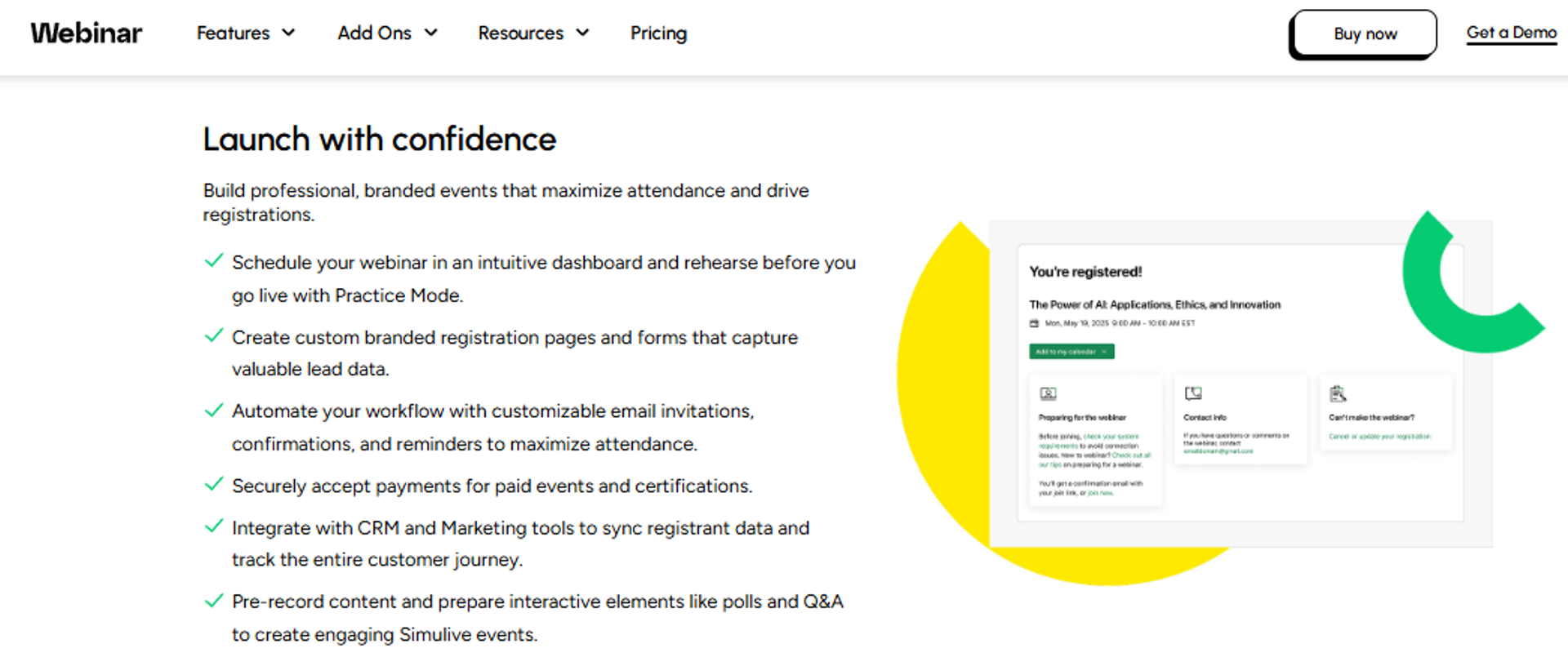
GoTo Webinar is best for corporate training teams that need approved, predictable webinar infrastructure with reporting managers already accept, because it covers live sessions, simulive events where a recording plays on a schedule, paid events, and certified training, but it may not fit teams that want designed registration pages or conversion tooling inside the session. Teams weighing a switch usually start with our list of GoToWebinar alternatives.
| Quick fit | Detail |
|---|---|
| Best for | Established L&D and marketing teams inside existing GoTo procurement |
| Skip if | You need custom funnel pages or in-session offer checkout |
| Strongest edge | Certificates and paid events sit on the Complete tier alongside 3,000 participants (GoTo Webinar plans and pricing) |
| Biggest trade-off | Reviewers report support escalation loops and speaker device failures (G2 review) |
| Pricing snapshot | Three published tiers: Reach (1 organizer, 500 participants), Elevate (1,000 participants, recordings run as live), Complete (3,000 participants, paid events, certified training, sales-quoted) |
Why GoTo Webinar ranks #3
📋 Procurement comfort, not conversion depth
GoTo scores on format coverage and reporting, which is why training teams keep renewing it. Simulive events, full-service registration, source tracking, and certificates all appear on the published feature grid. Certificates matter for compliance training, and few webinar tools include them.
Where it loses points is the funnel layer and support. EasyWebinar publishes every price below Enterprise and includes in-session checkout from the $116 Growth plan, per our webinar pricing, while GoTo routes monetization and 3,000-participant capacity into a quoted Complete tier. My read is that GoTo wins on paper and loses on the Wednesday afternoon when a speaker's microphone silently fails.
What GoTo Webinar does well
- Simulive on a schedule ⏰ Recordings run as live events from the Elevate tier, useful for repeating the same compliance module.
- Certificates and paid events ✅ The Complete tier supports certified training and ticketed events, which most webinar tools skip.
- Source tracking 📊 Registration source tracking shows which channel produced attendance, helpful for marketing attribution.
- Breakout rooms and Q and A 💬 Engagement tools exist for smaller training cohorts, alongside polls and handouts. Our guide to webinar interaction covers how each of these changes attendee behavior.
- AI summaries and transcripts 📝 Session transcripts and summaries reduce manual note-taking after internal training.
Where GoTo Webinar falls short
- Support reachability ⚠️ A G2 reviewer describes outsourced support and having to resolve their own escalated ticket.
- Speaker-side reliability ❌ The same reviewer reports recurring microphone, screenshare, and join failures across weekly webinars.
- Registration design is rigid ❌ Page customization is limited compared with purpose-built funnel builders.
- Top tier is quote-only 💸 Monetization and 3,000 participants require a sales conversation, which slows budgeting.
Decision scorecard
| Evaluation criterion | GoTo Webinar fit | Why it matters |
|---|---|---|
| Live sessions | Strong | Capacity to 3,000 participants on Complete. |
| Simulated Live | Strong | Recordings run as live from Elevate. |
| Evergreen automation | Weak | No just-in-time or timezone-adjusted recurring delivery. |
| Funnel pages | Partial | Full-service registration exists; design control is limited. |
| Engagement | Partial | Polls, Q and A, and breakouts, no timed offers. |
| CRM and follow-up | Partial | Automated reminders and integrations, no native scoring. |
| Monetization | Partial | Paid events on Complete only. |
| Analytics | Strong | Reporting plus registration source tracking. |
| Learner records | Strong | Certificates support formal training programs. |
| Pricing fit | Verify | Tier prices are not displayed on the public grid. |
| Best-fit buyer | Enterprise training with existing GoTo contracts | Stability of process over funnel flexibility. |
Best for / skip if
Choose GoTo Webinar if certificates, source tracking, and a familiar procurement path matter more than page design. Skip it if your session needs to sell, or if weekly reliability incidents would cost you attendance. The head-to-head sits at EasyWebinar vs GoToWebinar.
Reviews
Operator sentiment splits sharply by use case. One G2 reviewer titled their review "The worst platform you can go with" and described repeated speaker device failures across weekly webinars.
"Customer support is impossible to reach and is completely outsourced. When you do get a hold of them, they are never any help."- Forrester S., 0/5, 23 October 2025, GoTo Webinar G2 - Verified Review
"When you're hosting a webinar with more than 200 attendees, GoTo Webinar is our go-to option."- Verified reviewer, Computer Software Company, 6/10, 1 June 2024, GoTo Webinar TrustRadius - Verified Review
4. meetn
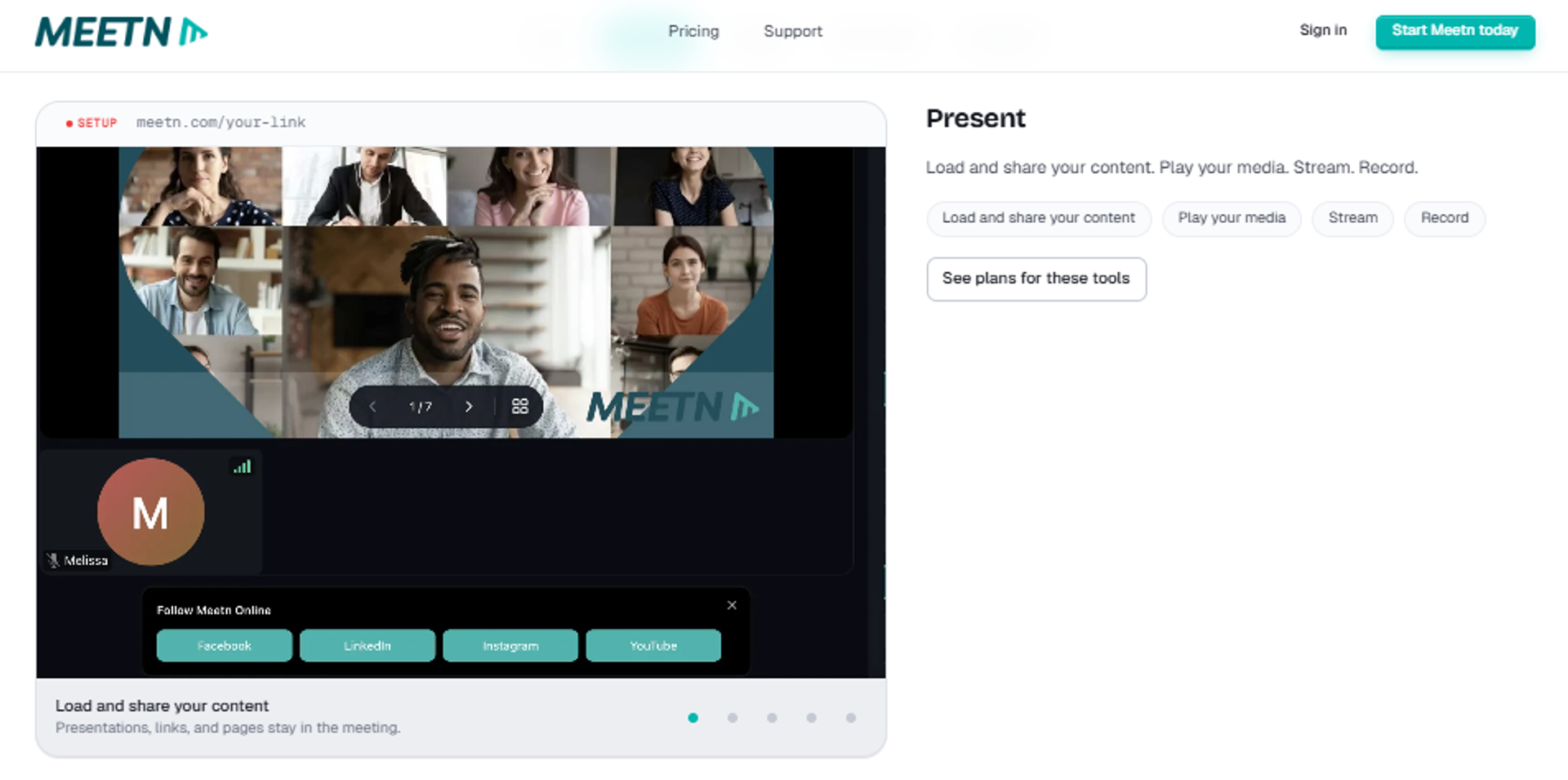
meetn is best for small training teams and consultants that run weekly sessions and want engagement plus checkout in a low-cost room, because it bundles polls, quizzes, whiteboard, action buttons, and optional in-room selling per room, but it may not fit teams needing designed funnel pages or a mature CRM.
| Quick fit | Detail |
|---|---|
| Best for | Solo trainers and small teams running recurring client sessions |
| Skip if | You need branded funnel pages or native lead scoring |
| Strongest edge | Evergreen replays and in-room checkout sold as per-room add-ons (meetn pricing) |
| Biggest trade-off | CRM is listed as coming soon, so follow-up lives elsewhere |
| Pricing snapshot | Pro $19.95 per seat monthly (100 attendees), Business $49.95 (500 attendees), Ultimate adds every tool at $125 per room for $174.95 all in with 1,000 attendees |
Why meetn ranks #4
💰 The cheapest path to an interactive room
meetn earns its place on price-to-engagement ratio. Pro runs $19.95 per host seat with polls, quizzes, whiteboard, webinar mode, breakout rooms, and streaming to two destinations. Evergreen replays and selling are add-ons at $29 and $9 to $79 per room, with meetn keeping 5% down to 1% of sales, per the meetn pricing page.
That modularity is honest pricing, and it is also the limitation. EasyWebinar includes checkout, EasyCRM scoring, and webinar marketing automation inside published plans from $116, while meetn asks you to assemble the same outcome per room. For a consultant running one weekly session, meetn is the better math.
What meetn does well
- Interaction without setup 💬 Polls, quizzes, ice breakers, and whiteboard ship on the entry plan, so sessions stay two-way.
- Action buttons in the room ✅ Donate, apply, and book forms let attendees act during the session, not after.
- Evergreen replays as an add-on ⏰ A replay that keeps running is available per room for $29 monthly.
- Attendee capacity scaling 📈 Caps lift to 1,000, 3,000, or 5,000 per room for $50, $100, or $500 monthly.
- Unlimited co-hosts 👥 Co-hosts do not consume seats, which helps multi-trainer teams control cost.
Where meetn falls short
- No native CRM yet ❌ meetn lists CRM as coming soon on all tiers, so follow-up requires another tool. Teams that need it now usually pair a sales CRM with the session.
- Selling carries a platform cut 💸 In-room checkout costs 5% at the $9 tier and 1% only at $79 per room.
- Interface styling is limited ⚠️ Custom branding and waiting-room design are basic compared with funnel-first platforms.
Decision scorecard
| Evaluation criterion | meetn fit | Why it matters |
|---|---|---|
| Live sessions | Strong | 100 to 5,000 attendees depending on add-ons. |
| Simulated Live | Partial | Premiere and on-demand replays, no chat-layered simulive tier. |
| Evergreen automation | Partial | Evergreen replays exist as a paid add-on. |
| Funnel pages | Weak | No landing page builder. |
| Engagement | Strong | Polls, quizzes, whiteboard, and forms on entry plan. |
| CRM and follow-up | Weak | CRM not released. |
| Monetization | Partial | Checkout available, with a platform percentage. |
| Analytics | Partial | Transcription and AI follow-up on Business, limited attribution. |
| Pricing fit | Strong | $19.95 per seat entry point. |
| Best-fit buyer | Consultants and small trainer teams | Low cost per room with real interaction. |
Best for / skip if
Choose meetn if you run a handful of recurring sessions and want interaction and checkout cheaply. Skip it if follow-up automation or branded registration pages are part of the requirement.
5. Riverside
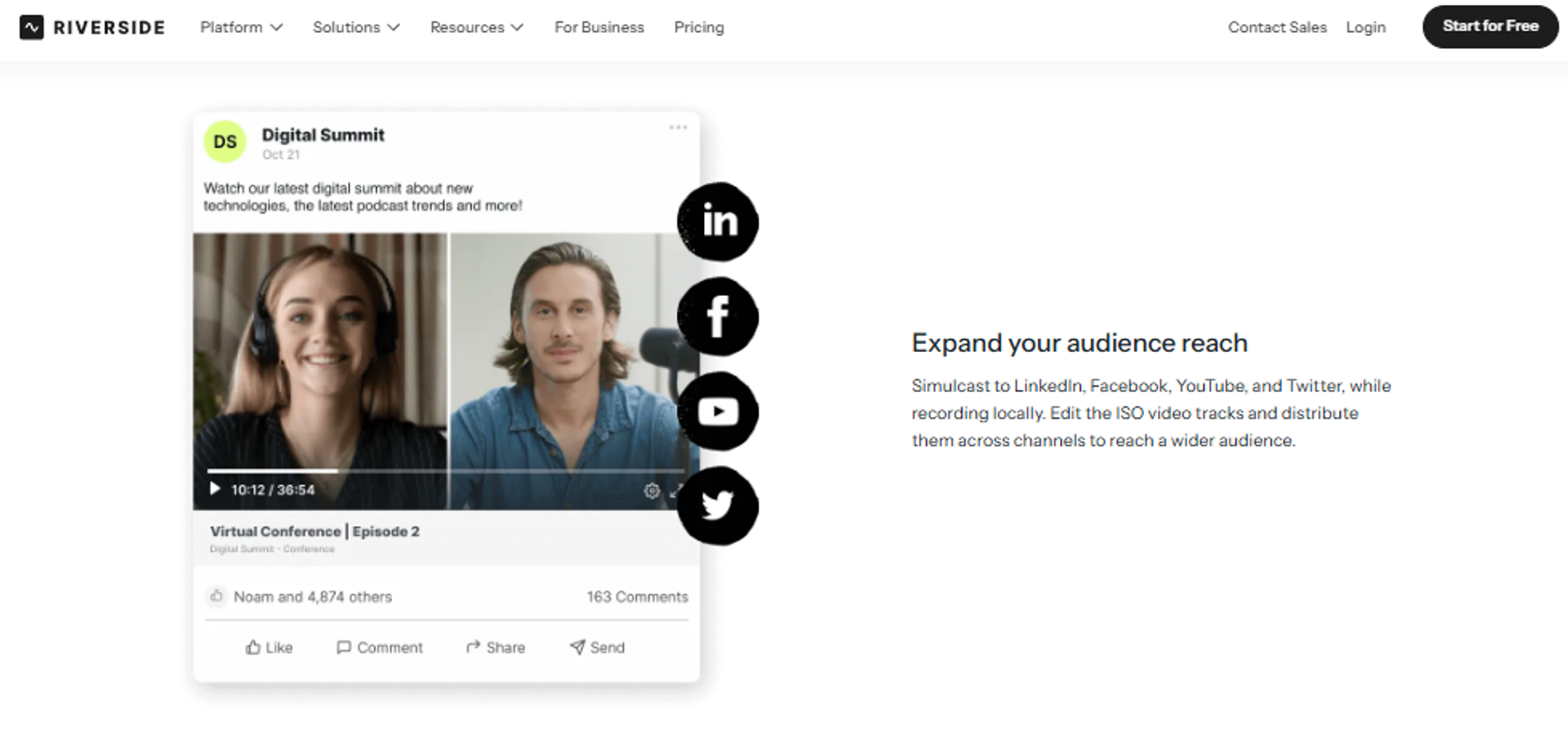
Riverside is best for teams that record polished training modules and also want a lightweight webinar layer, because it captures separate local 4K tracks that survive connection dips and includes a Webinar plan with registration, reminders, and HubSpot sync, but it may not fit teams running large live training or evergreen funnels.
| Quick fit | Detail |
|---|---|
| Best for | Course creators producing studio-quality modules plus occasional live sessions |
| Skip if | You need more than 100 webinar registrants or evergreen scheduling |
| Strongest edge | Local multi-track recording independent of internet quality (Riverside plans and pricing) |
| Biggest trade-off | Webinar capacity caps at 100 registrants |
| Pricing snapshot | Free $0, Pro billed $288 annually, Grow billed $408 annually, Webinar plan billed $408 annually |
Why Riverside ranks #5
🎬 Recording quality first, webinar second
Riverside ranks here because content quality is a real completion lever, and its recording architecture is the strongest on this list. Tracks record locally in up to 4K, then upload, so a shaky connection does not ruin the module, as documented on the Riverside pricing page. Our technical setup guide for recording a webinar covers the same ground on the delivery side.
The Webinar plan adds pre-recording a session and streaming it as live, recurring webinars, branded registration forms, lead capture, polls, Q and A, and HubSpot sync. EasyWebinar supports 500 live attendees on its $198 Pro plan, against Riverside's 100-registrant webinar ceiling, so the two serve different session sizes.
What Riverside does well
- Local multi-track capture 🎥 Separate 4K tracks protect module quality when bandwidth drops.
- Text-based editing ✂️ Unlimited transcript editing plus filler-word removal cuts post-production time.
- Pre-record and stream as live 📺 The Webinar plan broadcasts a recorded session on schedule. The mechanic itself is explained in our breakdown of pre-recorded webinar platforms.
- Clip repurposing 📲 Magic Clips and AI show notes turn one session into promotional assets.
- Multistreaming on Grow 📡 Unlimited destinations plus custom RTMP extend reach.
- CRM sync for leads 📈 HubSpot integration pushes webinar leads into pipeline.
Where Riverside falls short
- 100-registrant webinar cap ❌ Larger training cohorts outgrow the plan immediately.
- No evergreen scheduling ❌ Recurring webinars exist; timezone-adjusted just-in-time delivery does not.
- No native checkout 💸 Selling requires a separate payment tool.
- Studio hours are metered ⏰ Separate-track download hours are capped by plan.
Decision scorecard
| Evaluation criterion | Riverside fit | Why it matters |
|---|---|---|
| Live sessions | Partial | Capped at 100 registrants on the Webinar plan. |
| Simulated Live | Strong | Pre-recorded sessions stream as live. |
| Evergreen automation | Weak | No just-in-time delivery. |
| Funnel pages | Partial | Branded registration form, no full funnel builder. |
| Engagement | Strong | Q and A, live call-ins, polls, and reactions. |
| CRM and follow-up | Partial | HubSpot sync plus branded reminders. |
| Monetization | Weak | No in-session checkout. |
| Analytics | Partial | Webinar analytics included, limited attribution depth. |
| Pricing fit | Strong | $408 annually for the Webinar plan. |
| Best-fit buyer | Creators prioritizing production quality | Module quality supports completion. |
Best for / skip if
Choose Riverside if recording quality and repurposing matter more than audience size. Skip it if you need hundreds of live attendees or automated evergreen sessions.
6. Descript
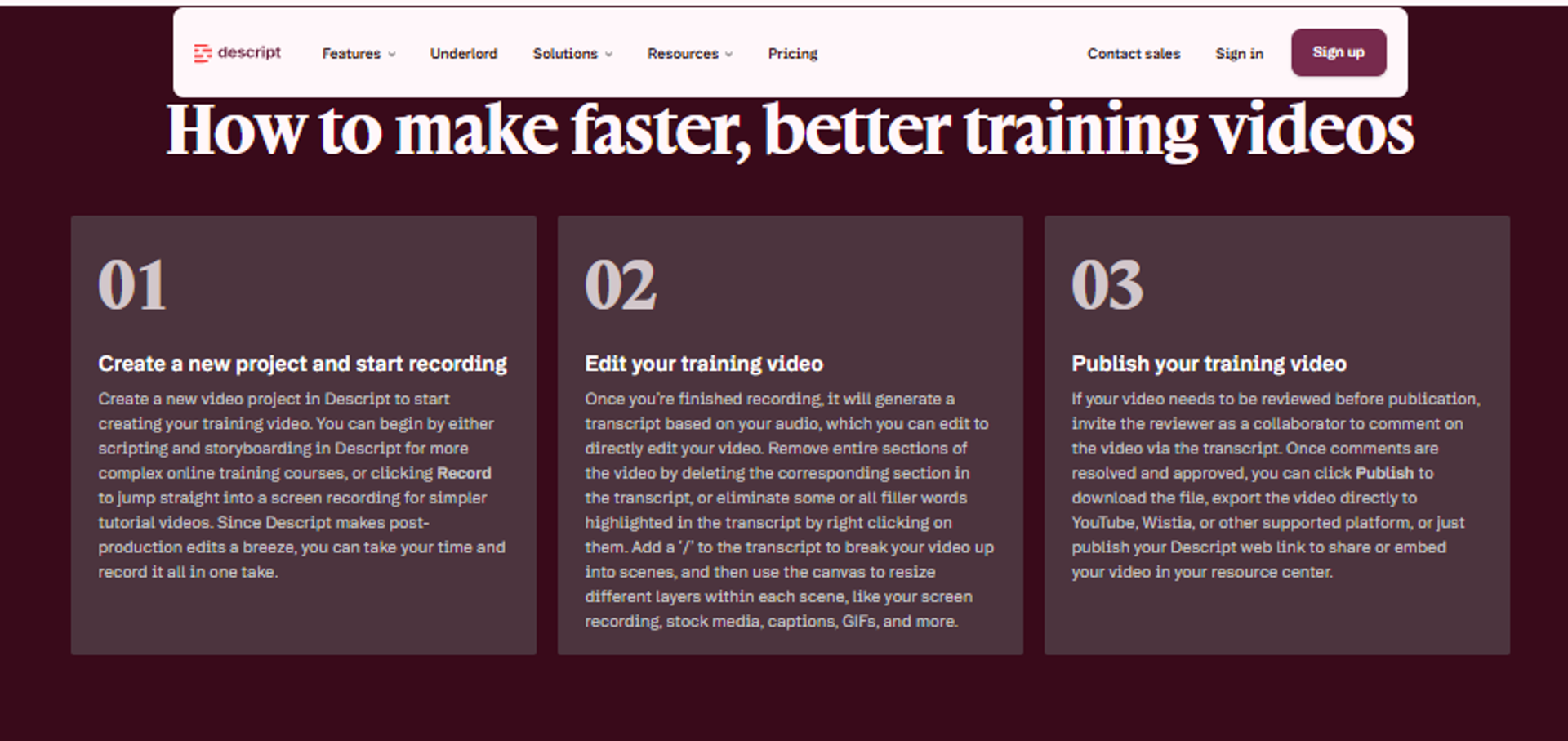
Descript is best for teams that produce recorded training content and want editing speed, because it edits video by editing the transcript and removes filler words, retakes, and silences with AI, but it may not fit anyone who needs live delivery, registration, or attendance tracking.
| Quick fit | Detail |
|---|---|
| Best for | L&D and creator teams producing self-paced modules |
| Skip if | You need any live session capability |
| Strongest edge | Text-based editing that turns video editing into document editing (Descript pricing) |
| Biggest trade-off | No live delivery, registration, or engagement layer |
| Pricing snapshot | Hobbyist $16 monthly billed annually ($24 monthly), Creator $24 ($35), Business $50 ($65), Enterprise custom |
Why Descript ranks #6
✂️ Production speed, not delivery
Descript sits mid-list because it solves one criterion extremely well and ignores the rest. Editing by transcript removes the slowest step in module production, and AI handles filler words, retakes, and silences, per the Descript pricing page.
Enterprise adds SOC 2 Type II, SSO, SCIM, and audit logs, which matters for regulated training content. EasyWebinar holds SOC 2 Type II across the platform and adds SSO on the $349 Scale plan. Pair the two if your modules feed live sessions, and see all features for what sits on the delivery side.
What Descript does well
- Transcript editing ⏰ Cutting text cuts video, which compresses module turnaround.
- AI cleanup at scale 🤖 Filler-word removal, retake cutting, and clarity edits run automatically.
- Translation and dubbing 🌍 Captions in 61 languages and dubbing in 30 support multi-region training.
- Brand controls for teams ✅ Brand Studio keeps templates and guardrails consistent across editors.
- Screen recording included 🖥️ Two screens can be recorded together for software training.
Where Descript falls short
- No live layer ❌ There is no webinar room, registration, or attendance data.
- Metered media hours 💸 Plans cap media hours and AI credits per editor, requiring top-ups.
- Seats are billed separately 💰 Team scaling adds per-person cost on Creator and Business.
Decision scorecard
| Evaluation criterion | Descript fit | Why it matters |
|---|---|---|
| Live sessions | Weak | Not a delivery platform. |
| Simulated Live | Weak | No broadcast scheduling. |
| Evergreen automation | Weak | No session automation. |
| Funnel pages | Weak | No registration layer. |
| Engagement | Weak | No attendee interaction. |
| CRM and follow-up | Weak | No attendee data to act on. |
| Monetization | Weak | No checkout. |
| Analytics | Weak | Content analytics only. |
| Compliance | Strong | SOC 2 Type II, SSO, and audit logs on Enterprise. |
| Pricing fit | Strong | $16 monthly entry on annual billing. |
| Best-fit buyer | Content production teams | Speed of module creation. |
Best for / skip if
Choose Descript if your bottleneck is editing recorded training. Skip it as a platform decision, because it belongs beside a delivery tool, not instead of one.
7. Kajabi
Kajabi is best for creators selling structured programs who want courses, site, email, and checkout in one account, because it includes unlimited funnels, landing pages, marketing emails, cohort courses, and payments with no revenue share, but it may not fit teams needing broadcast-grade live sessions or evergreen webinar scheduling.
| Quick fit | Detail |
|---|---|
| Best for | Creators running paid programs with community and coaching |
| Skip if | Live or automated webinars are your main selling motion |
| Strongest edge | Courses, email, checkout, and site in one subscription with no revenue share (Kajabi pricing) |
| Biggest trade-off | Contact limits drive upgrades, and extra blocks cost $125 monthly per 25,000 |
| Pricing snapshot | Basic $143 monthly billed annually ($179 monthly), Growth $199 ($249), Pro $399 ($499) |
Why Kajabi ranks #7
🏗️ Strong program delivery, thin live layer
Kajabi ranks above pure community tools because it owns the money path. Checkout pages, affiliate programs, unlimited funnels, and payment integrations are included, and Kajabi takes no platform cut beyond processing fees of 2.9% plus $0.30 down to 2.7%, as listed on Kajabi's pricing page.
Cohort courses, video transcription, and a branded mobile app on Pro support structured programs. What it does not do is run a webinar as a broadcast asset. EasyWebinar's Simulated Live tier keeps real-time chat, polls, and timed offers on a recorded session, which is the conversion mechanic Kajabi leaves to live coaching calls.
What Kajabi does well
- One subscription for the business 🏠 Site, courses, email, funnels, and checkout remove four separate bills.
- Cohort courses ✅ Scheduled cohorts support accountability, which lifts completion.
- Unlimited funnels and pages 📄 Page and funnel limits do not gate the entry plan.
- Branded mobile app on Pro 📱 Included at a stated $199 monthly value, useful for institutes.
- Advanced automations and webhooks 🔁 Growth and above connect program events to external systems.
- No revenue share 💰 Kajabi takes no cut of sales, only processing fees. Creators comparing monetization models can review how webinars sell online courses alongside a course portal.
Where Kajabi falls short
- Contact-based upgrades 💸 Basic caps at 2,500 contacts, and extra blocks run $125 monthly per 25,000.
- Live session depth ❌ Coaching calls exist; purpose-built webinar production does not.
- Third-party payment penalty ⚠️ Using an outside processor adds 2% on Basic, 1% on Growth.
- Admin seats are limited 👥 Basic includes two admin users, which constrains teams.
Decision scorecard
| Evaluation criterion | Kajabi fit | Why it matters |
|---|---|---|
| Live sessions | Partial | Coaching calls, not broadcast production. |
| Simulated Live | Weak | No recorded-as-scheduled broadcast tier. |
| Evergreen automation | Partial | Email and funnel automation, no evergreen session scheduling. |
| Funnel pages | Strong | Unlimited funnels and landing pages. |
| Engagement | Partial | Community and comments, limited in-session interaction. |
| CRM and follow-up | Strong | Contacts, automations, and universal inbox. |
| Monetization | Strong | Checkout, affiliates, and no revenue share. |
| Analytics | Partial | Program and sales reporting, limited session attribution. |
| Pricing fit | Partial | $143 monthly entry on annual billing. |
| Best-fit buyer | Creators selling structured programs | Whole business in one login. |
Best for / skip if
Choose Kajabi if the product is a paid program and the site, email, and checkout should live together. Skip it if the webinar itself is the sales engine.
8. Skool
Skool is best for cohort programs that need accountability and simplicity, because it bundles unlimited members, courses, videos, and live calls with gamification at a flat monthly price, but it may not fit operators needing layout control, multiple communities in one account, or webinar production tools.
| Quick fit | Detail |
|---|---|
| Best for | Coaches running one community with courses and weekly calls |
| Skip if | You run multiple brands or need designed funnel pages |
| Strongest edge | Flat $99 monthly with unlimited members, courses, and live calls (Skool pricing) |
| Biggest trade-off | The $9 Hobby plan carries a 10% transaction fee |
| Pricing snapshot | Hobby $9 monthly with 10% transaction fee, Pro $99 monthly with 2.9% |
Why Skool ranks #8
🎮 Accountability by design
Skool ranks here because completion, not features, is the real training problem. Gamified progress and a single feed keep members returning, and unlimited live calls are included at both tiers, per the Skool pricing page.
The trade-off is architectural. Skool has fixed layouts and requires separate accounts for separate communities. EasyWebinar's $44 Launch plan starts below Skool's Pro tier and adds registration pages plus automated webinar delivery, so the two solve different halves of the same program.
What Skool does well
- Flat, predictable price 💰 Pro is $99 monthly with unlimited members and courses.
- Unlimited live calls ✅ Weekly cohort calls carry no session cap.
- Gamification built in 🎮 Points and leaderboards create the accountability most portals lack.
- Affiliates included 📈 Both tiers include affiliate tooling for member-led growth, similar in intent to our affiliate program.
- Custom URL on entry plan 🌐 Branding is available without an upgrade.
Where Skool falls short
- 10% fee on Hobby 💸 The $9 plan takes a tenth of every transaction.
- Fixed layout ⚠️ Structural customization is minimal by design.
- One community per account ❌ Running multiple programs means multiple subscriptions.
- No webinar production ❌ No registration funnels, simulive, or evergreen scheduling.
Decision scorecard
| Evaluation criterion | Skool fit | Why it matters |
|---|---|---|
| Live sessions | Partial | Unlimited calls, no broadcast controls. |
| Simulated Live | Weak | Not supported. |
| Evergreen automation | Weak | Not supported. |
| Funnel pages | Weak | No page builder. |
| Engagement | Strong | Gamification and single-feed discussion. |
| CRM and follow-up | Weak | No scoring or segmented sequences. |
| Monetization | Strong | Native payments at 2.9% on Pro. |
| Analytics | Partial | Member activity, limited conversion data. |
| Pricing fit | Strong | $99 flat on Pro. |
| Best-fit buyer | Single-community coaches | Simplicity drives participation. |
Best for / skip if
Choose Skool if retention and weekly calls are the job. Skip it if you run multiple programs or need the selling session itself to be automated.
9. Circle
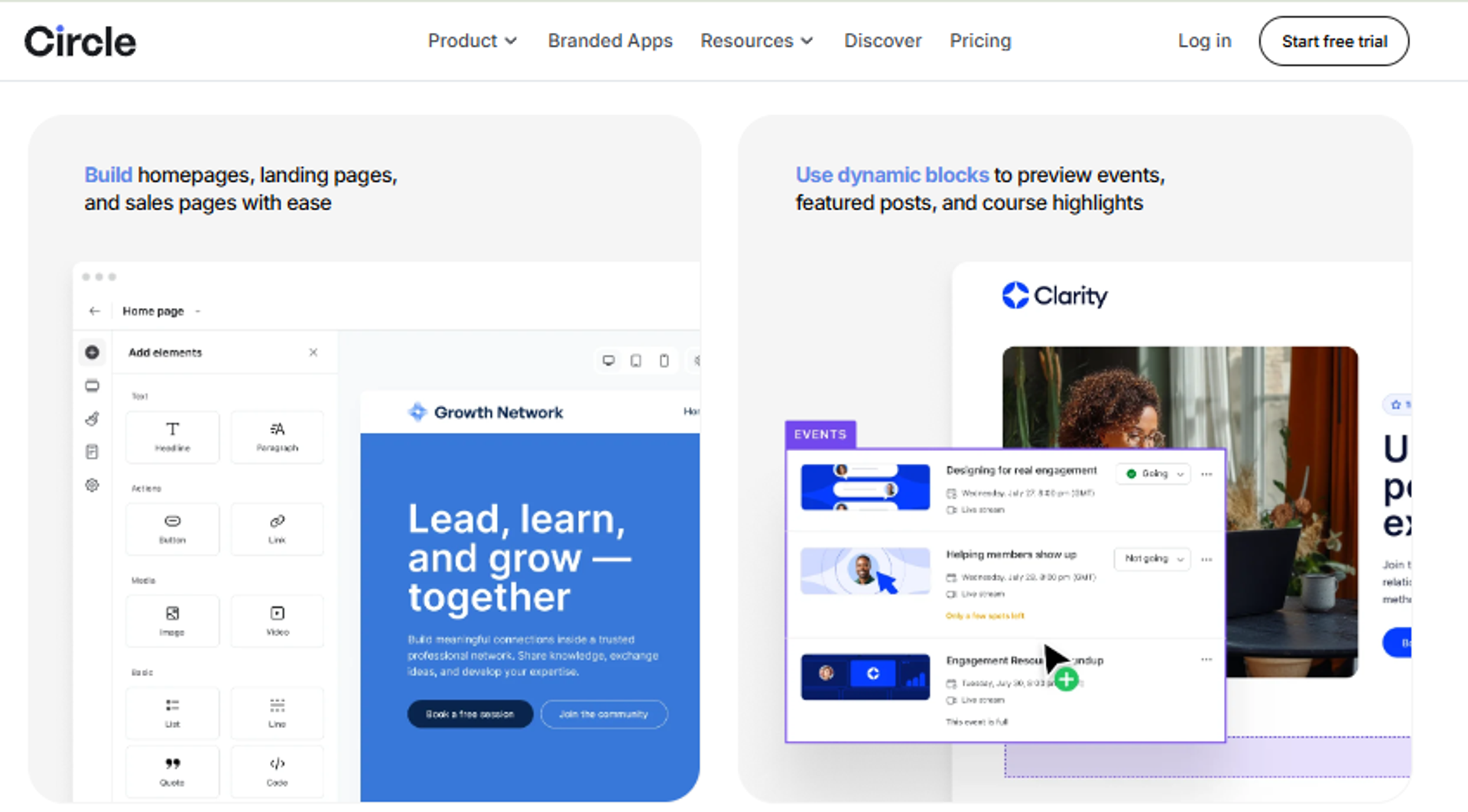
Circle is best for institutes and creator businesses running discussion-led cohorts, because it combines topic spaces, courses, live streams, workflows, AI agents, and branded apps in one platform, but it may not fit teams whose live sessions exceed a few hundred attendees or who need funnel-grade registration.
| Quick fit | Detail |
|---|---|
| Best for | Cohort programs where written discussion carries the learning |
| Skip if | Live capacity or webinar conversion mechanics are central |
| Strongest edge | Topic spaces, courses, and AI agents in one member experience (Circle pricing) |
| Biggest trade-off | Live stream attendees cap at 100 on Professional, and extras cost $20 monthly per 100 |
| Pricing snapshot | Professional $89 monthly, Business $199, Scale $419, Circle Plus custom, all on annual billing |
Why Circle ranks #9
🧩 Community depth with metered live limits
Circle earns a high place on structure and support, two pillars that drive completion. Courses, gamification, events, and unlimited members are included from Professional, per the Circle pricing page.
The metering is the catch. Professional allows 100 live stream attendees, 15 live room participants, and 10 hours monthly, with extra hours at $50 per 10. Custom profile fields cost $49 monthly and branded email $40 monthly unless you move to Business. EasyWebinar's $116 Growth plan carries 200 live attendees plus 2,500 automated viewers with checkout included, which is a different cost shape.
What Circle does well
- Topic spaces and long-form discussion 💬 Structure prevents the overwhelm that kills cohorts.
- Courses plus community in one place ✅ Members do not switch tools between learning and asking.
- Workflows and API on Business 🔁 Automations, activity scores, and admin API support scaled operations.
- AI agents on Scale 🤖 Agents and AI workflows handle repetitive member questions.
- Branded mobile apps on Circle Plus 📱 Custom apps with push notifications suit institutes, a pattern we see often in webinars for EdTech.
- SSO on Scale ✅ Custom single sign-on supports enterprise deployments.
Where Circle falls short
- Live attendee metering 💸 100 attendees and 10 hours on Professional, with paid overages.
- Paid basics on the entry plan ⚠️ Custom profile fields and branded email are add-ons below Business.
- Transaction fees 💰 2% on Professional, dropping to 1% on Business and Scale.
- Admin caps 👥 Three admins on Professional, with extras at $10 monthly each.
Decision scorecard
| Evaluation criterion | Circle fit | Why it matters |
|---|---|---|
| Live sessions | Partial | 100 to 500 attendees by plan. |
| Simulated Live | Weak | No recorded broadcast tier. |
| Evergreen automation | Partial | Workflows automate messages, not sessions. |
| Funnel pages | Partial | Email Hub forms exist as a $99 monthly add-on. |
| Engagement | Strong | Spaces, chat, events, and gamification. |
| CRM and follow-up | Strong | Activity scores, workflows, and Email Hub. |
| Monetization | Strong | Native payments with fees from 2% to 0.5%. |
| Analytics | Strong | Advanced reporting and analytics filtering. |
| Pricing fit | Partial | $89 entry plus add-ons for core fields. |
| Best-fit buyer | Institutes and cohort creators | Discussion and structure over broadcast. |
Best for / skip if
Choose Circle if the cohort lives in discussion and courses between sessions. Skip it if your live session is the product and 100 attendees is too small a ceiling.
10. Heartbeat
Heartbeat is best for event-centric training communities that run frequent live gatherings, because it combines events, courses, documents, landing pages, and automation workflows with Zoom and calendar integrations, but it may not fit teams that need organized chat topics or webinar-grade production.
| Quick fit | Detail |
|---|---|
| Best for | Communities where recurring events drive the program |
| Skip if | Chat organization or broadcast production matters |
| Strongest edge | Event tooling with public and paid ticketing inside a private space |
| Biggest trade-off | No chat topics, so channels become a long Slack-style list |
| Pricing snapshot | Build $49 monthly, Grow $149 monthly, Scale $849 monthly (Heartbeat pricing) |
Why Heartbeat ranks #10
📅 Events first, conversation second
Heartbeat ranks here because its event layer is genuinely stronger than most community tools, and events are where training happens. Zoom integration, RSVPs, and automated recording posts remove manual admin after each session, as described on the Heartbeat pricing page.
The structural weakness is content organization. Channels have no topics, so discussion flattens as the community grows. EasyWebinar's $44 Launch plan is below Heartbeat's Build tier and covers registration, reminders, and automated sessions, so many operators run Heartbeat for community and a webinar platform for the selling session.
What Heartbeat does well
- Event ticketing inside private spaces 🎟️ Paid and public events coexist with member-only content.
- Zoom workflow automation ⏰ Recordings and follow-ups post automatically after sessions.
- Courses and documents included ✅ Program content lives beside the events that teach it.
- Landing pages on entry tier 📄 Build includes a custom landing page for signups. Patterns that convert are collected in our webinar landing page examples.
- Automation workflows 🔁 Rules handle onboarding and reminders without manual sends.
Where Heartbeat falls short
- No chat topics ❌ Channel sprawl makes discussion hard to follow.
- Clunky document organization ⚠️ Content structure is weaker than the event tooling.
- Transaction fees at entry 💸 Build carries a 5% transaction fee, dropping with higher tiers.
- Steep tier jump 💰 Grow is $149 and Scale is $849 monthly.
Decision scorecard
| Evaluation criterion | Heartbeat fit | Why it matters |
|---|---|---|
| Live sessions | Partial | Event hosting via integrated video, not broadcast controls. |
| Simulated Live | Weak | Not supported. |
| Evergreen automation | Weak | Workflows automate messages, not sessions. |
| Funnel pages | Partial | Custom landing pages by tier. |
| Engagement | Partial | Strong events, weaker chat structure. |
| CRM and follow-up | Partial | Automation rules, no watch-time scoring. |
| Monetization | Strong | Ticketed events and memberships with tiered fees. |
| Analytics | Partial | Conversion tracking from Grow. |
| Pricing fit | Partial | $49 entry, $149 for the API tier. |
| Best-fit buyer | Event-led communities | Cadence of gatherings drives retention. |
Best for / skip if
Choose Heartbeat if your program is a calendar of live events with a community around it. Skip it if written discussion depth or webinar production is the priority.
11. Stan Store
Stan Store is best for solo creators selling training off social traffic, because it pairs a mobile storefront with courses, bookings, communities, and automated DM checkout at zero platform transaction fees, but it may not fit anyone running multi-speaker sessions or corporate training programs.
| Quick fit | Detail |
|---|---|
| Best for | Creators converting Instagram or TikTok traffic into paid sessions |
| Skip if | You need multi-speaker stage management or attendance records |
| Strongest edge | Zero platform fee on sales, with mobile-first checkout (Stan Store plan comparison) |
| Biggest trade-off | No webinar production layer at all |
| Pricing snapshot | Creator $29 monthly or $300 yearly, Creator Pro $99 monthly or $948 yearly |
Why Stan Store ranks #11
📲 Lowest friction to first sale
Stan ranks here on monetization and time to launch, not delivery depth. Creator includes the storefront, bookings, courses, communities, lead magnets, and AutoDM at $29 monthly, per Stan Store's published plan comparison.
Creator Pro adds email flows, order bumps, payment plans, and affiliate management at $99. EasyWebinar's Growth plan at $116 adds the session itself: registration, automated delivery, in-webinar checkout, and CRM scoring. Many creators run Stan as the storefront and a creator monetization platform pairing for the sales event.
What Stan Store does well
- Zero platform fee 💰 Both plans keep 100% of sales beyond processor fees.
- Mobile-first checkout 📱 Pages are built for link-in-bio traffic, which is where the audience already is.
- AutoDM flows 💬 Automated DM checkout converts social replies into purchases.
- Bookings and communities included ✅ Coaching calls and group access sit in the same account.
- Email flows on Pro 📈 Broadcasts, order bumps, and discount codes handle follow-up.
Where Stan Store falls short
- No multi-speaker sessions ❌ Panel or co-trainer formats are not supported.
- No attendance tracking ❌ Corporate and institute reporting needs are unmet.
- Two plans only ⚠️ Limited flexibility as the business grows.
- No free tier 💸 Only a 14-day trial is available.
Decision scorecard
| Evaluation criterion | Stan Store fit | Why it matters |
|---|---|---|
| Live sessions | Weak | Live workshops are sold, not produced here. |
| Simulated Live | Weak | Not supported. |
| Evergreen automation | Weak | Not supported. |
| Funnel pages | Strong | Mobile storefront and lead magnets included. |
| Engagement | Weak | No in-session interaction tools. |
| CRM and follow-up | Partial | Email flows on Creator Pro. |
| Monetization | Strong | 0% platform fee on both plans. |
| Analytics | Partial | Sales analytics, no session behavior data. |
| Pricing fit | Strong | $29 monthly entry. |
| Best-fit buyer | Social-first solo creators | Speed from DM to checkout. |
Best for / skip if
Choose Stan Store if social traffic is your pipeline and you sell simple offers. Skip it if the training session itself needs production, attendance data, or automation.
12. Webflow + Outseta + Circle
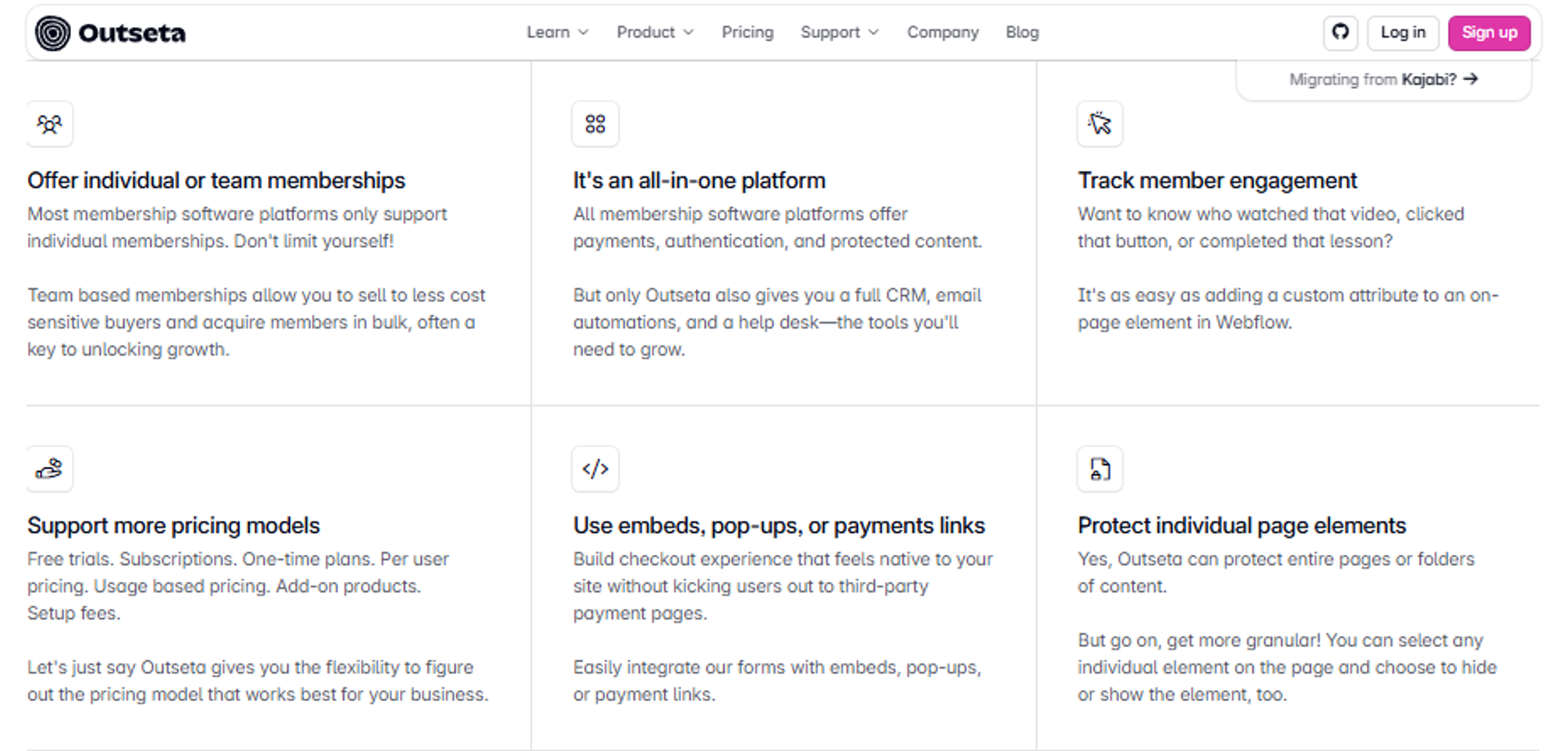
The Webflow plus Outseta plus Circle stack is best for technical teams running premium cohort programs that need design and data control, because Webflow owns the pages, Outseta handles authentication, billing, CRM, and email, and Circle hosts the cohort, but it may not fit teams without someone to maintain three systems and their APIs.
| Quick fit | Detail |
|---|---|
| Best for | Technical operators running high-ticket cohorts with brand control |
| Skip if | Nobody on the team owns integrations and maintenance |
| Strongest edge | Full ownership of design, member data, and billing logic |
| Biggest trade-off | Three subscriptions and integration work before the first session |
| Pricing snapshot | Outseta Founder $47 monthly plus 2% transaction fee, Start-up $87, Growth $127 (Outseta pricing), plus Circle Professional $89 monthly, plus a Webflow site plan |
Why this stack ranks #12
🛠️ Control bought with maintenance
This stack ranks below single platforms because setup cost is real. Daniel Priestley's six-week facilitator masterclass sold over $250,000 in tickets on exactly this architecture, with two-hour weekly sessions running in two timezones and certificates produced by a hired illustrator.
That is the honest case for it, and also the warning. Assembling funnels across tools takes six months to a year to get right in my experience. EasyWebinar's published plans run $44 to $349 with pages, delivery, checkout, and CRM in one login, which is the trade you are making against design freedom. Our webinar funnel guide maps the same stages inside a single system.
What this stack does well
- Design freedom 🎨 Webflow removes template constraints on registration and sales pages.
- Billing and auth in one tool ✅ Outseta covers memberships, Stripe payments, protected content, CRM, email, and help desk, per the Outseta pricing page.
- No per-user fees 👥 Outseta charges by contacts, not seats, so teams scale free.
- Cohort home in Circle 💬 Courses, spaces, and events host the program between sessions.
- Native SSO between tools 🔗 Circle supports Outseta single sign-on directly.
Where this stack falls short
- Integration ownership required ⚠️ Someone must maintain APIs, webhooks, and edge cases. Teams that want this handled in one place usually review available integrations first.
- Stacked transaction fees 💸 Outseta adds 2% on the entry plan plus Stripe fees.
- No webinar production ❌ No simulive, evergreen scheduling, or in-session offers.
- Three bills and three roadmaps 💰 Costs and breakages multiply across vendors.
Decision scorecard
| Evaluation criterion | Stack fit | Why it matters |
|---|---|---|
| Live sessions | Partial | Delivered via Circle live rooms, capped by plan. |
| Simulated Live | Weak | Not available. |
| Evergreen automation | Weak | Not available. |
| Funnel pages | Strong | Webflow gives complete page control. |
| Engagement | Strong | Circle spaces and events carry the cohort. |
| CRM and follow-up | Strong | Outseta CRM, email, and help desk included. |
| Monetization | Strong | Stripe payments with memberships and group plans. |
| Analytics | Partial | Split across three dashboards. |
| Pricing fit | Partial | Roughly $136 monthly before the Webflow plan. |
| Best-fit buyer | Technical cohort operators | Ownership over convenience. |
Best for / skip if
Choose this stack if brand and data control justify maintenance, and someone owns it. Skip it if your team is under five people with no technical owner.
13. LearnDash on WordPress
LearnDash is best for institutions and L&D teams that need SCORM-style structure, quizzes, certificates, and full data ownership on their own site, because it adds a course builder, gradebook, group seat selling, and memberships to WordPress, but it may not fit teams without hosting and plugin maintenance capacity.
| Quick fit | Detail |
|---|---|
| Best for | Institutions needing assessments, certificates, and data ownership |
| Skip if | You have no developer or managed host in place |
| Strongest edge | Annual license with unlimited courses and learners, no per-student fees (LearnDash pricing) |
| Biggest trade-off | Plugin conflicts and maintenance load sit with your team |
| Pricing snapshot | Essentials $259 yearly, Pro $399 yearly, Elite $599 yearly, plus hosting |
Why LearnDash ranks #13
📜 Records and assessment, not delivery
LearnDash ranks low for this keyword because it is a records layer, not a live delivery layer. That said, it does the records job well: quiz builder with eight question types, weighted grading, certificate builder, and enrollment tracking, all listed on the LearnDash pricing page.
Elite adds group course management, seat selling to organizations, and an instructor role. Practitioners who have built on WordPress warn plainly against it for non-technical teams, because maintaining a custom site drains the energy that should go into teaching. EasyWebinar sits on the other side of that line, holding SOC 2 Type II without you managing a server.
What LearnDash does well
- No per-student fees 💰 One annual license covers unlimited courses and learners.
- Assessment depth ✅ Quizzes, assignments, weighted grading, and report cards support formal programs.
- Certificates built in 📜 The certificate builder handles compliance and completion needs.
- Group seat selling 🏢 Elite lets organizations buy and manage seats themselves.
- Memberships included 🔁 MemberDash ships with every plan for tiers and subscriptions.
- ProPanel analytics 📊 Enrollment trends, completion rates, and at-risk learner flags on Pro and above. Session-side equivalents are covered in our webinar analytics guide.
Where LearnDash falls short
- Maintenance overhead ⚠️ Plugin conflicts, updates, and hosting tuning land on your team.
- No live session layer ❌ Webinars, registration funnels, and automation require other tools, typically starting with live webinar software.
- Hosting cost is separate 💸 The license excludes servers, backups, and security.
- Technical fatigue risk ❌ Operators repeatedly report energy drain from self-managed LMS builds.
Decision scorecard
| Evaluation criterion | LearnDash fit | Why it matters |
|---|---|---|
| Live sessions | Weak | No native delivery. |
| Simulated Live | Weak | Not supported. |
| Evergreen automation | Partial | Content dripping, not session scheduling. |
| Funnel pages | Partial | Depends on your WordPress theme and page builder. |
| Engagement | Partial | Quizzes and gamification, no live interaction. |
| CRM and follow-up | Partial | Notifications plus integrations, no scoring. |
| Monetization | Strong | Stripe, PayPal, WooCommerce, and memberships. |
| Analytics | Strong | ProPanel completion and at-risk reporting. |
| Learner records | Strong | Grades, certificates, and transcripts. |
| Pricing fit | Strong | $259 yearly entry. |
| Best-fit buyer | Institutions with technical support | Ownership and assessment rigor. |
Best for / skip if
Choose LearnDash if certification records and data ownership are mandatory and you have technical support. Skip it if you are a solo operator who would end up maintaining the site instead of teaching.
14. Classplus
Classplus is best for regional teaching institutes that need a branded mobile app with local payments quickly, because it delivers a turn-key white-label app for live classes, recorded content, and fee collection, but it may not fit organizations needing broadcast production control or published pricing for budgeting.
| Quick fit | Detail |
|---|---|
| Best for | Local coaching institutes moving students to a branded app |
| Skip if | You need webinar production or transparent public pricing |
| Strongest edge | Turn-key branded app with native local payment gateways |
| Biggest trade-off | Pricing is not publicly listed and requires a sales conversation |
| Pricing snapshot | Not publicly listed, setup fee plus monthly subscription, quote-based |
Why Classplus ranks #14
📱 App-first distribution for institutes
Classplus ranks here on one criterion: reaching students who live on mobile. A branded app with local payment collection removes two barriers at once for institutes in price-sensitive markets.
What it does not offer is the delivery depth this keyword implies. There is no simulive tier, no evergreen scheduling, and no in-session offer mechanic. EasyWebinar publishes every plan from $44 to $349 with capacity stated per tier, which makes budget comparison possible in a way quote-only vendors do not. Institutes can also run paid webinars without a separate checkout tool.
What Classplus does well
- Branded student app 📱 Institutes get their own app listing rather than a shared portal.
- Local payment collection 💰 Native gateways match how regional students actually pay.
- Live and recorded classes ✅ Both delivery modes sit in one student experience.
- Fast setup ⏰ Turn-key deployment avoids custom development.
- Account-managed support 📞 Phone and relationship support suit non-technical institute staff.
Where Classplus falls short
- No published pricing ⚠️ Budget planning requires a sales call.
- Limited production control ❌ No backstage, multistreaming, or simulive broadcast tooling.
- Thin conversion tooling ❌ No in-session offers or behavior-based follow-up.
Decision scorecard
| Evaluation criterion | Classplus fit | Why it matters |
|---|---|---|
| Live sessions | Partial | Live classes supported; production control limited. |
| Simulated Live | Weak | Not supported. |
| Evergreen automation | Weak | Not supported. |
| Funnel pages | Partial | App-led signup rather than funnel pages. |
| Engagement | Partial | Classroom interaction, no timed offers. |
| CRM and follow-up | Partial | Student management, limited behavioral scoring. |
| Monetization | Strong | Local fee collection built in. |
| Analytics | Partial | Attendance and payment reporting. |
| Pricing fit | Verify | Not publicly listed. |
| Best-fit buyer | Regional institutes | Mobile reach and fee collection. |
Best for / skip if
Choose Classplus if a branded app and local payments unlock your student base. Skip it if you need published pricing or webinar-grade delivery.
15. Edusquadz
Edusquadz is best for small coaching centers digitizing for the first time, because it provides low-cost white-label app delivery for live and recorded classes, but it may not fit institutes needing deep analytics, engagement tooling, or scalable broadcast delivery.
| Quick fit | Detail |
|---|---|
| Best for | Small local coaching centers with tight budgets |
| Skip if | You need reporting depth or growth headroom |
| Strongest edge | Low setup cost for a branded delivery app |
| Biggest trade-off | Thin analytics and engagement capability |
| Pricing snapshot | Not publicly listed, setup fee plus monthly subscription, quote-based |
Why Edusquadz ranks #15
🚪 The cheapest first step, with a short runway
Edusquadz closes the list because it solves the entry problem and little else. For a center moving from WhatsApp groups to a branded app, that is still progress worth counting.
The ceiling arrives quickly. There is no simulive, no evergreen scheduling, and no attendee behavior data to act on. EasyWebinar reports attendee-level engagement and drop-off, which is what makes the shift from live to automated measurable. Without that data, growth decisions stay guesswork, and the live versus automated webinars call becomes a coin toss.
What Edusquadz does well
- Low entry cost 💰 Affordable setup suits centers testing digital delivery.
- White-label delivery ✅ Classes carry the institute's brand, not a vendor's.
- Live and recorded classes 📺 Both formats are available from day one.
- Local payment support 💳 Fee collection matches regional expectations.
Where Edusquadz falls short
- Thin analytics ❌ Limited visibility into attendance quality and completion.
- Basic engagement tooling ⚠️ Minimal interaction features inside sessions.
- No published pricing ⚠️ Quote-based only, which slows comparison.
Decision scorecard
| Evaluation criterion | Edusquadz fit | Why it matters |
|---|---|---|
| Live sessions | Partial | Basic live class delivery. |
| Simulated Live | Weak | Not supported. |
| Evergreen automation | Weak | Not supported. |
| Funnel pages | Weak | No funnel builder. |
| Engagement | Weak | Minimal in-session tools. |
| CRM and follow-up | Weak | No behavioral follow-up. |
| Monetization | Partial | Local fee collection. |
| Analytics | Weak | Limited reporting depth. |
| Pricing fit | Verify | Not publicly listed. |
| Best-fit buyer | First-time digital coaching centers | Lowest cost to get started. |
Best for / skip if
Choose Edusquadz if budget is the binding constraint and the goal is simply getting classes online under your brand. Skip it once you need completion data, engagement depth, or automated delivery.
EasyWebinar sits at position 1 on this list for one structural reason: live, Simulated Live, and Evergreen delivery run in the same account, with published pricing from $44 to $349 monthly, SOC 2 Type II certification, and in-webinar checkout from the Growth plan, as shown on the EasyWebinar pricing page. Every other entry here solves one layer well and leaves the rest to another subscription.
Q2. How did we score these platforms, and what features actually belong on your checklist?
Five criteria carry 100 points: Live Delivery Reliability 25%, Automation and Scheduling Depth 25%, Learner Structure and Completion Support 20%, Monetization and CRM Integration 15%, and Pricing Transparency 15%. Scores map to stars in 20-point bands, so 0 to 20 is one star and 81 to 100 is five. EasyWebinar scores five stars because live sessions, Simulated Live broadcasts, and Evergreen automation run from one account with in-session checkout from the $116 Growth plan, as published on the EasyWebinar pricing page. Meeting-first tools lose points on automation and structure. Community-first tools lose points on live delivery.
Why weights, not feature counts
⚖️ Reliability and automation carry equal weight
A feature count rewards whoever ships the longest list. It tells you nothing about the Wednesday afternoon when your slide share stalls. So the two heaviest weights go to delivery reliability and automation depth, at 25% each.
That split mirrors how training actually matures. You cannot automate a session you cannot deliver cleanly. In my own operating rule, a session earns automation only after it holds a 10% attendee-to-buyer rate live. Simple scales, and fancy fails. The same sequence runs through our guide to live versus automated webinars.
📊 What each weight is measuring
| Criterion | Weight | What it tests |
|---|---|---|
| Live Delivery Reliability | 25% | Stream stability, attendee ceilings, production control |
| Automation and Scheduling Depth | 25% | Recorded broadcast, recurring delivery, timezone handling |
| Learner Structure and Completion Support | 20% | Cohorts, attendance per learner, progression, certificates |
| Monetization and CRM Integration | 15% | Paid access, in-session checkout, tagging, follow-up |
| Pricing Transparency | 15% | Published tiers, stated caps, disclosed overage costs |
The ten capabilities the scores measure
- Browser access with no download required.
- Branded registration pages plus automated reminder emails, the job handled by webinar registration software.
- Live chat, polls, and Q and A inside the session.
- Breakout rooms or a shared whiteboard for smaller cohorts.
- Recording with replay or automated evergreen delivery.
- Attendance and engagement analytics per attendee.
- Calendar and CRM integrations that pass real data.
- Payments for paid training, ideally without a redirect.
- Encryption plus GDPR and either ISO 27001 or SOC 2 attestation.
- Attendee capacity that grows with the program.
✅ How compliance and pricing changed rankings
Security moved several tools up and down. Livestorm publishes GDPR compliance and ISO 27001 certification, and Class holds FedRAMP certification for government training, which matters for public-sector buyers. EasyWebinar holds SOC 2 Type II and GDPR compliance, with SSO available on the $349 Scale plan.
Pricing transparency was the quiet differentiator. Tools that publish tiers, attendee caps, and overage rates scored higher than tools that route everything to a quote. EasyWebinar publishes overage rates of $0.078 per automated attendee and $0.78 per live attendee, which is unusual disclosure in this category, and every tier sits on the published webinar pricing page.
What lost points, and what was excluded
❌ The three disqualifiers
Tools with no live delivery capped out at three stars, no matter how good the editing or community features were. Tools requiring a developer to maintain the deployment lost points on structure, since maintenance work replaces teaching time, and LearnDash licensing excludes the hosting that work depends on.
Anything sold only by quote lost most of the Pricing Transparency weight. I could be reading that too strictly, since enterprise procurement genuinely runs on quotes. My view is that a buyer comparing fifteen options needs a number to start from. Buyers who want the same rubric applied head to head can compare webinar platforms directly.
EasyWebinar earns five stars on this rubric for one measurable reason: it is scored high on both live reliability and automation depth, where nearly every other tool trades one away. The published capacity range runs from 50 live attendees on the $44 Launch plan to 1,000 on Scale, with Enterprise reaching 100,000.
Q3. What is a virtual training platform, and when do you need an LMS instead?
A virtual training platform is software for delivering live, instructor-led training online. It combines branded registration pages, automated reminders, a virtual classroom with polls, chat, and Q and A, session recording or replay, and attendance analytics. Trainers run, measure, and repeat sessions without stitching together meeting tools and spreadsheets. A learning management system is the record layer instead: SCORM course packages, graded assessments, certification cycles, and multi-year transcripts. Buy the delivery layer first, because a flawless transcript of a session nobody attended is worthless.
The three-layer boundary buyers keep crossing
🧭 Delivery, records, and broadcast are different jobs
Virtual instructor-led training, usually shortened to VILT, means a live instructor teaching remotely in real time. That is the delivery layer. A learning management system stores content and completions over months or years.
A webinar tool is narrower still. It broadcasts to an audience. Most training teams need two of these three layers, and almost nobody needs all three. Our primer on what a webinar is and how it grows businesses covers where the broadcast layer stops.
| Dimension | Virtual training platform | Learning management system | Meeting or webinar tool |
|---|---|---|---|
| Core job | Run live and automated sessions | Store courses and completions | Broadcast a session |
| Records | Attendance and engagement per session | Transcripts, grades, recertification | Attendance export only |
| Engagement | Chat, polls, Q and A, timed offers | Quizzes and assignments | Chat and polls |
| Registration | Branded pages with reminders | Enrollment inside the portal | Basic form |
| Compliance fit | GDPR, SOC 2, ISO 27001 by vendor | Audit trails and certificates | Varies by plan |
Do you need an LMS if you run live training?
✅ Not always, and three conditions decide it
No, not in most cases. If your training is live, cohort-based, and judged on attendance and outcomes, a delivery platform is enough. Livestorm concedes the same boundary, pointing buyers to an LMS when they need course libraries, assessments, and long-term tracking.
Add an LMS when any of these three apply. You need SCORM packages or graded assessments. You run certification and recertification cycles. You must keep multi-year learner records for audit, which Blend-ed's LMS comparison documents as LMS-only strengths.
⚠️ The pairing beats the compromise
Forcing one tool to do both jobs usually produces a weak version of each. A blended setup handles this cleanly: the platform runs the session, the LMS holds the record, and attendance syncs between them.
EasyWebinar sits in the delivery layer and does not claim the record layer. If SCORM and recertification are your mandate, pair the two rather than expect one login to satisfy an auditor. Teams running internal programs on this split usually start with our webinar training guide for team leaders.
The build-your-own trap
❌ Custom LMS projects eat the teaching time
Every year, someone tells me they will just build it on WordPress. Practitioners who have done it are blunt about the outcome. If someone sidetracks you into building an LMS on WordPress, do not, because maintaining a custom site drains the energy that should go into teaching.
The same trap shows up in assembled funnels. Connecting each stage to the next produces complexity that takes six months to a year to get right, and I have watched capable operators lose a launch window to it. As Jon Penberthy puts it, you do not want your funnel to look like the tube map, because you have just set up many things to go wrong. Our webinar funnel guide maps the same stages inside one system.
Build only when data residency or a compliance rule leaves no vendor option, and budget engineering time honestly. LearnDash licensing starts at $259 yearly and excludes hosting, backups, and security work. That gap is where most self-build projects stall.
EasyWebinar handles the delivery layer with SOC 2 Type II certification and GDPR compliance, with no server for you to patch. Our own read is that the layer question comes before the vendor question, and skipping it is what produces the four-tool stack.
Q4. Should you run training live, simulated live, or evergreen?
Run 5 to 10 live sessions first, fine-tune the message, and hit at least a 10% attendee-to-buyer rate before automating. EasyWebinar splits automation into two tiers under one Automated umbrella. Simulated Live keeps real-time live chat, polls, and timed offers on a fixed or fixed-recurring schedule in a single timezone. Evergreen adds Just-in-Time delivery, where a session starts minutes after someone registers, plus timezone-adjusted scheduling, multiple daily slots, Instant Replay, and On-Demand, with an asynchronous question box instead of live chat. Automate what is proven.
The case for staying live longer
🎤 Cold traffic still tests you in real time
Live sessions do one thing automation cannot. They let you read the room, adjust the story, and answer the objection you did not predict. Practitioners running high-ticket offers on paid traffic report that up to half of buyers need multiple live touches before committing. The delivery mechanics sit inside our live webinar software.
Session length matters more than most trainers expect. Contrast's 2026 dataset of over one million registrants shows 90-minute sessions averaging 67% live attendance, against 44% for 30-minute sessions. Shorter is not automatically safer.
⏰ The case against running live forever
Weekly live sessions are a time trap. You show up, fight the tech, and repeat the same presentation. Anyone can walk behind you, or your child can throw ketchup on your face mid-pitch.
Attendance math compounds the problem. Across roughly 2,000 webinars, average live attendance sits at 49%, rising to 57% once replays count, and 86% of views still happen live. Your best session reaches half the people who asked for it. Practical levers are collected in our guide on how to improve webinar attendance.
The resolution: a maturity gate, not a preference
✅ The 10% threshold decides
Here is the sequence I hold operators to. Run 5 to 10 live sessions, tighten the offer, then measure attendee-to-buyer conversion. At 10% or better, the session has earned automation.
Below that number, automation just scales a message that is not working yet. EasyWebinar reports attendee-level engagement and drop-off, which is what makes that gate measurable instead of a feeling, and our webinar analytics guide explains which fields carry the decision.
🔁 What each tier actually does
| Capability | Live | Simulated Live | Evergreen |
|---|---|---|---|
| Real-time chat | Yes | Yes | No, async question box |
| Polls and timed offers | Yes | Yes | Pre-configured |
| Scheduling | Fixed or fixed recurring | Fixed or fixed recurring | Just-in-Time, multi-slot, timezone-adjusted |
| Instant Replay and On-Demand | No | No | Yes |
| Presenter required | Yes | No | No |
Simulated Live is the first step into automation, because the live chat layer stays. Strip that layer and it behaves like Evergreen. Just-in-Time, timezone-adjusted delivery, and Instant Replay belong to Evergreen only, and I see teams mislabel that constantly.
🎬 Hybrid, and why formats are not locked to use cases
Hybrid is one session that starts live, plays a pre-recorded segment, then returns live. It is not a mix of funnels. For institutes, it removes the demo that breaks under pressure.
Do not assign formats to use cases rigidly. I have personally run high-ticket launches on Evergreen. Maturity decides the format, not the price point. The automated webinar tiers hold both paths in one account.
"EasyWebinar is hands-down THE webinar platform for evergreen webinars, no contest."- Ash A., 5/5, 13 March 2026, EasyWebinar G2 - Verified Review
EasyWebinar is the one platform in this comparison where the validated live session becomes the Simulated Live or Evergreen asset inside the same account, with no second subscription. Carla Beisinger built a $5M funnel on exactly that path, documented in our course creator case study, and Ryan Fenn reached $2M from a single automated funnel.
Q5. Which platform fits your context, corporate L&D, an institute, or a course business?
Match the platform to your bottleneck, not your budget. Corporate L&D needs concurrent capacity in the thousands, SSO, SOC 2 or ISO 27001, backstage production control, and exportable attendance records. Institutes need recurring multi-timezone cohorts, per-learner attendance, certificates, and often a white-label mobile app. Course businesses need monetization inside the session, evergreen delivery, and follow-up automation. EasyWebinar covers the corporate and creator cases natively, with live capacity to 1,000 on the $349 Scale plan and 100,000 on Enterprise, plus EasyCRM lead scoring and an auto-dialer, all listed on the EasyWebinar pricing page.
Corporate L&D: capacity, control, and records
🏢 The three requirements procurement will ask about
Enterprise buyers care about concurrency, identity, and audit. Capacity must absorb a company-wide session, SSO must satisfy IT, and attendance must export for compliance. EasyWebinar holds SOC 2 Type II and GDPR compliance, with SSO and API on the Scale plan.
Production control is the requirement operators name and procurement forgets. A backstage area lets hosts, panelists, and speakers talk privately during the event, which ends the visible slide hunt. Zoom Webinars Plus does that well at $290.83 per user monthly on annual billing for 500 attendees.
⚠️ Where meeting-first tools stop
They stop at the workflow around the broadcast. Registration tagging, offer triggers, and behavior-based follow-up are not there. One corporate customer I worked with went from six sales reps to one after putting an automated session in front of the pipeline.
Teams comparing the two architectures side by side usually start at EasyWebinar vs Zoom, then check whether webinar behavior can reach the sales CRM without a manual export.
Institutes: cohorts across timezones
⏰ Scheduling breaks before streaming does
Cohort programs fail on calendars. Daniel Priestley's six-week facilitator masterclass sold over $250,000 in tickets by running a two-hour live session weekly in two timezones, assembled across Webflow, Outseta, and Circle. It worked, and it was three vendors plus an illustrator for certificates.
EasyWebinar's Evergreen tier removes the duplication. Timezone-adjusted delivery and multiple daily schedules let one validated masterclass run at a local hour in every region. K21 Academy holds a 47% show-up rate on that architecture, documented in our edtech case study, against a 58% published average across the category.
For regional institutes, a branded app matters more than production polish. Classplus-style white-label deployments start at roughly $200 to $300 in setup with local payment gateways included. The delivery patterns that work for these programs sit in our guide to webinars for EdTech.
Course businesses: sell inside the session
💰 Choose the layer that owns your revenue moment
If selling happens in a live room, buy the delivery layer first. If retention is the gap, buy community. Circle at $89 monthly covers discussion and courses but caps live stream attendees at 100, with extras at $20 monthly per 100. Skool runs $99 flat with unlimited calls and 2.9% transaction fees.
Be skeptical of tools claiming to be everything. Bri Leever, who has built over 55 communities, puts it plainly: once platforms promise to be your community, CRM, email provider, and streaming platform, the result is weak across the board. When the session itself is the revenue moment, paid webinars remove the redirect between teaching and checkout.
| Requirement | EasyWebinar | Zoom Webinars Plus | Circle |
|---|---|---|---|
| Live instructor-led sessions | Yes, 50 to 1,000 by plan | Yes, tiered to large scale | Yes, 100 attendees on entry |
| Recurring cohort scheduling | Yes, multi-slot Evergreen | Limited | Yes, events calendar |
| Attendance and engagement per attendee | Yes | Yes, export-based | Partial |
| Certificates or recertification | No | Certificates on some tiers | No |
| Native payments | Yes, from Growth | No in-session checkout | Yes, 2% on Professional |
| Compliance posture | SOC 2 Type II, GDPR | Enterprise controls | SSO on Scale |
"It's frustrating to have to log in on two different computers in order to be in the backstage and webinar at the same time."- Rob K., 4/5, 8 February 2024, Zoom Events and Webinars G2 - Verified Review
"It's easy to reuse webinars monthly and host them last minute."- Eliza W., 4.5/5, 11 February 2026, EasyWebinar G2 - Verified Review
EasyWebinar fits the corporate and creator ends of this spread, where the session drives pipeline or sales. Ryan Fenn built $2M from one automated funnel on that setup. For certification records, pair it with an LMS.
Q6. What benchmarks prove your virtual training is actually working?
A good live attendance rate is 49% of registrants, rising to roughly 57% to 58% once replays count, with 86% of all views happening live. Session length shifts the number: 90-minute sessions average 67% live attendance against 44% for 30-minute sessions, and Thursday sessions peak at 64%. Live session completion averages 71%, at about 46 minutes of viewing. EasyWebinar reports attendee-level engagement and drop-off natively, which is how the 10% attendee-to-buyer gate becomes measurable rather than a guess.
The four numbers to instrument
📊 Attendance, completion, cold-traffic floor, and conversion
| Metric | Benchmark | Source |
|---|---|---|
| Live attendance | 49%, 57% with replays | Univid, 2,000+ webinars |
| B2B attendance | 33% across 19,531 webinars | Goldcast |
| Session completion | 71%, ~46 minutes viewed | Bizzabo 2026 |
| Average signups per session | 308, 58% attendance | TwentyThree 2026 |
| Sector spread | EdTech 48 to 55%, SaaS 38 to 44% | Gartner-sourced data |
Course completion is the harsher figure. Average completion across online courses sits at 5% to 10%, because students buy, get overwhelmed, and disappear after two videos. That produces refunds, no testimonials, and a dying offer.
❌ Why structure beats video volume
Raw education is a shrinking share of what learners actually buy. Stockton Walbeck, who has sold over $25 million in courses since 2016, puts education at 15% of the offer today, down from about 60% a decade ago. The rest is structure at 20%, support and community at 20%, done-for-you tools at 35%, and accountability at 10%.
So a 15-hour recorded brain dump is the most expensive mistake in this category. My read is that platform choice matters less than whether the platform can enforce cadence and attendance, which is exactly what interactive webinars are built to do.
Cold-traffic floors and the three fixes
⚠️ Know your worst-case numbers
On ice-cold paid traffic, expect a 10% to 15% show-up rate. A 30% registration-to-signup rate is the direct-response baseline worth chasing. EasyWebinar's reporting is what let Rick Mulready hold 166% ROI on cold traffic at $8 to $12 per lead with a 30% registration rate. Our webinar lead generation guide breaks down where those leads come from.
Three fixes move these numbers reliably. Ask a chat question in the first two minutes, so attendees interact before they drift. Hold replays to a strict 72-hour window, with two emails on day three. Timing choices are covered in our data on the best day and time to host a webinar.
✅ The SMS detail almost nobody tests
Do not put the join link in reminder texts. Testing showed the link pushed attendees onto phones, and mobile viewers booked far fewer calls than desktop viewers. Send the reminder, not the shortcut.
Instrument attendance first, completion second, and conversion third. If your platform cannot report all three without an export, you do not have a training platform, you have a video call. The fields worth watching are listed in our webinar analytics breakdown.
"The detailed analytics are great as they save me the hassle of calculating KPIs."- Eliza W., 4.5/5, 11 February 2026, EasyWebinar G2 - Verified Review
"Backend is easy to manage webinars for organizers. Pulling reports is fairly simple."- Forrester S., 0/5, 23 October 2025, GoTo Webinar G2 - Verified Review
EasyWebinar measures engagement per attendee, which is what turns the live-to-automated decision into arithmetic. Our own rule stays simple: 10% attendee-to-buyer live, then automate. Anything below that just scales a message that has not earned it yet.
Q7. What does a virtual training platform really cost once you add the whole stack?
Entry pricing spans roughly $29 to $99 monthly for creator tools, $83 to $291 per host monthly for webinar platforms, and $259 or more yearly for self-hosted LMS licenses before hosting. The sticker is rarely the cost. Attendee overages, API access behind higher tiers, paid custom fields, transaction percentages, and the second subscription you buy to automate all arrive later. EasyWebinar publishes four tiers from $44 to $349 monthly, plus overage rates of $0.078 per automated attendee and $0.78 per live attendee, on its webinar pricing page.
The three price tiers, with real anchors
💰 What each band actually buys
| Tier | Examples | Published price |
|---|---|---|
| Creator tools | Stan Store, Skool | $29 to $99 monthly |
| Delivery platforms | EasyWebinar, Zoom Webinars Plus | $44 to $291 monthly |
| Community and course suites | Circle, Kajabi, Heartbeat | $49 to $399 monthly |
| Self-hosted LMS | LearnDash | $259 to $599 yearly plus hosting |
Zoom shows the tier trap clearly. Standard webinars run $83.33 per user monthly on annual billing for 500 attendees, while Webinars Plus at the same capacity runs $290.83. That is a 3.5 times step for production tooling.
💸 The costs that appear in month three
- Circle charges $20 monthly per extra 100 live attendees, $49 monthly for custom profile fields, and $50 per 10 extra streaming hours.
- Kajabi adds $125 monthly per 25,000 contacts, plus 2% if you use an outside payment processor.
- Skool's $9 plan takes a 10% transaction fee on every sale.
- meetn sells evergreen replays and checkout as per-room add-ons at $29 and $9 to $79, keeping 5% down to 1% of sales.
- Outseta charges 2% on its $47 Founder plan, on top of Stripe fees.
The consolidation math
🧮 Count the bills before the features
A realistic four-tool stack at $99 monthly each is $4,752 a year before a single attendee shows up. EasyWebinar's own breakdown puts an assembled eight-tool equivalent at roughly $1,063 to $1,500 monthly for hosting, pages, automation, storage, AI copy, email, CRM, and EasyCast multistreaming, against a consolidated plan starting at $96 monthly on annual billing.
I am cautious about consolidation claims generally, including ours. My read is that it pays most below five people, where nobody owns integration work. Above that, a specialist tool per layer can beat one platform. Buyers who want the layer-by-layer view can compare webinar platforms before committing.
⏰ When annual billing actually pays
Annual billing helps only when your attendee count is stable. If you are still testing sessions, monthly keeps the exit cheap. Negotiate capacity, not discount, because overage rates hurt more than list price.
Operators running high-volume sessions should size capacity against real ceilings, which our guide to a webinar platform for 1,000 attendees lays out, and teams can validate fit with a request demo before signing an annual term.
"The pricing options of the product are somehow limited which is inconvenient for huge webinars."- Hetvi B., 3.5/5, 24 April 2023, Zoom Events and Webinars G2 - Verified Review
"Continuous charges, despite the unresolved issues, which essentially made the tool unfit for use."- Verified User in Translation and Localization, 0.5/5, 27 May 2024, Zoom Events and Webinars G2 - Verified Review
EasyWebinar publishes every price below Enterprise, including overage rates most vendors keep off the page. That transparency is the fair comparison point: total stack cost, not per-host price.
Frequently Asked Questions

Casey Zeman
Founder of EasyWebinar
About Author
Over the past decade, I've helped thousands of entrepreneurs, coaches, and consultants turn webinars into a predictable, powerful way to grow their audience, build trust, and scale, without the constant hustle. I created EasyWebinar because I couldn't find a system that combined authenticity, engagement, and automation the way I needed. So, I built one.
Related Posts

10 Best Community Engagement Platforms in 2026
Compare the 10 best community engagement platforms in 2026. Course creators, evaluate live hosting, analytics, and replay to pick your winner today.

10 Best Online Coaching Tools in 2026: Live Session Quality, Scheduling, Recording, and Client Engagement Analytics
Compare the 10 best online coaching tools of 2026 on session quality, scheduling, and analytics. Discover the right fit for your coaching revenue model.

10 Best Webinar Hosting Platforms Ranked by Uptime, Streaming Quality & Cost
Compare 10 webinar hosting platforms ranked by uptime, streaming quality, and cost. Discover which tool actually turns attendees into revenue.
Turn every webinar into a revenue stream
Launch your first paid event in just a few clicks - and start monetizing your expertise.
Book a Call