Full-Access Trial
Get full access to EasyWebinar for $1.
Build your first webinar funnel in about 10–15 minutes.
14 days of EasyWebinar Pro, every Pro feature included.
EasyWebinar AI drafts your script, pages and emails, so you go live sooner, then let it run on autopilot.


The G2-rated webinar platform built for conversions


Automated Revenue Funnel
$2M
from one automated webinar funnel

Ryan Fenn,
CEO of ChiirP
Marketing ROI
166%
ROI on webinar spend

Rick Mulready,
Online Marketing Expert
Webinar-Led Sales
$750K
in revenue generated from a single webinar funnel

Kim Constable,
Founder of The Sculpted Vegan
The G2-rated webinar platform built for conversions
Automated Revenue Funnel
$2M
from one automated webinar funnel
Ryan Fenn,
CEO of ChiirP
Marketing ROI
166%
ROI on webinar spend
Rick Mulready,
Online Marketing Expert
Webinar-Led Sales
$750K
in revenue generated from a single webinar funnel
Kim Constable,
Founder of The Sculpted Vegan
How it works
One webinar funnel. Five steps, one platform.
Create it, fill it, run it, sell in it and follow up from one login. Run it live first, then turn the session that converts into an automated webinar that runs every day.
14 days · Full access · Cancel anytime
- Step 1
Create
EasyWebinar AI drafts your script, registration page and emails. You review and edit.
- Step 2
Register
Share your page. Reminder emails bring registrants back on the day.
- Step 3
Attend
Attendees join from any browser, with nothing to download. Chat, polls and Q&A run in the room.
- Step 4
Offer
Show a timed offer and take payment inside the webinar, with no redirect.
- Step 5
Follow up
No-shows, attendees, replay viewers and buyers each get their own follow-up.
Ready to build yours?
14 days · Full access · Cancel anytime
EasyWebinar AI
The reason your webinar never launched?
The setup was overwhelming.
We fixed that.
EasyWebinar AI drafts the setup work for you. You review it, make it yours and go live.
Traditional webinar build time
2–4 weeks

What you get
Every Pro feature. For 14 days.
Your $1 access is the EasyWebinar Pro plan, with every Pro feature included: up to 500 live attendees per session, 2,500 automated viewers and up to 10 live webinars a month.

Live webinars
Real-time, in any browser, with up to 500 live attendees per session on Pro. Run your first one this week.
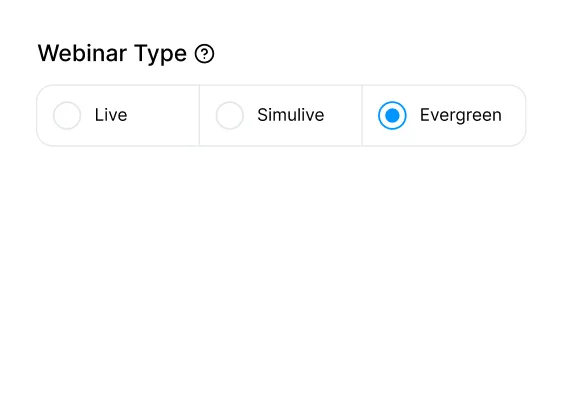
Automated evergreen funnels
Record once. Run 24/7 in your audience's local time zone.
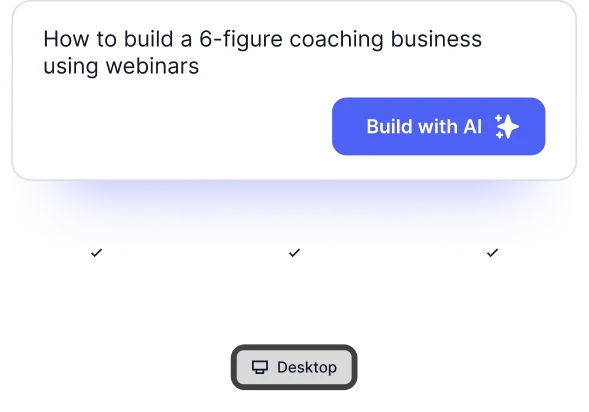
AI webinar builder
Drafts your script, pages, emails and polls in about 10–15 minutes, ready for you to review.
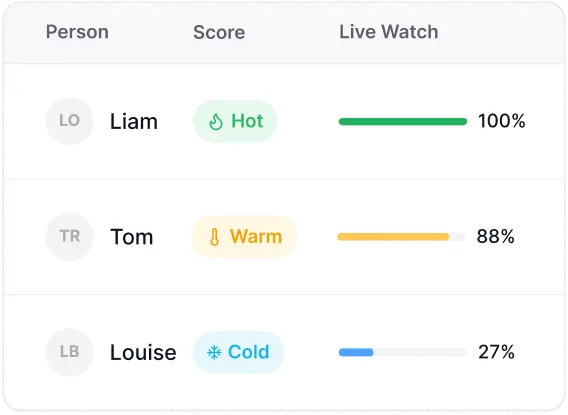
Built-in CRM
Every lead tracked and tagged from first click to purchase.
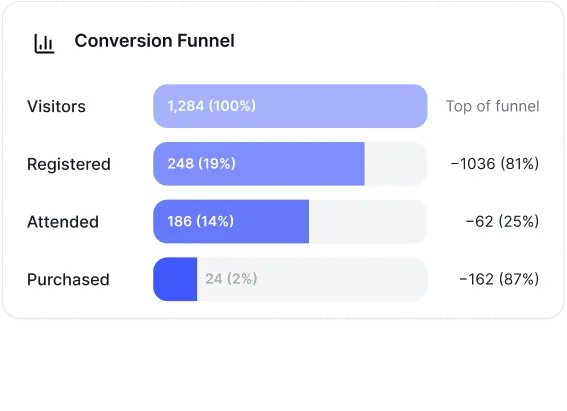
Conversion analytics
See exactly where people drop off and who's ready to buy.
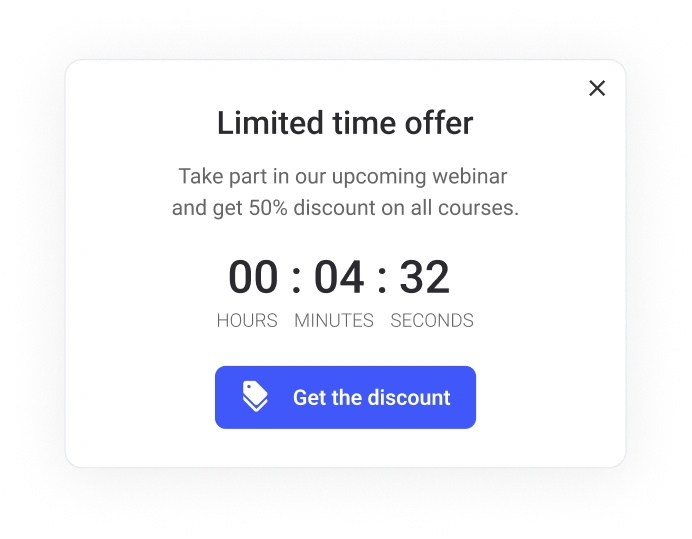
Timed CTAs & in-webinar offers
Place your offer when attention is highest.
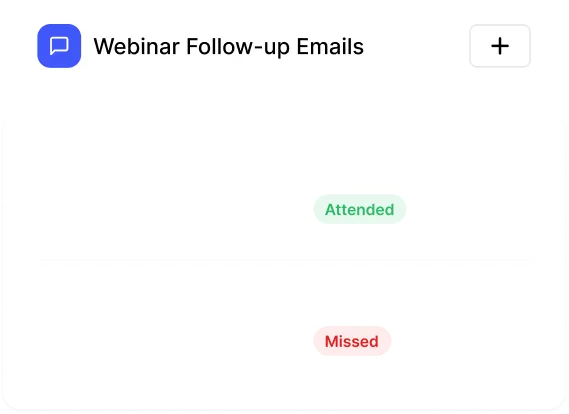
Automated email sequences
Pre and post-webinar follow-ups that run themselves.
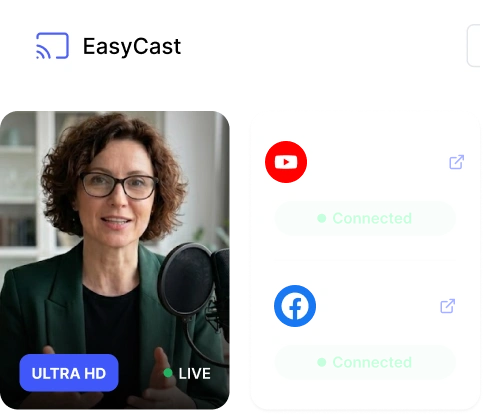
EasyCast multistreaming
Broadcast simultaneously to YouTube, Facebook, LinkedIn.
SOC 2 Type II & GDPR-aligned
SOC 2 Type II report held, plus GDPR-aligned data practices with a DPA.
Results
What happens when
webinars become a growth channel?
EasyWebinar helps teams turn live sessions, automated webinars, product demos, trainings, and evergreen funnels into measurable business outcomes.

Carla Biesinger
Founder & CEO
+183%
Increase in replay engagement
Increase in replay engagement from an automated webinar system.
Read the case study →
Dr. Gregory M. Fryer
MD Medical Direct Care
+387%
Increase in show up rate
Increase in show-up rate for a healthcare business using webinars to educate and grow.
Read the case study →
April & Eric Perry
Founders, LearnDoBecome
+185%
increase in replay views
On-demand webinar replays made it easier for their target audience of busy parents.
Read the case study →The math
Pay less. Get more.
Bring webinar hosting, AI creation, registration pages, email follow-up, and lead tracking into one platform.
The separate-tool approach
More tools. More handoffs.
- Webinar hosting
- Landing pages
- Email campaigns
- CRM & lead tracking
- Video & replays
- Automated webinars
- Multistreaming
- AI content creation
Pay separately for webinar delivery, campaign tools, and lead management—then connect the workflow yourself.
Illustrative eight-tool budget
$495–$1,550/month
Separate paid tools · See cost assumptions below
EasyWebinar Pro
One connected platform
After your 14 days for $1
$198/month
Billed monthly unless you cancel before day 14
Create with AI
Your script, pages, emails, polls, and offers.
Host your way
Live, simulive, evergreen, and multistream.
Convert in the room
Timed offers, paid webinars, and checkout.
Keep every lead moving
CRM, follow-up, and engagement analytics.
See the cost breakdown & assumptions
This example budgets for eight separate paid tools. Some platforms bundle several jobs, and free plans may cover lighter needs. Your actual total depends on the tools, audience size, contacts, storage, and billing terms you choose.
| Webinar tool category | Estimated monthly cost |
|---|---|
| Webinar hosting | $100–$200 |
| Landing & registration pages | $100–$300 |
| Automated / evergreen webinars | $100–$200 |
| Recording & replay storage | $20–$100 |
| AI content creation | $20–$100 |
| Email campaigns & follow-up | $50–$150 |
| CRM & lead tracking | $80–$450 |
| Multistreaming | $25–$50 |
| Illustrative total | $495–$1,550/mo |
Planning ranges from the EasyWebinar pricing comparison, reviewed September 15, 2026; totals calculated from the categories above. These are estimates, not vendor quotes or measured customer spending. Taxes, payment processing, usage charges, and setup costs are excluded. Plan capacities and features differ.
What happens next
$1. About 10–15 minutes. Your first webinar funnel, ready to review.
Here’s exactly what happens after you click.
- TodayPay $1, get ProConfirm $1 by card and your EasyWebinar Pro account opens straight away.
- First sessionReview your funnelAnswer a few questions. EasyWebinar AI drafts your script, pages and emails in about 10–15 minutes for you to edit.
- Days 1–14Go live and testRun live or automated webinars, with up to 500 live attendees per session.
- Day 14Keep Pro or cancelPro continues at $198/month. Cancel before day 14 and the monthly charge never starts.
Frequently asked questions
14 days of full access to the EasyWebinar Pro plan: live, automated and on-demand webinars, the AI Webinar Builder, EasyCRM, in-room checkout, follow-up and analytics. Pro includes up to 500 live attendees per session, 2,500 automated viewers and up to 10 live webinars a month. Features on the Scale and Enterprise plans, such as SSO/SAML, white label, the full API and team routing, are not part of Pro.
Yes. A card is required to start, and $1 is charged today for your 14 days of full access.
If you don't cancel before your 14 days end, your EasyWebinar Pro subscription starts at $198/month and your card is charged on that day, then on the same day each month. Subscription fees are non-refundable, so cancel before day 14 if you don't want to continue.
Cancel any time during your 14 days from your EasyWebinar account or by contacting EasyWebinar Support. No advance notice is needed, and cancelling before your 14 days end means the monthly charge never starts.
You answer a few questions about your topic and audience, and AI drafts your script, registration page and emails in about 10–15 minutes for you to review and edit.
