10 Best Webinar Marketing Automation Platforms for Registration, Nurture, and Conversion Workflows

Casey Zeman
Published on Jul 6, 2026 • 55 min read
TL;DR
- The 10 platforms compared are EasyWebinar, Livestorm, Demio, ON24, BigMarker, eWebinar, EverWebinar, WebinarJam, Zoom Webinars, and GoTo Webinar. Each was scored on live-to-automated depth, behaviour-based follow-up, native CRM handoff, in-room conversion, and pricing predictability.
- EasyWebinar ranks first because it runs live, simulive, evergreen, and just-in-time sessions on one subscription from its Growth plan, with checkout and EasyCRM built in.
- Zapier-dependent stacks are a common failure point. One agency hit its task cap four hours before a webinar and lost hundreds of registrants from its dialler list.
- Post-webinar follow-up works best with four branches: no-show, early leaver, offer-clicker, and replay viewer, plus a 3-day replay window.
- Validate a webinar live first. Run 5 to 10 live sessions until about 10% of attendees buy, then automate that exact session.
- Price the whole stack, not the webinar tool. Hosting, automation, middleware, email, and CRM line items add up fast.
Q1. What Are the 10 Best Webinar Marketing Automation Platforms for Registration, Nurture, and Conversion in 2026?
The 10 best webinar marketing automation platforms in 2026 are EasyWebinar, Livestorm, Demio, ON24, BigMarker, eWebinar, EverWebinar, WebinarJam, Zoom Webinars, and GoTo Webinar. Most of these tools automate one stage of the job, such as reminders or replays. They then pass registrants to other tools through middleware (software like Zapier that moves data between apps). EasyWebinar runs live, simulive, evergreen, and just-in-time webinars on one subscription from its Growth plan. That plan includes built-in checkout and EasyCRM, and native HubSpot and Salesforce Pardot (Account Engagement) sync starts on Pro.
- EasyWebinar
- Livestorm
- Demio
- ON24
- BigMarker
- eWebinar
- EverWebinar
- WebinarJam
- Zoom Webinars
- GoTo Webinar
⏰ Why This Decision Carries Real Stakes
Jeremy Haynes, a paid-ads agency owner, has described what happens when this goes wrong. His team caught a gap four hours before a webinar: a couple hundred registrants were missing from the CRM the sales reps were dialing, because the Zapier plan had hit its task cap. That is the risk in this category. A webinar marketing automation platform decides whether paid traffic turns into attendees, follow-up, and revenue, or leaks out between tools. This guide evaluates 10 vendors against eight defined criteria. The daily operator is the coach, course creator, or marketing manager who builds and runs the funnel. Shadow readers include the CFO checking stack cost, the RevOps lead checking CRM data, and the IT director checking reliability and security.
Our Evaluation Criteria
Webinar Format Coverage 🎥
Whether the platform runs live, simulive (a recorded session played on a set schedule), evergreen, just-in-time, and on-demand sessions without a second product.
Time to Launch ⏰
How fast a new operator can publish registration pages, reminders, and follow-up, including any AI-assisted funnel building.
Behaviour-Based Follow-Up 📬
Whether no-shows, early leavers, offer-clickers, and replay viewers each get their own sequence without hand-built branching.
CRM Handoff Without Middleware 🔗
Whether attendee status, watch time, and clicks reach the CRM (customer relationship management system) natively, or only through Zapier.
In-Room Conversion and Monetization 💰
Whether buyers can pay inside the webinar room, and whether paid or ticketed webinars are supported.
Analytics and Attribution 📊
Whether the platform shows who attended, what they clicked, and which revenue came from which webinar.
Reliability, Support, and Scale ⚠️
Streaming stability, attendee limits, security posture, and how fast a human answers during a live problem.
Pricing Predictability 💸
Whether cost is flat, per attendee, per webinar, or quote-based, and what happens when an audience exceeds the plan.
Who This Guide Is For
- Coaches and course creators turning one proven sales webinar into an automated funnel that runs every day.
- Marketing teams using webinars for lead generation, nurture, and pipeline acceleration.
- Revenue operators checking whether webinar engagement can flow into CRM records, lead scores, and sales tasks.
- Founders and consultants replacing separate tools for hosting, pages, email, checkout, and follow-up.
- Buying-committee readers: CFOs validating stack consolidation, IT leaders checking reliability and security, and marketing heads judging funnel performance.
Comparison Table
| Provider | Best For | Standout Strength | Known Limitation | Native Automation Depth | Support Model | Pricing Model |
|---|---|---|---|---|---|---|
| EasyWebinar ⭐⭐⭐⭐⭐ | Coaches, course creators, and marketing teams turning a proven live session into an automated webinar that sells | Live, simulive, evergreen, and just-in-time sessions on one subscription, with checkout and EasyCRM built in | The Launch plan is live only; automation, checkout, and EasyCRM start at Growth | Live to automated, behaviour-based follow-up, native CRM, in-room checkout | Onboarding calls reported by G2 reviewers; dedicated account manager on Pro; Slack support on Scale | Flat monthly by plan, no per-attendee fees, overage billed beyond the limit |
| Livestorm ⭐⭐⭐⭐ | Teams that want meetings and webinars in one browser-based tool, with per-attendee pricing for irregular volume | Browser join, email cadences, and event assets in 24 languages | On Pro, new attendees cannot join once the credit quota runs out; Salesforce, Pardot, and Marketo sync are Enterprise-only | Event automation and on-demand events; native HubSpot on Pro; no built-in checkout listed | Standard support on Pro; dedicated CSM and VIP SLA on Enterprise | Yearly attendee-credit packs (Pro); custom (Enterprise); free plan |
| Demio ⭐⭐⭐⭐ | Marketers running occasional live marketing webinars | Clean, browser-based attendee experience | A G2 reviewer reported it did not fully integrate with HighLevel and replays did not show live polls and CTAs ( G2, Aug 2024 ) | Live, series, automated, and on-demand; no native CRM | Standard support; priority support and dedicated CSM on Premium | Per host, priced by room size |
| ON24 ⭐⭐⭐⭐ | Enterprise programmes with dedicated marketing operations | First-party intent data and enterprise revenue attribution | Pricing is not published; buying runs through sales on custom terms | Enterprise-grade program automation; scope set per contract | Not listed publicly | Quote-based |
| BigMarker ⭐⭐⭐⭐ | Branded webinar series and multi-room summits | Up to 1,000 live attendees and pop-up offers on the Basic plan | Simulive, evergreen, ticketing, and payments start at Enterprise; ticket sales carry a 5% fee | Live and on-demand on Basic; simulive and evergreen on Enterprise | CSM and SLA on Enterprise | Quote-based, annual renewal |
| eWebinar ⭐⭐⭐ | Fully pre-recorded sessions where live is never needed | Interactive on-demand sessions, with the replay offered up front | No native live hosting; cost rises with the number of active webinars | Automated and on-demand only | Not listed on pricing page | Flat monthly tiers by number of active webinars, with monthly registrant caps |
| EverWebinar ⭐⭐⭐ | Pure automated replay of a session that already converts | Just-in-time and scheduled automated sessions | No live room of its own; live runs in WebinarJam, whose Basic plan and up include EverWebinar; a G2 reviewer reported emails not sent to registrants ( G2, Aug 2021 ) | Automated only | Not listed on pricing page | Monthly, annual, or two-year flat plans |
| WebinarJam ⭐⭐⭐ | One-off live launches with live-room scarcity | In-room upsell offers during the live pitch | A G2 reviewer reported inconsistent Mailchimp syncing ( G2, Jun 2023 ); automation runs in EverWebinar, included from Basic but not on Starter | Live only; automation through EverWebinar from Basic | Not listed on pricing page | Monthly or yearly tiers by attendee cap |
| Zoom Webinars ⭐⭐ | Internal meetings and teams already standardized on Zoom | Familiar client that many attendees already have installed | A G2 reviewer reported reminders sent eight hours after an event ended ( G2, Mar 2021 ) | Registration and basic reminders; simulive on Webinars Plus | Standard support | By attendee capacity, monthly or annual |
| GoTo Webinar ⭐⭐ | Formal corporate training and compliance sessions | Long-standing workflow for recurring scheduled training | A G2 reviewer described support as hard to reach and outsourced ( G2, Oct 2025 ) | Simulive and automated emails on all plans; payments on Complete only | Not listed on pricing page | Per organizer seat, monthly or annual; Complete is quote-based |
1.1 EasyWebinar
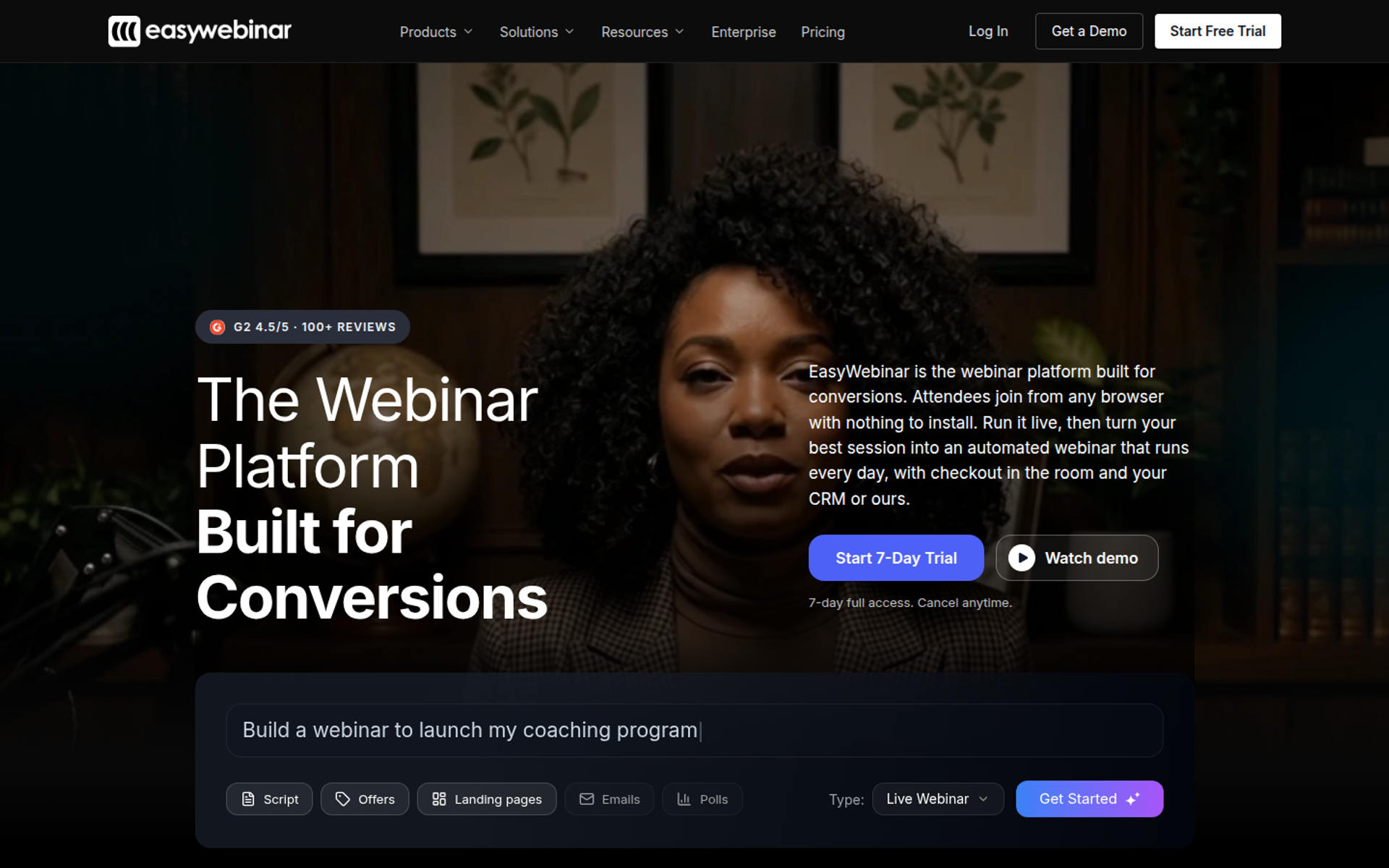
EasyWebinar is a webinar platform built for conversions. It is best for coaches, course creators, and marketing teams that need one proven live session to keep selling as an automated webinar, because it runs live, simulive, evergreen, and just-in-time sessions with checkout and EasyCRM on one subscription. It may not fit teams that need lessons and certificates, a Marketo integration, or automation on the entry plan.
| Quick fit | EasyWebinar |
|---|---|
| Best for | Coaches, course creators, consultants, and marketing teams whose webinars must produce sales or pipeline after the live hour |
| Skip if | You need accredited courses with certificates, Marketo or Salesforce Sales Cloud sync, or automated webinars on a $44 plan |
| Strongest edge | Run a webinar live, then turn that exact session into an automated webinar on the same platform and login |
| Biggest trade-off | Automation, checkout, and EasyCRM start at Growth, and native HubSpot and Salesforce Pardot sync starts at Pro |
| Pricing snapshot | Flat monthly pricing with no per-attendee fees. Launch $44/mo (live only), Growth $116/mo, Pro $198/mo, Scale $349/mo, billed monthly; annual billing gives 2 months free |
EasyWebinar's pricing page lists Launch at $44 per month, Growth at $116, Pro at $198, and Scale at $349, each with a 7-day full-access trial that requires a card. It also states that no per-attendee fees apply within a plan, and that attendees beyond the limit are billed as overage without the webinar stopping.
Why EasyWebinar Ranks First
⭐ It Covers All Three Stages in One System
EasyWebinar scores highest on the two heaviest criteria in this guide: format coverage and behaviour-based follow-up. Registration, nurture, and conversion run inside one account. Buyers do not need to stitch a hosting tool to a page builder, an email platform, and a checkout through Zapier.
EasyWebinar's Growth plan adds automated, simulive, and evergreen webinars, built-in checkout, and EasyCRM on top of the live features in Launch. Pro adds native HubSpot and Salesforce Pardot (Account Engagement) sync, custom lead scoring, and revenue reporting. The ranking reflects architecture, not polish. A buyer who wants webinars to generate leads, sell offers, and automate follow-up gets fewer handoffs to break.
✅ Automation Multiplies an Offer That Already Works
EasyWebinar's read is that automation multiplies a working offer and cannot rescue a broken one. I learned that personally. My first video course sold nothing for months. In my first year of selling it through live webinars, I built a 14,000-person email list and sold $245,000 of that course.
That is why EasyWebinar's Launch plan is built for live validation first. You prove the pitch live, then move the winning session into automation on Growth. I could be wrong about the exact threshold for every niche, but I would not automate a webinar that has not sold live.
What EasyWebinar Does Well
- Live to automated in one switch. EasyWebinar turns a proven live session into simulive, evergreen, or just-in-time sessions (a session that starts minutes after someone registers, in their own time zone). You never rebuild a presentation that already converts.
- AI Webinar Builder. EasyWebinar's builder writes the delivery script, registration page, thank-you page, email sequence, poll questions, and a timed CTA (call to action) from a short set of questions. A first funnel goes up in an afternoon, not weeks.
- Follow-up that reacts to behaviour. EasyWebinar sends separate sequences to no-shows, early leavers, offer-clickers, and replay viewers. EasyCRM adds lead scoring (Hot, Warm, Nurture) and an auto-dialer, so sales calls the warmest leads first.
- Checkout inside the room. EasyWebinar takes payment through Stripe, PayPal, or PayU without a redirect, and supports paid webinars from Growth. The sale and the attendee data stay in one record.
- Your CRM or ours. EasyWebinar keeps ActiveCampaign, Kit (formerly ConvertKit), GoHighLevel, Keap, and Zapier connected on Growth, and adds native HubSpot and Salesforce Pardot sync on Pro. Teams with a CRM keep it, and teams without one start with EasyCRM. See the full list of integrations.
- Browser join and EasyCast. EasyWebinar attendees join from any browser with nothing to download. EasyCast streams to 3 destinations on Growth and 10 or more on Pro.
Where EasyWebinar Falls Short
- Automation is not on the entry plan. EasyWebinar's Launch plan is live only, with 50 live attendees per session. Buyers who want evergreen from day one should budget for Growth.
- No Marketo or Sales Cloud. EasyWebinar's Salesforce integration is Salesforce Pardot (Account Engagement) only, and Marketo is not native. Marketo-dependent stacks will need middleware or another platform.
- Not a course platform. EasyWebinar does not host lessons, progress tracking, or certificates. Pair it with Kajabi, Teachable, or Thinkific and use EasyWebinar to sell the course.
- Email reporting gaps reported by users. One G2 reviewer runs post-webinar sequences in another email tool because she could not track opens and clicks inside EasyWebinar (see Reviews).
EasyWebinar Decision Scorecard
| Evaluation criterion | EasyWebinar fit | Why it matters |
|---|---|---|
| Live webinars | Strong | Every plan includes live webinars that attendees join from a browser. |
| Simulated live or automated webinars | Strong | Simulive and automated sessions start at Growth, from the same session you ran live. |
| Evergreen automation | Strong | Evergreen and just-in-time scheduling let one webinar run in every time zone. |
| Funnel pages | Strong | Registration, thank-you, and replay pages are built in; some reviewers want more design flexibility. |
| Engagement | Strong | Chat, polls, Q&A, timed offers, and countdowns keep attendees active through the pitch. |
| CRM and follow-up | Strong | EasyCRM and behaviour-based sequences handle follow-up without Zapier. |
| Monetization | Strong | In-room checkout and paid webinars start at Growth. |
| Analytics | Strong | Attendee-level watch time, clicks, purchases, and a drop-off heatmap show what drove revenue. |
| Integrations | Strong | HubSpot and Salesforce Pardot are native on Pro; Marketo and Sales Cloud are not supported. |
| Pricing fit | Strong | Flat monthly pricing stays predictable as attendance grows, though automation needs Growth. |
| Best-fit buyer | Strong | Creators, coaches, and marketing teams below enterprise-ABM scale. |
Best for / Skip If: EasyWebinar
Choose EasyWebinar if your webinar must sell or book calls after the live hour, and you want live, automated, follow-up, and checkout in one account. Skip it if you need certificates, Marketo, or Salesforce Sales Cloud, or if you only run occasional internal meetings.
EasyWebinar Reviews
- Outcome after automating: Laura C. sold 10 to 12 courses per live class, then 25 courses within three weeks of her evergreen EasyWebinar launch, though she noted just-in-time sits on a higher-priced plan. EasyWebinar G2 - Verified Review, Jan 2025
- Email reporting gap: Eliza W. praises the analytics and reminders but sends post-webinar sequences from another email system because she cannot track open and click rates in EasyWebinar. EasyWebinar G2 - Verified Review, Feb 2026
1.2 Livestorm
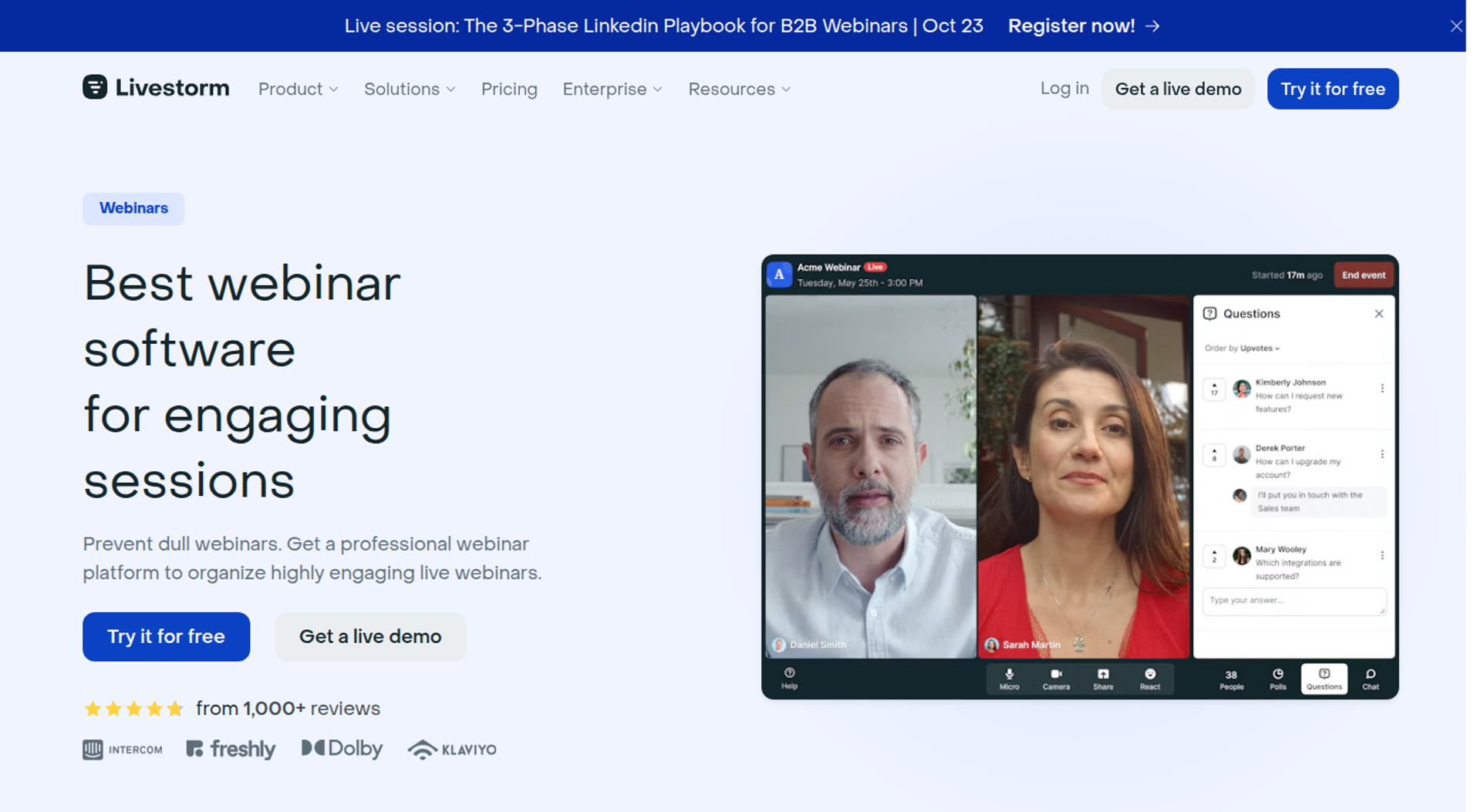
Livestorm is a browser-based video engagement platform. It suits teams that want meetings and webinars in one tool, with per-attendee pricing for irregular volume. It earns a place here for clean browser join, automated email cadences, and on-demand events. It may not fit buyers who need checkout inside the room, native Salesforce sync below Enterprise, or a plan that never blocks attendees at a limit.
| Quick fit | Livestorm |
|---|---|
| Best for | Teams running meetings and webinars from one browser-based tool, where event volume varies month to month |
| Skip if | You sell inside the webinar, need Salesforce or Marketo sync without an Enterprise contract, or cannot risk attendees being blocked at a quota |
| Strongest edge | You pay only for people who attend, live or on replay, and team members are not counted |
| Biggest trade-off | On Pro, new attendees cannot join once the credit quota is used up until you upgrade |
| Pricing snapshot | Free plan; Pro €2.50 per attendee credit on a 400-credit yearly pack; Enterprise custom |
Livestorm's pricing page shows Pro at €2.50 per attendee when buying 400 attendee credits, with Enterprise priced by quote. Its FAQ says customers buy a yearly pack of credits, spending one each time a person attends live, on replay, or on demand.
Why Livestorm Ranks Second
⭐ Strong Registration and Nurture, Lighter on Conversion
Livestorm scores well on time to launch, engagement, and pricing predictability for irregular volume. Attendees join from a browser with no download. Pro includes unlimited customized reminder and follow-up emails, event automation, on-demand events, and native HubSpot sync.
It ranks below EasyWebinar on the conversion criteria. Livestorm's pricing page lists Salesforce, Pardot, Marketo, and Microsoft Dynamics as Enterprise-only integrations, and its feature list shows no built-in checkout. Buyers who sell inside the room will need a separate payment step.
⚠️ The Quota Rule Matters on Launch Day
Livestorm's FAQ states that once a quota is fully used, new attendees cannot join sessions until the account upgrades, with alerts sent as the limit approaches. Its help center adds that Enterprise plans can go beyond the quota by default.
EasyWebinar handles the same moment differently. EasyWebinar never cuts a webinar off at the plan limit and bills extra attendees as overage. For a paid launch with unpredictable turnout, ask any vendor in writing what happens at the limit. For a deeper head-to-head, see EasyWebinar vs Livestorm.
What Livestorm Does Well
- Browser-based join. Attendees join without downloading software, which removes a common show-up barrier on first sessions.
- Pay for attendance, not registrations. No-shows do not use credits, and team members never count. Budgets track real attendance.
- Email cadences and replay follow-up. Pro includes unlimited reminders and follow-ups, including automated replay emails. Nurture runs without a separate email tool for basic sequences.
- Event automation and on-demand events. Sessions can start and end automatically or play a video, and on-demand events stay open to join anytime. This covers recorded education and demos.
- Multilingual and security posture. Event assets come in 24 languages, and Livestorm states ISO 27001 certification and GDPR compliance. This helps global and regulated teams pass review.
- Engagement and post-event data. Polls, Q&A with upvotes, UTM tracking, attendance rate, and webinar conversion rate are listed on Pro.
Where Livestorm Falls Short
- No checkout inside the room. The pricing page lists no built-in payment or checkout feature. Selling requires a redirect to another tool.
- Enterprise-gated CRM integrations. Salesforce, Pardot, Marketo, and Microsoft Dynamics sync require Enterprise. Pro buyers on those CRMs will rely on Zapier.
- Quota stop on Pro. New attendees are blocked once Pro credits run out, until you upgrade.
- No native CRM. Livestorm stores contact profiles but has no built-in sales CRM, lead scoring, or auto-dialer.
Livestorm Decision Scorecard
| Evaluation criterion | Livestorm fit | Why it matters |
|---|---|---|
| Live webinars | Strong | Browser-based sessions up to 4 hours on Pro, with up to 25 simultaneous speakers. |
| Simulated live or automated webinars | Partial | Event automation can auto-start a session and play a video. |
| Evergreen automation | Partial | On-demand events are supported, but no just-in-time scheduling is listed. |
| Funnel pages | Partial | Registration pages and an embeddable widget are included; no sales or checkout pages. |
| Engagement | Strong | Polls, Q&A upvotes, reactions, file sharing, and live captions. |
| CRM and follow-up | Partial | Email cadences and HubSpot on Pro; other CRMs need Enterprise. |
| Monetization | Weak | No built-in checkout or paid-webinar feature is listed. |
| Analytics | Partial | Attendance and conversion rates on Pro; custom analytics on Enterprise. |
| Integrations | Partial | HubSpot and Zapier on Pro; Salesforce, Pardot, and Marketo on Enterprise. |
| Pricing fit | Partial | Fair for irregular volume, but credits must be pre-bought yearly and Pro stops at the quota. |
| Best-fit buyer | Strong | Teams that want meetings and webinars in one tool with per-attendee pricing. |
Best for / Skip If: Livestorm
Choose Livestorm if your team runs meetings and webinars from one browser-based tool, and attendance swings from month to month. Skip it if you sell inside the webinar, run Salesforce without an Enterprise budget, or cannot accept attendees being blocked at a quota. If you are weighing other options, see these Livestorm alternatives.
1.3 Demio
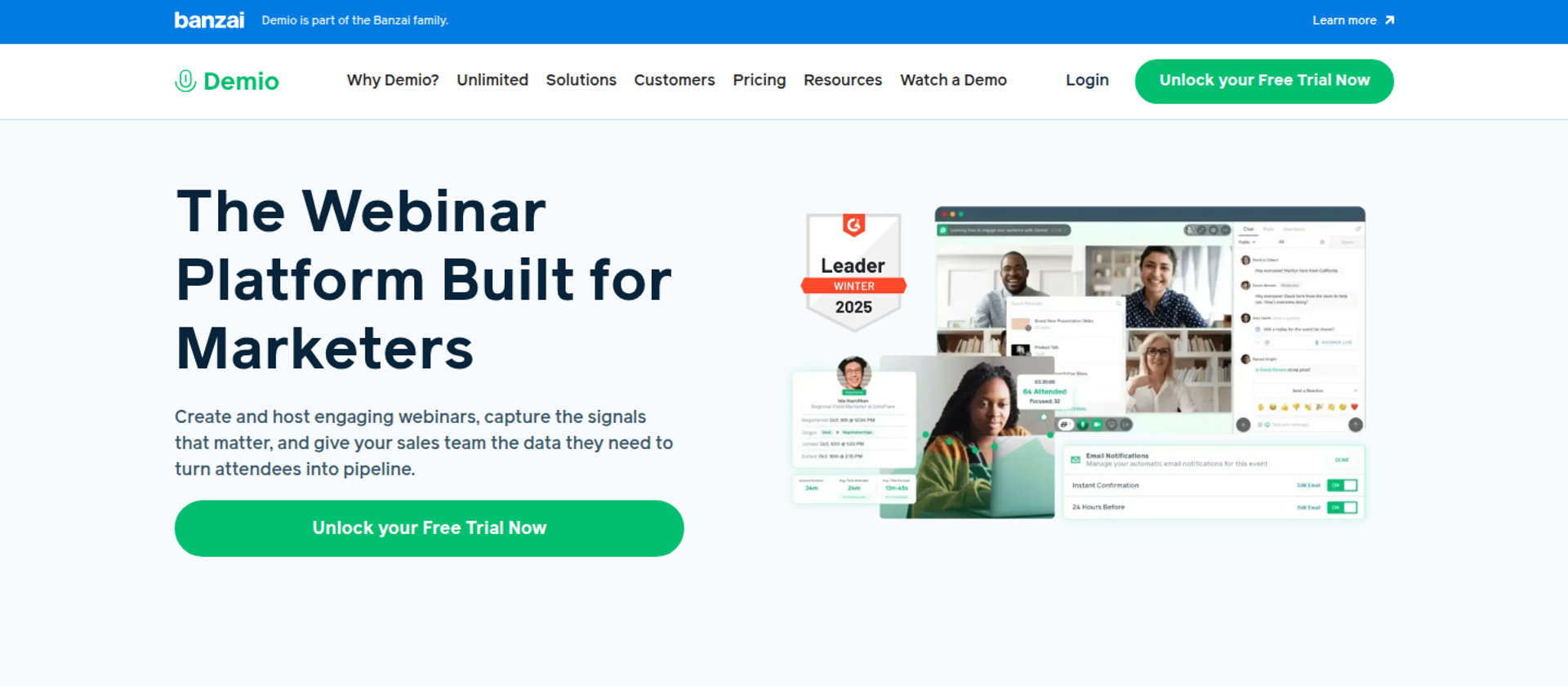
Demio is a browser-based webinar platform from Banzai. It suits marketers running occasional live marketing webinars who want a clean attendee experience and engagement analytics. It may not fit buyers who need native CRM sync below its top plan, checkout inside the room, or automated webinars on the entry tier.
| Quick fit | Demio |
|---|---|
| Best for | Marketers running occasional live marketing webinars with a small team |
| Skip if | You need HubSpot or Salesforce sync without the Premium plan, or you sell inside the room |
| Strongest edge | No-download attendee experience with chat, polls, featured actions, and handouts on every plan |
| Biggest trade-off | Automated webinars start at Growth, and premium CRM integrations start at Premium |
| Pricing snapshot | Starter $45/mo per host billed yearly or $63/mo billed monthly (50 attendees); Growth priced per host by room size; Premium $196/mo per host billed yearly |
Demio's pricing page lists Starter at $45 per month paid yearly or $63 paid monthly for one host and a 50-person room. Premium is $196 per host per month paid yearly. Growth shows no fixed figure until a room size is chosen.
Why Demio Ranks Third
⭐ Strong Live Engagement, Lighter Automation Depth
Demio scores well on engagement, ease of setup, and analytics. Every plan includes chats, polls, featured actions, handouts, and engagement analytics. Growth adds pre-recorded on-demand and automated webinars, custom branding, and registration source tracking.
Its premium integrations to HubSpot, Salesforce, Marketo, and Pardot are included only on Premium. EasyWebinar, by contrast, includes 13 CRM and email integrations from Growth, and native HubSpot and Salesforce Pardot sync from Pro. Demio also lists no built-in checkout, which lowers its conversion score.
What Demio Does Well
- Browser join. Attendees join without a download, which helps first-time registrants show up.
- Engagement on every plan. Chats, polls, featured actions, and handouts are included from Starter. Smaller teams still get the core tools that keep people in the room.
- Live plus automated from Growth. Pre-recorded on-demand and automated webinars sit beside live and series events. One tool covers both formats once you pass Starter.
- Registration source tracking and Showcase. Growth tracks where signups came from and embeds upcoming events on your site. Marketers see which channels fill the room.
- Demio AI on Premium. It answers on-demand attendee chat messages. This reduces moderator work on recorded sessions.
Where Demio Falls Short
- Per-host billing. Each simultaneous event needs its own host, and Growth and Premium bill per host. Costs rise as more team members run sessions.
- CRM sync gated to Premium. HubSpot, Salesforce, Marketo, and Pardot connect natively only on Premium. Lower plans rely on Zapier.
- No checkout inside the room. Buyers are sent elsewhere to pay.
- Reviewer-reported integration gaps. One G2 reviewer said it did not fully integrate with HighLevel, and replays did not show live polls and CTAs (see Reviews).
Demio Decision Scorecard
| Evaluation criterion | Demio fit | Why it matters |
|---|---|---|
| Live webinars | Strong | Browser-based live and series events on every plan. |
| Simulated live or automated webinars | Partial | Automated and on-demand sessions start at Growth. |
| Evergreen automation | Partial | Recorded sessions run on schedule, but no just-in-time scheduling is listed. |
| Funnel pages | Partial | Registration, custom fields, and Showcase embeds; no sales or checkout pages. |
| Engagement | Strong | Chats, polls, featured actions, and handouts on all plans. |
| CRM and follow-up | Partial | Email reminders included; native CRM sync only on Premium. |
| Monetization | Weak | No built-in checkout or paid-webinar feature is listed. |
| Analytics | Strong | Engagement analytics and registration source tracking. |
| Integrations | Partial | Zapier on lower plans; HubSpot, Salesforce, Marketo, and Pardot on Premium. |
| Pricing fit | Partial | Low entry price, but per-host billing adds up for teams. |
| Best-fit buyer | Strong | Marketers running occasional live marketing webinars. |
Best for / Skip If: Demio
Choose Demio if you run occasional live marketing webinars and care most about a clean attendee room. Skip it if you need native CRM sync without Premium, or if you sell inside the webinar.
Demio Reviews
- Live and automated in one tool: A G2 reviewer in construction said Demio let them host a mix of live and automated webinars, though uploading presentation material took too long. Demio - G2 Verified Review, Apr 2021
- Integration and replay gaps: Ivanhoe S. rated Demio 4 out of 5 but said it did not fully integrate with HighLevel, and replays did not show live polls and CTAs. Demio - G2 Verified Review, Aug 2024
1.4 ON24
ON24 is an enterprise webinar and digital experience platform. It is built for enterprise programmes with dedicated marketing operations that need engagement data, personalized content hubs, and attribution across many events. It may not fit small teams, buyers who want published pricing, or anyone who needs a self-serve start this week.
| Quick fit | ON24 |
|---|---|
| Best for | Enterprise marketing teams with marketing-ops staff running large, recurring webinar programmes |
| Skip if | You want published pricing, self-serve signup, or a light setup for occasional webinars |
| Strongest edge | Engagement data and attribution designed for enterprise marketing operations |
| Biggest trade-off | Breadth adds setup and operating overhead, and pricing runs through sales |
| Pricing snapshot | Not publicly listed; packages are quoted by ON24 sales |
A summary of ON24's pricing page describes tiered packages (Essentials, Standard, and Advanced) with no published list prices. Prospects must request pricing from an ON24 representative.
Why ON24 Ranks Fourth
⭐ Deep Enterprise Programme Automation
ON24 scores well on analytics, integrations, and engagement for large programmes. The package summary lists live, simulive, and on-demand webinars, 20+ interactivity tools, event automation for confirmations and reminders, and 30+ integrations across marketing automation platforms and CRMs. Higher tiers add automated nurtures, engagement heat maps, and personalized content hubs.
It ranks below the top three for this guide's reader, who is often a coach, creator, or lean marketing team. The same summary notes that its breadth can add setup and operational overhead for teams that only need basic webinars. EasyWebinar targets teams below enterprise-ABM scale, with self-serve plans priced on its public page.
What ON24 Does Well
- Programme-scale automation. Confirmations, reminders, and automated nurtures run across many events. Large teams cut repeat setup work.
- Engagement data for sales. Heat maps and interaction data give sales concrete signals to act on.
- Wide integration coverage. 30+ integrations across marketing automation platforms and CRMs fit existing enterprise stacks.
- Content hubs. Personalized on-demand hubs keep past webinars producing engagement.
Where ON24 Falls Short
- No published pricing. Every package requires a sales conversation. Budgeting takes longer.
- Operating overhead. Teams without marketing-ops staff may find the platform heavier than they need.
- No sales-style checkout for creators. ON24 is not designed for in-room selling of courses or coaching programs.
ON24 Decision Scorecard
| Evaluation criterion | ON24 fit | Why it matters |
|---|---|---|
| Live webinars | Strong | Enterprise-grade live events with interactivity tools. |
| Simulated live or automated webinars | Strong | Simulive and on-demand are included in the base package. |
| Evergreen automation | Partial | On-demand hubs keep content live; no just-in-time scheduling is listed. |
| Funnel pages | Strong | Branded registration and personalized landing pages on higher tiers. |
| Engagement | Strong | 20+ interactivity tools and breakout rooms. |
| CRM and follow-up | Strong | Automated nurtures and 30+ MAP and CRM integrations. |
| Monetization | Weak | Not built for in-room selling to consumers. |
| Analytics | Strong | Heat maps and advanced analytics on higher tiers. |
| Integrations | Strong | Broad enterprise MAP and CRM coverage. |
| Pricing fit | Weak | Quote-only pricing suits enterprise budgets, not lean teams. |
| Best-fit buyer | Strong | Enterprise programmes with dedicated marketing operations. |
Best for / Skip If: ON24
Choose ON24 if you run an enterprise webinar programme with marketing-ops staff and need attribution across many events. Skip it if you are a lean team that needs published pricing and a self-serve start.
1.5 BigMarker
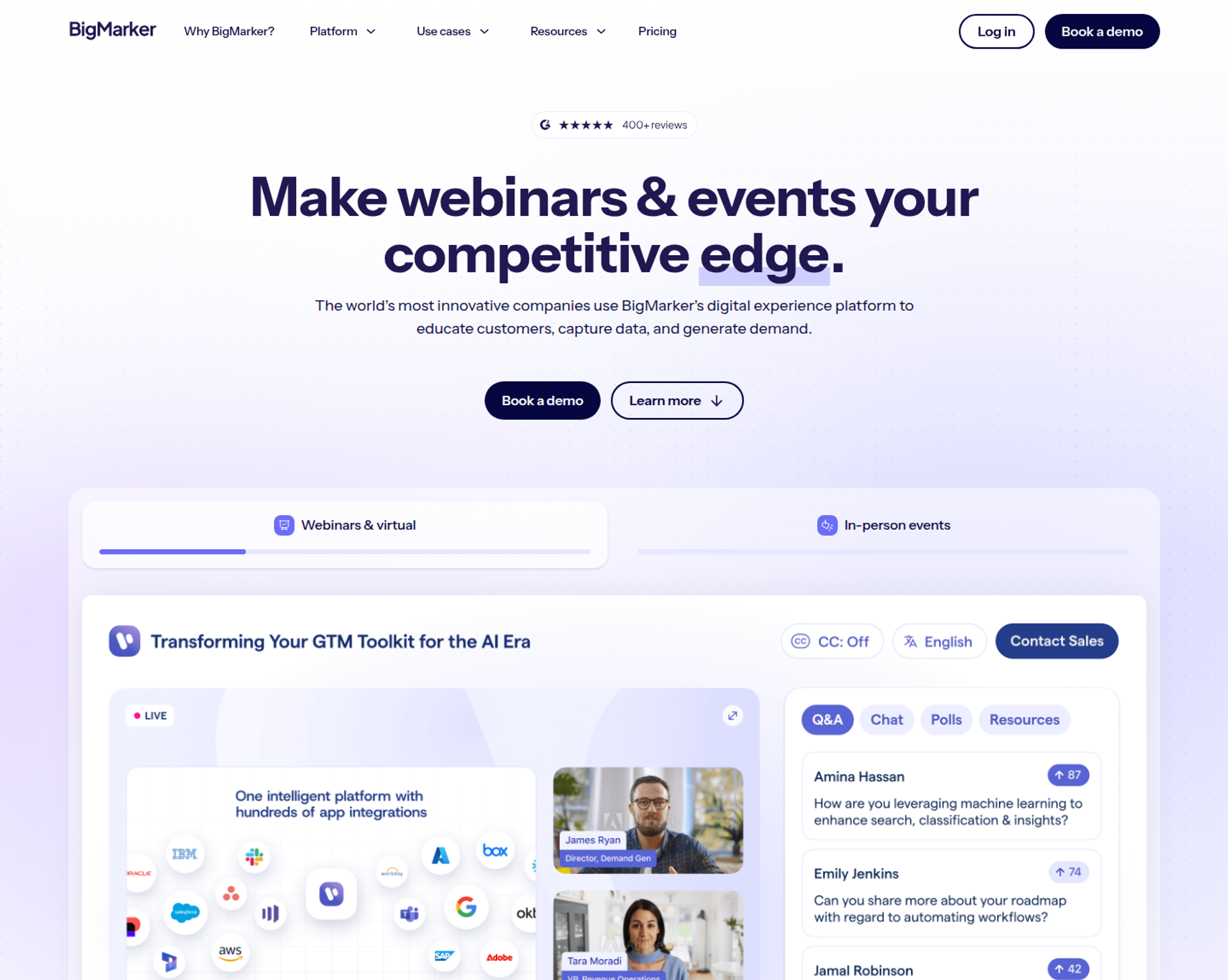
BigMarker is a webinar and event platform. It suits teams running branded webinar series and multi-room summits, with pop-up offers and large rooms on the base plan. It may not fit buyers who need simulive, evergreen, or paid webinars without an Enterprise contract.
| Quick fit | BigMarker |
|---|---|
| Best for | Teams running branded webinar series, summits, and multi-format events in one account |
| Skip if | You need evergreen automation or ticketed webinars without an Enterprise quote |
| Strongest edge | Up to 1,000 live attendees and pop-up offers on the Basic plan |
| Biggest trade-off | Simulive, evergreen, ticketing, and payments start at Enterprise |
| Pricing snapshot | Quote-based: Basic, Enterprise, and Enterprise+ are priced by request, with annual renewal |
BigMarker's pricing page lists Basic, Enterprise, and Enterprise+ with a "Let's talk" quote button on each, and states that subscriptions renew every year.
Why BigMarker Ranks Fifth
⭐ Large Rooms and Offers on the Base Plan
BigMarker scores well on capacity, engagement, and event range. Basic includes up to 1,000 live attendees, nine webcams, live and on-demand webinars, pop-up offers, full-service registration and emails, and post-session surveys.
The automation criteria pull it down for this guide. Simulive, evergreen, and 24-7 webinars, ticketing and payments, and a single CRM or marketing automation integration appear only from Enterprise. EasyWebinar includes automated, simulive, and evergreen sessions plus checkout from its Growth plan, priced publicly.
What BigMarker Does Well
- Big rooms early. Basic supports up to 1,000 live attendees. Large launches do not force an upgrade.
- Offers in the room. Pop-up offers are on Basic. Presenters can point attendees to a next step mid-session.
- Full-service registration and emails. Registration pages and emails are built in. Teams need fewer outside tools.
- Event range. Enterprise adds webinar series, breakout rooms, certificates, API access, and Zapier. One account can cover webinars and larger events.
- Security posture. BigMarker states SOC 2 certification and offers a DPA.
Where BigMarker Falls Short
- Automation is gated. Simulive, evergreen, and 24-7 webinars require Enterprise.
- Ticket fees. BigMarker charges a 5% transaction fee on ticket sales.
- Limited CRM connections. Enterprise includes one CRM or marketing automation integration, and Enterprise+ includes two.
BigMarker Decision Scorecard
| Evaluation criterion | BigMarker fit | Why it matters |
|---|---|---|
| Live webinars | Strong | Up to 1,000 attendees on Basic, with nine webcams. |
| Simulated live or automated webinars | Partial | Simulive is available, but only on Enterprise. |
| Evergreen automation | Partial | Evergreen and 24-7 webinars are Enterprise-only. |
| Funnel pages | Strong | Full-service registration, plus 15 landing page templates on Enterprise. |
| Engagement | Strong | Chat, polls, Q&A, handouts, and pop-up offers. |
| CRM and follow-up | Partial | Full-service emails, but CRM connections are capped by tier. |
| Monetization | Partial | Ticketing and payments exist on Enterprise, with a 5% fee. |
| Analytics | Partial | Basic analytics on Basic; advanced analytics on Enterprise. |
| Integrations | Partial | One or two CRM and MAS integrations by tier, plus Zapier and API. |
| Pricing fit | Weak | Quote-only, with annual renewal. |
| Best-fit buyer | Strong | Teams running branded series and summits. |
Best for / Skip If: BigMarker
Choose BigMarker if you run branded webinar series or summits and want large rooms from day one. Skip it if you need evergreen funnels or paid webinars without an Enterprise contract.
1.6 eWebinar
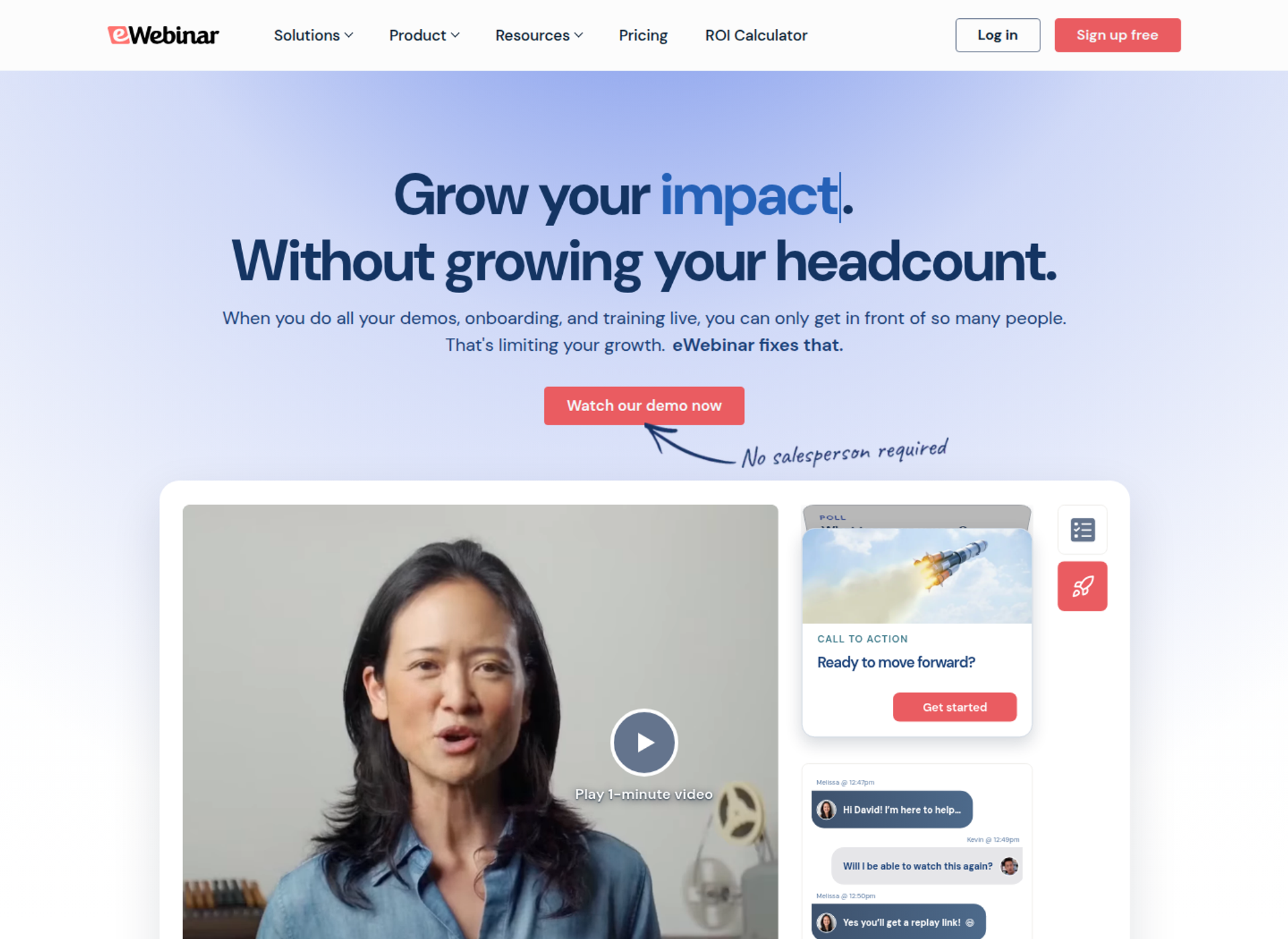
eWebinar is an on-demand webinar platform with chat. It suits teams running fully pre-recorded sessions where live is never needed, with interactions timed into the recording. It may not fit buyers who also need a live room, a native CRM, or unlimited registrants.
| Quick fit | eWebinar |
|---|---|
| Best for | Teams running fully pre-recorded sessions on a recurring or on-demand schedule |
| Skip if | You also run live webinars, or you need native checkout and a built-in CRM |
| Strongest edge | Interactive recorded sessions with unlimited recurring sessions and team members |
| Biggest trade-off | No live hosting, and each level caps monthly registrants |
| Pricing snapshot | Level 1 $99/mo (1 active webinar, 1,000 registrants/mo); Level 2 $199/mo (5 webinars, 3,000 registrants); Level 3 $299/mo (15 webinars, 5,000 registrants); annual billing saves 15% |
eWebinar's pricing page lists Level 1 at $99 per month, Level 2 at $199, and Level 3 at $299, plus $15 per month for each active webinar beyond 15. Levels adjust automatically to the number of active webinars.
Why eWebinar Ranks Sixth
⭐ Strong Recorded Experience, No Live Room
eWebinar scores well on time to launch and automated engagement. Its pricing page states that a first eWebinar can be up in under 20 minutes. Every level includes unlimited recurring sessions and unlimited team members.
It ranks below the top five because it covers only one half of the live-to-automated job. eWebinar does not host live sessions. EasyWebinar runs the live session first, then turns that exact session into an automated one on the same subscription.
What eWebinar Does Well
- Fast setup. A first eWebinar can be running in under 20 minutes. Teams launch without training.
- Unlimited sessions and team members. Recurring sessions and seats are not metered. Training and demo teams can share the load.
- Pricing by webinar, not by attendee. Cost follows the number of published webinars. Small libraries stay predictable.
- Security posture. eWebinar shows SOC 2 and GDPR badges on its pricing page.
Where eWebinar Falls Short
- No live hosting. Teams that validate an offer live need a second tool.
- Registrant caps. Each level caps monthly registrants at 1,000, 3,000, or 5,000. Paid traffic spikes can hit the ceiling.
- No built-in CRM or checkout. Follow-up and payments run through connected tools.
eWebinar Decision Scorecard
| Evaluation criterion | eWebinar fit | Why it matters |
|---|---|---|
| Live webinars | Weak | eWebinar does not host live sessions. |
| Simulated live or automated webinars | Strong | Its core product is automated, interactive recorded sessions. |
| Evergreen automation | Strong | Unlimited recurring sessions run on a schedule or on demand. |
| Funnel pages | Partial | Registration pages and embeds are included; no checkout pages. |
| Engagement | Strong | Chat and timed interactions run inside the recording. |
| CRM and follow-up | Partial | Connects to CRMs and Zapier; no native CRM. |
| Monetization | Weak | No built-in checkout is listed. |
| Analytics | Partial | Cross-webinar analytics; no revenue attribution. |
| Integrations | Partial | CRM, Slack, Twilio, Zoom, and Zapier connections. |
| Pricing fit | Partial | Predictable per webinar, but registrant caps apply. |
| Best-fit buyer | Strong | Teams that never need a live room. |
Best for / Skip If: eWebinar
Choose eWebinar if every session you run is pre-recorded and live is never part of the plan. Skip it if you validate offers live, or if you need checkout and a CRM in the same tool.
1.7 EverWebinar
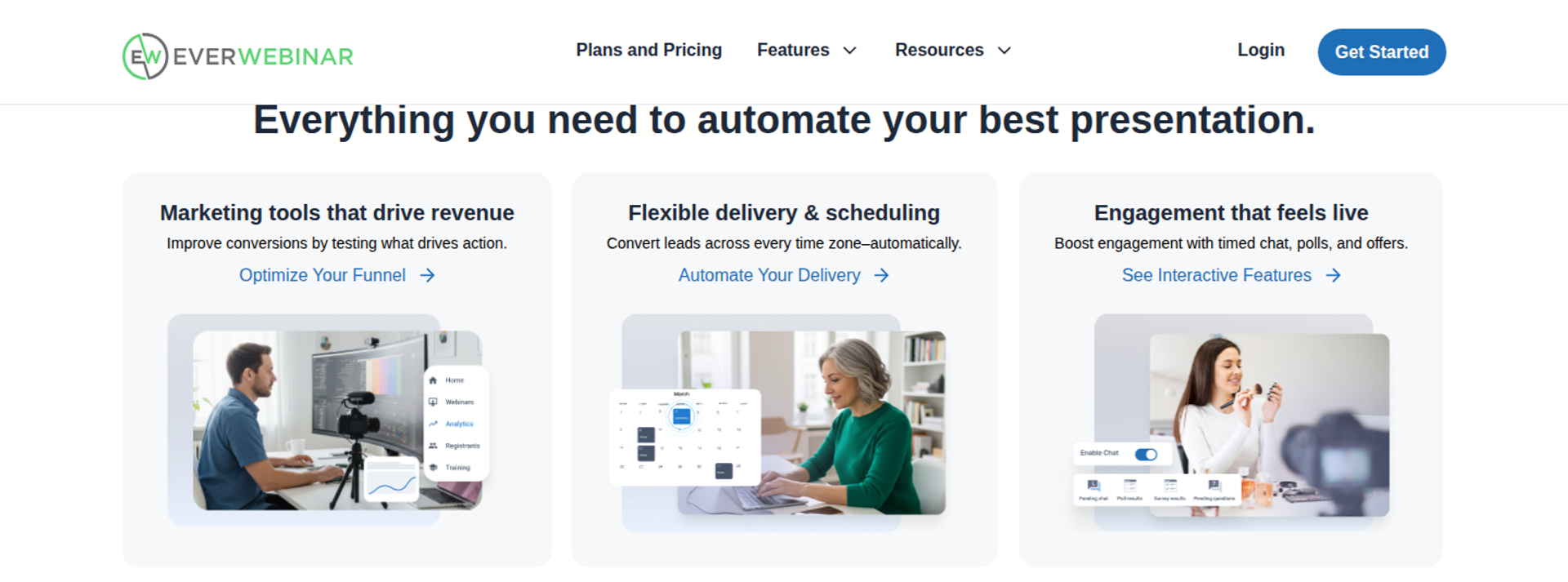
EverWebinar is an automated webinar platform from Genesis Digital, the company behind WebinarJam. It suits sellers who already have a webinar that converts and want to replay it on schedule or just in time. It may not fit buyers who also need a live room in the same product.
| Quick fit | EverWebinar |
|---|---|
| Best for | Sellers with a proven recorded webinar who want automated replays with offers |
| Skip if | You need live hosting in the same product, or more than one team member account |
| Strongest edge | Just-in-time sessions and behaviour-based follow-up in one automated product |
| Biggest trade-off | No live room of its own; live webinars run in WebinarJam |
| Pricing snapshot | Every feature on every plan: $199/mo monthly; $99/mo on annual ($1,188 upfront); $79/mo on two-year ($1,896 upfront); 14-day trial for $1 |
EverWebinar's pricing page lists $199 per month billed monthly, $99 per month on an annual plan charged at $1,188, and $79 per month on a two-year plan charged at $1,896. All options include the same features.
Why EverWebinar Ranks Seventh
⭐ Deep Automation, Split From Live
EverWebinar scores well on automation and follow-up. It supports daily, weekly, custom, and just-in-time sessions shown in each registrant's local time zone. It also supports email and optional SMS follow-up that differs for people who attended, missed the session, or left early.
It ranks lower because live and automated sit in two products. WebinarJam's pricing page explains that evergreen webinars run in EverWebinar, which is included in WebinarJam's Basic, Professional, and Enterprise packages. EasyWebinar runs live and automated sessions in one product, with one login.
What EverWebinar Does Well
- Just-in-time and local time zones. Sessions show in each registrant's own time zone. More people find a start time that fits.
- Behaviour-based follow-up. Attendees, no-shows, and early leavers can each get different messages. Nurture matches what people did.
- Hybrid mode. You can answer chat live while the recording plays. Automated sessions keep a human touch.
- Timed offers and A/B pages. Offers, polls, and split-tested pages are included. Operators can tune conversion without new tools.
- One feature set. Monthly and multi-year plans include the same features.
Where EverWebinar Falls Short
- No live room on its own. Live sessions run in WebinarJam.
- One team member account. The pricing page lists integrations plus one team member account.
- Reviewer-reported delivery issues. One G2 reviewer reported emails not reaching registrants and cloning problems (see Reviews).
EverWebinar Decision Scorecard
| Evaluation criterion | EverWebinar fit | Why it matters |
|---|---|---|
| Live webinars | Weak | Live hosting runs in WebinarJam, not EverWebinar. |
| Simulated live or automated webinars | Strong | Its core product, with hybrid live chat. |
| Evergreen automation | Strong | Recurring and just-in-time sessions in local time zones. |
| Funnel pages | Strong | Templates and A/B split testing are included. |
| Engagement | Strong | Chat simulator, polls, surveys, and handouts. |
| CRM and follow-up | Partial | Behaviour-based email and SMS; no native CRM. |
| Monetization | Partial | Timed offers are included; checkout runs elsewhere. |
| Analytics | Partial | Performance analytics; no revenue attribution. |
| Integrations | Partial | Email and CRM tools, plus Zapier. |
| Pricing fit | Strong | Flat plans, with the lowest rate on two-year billing. |
| Best-fit buyer | Strong | Sellers with a proven recorded webinar. |
Best for / Skip If: EverWebinar
Choose EverWebinar if you already have a recording that converts and want to replay it with offers. Skip it if you want live and automated sessions in a single product and login.
EverWebinar Reviews
- Setup and delivery problems: Kaylen M. reported emails not reaching registrants, broken clones, and slow support before switching platforms. EverWebinar - G2 Verified Review, Aug 2021
1.8 WebinarJam
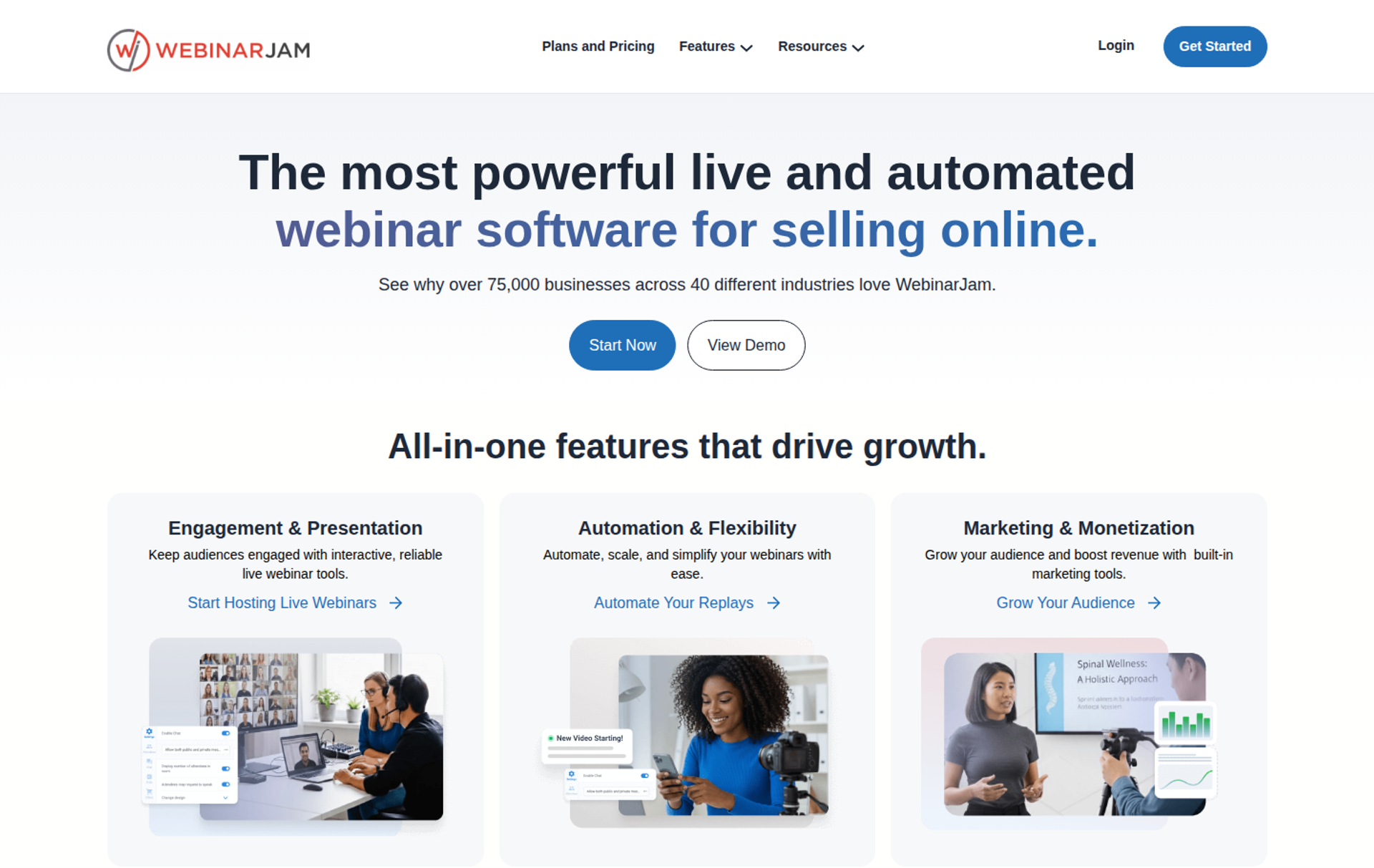
WebinarJam is a live webinar platform from Genesis Digital. It suits sellers running one-off live launches with in-room offers and scarcity. It may not fit buyers who want automation inside the same product or native HubSpot and Salesforce sync.
| Quick fit | WebinarJam |
|---|---|
| Best for | Sellers running one-off live launches with offers and urgency in the room |
| Skip if | You need sessions longer than your plan allows, or native HubSpot or Salesforce sync |
| Strongest edge | Live offer displays, email and SMS, and a panic button on every plan |
| Biggest trade-off | Automation runs in EverWebinar, which is not included on Starter |
| Pricing snapshot | Starter $49/mo or $39/mo yearly (100 attendees); Basic $99/mo or $79/mo yearly (500); Professional $299/mo or $229/mo yearly (2,000); Enterprise $499/mo or $379/mo yearly (5,000) |
WebinarJam's pricing page lists Starter at $49 per month, Basic at $99, Professional at $299, and Enterprise at $499 billed monthly. Yearly billing lowers these to $39, $79, $229, and $379 per month.
Why WebinarJam Ranks Eighth
⭐ Built for the Live Pitch
WebinarJam scores well on live engagement and in-room offers. Every plan includes live chat, email and SMS, live offer displays, polls, A/B split testing, an always-on room, and the panic button.
It ranks lower on format coverage and CRM depth. Session length caps at 1, 2, 3, or 4 hours by plan, and its listed integrations are email and marketing tools plus Zapier. EasyWebinar adds native HubSpot and Salesforce Pardot sync on Pro and EasyCRM from Growth.
What WebinarJam Does Well
- Offers during the pitch. Live offer displays appear at the moment you choose. Buyers act while attention is high.
- Email and SMS reminders built in. Reminders run without a separate tool. Show-up improves with less setup.
- Panic button and always-on room. The panic button moves a session if something breaks. Live launches have a recovery path.
- Broadcast to Facebook and YouTube. Sessions stream to social channels. Reach grows without a second tool.
- EverWebinar on Basic and up. Automation comes at no extra cost from Basic.
Where WebinarJam Falls Short
- Automation lives in another product. Evergreen runs in EverWebinar, and Starter includes none.
- Session length caps. Sessions top out at 1 to 4 hours by plan.
- Reviewer-reported integration issues. One G2 reviewer reported inconsistent Mailchimp syncing and email sends (see Reviews).
WebinarJam Decision Scorecard
| Evaluation criterion | WebinarJam fit | Why it matters |
|---|---|---|
| Live webinars | Strong | Live rooms from 100 to 5,000 attendees by plan. |
| Simulated live or automated webinars | Partial | Hybrid video injection live; automation runs in EverWebinar. |
| Evergreen automation | Partial | Available through EverWebinar from Basic. |
| Funnel pages | Strong | Customizable pages with A/B split testing. |
| Engagement | Strong | Chat, polls, surveys, whiteboard, and attendee spotlight. |
| CRM and follow-up | Partial | Email and SMS built in; no native CRM. |
| Monetization | Partial | Live offer displays; payment runs through connected tools. |
| Analytics | Partial | Registration and attendance tracking; no revenue attribution. |
| Integrations | Partial | ActiveCampaign, Keap, Mailchimp, Kit, and Zapier; no native HubSpot or Salesforce listed. |
| Pricing fit | Strong | Published tiers with lower yearly rates. |
| Best-fit buyer | Strong | Sellers running one-off live launches. |
Best for / Skip If: WebinarJam
Choose WebinarJam if your revenue comes from live launches and you want offers and urgency in the room. Skip it if you need automation in the same product, or native HubSpot or Salesforce sync.
WebinarJam Reviews
- Replay automation valued, integrations not: Tara G. liked EverWebinar's replay experience but reported inconsistent Mailchimp syncing and unreliable email sends. WebinarJam - G2 Verified Review, Jun 2023
- Upsell strength, live limits: A reviewer in investment management said upselling was easy but cited a 3-hour live cap and an 80MB slide limit. WebinarJam - G2 Verified Review, Aug 2020
1.9 Zoom Webinars
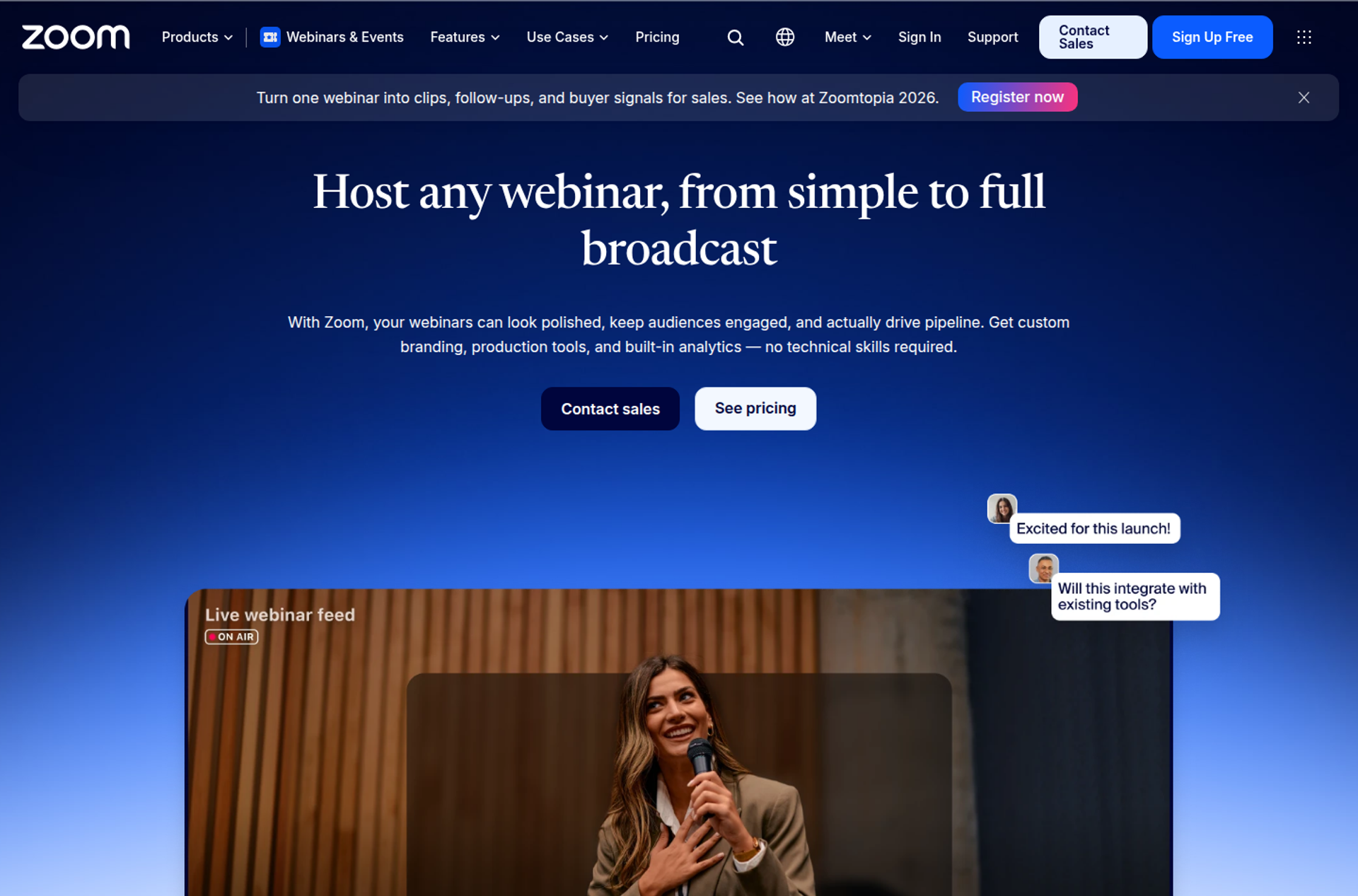
Zoom Webinars is Zoom's broadcast webinar product. It suits internal meetings and teams already standardized on Zoom that need reliable large broadcasts. It may not fit buyers who need evergreen automation, behaviour-based follow-up, or checkout tied to the webinar.
| Quick fit | Zoom Webinars |
|---|---|
| Best for | Teams already standardized on Zoom that need dependable large broadcasts |
| Skip if | You want evergreen funnels, behaviour-based nurture, or checkout inside the room |
| Strongest edge | Familiar client, up to 100,000 attendees, and native HubSpot, Marketo, Pardot, and Salesforce integrations |
| Biggest trade-off | Simulive needs Webinars Plus, and reminder emails are basic on Webinars |
| Pricing snapshot | Webinars from $89/mo billed monthly or $66.67/mo billed annually; Webinars Plus from $99/mo or $82.50/mo annually; price rises with attendee capacity |
Zoom's pricing page lists Webinars at $89 per month billed monthly or $66.67 billed annually, and Webinars Plus at $99 or $82.50. Subscriptions are priced by attendee capacity.
Why Zoom Webinars Ranks Ninth
⭐ Reliable Broadcasts, Light Funnel Automation
Zoom Webinars scores well on reliability, scale, and integrations. It supports up to 100,000 attendees, 30-hour sessions, SSO, and SOC 2 Type 2 and GDPR. It connects natively to HubSpot, Marketo, Pardot, Salesforce, and Eloqua.
It ranks low on funnel automation. The base Webinars plan shows simulive as unavailable, with basic confirmation and reminder emails and basic event analytics. EasyWebinar turns a proven session into evergreen and just-in-time sessions, with behaviour-based follow-up, from Growth.
What Zoom Webinars Does Well
- Familiar client. Many attendees already know Zoom.
- Scale. Up to 100,000 attendees and 30-hour sessions. Large broadcasts fit without a custom contract.
- Native marketing integrations. HubSpot, Marketo, Pardot, Salesforce, and Eloqua connect on Webinars. Registration data reaches the CRM.
- Security and admin. SSO and SOC 2 Type 2 support IT reviews.
Where Zoom Webinars Falls Short
- Basic automation. Reminders and analytics are basic, and simulive needs Webinars Plus.
- No evergreen engine. No just-in-time or recurring evergreen scheduling is listed.
- Reviewer-reported reliability issues. One G2 reviewer reported reminders sent eight hours after an event ended (see Reviews).
Zoom Webinars Decision Scorecard
| Evaluation criterion | Zoom Webinars fit | Why it matters |
|---|---|---|
| Live webinars | Strong | Familiar, high-capacity live broadcasts. |
| Simulated live or automated webinars | Partial | Simulive requires Webinars Plus. |
| Evergreen automation | Weak | No evergreen or just-in-time scheduling is listed. |
| Funnel pages | Partial | Basic landing pages on Webinars; advanced on Plus. |
| Engagement | Strong | Chat, polls, Q&A, reactions, and surveys. |
| CRM and follow-up | Partial | Native CRM sync; basic reminder emails. |
| Monetization | Partial | PayPal on Webinars; Stripe on Plus and Events. |
| Analytics | Partial | Basic event analytics on Webinars. |
| Integrations | Strong | HubSpot, Marketo, Pardot, Salesforce, and Eloqua. |
| Pricing fit | Partial | Published, but rises with attendee capacity. |
| Best-fit buyer | Strong | Teams standardized on Zoom. |
Best for / Skip If: Zoom Webinars
Choose Zoom Webinars if your company already runs on Zoom and you need dependable broadcasts. Skip it if your webinars must keep selling through evergreen sessions and behaviour-based follow-up.
Zoom Webinars Reviews
- Easy to adopt: Rob K. rated it 4 out of 5, saying it was easy to implement and integrated well with his association's systems. Zoom - G2 Verified Review, Feb 2024
- Reminder timing problems: Casey S. reported reminder notices going out eight hours after an event had ended. Zoom - G2 Verified Review, Mar 2021
1.10 GoTo Webinar
GoTo Webinar is GoTo's webinar product. It suits formal corporate training and compliance sessions that need reporting, automated reminders, and simulive on every plan. It may not fit buyers who need payments, source tracking, or certificates without a custom Complete plan.
| Quick fit | GoTo Webinar |
|---|---|
| Best for | Corporate teams running formal training and compliance webinars |
| Skip if | You sell inside the webinar or need source tracking on a self-serve plan |
| Strongest edge | Simulive and automated reminders and follow-ups on every plan |
| Biggest trade-off | Payments, source tracking, and certificates require the quote-based Complete plan |
| Pricing snapshot | Reach (1 organizer, 500 participants) and Elevate (3 organizers, 1,000 participants) are billed monthly or annually; Complete is quote-based |
GoTo's pricing page lists Reach with one organizer seat and up to 500 participants, Elevate with up to 1,000, and Complete by contacting sales. Accepting payments, source tracking, and certificates are marked for Complete only. The Reach and Elevate dollar figures load inside the browser and did not appear in the page text on October 15, 2026.
Why GoTo Webinar Ranks Tenth
⭐ Dependable Basics, Gated Conversion Tools
GoTo Webinar scores reasonably on reporting and automated email. Every plan includes reporting and analytics, automated reminders and follow-ups, polls, Q&A, and simulive events.
It ranks last for this guide because the conversion criteria sit behind a sales call. Payments, source tracking, and live streaming require Complete. EasyWebinar includes checkout and paid webinars from its Growth plan, priced on its public page.
What GoTo Webinar Does Well
- Simulive on every plan. Recordings can run as scheduled events from Reach. Training teams reuse sessions.
- Automated emails. Reminders and follow-ups are included on all plans.
- Reporting. Analytics come standard. Training leads can prove attendance.
- Elevate extras. Custom URLs, cloud recordings, AI summaries, and breakout rooms.
Where GoTo Webinar Falls Short
- Conversion tools gated. Payments, source tracking, and certificates are Complete-only.
- Limited evergreen depth. No just-in-time scheduling is listed.
- Reviewer-reported support issues. One G2 reviewer described support as hard to reach and outsourced (see Reviews).
GoTo Webinar Decision Scorecard
| Evaluation criterion | GoTo Webinar fit | Why it matters |
|---|---|---|
| Live webinars | Strong | Established live webinars up to 3,000 participants. |
| Simulated live or automated webinars | Strong | Simulive is included on every plan. |
| Evergreen automation | Weak | No just-in-time or evergreen scheduling is listed. |
| Funnel pages | Partial | Channel pages and custom URLs; full-service registration on higher tiers. |
| Engagement | Partial | Polls, handouts, and Q&A; breakout rooms from Elevate. |
| CRM and follow-up | Partial | Automated emails; integrations vary by plan. |
| Monetization | Weak | Payments require Complete. |
| Analytics | Partial | Reporting on all plans; source tracking on Complete. |
| Integrations | Partial | Integrations are available; depth varies by plan. |
| Pricing fit | Partial | Per-organizer billing; Complete is quote-only. |
| Best-fit buyer | Strong | Corporate training and compliance teams. |
Best for / Skip If: GoTo Webinar
Choose GoTo Webinar if you run formal corporate training and need reporting and simulive on a standard plan. Skip it if your webinars must sell, track sources, or take payment without a custom quote.
GoTo Webinar Reviews
- Reporting and support praised: Khyati Doshi, a senior marketing manager, rated it 6 out of 10, praising reporting, prompt support, and reliable audio and video. GoTo Webinar - TrustRadius Verified Review, Dec 2023
- Support hard to reach: Forrester S. described support as outsourced and hard to reach, with one ticket escalated three times. GoTo Webinar - G2 Verified Review, Oct 2025
EasyWebinar ranks first in this guide because it keeps registration, nurture, and conversion in one account. EasyWebinar runs the live session that proves an offer. It then turns that exact session into simulive, evergreen, or just-in-time sessions from Growth. Checkout happens inside the room, and attendee behaviour flows into EasyCRM, or into HubSpot and Salesforce Pardot (Account Engagement) on Pro. Teams that need only hosting, or a course platform, should choose differently.
Q2. How Did We Score These Platforms on Automation Depth?
This guide scored each webinar marketing automation platform on five weighted criteria. Live-to-automated workflow depth counts 25%, and behaviour-based follow-up counts 25%. Native CRM handoff, meaning sync without Zapier (a tool that passes data between apps), counts 20%. In-room conversion and attribution counts 20%. Pricing predictability with verified reviews counts 10%. Scores map to stars in 20-point bands, from one star for 0 to 20 to five stars for 81 to 100.
⚠️ Why This Method Weights What Breaks, Not What Looks Good
A demo always looks fine. The real test comes on launch day, when a paid campaign pushes hundreds of registrants into a funnel that has to hold. EasyWebinar's scoring weighted the failure points I have watched cost operators money: missed reminders, dropped CRM records, and follow-up that treats every attendee the same.
Stream quality, slide layouts, and room design matter less to this buyer. They shape the experience, but they rarely decide whether a webinar produces revenue next week.
The Five Criteria and Their Weights
| Criterion | Weight | What was checked |
|---|---|---|
| Live-to-automated depth | 25% | Live, simulive, evergreen, and just-in-time sessions in one product |
| Behaviour-based follow-up | 25% | Separate paths for no-shows, early leavers, offer-clickers, and replay viewers |
| Native CRM handoff | 20% | Native sync versus Zapier, and which plan unlocks it |
| In-room conversion and attribution | 20% | Checkout inside the room and revenue tied to the webinar |
| Pricing predictability and reviews | 10% | Published pricing, limit behaviour, and dated G2 or TrustRadius reviews |
⭐ How Scores Become Stars
| Score | Stars |
|---|---|
| 0 to 20 | ⭐ |
| 21 to 40 | ⭐⭐ |
| 41 to 60 | ⭐⭐⭐ |
| 61 to 80 | ⭐⭐⭐⭐ |
| 81 to 100 | ⭐⭐⭐⭐⭐ |
Native or Zapier: Where Each Platform Landed
Every rating was checked against each vendor's own pricing page on October 15, 2026.
| Platform | Stars | Native CRM handoff |
|---|---|---|
| EasyWebinar | ⭐⭐⭐⭐⭐ | EasyCRM from Growth; HubSpot and Salesforce Pardot native on Pro |
| Livestorm | ⭐⭐⭐⭐ | HubSpot on Pro; Salesforce, Pardot, and Marketo on Enterprise |
| Demio | ⭐⭐⭐⭐ | HubSpot, Salesforce, Marketo, and Pardot on Premium only |
| ON24 | ⭐⭐⭐⭐ | 30+ marketing automation and CRM integrations, by contract |
| BigMarker | ⭐⭐⭐⭐ | One CRM or marketing automation integration on Enterprise, two on Enterprise+ |
| eWebinar | ⭐⭐⭐ | CRM connectors plus Zapier; no native CRM |
| EverWebinar | ⭐⭐⭐ | Email and CRM tools plus Zapier |
| WebinarJam | ⭐⭐⭐ | Email tools such as ActiveCampaign and Keap, plus Zapier |
| Zoom Webinars | ⭐⭐ | HubSpot, Marketo, Pardot, and Salesforce native |
| GoTo Webinar | ⭐⭐ | Integrations vary by plan |
✅ Why Zoom Ranks Low Despite Strong Integrations
Zoom Webinars connects natively to major CRMs, which helps on the 20% handoff criterion. It scores low on the two heaviest criteria. Zoom's base Webinars plan lists simulive as unavailable and rates its confirmation and reminder emails as basic. Integrations alone cannot carry a platform that does not automate the funnel around them. See how the two compare in EasyWebinar vs Zoom.
EasyWebinar scores highest on the two heaviest criteria in this method. EasyWebinar turns a proven live session into simulive, evergreen, or just-in-time sessions from its Growth plan. It then sends separate follow-up to no-shows, early leavers, offer-clickers, and replay viewers. Teams can keep their CRM or use EasyCRM.
Q3. What Is Webinar Marketing Automation, and How Do You Automate Registration and Reminders?
Webinar marketing automation uses software to run registration, reminders, engagement tracking, lead scoring, and follow-up without manual sends. It syncs each attendee's behaviour to a CRM (customer relationship management system). Before the session, that means instant confirmations and a 24-hour, 1-hour, and 10-minute reminder cadence. It also means SMS reminders that leave the join link out.
⏰ The Moment Most Registrations Are Lost
Picture a coach checking her dashboard at 1:55 on a Wednesday. Three hundred eighty people registered, and the room fills to 95. Nothing went wrong in the room. The loss happened in the days between signup and showtime.
That gap is where automation earns its keep. Cold paid traffic can show up at only 10% to 15%, so a single reminder email rarely holds attention long enough.
The Four Stages, Mapped
| Stage | Trigger | Automated action |
|---|---|---|
| Registration | Form submitted | Confirmation, calendar link, CRM record created |
| Pre-webinar | Time before start | Email and SMS reminders on a fixed cadence |
| In-session | Watch time and clicks | Polls, timed offers, engagement tags |
| Post-webinar | Attended, left, or missed | Replay, segmented follow-up, sales handoff |
✅ A Reminder Cadence That Holds
A common workflow template sends a confirmation on signup, then reminders 24 hours, 1 hour, and 10 minutes before the session. Some operators push much harder. Jeremy Haynes, who runs a paid-ads agency, sends up to six emails a day in the final 48 to 72 hours. He reports 40% to 60% open rates.
Treat that as one agency's test, not a rule. My read is that frequency works when each email carries something useful. A plain "starting soon" note does not earn the open.
❌ The SMS Mistake That Costs Sales Calls
Haynes also found that texting the Zoom link "nuked our overall call booking rate." Phone viewers showed weaker buying intent than desktop viewers. The fix is a reminder text that points people back to their email or calendar link.
What Attendance Benchmarks Actually Say
Vendor and independent numbers differ, so check the denominator. ON24 reported 60% registration-to-attendee conversion on its platform in 2025. A broader B2B sample reported a 41.6% median, as compiled in this summary of ON24 and Contrast benchmark data. Platform data counts replay viewers, while live-only medians run lower.
⚠️ What Breaks in Practice
"It also doesn't have automated texts able to go out to participants, just emails." - Verified User in Education Management, Demio - G2 Verified Review, Apr 2023
"I also love that I can trigger emails directly from EasyWebinar as soon as someone registers. It keeps the whole funnel cohesive and hands-free." - Jennifer B., EasyWebinar G2 - Verified Review, Apr 2025
EasyWebinar removes the download step that costs attendees. EasyWebinar attendees join from any browser with nothing to install. Reminders go out by email and by SMS through Twilio. Just-in-time sessions start minutes after someone registers, in that person's own time zone, so there is no multi-day gap to forget the webinar.
Q4. How Should Post-Webinar Follow-Up Branch for No-Shows, Replay Viewers and Buyers?
Over-segmented email trees take months to build and can fail silently. Post-webinar follow-up works with four behaviour branches: no-show, early leaver, offer-clicker, and replay viewer, plus a 3-day replay window. EasyWebinar tags those four behaviours natively and sends each group its own sequence. The sequence runs inside EasyWebinar or through Mailchimp, ActiveCampaign, or Kit (formerly ConvertKit), using its integrations.
⏰ The Follow-Up Question Every Operator Asks
The webinar ends, and the real work starts. Some registrants never showed. Some left before the pitch. A few clicked the offer and stalled at checkout, yet most teams send them all the same email.
The Old Way: The Monster Funnel
Jon Penberthy, founder of AdCon, once mapped his team's nurture plan across their office floor. They called it the monster funnel: dozens of email sequences branching by segment. "It took us months to build this," he said, and it performed worse than a simple replay sequence.
I have watched coaches do the same. Connecting every stage to the next becomes a tangle that takes six months to a year to get right.
❌ Why the Tree Fails
Every branch is one more place for a link to break or an email to stop firing. Complexity also slows testing, because changing one offer means editing a dozen paths.
What Changed: Segment Only Where the Offer Changes
Simple scales, and fancy fails. The shift is to branch only on actions that change what you say next. Replay now drives about 42% of total webinar views, according to this benchmark summary, so replay viewers deserve their own path.
| Behaviour | Next message |
|---|---|
| No-show | Replay link, available for 3 days |
| Early leaver | The part they missed, plus the offer |
| Offer-clicker | Checkout reminder or call booking |
| Replay viewer | Offer recap before the replay expires |
✅ A 3-Day Replay Window That Works
Day one sends the replay link. Day two checks that they got it. Day three sends two emails, one in the morning and one before the replay comes down.
EasyWebinar's Answer: Follow-Up That Reacts
EasyWebinar gives each attendee the next message their behaviour earned. No-shows, early leavers, offer-clickers, and replay viewers each get their own sequence automatically. EasyWebinar's expiring replay pages set the deadline on automated webinars. EasyCRM scores leads as Hot, Warm, or Nurture, so sales calls the warmest first.
💰 Proof From Cold Paid Traffic
Rick Mulready drives Facebook ads into an automated EasyWebinar funnel and tags each action in Infusionsoft. EasyWebinar's case material reports 166% ROI on that cold traffic, at $8 to $12 per lead.
"The integration with my email service provider was seamless, allowing me to automate a follow-up sales sequence once someone watches the webinar." - Jennifer B., EasyWebinar G2 - Verified Review, Apr 2025
"I do use other email systems to send post-webinar email sequences because I can't track open and click rates on EasyWebinar." - Eliza W., EasyWebinar G2 - Verified Review, Feb 2026
EasyWebinar keeps follow-up to the branches that change revenue. EasyWebinar tags four behaviours and sends each group a separate sequence. That sequence runs in the platform or in the email tool you already use. Teams that need open and click reporting can run sequences from their own email platform.
Q5. How Should Attendee Data Reach Your CRM: Native Sync or Zapier?
A CRM needs each person's webinar status (registered, attended, no-show, or replay), watch time, and offer clicks. Zapier, a tool that passes data between apps, adds a failure point. One agency hit its task cap four hours before showtime and found hundreds of registrants missing from its dialler list. EasyWebinar's Growth plan includes EasyCRM with lead scoring. EasyWebinar's Pro plan adds native HubSpot and Salesforce Pardot (Account Engagement) sync.
⏰ What Your CRM Actually Needs to Know
Sales cannot call the right people if the CRM only knows who registered. Each record needs four signals: did they attend, how long did they stay, what did they click, and did they watch the replay. Those signals decide who gets a call today and who gets an email next week.
The Old Way: A Webinar Tool Plus a Zapier Chain
Most teams bolt a webinar tool onto their CRM with Zapier. It works until volume spikes. Jeremy Haynes, a paid-ads agency owner, caught a couple hundred missing opt-ins four hours before a webinar. His reps were dialling registrants to lift show-up, and the fix was simply upgrading the Zapier bill.
❌ Why the Chain Breaks Quietly
Zapier's pricing page says Zaps pause at the plan's task limit unless pay-per-task billing is on. Its Professional plan starts at $19.99 per month. Every action step uses a task, so a busy launch burns through the allowance fast. Nobody sees the gap until a rep asks why the list looks short.
What Changed: Sales Acts on Signals the Same Day
Buyers now judge webinars on pipeline, not attendance. That means the CRM has to know what each person did while the webinar is still fresh. A lead who clicked the offer at minute 42 should hear from sales that afternoon.
✅ Your CRM or Ours
EasyWebinar supports both paths. Teams that run HubSpot or Salesforce Pardot keep it, with native sync on Pro. Teams without a CRM use EasyCRM, built in from Growth.
EasyWebinar's Answer: Native Sync, With Zapier as a Backup
EasyWebinar's Growth plan includes EasyCRM with lead scoring, sequences, and automated follow-up. It also includes 13 CRM and email integrations, such as ActiveCampaign and Kit. Pro adds native HubSpot and Salesforce Pardot sync, custom lead scoring, and revenue reporting, as listed on EasyWebinar's pricing page. EasyCRM scores leads as Hot, Warm, or Nurture and adds an auto-dialer and call recording. GoHighLevel connects natively, and Zapier remains available for edge cases.
💰 What Operators Report
"It's hard to integrate into Hubspot. We use a third party capture form and had to do several zaps to get all data to flow accurately from our form to Hubspot to Demio." - Verified User in Education Management, Demio - G2 Verified Review, Apr 2023
"The integrations with 3rd party software such as mailchimp is inconsistent on both the pushing the registrants over and the custom form field population." - Tara G., WebinarJam - G2 Verified Review, Jun 2023
"I found Easy Webinar all made sense and I could connect it to my other things and it all went smoothly." - Pat G., EasyWebinar G2 - Verified Review, Jan 2025
EasyWebinar keeps core lead data off a task meter. EasyWebinar writes attendee behaviour into EasyCRM from Growth, or into HubSpot and Salesforce Pardot on Pro. Sales sees who attended, stayed, and clicked without waiting on a Zap. Teams with unusual tools can still route data through Zapier or webhooks.
Q6. How Do You Build a Conversion Workflow That Sells Live, Then on Autopilot?
A webinar conversion workflow validates an offer live, sells inside the room, and then automates the session that won. Run 5 to 10 live sessions until about 10% of attendees buy, then automate that exact session. EasyWebinar takes payment inside the room through Stripe, PayPal, or PayU from its Growth plan. EasyWebinar then turns the winning session into a simulive, evergreen, or just-in-time webinar on the same subscription.
⏰ What Conversion Means Here
Conversion is not attendance. It is the sale, the booked call, or the trial signup that happens because of the webinar.
The Old Way: Live Forever, Then a Redirect
Most coaches either present live every week or automate too early. Live webinars create urgency, but they cost you every week. I used to joke that anyone could run behind you, or your child could throw ketchup on your face mid-pitch.
The other trap is the checkout redirect. A buyer clicks the offer, lands on a separate cart, and the momentum drops. The sale also lives in a different system, so you cannot tie revenue back to the webinar.
❌ Automating Too Early
An automated webinar without a proven offer is a billboard in the desert. Automating a session that never sold live just automates failure, faster.
What Changed: Prove It Live, Judge It on Revenue
The Webinar Sprint method is what I used on my own launches before building it into EasyWebinar's playbook. Run 5 to 10 live sessions. Track attendee-to-buyer rate, and stop tweaking once roughly 10% of attendees buy.
Two habits help reach that number. Hold about 80% of peak attendance through to the pitch, often with a bonus for people who stay. Then use a permission bridge before selling, such as asking people to drop a "1" in the chat if they want to hear the offer.
✅ The Workflow, Step by Step
| Step | What happens |
|---|---|
| 1. Validate | 5 to 10 live sessions, tuned on buyer rate |
| 2. Sell in the room | Checkout appears at the peak of the pitch |
| 3. Find the leak | Drop-off data shows the minute people leave |
| 4. Automate | The winning session runs on a schedule |
EasyWebinar's Answer: Sell in the Room, Then Switch to Automated
EasyWebinar's pricing page lists automated, simulive, and evergreen webinars from Growth. The same plan adds built-in checkout and paid webinars, so buyers pay inside the room with no redirect. EasyWebinar's drop-off heatmap shows the exact minute attendees leave. EasyWebinar never presents an automated session as live.
💰 Proof From Operators
EasyWebinar's pricing page cites $5M generated from one evergreen webinar funnel by Carla Biesinger. She scaled from small live events to a fully automated system.
"With my live class I used to sell 10-12 courses. With EasyWebinar I sold 25 courses within 3 weeks of my evergreen 'launch'." - Laura C., EasyWebinar G2 - Verified Review, Jan 2025
"EasyWebinar gives me the ability to multiply my efforts and offer a human touch, without having to be everywhere at once." - Ash A., EasyWebinar G2 - Verified Review, Mar 2026
EasyWebinar is built for the webinar that already works. EasyWebinar runs it live, takes payment in the room, and then converts that exact session into an automated webinar on one login. The offer, the buyer, and the revenue data stay in one place. Ash A. notes one trade-off: automated setups need the recording uploaded first.
Q7. Which Platform Fits Your Motion, and What Does the Full Stack Really Cost?
Pick a platform by motion, meaning the job the webinar must do. ON24 suits enterprise programmes with dedicated marketing operations. Livestorm suits teams that want meetings and webinars in one tool. eWebinar and EverWebinar suit fully pre-recorded sessions. Then price the whole stack, including middleware tiers. EasyWebinar uses flat monthly pricing with no per-attendee fees and no hard cutoff at the plan limit.
⚠️ The Spreadsheet That Lies
A marketing manager picks the cheapest webinar tool on a spreadsheet. Six months later, she also pays for email, pages, a CRM seat, and a Zapier tier.
Match the Platform to the Motion
| Motion | Platforms that fit | Why |
|---|---|---|
| Sell a course or program on autopilot | EasyWebinar | Live to automated, checkout in the room, EasyCRM |
| Enterprise programme with marketing ops | ON24 | Programme-scale analytics and integrations |
| Meetings plus webinars in one tool | Livestorm | Browser rooms with per-attendee credits |
| Occasional live marketing webinars | Demio | Clean room, engagement analytics |
| Fully pre-recorded sessions only | eWebinar, EverWebinar | Automated delivery without a live room |
| One-off live launches | WebinarJam | Live offers and urgency |
| Teams standardized on Zoom | Zoom Webinars | Familiar client and large capacity |
| Formal corporate training | GoTo Webinar | Simulive and reporting on every plan |
❌ Who EasyWebinar Is Not For
EasyWebinar is not built for free hosting, self-hosted setups, accredited courses with certificates, internal all-hands, or investor-relations calls. It is not an LMS (learning management system), so pair it with a course platform.
Know the Pricing Model Before the Price
| Model | Platforms | What to watch |
|---|---|---|
| Flat monthly by plan | EasyWebinar, EverWebinar | What each tier unlocks |
| Per attendee credit | Livestorm | Pro blocks new attendees at the quota |
| Per host or organizer | Demio, GoTo Webinar | Cost grows with team size |
| Per active webinar | eWebinar | Monthly registrant caps |
| By attendee capacity | Zoom Webinars, WebinarJam | Upgrades as rooms grow |
| Quote-based | ON24, BigMarker | No published list price |
Price the Whole Stack
Each price below comes from the vendor's own pricing page on October 15, 2026. For a wider view, see this guide to webinar software pricing.
| Job | Separate tool | Vendor price |
|---|---|---|
| Live hosting | Zoom Webinars | From $66.67/mo billed annually |
| Automated replays | EverWebinar | $99/mo on annual billing |
| Middleware | Zapier Professional | From $19.99/mo billed annually |
| Email and CRM | Your current tools | Your existing bill |
💸 The Middleware Line Hides Risk
Jeremy Haynes described the fix for his missing leads as "as simple as needing to upgrade the billing." That upgrade recurs, and so does the risk.
EasyWebinar's Growth plan, at $116 per month billed monthly, includes live webinars plus automated, simulive, and evergreen webinars, checkout, EasyCRM, and EasyCast multistreaming.
✅ What Reviewers Say About Cost
"The pricing model makes it difficult for smaller organizations to adopt it and pay up as they increase their usage." - Verified User in Construction, Demio - G2 Verified Review, Apr 2021
"The only downside is that to have the 'just in time' feature you have to pay a premium that is about double the price of the basic subscription. However, it has been worth it for me to invest in that." - Laura C., EasyWebinar G2 - Verified Review, Jan 2025
EasyWebinar puts the webinar, pages, email, CRM, and checkout on one bill. EasyWebinar charges no per-attendee fees within a plan and bills overage beyond the limit, so a webinar never stops at the cap. There is no free plan, and every plan starts with a 7-day full-access trial.
Frequently Asked Questions

Casey Zeman
Founder of EasyWebinar
About Author
Over the past decade, I've helped thousands of entrepreneurs, coaches, and consultants turn webinars into a predictable, powerful way to grow their audience, build trust, and scale, without the constant hustle. I created EasyWebinar because I couldn't find a system that combined authenticity, engagement, and automation the way I needed. So, I built one.
Related Posts

10 Best Community Engagement Platforms in 2026
Compare the 10 best community engagement platforms in 2026. Course creators, evaluate live hosting, analytics, and replay to pick your winner today.

10 Best Online Coaching Tools in 2026: Live Session Quality, Scheduling, Recording, and Client Engagement Analytics
Compare the 10 best online coaching tools of 2026 on session quality, scheduling, and analytics. Discover the right fit for your coaching revenue model.

10 Best Webinar Hosting Platforms Ranked by Uptime, Streaming Quality & Cost
Compare 10 webinar hosting platforms ranked by uptime, streaming quality, and cost. Discover which tool actually turns attendees into revenue.
Turn every webinar into a revenue stream
Launch your first paid event in just a few clicks - and start monetizing your expertise.
Book a Call