10 Best Webinar Registration Software Platforms for Sign-Up, Attendance, and Follow-Up Management

Casey Zeman
Published on Jul 7, 2026 • 50 min read

TL;DR
- Webinar registration software should run the full lifecycle: sign-up, confirmation, reminders, the session, replay, and follow-up. Every registrant should reach your CRM directly.
- EasyWebinar ranks first of 10 platforms because registration, reminders, live and automated sessions, in-room checkout, and behavior-based follow-up share one record on one subscription.
- Track live show-up and total conversion separately. Livestorm reports a 47.7% live show-up rate, while ON24's 60% figure includes on-demand viewing.
- A missing registrant costs more than an ugly page. Simple, above-the-fold registration pages with short forms usually beat polished designs on cold traffic.
- Send a confirmation, then reminders at one day, one hour, and start time. Use SMS for the final hour, but leave the join link out of texts.
- Start follow-up with a simple 3-day replay sequence and segment later. Automate a webinar only after it converts live.
Q1. What Are the 10 Best Webinar Registration Software Platforms for Sign-Up, Attendance, and Follow-Up in 2026?
EasyWebinar ranks first in this 2026 evaluation. Its registration pages, email and SMS reminders, live and automated sessions, in-room checkout, and behavior-based follow-up run on one subscription. EasyWebinar syncs natively with HubSpot and Salesforce Pardot (Account Engagement) from its Pro plan, or keeps registrants in its built-in EasyCRM. Zoom Webinars Plus ranks second for teams already standardized on Zoom. EverWebinar and WebinarJam suit pre-recorded funnels, and Riverside suits studio-quality recording. ScoreApp suits quiz-led opt-ins, while Heartbeat and Circle suit community events.
🏆 The ranked list
- EasyWebinar
- Zoom Webinars Plus
- EverWebinar / WebinarJam
- GoHighLevel
- Riverside
- meetn
- ScoreApp
- Heartbeat
- Circle
- Stan Store
⚠️ Why this decision carries real stakes
Ad agency owner Jeremy Haynes once found a couple hundred registrants missing from his sales team's dialer list. He caught it four hours before showtime. A Zapier plan limit had quietly stopped passing opt-ins from the registration page to the CRM. That is the risk this guide measures.
We evaluated 10 vendors against eight defined criteria, covering sign-up, attendance, and follow-up rather than form design alone. The daily operator is the marketer, coach, or course creator who builds the funnel. Shadow readers include the CFO checking stack cost, the IT director checking reliability and security, and the RevOps lead checking CRM data flow.
Our Evaluation Criteria
Registration and funnel pages 📝
This criterion assesses how fast you can publish a registration page, thank-you page, and replay page that load cleanly on mobile.
Attendance tooling ⏰
This criterion assesses confirmation emails, reminder sequences, native SMS, and just-in-time sessions (sessions that start minutes after someone registers).
Webinar format coverage 🎥
This criterion assesses support for live, simulive (a pre-recorded session played at a set time), automated, evergreen (always available), and on-demand delivery.
Follow-up and CRM readiness 🔄
This criterion assesses whether no-shows, early leavers, and replay viewers get different messages, and whether a built-in CRM (customer relationship manager) exists.
Native data flow and integrations 🔌
This criterion assesses whether registrant data reaches your CRM directly or depends on middleware like Zapier, which can fail silently.
Monetization 💰
This criterion assesses paid registration, in-webinar offers, and checkout without sending buyers to a separate page.
Analytics and attribution 📊
This criterion assesses visibility into registration, attendance, watch time, offer clicks, and revenue per webinar.
Reliability, support, and scale 🛡️
This criterion assesses uptime commitments, attendee capacity, security posture, and how fast a human answers on event day.
Who This Guide Is For
- Coaches and course creators who turn an educational webinar into a repeatable sales funnel.
- Marketing teams that use webinars for lead generation and need registrants to reach sales the same day.
- Revenue operators checking whether webinar data can flow into CRM scoring and follow-up without manual CSV exports.
- Founders and consultants replacing separate tools for hosting, landing pages, email, checkout, and follow-up.
- Buying-committee readers: CFOs validating consolidation, IT leaders checking security and uptime, and marketing heads judging funnel performance.
Comparison Table: Webinar Registration Software at a Glance
| Provider | Best For | Standout Strength | Known Limitation | Lifecycle Coverage (Sign-Up / Attendance / Follow-Up) | Support Model | Pricing Model |
|---|---|---|---|---|---|---|
| EasyWebinar ⭐⭐⭐⭐⭐ | Creators, coaches, and marketing teams whose webinars must sell or produce pipeline | Run a webinar live, then turn that exact session into an automated webinar with the same registration page and reminders | Launch plan is live-only at 50 attendees; automation, checkout, and EasyCRM start at Growth | Full: pages, email and SMS reminders, just-in-time, behavior follow-up | Onboarding calls, account manager from Pro, dedicated Slack on Scale | Flat monthly: $44, $116, $198, $349; overage past plan limit |
| Zoom Webinars Plus ⭐⭐⭐⭐ | Teams already standardized on Zoom running branded single-session events | Scale up to 100,000 attendees with a familiar join experience | No evergreen or just-in-time scheduling; reviewers cite limited look-and-feel control | Strong sign-up and attendance; follow-up runs through your marketing tools | Standard support; event services as a paid add-on | $99/mo monthly or $82.50/mo annual (starting tier), or pay-per-attendee |
| EverWebinar / WebinarJam ⭐⭐⭐⭐ | Marketers running pre-recorded funnels with scarcity scheduling | Mature automated scheduling with just-in-time session dropdowns | Live and automated are separate products; a reviewer reports cloned webinars stopped sending registrant emails | Strong sign-up and attendance; follow-up often depends on external tools | Email and ticket | Annual-first tiers; WebinarJam from $39/mo billed annually |
| GoHighLevel ⭐⭐⭐ | Agencies already running client funnels inside GoHighLevel | Form builders with event triggers and SMS/email drips in one account | Webinar streaming is not its core product | Strong sign-up and follow-up; webinar room is limited | 24/7 support | $97, $297, or $497/mo per agency account plus usage fees |
| Riverside ⭐⭐⭐ | Teams that prize studio-quality recording and repurposing | Local 4K recording with branded registration forms | Webinar plan caps at 100 registrants; larger audiences need Business | Partial: forms and reminders; no evergreen funnel | Help center; priority support on Business | Tiered subscription; Business is quote-based |
| meetn ⭐⭐⭐ | Small teams wanting low-cost webcasting with basic registration | Registration collects name, email, and phone, with reminders at 1 day, 1 hour, and 15 minutes | Limited custom styling and basic waiting room | Partial: registration and reminders; light follow-up | Not publicly disclosed | Monthly tiers; webinar settings on the Ultimate tier |
| ScoreApp ⭐⭐ | Consultants qualifying leads with a scored quiz before a session | Assessment-led opt-in that segments leads by score | Not a webinar host; responses are metered per plan | Sign-up and segmentation only | Not publicly disclosed | Free tier; paid from $30/mo billed annually |
| Heartbeat ⭐⭐ | Communities hosting public or paid events | Outsiders can register without creating an account | Community platform, not a webinar funnel engine | Partial: event RSVP and community follow-up | Not publicly disclosed | From $49/mo |
| Circle ⭐⭐ | Course and membership communities with live events | Events, courses, and discussions in one community home | External RSVPs must create a Circle account | Partial: RSVP inside the community | Standard; priority on Business | $89 or $199/mo billed annually plus 0.5% to 2% transaction fees |
| Stan Store ⭐⭐ | Creators selling workshops from Instagram and TikTok | Comment-triggered DMs that send a checkout link | No webinar room, reminders, or attendance tracking | Sign-up and checkout only | Not publicly disclosed | $29/mo or $99/mo |
Pricing in the table was checked against each vendor's page or a dated tracker on October 15, 2026. EasyWebinar lists Launch at $44/month for live webinars, Growth at $116/month adding automated and evergreen webinars, checkout, and EasyCRM, Pro at $198/month, and Scale at $349/month. Zoom lists Webinars Plus at $99.00 per month billed monthly or $82.50 per month billed annually. Toolradar, verifying against the official page in October 2026, puts WebinarJam's entry point at $39/month on the annual Starter plan. GoHighLevel charges $97, $297, or $497 a month per agency account. ScoreApp offers a free tier, with paid plans from $39 per month or $30 per month billed annually. Circle's Professional plan is $89 a month and Business is $199, both billed yearly. Heartbeat's entry plan is listed at $49/mo.
1.1 EasyWebinar
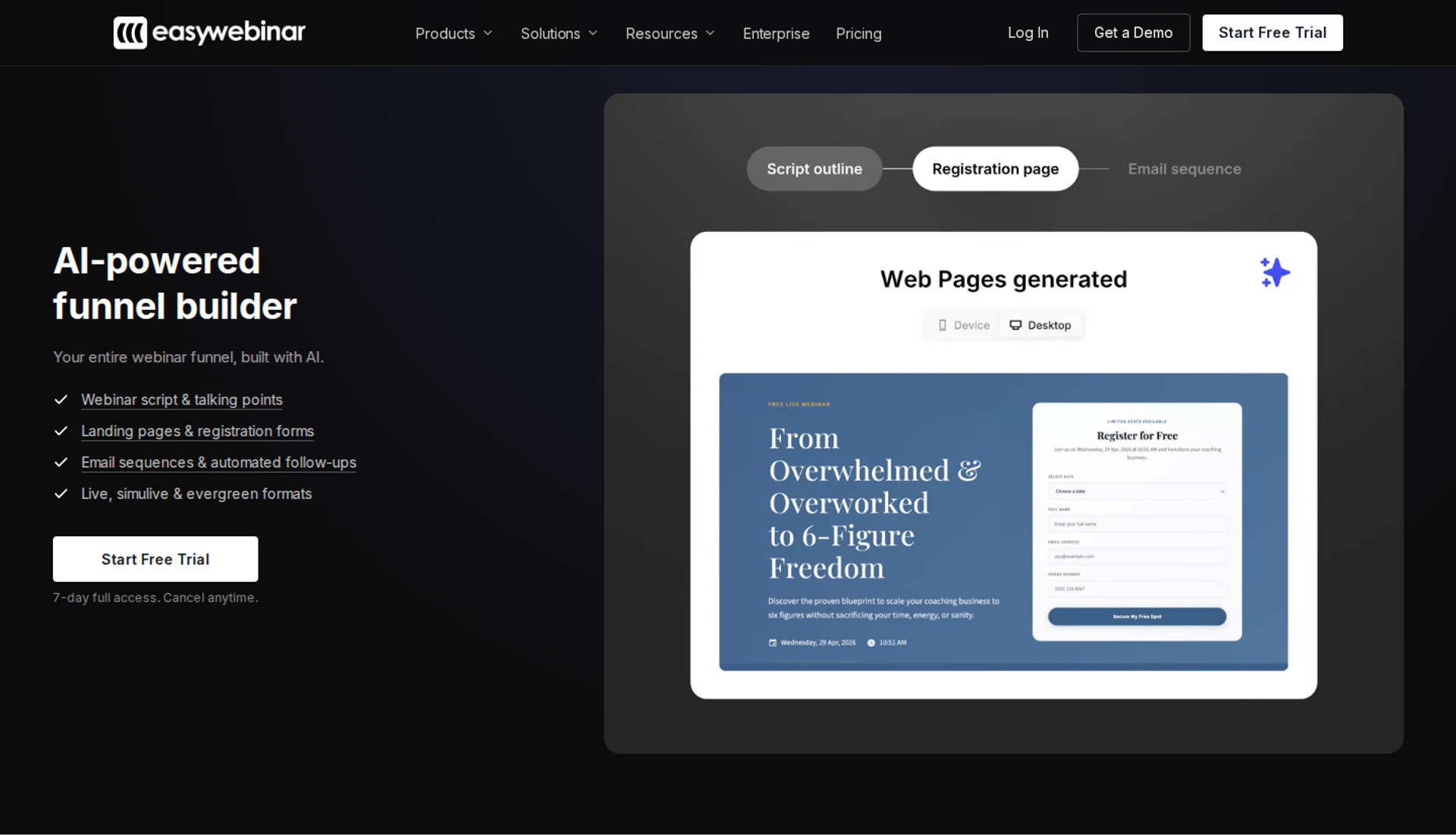
EasyWebinar is a webinar platform built for conversions. It is best for creators, coaches, and marketing teams that need one webinar to register, remind, sell, and follow up without stitching tools together. It belongs here because the registration page, reminders, live room, automated sessions, checkout, and CRM share one record. It may not fit buyers who need accredited courses with certificates, or a free plan.
| Quick fit | - |
|---|---|
| Best for | Coaches, course creators, and B2B marketing teams running sales or pipeline webinars |
| Skip if | You run one internal meeting a quarter, need a free plan, or need a learning management system |
| Strongest edge | Run it live, find the version that converts, then automate that exact session on the same subscription |
| Biggest trade-off | The entry plan is live-only; automation and checkout start at Growth |
| Pricing snapshot | Launch $44/mo, Growth $116/mo, Pro $198/mo, Scale $349/mo ; 7-day full-access trial, card required |
⭐ Why EasyWebinar ranks #1
EasyWebinar ranks first because it scores across all eight criteria instead of excelling at one. The registration page, reminders, session, and follow-up live in one system. That means a registrant cannot fall out of the funnel between tools. I built EasyWebinar after running webinars for my own course, when a list of 14,000 people taught me where funnels leak.
EasyWebinar describes its pricing as flat monthly, with no per-attendee fees inside the plan. Attendees beyond the limit are billed as overage, and the webinar keeps running. For a CFO, that removes the fear of a launch being cut off at the plan limit. For an operator, it means one bill instead of eight.
✅ What EasyWebinar does well
- Live to automated without rebuilding. EasyWebinar turns a proven live session into simulive, evergreen, just-in-time, or on-demand delivery. The registration page and reminders stay the same, so testing time is never lost.
- Just-in-time sessions that cut drop-off. EasyWebinar starts sessions minutes after sign-up, in the registrant's own time zone. The gap between "I'm interested" and "I'm watching" shrinks to almost nothing.
- AI-built funnel pages. EasyWebinar's AI Webinar Builder drafts the script, registration page, thank-you page, emails, polls, and timed call-to-action from a single prompt. You test headlines instead of polishing layouts.
- Your CRM or ours. EasyWebinar adds native HubSpot and Salesforce Pardot sync on Pro, and includes EasyCRM with lead scoring and automated follow-up from Growth. Sales can dial registrants without a middleware hop.
- Sell inside the room. EasyWebinar offers built-in checkout and paid webinars starting at Growth, so buyers pay without being redirected. The sale, the attendee, and the data stay together.
- Follow-up by behavior. EasyWebinar sends no-shows, early leavers, offer-clickers, and replay viewers their own sequences. SMS goes out through Twilio.
❌ Where EasyWebinar falls short
- Entry plan limits. EasyWebinar's Launch plan covers live webinars for 50 attendees, with automated viewers starting at Growth. Budget for Growth if evergreen is the goal.
- Native CRM sync sits at Pro. HubSpot and Salesforce Pardot sync start at $198/mo. Marketo is not a native integration.
- No free plan. EasyWebinar has no free plan; every plan starts with a 7-day full-access trial, and a card is required.
- Email reporting gaps. One G2 reviewer sends post-webinar sequences from another email tool because open and click rates are not tracked inside EasyWebinar.
📊 Decision scorecard
| Evaluation criterion | EasyWebinar fit | Why it matters |
|---|---|---|
| Live webinars | Strong | Every plan includes browser-based live webinars with nothing to download. |
| Simulated live or automated webinars | Strong | Simulive and automated sessions start at Growth. |
| Evergreen automation | Strong | Just-in-time, recurring, and scarcity scheduling turn one session into daily delivery. |
| Funnel pages | Strong | Registration, thank-you, and replay pages are built in, with AI drafts. |
| Engagement | Strong | Polls, chat, Q&A, countdowns, and timed offers run inside the room. |
| CRM and follow-up | Strong | EasyCRM from Growth; native HubSpot and Pardot sync from Pro. |
| Monetization | Strong | In-room checkout and paid webinars remove the redirect. |
| Analytics | Strong | Attendee-level watch time, offer clicks, purchases, and a drop-off heatmap. |
| Integrations | Partial | Thirteen CRM and email connections on Growth; no native Marketo. |
| Pricing fit | Partial | Flat pricing helps, but automation needs Growth at $116/mo. |
| Best-fit buyer | Strong | Creators, coaches, and teams whose webinars must produce revenue or pipeline. |
🎯 Best for / skip if
Choose EasyWebinar if your webinar has to register, remind, sell, and follow up in one place, and you plan to automate a session that already converts live. Skip it if you need accredited coursework, a free plan, or webinars purely for internal meetings.
💬 Reviews
"The registration and email notification features are really handy." - Eliza W., Founder, February 11, 2026, EasyWebinar G2 - Verified Review
"Intergration is somewhat limited, but if you are comfortable with Zapier you can easily update that." - Verified User in Professional Training & Coaching, November 1, 2024, EasyWebinar G2 - Verified Review
💸 Proof in practice
EasyWebinar's approved proof points show the funnel working on cold traffic. Rick Mulready runs a 30% registration rate on paid Facebook traffic at $8 to $12 cost per lead (the ad spend needed to win one registrant). EasyWebinar reports that Carla Biesinger generated $5M from one evergreen webinar funnel after scaling from small live events to a fully automated system.
1.2 Zoom Webinars Plus
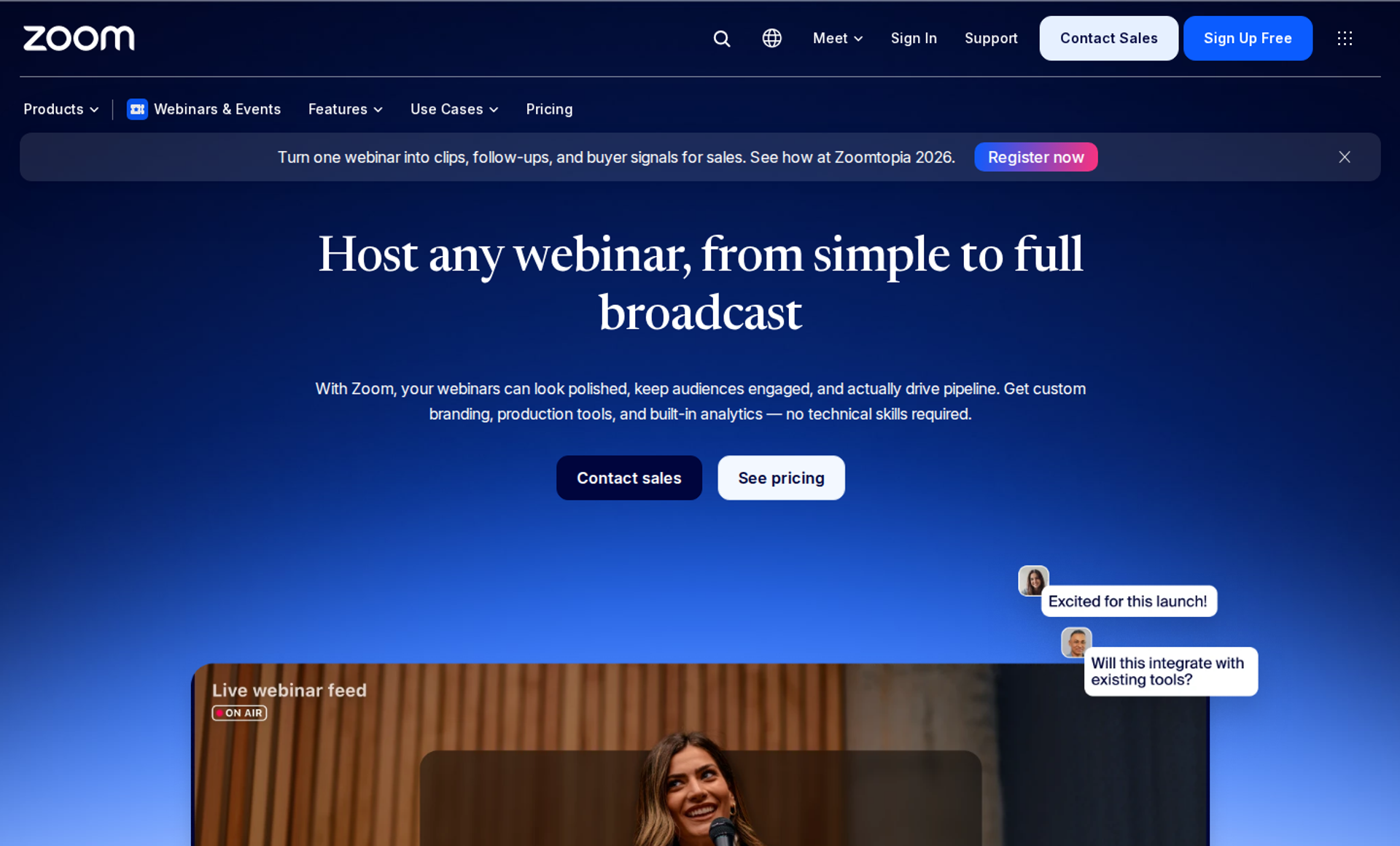
Zoom Webinars Plus is Zoom's upgraded webinar tier. It is best for marketing teams already standardized on Zoom that need branded single-session events and reliable large-audience delivery. It belongs here because registration, reminders, and marketing integrations are mature. It may not fit buyers who need evergreen funnels or in-room selling.
| Quick fit | - |
|---|---|
| Best for | Teams already on Zoom running branded launches, demos, and association webinars |
| Skip if | You need just-in-time evergreen sessions, in-room checkout offers, or behavior-based follow-up |
| Strongest edge | Large-audience reliability with a join flow most attendees already know |
| Biggest trade-off | Follow-up and conversion depend on your other marketing tools |
| Pricing snapshot | $99/mo billed monthly or $82.50/mo billed annually (starting tier) ; pay-per-attendee available; requires a Zoom Workplace Pro license |
⭐ Why Zoom Webinars Plus ranks #2
Zoom Webinars Plus ranks second on reliability, scale, and integration breadth. Zoom states its webinar products support up to 100,000 attendees, and attendees do not need a Zoom account to join. For a team whose audience already lives on Zoom, that removes friction at the door.
It trails EasyWebinar on the follow-up and monetization criteria. Zoom runs the meeting well. My read is that it hands the registrant to other tools once the session ends, and that handoff is where leads slip.
✅ What Zoom Webinars Plus does well
- Pre-recorded sessions with backstage control. Webinars Plus lets you pre-record content and play it at a scheduled time, and coordinate speakers in a private backstage space. Production gets calmer for multi-speaker events.
- Branded event pages with AI help. Zoom lists AI-generated text and images for event page design, plus richer cross-event analytics, on Webinars Plus. Teams launch a branded page faster.
- Deep marketing integrations. Zoom lists integrations with Eloqua, HubSpot, Marketo, Pardot, and Salesforce. Enterprise marketing stacks connect without custom code.
- Security posture for IT reviews. Zoom lists SOC 2 Type 2 and GDPR under security and privacy, and SSO via SAML 2.0. Procurement moves faster.
- Flexible buying. Zoom sells Webinars Plus as a monthly or annual subscription, or as a pay-per-attendee license used across a 12-month period. Irregular event calendars avoid paying for idle months.
❌ Where Zoom Webinars Plus falls short
- No evergreen funnel engine. Zoom offers no just-in-time sessions or recurring automated sales funnels. A live session cannot become a daily automated webinar.
- Base license required. Tech.co notes that Zoom Webinars requires a Zoom Workplace Pro subscription, which adds a second line to the bill.
- Limited look-and-feel control. G2 reviewers on the broader Zoom Events and Webinars product report few options to brand the experience.
- Selling happens elsewhere. Zoom's payment options cover event ticketing through Stripe and PayPal, not timed offers with checkout inside the room.
📊 Decision scorecard
| Evaluation criterion | Zoom Webinars Plus fit | Why it matters |
|---|---|---|
| Live webinars | Strong | Stable delivery up to 100,000 attendees. |
| Simulated live or automated webinars | Partial | Pre-recorded sessions run at set times, but without automated funnel scheduling. |
| Evergreen automation | Weak | No just-in-time or recurring evergreen sales sessions. |
| Funnel pages | Partial | Branded event pages exist; replay and offer pages are limited. |
| Engagement | Strong | Chat, polls, Q&A, reactions, and quizzes are included. |
| CRM and follow-up | Partial | Integrations are broad, but no built-in CRM or behavior-based sequences. |
| Monetization | Partial | Ticketing exists; in-room offers and checkout do not. |
| Analytics | Strong | Engagement scores, attendee profiles, and cross-event dashboards. |
| Integrations | Strong | HubSpot, Marketo, Eloqua, Pardot, Salesforce, and an open API. |
| Pricing fit | Partial | Low entry price, but a Workplace license is required. |
| Best-fit buyer | Strong | Teams already on Zoom running branded single-session events. |
🎯 Best for / skip if
Choose Zoom Webinars Plus if your organization already runs on Zoom and needs branded, reliable single-session events feeding an existing marketing stack. Skip it if you want one webinar to keep selling every day, or if follow-up must react to what each attendee did.
💬 Reviews
"Zoom has been everything we've wanted, and more, for running webinars for our national membership association." - Rob K., February 8, 2024, Zoom G2 - Verified Review
"Zoom Webinars almost completely lacks customization options to the look&feel." - Gabor F., February 23, 2023, Zoom G2 - Verified Review
1.3 EverWebinar / WebinarJam
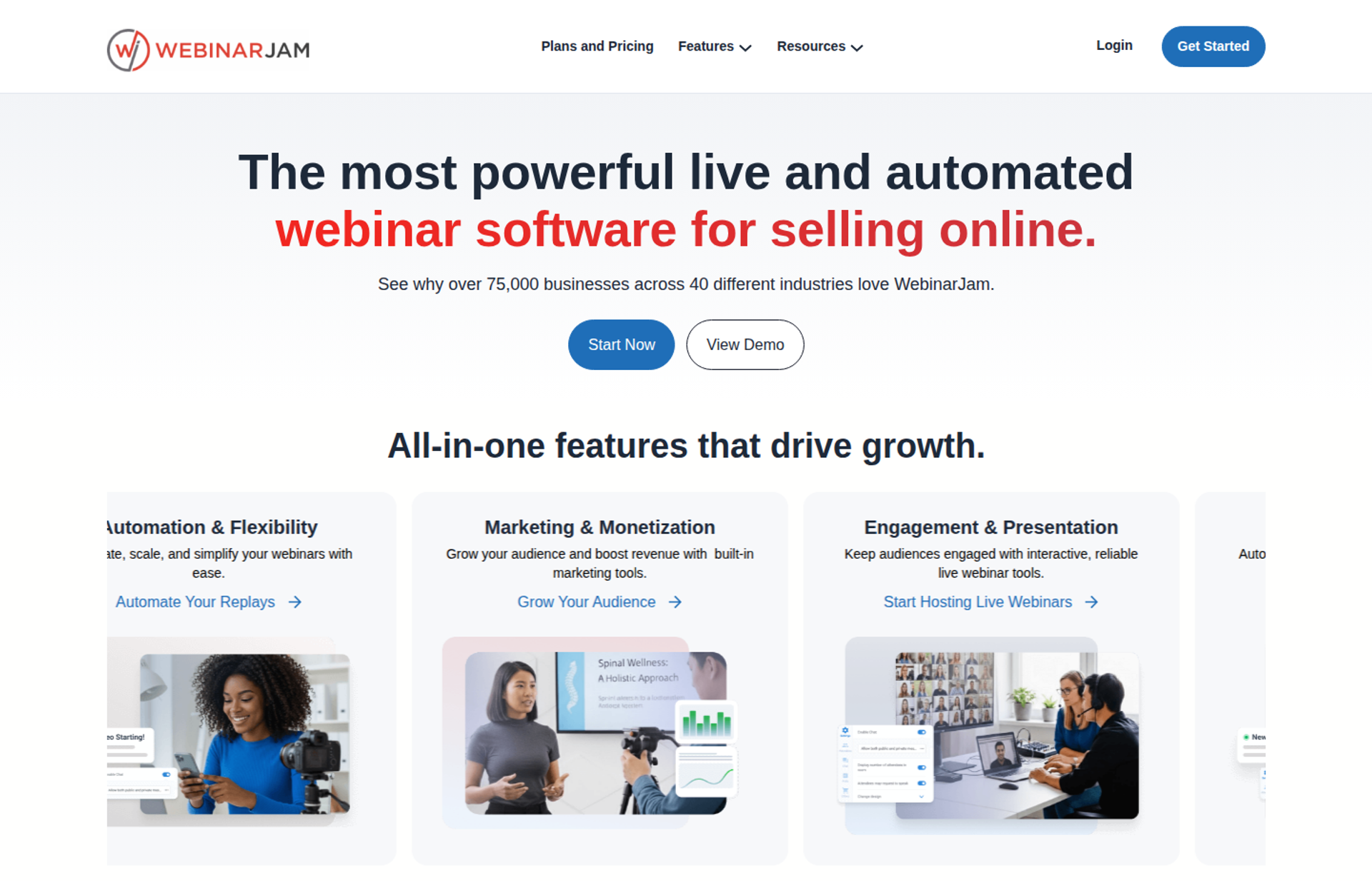
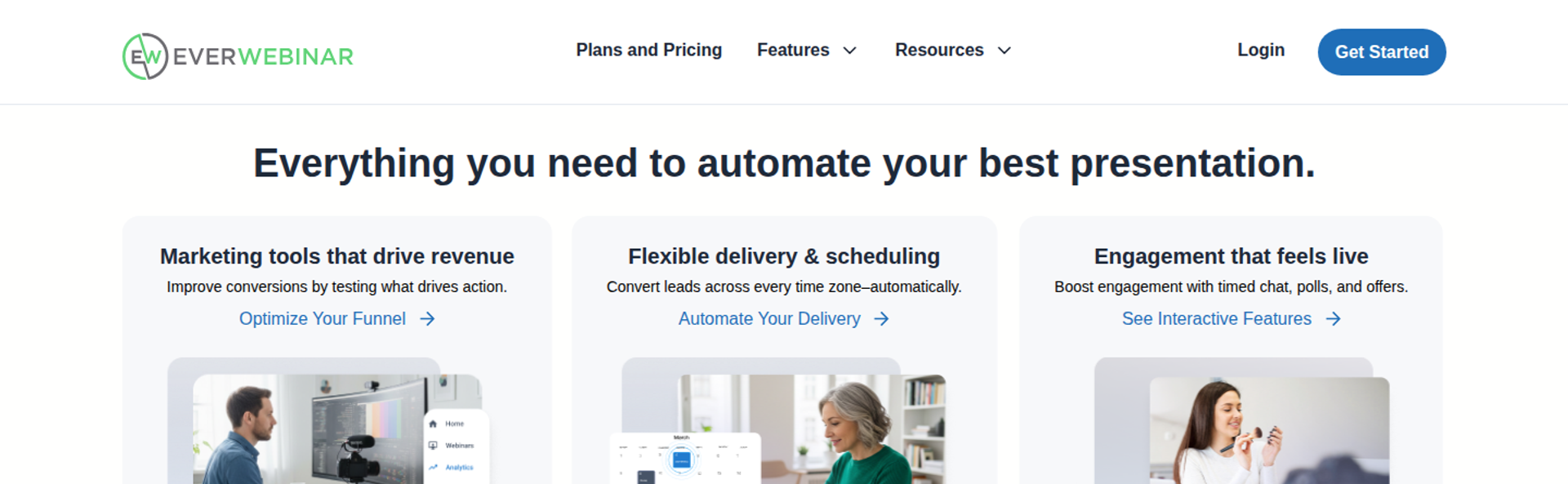
EverWebinar and WebinarJam are two Genesis Digital products sold as a pair, one for automated webinars and one for live webinars. They are best for marketers who run pre-recorded funnels with scarcity scheduling and want mature automation. They may not fit buyers who want live and automated delivery on one subscription, or follow-up handled natively.
| Quick fit | - |
|---|---|
| Best for | Info-product marketers running pre-recorded webinar funnels with scheduled scarcity |
| Skip if | You want live and automated webinars, CRM, and follow-up on one subscription and one login |
| Strongest edge | Mature automated scheduling, including just-in-time session options |
| Biggest trade-off | Live and automated delivery are separate products with separate bills |
| Pricing snapshot | EverWebinar: $199/mo monthly, $99/mo billed annually, $79/mo on a 2-year plan . WebinarJam: from $49/mo or $39/mo billed annually, up to $499/mo . Both offer a $1 14-day trial. |
⭐ Why EverWebinar / WebinarJam ranks #3
This pair ranks third because EverWebinar's automation is the most established engine on this list after EasyWebinar's. WebinarJam handles live webinars only, and EverWebinar is a separate purchase for automated sessions. That split is the main reason it sits below EasyWebinar, which runs live and automated delivery on one subscription.
The split matters most at the moment a live webinar starts converting. With EasyWebinar, I convert that exact session into an automated one in the same account. With this pair, you move the recording, the registration page, and the reminders into a second product.
✅ What EverWebinar / WebinarJam does well
- Scarcity scheduling for pre-recorded funnels. EverWebinar offers just-in-time dropdowns (sessions that start minutes after sign-up) alongside fixed schedules. Automated funnels capture visitors at peak intent.
- Clear attendee tiers on the live side. WebinarJam's Starter tier supports 100 attendees, Basic 500, Professional 2,000, and Enterprise up to 5,000 per session. Buyers can size the plan to the room.
- Built-in selling tools. WebinarJam includes offer pop-ups, countdown timers, and built-in email and SMS sequences. Offers can land during the pitch.
- A recovery option on higher tiers. WebinarJam's Panic Button is limited to its Professional and Enterprise plans. It gives hosts a way to recover a live session that breaks.
- Low-cost trial. WebinarJam offers a $1 trial for 14 days before paid plans begin. Teams can test both products before committing.
❌ Where EverWebinar / WebinarJam falls short
- Two products, two subscriptions. Running live and automated webinars means buying and managing both tools.
- Email delivery and integration reliability. G2 reviewers report registrant emails that did not send and inconsistent syncing to Mailchimp.
- Commitment pressure. EverWebinar's month-to-month rate is $199, roughly double its annual per-month rate. Flexibility costs extra.
- No built-in CRM. Lead scoring and sales follow-up live in external tools, which adds middleware between opt-in and dialer.
📊 Decision scorecard
| Evaluation criterion | EverWebinar / WebinarJam fit | Why it matters |
|---|---|---|
| Live webinars | Strong | WebinarJam scales to 5,000 attendees on Enterprise. |
| Simulated live or automated webinars | Strong | EverWebinar is purpose-built for automated sessions. |
| Evergreen automation | Strong | Just-in-time and scheduled scarcity are mature features. |
| Funnel pages | Partial | Registration templates exist; reviewers note limited polish. |
| Engagement | Strong | Pop-up offers, countdowns, and chat run inside the room. |
| CRM and follow-up | Weak | No built-in CRM; follow-up depends on external tools. |
| Monetization | Partial | Offers run in the room; checkout typically sits on an external page. |
| Analytics | Partial | Attendance reporting exists; revenue attribution needs other tools. |
| Integrations | Partial | Common email tools connect, but reviewers report sync issues. |
| Pricing fit | Partial | Low entry price, but two products are needed for full coverage. |
| Best-fit buyer | Strong | Marketers running pre-recorded funnels with scarcity scheduling. |
🎯 Best for / skip if
Choose EverWebinar and WebinarJam if your funnel is mostly pre-recorded and you are comfortable managing two products. Skip the pair if you want live validation and automation on one subscription, or native CRM follow-up. For more options, see our guide to WebinarJam alternatives.
💬 Reviews
"Their email service doesn't consistently send to registrants, or report emails that have been sent." - Tara G., June 23, 2023, WebinarJam G2 - Verified Review
"We originally were excited to find a webinar software that didn't require live events." - Kaylen M., August 24, 2021, EverWebinar G2 - Verified Review
1.4 GoHighLevel
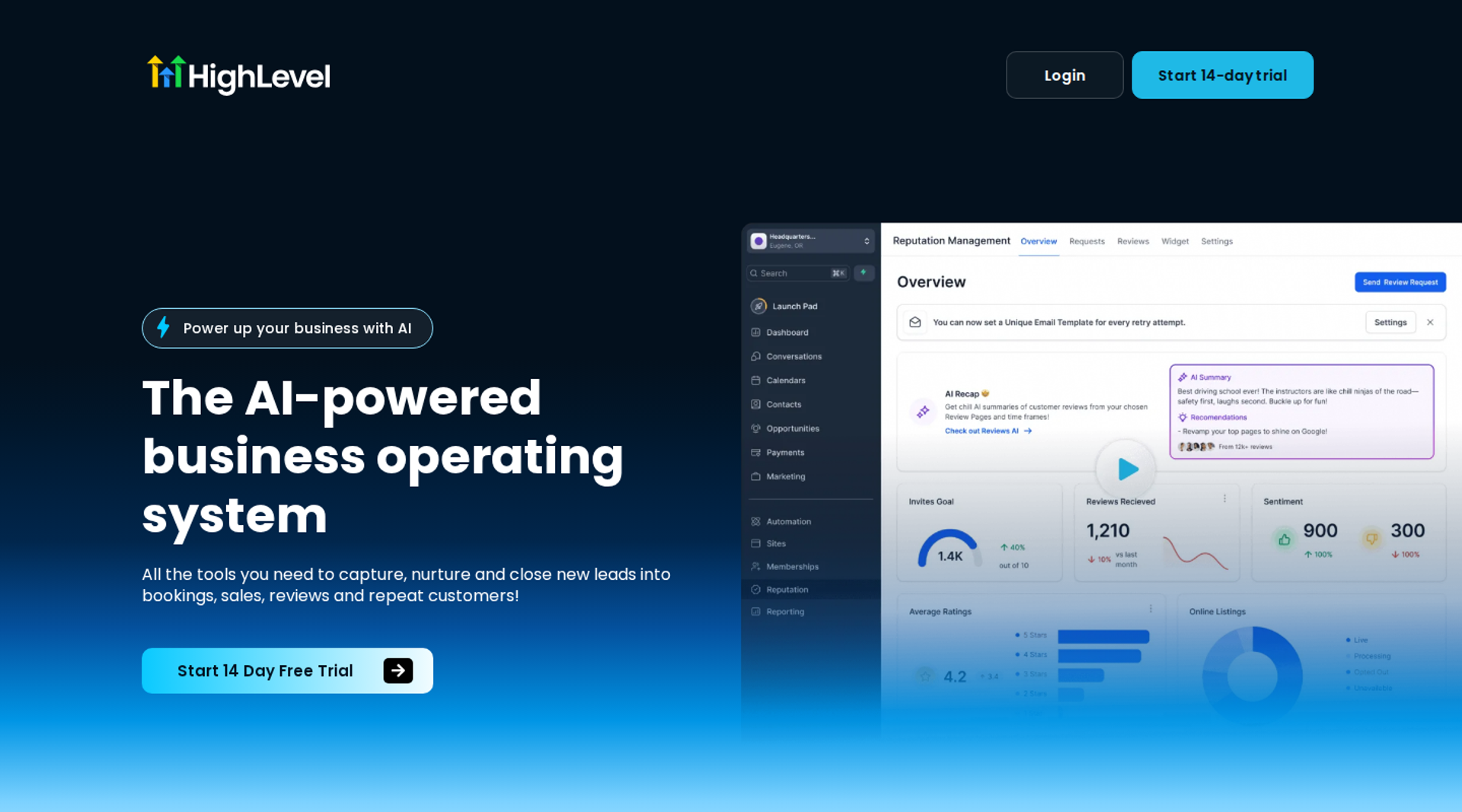
GoHighLevel is an all-in-one marketing and CRM platform used mainly by agencies. It is best for agencies and consultants already running client funnels in GoHighLevel, because its forms, event triggers, and SMS and email drips sit next to the CRM. It may not fit buyers who need a dedicated webinar room with automated delivery and in-session selling.
| Quick fit | - |
|---|---|
| Best for | Agencies running multiple client funnels and follow-up from one account |
| Skip if | The webinar room itself (engagement, evergreen delivery, in-session offers) is your priority |
| Strongest edge | CRM, funnel pages, and SMS and email automation under one login |
| Biggest trade-off | Webinar delivery is not the core product |
| Pricing snapshot | $97/mo Starter, $297/mo Unlimited, $497/mo Agency Pro , plus usage-based SMS, email, and AI charges |
⭐ Why GoHighLevel ranks #4
GoHighLevel ranks fourth because it scores highly on sign-up and follow-up, the two ends of the lifecycle. Its Starter plan includes CRM and pipeline management, workflow automation, email and SMS campaigns, a funnel and landing page builder, and appointment calendars. The middle of the lifecycle, the webinar itself, is where it trails.
EasyWebinar takes the opposite route. It connects natively with GoHighLevel, so an agency can keep its GoHighLevel CRM while EasyWebinar runs the room, the automated sessions, and in-room checkout. In my experience, that pairing is common with agencies that already live in GoHighLevel.
✅ What GoHighLevel does well
- One CRM for every client. GoHighLevel's plans include unlimited users and contacts. Agencies avoid per-seat creep.
- Event-triggered follow-up. Form submissions can trigger SMS and email drips, so reminders start the moment someone registers.
- Funnel pages without another tool. Registration and thank-you pages are built in, which removes a landing page subscription.
- Agency resale. Agency Pro is described as only earning its extra cost if you resell the platform. Agencies can turn the stack into recurring revenue.
❌ Where GoHighLevel falls short
- Not a webinar room. The live session, evergreen delivery, and in-session offers are thin compared with dedicated webinar platforms.
- Usage costs add up. SMS, email, phone, and AI usage typically add $30 to $300 per month on top of the plan.
- Breadth adds setup time. The platform covers many jobs, so building a clean webinar workflow takes configuration work.
| Evaluation criterion | GoHighLevel fit | Why it matters |
|---|---|---|
| Live webinars | Weak | Not a dedicated live webinar room. |
| Simulated live or automated webinars | Weak | No purpose-built automated webinar engine. |
| Evergreen automation | Not publicly disclosed | Evergreen workflows depend on how the funnel is configured. |
| Funnel pages | Strong | Drag-and-drop pages and forms are core features. |
| Engagement | Weak | In-session polls, Q&A, and timed offers are limited. |
| CRM and follow-up | Strong | A built-in CRM with SMS and email workflows. |
| Monetization | Partial | Funnel checkout exists outside the webinar room. |
| Analytics | Partial | CRM reporting exists; webinar engagement data is thin. |
| Integrations | Strong | API access on higher plans plus a large app ecosystem. |
| Pricing fit | Partial | Starter is $97/mo before usage charges. |
| Best-fit buyer | Strong | Agencies already running client funnels in GoHighLevel. |
Choose GoHighLevel if your agency's work centers on CRM, funnel pages, and SMS follow-up, and the webinar is one step among many. Skip it if the webinar room and automated delivery are what you are buying.
1.5 Riverside
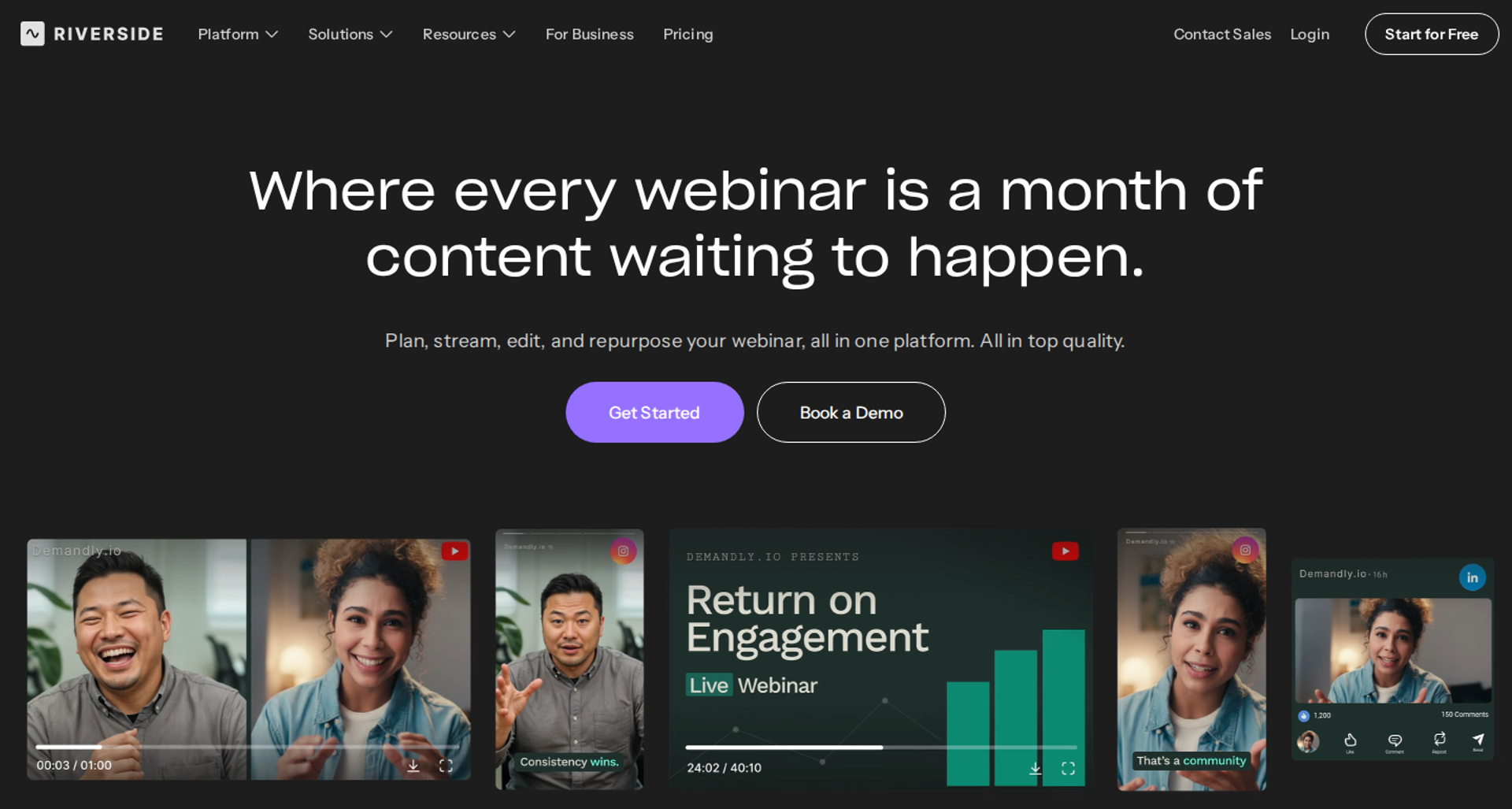
Riverside is a recording and production platform that added webinar hosting. It is best for teams that care most about studio-quality recordings and repurposing clips after the event. It may not fit buyers who need more than 100 registrants without a sales contract, or automated evergreen funnels.
| Quick fit | - |
|---|---|
| Best for | Podcasters and marketing teams that turn webinars into clips and content |
| Skip if | You need over 100 registrants on a self-serve plan, or automated evergreen sales funnels |
| Strongest edge | Local recording up to 4K with branded registration and AI repurposing |
| Biggest trade-off | Registrant caps and enterprise features sit behind a sales-led Business plan |
| Pricing snapshot | Webinar plan $99/mo monthly or $79/mo billed annually (100 registrants) ; Business is quote-based |
⭐ Why Riverside ranks #5
Riverside ranks fifth because its registration and reminder tools are real but capped. Its Webinar plan hosts up to 100 registrants and includes a custom branded registration form, branded email reminders and follow-ups, webinar analytics, and HubSpot lead sync. Beyond 100 registrants, you need the Business plan.
EasyWebinar ranks higher for a funnel-led buyer because its plans scale by attendees, not registrants. A 100-registrant cap can fill from one email send. Riverside earns its place on recording quality, which EasyWebinar does not compete on.
✅ What Riverside does well
- Studio-quality recordings. Local recording up to 4K means the replay looks better than the live stream. That matters for repurposing.
- Recurring and scheduled sessions. The Webinar plan supports recurring webinars, unlimited sessions, no time limits, and pre-recorded sessions streamed at a set time.
- Lead capture with CRM sync. HubSpot sync on the Webinar plan sends registrants to the CRM without a CSV export.
- Enterprise options on Business. Business adds up to 10,000 registrants, Salesforce and Marketo integrations, SSO, SOC 2 and ISO 27001 compliance, a dedicated CSM, and 24/7 priority chat.
❌ Where Riverside falls short
- Registrant cap. Riverside says Business becomes necessary once you need more than 100 webinar registrants.
- No in-room selling. Riverside offers no in-webinar checkout or timed sales offers.
- No evergreen funnel engine. Just-in-time scheduling and behavior-based sales sequences are not part of the product.
| Evaluation criterion | Riverside fit | Why it matters |
|---|---|---|
| Live webinars | Strong | 1080p live sessions with local recording up to 4K. |
| Simulated live or automated webinars | Partial | Pre-recorded sessions can stream at a set time. |
| Evergreen automation | Weak | No just-in-time or evergreen sales scheduling. |
| Funnel pages | Partial | Branded registration forms and embeds; no replay sales page builder. |
| Engagement | Partial | Q&A, polls, reactions, and call-ins; no timed offers. |
| CRM and follow-up | Partial | HubSpot on Webinar; Salesforce and Marketo on Business. |
| Monetization | Weak | No in-room checkout. |
| Analytics | Partial | Webinar analytics on the Webinar plan. |
| Integrations | Partial | Broader integrations need Business. |
| Pricing fit | Partial | $79/mo annual covers 100 registrants only. |
| Best-fit buyer | Strong | Content-led teams that repurpose recordings. |
Choose Riverside if recording quality and repurposing matter more than conversion mechanics, and your audience fits under 100 registrants. Skip it if your webinar has to sell, or your list is larger than the cap.
1.6 meetn
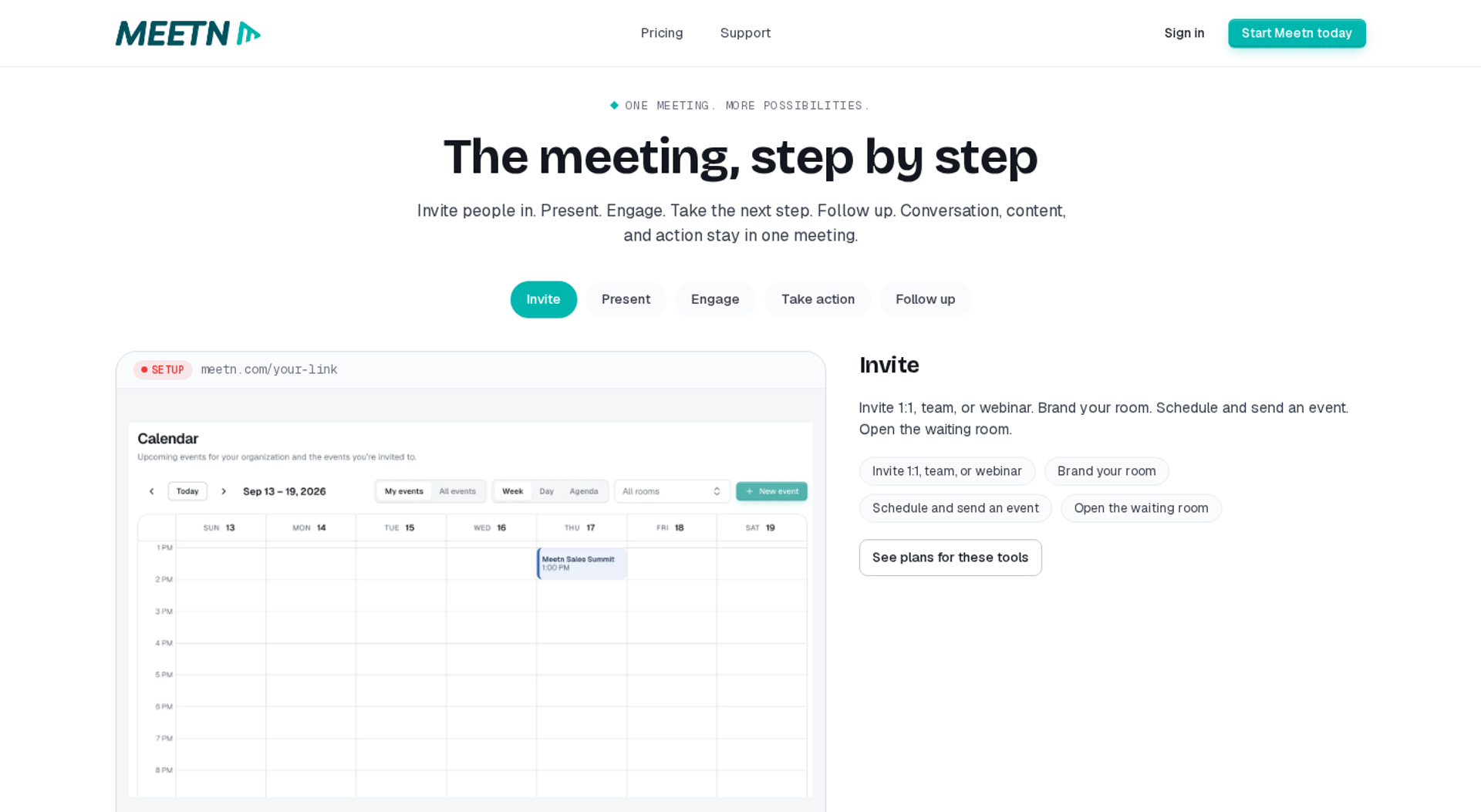
meetn is a browser-based meeting and webcast platform with webinar controls. It is best for coaches and small teams that need stable, low-cost rooms with basic registration and reminders. It may not fit buyers who need branded funnel pages or CRM-level follow-up.
| Quick fit | - |
|---|---|
| Best for | Coaches and small teams running recurring sessions on a tight budget |
| Skip if | You need funnel pages, CRM follow-up, or polished branding |
| Strongest edge | Low-cost rooms with webinar controls and a quiet host-entry mode |
| Biggest trade-off | Limited page styling and basic waiting room design |
| Pricing snapshot | Pro $19.95/seat/mo, Business $49.95/mo; the Ultimate add-on is $125 per room ($174.95 all in) |
⭐ Why meetn ranks #6
meetn ranks sixth on pricing transparency and simplicity, not on lifecycle coverage. Its Ultimate add-on turns a Business room into 1,000 attendees, 500 GB of storage, evergreen replays, and live interpretation. Registration collects name, email, and phone, with reminders at one day, one hour, and 15 minutes before start.
EasyWebinar covers what happens after the room closes, which is where meetn is light. If your follow-up already runs in another tool, meetn can be enough. If it doesn't, the gap shows up in the days after the webinar.
✅ What meetn does well
- Transparent room pricing. Extra rooms cost $9.95 a month on Pro and $24.95 on Business. Costs stay predictable as you add hosts.
- Three-step reminders. Reminders at one day, one hour, and 15 minutes cover the windows where show-up is won or lost.
- Quiet host entry. Admin mode lets a host check a room without alerting attendees.
- Evergreen replays on Ultimate. Replays can run on a schedule without moving to a new tool.
❌ Where meetn falls short
- Limited styling. Registration and waiting room design options are basic.
- Light follow-up. No built-in CRM, lead scoring, or behavior-based sequences.
- Add-on math. Capacity, evergreen, and selling features sit behind the $125 Ultimate add-on.
| Evaluation criterion | meetn fit | Why it matters |
|---|---|---|
| Live webinars | Strong | Stable rooms up to 1,000 attendees with Ultimate. |
| Simulated live or automated webinars | Partial | Evergreen replays require the Ultimate add-on. |
| Evergreen automation | Partial | Replays run on a schedule; no just-in-time sessions. |
| Funnel pages | Weak | Basic registration styling. |
| Engagement | Partial | Webinar controls, Q&A, and breakout rooms. |
| CRM and follow-up | Weak | No built-in CRM or behavior sequences. |
| Monetization | Partial | In-meeting selling depends on the plan and add-ons. |
| Analytics | Weak | Basic attendance reporting. |
| Integrations | Not publicly disclosed | Confirm CRM and email connectors with the vendor. |
| Pricing fit | Strong | Low monthly cost with published add-on prices. |
| Best-fit buyer | Strong | Budget-conscious coaches running recurring sessions. |
Choose meetn if you need reliable, low-cost rooms with simple registration and reminders. Skip it if your webinar must feed a CRM, sell during the session, or run follow-up by behavior.
1.7 ScoreApp
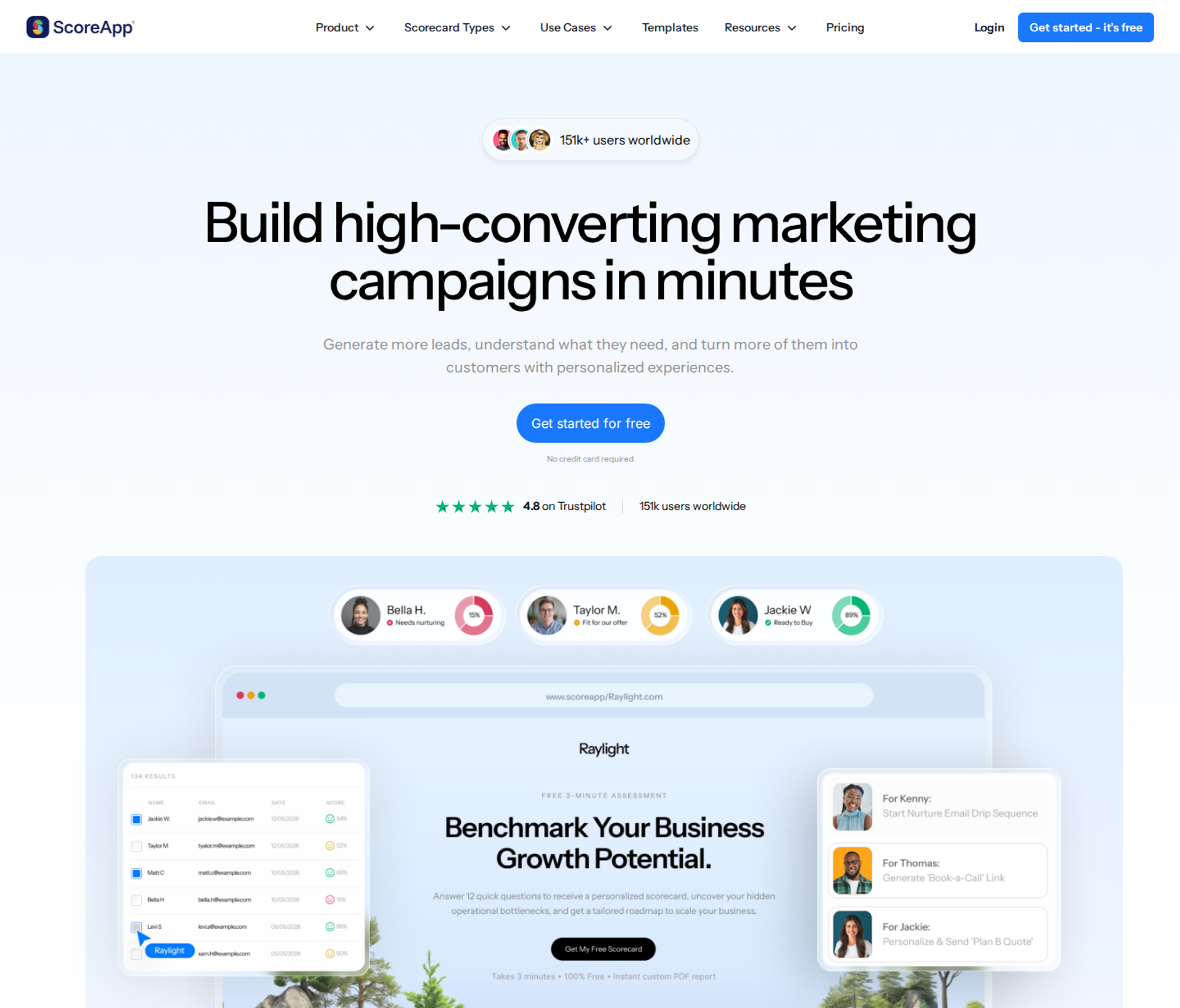
ScoreApp is a quiz and scorecard builder used as a lead-capture front end. It is best for consultants and coaches who want to qualify registrants with a scored assessment before inviting them to a session. It may not fit buyers who need the webinar itself hosted, reminded, or followed up.
| Quick fit | - |
|---|---|
| Best for | Consultants qualifying leads with a scored quiz before a webinar or call |
| Skip if | You need webinar hosting, reminders, or attendance tracking |
| Strongest edge | Assessment-led opt-ins that segment leads by score |
| Biggest trade-off | It replaces the registration form only, not the webinar |
| Pricing snapshot | Free plan; Starter $39/mo ($30 billed annually); Business $99/mo ($75); Pro $149/mo ($112); Enterprise from $799/mo |
⭐ Why ScoreApp ranks #7
ScoreApp ranks seventh because it covers one stage of the lifecycle very differently. The research brief cites assessment funnels reaching 20% to 40% opt-in rates by replacing a plain form with a scored quiz. That is a real sign-up lever. Attendance and follow-up still need another tool.
EasyWebinar's approach to the same stage is a simple registration page drafted by its AI Webinar Builder. My own testing says headline relevance does most of the work. A quiz earns its place when you need segmentation before the session, not just a higher opt-in rate.
✅ What ScoreApp does well
- Higher-intent opt-ins. A scored assessment asks more of the visitor, so registrants arrive pre-qualified.
- Segmented next steps. Leads are grouped by score, so follow-up can match their situation.
- Low entry cost. ScoreApp offers a free plan with basic features, and paid plans start at $39 per month.
- Metered scaling. Plans scale by monthly responses, so costs follow lead volume.
❌ Where ScoreApp falls short
- Not a webinar host. There is no room, replay, or attendance tracking.
- Response caps. The $39 Starter plan covers 100 responses per month. A working funnel can outgrow it quickly.
- Added friction. A multi-question quiz can lower completions for cold traffic that just wants a time slot.
| Evaluation criterion | ScoreApp fit | Why it matters |
|---|---|---|
| Live webinars | Weak | No webinar hosting. |
| Simulated live or automated webinars | Weak | Not supported. |
| Evergreen automation | Weak | Not supported. |
| Funnel pages | Strong | Quiz pages built for lead capture. |
| Engagement | Weak | Engagement happens before the session, not during it. |
| CRM and follow-up | Partial | Score-based segmentation feeds connected tools. |
| Monetization | Weak | No webinar checkout. |
| Analytics | Partial | Quiz response analytics only. |
| Integrations | Partial | CRM connections pass scores onward. |
| Pricing fit | Partial | Cheap to start, metered by responses. |
| Best-fit buyer | Strong | Consultants who qualify before they present. |
Choose ScoreApp if you want a scored quiz in front of your webinar to segment leads. Skip it if you need a platform that runs the webinar and everything after it.
1.8 Heartbeat
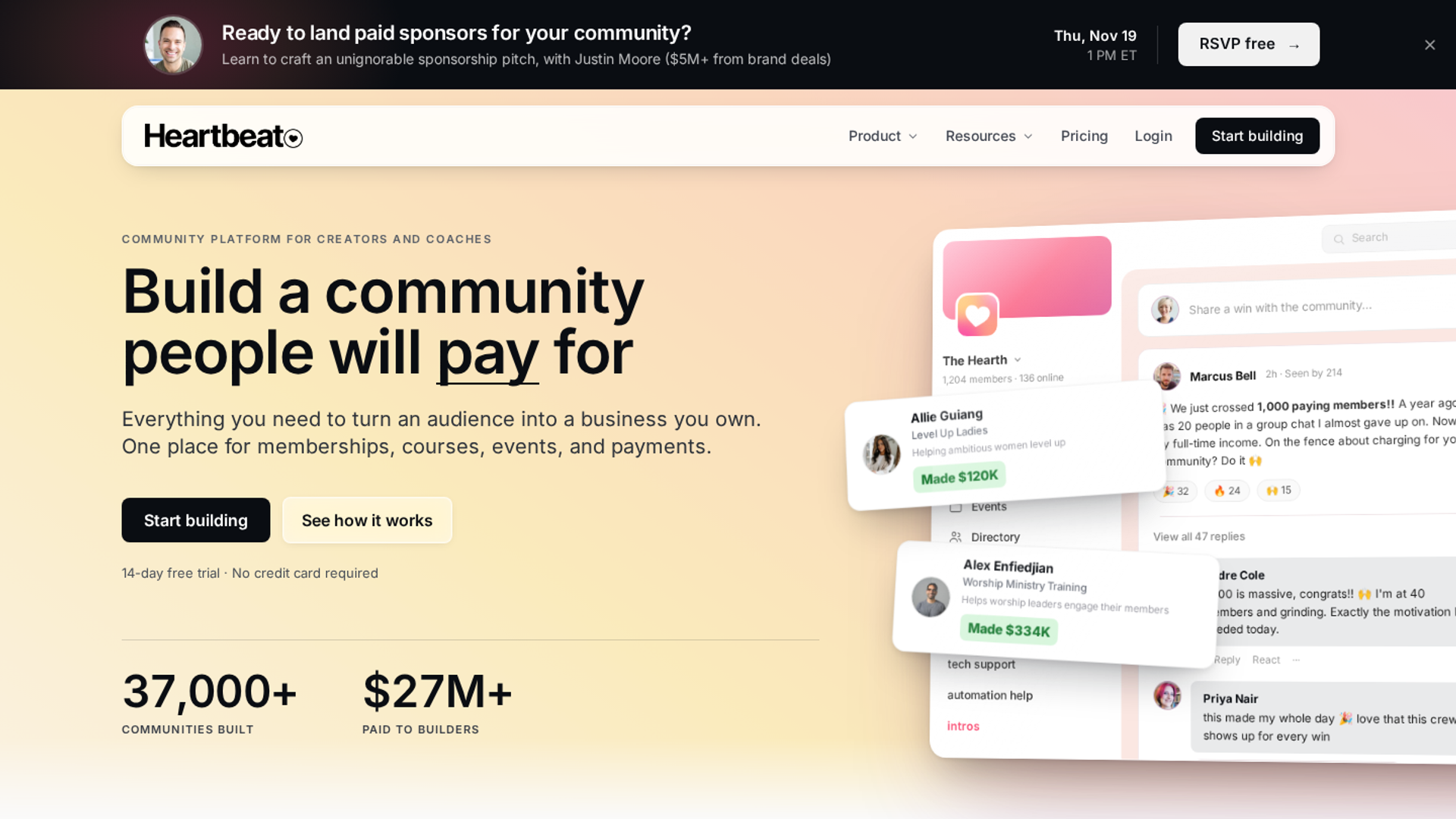
Heartbeat is a community platform with events, courses, and payments. It is best for creators who run public or paid events to grow a membership community. It may not fit buyers who need webinar funnels, evergreen delivery, or sales follow-up.
| Quick fit | - |
|---|---|
| Best for | Community builders using public events to attract new members |
| Skip if | Your webinar is a sales funnel rather than a community touchpoint |
| Strongest edge | Outside guests can register for public events without creating an account |
| Biggest trade-off | Built for community events, not webinar conversion |
| Pricing snapshot | Build $49/mo, Grow $149/mo, Scale custom; 14-day free trial with no card |
⭐ Why Heartbeat ranks #8
Heartbeat ranks eighth because its event registration removes a common source of friction. Heartbeat supports public events that funnel new leads into the community. Community builder Bri Leever, who has built 55+ communities, credits it with letting outsiders register without creating an account.
EasyWebinar's stance here is partnership, not competition. A community can live on Heartbeat while a webinar on EasyWebinar sells the membership. Heartbeat ranks below the webinar-first tools because it has no evergreen engine or in-session offers.
✅ What Heartbeat does well
- Low-friction public events. Guests register without an account, which protects sign-up conversion.
- Paid tickets. Hosts can set event capacity and ticket prices, including pay-what-you-can.
- Built-in reminders. Heartbeat says its automatic email and in-app notifications raise attendance by 32%.
- Community follow-up. Chats and channels keep attendees engaged after the event.
❌ Where Heartbeat falls short
- No webinar funnel. No evergreen sessions, just-in-time scheduling, or timed offers.
- Transaction fees. Heartbeat adds transaction fees on top of plan pricing.
- No sales CRM. Lead scoring and sales follow-up need other tools.
| Evaluation criterion | Heartbeat fit | Why it matters |
|---|---|---|
| Live webinars | Partial | Virtual events run inside the community. |
| Simulated live or automated webinars | Weak | Not supported. |
| Evergreen automation | Weak | Not supported. |
| Funnel pages | Partial | Event pages exist; no webinar sales pages. |
| Engagement | Partial | Community chat before and after events. |
| CRM and follow-up | Weak | Community notifications, not sales sequences. |
| Monetization | Partial | Paid tickets and memberships, with transaction fees. |
| Analytics | Weak | Community metrics, not webinar attribution. |
| Integrations | Not publicly disclosed | Confirm connectors with the vendor. |
| Pricing fit | Strong | $49/mo entry with a no-card trial. |
| Best-fit buyer | Strong | Creators growing a paid community through events. |
Choose Heartbeat if your events exist to grow a community and outsiders must register without friction. Skip it if your webinar is a sales funnel that needs automation and follow-up.
1.9 Circle
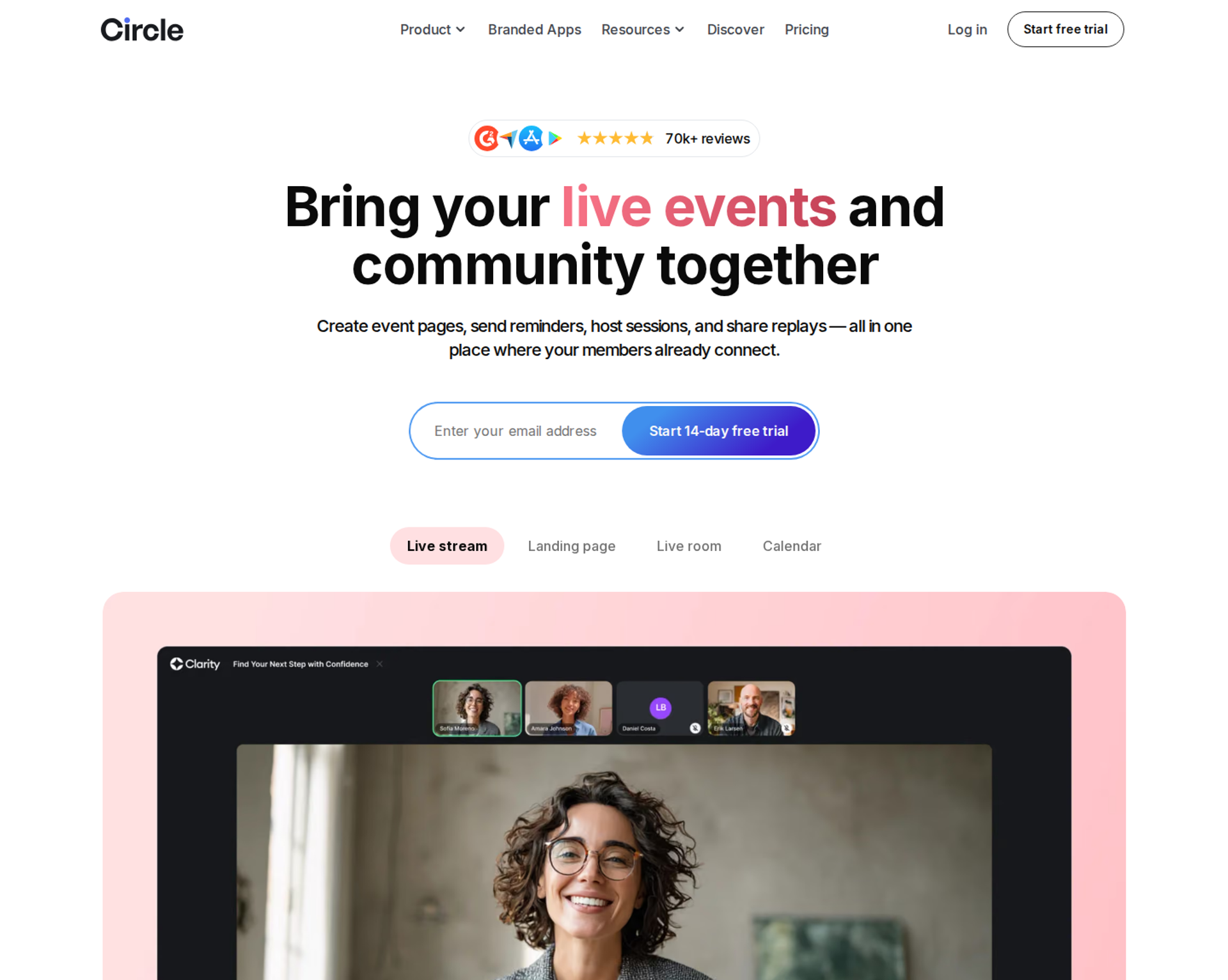
Circle is a community platform that combines discussions, courses, and live events. It is best for course and membership communities that host live events for existing members. It may not fit buyers who need low-friction public registration or webinar sales funnels.
| Quick fit | - |
|---|---|
| Best for | Membership communities running live events for existing members |
| Skip if | You want public registration without forcing a new account |
| Strongest edge | Events, courses, and discussions in one community home |
| Biggest trade-off | External RSVPs must create a Circle account |
| Pricing snapshot | Professional $89/mo and Business $199/mo billed yearly; Circle Plus custom; 0.5% to 2% transaction fees |
⭐ Why Circle ranks #9
Circle ranks ninth because its events work well inside a community and add friction outside it. Bri Leever's comparison notes that outside guests must create a full Circle account to RSVP to a public event. On a registration page, that extra step costs opt-ins.
EasyWebinar's position is the same as with Heartbeat: host the community where it lives, and sell the membership with a webinar. Circle earns its place for operators whose events serve members first.
✅ What Circle does well
- One community home. Courses, discussions, live streams, and events share one login for members.
- Clear published pricing. Circle lists Professional at $89 a month and Business at $199, both billed yearly.
- Fees fall on higher plans. Transaction fees are 2% on Professional, 1% on Business, and 0.5% on Circle Plus.
- Trial access. All plans include a 14-day free trial without a credit card.
❌ Where Circle falls short
- Account wall for outsiders. Public event RSVPs require account creation.
- No webinar funnel tools. No evergreen sessions, timed offers, or behavior-based sequences.
- Monthly billing costs more. Circle's month-to-month prices of $99 and $219 appear only in the page code, not on screen.
| Evaluation criterion | Circle fit | Why it matters |
|---|---|---|
| Live webinars | Partial | Live streams and events run inside the community. |
| Simulated live or automated webinars | Weak | Not supported. |
| Evergreen automation | Weak | Not supported. |
| Funnel pages | Partial | Landing page builder; no webinar funnel pages. |
| Engagement | Partial | Strong community engagement, light in-session tools. |
| CRM and follow-up | Weak | No sales CRM or behavior sequences. |
| Monetization | Partial | Memberships and paywalls, with transaction fees. |
| Analytics | Weak | Community analytics, not webinar attribution. |
| Integrations | Partial | APIs on Business and above. |
| Pricing fit | Partial | $89/mo entry billed yearly. |
| Best-fit buyer | Strong | Membership communities serving existing members. |
Choose Circle if your live events serve members who already have accounts. Skip it if your registration page needs to convert cold visitors without an account wall.
1.10 Stan Store
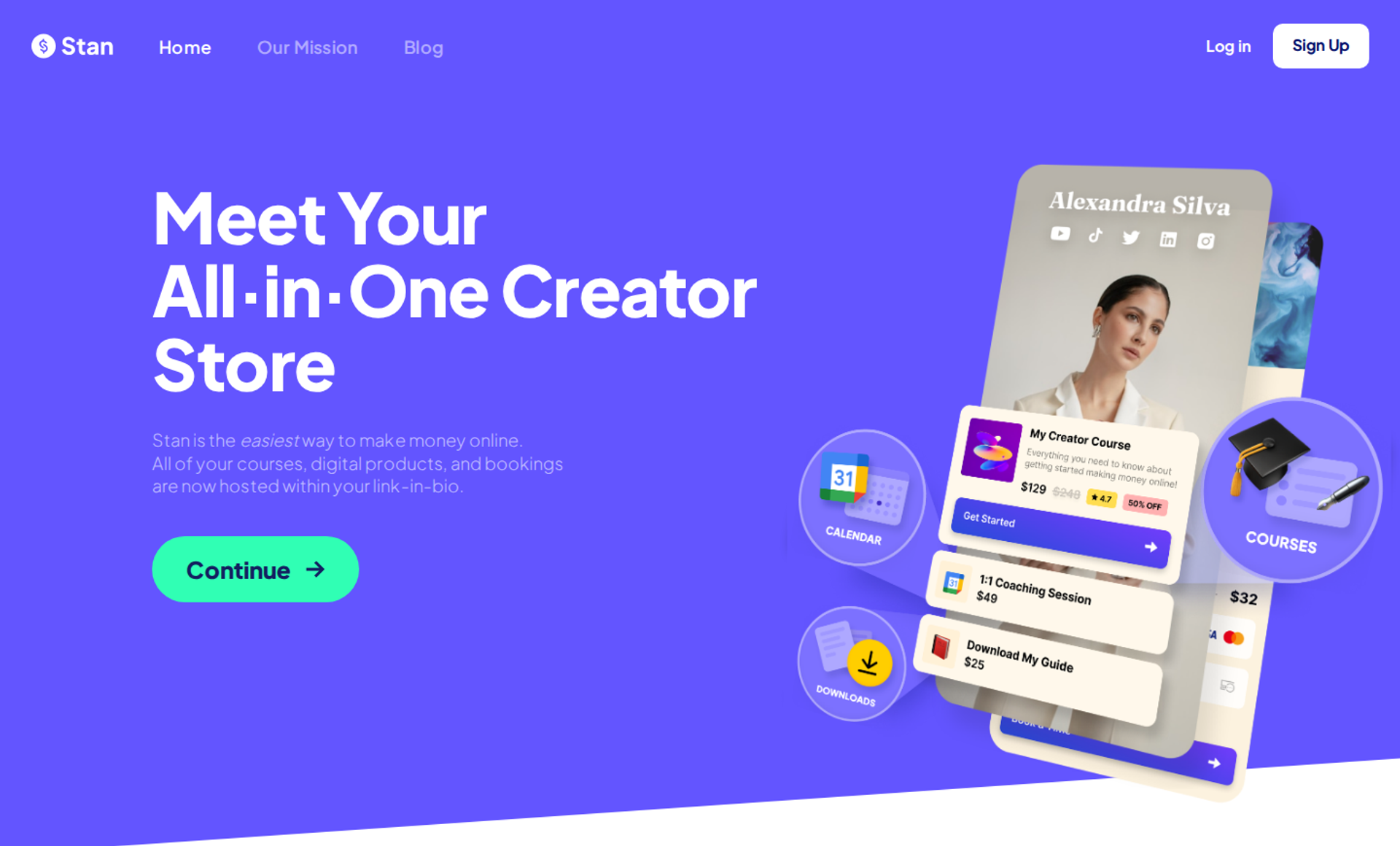
Stan Store is a link-in-bio storefront for creators. It is best for creators selling workshop seats from Instagram and TikTok, because comment-triggered DMs deliver a checkout link. It may not fit buyers who need a webinar room, reminders, or attendance tracking.
| Quick fit | - |
|---|---|
| Best for | Social-first creators selling live workshop seats to followers |
| Skip if | You need reminders, attendance tracking, or a webinar room |
| Strongest edge | Comment-to-DM triggers that send a checkout link |
| Biggest trade-off | It handles sign-up and payment, not the webinar lifecycle |
| Pricing snapshot | Creator $29/mo or $300/yr; Creator Pro $99/mo or $948/yr |
⭐ Why Stan Store ranks #10
Stan Store ranks tenth because it covers sign-up and checkout but little else in the lifecycle. A follower comments a keyword, receives a DM, and buys a seat. That is a fast path from social post to registration.
EasyWebinar picks up where Stan Store stops. EasyCast streams to social channels, and QR-code offers let viewers who never registered still buy. Stan Store earns its place for creators whose audience lives in their DMs.
✅ What Stan Store does well
- Social-native sign-up. Comment triggers move a follower from post to checkout without a landing page.
- Simple pricing. Creator costs $29 a month or $300 a year, and Creator Pro costs $99 a month or $948 a year.
- No platform cut. Stan Store takes 0% of sales on both plans.
- Upsells on Pro. Creator Pro adds order bumps, upsells, email flows, and ad-pixel tracking.
❌ Where Stan Store falls short
- No webinar room. Sessions run on another tool.
- No attendance data. Without attendance tracking, no-show recovery and replay follow-up are not possible.
- Branding limits. Removing Stan branding requires Creator Pro.
| Evaluation criterion | Stan Store fit | Why it matters |
|---|---|---|
| Live webinars | Weak | No webinar hosting. |
| Simulated live or automated webinars | Weak | Not supported. |
| Evergreen automation | Weak | Not supported. |
| Funnel pages | Partial | Storefront pages, not webinar funnels. |
| Engagement | Weak | No in-session tools. |
| CRM and follow-up | Partial | Email flows on Creator Pro only. |
| Monetization | Strong | Checkout with 0% platform fees. |
| Analytics | Partial | Sales analytics, not attendance. |
| Integrations | Not publicly disclosed | Confirm connectors with the vendor. |
| Pricing fit | Strong | $29/mo entry. |
| Best-fit buyer | Strong | Social-first creators selling workshop seats. |
Choose Stan Store if your buyers come from social DMs and you host the session elsewhere. Skip it if you need the platform to remind, host, and follow up.
EasyWebinar sits first in this list because its strengths match what the criteria reward. Registration, reminders, live and automated delivery, in-room checkout, and behavior-based follow-up share one record. Each tool ranked below it covers part of that lifecycle well, so the right second or third shortlist pick depends on which stage your funnel leaks at.
Q2. How Did We Score These Webinar Registration Platforms?
This guide scored each platform on five weighted criteria totaling 100 points. Full-lifecycle coverage across sign-up, attendance, and follow-up weighs 30%. Native data flow without middleware weighs 25%. Attendance tooling weighs 20%, covering native SMS, reminder cadence, and just-in-time sessions (sessions that start minutes after sign-up). Registration-page conversion and simplicity weighs 15%, and verified user reviews weigh 10%. Scores convert to stars in 20-point bands, from 1 star (0 to 20) to 5 stars (81 to 100).
⚖️ The five weighted criteria
EasyWebinar's team built this rubric around where registrants get lost, not around feature counts. Each weight reflects how much revenue leaks when that stage fails.
| Criterion | Weight | What we checked | Why this weight |
|---|---|---|---|
| Full-lifecycle coverage | 30% | Sign-up, reminders, the session, replay, and behavior-based follow-up in one record | A gap at any stage loses the registrant |
| Native data flow | 25% | Direct CRM sync versus Zapier or CSV exports | Silent sync failures cost leads before showtime |
| Attendance tooling | 20% | Native SMS, reminder timing, and just-in-time sessions | Show-up rate decides how many people see the offer |
| Registration-page conversion | 15% | Page speed, mobile layout, form length, and launch time | Opt-in rate multiplies everything after it |
| Verified user reviews | 10% | G2 reviews in our review files, weighted toward recent ones | Real operators expose limits vendors skip |
Two sub-criteria carry extra weight inside their categories. Behavior-based follow-up (different messages for no-shows, early leavers, and replay viewers) sits under lifecycle coverage. Native SMS sits under attendance tooling.
⚠️ Why data flow outweighs page design
Ad agency owner Jeremy Haynes once found a couple hundred registrants missing from his sales dialer four hours before a webinar. A Zapier plan limit had silently stopped passing opt-ins to his CRM. EasyWebinar weights data flow at 25% because of moments like that.
My rule is simple. A missing registrant costs more than an ugly page. You can fix a headline on Tuesday, but you cannot call a lead your CRM never received.
⭐ How scores convert to stars
| Platform | Score (out of 100) | Stars |
|---|---|---|
| EasyWebinar | 91 | ⭐⭐⭐⭐⭐ |
| Zoom Webinars Plus | 72 | ⭐⭐⭐⭐ |
| EverWebinar / WebinarJam | 66 | ⭐⭐⭐⭐ |
| GoHighLevel | 58 | ⭐⭐⭐ |
| Riverside | 52 | ⭐⭐⭐ |
| meetn | 47 | ⭐⭐⭐ |
| ScoreApp | 38 | ⭐⭐ |
| Heartbeat | 36 | ⭐⭐ |
| Circle | 33 | ⭐⭐ |
| Stan Store | 28 | ⭐⭐ |
Star bands run in 20-point steps: 0 to 20 earns 1 star, 21 to 40 earns 2, 41 to 60 earns 3, 61 to 80 earns 4, and 81 to 100 earns 5. Pricing facts behind each score come from vendor pricing pages checked on October 15, 2026, including EasyWebinar's pricing page, Zoom's Events and Webinars pricing, and Riverside's Plans and Pricing.
🔍 What these scores do not measure
This rubric rewards funnel-led buyers. It does not score studio recording quality, community features, or multi-track conference tools. Riverside, Heartbeat, and Circle win on those jobs, and they rank lower here only because this guide measures registration-to-revenue.
EasyWebinar wrote this rubric, so read it with that in mind. I'd suggest re-weighting the table against your own funnel. If recording quality matters more than CRM sync, your order will change.
💰 Where EasyWebinar lands
EasyWebinar scores 91 because registration, reminders, the session, and follow-up share one record. Registrants sync natively to HubSpot or Salesforce Pardot (Account Engagement) from the Pro plan, or stay in EasyCRM from Growth. Its score is not perfect. Automation starts at Growth rather than the entry plan, and Marketo is not a native integration.
Q3. What Should Webinar Registration Software Handle Beyond the Sign-Up Form?
Webinar registration software should capture the sign-up, confirm it, get the registrant into the room, and pass every registrant to the CRM. It should also trigger follow-up based on what each person did. Two numbers judge the job, and they measure different things. Livestorm's 2025 platform data shows a 47.7% live show-up rate. ON24's 2026 benchmark reports 60% registration-to-attendee conversion, but that figure combines live and on-demand viewing.
📋 The form is the cheapest part of the job
A registration form takes ten minutes to build. The expensive part is everything after the submit button: the confirmation, the reminders, the join link, the replay, and the follow-up. EasyWebinar treats registration as step one of a single system, not as a standalone form.
I learned this the slow way. My early weekly baseline was 60 registered, 30 showed up, and 3 bought a $1,000 program. That is $12,000 a month, and every lost registrant came straight off that number.
⚠️ The old way: four tools and a Zap
The common setup chains a form builder, Zapier, a CRM, and an email tool. Each handoff is a place a registrant can disappear. Jeremy Haynes caught a couple hundred missing opt-ins four hours before showtime, after a Zapier plan limit stopped firing.
I've watched operators spend six months to a year getting a chained funnel stable. Every connection to the next stage adds another failure point. Meanwhile, nobody notices the leak until sales starts dialing an incomplete list.
📊 What changed: sales dials before the webinar starts
Teams now call registrants before showtime to lift attendance. That makes a sync gap a show-up problem, not just a reporting problem. Measurement has also matured. ON24 says 52% of its attendees watched on demand, which is why a 60% total conversion rate cannot be compared directly with a live show-up rate.
ON24's figure has also climbed, from 56% in 2023 to 57% in 2024 and 60% in 2025. Replay viewing now carries real weight, so platforms that ignore replay follow-up miss a large share of the audience.
✅ EasyWebinar's answer: one record from sign-up to sale
EasyWebinar attendees join from any browser, on desktop or mobile, with nothing to download. Registration, email reminders, SMS through Twilio, the session, and the replay all write to the same record. No-shows, early leavers, offer-clickers, and replay viewers each get their own follow-up sequence.
EasyWebinar syncs natively with HubSpot and Salesforce Pardot (Account Engagement) on Pro. It also connects to ActiveCampaign and Kit (formerly ConvertKit), or keeps registrants in EasyCRM, which includes an auto-dialer, from Growth. Sales calls the list the platform holds, not a copy that may be stale.
💬 What operators report
"I want to run a monthly webinar but was concerned about the many tasks involved - registrations, reminder emails, follow ups, making the recordings available etc etc." - David L., Founder, February 27, 2025, EasyWebinar G2 - Verified Review
"It could also cause chaos because of the registration process needing to leave the landing page for all users." - Hetvi B., April 24, 2023, Zoom G2 - Verified Review
💰 Where EasyWebinar fits
EasyWebinar runs the full registration lifecycle in one place: browser join, email and SMS reminders, replay, and behavior-based follow-up. Keep your CRM through native HubSpot or Pardot sync, or use EasyCRM with its auto-dialer. The registrant who signs up is the same record sales calls and the same record that buys.
Q4. Does a Prettier Registration Page Actually Convert Better?
Usually not. Headline relevance and offer strength drive opt-in rates more than design does. Jason Fladlien's $57.9M launch started on an ugly default registration page. Form length matters too. BigMarker data shows 44% conversion with a short, minimal form versus 38% with a longer lead-gen form. Custom design earns its place mainly with B2B audiences, where brand trust carries more weight.
🎨 The design trap
A first-time presenter spends six weeks on a registration page. It has a video, three testimonials, and a long bio. The webinar date slips twice, and the offer never gets tested.
Jon Penberthy's math shows what is really at stake. A page converting at 15% that doubles to 30% doubles the business, if everything else holds. EasyWebinar's view is that you reach that number faster by testing headlines than by polishing layouts.
⏰ The old way: polish first, test later
The old playbook loaded registration pages with copy, video, and social proof. Penberthy's advice runs the other way: visitors should land, read a headline that grabs them, and move through. He notes that 60% of visitors never scroll past the top section.
Fladlien frames it as water in the desert. A thirsty person does not care about the cup. Offer quality carries the weight, and cosmetics come second. "Simple scales. Fancy fails" is the heuristic I keep coming back to.
🔄 What changed: testing speed beats design time
Paid traffic now punishes slow funnels. Every week spent designing is a week of ad spend on an untested page. The rule that wins is short: headline and opt-in button above the fold, a short form, and nothing else in the way.
There is an honest counterpoint. Matt Johnston and Arsh Sanwarwala argue that custom-coded pages with careful micro-interactions raise brand trust and opt-ins. My read is that this holds for B2B buyers judging vendor credibility. For coaches and creators selling to cold traffic, I'd test the plain version first.
✅ EasyWebinar's answer: launch the page, then test it
EasyWebinar's AI Webinar Builder creates the delivery script, registration page, thank-you page, email sequences, poll questions, and timed call-to-action from a single prompt. The drag-and-drop builder handles edits, templates, and a custom domain.
That shifts the work from building to testing. One tactic I like on the EasyWebinar thank-you page: offer a bonus to the first 50 registrants who share the webinar, which can add 10% to 15% more registrations.
💬 What operators report
"Rakesh was fantastic to work with, he helped set up everything from our email responses to our landing page seamlessly." - Chris N., Founder, March 28, 2025, EasyWebinar G2 - Verified Review
"Needing the presentation uploaded first in order to set it up... I'm promoting things far in advance and want to... get registrations going." - Ash A., Owner, March 13, 2026, EasyWebinar G2 - Verified Review
💸 Where EasyWebinar fits
EasyWebinar customer Rick Mulready runs a 30% registration rate on cold Facebook traffic at $8 to $12 cost per lead (ad spend per registrant), with a 166% ROI. His page is not elaborate. It loads fast, states one promise, and asks for one thing. One limitation to plan for: automated webinars need the presentation uploaded before registration opens.
Q5. Which Reminder Sequence Actually Lifts Webinar Show-Up Rates?
Send a confirmation right away, then reminders one day out, one hour out, and at go-live, with SMS for the final hour. Email platform Sequenzy reports that a confirmation, 1-day, 1-hour, and "we are live now" sequence routinely lifts attendance from 35% to 50% to 55%. Ad agency owner Jeremy Haynes adds two counter-intuitive findings. Six emails a day in the final 48 hours still drew 40% to 60% open rates. Putting the join link in SMS cut call bookings, because phone viewers showed lower buying intent.
⏰ The reminder cadence that holds up
| # | Timing | Channel | Message |
|---|---|---|---|
| 1 | Right after sign-up | Email (plus SMS if opted in) | Confirmation, add-to-calendar link, one reason to show up |
| 2 | 24 hours before | Email and SMS | What they will learn, and the start time in their time zone |
| 3 | 1 hour before | Email and SMS | Short nudge, no new information |
| 4 | At start time | "We are live now," with the join link | |
| 5 | After the session | Replay link for no-shows, recap for attendees |
Webinar platform Univid recommends two to three reminders, plus a confirmation that gets the event onto the registrant's calendar. The cadence above stays inside that range while covering the last hour, when most drop-off happens.
💬 SMS rules worth following
- Ask for SMS permission on the form. Let people register even if they decline texts.
- Text at 24 hours and 1 hour. A common automation sends SMS 24 hours and 1 hour before the session, then a replay link to non-attendees.
- Leave the join link out of the text. Haynes found that sending it pulled people onto phones, where buying intent dropped. Point them to the email instead.
These rules come from operators running paid traffic at volume. EasyWebinar sends SMS through Twilio, so the same rules apply to its reminder sequences.
⚠️ Why cold traffic needs more than reminders
Cold paid traffic can show up at only 10% to 15%, even with good reminders. For context, Livestorm's 2025 platform data puts the average live show-up rate at 47.7% across 33,786 sessions. Cold ad traffic sits far below that average, so the gap between sign-up and start time matters more.
EasyWebinar's answer to that gap is Just-in-Time sessions. A Just-in-Time session starts minutes after someone registers, in their own time zone. The registrant never has to remember a date, because the session begins while their intent is still high.
💬 What operators report
"I also love that I can trigger emails directly from EasyWebinar as soon as someone registers." - Jennifer B., Owner, April 15, 2025, EasyWebinar G2 - Verified Review
"I would like my registrants to be able to see their own time zone when they register on the plan that I am paying for." - Jennifer B., Owner, April 15, 2025, EasyWebinar G2 - Verified Review
"The registration and email notification features are really handy." - Eliza W., Founder, February 11, 2026, EasyWebinar G2 - Verified Review
✅ How EasyWebinar handles reminders
EasyWebinar sends welcome, reminder, and recap emails natively, and SMS through Twilio. No-shows get a replay sequence automatically. For automated webinars, Just-in-Time sessions remove the wait between sign-up and start, which is where most show-ups are lost.
Q6. How Should Follow-Up and Replays Work, and When Should You Automate the Webinar?
Start with a simple replay sequence and segment only when the data justifies it. Jon Penberthy's team built a heavily branched "monster funnel" that lost to a 4-email, 3-day replay sequence. Automate a webinar once it proves itself live. Casey Zeman's rule is 5 to 10 live sessions and a 10% attendee-to-buyer conversion first. EasyWebinar then turns that exact session into an automated webinar on the same subscription, starting on its Growth plan.
🎯 The decision after the webinar ends
The webinar ends at 3 p.m., and the real question starts at 3:01. Who gets which email, and when? Most operators answer by building more branches than their list size can support.
EasyWebinar sees this decision in nearly every account. My own first year of live webinars built a 14,000-person email list and $245,000 in course sales. Most of that money came after the live hour, not during it.
⚠️ The old way: monster funnels and split products
Penberthy and his team mapped their monster funnel across an office floor. It had dozens of conditional email paths. It took months to build, broke constantly, and underperformed a plain replay flow.
The second trap is product sprawl. EverWebinar handles automated sessions, but live hosting requires WebinarJam, a separate product. Moving a winning session from one tool to the other means rebuilding pages, reminders, and integrations.
🔄 What changed: simple first, segment later, then automate
The schedule that wins is short and deadline-driven:
- Day 1: One email saying the replay is up for three days.
- Day 2: One email checking they got the message.
- Day 3: Two emails, "replay comes down today" in the morning and "final hours" at night.
Behavior tagging earns its place once segments clearly behave differently. Tagging by watch time, buy-button clicks, or early exits is where I'd start. Then automate the session that already converts live, never a version you haven't tested.
✅ EasyWebinar's answer: one session, every format
EasyWebinar gives no-shows, early leavers, offer-clickers, and replay viewers their own follow-up sequences. You can run one linear flow first, then split segments without rebuilding anything. The same session can run as Simulive (a recording played at a scheduled time), Evergreen, Just-in-Time, or On-Demand.
EasyWebinar keeps chat, polls, and timed offers inside the session, so the pitch still lands at the right minute. Registration pages and reminders carry over from the live version. One login and one subscription cover both.
💸 Proof: what automation produces
EasyWebinar reports that Carla Biesinger generated $5M from one evergreen webinar funnel after scaling from small live events to a fully automated system. She proved the session live before she automated it.
"With my live class I used to sell 10-12 courses. With EasyWebinar I sold 25 courses within 3 weeks of my evergreen." - Laura C., Founder, January 28, 2025, EasyWebinar G2 - Verified Review
"I've been going live every month since 2020 and I'm exhausted." - Verified User in Photography, August 26, 2025, EasyWebinar G2 - Verified Review
💰 Where EasyWebinar fits
EasyWebinar is built for the webinar that already works. Run it live, find the version that converts, then turn that exact session into an automated webinar with its own behavior-based follow-up. Automation, checkout, and EasyCRM start on the Growth plan.
Q7. When Is a Community, Form or Link-in-Bio Tool the Better Fit, and How Do You Choose?
Several non-webinar tools win in specific situations. Heartbeat suits public community events because outside guests register without creating an account. Circle requires one. ScoreApp suits quiz-led lead qualification, Stan Store suits creators selling through Instagram DMs, and GoHighLevel suits agencies already running it. Before committing to any tool, run four tests. Check that a registrant reaches your CRM, that reminders fire, that mobile join works, and that a no-show gets the replay.
🧭 Choose this tool if
| Tool | Choose it if | Skip it if |
|---|---|---|
| Heartbeat | Public events feed a paid community | Your webinar is a sales funnel |
| Circle | Events serve members who already have accounts | Cold visitors must register without an account wall |
| ScoreApp | You qualify leads with a scored quiz before the session | You need hosting or reminders |
| Stan Store | Buyers come from social comments and DMs | You need a webinar room or attendance data |
| GoHighLevel | Your agency already runs client CRM and SMS there | The live room is what you are buying |
| EasyWebinar | The webinar must register, remind, sell, and follow up | You need accredited courses or a free plan |
Heartbeat says public events are often used to funnel new leads into a community. Community builder Bri Leever, who has built more than 55 communities, notes that Circle requires outsiders to create an account to RSVP. ScoreApp's paid plans start at $39 a month for 100 responses. Stan Store's Creator plan costs $29 a month.
✅ The four-test checklist before you commit
Run each test during the trial, before you buy:
- CRM test. Register with a test email. Confirm the contact appears in your CRM within minutes, with source and fields intact.
- Reminder test. Schedule a session two hours out. Confirm the confirmation and 1-hour reminder both arrive.
- Mobile join test. Join from a phone on cellular data. Count the taps from the email to the room.
- No-show test. Register and skip the session. Confirm the replay email arrives.
⏰ The four-hour audit
EasyWebinar's operators run one more check before every webinar. Four hours before start, compare registrations on the page with contacts in the CRM. That is the window Jeremy Haynes used to catch a couple hundred missing registrants.
I'd make this audit a calendar habit. It takes five minutes, and it costs nothing when everything matches.
"The integrations with 3rd party software such as mailchimp is inconsistent on both the pushing the registrants over and the custom form field population." - Tara G., June 23, 2023, WebinarJam G2 - Verified Review
"Intergration is somewhat limited, but if you are comfortable with Zapier you can easily update that." - Verified User in Professional Training & Coaching, November 1, 2024, EasyWebinar G2 - Verified Review
EasyWebinar is not a learning management system or a community platform, and it does not try to be one. It connects natively with GoHighLevel and sits in front of your community or course platform as the conversion layer. A 99.9% uptime guarantee backs the live sessions where the pitch happens.
Frequently Asked Questions

Casey Zeman
Founder of EasyWebinar
About Author
Over the past decade, I've helped thousands of entrepreneurs, coaches, and consultants turn webinars into a predictable, powerful way to grow their audience, build trust, and scale, without the constant hustle. I created EasyWebinar because I couldn't find a system that combined authenticity, engagement, and automation the way I needed. So, I built one.
Related Posts

10 Best Community Engagement Platforms in 2026
Compare the 10 best community engagement platforms in 2026. Course creators, evaluate live hosting, analytics, and replay to pick your winner today.

10 Best Online Coaching Tools in 2026: Live Session Quality, Scheduling, Recording, and Client Engagement Analytics
Compare the 10 best online coaching tools of 2026 on session quality, scheduling, and analytics. Discover the right fit for your coaching revenue model.

10 Best Webinar Hosting Platforms Ranked by Uptime, Streaming Quality & Cost
Compare 10 webinar hosting platforms ranked by uptime, streaming quality, and cost. Discover which tool actually turns attendees into revenue.
Turn every webinar into a revenue stream
Launch your first paid event in just a few clicks - and start monetizing your expertise.
Book a Call