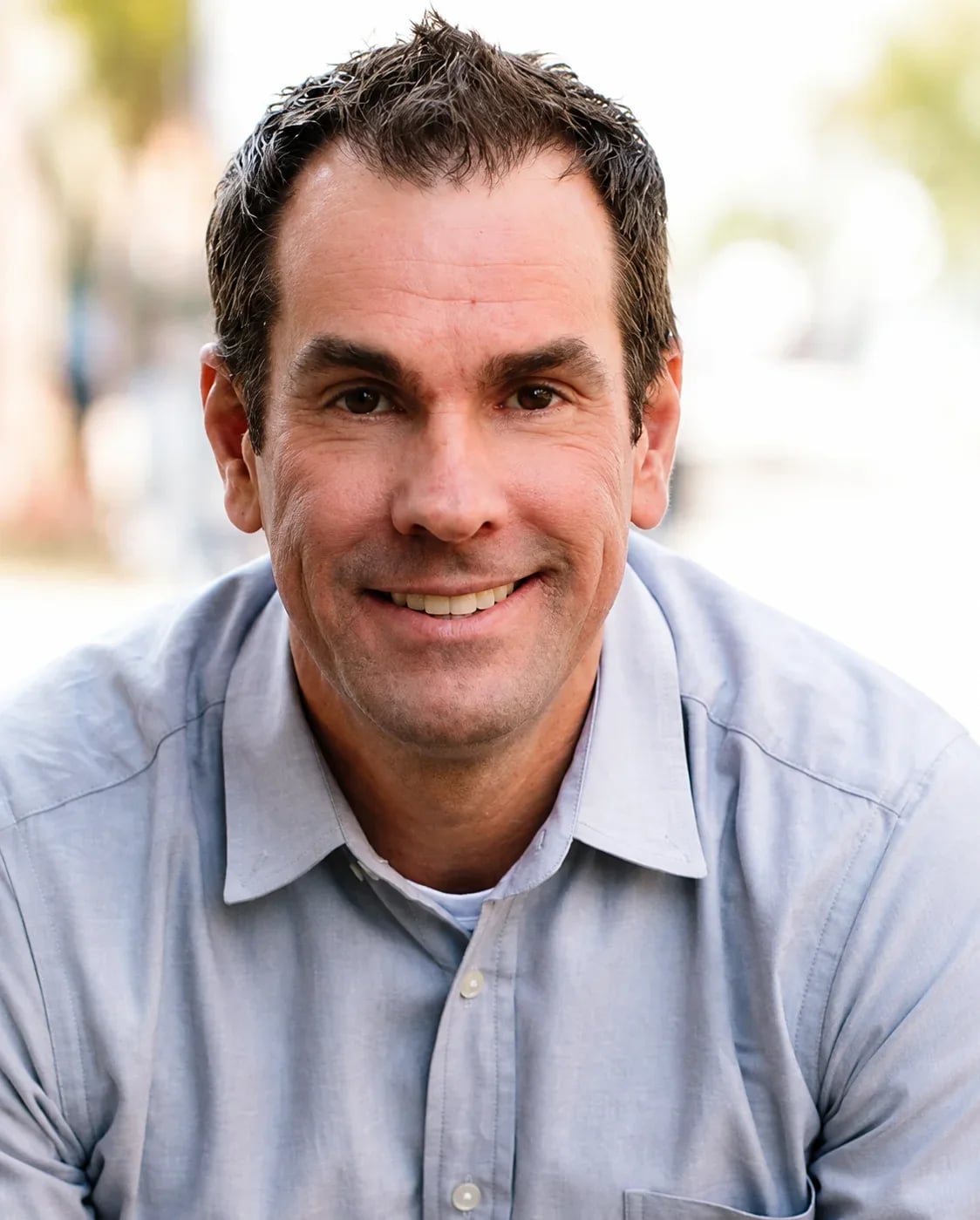











Carla BiesingerCourse creator
- In course sales from webinar funnels
- $5M
- Registrations
- 267,908
Carla ran live, just-in-time and evergreen webinar funnels on EasyWebinar.
Read Carla’s story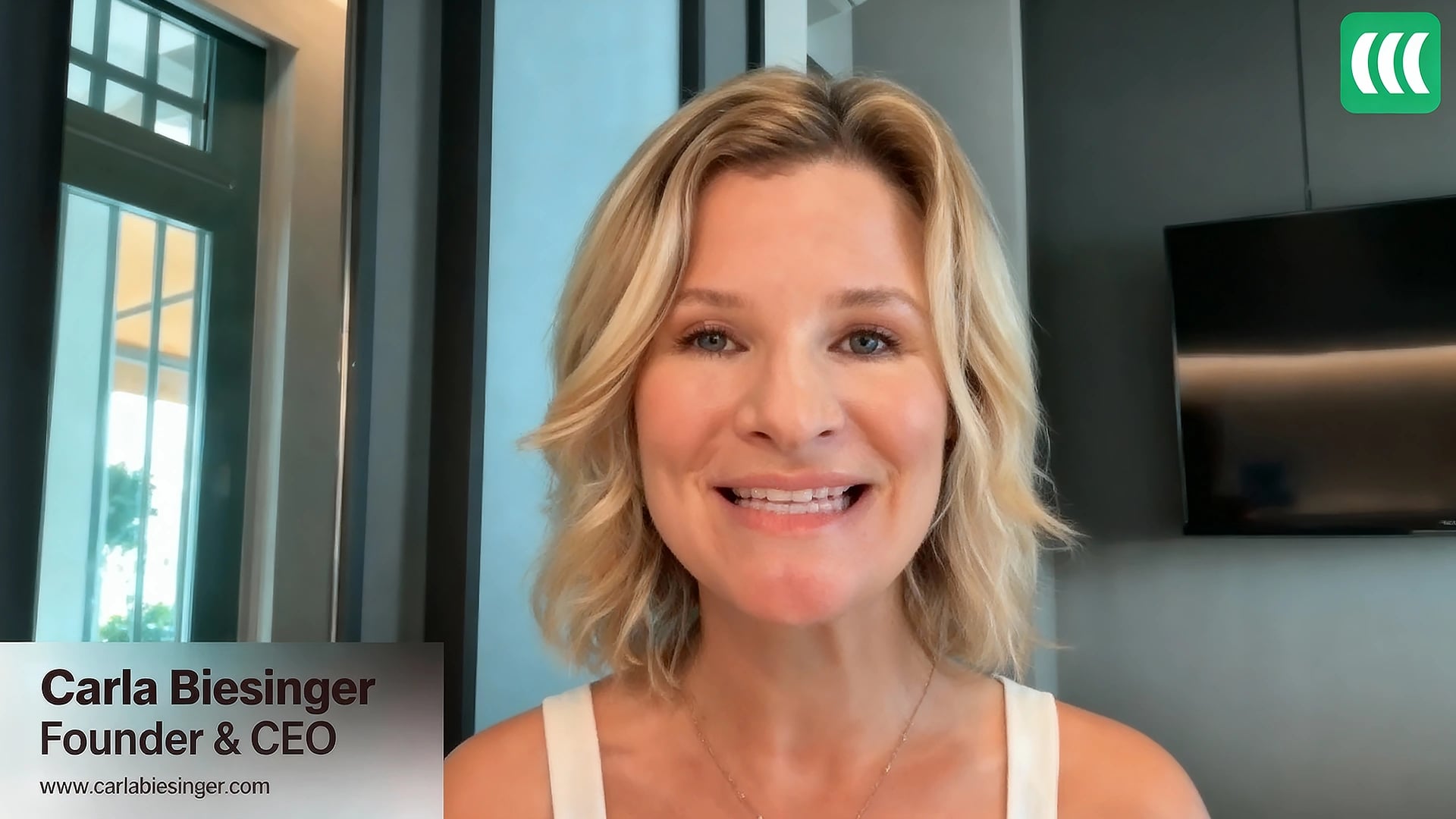 Live, just-in-time and evergreen
Webinar software for marketing agencies
Give every client their own sub-account. Launch their webinar live, run it evergreen 24/7, and report the leads and sales it produced.
7-day full access. Cancel anytime.Attendees join from any browser, nothing to download.


Rated a G2 LeaderSOC 2 Type II · GDPR-aligned
 Your agency · 4 clients
Brightpath CoachingBusiness coachingJust-in-time · every 15 min



 Just-in-time
Book 10 clients in 30 days
Example agency account
Trusted by 25,000+ businesses and teams


Webinar funnels, not one-off events
It is a webinar platform built to run many clients’ webinar funnels from one agency account. EasyWebinar gives each client a sub-account on their own brand, runs live, simulive, evergreen and just-in-time webinars that attendees join from any browser, sends attendee behaviour to the client’s own CRM or to EasyCRM, and reports the leads and sales each webinar produced.
How it works
From a new client’s sub-account to the report you send them. The AI Webinar Builder drafts a full funnel in about 10 to 15 minutes.
Create a sub-account for the new client on their own brand and domain, managed from your agency login.
See sub-accountsClone a funnel that already converts, or draft the registration page, emails, polls, offer and follow-up with the AI Webinar Builder.
See what the AI draftsConnect the CRM the client already runs, such as HubSpot, Salesforce Pardot (Account Engagement), GoHighLevel or ActiveCampaign, or use EasyCRM.
See the CRM integrationsRun the first session live in the browser with polls, Q&A and a timed in-room offer, and see what makes the audience act.
Turn that exact session into an evergreen or just-in-time webinar in one switch, so it keeps producing leads every day.
Compare the formatsShare registrations, show-up, watch time, offer clicks, sales and replay views from the client’s own report.
See a client reportMulti-client webinar funnels
EasyWebinar does. From one agency account, every client gets a sub-account with its own pages, attendees and reports, and your team runs all of them from one login. Clone a funnel that converts into the next client’s sub-account instead of rebuilding it.
Pick a client to clone the funnel into




Your proven funnelBrightpath Coaching’s sub-account
Same funnel. Their brand, domain, offer and CRM.
Registration page
join.brightpathcoaching.com
On join.brightpathcoaching.com
The webinar
Just-in-time702 watchingStarts 15 minutes after every registration
Client report
Only Brightpath Coaching’s data
Also cloned
“Once I run one webinar, I can clone and set up multiple in a breeze.”

Darrin Brodie
Marketing Director, Davenport and Associates
Start from a funnel that already works.Or let the AI Webinar Builder draft a new client’s pages, emails and follow-up in about 15 minutes.
Start Free TrialEasyWebinar AI
Answer about 12 questions on the client’s offer and audience. The AI Webinar Builder drafts the webinar script, registration and thank-you pages, reminder and follow-up emails, polls and the timed offer. Your team edits the draft and launches it in the client’s sub-account.
Drafting the funnel…
CRM integrations for client webinars
Already running HubSpot, Salesforce Pardot (Account Engagement), ActiveCampaign or Mailchimp? Use EasyWebinar as the webinar and conversion layer and keep the CRM each client has. Or use EasyCRM natively. Both are supported.
 Dana OrtizAttendee · Brightpath Coaching’s webinar
Pick the client’s CRM
Then, in HubSpot
Client webinar reporting
Every client sees who registered, showed up, clicked and bought: first-party intent data on each attendee, with revenue attributed to the webinar that earned it.
“I tested this platform against all competitors, and it offered the best set of features.”

Steven McConnell
Chief Customer Officer, Arielle Executive
Pick a client to open their report
Brightpath CoachingWebinar report · last 30 days
Result$53,919 in program sales
Most offer clicks at 46:12, during the offer and bonus stack
Live to evergreen webinars for clients
Prove the offer live, then turn that exact session into an automated webinar in one switch.
Presented live with polls, Q&A and a timed offer.
Launches and new offersThe recording plays on a schedule with live chat.
Repeat sessions without presentingThe session that converted runs on a recurring schedule.
Always-on lead generationStarts minutes after someone registers.
Paid-traffic funnelsRegistrants watch right away.
Content offers and B2B demos| Format | How it runs | Host time | Best for |
|---|---|---|---|
| Live | Presented live with polls, Q&A and a timed offer. | The client or your team presents | Launches and new offers |
| Simulive | The recording plays on a schedule with live chat. | A chat moderator, if you want one | Repeat sessions without presenting |
| Evergreen | The session that converted runs on a recurring schedule. | None once it’s set up | Always-on lead generation |
| Just-in-time | Starts minutes after someone registers. | None once it’s set up | Paid-traffic funnels |
| On demand | Registrants watch right away. | None once it’s set up | Content offers and B2B demos |
“EasyWebinar makes me sales without me having to be there.”

Chris Farrell
ChrisFarrellOnline.com
Every format on one subscription.No second product for evergreen. Once a client’s webinar converts, keep scaling it here, in every time zone.
Start Free TrialBuilt for the whole agency
Results
25,000+
Businesses and teams run webinars on EasyWebinar
4.5/5
Average rating across review platforms
$2M
From one automated webinar funnel
Ryan Fenn, CEO of ChiirP
166%
Return on cold paid traffic
Rick Mulready
Carla BiesingerCourse creator
Carla ran live, just-in-time and evergreen webinar funnels on EasyWebinar.
Read Carla’s storyLive, just-in-time and evergreen01 / 05
“From setting up your webinar to customising landing pages and emails, the platform is so intuitive. I love the built-in countdown offers and polls as well.”
 Annette StaglienoOwner and founder, FAVOURITE CHILD Marketing Agency
Agency capacity calculator
See the hours you get back when repeat webinars run evergreen.
99team hours back every month
Room for 8 more clientsat your current workload per client, without adding headcount
192 hours a month running every webinar live today. Assumes evergreen sessions need no host time, and 2 hours a month per client to keep the funnel and report current.
Start Free TrialAgency pricing
Your agency account is free. Add a sub-account for each client, put each one on the plan its webinars need, and move it up as the client grows. Book a call and we’ll set up your agency account and talk through agency rates.

White label webinar platform
Pages, emails and the webinar room run on the client’s domain, logo and colours. Switch the page to see it. Full white label, with no EasyWebinar branding anywhere, is on the Scale plan.
“Love the personalization!”

Melissa Hausmann
Head of School, Virtual Preparatory Academy of Oregon
join.brightpathcoaching.com
Brightpath Coaching
No EasyWebinar branding on the page, emails or room
SOC 2 Type IISecurity controls covered by our SOC 2 Type II report.GDPR-alignedGDPR-aligned data practices, with a DPA.Is EasyWebinar the right fit?
Best for
Works with your clients’ stackConnect what each client already runs, or use EasyCRM.


Not the best fit
Direct answers for agency owners, strategists and automation specialists running webinars for clients.
It depends on what the agency sells. For agencies whose clients’ webinars have to produce leads and sales, EasyWebinar is built for it: live, simulive, evergreen and just-in-time webinars on one platform, a sub-account for each client, each client’s own CRM or EasyCRM, and reports that show offer clicks and sales. It is more capable than a webinar room and lighter than an enterprise event platform. If you mainly want to resell automated webinars at the lowest cost, WebinarKit is built for that; for branded multi-room virtual summits, BigMarker.
EasyWebinar does. From one agency account, each client gets a sub-account with its own registration pages, attendees, email sequences and analytics, and your team manages every client from one dashboard and one login. Clients see only their own data, and you can clone a proven funnel into a new client’s sub-account instead of rebuilding it.
Your agency account is free. Each client runs in its own sub-account on the plan its webinars need: Launch for live webinars, Growth for evergreen and just-in-time funnels with EasyCRM lead scoring and in-room checkout, Pro for bigger audiences, and Scale for team routing, SSO/SAML and white label. Move a client up as they grow. Plan prices are on the pricing page; book a call with the EasyWebinar team to set up your agency account and ask about agency rates.
They run each client’s webinar as a funnel: traffic to a registration page, reminders that get people into the room, a session that teaches and makes one offer, and follow-up based on what each person did. Launch it live to prove the offer, then run the same session as an evergreen webinar so it keeps producing leads every day.
A registration page on the client’s brand, confirmation and reminder emails, the webinar with polls and chat, one timed offer, and separate follow-up for no-shows, attendees, offer-clickers and buyers. EasyWebinar keeps all of it in one place, with checkout inside the room through Stripe, PayPal or PayU.
Keep each client’s CRM, or use ours. Native integrations include GoHighLevel, HubSpot, Salesforce Pardot (Account Engagement), ActiveCampaign, Keap, Mailchimp, Kit, GetResponse, AWeber, Drip and Ontraport, and Zapier, webhooks and the API cover the rest. Clients with no CRM can use EasyCRM, which is built in.
Yes. EasyCRM is built in. Every registrant lands in one contact record with their webinar activity, and follow-up branches on what they did: a replay for no-shows, an offer reminder for engaged viewers, onboarding once they buy. It sends email, plus SMS and WhatsApp reminders (beta), prioritises leads by engagement, and tracks deals, tasks and calls from the offer click to the completed purchase. Clients who already run a CRM can keep it instead.
Yes, natively with HubSpot and with Salesforce Pardot (Account Engagement). With HubSpot, each registration and attendance appears as EasyWebinar activity on the contact, so the client’s HubSpot workflows can set properties, send follow-up and alert sales. Salesforce Pardot (Account Engagement) is a native integration you select inside each client’s webinar. There is no direct integration with Sales Cloud.
Yes, with no Zapier in between. Connect GoHighLevel to a webinar and EasyWebinar adds tags to the contact for Registered, Attended, No Show, Left Early, Watched Full, Watched Replay, Asked A Question, Saw Offer and Clicked, and Saw Offer and Did Not Click. Each tag can start a GoHighLevel workflow, such as a replay sequence for no-shows or a pipeline stage for offer-clickers. The integration is available in the current version of EasyWebinar.
GoHighLevel runs funnels, CRM and follow-up, but its webinar funnels rely on a separate webinar host. EasyWebinar can be that host instead of Zoom: attendees join the live or evergreen session in the browser, and EasyWebinar sends attendance and engagement back to GoHighLevel as tags, so the client’s workflows run on what each person actually did.
Yes. Registration pages and webinar rooms can run on the client’s own domain and brand, so the client’s audience sees the client. Full white label, with no EasyWebinar branding anywhere, is on the Scale plan, along with SSO/SAML and full API and webhook access.
Usually in an afternoon. Clone a funnel that already converts into the new client’s account and change the brand, domain, schedule and offer, or use the AI Webinar Builder, which drafts the registration page, emails, polls, offer and follow-up from a short guided flow in about 15 minutes. Then connect the client’s CRM and go live.
The AI Webinar Builder asks about 12 questions about the client’s offer and audience, then drafts a delivery-ready webinar script, registration page, thank-you page, email sequence, poll questions and a timed offer in about 10 to 15 minutes. Your team edits the draft and launches it in the client’s sub-account. You can upload the client’s own content so the draft is in their voice.
Report the full funnel for each client: registrations, show-up rate, watch time, replay views, offer clicks and the result the client cares about, such as sales, booked calls or demos. EasyWebinar records this first-party engagement data for every attendee and shows it per webinar, and GA4 and Meta Pixel connect it to the client’s ad spend so you can show cost per lead and per sale.
Both. Live sessions run in real time in the browser, with polls, Q&A with upvoting, chat, handouts, timed offers and HD screen share, for a host and up to four presenters, and EasyCast can stream the same session to YouTube, LinkedIn and Facebook. The difference is what happens after the hour: the session that worked live becomes an evergreen or just-in-time webinar in one switch, with no second product.
Set up the client’s sub-account, then clone a funnel that already converts or let the AI Webinar Builder draft the registration page, emails, polls, offer and follow-up, which takes about 10 to 15 minutes. Connect the client’s CRM or use EasyCRM, review the pages, and the webinar is ready to promote.
No. EasyWebinar is browser-based for attendees: they register with one click and join from any modern browser on desktop or mobile, with no app, plugin or account to install. For client funnels that run on paid traffic, removing that step keeps more registrants in the room.
Five, on one platform and one subscription: live webinars for launches and Q&A, simulive for scheduled replays with live chat, evergreen webinars on a recurring schedule, just-in-time sessions that start minutes after registration, and on-demand webinars that play right away. Run a client’s webinar live first, then turn that exact session into an automated format in one switch.
Yes. EasyWebinar has checkout inside the webinar room, so attendees can buy at the moment the offer lands without leaving for another page. It supports Stripe, PayPal and PayU, as well as timed offers, countdowns and paid or ticketed webinars.
Yes. Each client sub-account keeps its own registration pages, attendee lists, email sequences and analytics separate from every other client, and a client with access to their account sees only their own webinars and results.
EasyWebinar holds SOC 2 Type II and follows GDPR-aligned data practices, with a data processing agreement. SSO and SAML are available on the Scale plan, and attendees join in the browser with nothing to install, which keeps corporate IT reviews simple.
ON24 reported that 57% of registrants attended on average in 2024, and Goldcast measured a 40% attendance rate across B2B webinars in 2025. Paid-traffic funnels often land lower, which is why agencies test just-in-time sessions that start minutes after registration, plus reminders and a replay for everyone who misses it.
They make value visible every month. A one-off live webinar is forgotten a week later; an evergreen webinar keeps producing leads the client can count, and a monthly report shows where each result came from. In the AgencyAnalytics 2026 survey, 32% of agencies named a lack of perceived value over time as a top reason clients leave.
Yes. EasyWebinar’s partner program pays a recurring commission on the customers you refer, with higher rates as you refer more, plus discount codes and partner support. See the EasyWebinar partner program.
Zoom is built for meetings and live webinars. EasyWebinar is built for webinar funnels: registration pages, reminders, live and evergreen sessions, in-room checkout, behaviour-based follow-up and native GoHighLevel tags come in one platform, with a sub-account for each client. For internal client calls, Zoom or Microsoft Teams is still the better fit. See the full EasyWebinar vs Zoom comparison.




 Join 25,000+ businesses and teams on EasyWebinar