11 Best Livestorm Alternatives for Live and On-Demand Webinars in 2026

Casey Zeman
Published on Aug 8, 2026 • 56 min read
TL;DR
- Livestorm bills attendee credits per unique person per session at about EUR 2.50 each, so cost scales with audience reach rather than revenue produced.
- Pro tiers cap monthly active contacts between 100 and 1,000, with a 1,000 live attendee ceiling and a four-hour session limit.
- Replay and on-demand viewers count as billable participants, which penalises evergreen funnels since 52% of attendees now watch on demand.
- The 11 scored alternatives are EasyWebinar, Demio, eWebinar, EverWebinar, WebinarJam, BigMarker, ON24, Zoom Webinars, GoTo Webinar, Contrast, and Riverside.
- Automated webinars are an umbrella over two tiers: Simulated Live keeps real-time chat on a scheduled recording, Evergreen adds Just-in-Time and timezone-adjusted delivery.
- Run 5 to 10 live sessions, hit roughly 10% attendee-to-buyer, then automate the winning session instead of automating an unproven pitch.
Q1. What Are the 11 Best Livestorm Alternatives for Live and On-Demand Webinars in 2026?
The 11 best Livestorm alternatives in 2026 are EasyWebinar, Demio, eWebinar, EverWebinar, WebinarJam, BigMarker, ON24, Zoom Webinars, GoTo Webinar, Contrast, and Riverside. EasyWebinar ranks first because it runs Live, Simulated Live, and Evergreen from one funnel setup with a built-in CRM, so operators do not pay per attendee to automate a webinar that already converts.
- EasyWebinar
- Demio
- eWebinar
- EverWebinar
- WebinarJam
- BigMarker
- ON24
- Zoom Webinars
- GoTo Webinar
- Contrast
- Riverside
Choosing a webinar platform is high-stakes because the tool sits directly on the revenue path. Registration, reminders, in-session offers, and follow-up all live inside it. Swap it badly and you lose a launch, not just a subscription. These 11 vendors were evaluated against eight defined criteria, drawn from published pricing pages, product documentation, and verified operator reviews. The primary reader is the person running the webinar each week: the coach, course creator, demand gen manager, or training lead. Shadow readers on the buying committee include the CFO validating stack consolidation, the IT director checking reliability and compliance, and the RevOps lead checking CRM flow.
Our Evaluation Criteria
Webinar format coverage 🎬
Whether the platform supports live, Simulated Live, Evergreen, Just-in-Time, replay, and on-demand delivery.
Time to launch ⏰
How fast an operator can build pages, create the event, and set up automation without outside help.
Engagement depth 💬
Chat, polls, Q&A, timed offers, and whether those mechanics survive into automated sessions.
Funnel and conversion workflow 🧩
Registration, thank-you, and replay pages, plus offers, checkout, and follow-up paths.
CRM and follow-up readiness 🔗
Native CRM, attendee tagging, lead scoring, behavior-based sequences, and CRM integrations.
Monetization support 💰
Paid or ticketed webinars, in-room offers, and payment gateway coverage.
Analytics and attribution 📊
Registration, attendance, drop-off, offer clicks, and replay behavior visibility.
Reliability, support, and scale ⚙️
Streaming stability, attendee ceilings, compliance posture, and the support model you actually get.
Who This Guide Is For
- Coaches and course creators turning one educational webinar into a repeatable sales funnel.
- Marketing teams running webinars for lead generation, nurture, and pipeline acceleration.
- Revenue operators checking whether webinar behavior can flow into CRM, scoring, and follow-up.
- Founders and consultants replacing separate tools for hosting, pages, email, checkout, and follow-up.
- Enterprise training and onboarding leads who need scale, compliance, and attendance reporting.
- Buying-committee readers: CFOs validating consolidation, IT leads checking reliability, marketing heads checking funnel performance.
| Provider | Best For | Standout Strength | Known Limitation | Webinar Formats Covered | Support Model | Pricing Model |
|---|---|---|---|---|---|---|
| EasyWebinar ⭐⭐⭐⭐⭐ | Operators selling an offer off a webinar, live then automated | Live, Simulated Live, and Evergreen run off one funnel setup with native CRM and behavior-based follow-up | Automated setup requires the presentation uploaded before the event can be built, per a G2 reviewer | Live, Simulated Live, Evergreen, Just-in-Time, On-Demand, Instant Replay | Email, chat, and assigned onboarding contact | Flat plan tiers, not attendee-metered |
| Demio ⭐⭐⭐⭐ | Marketing teams wanting a clean browser-based live room | Simple interface with polls, handouts, and fast registration page setup | Replays have not shown live polls and CTAs, and CRM integration gaps are reported | Live, series, automated | Email and chat | Flat monthly by registrant tier |
| eWebinar ⭐⭐⭐⭐ | On-demand onboarding and always-on product demos | Purpose-built automation with interaction prompts on a schedule | No native live webinar hosting, so live events need a second tool | Automated, Just-in-Time, on-demand | Email and chat | Flat monthly |
| EverWebinar ⭐⭐⭐½ | Evergreen sales funnels for direct response offers | Deep evergreen scheduling and scarcity mechanics | Sold separately from its live sibling, so operators buy and manage two products | Automated, evergreen, replay | Ticket-based | Annual-only in most cases |
| WebinarJam ⭐⭐⭐½ | High-energy live sales webinars | Live room built around offers, chat, and pitch timing | Live and evergreen split across two products, so payments and CRM sit outside | Live, hybrid | Ticket-based | Annual-only in most cases |
| BigMarker ⭐⭐⭐⭐ | White-label events and large virtual summits | Heavy customization and branded event experiences | Setup depth means a longer learning curve for small teams | Live, simulive, on-demand, hybrid events | Account manager for larger plans | Quote-based |
| ON24 ⭐⭐⭐⭐ | Enterprise demand generation with attribution needs | Engagement scoring and first-party data feeding marketing automation | Enterprise pricing and procurement cycle put it out of reach for solo operators | Live, simulive, on-demand | Account manager | Quote-based |
| Zoom Webinars ⭐⭐⭐ | Large live audiences who already know the interface | Familiar, stable streaming at scale | Reviewers report glitches, thin engagement features, and near-absent page customization | Live, limited simulive | Ticket-based, enterprise admin gated | Per-host per-month by attendee tier |
| GoTo Webinar ⭐⭐⭐ | Straightforward one-off corporate webinars | Simple organizer backend and easy reporting exports | Reviewers report support escalation problems, audio issues, and limited registration customization | Live, simulated live, recorded | Ticket-based, outsourced per reviewers | Per-organizer per-month tiers |
| Contrast ⭐⭐⭐½ | HubSpot-native B2B marketing teams | Tight CRM sync plus clip-based content repurposing | Narrower evergreen depth than automation-first platforms | Live, on-demand | Email and chat | Freemium then flat monthly |
| Riverside ⭐⭐⭐½ | Teams whose webinar doubles as content production | Recording, editing, and AI clip generation built in | Not a funnel tool, so registration and offer mechanics are thin | Live, recorded, on-demand | Email and chat | Freemium then flat monthly |
1. EasyWebinar
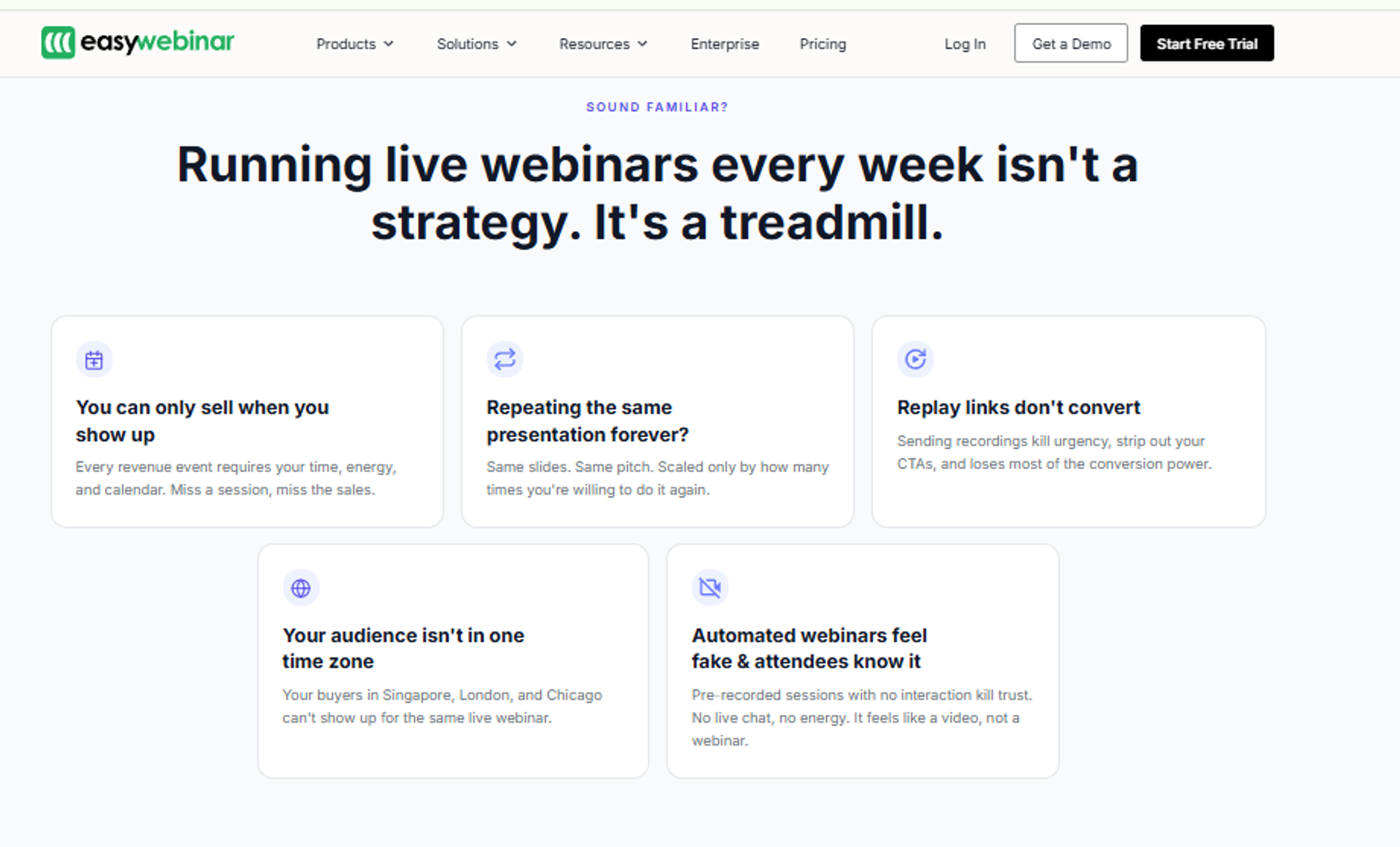
EasyWebinar is best for coaches, course creators, and marketing teams that need a webinar to actually sell something, because it runs Live, Simulated Live, and Evergreen from one funnel with native CRM and behavior-based follow-up, but it may not fit teams that only need one-off internal meetings with no funnel intent.
| Quick fit | Detail |
|---|---|
| Best for | Operators validating an offer live, then automating the winning session |
| Skip if | You run internal team meetings, or sell under $200 where a webinar is not required |
| Strongest edge | One funnel setup serves live and automated formats, with CRM and follow-up inside |
| Biggest trade-off | Just-in-Time delivery sits on a higher tier, per a verified G2 reviewer |
| Pricing snapshot | Flat plan tiers rather than attendee metering. |
🎯 Why the maturity curve decides this, not the feature list
I did not start with a platform. I started with a course that took six months to build and sold zero copies.
The only thing that generated sales was a webinar. That order matters. You go live, you validate the offer, you hit roughly 10% attendee-to-buyer, and then you automate what already works.
🍅 The ketchup rule behind high integrity automation
Anyone can walk behind you during a live session. Your kid can throw ketchup on your face. That was the moment I stopped treating automation as a shortcut and started treating it as a product decision.
An automated session should feel real without pretending to be live. Never say it is live. Never say it is not.
Why EasyWebinar ranks #1
It ranks first on format coverage and funnel workflow, the two criteria that decide whether a webinar produces revenue. Automated webinars sit as an umbrella over two tiers here: Simulated Live and Evergreen.
Simulated Live plays a recording on a fixed or recurring schedule in one time zone, keeping real-time chat, polls, and timed offers. Evergreen adds Just-in-Time registration, timezone-adjusted delivery, multiple daily slots, Instant Replay, and on-demand, using an async question box instead of live chat.
🔁 One setup, both directions
Most platforms in this list force a choice. You get a strong live webinar software room with weak automation, or strong automation with no live option.
EasyWebinar converts a completed live recording straight into Simulated Live or Evergreen, so the winning session becomes the automated asset without a rebuild. That is the practical reason it opens this list.
What EasyWebinar does well
- Formats in one place. Live, Simulated Live, Evergreen, Just-in-Time, On-Demand, and Instant Replay all run from a single event setup, which removes the second subscription most operators end up buying.
- Funnel pages auto-generate. Registration, thank-you, join, and replay pages are created when the webinar is created, so launch time drops from days to an afternoon.
- Follow-up fires on behavior. Power Follow-Ups segment by what happened in the room: left early, saw the offer but did not click, clicked but did not buy. That is the segmentation most tools push out to your email platform.
- Payments happen in the room. Built-in checkout and offer overlays support paid webinars, plus Stripe, PayPal, and PayU, so intent converts at the peak instead of after an email.
- Native CRM and integrations. EasyCRM handles scoring and pipeline natively through its sales CRM, with native GoHighLevel, HubSpot, Keap, ActiveCampaign, ConvertKit, and Ontraport connections, so the revenue path does not depend on a third-party trigger firing.
- Attendee-level analytics. Drop-off heatmaps, offer click data, and poll responses show the exact timestamp where retention breaks, which is the only reliable way to fix a session.
Where EasyWebinar falls short
- Automated events need the presentation uploaded before setup, which blocks operators who promote first and record later.
- Just-in-Time delivery sits on a premium tier, so the cheapest plan is not the evergreen plan.
- Landing page design flexibility is narrower than a dedicated page builder, per multiple reviewers.
- Email open and click tracking is limited, so some operators still run post-webinar sequences in their ESP.
⚠️ Where I would not put us
If you are hosting an internal team meeting with no offer at the end, this is the wrong tool. If your product sells for under $200, the math rarely justifies a webinar at all.
EasyWebinar's read is that the standard advice gets this backwards, because most buyers shop for a room when what they actually need is a funnel. I could be reading that too strongly, though it is what surfaces in nearly every onboarding call.
Decision scorecard
| Evaluation criterion | EasyWebinar fit | Why it matters |
|---|---|---|
| Live webinars | Strong | Purpose-built live room with co-presenters, polls, and offers |
| Simulated Live | Strong | Keeps real-time chat and timed offers on a recorded session |
| Evergreen automation | Strong | Just-in-Time, timezone-adjusted delivery, blackout dates, Instant Replay |
| Funnel pages | Partial | Full funnel auto-generates, though design flexibility is limited |
| Engagement | Strong | Chat, polls, countdown offers, promote-attendee-to-presenter |
| CRM and follow-up | Strong | Native EasyCRM plus behavior-triggered Power Follow-Ups |
| Monetization | Strong | In-room checkout and paid or ticketed webinars |
| Analytics | Strong | Attendee-level tracking with drop-off heatmaps |
| Integrations | Partial | Deep native coverage, with some enterprise CRMs via Zapier |
| Pricing fit | Strong | Plan-based rather than per-attendee metered |
| Best-fit buyer | Coaches, course creators, agencies, SaaS and B2B teams selling off webinars | - |
Best for / skip if
Choose EasyWebinar if the webinar is your revenue engine and you want live validation plus automation inside one system. Skip it if you need a pure meeting tool, or if your only requirement is a large live broadcast with no funnel attached.
Reviews
Operators consistently praise the evergreen depth, with one reviewer noting the platform is built to scale automation rather than only stream live sessions.
"EasyWebinar is hands-down THE webinar platform for evergreen webinars, no contest."- Ash A., EasyWebinar G2 - Verified Review
The most useful critical signal is a pricing trade-off from an operator who still switched from live to evergreen and tripled course sales in three weeks.
"The only downside is that to have the 'just in time' feature you have to pay a premium that is about double the price of the basic subscription."- Laura C., EasyWebinar G2 - Verified Review
EasyWebinar carries SOC 2 Type II attestation and GDPR compliance, and named customers include Carla Beisinger, who built a $5M evergreen funnel, and Ryan Fenn, who ran $2M through one automated funnel. Those are the proof points we stand behind.
2. Demio
Demio is best for marketing teams that want a clean, browser-based live room with fast registration setup, because it strips away downloads and setup friction, but it may not fit operators who need replay-safe offers or deep CRM automation.
| Quick fit | Detail |
|---|---|
| Best for | Small marketing teams running recurring live or series webinars |
| Skip if | Your revenue depends on offers and polls surviving into the replay |
| Strongest edge | Simple, no-download attendee experience with fast page setup |
| Biggest trade-off | Registrant data export is blocked after cancellation, per a verified reviewer |
| Pricing snapshot | Flat monthly tiers by registrant volume. |
🧼 What Demio genuinely gets right
Demio wins on first impressions, and that is not a small thing. Attendees join in a browser with no download, which lifts show-up rates on cold audiences.
The organizer side is equally plain. You spin up a registration page, preload polls and handouts, and run the session without a production checklist.
🧱 Where the simplicity starts costing you
Simplicity has a ceiling. The gaps show up once the webinar becomes a funnel rather than an event.
Reviewers report replays that drop the live polls and CTAs, and CRM connections that do not fully carry through. If your offer lives inside the session, a stripped replay quietly removes your conversion moment.
Why Demio ranks #2
Demio scores high on time to launch and attendee experience, which is why it sits directly behind the leader. It scores lower on evergreen depth, monetization, and CRM readiness. A side-by-side breakdown sits on the EasyWebinar vs Demio comparison.
There is no in-room checkout, so payments happen elsewhere. Automation exists, but it does not reach the Just-in-Time and timezone-adjusted layer that evergreen operators depend on.
What Demio does well
- No-download joining. Attendees enter through the browser, which reduces the technical drop-off that costs you show-up rate on paid traffic.
- Fast event and page setup. Registration pages and email prompts are quick to configure, so a team can launch a first webinar the same week.
- Preloaded engagement assets. Polls, handouts, and resources can be staged before the room opens, so the presenter is not building mid-session.
- Attendee privacy in the room. Participants can stay anonymous and cannot see each other, which suits coaching and sensitive B2B topics.
- Series and recurring events. Recurring session support helps teams running a weekly demo or training cadence.
Where Demio falls short
- Replays have not consistently carried live polls and CTAs, which weakens on-demand conversion.
- CRM integration is incomplete for some stacks, with reviewers naming HighLevel specifically.
- Registrant data cannot be exported after cancelling a paid plan, per a verified reviewer.
- Audio and connection problems appear across multiple reviews, including sessions where attendees could not hear the host.
Decision scorecard
| Evaluation criterion | Demio fit | Why it matters |
|---|---|---|
| Live webinars | Strong | Clean browser-based room with polls and handouts |
| Simulated Live | Partial | Automated sessions exist, with thinner live-feel mechanics |
| Evergreen automation | Weak | No Just-in-Time or timezone-adjusted scheduling depth |
| Funnel pages | Partial | Registration pages are quick, customization is limited |
| Engagement | Partial | Good in-session tools, weaker in replay |
| CRM and follow-up | Partial | Integrations reported incomplete for some stacks |
| Monetization | Weak | No native in-room checkout |
| Analytics | Partial | Attendance and engagement reporting without deep drop-off detail |
| Integrations | Partial | Zapier dependency reported as a friction point |
| Pricing fit | Partial | Reviewers describe it as expensive relative to what it does |
| Best-fit buyer | Small marketing teams running live and series webinars | - |
Best for / skip if
Choose Demio if you want the simplest live room your audience can join without a download, and your offer closes after the event. Skip it if your revenue depends on evergreen scheduling, in-room payments, or replays that keep offers intact.
Reviews
The clearest documented limitation is that automated replays have not preserved the conversion mechanics from the live session.
"It didn't fuly integrated with my CRM (Highlevel) and the replay didn't show the live polls and CTAs"- Ivanhoe S., Demio - G2 Verified Review
A second reviewer flags a data-ownership issue that belongs in any procurement conversation, since registrant lists could not be exported after cancelling.
"After canceling, I was shocked to find out I couldn't export the list unless I subscribed again."- Sheida M., Demio - G2 Verified Review
EasyWebinar's Evergreen tier keeps polls, timed offers, and follow-up attached to automated webinar sessions, which is the exact gap Demio reviewers describe when a replay drops its CTAs.
3. eWebinar
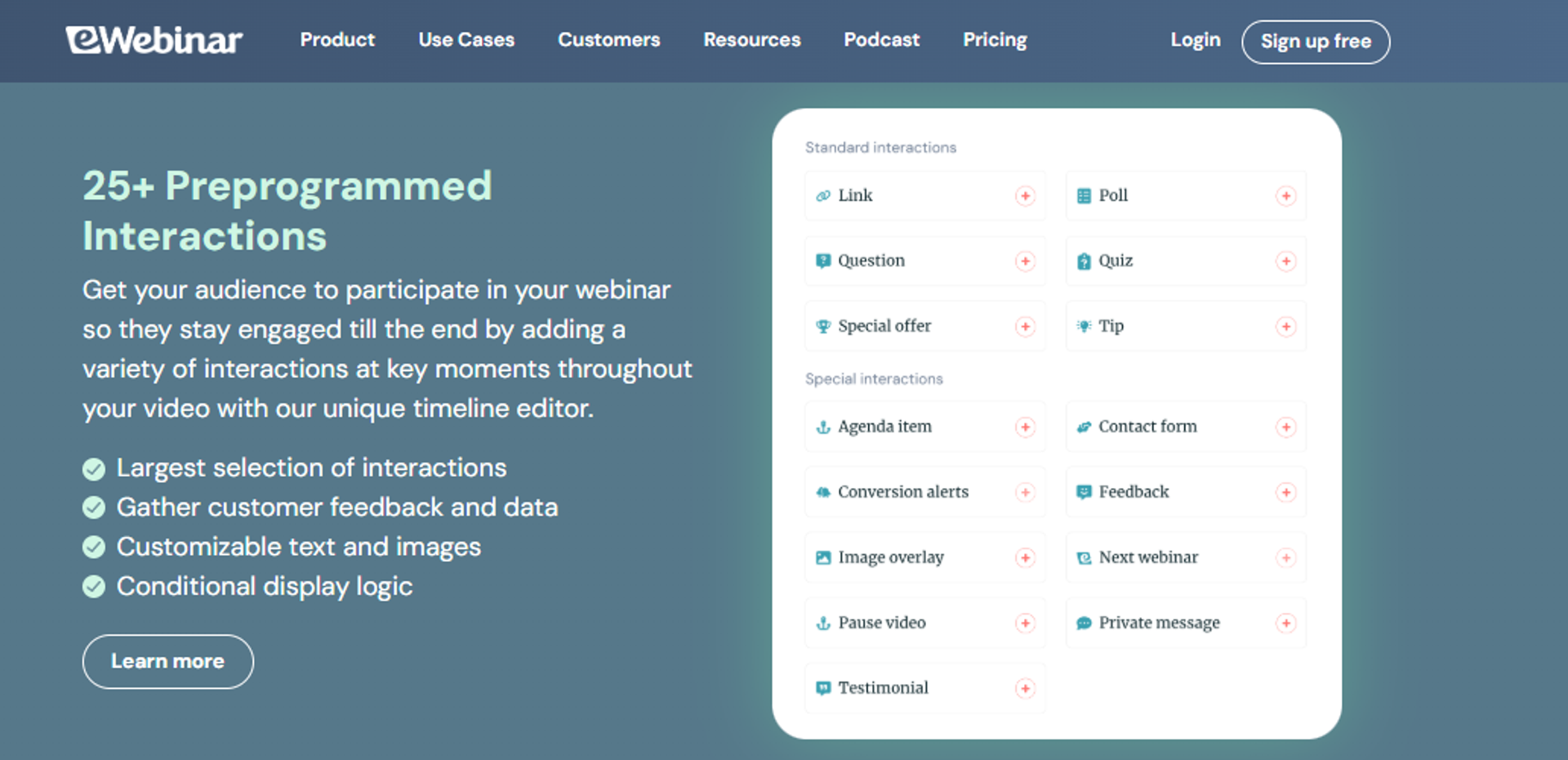
eWebinar is best for teams running always-on onboarding or product demos that need zero live involvement, because it is purpose-built for automated sessions with scheduled interaction prompts, but it may not fit operators who also need to host real live events.
| Quick fit | Detail |
|---|---|
| Best for | SaaS and customer success teams replacing repeat live demos with on-demand sessions |
| Skip if | You need to run genuine live launches or workshops |
| Strongest edge | Automation-first architecture with interaction prompts fired on a timeline |
| Biggest trade-off | No native live hosting, so live events need a second platform |
| Pricing snapshot | Flat monthly tiers. |
⏰ Why an automation-only tool still earns a spot
Some webinars should never be live again. Onboarding, product walkthroughs, and evergreen training are the clearest examples.
eWebinar handles that job cleanly, with sessions that run on repeat and prompts that fire at set timestamps. If your calendar is the bottleneck, that is real relief.
Why eWebinar ranks #3
It scores strongly on time to launch and evergreen depth, and weakly on format coverage. Live is simply not in scope.
That single gap matters for anyone following the validate-then-automate path. You cannot run the live sessions that prove the offer, so the platform assumes your content is already proven. The trade-offs between the two approaches are broken down in this live versus automated webinars guide.
What eWebinar does well
- Set-and-schedule sessions. Recurring and on-demand delivery run without a host, which frees the calendar for sales calls instead of repeat demos.
- Timed interactions. Polls, questions, and offers fire at chosen timestamps, so automated sessions still feel responsive rather than passive.
- Registration and reminder flow. Built-in registration pages and reminder emails reduce the number of tools needed for an on-demand webinar funnel.
- Chat handoff to humans. Attendee questions route to a real person, which keeps automated sessions from feeling like a dead end.
- Fast setup from existing video. Upload a recording and publish, so a proven webinar becomes an always-on asset in an afternoon.
Where eWebinar falls short
- No live webinar hosting, so live launches and workshops require another subscription.
- Monetization is thin, with no native in-room checkout for paid or ticketed sessions.
- Analytics focus on engagement rather than full revenue attribution.
Decision scorecard
| Evaluation criterion | eWebinar fit | Why it matters |
|---|---|---|
| Live webinars | Weak | Live hosting is out of product scope |
| Simulated Live | Partial | Automated sessions run on schedule with prompts, without live chat |
| Evergreen automation | Strong | Built specifically for recurring and on-demand delivery |
| Funnel pages | Partial | Registration pages included, deeper funnel building is limited |
| Engagement | Partial | Timed prompts work well, real-time interaction is absent |
| CRM and follow-up | Partial | Integrations exist without a native CRM |
| Monetization | Weak | No in-room checkout |
| Analytics | Partial | Engagement reporting without revenue attribution depth |
| Integrations | Partial | Solid coverage, mostly through connectors |
| Pricing fit | Partial | Reasonable for automation only, costly as a second tool |
| Best-fit buyer | SaaS onboarding, customer education, and always-on demo teams | - |
Best for / skip if
Choose eWebinar if your webinar is finished, proven, and only needs to run forever without you. Skip it if you still need live sessions to test your offer or run launches.
4. EverWebinar
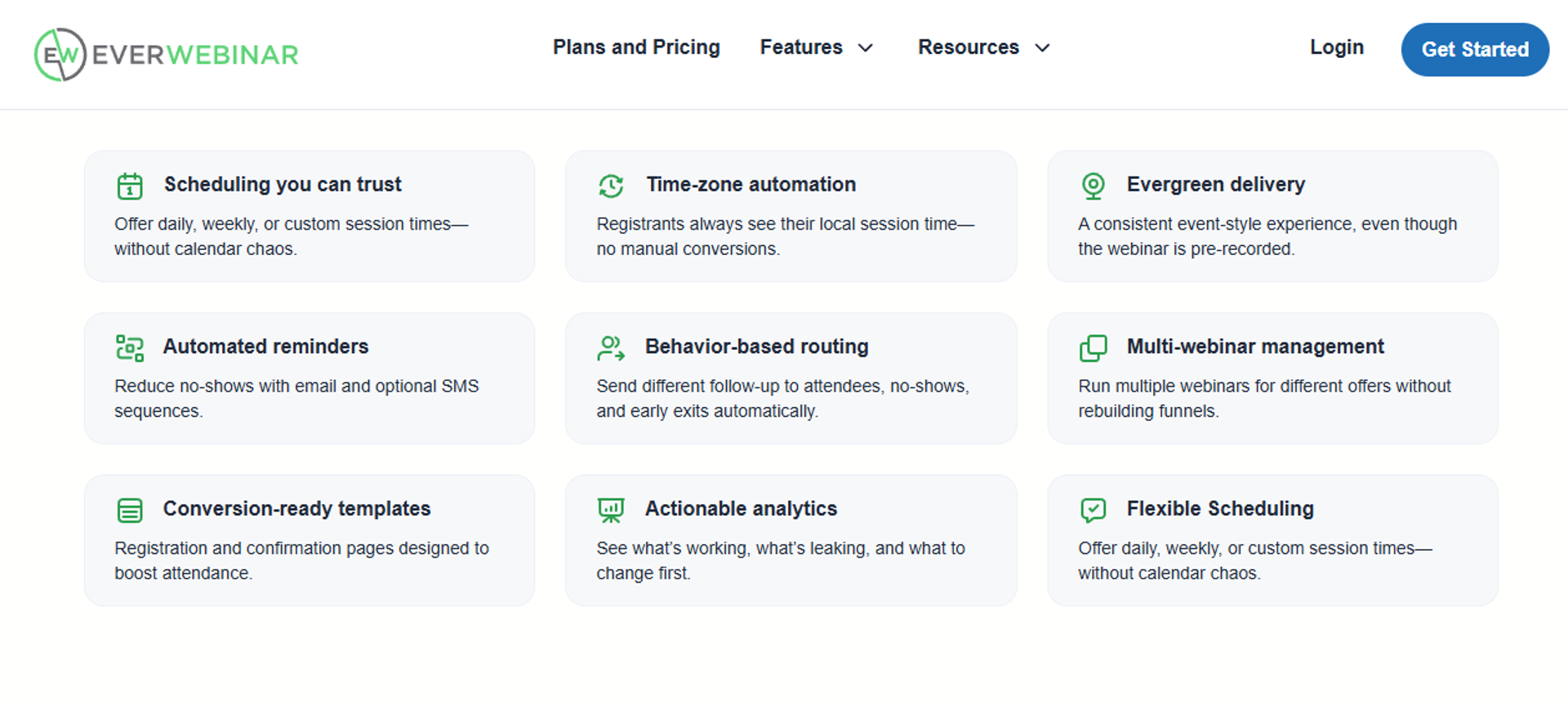
EverWebinar is best for direct response marketers running evergreen sales funnels that need scarcity mechanics, because it offers deep automated scheduling and replay urgency, but it may not fit operators who want live and automated in one product.
| Quick fit | Detail |
|---|---|
| Best for | Direct response operators automating a proven sales webinar |
| Skip if | You want live hosting in the same product and price |
| Strongest edge | Mature evergreen scheduling with scarcity and replay windows |
| Biggest trade-off | Sold separately from its live sibling, so you manage two tools |
| Pricing snapshot | Typically annual billing. |
💸 The two-tool tax nobody prices in
The pitch is that the pair gives you everything. The reality is two logins, two bills, and two setups for the same webinar.
I have watched operators rebuild the same funnel twice because the live version and the evergreen version do not share one setup. That is time you cannot bill back. A direct feature-by-feature view sits on the EverWebinar vs EasyWebinar comparison.
Why EverWebinar ranks #4
It earns its place on evergreen depth alone, which is genuinely mature. It loses ground on format coverage, reliability reports, and follow-up architecture.
Reviewers describe cloning problems, email delivery gaps, and support escalation friction. For a tool whose whole job is running unattended, those are decision-level issues.
What EverWebinar does well
- Deep evergreen scheduling. Recurring slots and replay windows let one recording sell across weeks without host involvement.
- Scarcity mechanics. Countdown and limited-window offers push the decision inside the session rather than after it.
- Live-feel automated room. Chat simulation and timed offers keep automated sessions from feeling like a plain video page.
- Registration and page templates. Prebuilt pages shorten launch time for operators who do not want to design.
- Established playbooks. A large user community means most funnel questions already have a documented answer.
Where EverWebinar falls short
- Sold apart from its live counterpart, which raises total cost and setup work.
- Reviewers report cloning failures that broke chat, emails, and pop-ups across a webinar series.
- Support is email-based, which is difficult during a live-day problem.
- Native payments and CRM are absent, so checkout and follow-up depend on outside tools.
Decision scorecard
| Evaluation criterion | EverWebinar fit | Why it matters |
|---|---|---|
| Live webinars | Weak | Live sits in the separate product |
| Simulated Live | Strong | Recorded sessions run with chat and offers on schedule |
| Evergreen automation | Strong | Mature recurring scheduling and replay control |
| Funnel pages | Partial | Templates included, design flexibility limited |
| Engagement | Partial | Offers and chat work, real-time depth is simulated |
| CRM and follow-up | Weak | No native CRM, email reliability questioned by reviewers |
| Monetization | Weak | Payments handled outside the platform |
| Analytics | Partial | Registration and attendance data without deep behavior detail |
| Integrations | Partial | Third-party sync reported inconsistent |
| Pricing fit | Weak | Requires a second product for live |
| Best-fit buyer | Direct response marketers automating a proven pitch | - |
Best for / skip if
Choose EverWebinar if you already own the live product and only need the evergreen half. Skip it if you want one platform, native payments, or live-day support by chat.
Reviews
Cloning a webinar, the exact action evergreen operators repeat most, has produced serious downstream failures.
"Inability to clone webinars without serious resulting issues... duplicate chat messages, emails not being sent to registrants, pop-ups not working."- Kaylen M., EverWebinar - G2 Verified Review
A second reviewer flags setup complexity plus the absence of real-time help when a live day goes wrong.
"Complexity of set up and ensuring everything works on live day... there is no way to get help or reach support except via email."- Verified User in Market Research, EverWebinar - G2 Verified Review
5. WebinarJam
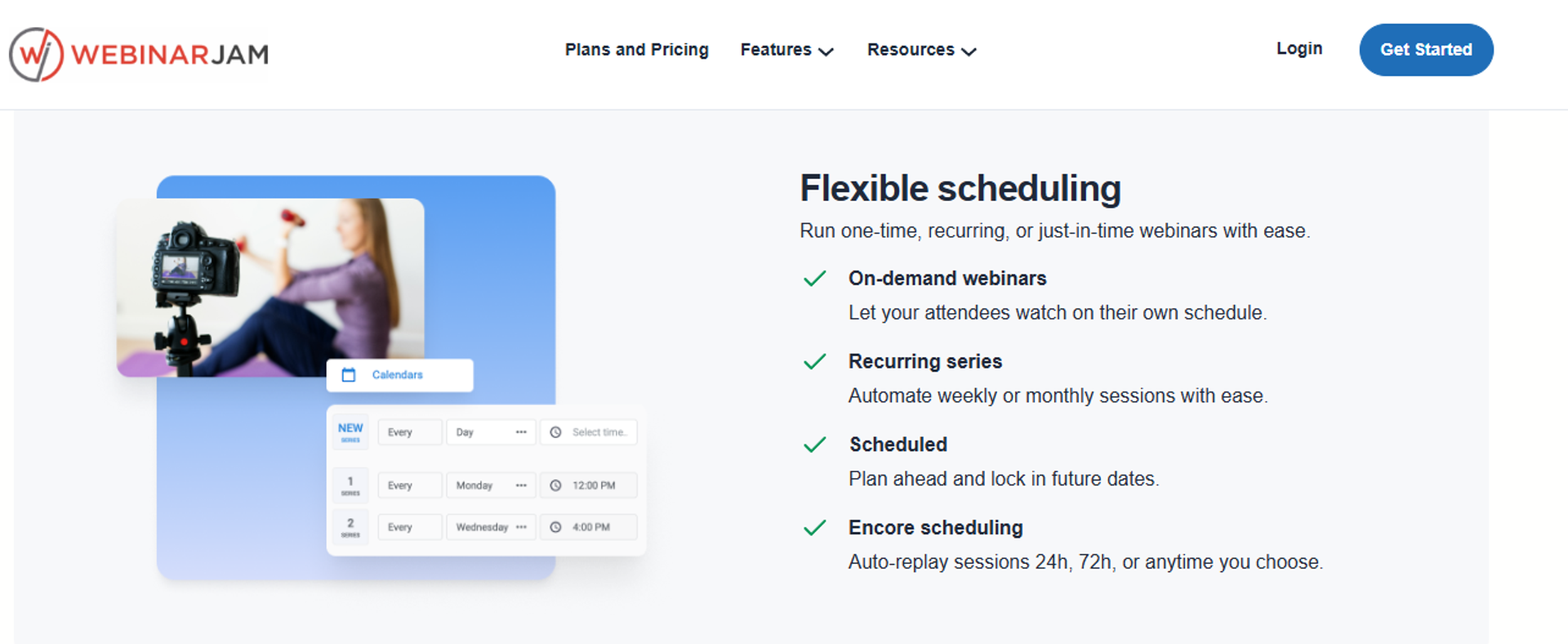
WebinarJam is best for operators running high-energy live sales webinars that need offers and chat in the same room, because it is built around pitch timing and in-session urgency, but it may not fit teams that need reliable email delivery and clean CRM sync.
| Quick fit | Detail |
|---|---|
| Best for | Live sales presenters selling from stage to a warm audience |
| Skip if | Your follow-up depends on the platform's own email engine |
| Strongest edge | Live room designed around offers, chat, and pitch moments |
| Biggest trade-off | Evergreen sits in a separate paid product |
| Pricing snapshot | Typically annual billing. |
⭐ What the live room genuinely gets right
WebinarJam understands that a sales webinar is a performance. Offers, chat, and countdowns sit where a presenter needs them.
For a live pitch to a warm list, that focus is an advantage over general meeting tools. The trouble starts after the session ends, which the EasyWebinar vs WebinarJam breakdown covers in detail.
Why WebinarJam ranks #5
It ranks on live conversion tooling, then loses points on integrations, email reliability, and presenter interface friction. Reviewers describe inconsistent registrant pushes to third-party email tools and form fields that fail to populate.
Evergreen requires the sibling product, which doubles the stack for one webinar. That is the structural trade-off buyers should price in.
What WebinarJam does well
- Offer-first live room. In-session offers and countdowns put the buying decision inside the presentation, where intent peaks.
- Attendee chat and interaction. Live chat supports objection handling, which lifts close rates on high-ticket offers.
- Registration page templates. Prebuilt pages get a live event announced quickly without a designer.
- Replay and hybrid options. Recorded sessions extend the window for people who missed the live slot.
- Familiar direct response workflow. The build order matches how sales webinars are actually run, so experienced presenters onboard fast.
Where WebinarJam falls short
- Reviewers report inconsistent integrations with third-party email tools and unreliable notification sending.
- The native email editor lacks HTML control and reliable field population.
- The presenter interface requires toggling between videos, slides, and files mid-session.
- Evergreen automation requires buying the separate product.
Decision scorecard
| Evaluation criterion | WebinarJam fit | Why it matters |
|---|---|---|
| Live webinars | Strong | Purpose-built live sales room with offers |
| Simulated Live | Partial | Available mainly through the paired evergreen product |
| Evergreen automation | Weak | Requires a second subscription |
| Funnel pages | Partial | Templates exist, customization is limited |
| Engagement | Strong | Chat, offers, and countdowns in-session |
| CRM and follow-up | Weak | Email delivery and third-party sync reported inconsistent |
| Monetization | Partial | Upsells possible, checkout depends on outside tools |
| Analytics | Partial | Basic registration and attendance reporting |
| Integrations | Weak | Reviewers cite inconsistent data push |
| Pricing fit | Partial | Annual commitment plus a second product for evergreen |
| Best-fit buyer | Live sales presenters with an existing warm list | - |
Best for / skip if
Choose WebinarJam if you present live often and want offers inside the room. Skip it if your funnel depends on the platform's email engine or clean CRM data flow.
Reviews
The most decision-relevant complaint is about data and email plumbing, not the live room itself.
"The integrations with 3rd party software such as mailchimp is inconsistent... their email service doesn't consistently send to registrants."- Tara G., WebinarJam - G2 Verified Review
A second reviewer values the upsell mechanics while flagging presenter-side constraints.
"Can upsell easily by using WebinarJam interface." The same reviewer notes a PowerPoint file size cap and limited audience audio control.- Verified User in Investment Management, WebinarJam - G2 Verified Review
6. BigMarker
BigMarker is best for teams producing branded virtual events and summits that need heavy customization, because it offers white-label control across live, simulive, and on-demand sessions, but it may not fit small teams that want to launch this week.
| Quick fit | Detail |
|---|---|
| Best for | Event marketers running multi-session summits and branded experiences |
| Skip if | You are a solo operator who needs a webinar live in two days |
| Strongest edge | White-label event environments with deep configuration |
| Biggest trade-off | Configuration depth creates a real learning curve |
| Pricing snapshot | Quote-based. Not publicly listed |
🎨 When branding is the actual requirement
Some buyers are not shopping for a webinar. They are producing an event that must look like their brand, end to end.
BigMarker serves that job with customization most platforms in this list cannot match. The cost is setup time and a longer ramp, which is worth weighing against a virtual event platform for conferences shortlist.
Why BigMarker ranks #6
It scores high on customization, format range, and scale, and lower on speed to launch and pricing transparency. Quote-based pricing slows procurement for smaller teams.
For an operator whose next move is a single sales webinar, that overhead is not justified. For a summit with 20 sessions, it usually is.
What BigMarker does well
- Multi-format coverage. Live, simulive, on-demand, and hybrid events run in one place, which suits varied event calendars.
- White-label control. Branded rooms and landing pages keep the experience on-brand, which matters for enterprise and sponsor-funded events.
- Large audience handling. Higher attendee ceilings support flagship events without a separate broadcast tool.
- Series and summit structure. Multi-session agendas and tracks reduce the manual work of running an event over several days.
- Integration breadth. Marketing automation connections help route event engagement into existing nurture programs.
Where BigMarker falls short
- Setup depth means a longer learning curve than lightweight platforms.
- Pricing is quote-based, which slows evaluation and budget approval.
- Feature breadth can be more than a single-webinar operator needs.
Decision scorecard
| Evaluation criterion | BigMarker fit | Why it matters |
|---|---|---|
| Live webinars | Strong | Built for large branded live sessions |
| Simulated Live | Strong | Simulive supported natively |
| Evergreen automation | Partial | On-demand supported, evergreen scheduling less funnel-oriented |
| Funnel pages | Strong | Highly customizable branded pages |
| Engagement | Strong | Chat, polls, Q&A, and networking features |
| CRM and follow-up | Partial | Integrations available, no native CRM |
| Monetization | Partial | Ticketing supported |
| Analytics | Strong | Event and attendee reporting across sessions |
| Integrations | Strong | Broad marketing automation coverage |
| Pricing fit | Weak | Quote-based with enterprise-level entry |
| Best-fit buyer | Event marketing teams and sponsor-funded summits | - |
Best for / skip if
Choose BigMarker if branded event production is the requirement and you have setup time. Skip it if you need a fast, funnel-focused sales webinar with published pricing.
7. ON24
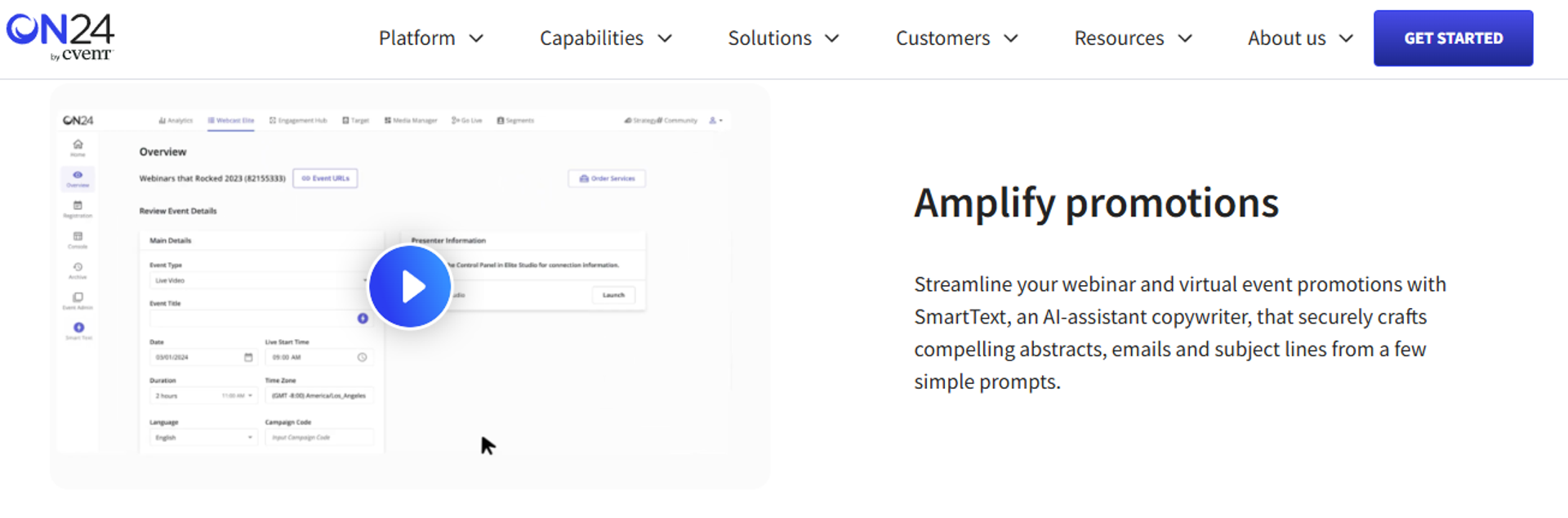
ON24 is best for enterprise demand generation teams that need engagement scoring feeding marketing automation, because it produces first-party behavior data at scale, but it may not fit operators without an enterprise budget or procurement process.
| Quick fit | Detail |
|---|---|
| Best for | Enterprise B2B marketing teams tying webinars to pipeline |
| Skip if | You are a coach, creator, or small team buying self-serve |
| Strongest edge | Engagement scoring and first-party data feeding the revenue stack |
| Biggest trade-off | Enterprise pricing and procurement timeline |
| Pricing snapshot | Quote-based. Not publicly listed |
📊 The benchmark data worth borrowing
ON24 publishes annual engagement benchmarks that are useful even if you never buy the platform. Its 2026 report cites 239 average attendees per webinar, up 11% year over year, and 60% registration-to-attendance.
The same report notes 49 minutes of average engagement and 52% of attendees watching on demand. Those two numbers should shape your format decision more than any feature list, and they pair well with a disciplined read of your own webinar analytics.
Why ON24 ranks #7
It ranks high on analytics, attribution, and enterprise readiness, and low on accessibility and pricing fit. The platform is built for a marketing operations team, not a solo operator.
That is a genuine strength for the right buyer. It is also why it sits below platforms a coach can configure alone.
What ON24 does well
- Engagement scoring. Behavior is scored per attendee, so sales can prioritize accounts instead of guessing from attendance lists.
- Marketing automation depth. Tight integration with enterprise MAP tools keeps webinar data inside existing nurture and scoring models.
- Always-on content hubs. On-demand libraries extend each webinar's life, which matters given how much viewing now happens after the event.
- Compliance and scale. Enterprise security posture and audience capacity satisfy IT and procurement review.
- Published benchmarks. First-party industry data helps teams set realistic attendance and engagement targets.
Where ON24 falls short
- Quote-based enterprise pricing puts it out of reach for small teams.
- Setup and program management assume dedicated marketing operations resource.
- Monetization is not the design focus, so paid webinar mechanics are thin.
Decision scorecard
| Evaluation criterion | ON24 fit | Why it matters |
|---|---|---|
| Live webinars | Strong | Enterprise-grade live delivery |
| Simulated Live | Strong | Simulive is a core supported format |
| Evergreen automation | Partial | On-demand hubs, less funnel-style evergreen scheduling |
| Funnel pages | Partial | Branded console pages rather than flexible funnel pages |
| Engagement | Strong | Deep in-session interaction tools |
| CRM and follow-up | Strong | Native enterprise MAP and CRM integration |
| Monetization | Weak | Not designed for in-room selling |
| Analytics | Strong | Engagement scoring and attribution reporting |
| Integrations | Strong | Enterprise stack coverage |
| Pricing fit | Weak | Quote-based, enterprise entry point |
| Best-fit buyer | Enterprise demand generation and product marketing teams | - |
Best for / skip if
Choose ON24 if webinar engagement data must feed enterprise scoring and attribution. Skip it if you buy self-serve or need in-room payments.
8. Zoom Webinars
Zoom Webinars is best for teams broadcasting to large live audiences who already use the interface daily, because familiarity reduces attendee friction, but it may not fit operators who need conversion tooling, branded pages, or reliable engagement features.
| Quick fit | Detail |
|---|---|
| Best for | Large live broadcasts to audiences that already live in Zoom |
| Skip if | The webinar exists to sell something |
| Strongest edge | Ubiquity and scale, so attendees know how to join |
| Biggest trade-off | Almost no funnel, branding, or conversion mechanics |
| Pricing snapshot | Per-host monthly by attendee tier. |
✅ The honest case for Zoom
Zoom is the most familiar tool your audience owns. People join without confusion, and that alone protects show-up rate.
For a town hall, a panel, or an internal training, that is often enough. The gospel that it also works for sales webinars is where I part ways, a point examined further in this Zoom alternative webinar platform guide.
❌ Where the sales webinar breaks
There is no real funnel here. Registration pages are barely customizable, and offers cannot fire inside the room with countdown urgency.
Reviewers also describe glitches, reminder emails arriving after the event, and polling design that confuses hosts. On a launch day, those are expensive.
Why Zoom Webinars ranks #8
It ranks on reliability and reach, then falls on every conversion criterion. Analytics are meeting-grade rather than decision-grade, which makes optimization guesswork.
Reviewers repeatedly cite missing table-stakes webinar features, including no pre-event waiting room, no post-event exit page, and no file distribution.
What Zoom Webinars does well
- Attendee familiarity. Most people already have Zoom installed, which removes join friction on cold traffic.
- Streaming stability at scale. Large audiences are handled without a separate broadcast tool.
- Broad integration availability. Most marketing and CRM tools offer some Zoom connector.
- Simple host workflow. Scheduling a webinar takes minutes for teams already using the product.
- Bundled value. Existing Zoom customers add webinars without introducing a new vendor.
Where Zoom Webinars falls short
- Reviewers describe it as glitchy, citing presenter entry failures and broadcast quality problems.
- Customization of landing pages, reminders, and calendar invites is near absent.
- Engagement features are rudimentary, and analytics do not support conversion optimization.
- Support access is slow and often gated to enterprise administrators.
Decision scorecard
| Evaluation criterion | Zoom Webinars fit | Why it matters |
|---|---|---|
| Live webinars | Strong | Stable large-audience broadcasting |
| Simulated Live | Weak | Limited simulive capability |
| Evergreen automation | Weak | No evergreen funnel scheduling |
| Funnel pages | Weak | Minimal registration customization |
| Engagement | Weak | Basic polls and chat, reviewers report confusion |
| CRM and follow-up | Partial | Connectors exist, reviewers report sync gaps |
| Monetization | Weak | No in-room offer or checkout system |
| Analytics | Weak | Meeting-grade reporting only |
| Integrations | Partial | Wide but shallow for webinar data |
| Pricing fit | Partial | Reasonable per host, weak value for funnel needs |
| Best-fit buyer | Internal communications and large non-selling broadcasts | - |
Best for / skip if
Choose Zoom Webinars if you need a familiar, stable broadcast with no funnel requirement. Skip it if the webinar has an offer at the end.
Reviews
Support continuity is the most repeated enterprise complaint, alongside buggy automated emails.
"The automated email sequences are full of bugs, and customer support is extremely unhelpful. There is no consistent POC."- Verified User in Translation and Localization, Zoom - G2 Verified Review
A marketing reviewer running 200 to 500 attendee webinars names the missing webinar basics directly.
"There's no pre-webinar waiting room or post-webinar exit page... Customization of landing pages, reminders, and calendar invites is almost nonexistent."- Casey S., Zoom - G2 Verified Review
9. GoTo Webinar
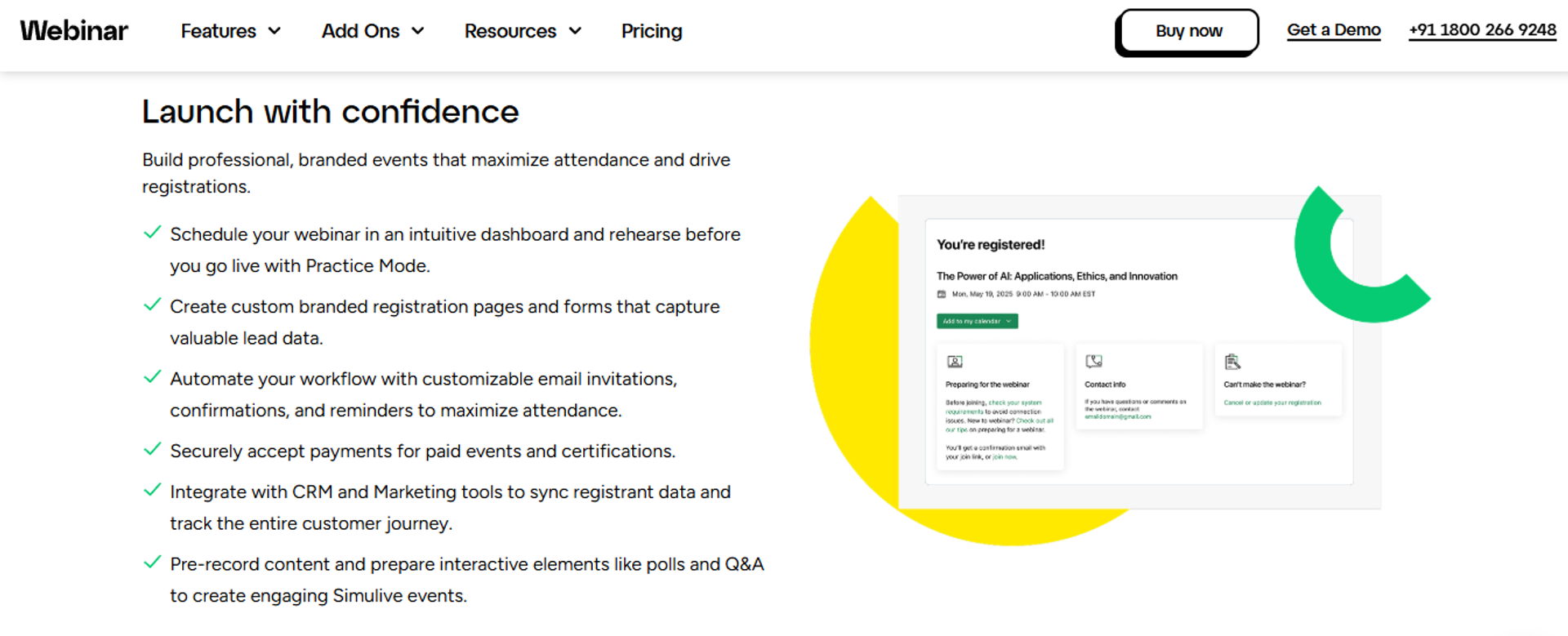
GoTo Webinar is best for corporate teams running straightforward one-off webinars that need simple organizer reporting, because the backend is easy to manage and exports are clean, but it may not fit teams that need customization, engagement depth, or fast support.
| Quick fit | Detail |
|---|---|
| Best for | Corporate communications and training teams with basic webinar needs |
| Skip if | You need branded pages, evergreen delivery, or responsive support |
| Strongest edge | Simple organizer backend with straightforward reporting |
| Biggest trade-off | Reviewers report outsourced support and recurring audio issues |
| Pricing snapshot | Per-organizer monthly tiers. |
⚙️ What still works here
The organizer experience is uncomplicated. Setting up an event and pulling a report takes little training.
For internal knowledge sharing at scale, that simplicity has value. Several reviewers praise the reporting and polling for exactly that use case, and smaller teams often compare it against these GoToWebinar alternatives.
⚠️ Where operators get burned
The recurring theme across reviews is reliability and support. Presenters lose microphones, screen shares fail, and tickets escalate without resolution.
One reviewer running several webinars a week said registrants asked them to change platforms. That is a revenue problem, not an IT annoyance.
Why GoTo Webinar ranks #9
It ranks on organizer simplicity and reporting, then loses on customization, engagement depth, and support quality. Registration form and post-event email customization are limited.
There is no funnel layer and no in-room monetization. For a webinar meant to sell, that puts it near the bottom of this list.
What GoTo Webinar does well
- Simple organizer backend. Managing and reporting on webinars requires little onboarding for a corporate team.
- Clean report exports. Attendee, poll, and survey data pull easily for internal reporting.
- Polling and Q&A. Basic interaction tools support training and knowledge-sharing formats.
- Recording and archiving. Sessions record reliably for later internal distribution.
- Large audience support. Reviewers use it comfortably for audiences above 200 attendees.
Where GoTo Webinar falls short
- Reviewers report audio cut-outs, microphone failures, and dropped attendees in large sessions.
- Support is described as outsourced and slow, with escalations that go unresolved.
- Registration forms and post-event emails offer very little customization.
- No breakout rooms and no in-room selling mechanics.
Decision scorecard
| Evaluation criterion | GoTo Webinar fit | Why it matters |
|---|---|---|
| Live webinars | Partial | Works, with reviewer-reported reliability issues |
| Simulated Live | Partial | Recorded and simulated options exist, thin engagement |
| Evergreen automation | Weak | No evergreen funnel scheduling |
| Funnel pages | Weak | Registration customization is limited |
| Engagement | Partial | Polls and Q&A only |
| CRM and follow-up | Partial | Integrations exist, email customization is minimal |
| Monetization | Weak | No native checkout |
| Analytics | Partial | Solid attendance reporting, no behavior depth |
| Integrations | Partial | Reviewers cite unfriendly API documentation |
| Pricing fit | Partial | Reviewers describe it as costly for what it delivers |
| Best-fit buyer | Internal corporate webinars and simple external sessions | - |
Best for / skip if
Choose GoTo Webinar if you need a simple organizer tool for basic corporate sessions. Skip it if you need reliability on launch day, branding control, or evergreen delivery.
Reviews
Support access is the most damaging documented issue for teams running weekly webinars.
"Customer support is impossible to reach and is completely outsourced. When you do get a hold of them, they are never any help."- Forrester S., GoTo Webinar - G2 Verified Review
A TrustRadius reviewer confirms the customization ceiling that blocks funnel use.
"Registration form options are limited. Post-event emails are wonky. Very little ability to customize."- Media Production Company reviewer, GoTo Webinar - TrustRadius Verified Review
10. Contrast
Contrast is best for B2B marketing teams running live webinars that must sync into HubSpot and feed content repurposing, because registration, attendance, and engagement flow straight into the CRM, but it may not fit operators who need evergreen funnels or in-room payments.
| Quick fit | Detail |
|---|---|
| Best for | HubSpot-centric B2B marketing teams scaling a live webinar program |
| Skip if | Your revenue depends on evergreen automation and checkout |
| Strongest edge | Clean HubSpot sync plus built-in clip and transcript generation |
| Biggest trade-off | Recordings are final after the event, with no post-event editing |
| Pricing snapshot | Freemium then flat monthly. |
🔗 Why CRM-native matters more than it sounds
Most webinar tools hand you a CSV and wish you luck. Contrast pushes registration, attendance, and engagement directly into HubSpot.
Reviewers describe setup taking under a day, including registration pages and automated email sequences. For a marketing team, that is the difference between a program and a project, and it is why webinar CRM depth belongs on the scorecard.
Why Contrast ranks #10
It ranks well on live experience, integration quality, and content output, and lower on evergreen depth and monetization. Reviewers report stability at 100-plus attendee events and rich analytics exports for sellers.
The gaps are specific and documented: no RTMP input, no anonymous Q&A box, no built-in survey, and no post-event recording edits.
What Contrast does well
- HubSpot data flow. Registrations, attendance, and engagement sync automatically, which removes hours of manual follow-up work.
- Fast program setup. Reviewers built a first webinar in under a day, including registration and email sequences.
- Content repurposing built in. Clips, automatic subtitles, and full transcripts come from the platform, so one webinar becomes weeks of content.
- Stable live streaming. Reviewers report no technical failures at events above 100 attendees.
- In-session CTAs and polls. Offers and questions surface during the stream, which supports mid-funnel conversion.
Where Contrast falls short
- No evergreen or Just-in-Time scheduling, so always-on funnels are out of scope.
- Recordings cannot be edited after the event, so mistakes are permanent.
- Missing anonymous Q&A and native surveys, which pushes attendees off-platform for feedback.
- No RTMP input, which limits custom broadcast setups.
Decision scorecard
| Evaluation criterion | Contrast fit | Why it matters |
|---|---|---|
| Live webinars | Strong | Stable, modern live room with clean UI |
| Simulated Live | Partial | Limited compared with automation-first platforms |
| Evergreen automation | Weak | No evergreen scheduling layer |
| Funnel pages | Partial | Registration pages included, funnel depth limited |
| Engagement | Partial | Chat, polls, and CTAs, missing anonymous Q&A and surveys |
| CRM and follow-up | Strong | Reviewers describe seamless HubSpot sync |
| Monetization | Weak | No in-room checkout |
| Analytics | Strong | Rich reporting with exports for sales teams |
| Integrations | Partial | Strong on HubSpot, verify breadth elsewhere |
| Pricing fit | Partial | Freemium entry, verify scaling costs |
| Best-fit buyer | B2B marketing teams running a recurring live webinar program | - |
Best for / skip if
Choose Contrast if HubSpot is your system of record and content repurposing matters. Skip it if you need evergreen delivery or want to take payment inside the room.
Reviews
Operators consistently credit the CRM sync and content output as the reason they stay.
"The integration with HubSpot has also been seamless... registrations, attendance, engagement, all syncing directly."- Verified User in Human Resources, Contrast - G2 Verified Review
The clearest limitation comes from a reviewer who scaled a full program on the platform.
"I think it's missing a Q&A box feature for individuals to anonymously submit their questions... there should be a built-in survey tool."- Angelo M., Contrast - G2 Verified Review
11. Riverside
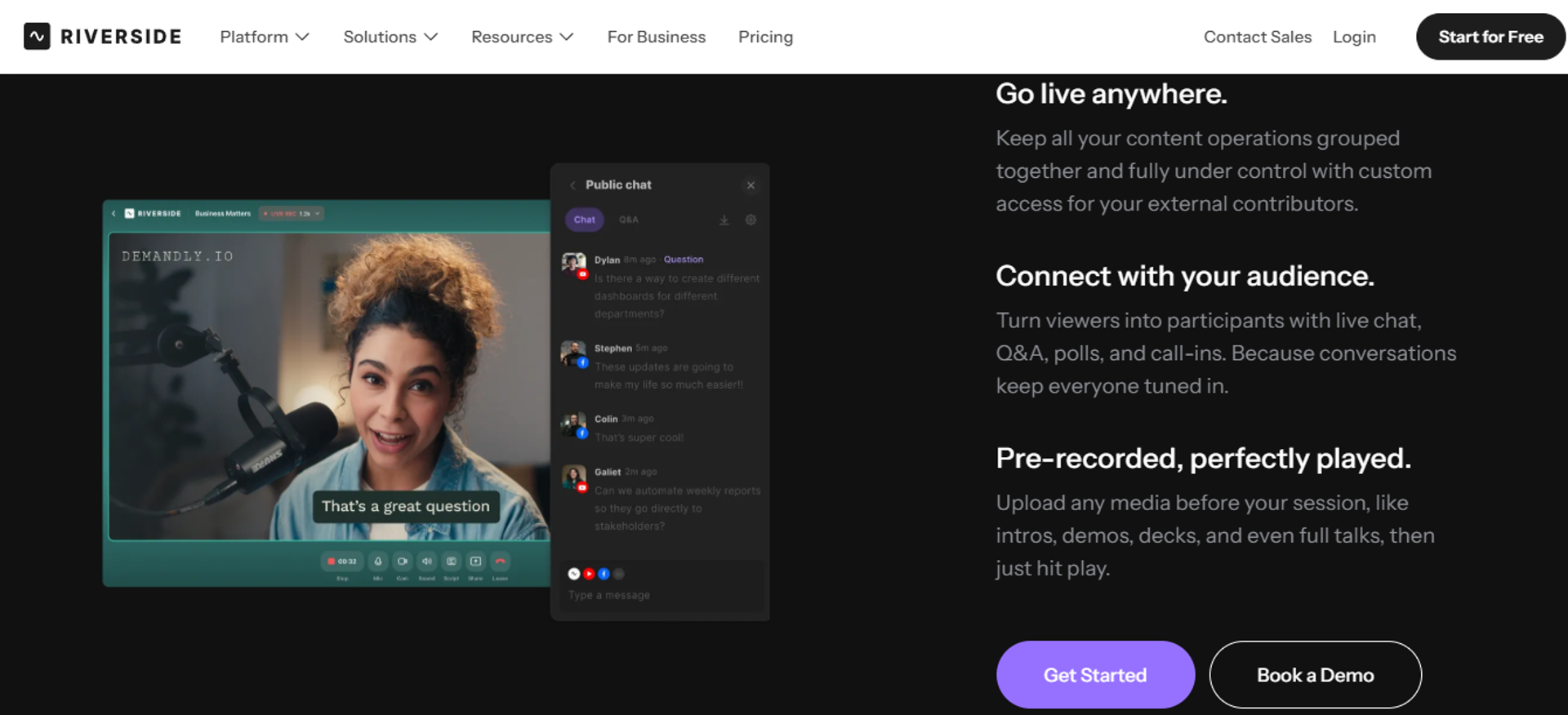
Riverside is best for teams whose webinar doubles as content production, because recording, editing, and AI clip generation are built in, but it may not fit operators who need registration funnels, evergreen scheduling, or in-room offers.
| Quick fit | Detail |
|---|---|
| Best for | Content and brand teams turning sessions into clips, audio, and transcripts |
| Skip if | The session's job is to convert registrants into buyers |
| Strongest edge | Recording, editing, and repurposing in one tool |
| Biggest trade-off | Thin funnel and conversion mechanics |
| Pricing snapshot | Freemium then flat monthly. |
🎬 The repurposing gap it actually fills
Most webinar platforms hand you a recording and stop there. Everything after that is your problem.
Riverside closes that loop with clip generation, audio cleanup, and transcripts inside the platform. If your webinar is content first, that saves a full editing cycle.
Why Riverside ranks #11
It ranks last for this keyword, not because it is weak, but because the search intent is funnel replacement. Riverside is a production tool that hosts sessions, not a conversion system.
There is no evergreen scheduling, no in-room checkout, and no behavior-triggered follow-up. Operators leaving Livestorm over funnel and cost limits will hit different walls here, which is worth checking against a proper webinar funnel blueprint.
What Riverside does well
- Studio-quality capture. Local recording protects quality even when connections wobble, which matters for content you will publish.
- Built-in editing and clips. AI clip generation and audio cleanup remove a separate editing tool from the stack.
- Transcripts and captions. Automatic text output makes each session searchable and repurposable for SEO and social.
- Multi-guest sessions. Remote speakers join easily, which suits panels and interview formats.
- Freemium entry. A free tier lets teams test the workflow before committing budget.
Where Riverside falls short
- No evergreen or Just-in-Time scheduling for always-on funnels.
- No native in-room checkout or timed offer overlays.
- Registration and follow-up depth are limited compared with funnel platforms.
Decision scorecard
| Evaluation criterion | Riverside fit | Why it matters |
|---|---|---|
| Live webinars | Partial | Live sessions supported with a production focus |
| Simulated Live | Weak | Not designed for scheduled recorded delivery |
| Evergreen automation | Weak | No evergreen scheduling layer |
| Funnel pages | Weak | Minimal registration and funnel capability |
| Engagement | Partial | Chat and Q&A, no timed offer system |
| CRM and follow-up | Weak | No behavior-triggered follow-up engine |
| Monetization | Weak | No in-room payments |
| Analytics | Weak | Production metrics rather than funnel metrics |
| Integrations | Partial | — |
| Pricing fit | Strong | Freemium entry keeps testing cheap |
| Best-fit buyer | Content, brand, and podcast teams repurposing sessions | - |
Best for / skip if
Choose Riverside if your webinar is really a content asset that needs clips and transcripts. Skip it if you need registration funnels, evergreen delivery, or payments in the room.
💰 The pattern across all eleven
Look at the scorecards together and one thing repeats. Almost every platform is strong on either the live room or the automation, rarely both.
That split is why operators end up with two subscriptions for one webinar. My read after 100-plus webinars is that the split costs more in rebuild time than in license fees.
EasyWebinar runs Live, Simulated Live, and Evergreen from one funnel setup, with native CRM, behavior-based follow-up, and in-room checkout included, as detailed across its all features page. Named proof includes Carla Beisinger at $5M from one evergreen funnel and Ryan Fenn at $2M from one automated funnel, alongside SOC 2 Type II attestation and K21 Academy's edtech results.
Q2. How Did We Score and Rank These Livestorm Alternatives?
Every platform scored out of 100 across five weighted criteria: Format and Automation Depth (25%), Pricing Model Transparency (20%), Conversion and Engagement Tooling (20%), Verified User Reviews (20%), and Native Integration Depth (15%). Scores of 0 to 20 earn one star, 21 to 40 two, 41 to 60 three, 61 to 80 four, and 81 to 100 five. EasyWebinar scores 5 stars on this rubric.
⚠️ What we refused to score
Three things earned zero points here. Funding raised, customer logo walls, and G2 badges.
None of them tell you whether a webinar will convert on a Wednesday afternoon. EasyWebinar's scoring inputs are published pricing pages, product documentation, and dated public reviews, not vendor marketing claims.
⭐ Why automation depth carries the most weight
Format and Automation Depth takes 25% because it decides your ceiling. A platform that only does live caps you at your own calendar.
Points go to platforms covering live, Simulated Live (a recording on a set schedule with real-time chat), and Evergreen (automated delivery with Just-in-Time registration, meaning a session starts within roughly 15 minutes of signup). Points come off for automation that strips chat, polls, and offers into a plain replay.
The criteria and what wins or loses points
Pricing Model Transparency (20%) 💰
Published, per-cell verifiable pricing earns full marks. Usage-metered pricing loses points, because cost scales with audience size rather than value delivered. Quote-only pricing loses points for slowing evaluation. Our own webinar pricing is published for the same reason.
Conversion and Engagement Tooling (20%) ✅
Timed offers, countdown scarcity, polls, and in-room checkout earn points. Engagement that disappears in the replay loses them, since more than half of webinar viewing now happens on demand. A fuller breakdown of the mechanics sits in this guide to webinar engagement tools.
Verified User Reviews (20%) 📊
Scores come from dated G2, Capterra, TrustRadius, and Trustpilot reviews, weighted toward recurring themes rather than single complaints. A platform loses points when the same failure appears across years.
Native Integration Depth (15%) 🔗
Native CRM and email connections earn points. Zapier-only coverage earns partial credit, because a bridge that hits a limit takes the whole funnel down with it. Native integrations are scored above connector-only coverage for that reason.
💸 The feature-bloat penalty
More features did not mean more points. Volume is not value, and an effective offer is usually smaller than operators think.
I have watched platforms promise to be your community, your CRM, and your email provider at once. Usually that means all three are mediocre, which is why breadth without depth was scored down.
Star bands
| Score | Stars | What it signals |
|---|---|---|
| 81 to 100 | 5 | Covers all formats with conversion tooling and transparent pricing |
| 61 to 80 | 4 | Strong in most areas with one real gap |
| 41 to 60 | 3 | Solid single-purpose tool, needs a second platform |
| 21 to 40 | 2 | Works, with documented reliability or support issues |
| 0 to 20 | 1 | Not suited to a revenue-focused webinar |
📌 How review evidence was applied
Reviews were used to confirm or contradict product claims, never as decoration. A five-star platform still shows its trade-offs.
"The biggest challenge is around setting up automated webinars, and needing the presentation uploaded first in order to set it up."- Ash A., EasyWebinar G2 - Verified Review
"It didn't fuly integrated with my CRM (Highlevel) and the replay didn't show the live polls and CTAs"- Ivanhoe S., Demio - G2 Verified Review
EasyWebinar reaches 5 stars on format depth across Live, Simulated Live, and Evergreen, plus plan pricing that does not meter attendees. The rubric also docks it on landing page flexibility, which reviewers name directly. Simple scales. Fancy fails.
Q3. Why Are Teams Leaving Livestorm, and Which Ceiling Will You Hit First?
Teams leave Livestorm when usage-based pricing outruns value. Livestorm bills attendee credits per unique person per session, so the same person attending two sessions consumes two credits. Pro tiers cap monthly active contacts between 100 and 1,000, with a 1,000 live attendee ceiling. G2 reviewers add limited branding, basic form logic, and few automations.
💸 The anxiety nobody names out loud
Most operators do not leave because of a feature. They leave because they never modeled the worst case and now suspect they are burning money.
Risk comes from not knowing what you are doing with the numbers. So let us do the arithmetic properly.
💰 The credit math at real attendance
An active contact is anyone who interacts with Livestorm at least once in a calendar month, counted month to month, per Livestorm's own support documentation. Attendee credits run about EUR 2.50 each on the published pricing page.
ON24's 2026 benchmark puts the average webinar at 239 attendees. Run one session weekly at that size and you are billing roughly 12,400 unique attendee credits across a year, before a single replay viewer.
The replay penalty most buyers miss
Livestorm counts replay and on-demand viewers as real participants. ON24 reports 52% of attendees now watch on demand.
That combination punishes exactly the strategy most operators are trying to build. Your evergreen funnel becomes your largest line item, not your cheapest, which is the opposite of how an evergreen sales funnel is supposed to behave.
⚠️ What reviewers actually complain about
The pricing complaint is not the only one. G2's Livestorm review themes cluster around steep pricing for small teams, limited branding behind higher tiers, missing features and basic form logic, HubSpot integration friction, and limited analytics.
Reviewers report "branding options limited in Livestorm, requiring higher-tier plans for better customization and flexibility."- Verified Reviewer Themes, Livestorm - G2 Verified Review
Reviewers "find Livestorm's pricing steep, especially for small teams, limiting customization and overall affordability."- Verified Reviewer Themes, Livestorm - G2 Verified Review
The switch-trigger diagnostic
| Ceiling you hit first | What it looks like | Where to look next |
|---|---|---|
| Monthly active contacts | Costs jump as your list warms up | EasyWebinar or eWebinar, both plan-priced |
| 1,000 live attendee cap on Pro | Registrations exceed the room | Zoom Webinars or BigMarker |
| Session length limit | Long workshops get cut short | BigMarker or ON24 |
| Branding and form logic | Pages cannot match your brand | BigMarker or Contrast |
| Automation depth | No Just-in-Time or timezone-adjusted delivery | EasyWebinar or EverWebinar |
| Replay cost | On-demand viewers become billable | EasyWebinar, priced by plan |
✅ The reframe that actually helps
Expensive is the wrong word. The real question is whether your back-end offer funds the front end.
If you sell a $5,000 program, a metered platform can be fine. If you sell a $97 course to a growing list, per-attendee billing will eat you alive. That is just math, not opinion, and it is the same math behind how to make money with webinars.
EasyWebinar prices by plan rather than per attendee, so an automated webinar funnel running on-demand sessions all month does not turn every replay viewer into a billable line item.
"With my live class I used to sell 10-12 courses. With EasyWebinar I sold 25 courses within 3 weeks of my evergreen launch."- Laura C., EasyWebinar G2 - Verified Review
Q4. How Do These Alternatives Compare on Pricing, Attendee Limits, and the Real Cost of Replays?
Webinar platforms price two ways. Flat plan pricing charges by tier regardless of audience size. Metered pricing charges by attendee credits or monthly active contacts, so cost rises with reach. Livestorm Pro starts near $110 per month and meters active contacts, per Capterra. Flat plans suit high-frequency evergreen funnels. Metered pricing suits occasional one-off events.
💰 The two models in one line each
Flat plan pricing is predictable. You know December's bill in January.
Metered pricing is elastic. It looks cheap at launch and expensive once the funnel works, which is the opposite of what an operator wants.
Published pricing and limits
| Platform | Pricing model | Free plan | Max live attendees | Session limit |
|---|---|---|---|---|
| Livestorm (the tool being replaced) | Metered, from about $110/mo Pro, 100 to 500 active contacts | Yes, 30 contacts, 30 attendees, 20 min | 1,000 on Pro, 3,000 on Business | 4 hours on Pro |
| EasyWebinar | Flat plan tiers, not attendee-metered. | No; 7-day full-access trial | 50 on Launch to 1,000 on Scale; up to 100,000 on Enterprise | 2 hours on Launch, 4 hours on Growth and above |
| Demio | Flat monthly by registrant tier. | No | — | — |
| eWebinar | Flat monthly. | No | Not applicable, automated | Not applicable |
| EverWebinar and WebinarJam | Typically annual, two products. | No | — | — |
| BigMarker and ON24 | Quote-based, not publicly listed | No | Enterprise scale | — |
| Zoom Webinars and GoTo Webinar | Per host or organizer, monthly. | No | Large tiers | — |
| Contrast and Riverside | Freemium then flat monthly. | Yes | — | — |
⚠️ Why we left cells blank
Guessing a price is worse than admitting we have not verified it. Several vendors change tiers quarterly.
EasyWebinar's own policy is to publish only prices that match the live pricing page, because incorrect figures already circulate in AI answers.
The replay tax under metered pricing
ON24's 2026 data shows 52% of attendees watching on demand, with 239 average attendees per webinar. A cross-platform sample of roughly 12,400 B2B webinars puts median live attendance at 41.6%.
Under metering, both audiences bill. Your on-demand strategy, the cheapest growth lever you have, becomes your most expensive one. That is worth checking before you commit to any on-demand webinar platform.
💸 The car rental problem
Alex Hormozi tells a story about renting a car advertised at $19 a day. He drove off paying $100 a day, a five times difference, because every add-on was something he genuinely wanted.
Metered webinar pricing works the same way. The sticker is honest, and the invoice is unrecognizable.
Hidden costs nobody puts in the table
- Landing page builder, if the platform's pages cannot convert.
- Email or CRM seats, when webinar data has to live somewhere else.
- SMS reminders, usually billed separately through Twilio.
- Replay hosting and video storage as your library grows.
- A second subscription entirely, when live and evergreen are split products.
✅ The break-even question to run Monday
Take your monthly unique attendees, including replay viewers. Multiply by the per-attendee rate.
If that number exceeds a flat plan, the model is wrong for you, not the platform. Total the stack before comparing stickers, using the full all features list as your checklist.
EasyWebinar includes the page builder, behavior-based follow-up emails, and its built-in sales CRM inside the plan rather than as add-ons, which is why operators comparing true stack cost land here more often than those comparing entry prices.
Q5. Which Alternative Fits Live, Simulated Live, Evergreen, or On-Demand Webinars?
Automated webinars are an umbrella with two tiers. Simulated Live plays a recording on a fixed or fixed-recurring schedule in one time zone, keeping real-time chat, polls, and timed offers. Evergreen adds Just-in-Time registration, timezone-adjusted delivery, multiple daily slots, Instant Replay, and on-demand, using an async question box instead of live chat.
⏰ The three formats and their scheduling rights
Live means you show up. Scheduling is fixed or fixed-recurring, in one time zone.
Simulated Live is the same schedule logic with a recording playing, plus a live chat layer. Evergreen is the only tier that gets Just-in-Time, which means the next session starts within roughly 15 minutes of someone registering. The differences are unpacked further in this live versus automated webinars guide.
⚠️ The contested ground, argued honestly
Some operators insist automated sessions have been weakened for cold traffic and that live simply converts harder. Others point out live show-up rates are brutal, while an evergreen funnel runs around the clock.
Both are right in their own context. Automated delivery usually carries the higher cost per lead, so if you have more time than money, stay live longer.
The resolution: validate live, then automate
Run 5 to 10 live sessions first. Fine-tune the story, the offer, and the objection handling.
Once you consistently convert about 10% of attendees into buyers, automate that exact session. I have run high-ticket launches on Evergreen myself, so I refuse to assign formats to use cases by rule.
✅ The four evergreen must-haves
- Just-in-Time registration, so high-intent visitors never wait days.
- Timezone-adjusted delivery, so a 7pm slot is 7pm everywhere.
- Configurable replay windows, since ON24's 2026 data shows 52% of attendees watch on demand.
- Timed offers with countdowns, so the decision happens inside the session.
EasyWebinar converts a completed live recording straight into Simulated Live or Evergreen, so the winning session becomes the automated asset without a rebuild. The full automated webinar toolkit sits behind that single switch.
💰 The Just-in-Time toggle, done right
Here is the tactic operators get wrong. On the registration page, select only Just-in-Time and nothing else.
Stacking five scheduling options next to it splits attention and delays attendance. One immediate option beats six future ones.
Format-to-platform capability matrix
| Platform | Live | Simulated Live | Evergreen and Just-in-Time | On-demand |
|---|---|---|---|---|
| EasyWebinar | Yes | Yes | Yes | Yes |
| Demio | Yes | Partial | No | Partial |
| eWebinar | No | Partial | Yes | Yes |
| EverWebinar | No | Yes | Yes | Yes |
| WebinarJam | Yes | Partial | No | Partial |
| BigMarker | Yes | Yes | Partial | Yes |
| ON24 | Yes | Yes | Partial | Yes |
| Zoom Webinars | Yes | Weak | No | Partial |
| GoTo Webinar | Yes | Partial | No | Partial |
| Contrast | Yes | Partial | No | Yes |
| Riverside | Partial | No | No | Yes |
❌ The trap in the middle column
Look at how many platforms show Partial under Simulated Live. That usually means the recording plays without chat, polls, or offers.
Strip that layer and you have a video page, not a simulated live webinar. A reviewer running both formats confirmed the reporting gap that follows.
"Analytics splits out live and replay attendee insights for evergreen webinars." The same reviewer notes: "Replay insights aren't currently captured on live webinars."- Verified User in Professional Training & Coaching, EasyWebinar G2 - Verified Review
"It didn't fuly integrated with my CRM (Highlevel) and the replay didn't show the live polls and CTAs"- Ivanhoe S., Demio - G2 Verified Review
One more thing about traffic. An automated webinar without traffic is a billboard in the desert, so pick the format your promotion can actually feed, and pair it with a plan to drive webinar attendance.
EasyWebinar runs Live, Simulated Live, and Evergreen off one funnel setup, which is why the validate-then-automate sprint never requires a second subscription. Laura C. documented moving from 10 to 12 course sales live to 25 in three weeks on evergreen.
Q6. Which Platform Integrates and Converts Best, All-in-One or a Stitched Stack?
Consolidate where failure costs the most. Registration, reminders, in-webinar offers, and behavioral follow-up belong in one system, because third-party bridges fail silently at the worst moment. Judge integrations on native depth for HubSpot, Salesforce, and Marketo, not Zapier coverage. Then hold conversion tooling to real numbers: 30% registration conversion on cold paid traffic, and 10% attendee-to-buyer.
⚠️ The common view, and where it breaks
The standard advice says pick best-in-class tools and connect them. Be cautious of anything claiming to be your platform, your CRM, and your email provider at once.
I agree with that caution more than most vendors would like. Then I draw a hard line at the revenue path.
💸 The four-hour save that changed my mind
A team I worked with hit their Zapier limit on total Zaps that could fire. They caught it four hours before the webinar.
Salespeople were already dialing leads that had not synced. Nobody knew what was wrong until someone checked the automation log by accident.
Integration depth, mapped honestly
| Platform | Native CRM depth | Payments in room | SMS reminders |
|---|---|---|---|
| EasyWebinar | Native EasyCRM, HubSpot, ActiveCampaign, Keap, ConvertKit, GoHighLevel, Ontraport, and Pardot | Yes, Stripe, PayPal, and PayU | Yes, via Twilio |
| Demio | Connector-based, reviewers cite gaps | No | — |
| eWebinar | Connector-based | No | — |
| EverWebinar and WebinarJam | Reviewers report inconsistent sync | No | — |
| BigMarker and ON24 | Enterprise MAP integrations | Partial | — |
| Zoom and GoTo Webinar | Broad but shallow for webinar data | No | No |
| Contrast | Strong HubSpot sync | No | — |
| Riverside | None | No | No |
✅ The four mechanics that actually move revenue
- Timed offers with countdown scarcity, so the decision lands during peak intent.
- Real-time chat and polls in Simulated Live, which handle objections while attention is high.
- Behavior-segmented follow-up, sent by what each person did in the room.
- Per-attendee action tracking, so sales calls the warmest leads first.
EasyWebinar's Power Follow-Ups fire on granular behavior: left early, saw the offer but did not click, or clicked but did not buy. That behavioral layer is what turns a session into webinar marketing automation rather than a broadcast.
⏰ Two retention tactics worth stealing
Tell people early that bonuses go out to those who stay to the end. Aim to keep 80% of your peak attendance through to the pitch.
Then ask permission before you sell. A simple "drop a one in the chat if it is okay I show you this" converts far better than an abrupt transition, and it is one of the highest-yield webinar interaction habits I teach.
❌ The small mechanic that cost us bookings
Here is one we got wrong. We put the join link directly inside the SMS reminder sequence.
Show rate went up. Booking rate fell off a cliff, because people joined casually instead of committing. We pulled the link back out.
Where all-in-one genuinely goes shallow
Consolidation has real limits, and pretending otherwise is how vendors lose trust. Community, content editing, and deep enterprise reporting are usually better served by specialists.
Reviewers confirm both sides of this. Native sync is worth paying for, and bridge-based sync breaks.
"The integration with HubSpot has also been seamless... registrations, attendance, engagement, all syncing directly."- Verified User in Human Resources, Contrast - G2 Verified Review
"The integrations with 3rd party software such as mailchimp is inconsistent on both the pushing the registrants over and the custom form field population."- Tara G., WebinarJam - G2 Verified Review
"Some of the integrations are not intuitive, but Rakesh was able to help me with them."- Ajarae C., EasyWebinar G2 - Verified Review
EasyWebinar keeps registration, reminders, offers, checkout, and behavior-based follow-up inside one system with native CRM connections, and the full integrations list shows where those connections are native rather than bridged. That is the reason the revenue path does not depend on a Zap firing at 1:58pm.
Q7. How Do You Pick One and Migrate Off Livestorm Without Losing a Launch?
Pick by situation, then migrate in order: export contacts and recordings, rebuild one registration funnel, reconnect the CRM natively rather than through a bridge, run one low-stakes live session to test reminders and offers, then convert the winning recording into Simulated Live or Evergreen. Give a first webinar a 10 to 14 day promotion window.
⭐ Six situations, six picks
- Course creators and coaches running evergreen funnels: EasyWebinar, which covers live validation and automation in one setup.
- Live-first marketing teams wanting a clean room: Demio.
- Always-on onboarding and product demos: eWebinar.
- Enterprise demand generation needing scoring and compliance: ON24, or BigMarker for branded events.
- Very large live broadcasts with no funnel: Zoom Webinars.
- HubSpot-native B2B programs with content repurposing: Contrast.
❌ Where I would tell you not to bother
If your webinar is an internal team meeting, none of this matters. Use whatever your company already pays for.
If your product sells under $200, the math rarely supports a webinar at all. A long-form sales page will do the job cheaper.
The migration sequence
- Export your contacts and download every recording while your current plan is still active.
- Pick one webinar, not five, and rebuild that single funnel first.
- Connect the CRM natively before you connect anything through a bridge.
- Run one low-stakes live session with real registrants, not a solo test.
- Check that reminders, offers, and CRM triggers all fired correctly.
- Convert the winning recording into Simulated Live or Evergreen.
- Turn on Just-in-Time only after the funnel has produced one clean session.
EasyWebinar auto-generates the registration, thank-you, join, and replay pages when a webinar is created, so step two is hours rather than a design project. Teams evaluating that speed usually start from the compare webinar platforms page.
⏰ The timeline rule nobody respects
Give a first webinar on a new platform 10 to 14 days of promotion. Something will break, and probability is on the side of it breaking badly.
Once the funnel is dialed in, a 3 to 5 day cycle is plenty. The extra days early are insurance, not padding.
⚠️ The two steps people skip
Testing the reminder sequence end to end is the first. Send yourself through the whole flow, including the SMS, and time each send.
Verifying that integration triggers actually fired is the second. Registration syncing does not mean attendance and offer-click events are syncing too.
Permission to ship something imperfect
Every template you are staring at is a little ugly. They are also finished, which beats a beautiful page that ships in six weeks.
What converts is the presentation and the offer, not the gradient on the header. Webinar creation should feel like assembling parts, not writing from scratch, which is exactly what the AI funnel builder was designed to do.
💰 The baseline you are leaving behind
Livestorm's free plan caps you at 30 active contacts, 30 live attendees, and 20-minute sessions, per its own support documentation. Plan changes and contact access are governed by that same active-contact model.
Export before you downsize, not after. A registrant list you cannot reach is not an asset.
EasyWebinar converts an existing recording into an automated event and generates the funnel pages on creation, which is why switching is usually measured in hours. Carla Beisinger built a $5M evergreen funnel on that workflow, and Ryan Fenn ran $2M through one automated funnel.
🔮 What I am watching next
My read right now is that live workshops come back harder over the next 18 months, as audiences get tired of over-automated everything. The winners will run live weekly and automate only the proven session, rather than choosing a side.
I could be reading that too strongly. If you are running both formats this quarter, I would genuinely like to hear which one is holding conversion, because that is the number I am tracking. If you want to pressure-test your own setup, start with a request demo conversation rather than a feature checklist.
Frequently Asked Questions

Casey Zeman
Founder of EasyWebinar
About Author
Over the past decade, I've helped thousands of entrepreneurs, coaches, and consultants turn webinars into a predictable, powerful way to grow their audience, build trust, and scale, without the constant hustle. I created EasyWebinar because I couldn't find a system that combined authenticity, engagement, and automation the way I needed. So, I built one.
Related Posts

10 Best Community Engagement Platforms in 2026
Compare the 10 best community engagement platforms in 2026. Course creators, evaluate live hosting, analytics, and replay to pick your winner today.

10 Best Online Coaching Tools in 2026: Live Session Quality, Scheduling, Recording, and Client Engagement Analytics
Compare the 10 best online coaching tools of 2026 on session quality, scheduling, and analytics. Discover the right fit for your coaching revenue model.

10 Best Webinar Hosting Platforms Ranked by Uptime, Streaming Quality & Cost
Compare 10 webinar hosting platforms ranked by uptime, streaming quality, and cost. Discover which tool actually turns attendees into revenue.
Turn every webinar into a revenue stream
Launch your first paid event in just a few clicks - and start monetizing your expertise.
Book a Call