7 Best Webinar Platforms for 1,000+ Attendees (Scale-Tested for 2026)

Casey Zeman
Published on Jul 25, 2026 • 43 min read
TL;DR
- Seven platforms document 1,000 or more attendees in 2026: EasyWebinar, Zoom Webinars, GoTo Webinar, Webex Webinars, Microsoft Teams Webinars, WebinarJam, and Demio.
- "1,000 attendees" can mean interactive seats, view-only seats, or registrants. A sales webinar needs interactive seats that can chat, vote, and click an offer.
- The two failures that cost the most at scale are a room that turns attendee 1,001 away and registrants who never reach the CRM. EasyWebinar keeps the session running past the plan limit and syncs leads natively.
- Price the full stack, not the sticker. Base licenses, per-host billing, and separate tools for pages, email, CRM, and checkout add up fast.
- To fill 1,000 live seats, plan for roughly 1,700 to 2,500 registrants on a warm list, and far more on cold paid traffic.
- Run the webinar live first, then automate the version that converts. EasyWebinar does both on one subscription.
Q1. What Are the 7 Best Webinar Platforms for 1,000+ Attendees in 2026?
The seven webinar platforms that hold 1,000 or more attendees in 2026 are EasyWebinar, Zoom Webinars, GoTo Webinar, Webex Webinars, Microsoft Teams Webinars, WebinarJam, and Demio. EasyWebinar's Scale plan lists 1,000 live attendees and 5,000 automated viewers per session. Its pricing terms state that attendees beyond the plan limit are billed as overage and the webinar never stops at the limit. Zoom Webinars supports up to 100,000 attendees, but the number who can join is capped at the capacity of the plan purchased.
- EasyWebinar
- Zoom Webinars
- GoTo Webinar
- Webex Webinars
- Microsoft Teams Webinars
- WebinarJam
- Demio
⏰ The moment this decision gets real
At 6:40 p.m. the night before a launch, a media buyer refreshes the registration dashboard and sees 2,300 sign-ups for a room that seats 1,000. The question is no longer traffic. It is whether the room holds when the offer goes up, and whether every registrant reached the CRM. A failed stream or a dropped lead list at this scale burns a five-figure ad budget in an hour.
This guide evaluates seven vendors against six defined criteria. It is written for the launch operator or webinar producer who runs the room every week. It also serves the shadow readers on the buying committee: the CFO checking total cost, the IT Director checking reliability and security, and the Marketing Head and RevOps Lead checking whether attendee data reaches the pipeline.
Our Evaluation Criteria
Verified capacity and overflow behavior 👥
Whether the vendor documents 1,000+ interactive seats, and what happens when attendee 1,001 tries to join.
Stream reliability and join friction 📡
Whether attendees can join from a browser without downloads, and whether reviewers report drops, lag, or freezes in large sessions.
Lead data path to the CRM 🔗
Whether registrant and attendee data reaches your CRM natively, or depends on middleware (a third-party connector such as Zapier) that can hit plan caps.
Format coverage ▶️
Support for live, simulive (a pre-recorded session played on a schedule), automated, evergreen, and on-demand webinars.
Conversion tools at scale 💰
Timed offers, in-room checkout, polls, and behavior-based follow-up that still work with 1,000 people in the room.
Cost transparency at the 1,000 tier 💸
Whether the price for 1,000 attendees is published, and which add-ons or base licenses it requires.
Who This Guide Is For
- Launch operators and media buyers filling 1,000+ seats with paid traffic, who need the room and the lead list to survive showtime.
- Coaches and course creators running high-ticket launches where the live pitch carries the revenue.
- Marketing and demand gen teams using large webinars for pipeline, who need attendee behavior inside HubSpot or Salesforce Pardot (Account Engagement).
- RevOps leads checking that registrant counts on the landing page match the CRM before sales starts dialing.
- Buying-committee readers: CFOs validating cost per attendee, and IT leaders checking security, SSO (single sign-on), and uptime terms.
📊 Side-by-side comparison
| Provider | Best For | Standout Strength | Known Limitation | Verified Live Capacity | Support Model | Pricing Model |
|---|---|---|---|---|---|---|
| EasyWebinar ⭐⭐⭐⭐⭐ | Operators whose 1,000-person webinars have to sell, then keep selling on autopilot | Live and automated webinars on one subscription, with checkout in the room and your CRM or EasyCRM | Reviewers note automated webinars need the recording uploaded before setup | 1,000 live and 5,000 automated per session on Scale | Dedicated Slack support plus setup assistance on Scale | Flat monthly, no per-attendee fees within the plan |
| Zoom Webinars ⭐⭐⭐⭐ | Teams already standardized on Zoom that need a large broadcast | Capacity up to 100,000 attendees, with no Zoom account needed to join | Attendees above plan capacity cannot join | Up to 100,000 | Standard support, event services as an add-on | Capacity-tiered add-on to a Zoom Workplace license |
| GoTo Webinar ⭐⭐⭐ | Formal corporate training and compliance sessions | Structured reporting on attendees, polls, and surveys | A 2025 G2 reviewer reports outsourced support and speaker audio issues ( GoTo Webinar G2 - Verified Review ) | Up to 3,000 on the top tier | Not listed on pricing page | Capacity-tiered subscription |
| Webex Webinars ⭐⭐⭐ | Organizations standardized on Cisco | Plans run from 1,000 to over 10,000 attendees | G2 reviewers in 2025 report lag and freezes during screen share ( Webex G2 - Verified Review ) | Up to 1,000 on the Webinars plan | Not listed on pricing page | Per-license, capacity-tiered |
| Microsoft Teams Webinars ⭐⭐⭐ | Internal all-hands inside Microsoft 365 | Registration, reminders, and attendee tracking inside Teams and Outlook | A G2 reviewer notes external attendees may need to sign in or download the app ( Microsoft Teams Webinars G2 - Verified Review ) | 1,000 total (town halls up to 10,000, Q&A only) | Not listed on pricing page | Bundled with Microsoft 365 licensing |
| WebinarJam ⭐⭐⭐ | One-off live launches | Live-room urgency tools for launch events | Automation runs in EverWebinar, a separate bundled product; a G2 reviewer reports inconsistent Mailchimp sync ( WebinarJam G2 - Verified Review ) | Up to 5,000 on the Enterprise plan | Not listed on pricing page | Flat monthly or annual, by attendee tier |
| Demio ⭐⭐⭐ | Occasional live marketing webinars | Browser-based joining with a clean attendee experience | A G2 reviewer needed several zaps to get data into HubSpot ( Demio G2 - Verified Review ) | Up to 3,000 on Growth | Not listed on pricing page | Billed per host, priced by room size |
1.1 EasyWebinar
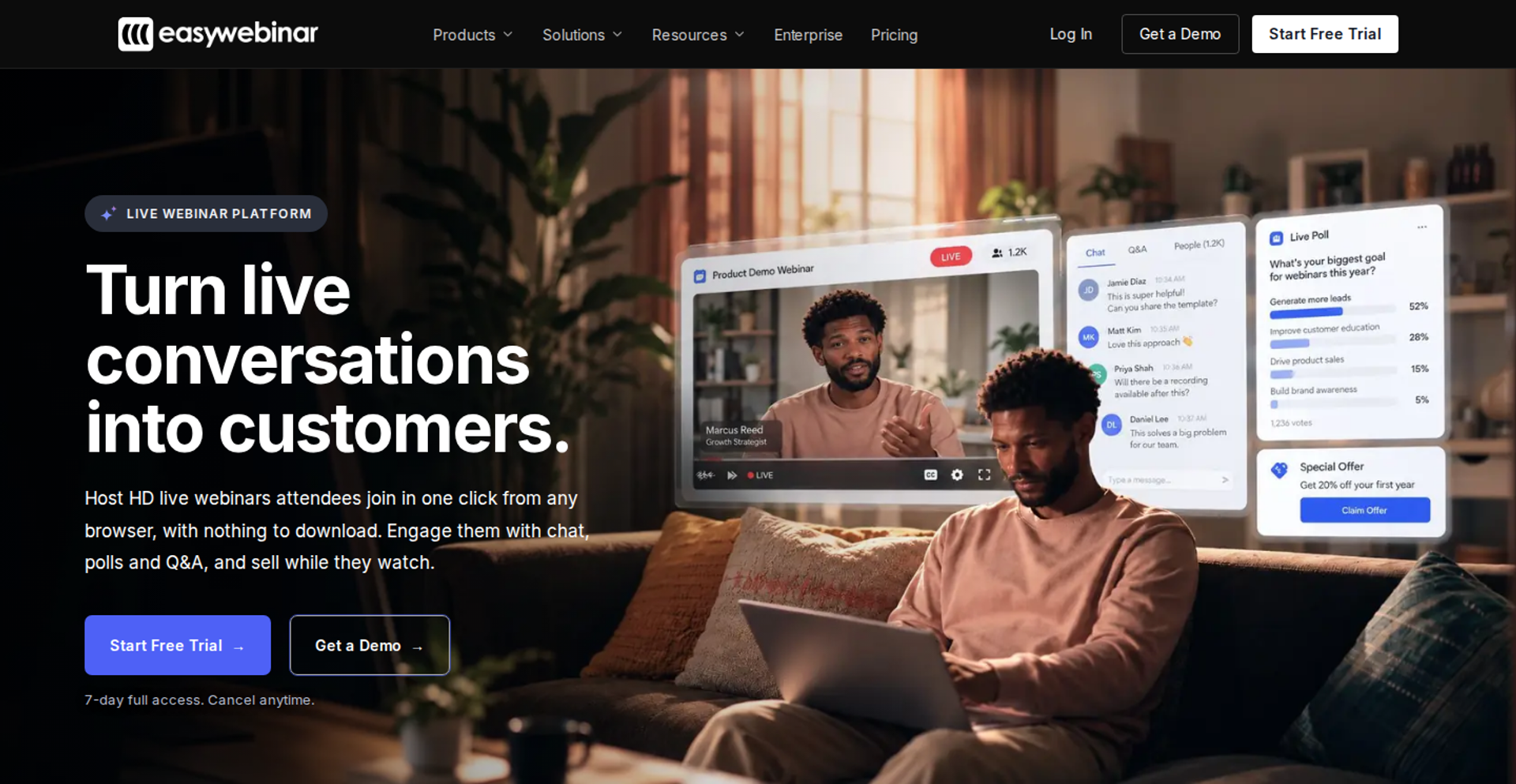
EasyWebinar is best for coaches, course creators, and marketing teams whose 1,000-person webinars have to produce revenue, because it runs live and automated webinars, in-room checkout, and CRM follow-up on one subscription. It may not fit buyers who need multi-track summits or accredited courses with certificates.
✅ EasyWebinar quick fit
| Factor | EasyWebinar |
|---|---|
| Best for | Launch operators and marketing teams selling a program, course, or demo to 1,000+ attendees |
| Skip if | You need multi-track summits, breakout-heavy conferences, or courses with progress tracking and certificates |
| Strongest edge | Run the session live, then turn that exact session into an automated webinar on the same platform |
| Biggest trade-off | The Scale plan allows up to 20 total webinars and 4-hour live sessions |
| Pricing snapshot | Scale costs $349/month billed monthly for 1,000 live attendees, with annual billing offering 2 months free; no free plan, and a 7-day full-access trial that requires a card |
Why EasyWebinar ranks #1
EasyWebinar ranks first because it scores highest on the two criteria that cost the most at 1,000 seats: overflow behavior and the lead data path. Attendees beyond the plan limit are billed as overage, and the webinar never stops at the limit. A room that refuses attendee 1,001 loses a buyer you already paid to acquire.
🔗 Where the ranking comes from
EasyWebinar also covers the data path without middleware. Operators keep HubSpot or Salesforce Pardot (Account Engagement), or use EasyCRM, the built-in CRM with lead scoring and an auto-dialer. Native HubSpot and Salesforce Pardot sync starts on the Pro plan.
In EasyWebinar's early days, I ran live webinars to sell my own course. In the first year, that built an email list of 14,000 people and $245,000 in course sales. What I learned is that the room size never mattered as much as whether the room held during the pitch.
What EasyWebinar does well
- One-click join from any browser. Attendees join from desktop or mobile with nothing to download, so fewer registrants are lost at the door.
- Real-time delivery with a stated guarantee. EasyWebinar streams with ultra-low latency, sub-500ms via Dolby OptiView WebRTC (a browser-native streaming standard). It backs this with a 99.9% uptime guarantee.
- Live to automated without a rebuild. Automated, simulive, and evergreen webinars are included from the Growth plan, with 5,000 automated viewers per session on Scale.
- Checkout inside the room. Buyers pay through Stripe, PayPal, or PayU without a redirect, so sale and attendee data stay together.
- Follow-up that reacts to behavior. No-shows, early leavers, offer-clickers, and replay viewers each get their own sequence.
- Team controls at scale. Scale adds SSO/SAML, full API access, white labeling, team routing, and live session monitoring.
Where EasyWebinar falls short
- Caps on volume per account. Scale allows up to 20 total webinars and live sessions of up to 4 hours. Marathon events need a different format.
- Not built for conferences. EasyWebinar does not run multi-track agendas with breakout rooms. Multi-day summits belong on event platforms.
- Automated setup order. A G2 reviewer notes the recording must be uploaded before an automated webinar can be configured.
- Not a course platform. EasyWebinar is the conversion layer in front of Kajabi, Teachable, or Thinkific, and does not issue certificates.
EasyWebinar decision scorecard
| Evaluation criterion | EasyWebinar fit | Why it matters |
|---|---|---|
| Capacity at 1,000+ | Strong | Scale lists 1,000 live attendees per session. |
| Overflow at the limit | Strong | The webinar keeps running past the plan limit, so paid traffic is not turned away. |
| Reliability and join | Strong | Browser join plus a 99.9% uptime guarantee protects the pitch. |
| Live webinars | Strong | Chat, polls, Q&A, timed offers, and countdowns run in the live room. |
| Simulive or automated | Strong | The proven live session becomes the automated one. |
| Evergreen automation | Strong | Just-in-time sessions start minutes after registration, in the attendee's time zone. |
| Funnel pages | Strong | Registration, thank-you, and replay pages are built in, and the AI Webinar Builder drafts them. |
| CRM and follow-up | Strong | Use your CRM or EasyCRM, with behavior-based sequences. |
| Monetization | Strong | In-room checkout and paid webinars remove the redirect. |
| Analytics | Strong | Attendee-level watch time, offer clicks, purchases, and a drop-off heatmap. |
| Pricing fit | Partial | A flat monthly plan suits recurring programs better than one event a year. |
| Best-fit buyer | Strong | Coaches, course creators, and marketing teams whose webinars must sell. |
EasyWebinar: best for / skip if
Choose EasyWebinar if your 1,000-person webinar has to sell or produce pipeline, and you want the winning session to keep running as an automated webinar. Skip it if you are running a multi-track conference, an internal all-hands, or an accredited course.
EasyWebinar reviews
- A G2 reviewer calls EasyWebinar user-friendly and reliable, and praises responsive technical support (Jo K., March 2025, EasyWebinar G2 - Verified Review).
- Another G2 reviewer wants to set up automated webinars and open registration before the presentation is recorded (Ash A., March 2026, EasyWebinar G2 - Verified Review).
1.2 Zoom Webinars
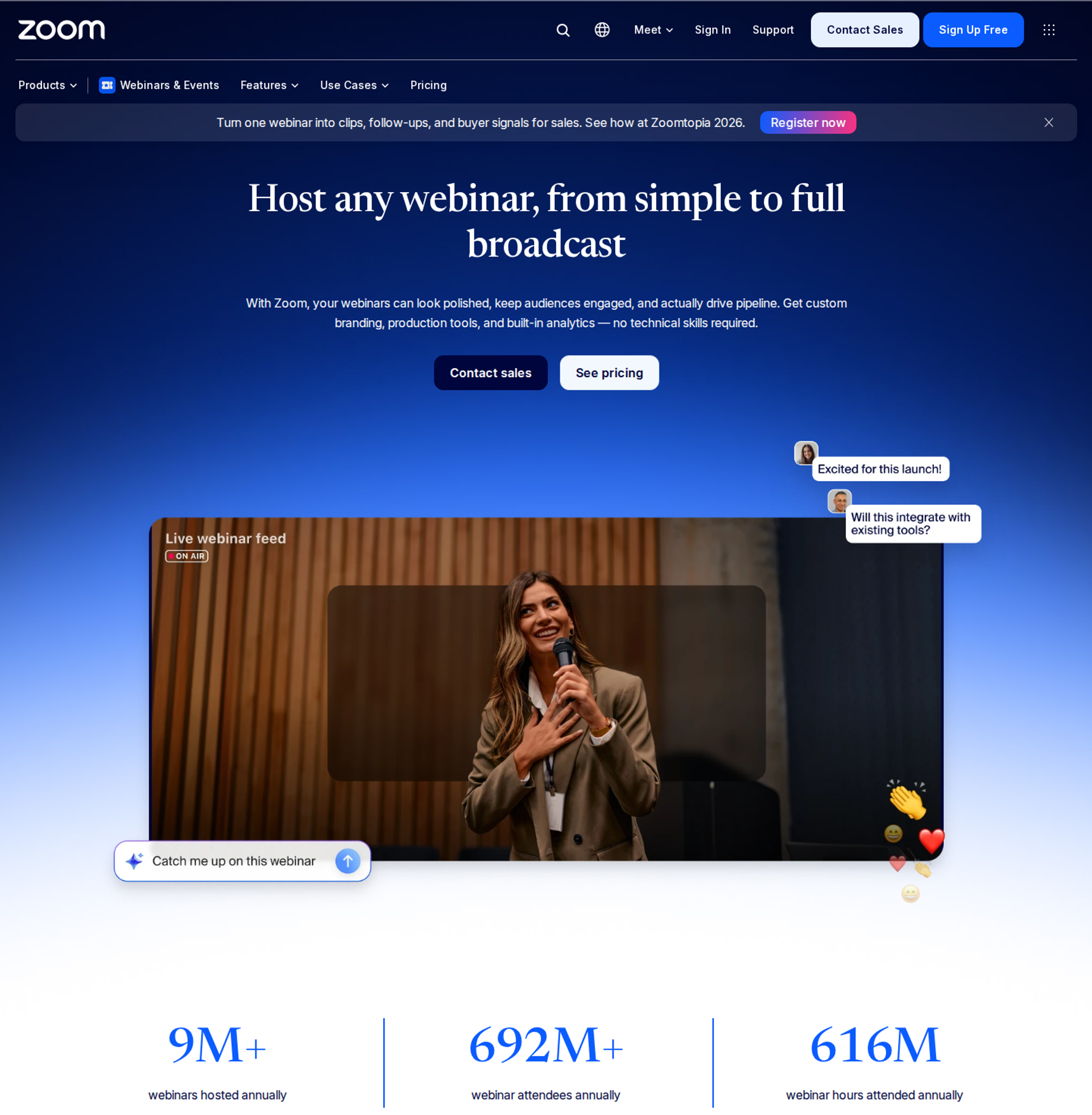
Zoom Webinars is best for teams already standardized on Zoom that need a large, familiar broadcast, because it sells capacity up to 100,000 attendees on infrastructure audiences already trust. It may not fit operators who need automated selling, in-room checkout, or a webinar that keeps running past its seat cap.
✅ Zoom Webinars quick fit
| Factor | Zoom Webinars |
|---|---|
| Best for | Organizations already on Zoom Workplace running large, presentation-style broadcasts |
| Skip if | Your webinar must sell, automate, or keep admitting attendees beyond the plan size |
| Strongest edge | Capacity up to 100,000, and attendees do not need a Zoom account |
| Biggest trade-off | The number of attendees who can join is capped at the plan's capacity |
| Pricing snapshot | The Webinars plan starts at $89/month billed monthly or $66.67/month billed annually ; the 1,000-attendee tier is listed at $340/month or $3,400/year ; a Zoom Workplace Pro subscription is required |
Why Zoom Webinars ranks #2
Zoom Webinars ranks second on capacity and audience familiarity. Zoom documents up to 100,000 attendees, and webinars at that scale keep Q&A, chat, polls, reactions, and surveys. Familiarity matters at the door, because people who already use Zoom rarely stall at the join step.
⚠️ What holds it below #1
Zoom loses ground on overflow, automation, and selling. A 500-attendee plan admits up to 500 people, although registrations can be unlimited for unpaid events. That gap matters when ads overfill the room. EasyWebinar's no-hard-cutoff policy addresses exactly that moment.
What Zoom Webinars does well
- Headroom for growth. All three Zoom webinar and event products support up to 100,000 attendees.
- Controlled presentation. Attendees are mainly view-only, and hosts control who speaks or shares. This keeps a large room orderly.
- Rehearsal before go-live. Every plan includes a practice session, and sessions can run up to 30 hours.
- Marketing integrations. The Webinars plan lists HubSpot, Marketo, Pardot, Salesforce, and Eloqua integrations.
- Security paperwork for IT. The plans list SOC 2 Type 2, GDPR, and SSO via SAML 2.0.
Where Zoom Webinars falls short
- Hard seat cap. Attendees beyond plan capacity cannot join, so overflow from paid traffic is lost.
- Pre-recorded sessions cost more. Simulive is listed for Webinars Plus and Events, not the base Webinars plan.
- Two bills to run one webinar. The webinar add-on requires a Zoom Workplace Pro subscription.
- Basic selling tools. The base plan lists basic landing pages, basic analytics, 720p video, and PayPal only.
Zoom Webinars decision scorecard
| Evaluation criterion | Zoom Webinars fit | Why it matters |
|---|---|---|
| Capacity at 1,000+ | Strong | Capacity is offered up to 100,000. |
| Overflow at the limit | Weak | Attendees above the purchased tier are turned away. |
| Reliability and join | Strong | One-click join links, and no Zoom account needed. |
| Live webinars | Strong | Chat, Q&A, polls, quizzes, and reactions are included. |
| Simulive or automated | Partial | Pre-recorded sessions require Webinars Plus or Events. |
| Evergreen automation | Weak | The pricing page lists no just-in-time or recurring evergreen scheduling. |
| Funnel pages | Partial | The landing page and emails are basic on the Webinars plan. |
| CRM and follow-up | Partial | Native CRM integrations exist, but there is no built-in CRM or behavior-based sequences. |
| Monetization | Partial | Ticketing is basic, and PayPal is the listed provider on Webinars. |
| Analytics | Partial | Reports cover registration, attendance, Q&A, polls, and surveys, exportable as CSV. |
| Pricing fit | Partial | Capacity tiers plus a Workplace license add up for one-off events. |
| Best-fit buyer | Strong | Teams standardized on Zoom running presentation-style broadcasts. |
Zoom Webinars: best for / skip if
Choose Zoom Webinars if your organization already runs on Zoom and needs a large, controlled broadcast with familiar join links. Skip it if the webinar must sell in the room, run on autopilot, or admit attendees beyond the seats you bought.
Zoom Webinars reviews
- A G2 reviewer calls Zoom Webinars scalable and stable for large events, but misses look-and-feel customization (Gabor F., February 2023, Zoom G2 - Verified Review).
- Another G2 reviewer running 200 to 500 attendee marketing webinars reports glitches with presenter entry and late reminder emails (Casey S., March 2021, Zoom G2 - Verified Review).
1.3 GoTo Webinar
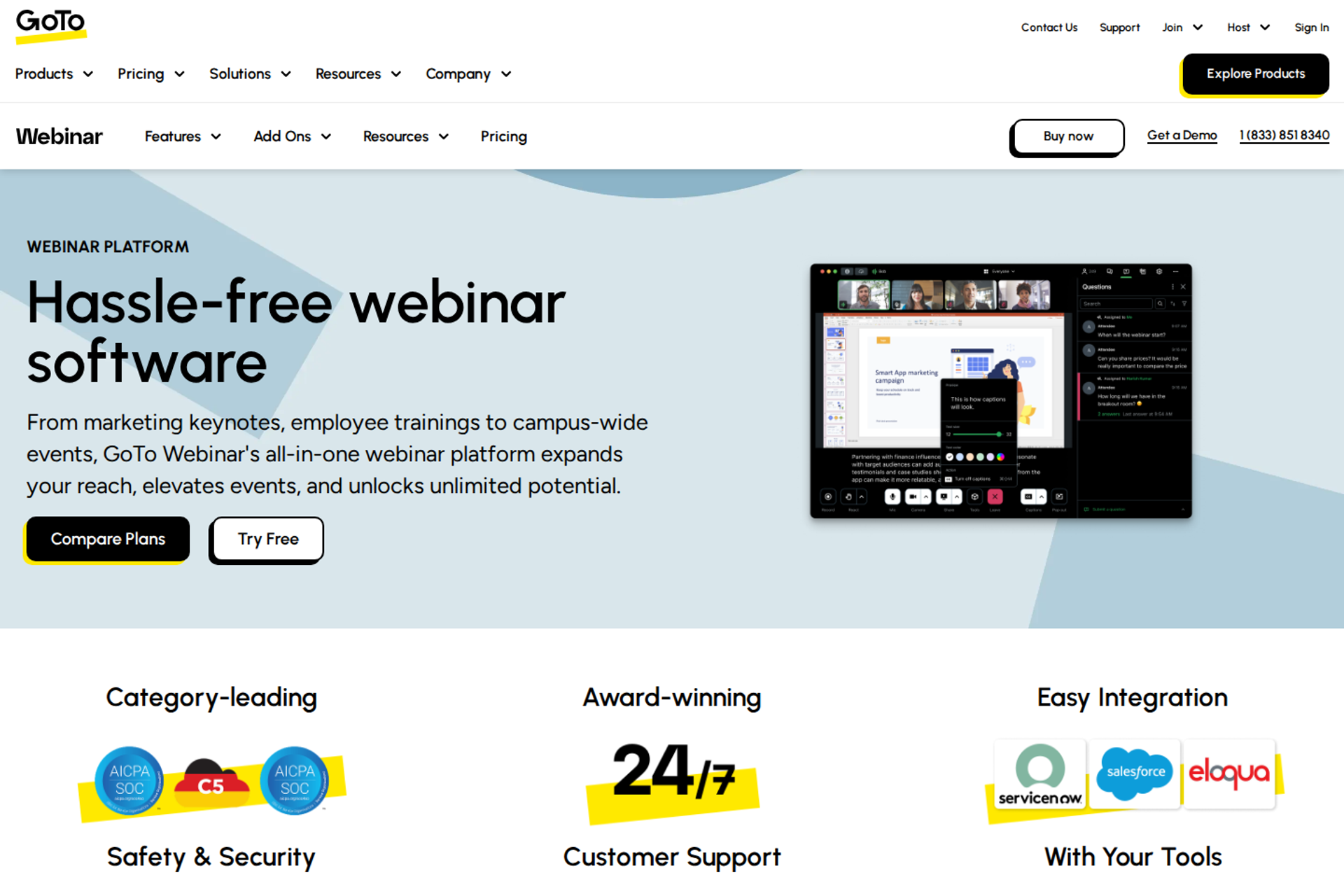
GoTo Webinar is best for training and corporate communications teams that run structured, recurring sessions at the 1,000-seat tier, because its mid-tier plan bundles 1,000 participants with simulive, cloud recordings, and AI summaries. It may not fit operators who need checkout, a built-in CRM, or published pricing above 1,000 seats.
✅ GoTo Webinar quick fit
| Factor | GoTo Webinar |
|---|---|
| Best for | Formal corporate training, compliance sessions, and departmental town halls |
| Skip if | Your webinar must sell in the room, or you need payments without a sales call |
| Strongest edge | The Elevate plan covers up to 1,000 participants , branded webinars with custom URLs, cloud recordings, AI summaries and transcripts, recordings run as live events, and breakout rooms |
| Biggest trade-off | Paid events, certified training, source tracking, and 3,000-participant capacity sit on the Complete plan, which is sold through sales |
| Pricing snapshot | Reach is listed at $69 and Elevate at $299 per organizer per month as of August 2026 , with Complete priced on request. The Flex plan costs $228 a year or $29 a month, plus $299 per live event of up to 1,000 attendees |
Why GoTo Webinar ranks #3
GoTo Webinar ranks third because it documents the 1,000 tier clearly and packages useful production tools inside it. Simulive events appear on all three tiers in GoTo's plan comparison. For teams that run the same training every month, that removes a second tool.
⚠️ What holds it below #2
GoTo Webinar loses ground on selling and support. Accept Payments is checked only on the Complete plan. EasyWebinar includes in-room checkout from its Growth plan, which matters when the webinar is the sales event rather than the training.
What GoTo Webinar does well
- A clear 1,000 tier. Elevate includes 1,000 participants and 3 organizers, so a small team can share the room without buying extra seats.
- Pay-per-event option for rare large sessions. Flex is built for teams hosting five or fewer live sessions a year, with live pricing tiered by attendee count.
- Recorded sessions that play on schedule. Elevate can run recordings as live events, which cuts presenter hours for repeat training.
- Accessibility built in. Closed captioning, polls, handouts, and Q&A are listed on every tier.
- No-card trial. GoTo states the trial needs no commitment or credit card.
Where GoTo Webinar falls short
- Selling tools sit behind sales. Payments, source tracking, and 3,000 seats require the Complete plan and a sales conversation.
- No built-in CRM. Follow-up depends on integrations or the native email reminders, not lead scoring.
- Support complaints. A 2025 G2 reviewer describes outsourced support and repeated speaker audio and screen-share failures.
GoTo Webinar decision scorecard
| Evaluation criterion | GoTo Webinar fit | Why it matters |
|---|---|---|
| Capacity at 1,000+ | Strong | Elevate reaches 1,000, and Complete reaches 3,000. |
| Overflow at the limit | Not publicly disclosed | GoTo's pricing page does not state behavior past the cap. |
| Reliability and join | Partial | Recent reviews report speaker mic and screen-share issues. |
| Live webinars | Strong | Polls, Q&A, handouts, and captions are standard. |
| Simulive or automated | Strong | Recordings can run as scheduled live-style events. |
| Evergreen automation | Weak | No just-in-time or recurring evergreen scheduling is listed. |
| Funnel pages | Partial | Branded pages and custom URLs start at Elevate. |
| Engagement | Strong | Breakout rooms and Q&A support training formats. |
| CRM and follow-up | Partial | Automated emails exist; there is no native CRM. |
| Monetization | Weak | Payments require the sales-quoted Complete plan. |
| Analytics | Partial | Reporting is standard; source tracking needs Complete. |
| Pricing fit | Partial | Per-organizer pricing rises with team size. |
| Best-fit buyer | Strong | Training and compliance teams. |
GoTo Webinar: best for / skip if
Choose GoTo Webinar if you run recurring training or compliance sessions for up to 1,000 people. Skip it if the webinar has to sell, or if you need payments and source tracking without a sales call.
GoTo Webinar reviews
- A G2 reviewer reports outsourced support, slow license upgrades, and speakers unable to use mics or see screen shares (Forrester S., October 2025, GoTo Webinar G2 - Verified Review).
1.4 Webex Webinars
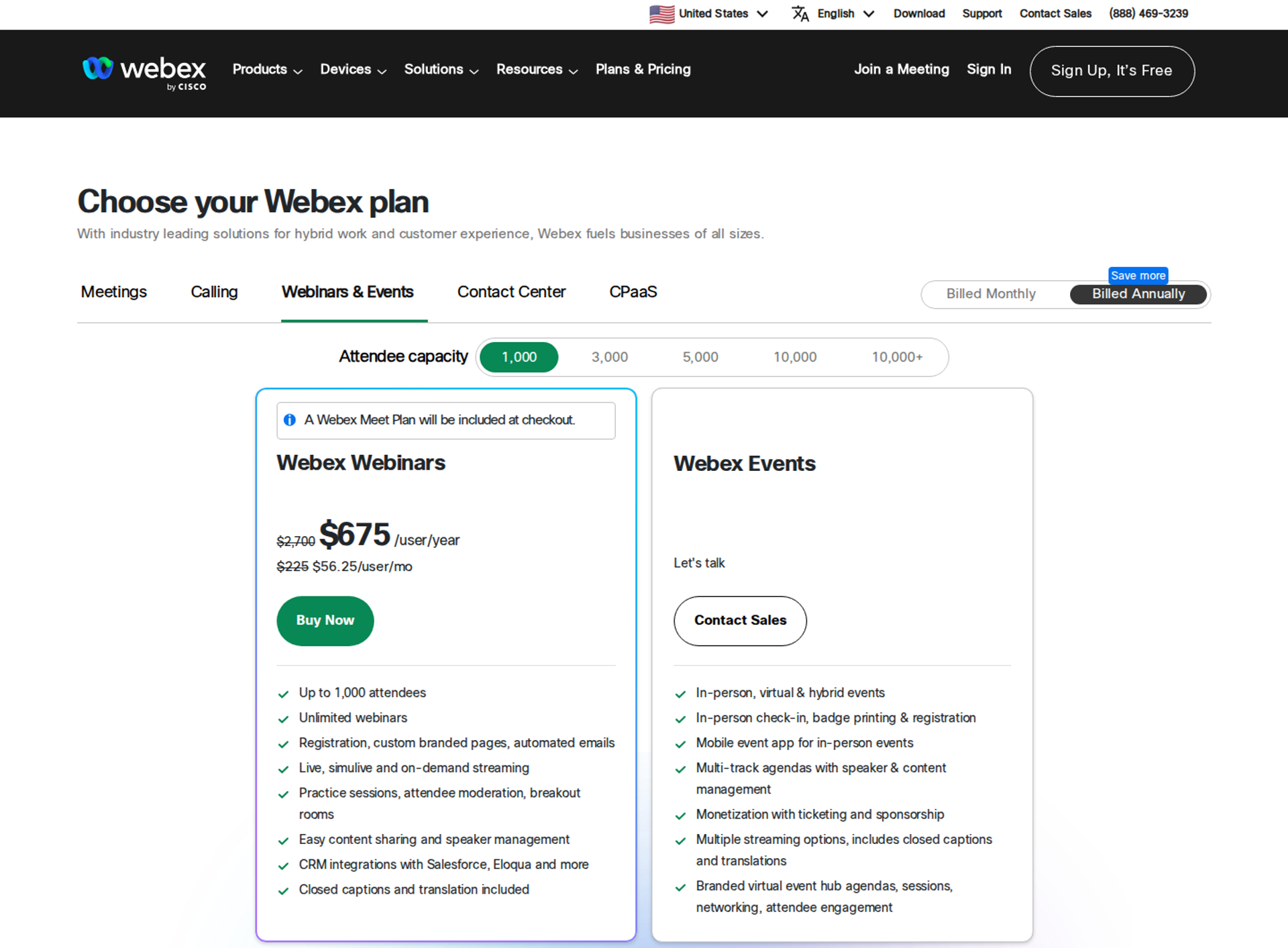
Webex Webinars is best for organizations already on Cisco that need large, single-session broadcasts with translation, because it sells capacity tiers from 1,000 to above 10,000 attendees. It may not fit buyers who want published pricing or checkout inside the webinar.
✅ Webex Webinars quick fit
| Factor | Webex Webinars |
|---|---|
| Best for | Cisco-standardized enterprises running global trainings, all-hands, and lead-generation webinars |
| Skip if | You need a self-serve price, in-room checkout, or evergreen scheduling |
| Strongest edge | Closed captions and translation are included, alongside CRM integrations with Salesforce and Eloqua |
| Biggest trade-off | Every Webinars tier, from 1,000 to 10,000+ attendees, routes to "Let's talk" and Contact Sales |
| Pricing snapshot | Quote-based on Webex's pricing page . Real-time translation is an add-on at $300 per license per year |
Why Webex Webinars ranks #4
Webex Webinars ranks fourth because its capacity ladder is the widest documented in this guide. The pricing page lists attendee tiers of 1,000, 3,000, 5,000, 10,000, and above 10,000. For a global audience, built-in translation also removes a vendor.
⚠️ What holds it below #3
Webex Webinars ranks below GoTo on price visibility and recent reliability reviews. No tier shows a published price. EasyWebinar, by comparison, publishes its 1,000-attendee plan price on its pricing page.
What Webex Webinars does well
- Formats for repeat delivery. Live, simulive, and on-demand streaming are included, with unlimited webinars.
- Production controls. Practice sessions, attendee moderation, and breakout rooms are listed in the plan.
- Registration in the box. Registration, custom branded pages, and automated emails are included.
- Richer polling. Webex includes native polling plus Slido for word clouds, rankings, ratings, quizzes, and open text.
- Responsive chat support. A 2025 G2 reviewer credits step-by-step chat support for resolving issues.
Where Webex Webinars falls short
- Quote-only pricing. Budgeting the 1,000 tier requires a sales call.
- Single-session scope. Webex positions Webinars for single-session, virtual-only events, and Webex Events for multi-session and hybrid ones.
- Performance complaints. A 2025 G2 reviewer reports lag, delayed audio, and freezes during screen sharing.
Webex Webinars decision scorecard
| Evaluation criterion | Webex Webinars fit | Why it matters |
|---|---|---|
| Capacity at 1,000+ | Strong | Tiers run past 10,000 attendees. |
| Overflow at the limit | Not publicly disclosed | Behavior past the purchased tier is not published. |
| Reliability and join | Partial | Recent reviews report lag and freezes. |
| Live webinars | Strong | Moderation, Q&A, and Slido polling are included. |
| Simulive or automated | Strong | Simulive and on-demand streaming are listed. |
| Evergreen automation | Weak | No just-in-time or recurring evergreen scheduling is listed. |
| Funnel pages | Partial | Branded registration pages exist, without offer or checkout pages. |
| Engagement | Strong | Breakout rooms and advanced polling. |
| CRM and follow-up | Partial | Salesforce and Eloqua integrations; no native CRM. |
| Monetization | Weak | Ticketing is listed under Webex Events, not Webinars. |
| Analytics | Not publicly disclosed | Reporting depth is not detailed on the pricing page. |
| Pricing fit | Weak | Quote-only pricing slows a self-serve decision. |
| Best-fit buyer | Strong | Cisco-standardized global organizations. |
Webex Webinars: best for / skip if
Choose Webex Webinars if your organization already runs on Cisco and needs translated broadcasts at 1,000 seats or more. Skip it if you need a published price or a webinar that sells in the room. Teams weighing a move can review this Webex alternative breakdown.
Webex Webinars reviews
- A G2 reviewer praises Webex's responsive chat support but wants a single view of the event agenda during setup (Verified User in Information Technology and Services, April 2025, Webex G2 - Verified Review).
- Another G2 reviewer reports constant lag, slow joins, and freezes during screen sharing (Verified User in Information Technology and Services, June 2025, Webex G2 - Verified Review).
1.5 Microsoft Teams Webinars
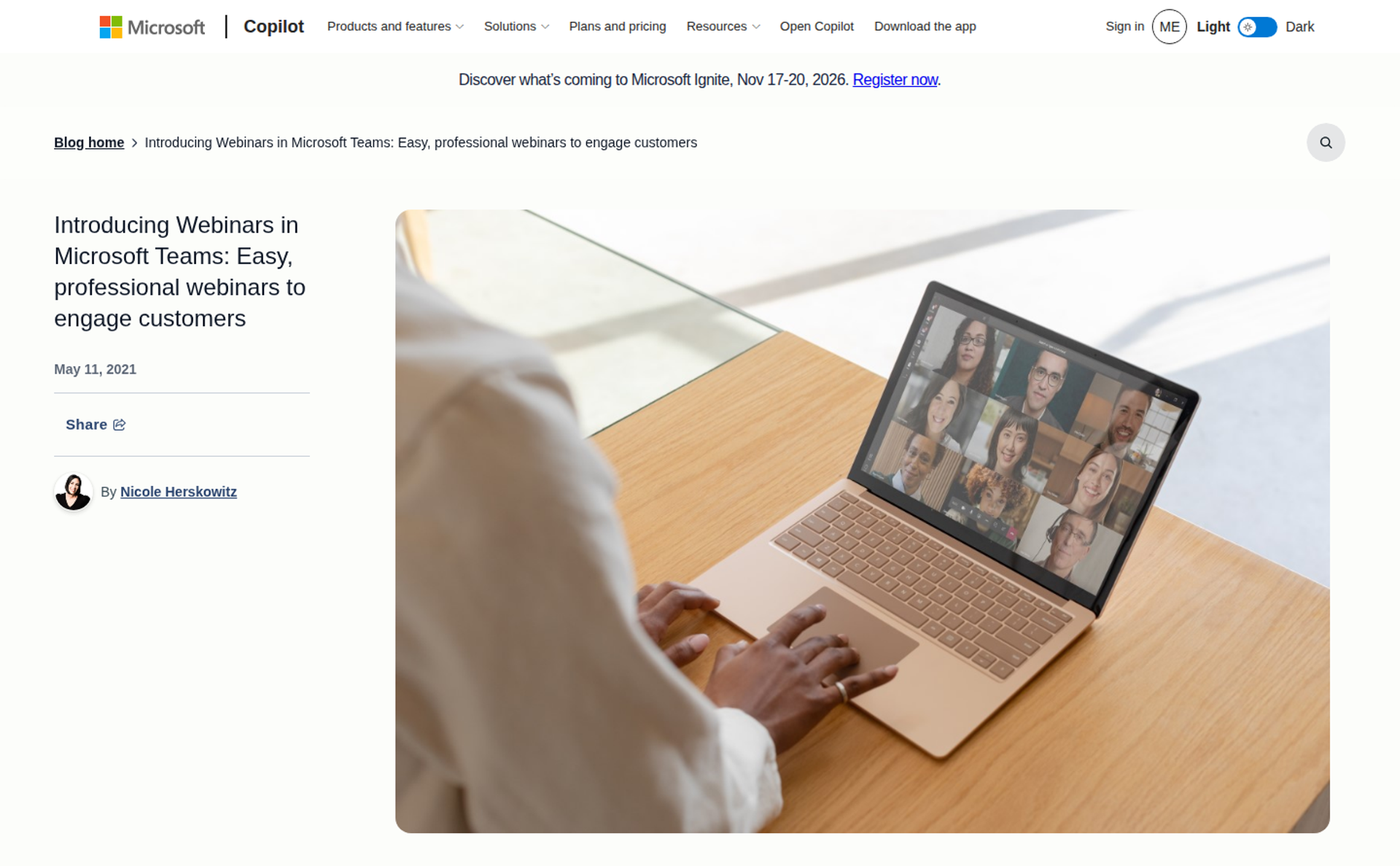
Microsoft Teams Webinars is best for internal communications teams inside Microsoft 365, because webinars and town halls run where employees already work. It may not fit external sales webinars, because a Teams webinar tops out at exactly 1,000 attendees.
✅ Microsoft Teams Webinars quick fit
| Factor | Microsoft Teams Webinars |
|---|---|
| Best for | Internal all-hands, employee training, and partner briefings in Microsoft 365 organizations |
| Skip if | You sell to external audiences, need checkout, or expect more than 1,000 attendees in an interactive room |
| Strongest edge | Scheduling, invitations, and attendee data live inside Teams and Outlook |
| Biggest trade-off | Webinars allow 1,000 interactive participants, and 1,000 is also the maximum total |
| Pricing snapshot | Microsoft 365 Business Standard is $12.50 per user per month billed annually and includes webinar hosting . Teams Premium adds $10 per user per month on top of the base license |
Why Microsoft Teams Webinars ranks #5
Microsoft Teams Webinars ranks fifth because it reaches the 1,000 mark at almost no extra cost for Microsoft 365 organizations. Webinars include registration, a lobby, and attendee mic and camera. For larger internal broadcasts, town halls support 10,000 participants with Q&A as the only interaction.
⚠️ What holds it below #4
Microsoft Teams Webinars has no room above 1,000 in the webinar format itself. EasyWebinar keeps the session running past its plan limit and bills overage instead. For paid-traffic launches, that difference decides whether registrant 1,001 gets in.
What Microsoft Teams Webinars does well
- Zero new software for employees. Webinars live inside the Microsoft 365 apps staff already use, which removes onboarding.
- Structured Q&A and polls. G2 reviewers credit dedicated Q&A and polls with keeping large sessions focused.
- A larger format for broadcasts. Town halls support up to 10,000 attendees, and Teams Premium raises that ceiling.
- Premium extras by license. Teams Premium adds advanced webinars, intelligent meetings, and protected meetings as a paid add-on.
Where Microsoft Teams Webinars falls short
- A hard 1,000 ceiling. Teams webinars allow no view-only overflow, and breakout rooms are not available in webinars.
- External join friction. A G2 reviewer notes external attendees sometimes must sign in or download the Teams app.
- Thin branding and reporting. Reviewers describe limited registration branding and basic engagement analytics.
- Not a selling tool. There is no checkout, offer display, or evergreen scheduling.
Microsoft Teams Webinars decision scorecard
| Evaluation criterion | Microsoft Teams Webinars fit | Why it matters |
|---|---|---|
| Capacity at 1,000+ | Partial | Exactly 1,000 in webinars; town halls go higher with Q&A only. |
| Overflow at the limit | Weak | The webinar maximum equals the interactive limit. |
| Reliability and join | Partial | Microsoft recommends the latest desktop or mobile client for large events. |
| Live webinars | Strong | Registration, lobby, Q&A, and polls are included. |
| Simulive or automated | Weak | No scheduled pre-recorded sessions in standard webinars. |
| Evergreen automation | Weak | No evergreen scheduling. |
| Funnel pages | Partial | Registration pages exist with limited customization. |
| Engagement | Partial | Q&A and polls; town halls are Q&A only. |
| CRM and follow-up | Partial | Data stays in Microsoft 365, with no sales follow-up tooling. |
| Monetization | Weak | No checkout or paid registration. |
| Analytics | Partial | Reviewers describe reporting as basic. |
| Pricing fit | Strong | Included with many Microsoft 365 licenses. |
| Best-fit buyer | Strong | Internal communications teams. |
Microsoft Teams Webinars: best for / skip if
Choose Microsoft Teams Webinars if your 1,000-person event is internal and your organization already pays for Microsoft 365. Skip it if the audience is external, the webinar must sell, or attendance could pass 1,000.
Microsoft Teams Webinars reviews
- A G2 reviewer praises built-in registration, attendee tracking, and presenter controls, but notes external attendees may need to sign in or download Teams (Kamal R., December 2025, Microsoft Teams Webinars G2 - Verified Review).
- Another G2 reviewer values registration and reminders for large training sessions, but finds branding and reporting limited (Daniel G., September 2025, Microsoft Teams Webinars G2 - Verified Review).
1.6 WebinarJam
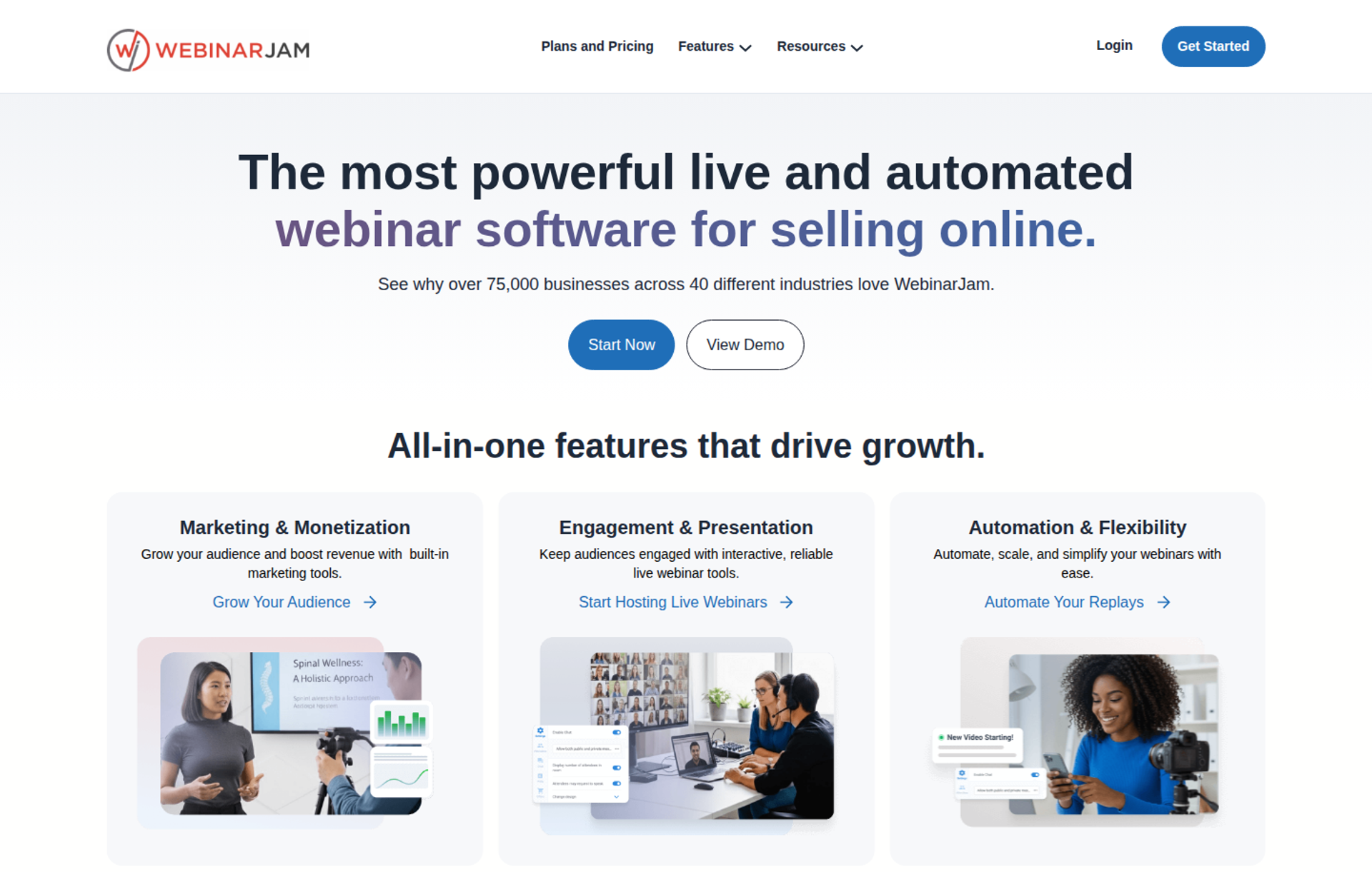
WebinarJam is best for info-product sellers running one-off live launches, because its Professional plan holds 2,000 attendees with live offer displays and a panic button for failover. It may not fit operators who want live and automated webinars in one dashboard, since automation runs in its sister product, EverWebinar.
✅ WebinarJam quick fit
| Factor | WebinarJam |
|---|---|
| Best for | Coaches and course sellers running high-urgency live launches |
| Skip if | You need native HubSpot or Salesforce sync, or one dashboard for live and evergreen |
| Strongest edge | Professional and Enterprise plans include live offer displays, an email and SMS system, an always-on live room, the panic button, and broadcast to Facebook and YouTube |
| Biggest trade-off | Automated webinars run in EverWebinar, a sister platform included in Basic, Professional, and Enterprise at no additional cost |
| Pricing snapshot | Professional costs $299 a month billed monthly or $229 a month billed annually, for 2,000 attendees per webinar, 4 hosts, and 3-hour sessions |
Why WebinarJam ranks #6
WebinarJam ranks sixth because it delivers the most seats per dollar at the 1,000 tier among tools with real selling features. Its plans cap at 100, 500, 2,000, or 5,000 attendees per webinar. A 1,000-person launch fits the Professional plan with headroom.
⚠️ What holds it below #5
WebinarJam ranks lower on the data path and the live-to-automated workflow. WebinarJam's FAQ says operators host live in WebinarJam, then convert the recording into an automated session in EverWebinar. EasyWebinar converts the same session inside one platform and one login, which keeps attendee data in one place.
What WebinarJam does well
- Launch-room urgency. Live offer displays push the offer while attention peaks.
- Failover controls. The panic button and control panel are included on higher plans.
- Testing built in. The page builder can split-test two registration designs and track which brings more registrants.
- Hybrid sessions. Pre-recorded video can play during a live session while hosts interact with attendees.
- Low-risk trial. WebinarJam offers a 14-day trial and a 30-day money-back guarantee.
Where WebinarJam falls short
- Two products for one workflow. Evergreen runs in EverWebinar, a separate platform, even though it is now bundled.
- Integration gaps for B2B teams. The integrations list names Kartra, AWeber, ActiveCampaign, Keap, Mailchimp, Kit (formerly ConvertKit), Twilio, and Zapier, without native HubSpot or Salesforce.
- Sync reliability complaints. A G2 reviewer reports inconsistent Mailchimp registrant pushes and email delivery.
- Session length caps. Sessions run 1 to 4 hours depending on plan.
WebinarJam decision scorecard
| Evaluation criterion | WebinarJam fit | Why it matters |
|---|---|---|
| Capacity at 1,000+ | Strong | Professional holds 2,000 per webinar. |
| Overflow at the limit | Weak | Each plan sets a per-webinar maximum. |
| Reliability and join | Partial | The panic button exists; reviews report sync issues. |
| Live webinars | Strong | Offers, polls, whiteboard, and attendee spotlight. |
| Simulive or automated | Partial | Hybrid video injection is live; automation is in EverWebinar. |
| Evergreen automation | Partial | Bundled, but in a separate product. |
| Funnel pages | Strong | A page builder with A/B split testing. |
| Engagement | Strong | Built for launch-style interaction. |
| CRM and follow-up | Partial | Email and SMS built in; CRM via ESP integrations and Zapier. |
| Monetization | Strong | Live offer displays support in-room selling. |
| Analytics | Not publicly disclosed | Analytics depth is not detailed on the pricing page. |
| Pricing fit | Strong | Low cost per attendee at 2,000 seats. |
| Best-fit buyer | Strong | Info-product launch operators. |
WebinarJam: best for / skip if
Choose WebinarJam if you run one-off live launches to a creator audience and want 2,000 seats at a low monthly cost. Skip it if you need native B2B CRM sync or live and evergreen in one dashboard.
WebinarJam reviews
- A G2 reviewer values the EverWebinar replay option, but reports inconsistent Mailchimp sync and unreliable email sends (Tara G., June 2023, WebinarJam G2 - Verified Review).
- Another G2 reviewer likes in-room upsells, but flags an 80MB PowerPoint limit and a 3-hour live cap (Verified User in Investment Management, August 2020, WebinarJam G2 - Verified Review).
1.7 Demio
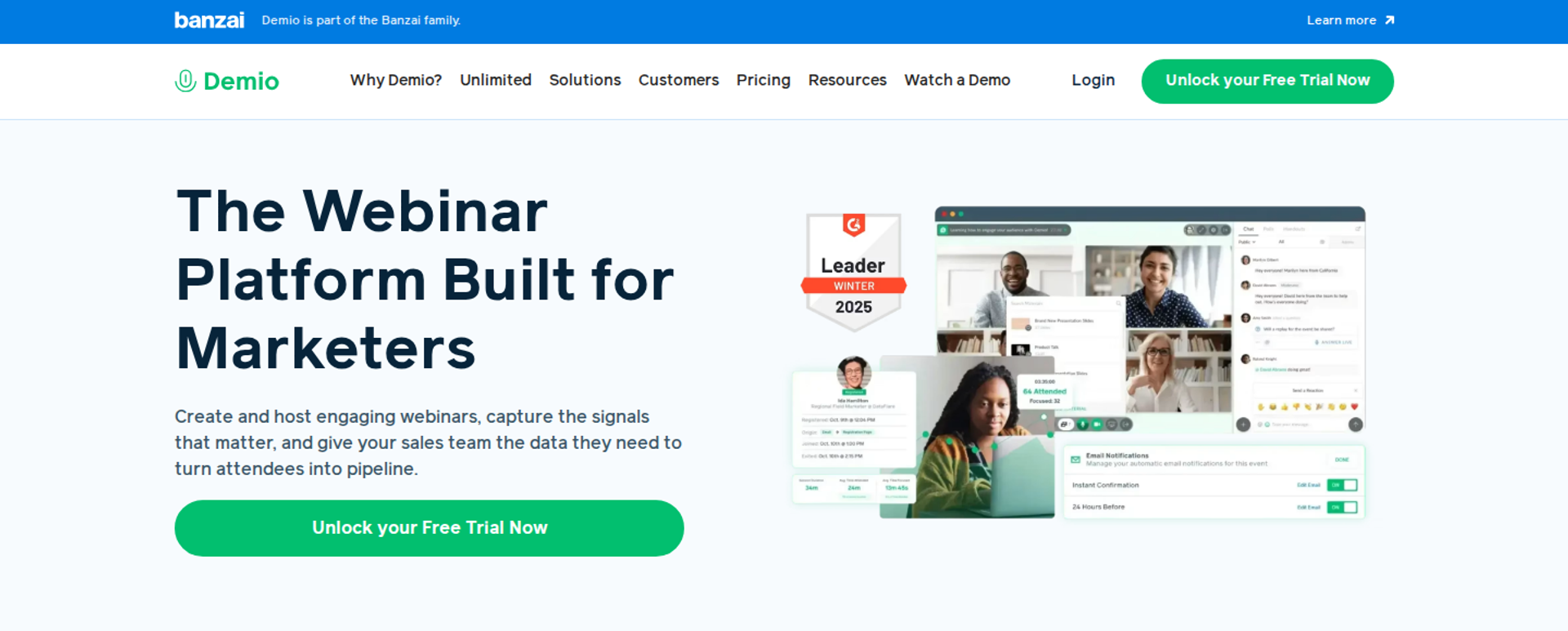
Demio is best for marketing teams running occasional live webinars that want a clean, browser-based attendee experience. It belongs in this list because its Growth plan scales to 3,000 attendees. It may not fit teams that need deep CRM sync or published pricing at the 1,000 tier.
✅ Demio quick fit
| Factor | Demio |
|---|---|
| Best for | B2B marketers running periodic live webinars for lead generation |
| Skip if | You need a published price at 1,000 seats, or replays that keep live polls and CTAs |
| Strongest edge | Attendees join in the browser, and reviewers consistently call the room easy for attendees |
| Biggest trade-off | Growth and Premium are billed per host and priced by room size, and Demio publishes no figure for either |
| Pricing snapshot | Starter costs $45 a month billed annually or $63 monthly for one host, verified on demio.com/pricing on August 25, 2026 . Growth at 3,000 attendees is reported at $799 a month |
Why Demio ranks #7
Demio ranks seventh because it clears the 1,000 threshold with a polished attendee room. Demio's top Growth configuration reaches 3,000 attendees. For marketing teams, browser join removes a step between the reminder email and the room.
⚠️ What holds it below #6
Demio ranks last on price visibility and the data path. Prices appear only after a room size is chosen, which is why third-party sources disagree by hundreds of dollars. EasyWebinar lists a flat monthly price for its 1,000-seat plan.
What Demio does well
- Low attendee friction. Browser join helps more registrants reach the room.
- Asset preloading. A G2 reviewer values preloading assets before the event, which reduces live scrambling.
- Automated funnels on Growth. Demio positions Growth for teams that need automated webinar funnels and brand control.
- Room for growth. Teams can move from 1,000 to 3,000 seats without changing platforms.
Where Demio falls short
- Opaque pricing at scale. Per-host billing and hidden room-size prices complicate budgeting.
- CRM gaps. G2 reviewers report needing several zaps to reach HubSpot and incomplete HighLevel sync.
- Replay fidelity. A G2 reviewer notes replays did not show live polls and CTAs.
Demio decision scorecard
| Evaluation criterion | Demio fit | Why it matters |
|---|---|---|
| Capacity at 1,000+ | Strong | Growth reaches 3,000 attendees. |
| Overflow at the limit | Not publicly disclosed | Behavior past the room size is not published. |
| Reliability and join | Partial | Browser join; one reviewer reports blank screens and rejoins. |
| Live webinars | Strong | Clean live room for marketing sessions. |
| Simulive or automated | Partial | Automated funnels are positioned on Growth. |
| Evergreen automation | Not publicly disclosed | Evergreen scheduling depth is not published on pricing. |
| Funnel pages | Partial | Custom domains require higher plans. |
| Engagement | Partial | Polls and CTAs live; replays may omit them. |
| CRM and follow-up | Partial | Reviewers report middleware needs for HubSpot. |
| Monetization | Weak | No in-room checkout is documented on pricing. |
| Analytics | Not publicly disclosed | Reporting depth by plan needs confirmation. |
| Pricing fit | Weak | Per-host pricing rises with team size and room size. |
| Best-fit buyer | Strong | Marketers running occasional live webinars. |
Demio: best for / skip if
Choose Demio if your marketing team runs occasional live webinars and values a simple attendee room. Skip it if you need a published 1,000-seat price, native CRM sync, or webinars that sell in the room.
Demio reviews
- A G2 reviewer calls Demio easy for attendees, but reports incomplete HighLevel sync and replays without live polls and CTAs (Ivanhoe S., August 2024, Demio G2 - Verified Review).
- Another G2 reviewer needed several zaps to move data from a third-party form into HubSpot and Demio (Verified User in Education Management, April 2023, Demio G2 - Verified Review).
Which 1,000+ Platform Fits Which Job?
| If your 1,000-person event is... | Shortlist |
|---|---|
| A launch or demo that has to sell, then keep selling on autopilot | EasyWebinar |
| A large broadcast for a team already standardized on Zoom | Zoom Webinars |
| Recurring corporate training or compliance sessions | GoTo Webinar |
| A translated, global broadcast inside a Cisco organization | Webex Webinars |
| An internal all-hands inside Microsoft 365 | Microsoft Teams Webinars |
| A one-off creator launch with 2,000 seats | WebinarJam |
| An occasional live marketing webinar | Demio |
| A 5,000-person multi-track summit | An event platform , not a webinar room |
💰 Where EasyWebinar fits
EasyWebinar is built for the 1,000-person webinar that has to produce revenue. Its Scale plan lists 1,000 live attendees and 5,000 automated viewers per session. The session keeps running past the plan limit. Attendees join from any browser, buyers pay inside the room, and every attendee signal flows into your CRM or EasyCRM.
Q2. How Did We Choose and Score These Platforms?
Each platform in this guide was scored out of 100 on five weighted criteria:
- Verified 1,000-seat capacity and overflow behavior (25%)
- Stream reliability and join friction (25%)
- Lead data path to the CRM (20%)
- Conversion tools at scale (15%)
- Cost transparency at the 1,000 tier (15%)
Scores map to stars: 81 to 100 earns five stars, 61 to 80 earns four, and 41 to 60 earns three. "Scale-tested" means vendor-documented capacity, checked against G2 reviews and operator reports of how each platform behaves at scale.
⏰ Why reliability outweighs features
In EasyWebinar's work with launch teams, the platform with the most green checkmarks rarely saves launch night. What saves it is a room that holds and a lead list that matches the CRM. That is why capacity and reliability carry half the total weight.
I learned this the expensive way. A feature you never touch costs nothing. A stream that drops during the offer costs the whole launch. My rule for scale is short: simple scales, fancy fails.
The Five Weighted Criteria
| Criterion | Weight | What we checked |
|---|---|---|
| Capacity and overflow | 25% | Documented 1,000+ seats, and what happens to attendee 1,001 |
| Reliability and join friction | 25% | Browser join (no download needed), plus G2 reports of drops, lag, or freezes |
| Lead data path | 20% | Native CRM sync versus middleware (a connector such as Zapier between two tools) |
| Conversion tools at scale | 15% | Timed offers, checkout, automation, and behavior-based follow-up |
| Cost transparency | 15% | A published price at 1,000 seats, plus any required base licenses |
💰 How the weights play out
EasyWebinar appears in this table under the same rules as every rival. A platform that hides its 1,000-seat price loses cost points. A platform that turns attendee 1,001 away loses capacity points.
Final Scores and Star Ratings
| Rank | Platform | Score | Stars | Deciding factor |
|---|---|---|---|---|
| 1 | EasyWebinar | 88 | ⭐⭐⭐⭐⭐ | The webinar never stops at the plan limit, and attendees past it are billed as overage |
| 2 | Zoom Webinars | 72 | ⭐⭐⭐⭐ | Capacity reaches 100,000, but attendance is capped at the plan size |
| 3 | GoTo Webinar | 60 | ⭐⭐⭐ | Elevate covers 1,000 participants, while paid events sit on the sales-quoted Complete plan |
| 4 | Webex Webinars | 57 | ⭐⭐⭐ | The widest tier ladder, but every tier routes to Contact Sales |
| 5 | Microsoft Teams Webinars | 54 | ⭐⭐⭐ | The webinar maximum is 1,000 total participants |
| 6 | WebinarJam | 52 | ⭐⭐⭐ | 2,000 seats on Professional, with automation run in EverWebinar |
| 7 | Demio | 48 | ⭐⭐⭐ | Growth and Premium prices are not published |
⚠️ What "scale-tested" does and does not mean
EasyWebinar did not load-test rival platforms for this guide. Each score combines vendor pricing and capacity pages, checked October 15, 2026, with G2 reviews and operator reports. Where a vendor publishes nothing, the scorecards say "Verify" instead of guessing.
I could be off on a few individual points, and buyers should run their own practice session before a launch. The ranking logic, though, holds steady: protect the room first, then the data, then the features.
EasyWebinar scores highest on the two criteria weighted most heavily. Its pricing terms keep a webinar running past the plan limit, which protects the capacity score. Its Pro and Scale plans sync natively with HubSpot and Salesforce Pardot (Account Engagement), which protects the data-path score. Attendees join from any browser, with nothing to install.
Q3. What Does "1,000 Attendees" Mean, and How Much Headroom Does Each Platform Have?
"1,000 attendees" can describe three different limits:
- Interactive seats: people can chat, vote, and click offers.
- View-only seats: people watch, with little or no interaction.
- Registrants: people sign up but may never attend.
Microsoft Teams webinars cap total attendance at 1,000, while town halls reach 10,000. In town halls, Q&A is the only interaction. Zoom Webinars supports up to 100,000 attendees but admits only as many as the plan size allows.
⏰ The moment the cap becomes real
A coach's ad manager watches the attendee counter pass 990, two minutes before the pitch. Registrant 1,001 clicks the reminder link and lands on a "webinar full" screen. That buyer was paid for, and now cannot get in.
EasyWebinar sees this pattern most with paid traffic, because ads fill rooms unevenly. A list that converted at 30% last month can convert at 45% this month. Headroom is insurance against your own success.
Headroom by Platform
| Platform | 1,000-tier seats | Highest documented tier | At the limit |
|---|---|---|---|
| EasyWebinar | 1,000 live attendees per session on Scale | Enterprise, through sales | Session keeps running; overage billed under the terms |
| Zoom Webinars | Attendees are mainly view-only; hosts control who speaks | 100,000 | Capped at plan size; unpaid events allow unlimited registrations |
| GoTo Webinar | 1,000 participants on Elevate | 3,000 on Complete, plus live streaming to unlimited attendees | Not stated |
| Webex Webinars | 1,000 | 10,000+ | Not stated |
| Microsoft Teams | 1,000 total | Town halls: 10,000, Q&A only | Webinar maximum equals 1,000 |
| WebinarJam | 2,000 on Professional | 5,000 on Enterprise | Per-webinar maximum; upgrades go through billing |
| Demio | Room size chosen at checkout | 3,000 on Growth | Not published |
⚠️ Why view-only seats rarely sell
EasyWebinar's read is that a sales webinar needs every seat to be interactive. Polls, timed offers, and checkout are where revenue happens. A view-only viewer cannot click any of them.
That is why I keep repeating one line to launch teams. The headline 10,000 means nothing if 9,000 people cannot raise a hand.
✅ Three questions to ask every vendor
- How many of my 1,000 seats can chat, answer polls, and click an offer?
- What exactly happens to attendee 1,001?
- Does the price change if I exceed the cap once, or for every session?
EasyWebinar's Scale plan lists 1,000 live attendees and 5,000 automated viewers per session. When attendance passes the plan limit, the session keeps running. Extra attendees are billed as overage under EasyWebinar's terms. Teams that need a larger room move to Enterprise through sales.
Q4. What Breaks When 1,000 People Join, From the Stream to the CRM?
At 1,000 attendees, webinars fail in two layers:
- Delivery: launchers block attendees from joining, lag delays offers, or streams freeze mid-pitch.
- Data: registrants go missing between the landing page and the CRM.
EasyWebinar addresses both layers:
- Attendees join from any browser with nothing to install.
- Delivery carries a 99.9% uptime guarantee.
- Registrant data flows into HubSpot, Salesforce Pardot (Account Engagement), or EasyCRM, the built-in CRM.
⏰ Four hours before showtime
Ad agency owner Jeremy Haynes ran an $80,000 ad budget behind one webinar. Four hours before go-live, his team spotted a gap of roughly 200 people between landing-page opt-ins and the CRM. The cause was a Zapier plan limit. Sales reps had been dialing an incomplete list to push show-up rates.
That is the quiet failure. Most operators only fear the loud one: a stream dying in front of 1,000 people.
The Old Way: A Room From One Vendor, Data Through Another
The standard large-webinar stack rents the room from one tool and moves the data through middleware. Each handoff is a single point of failure. Reviewers describe both layers breaking.
"One day the launcher would work, and the next day it wouldn't. This decreased our attendance significantly." - Verified User in Education Management, GoTo Webinar G2 - Verified Review
"We use a third party capture form and had to do several zaps to get all data to flow accurately from our form to Hubspot to Demio." - Verified User in Education Management, Demio G2 - Verified Review
On GoTo's own community forum, one host reported that webinars near 2,000 people froze, blocking presentations, cameras, and microphones.
⚠️ What changed
Large webinars are now judged as revenue events, not broadcasts. A launch that drops mid-offer is lost revenue. A lead that never reaches the dialer is wasted ad spend. In EasyWebinar's consulting work, stitched-together funnels have taken six months to a year to run reliably.
EasyWebinar's Answer
EasyWebinar treats reliability and the data path as one job.
Delivery layer:
- Attendees join from any browser, on desktop or mobile, with no download.
- Streaming runs at ultra-low latency, sub-500ms, via Dolby OptiView WebRTC (a browser-native streaming standard).
- A 99.9% uptime guarantee backs the room, and the session never stops at the plan limit.
Data layer:
- Native HubSpot and Salesforce Pardot sync starts on Pro.
- EasyCRM, with lead scoring, sequences, and automated follow-up, starts on Growth.
- No-shows, early leavers, and offer-clickers each get their own follow-up sequence.
✅ Proof from operators
"The app is user-friendly and reliable, making it easy for us to host webinars and automate our processes." - Jo K., EasyWebinar G2 - Verified Review
Amy Porterfield says on EasyWebinar's pricing page that she moved from other platforms and found nothing comparable for reliability and customer support.
EasyWebinar is built for the moment that pays: the live pitch in front of a full room. Browser join removes the launcher problem. The 99.9% uptime guarantee covers the stream. Native CRM sync, or EasyCRM, closes the gap where registrants disappear before sales starts dialing.
Q5. How Much Does a 1,000-Attendee Webinar Platform Really Cost?
Prices at the 1,000-attendee tier vary widely, and most rise in steps as capacity grows.
- Capterra lists Zoom Webinars at $340 a month or $3,400 a year for 1,000 attendees.
- Zoom Webinars also requires a Zoom Workplace Pro subscription.
- EasyWebinar's Scale plan costs $349 a month billed monthly for 1,000 live attendees per session.
- EasyWebinar uses flat monthly pricing, with no per-attendee fees within the plan.
💸 The invoice that surprises people
A marketing director approves a webinar tool at the 1,000 tier. Three weeks later, finance flags a second line item: the base license the webinar add-on quietly required. Then a third arrives for the landing-page tool.
In EasyWebinar's experience, the sticker price is rarely the price. The real number is the 1,000-seat tier plus every license, add-on, and connected tool it needs to actually sell.
Cost at the 1,000 Tier, Checked October 15, 2026
| Platform | Price at about 1,000 seats | What it requires or excludes |
|---|---|---|
| EasyWebinar (Scale) | $349/month, 1,000 live attendees per session | No free plan; 7-day full-access trial with a card required |
| Zoom Webinars | $340/month or $3,400/year | A Zoom Workplace Pro subscription |
| GoTo Webinar (Elevate) | $299 per organizer per month | Payments require the sales-quoted Complete plan |
| GoTo Webinar (Flex) | $29/month plus $299 per live event up to 1,000 | Built for five or fewer live sessions a year |
| Webex Webinars | Contact Sales | Real-time translation is $300 per license per year |
| Microsoft Teams | Business Standard at $12.50 per user per month includes webinar hosting | Teams Premium adds $10 per user per month |
| WebinarJam (Professional) | $299/month monthly or $229/month annually, for 2,000 seats | Automation runs in EverWebinar, which is included |
| Demio (Growth) | Shown only after choosing a room size | Billed per host |
⚠️ The add-ons buyers miss
Three costs hide outside the headline price:
- Base licenses. Zoom and Teams price webinars on top of a workplace subscription.
- Per-host billing. GoTo and Demio charge again for each extra organizer or host.
- Selling tools. A hosting-only room still needs pages, email, a CRM, and checkout bought separately.
The Total Cost of the Stack
The fair comparison is the full stack: webinar room, landing pages, email, CRM, and checkout. EasyWebinar's pricing page estimates a typical eight-tool webinar stack at $495 to $1,550 a month. Treat that as a vendor estimate, and rebuild it with your own tools.
💰 What reviewers say about cost
"The pricing options of the product are somehow limited which is inconvenient for huge webinars." - Hetvi B., Zoom G2 - Verified Review
"Since it's included with our existing Microsoft 365 subscription, we avoid the high expense of separate webinar software." - Prince Kumar O., Microsoft Teams Webinars G2 - Verified Review
"The only downside is that to have the 'just in time' feature you have to pay a premium... However, it has been worth it for me to invest in that." - Laura C., EasyWebinar G2 - Verified Review
EasyWebinar charges a flat monthly price with no per-attendee fees within the plan. The webinar never stops at the limit, and attendees past it are billed as overage. Automated webinars, EasyCRM, checkout, and EasyCast start at Growth. Price your current stack line by line before comparing.
Q6. How Many Registrants Fill 1,000 Seats, and How Do You Prepare?
To fill 1,000 live seats, plan for roughly 1,700 to 2,500 registrants at typical show-up rates. ON24's platform logged a 60% registration-to-attendance rate, against a 41.6% median live-attend rate across independent B2B benchmarks. Cold paid traffic can show up at only 10% to 15%. Then test the full path 24 to 48 hours before going live: CRM counts, mobile browser join, and offers.
⏰ Wednesday at 2 p.m.
A course creator sees 380 registrants on the dashboard and books a 1,000-seat plan "just in case." At 2 p.m., 95 people show up. The plan was never the constraint.
EasyWebinar sees this math trip people up in both directions. Some buy seats they cannot fill. Others fill a room that cannot hold the overflow. Capacity planning starts at the registration page, not at the stream.
The Registrant Math
| Show-up rate | Registrants needed for 1,000 live | Source |
|---|---|---|
| 60% | About 1,670 | ON24, 2026 Digital Engagement Benchmarks |
| 41.6% | About 2,400 | Contrast median, Q3 2025 to Q1 2026 |
| 40% | 2,500 | Wistia, 2026 webinar benchmarks |
| 10% to 15% (cold paid traffic) | 6,700 to 10,000 | Operator reports from paid launches |
The cold-traffic row explains why ad agency owner Jeremy Haynes plans around 10,000 to 15,000 registrants for one monthly webinar. Warm lists fill rooms. Cold ads fill registration lists.
⚠️ Why the benchmarks disagree
Platform vendors report their own high-intent audiences, while independent aggregators report everyone. Use the lower number for budgeting. Use the higher one only if your list is warm.
Five Steps to Prepare for 1,000 Seats
- Promote for 10 to 14 days. A longer window gives your team time to fix opt-in bugs and ad fatigue.
- Send 6 emails a day on the final two days. Operators report 40% to 60% open rates on these last reminders.
- Keep join links out of SMS. Haynes found that texting the join link "nuked" call bookings, because phone viewers buy less.
- Reconcile registrant counts. Compare landing-page opt-ins to CRM records 24 hours out, not four hours out.
- Announce a stay-to-the-end bonus. Aim to hold 80% of peak attendance through the start of the pitch.
✅ Where the minutes go
EasyWebinar measures retention with a drop-off heatmap, which shows the exact minute attendees leave. In my own launches, that one chart changed more presentations than any script rewrite. Fix the minute where people leave, and the pitch lands in front of more of them.
EasyWebinar runs the reminder layer inside the platform:
- Welcome, reminder, and recap emails
- SMS through Twilio
- No-show recovery sequences
- Behavior-based follow-up for early leavers and offer-clickers
Attendees join from any browser, so the reminder click leads straight into the room.
Q7. Should a 1,000-Person Webinar Run Live or Automated?
Run it live first, then automate the version that converts. Live sessions build urgency, and automated sessions scale the proven pitch across time zones. Capacity differs between the two formats. EasyWebinar lists automated viewers separately from live attendees: 1,000 on Growth, 2,500 on Pro, and 5,000 per session on Scale. EasyWebinar turns the proven live session into an automated webinar on the same subscription.
⏰ The argument in every mastermind
Jeremy Haynes says automated webinars have been "nerfed" on cold paid traffic, and live sessions now win his direct tests. Yuri Elkaim argues the opposite: weekly live sessions are a time trap, and a recorded evergreen webinar built him seven figures.
Both are right, about different stages. EasyWebinar's read is that the debate is about sequence, not format.
The Old Way: Two Products and a Rebuilt Deck
Most operators ran live on one tool, then rebuilt everything in a second tool to automate it. That meant new pages, a re-uploaded recording, and attendee data split across two dashboards. Worse, many automated a presentation that had never converted live.
Automating a zero-converting webinar simply automates failure.
⚠️ What changed
Buyers now expect live validation before evergreen scaling. The session that proved the offer should become the one that sells every day.
Live still has a cost. I've said it on stage many times. You show up for every session, handle the tech issues, and repeat the same pitch over and over. Somebody could also throw ketchup on your face while you present.
EasyWebinar's Answer: Run It Live, Then Let It Run Every Day
EasyWebinar follows the Webinar Sprint Method I use with clients:
- Run 5 to 10 live sessions.
- Hit a 10% conversion target.
- Convert that exact session into an automated webinar on the same platform.
EasyWebinar offers several scheduling modes for the automated version:
- Simulive: the recording plays at a set time, with chat.
- Evergreen: the session repeats on a schedule you choose.
- Just-in-Time: a session starts minutes after someone registers, in their own time zone.
EasyWebinar never presents an automated session as live. An automated webinar without traffic is a billboard in the desert, so the ads keep running either way.
✅ Proof from operators
On EasyWebinar's pricing page, Carla Biesinger is credited with $5M from one evergreen funnel, after scaling from small live events to a fully automated system.
"We use it frequently for both live and evergreen webinars and the one single time there was a problem it was resolved within 3 hours of contact." - Verified User in Professional Training & Coaching, EasyWebinar G2 - Verified Review
EasyWebinar runs live and automated webinars on one subscription, with one login. The session that converted live becomes the one that runs every day, with chat and offers still in place. Attendee data from both formats stays in the same dashboard and flows to your CRM or EasyCRM.
Frequently Asked Questions

Casey Zeman
Founder of EasyWebinar
About Author
Over the past decade, I've helped thousands of entrepreneurs, coaches, and consultants turn webinars into a predictable, powerful way to grow their audience, build trust, and scale, without the constant hustle. I created EasyWebinar because I couldn't find a system that combined authenticity, engagement, and automation the way I needed. So, I built one.
Related Posts

10 Best Community Engagement Platforms in 2026
Compare the 10 best community engagement platforms in 2026. Course creators, evaluate live hosting, analytics, and replay to pick your winner today.

10 Best Online Coaching Tools in 2026: Live Session Quality, Scheduling, Recording, and Client Engagement Analytics
Compare the 10 best online coaching tools of 2026 on session quality, scheduling, and analytics. Discover the right fit for your coaching revenue model.

10 Best Webinar Hosting Platforms Ranked by Uptime, Streaming Quality & Cost
Compare 10 webinar hosting platforms ranked by uptime, streaming quality, and cost. Discover which tool actually turns attendees into revenue.
Turn every webinar into a revenue stream
Launch your first paid event in just a few clicks - and start monetizing your expertise.
Book a Call