10 Best Creator Monetization Platforms for Audience Growth, Revenue Management, and Conversion Optimization

Casey Zeman
Published on Jul 4, 2026 • 52 min read

TL;DR
- EasyWebinar ranks first as the conversion layer. It runs a sales webinar live, then turns that exact session into an automated webinar with checkout inside the room.
- Kajabi, Circle, Skool, Heartbeat, Thinkific, and Mighty Networks host courses and communities. Stan Store, Patreon, and Substack monetize audiences creators already have.
- Each platform was scored on conversion (30%), audience growth (25%), revenue management (20%), user reviews (15%), and fee transparency (10%), because hosting a product does not sell it.
- Percentage fees grow with success. Substack and Patreon take 10%, while flat-rate tools like Kajabi and Stan Store keep the platform cost fixed as revenue rises.
- Prove the offer live first and reach a 10% attendee-to-buyer rate before you automate. Then use a 72-hour replay window to create real deadlines.
- Memberships lead creator revenue, with 88% of community builders using them. Avoid free and lifetime tiers, and fix churn with structured onboarding.
Q1: What Are the 10 Best Creator Monetization Platforms for Audience Growth, Revenue Management, and Conversion Optimization in 2026?
The 10 creator monetization platforms evaluated for 2026 are EasyWebinar, Kajabi, Circle, Skool, Stan Store, Heartbeat, Thinkific, Patreon, Substack, and Mighty Networks. EasyWebinar is a webinar platform built for conversions. It runs a sales webinar live, then turns that exact session into an automated webinar with checkout inside the room. The other nine host what a creator sells: courses, communities, link-in-bio stores, fan memberships, or newsletters.
🎯 The Sunday-night spreadsheet moment
A coach I worked with last spring had three tabs open on a Sunday night. One was her Kajabi dashboard, one was a Skool trial, and one was a Stan Store link with 4,000 clicks and 11 sales. She asked me which platform would fix her revenue. The honest answer was that none of them would, because hosting a product and selling it are two different jobs.
EasyWebinar sees this pattern across creator funnels. The host platform gets chosen carefully. The selling step gets bolted on with a Zoom link and a checkout redirect. This guide scores both jobs separately, so you can shortlist with clear eyes.
The 10 platforms, ranked
- EasyWebinar
- Kajabi
- Circle
- Skool
- Stan Store
- Heartbeat
- Thinkific
- Patreon
- Substack
- Mighty Networks
📋 Why this decision carries real weight
Choosing a creator monetization platform decides where your audience data lives, what share of each sale you keep, and how many tools break between a click and a purchase. Switching later means migrating members, payment plans, and email history. I evaluated 10 vendors against seven defined criteria. The primary reader is the creator, coach, or course seller who runs launches and member care every week. The shadow readers matter too: the business partner or CFO checking fees at scale, the operations lead checking integrations, and the marketing head judging conversion. Use this guide to cut the list to two or three platforms for a proper trial.
Our Evaluation Criteria
Audience growth reach 📣
How well the platform turns social attention into an owned list of registrants, members, or subscribers.
Conversion at the moment of decision 🎯
Whether buyers can pay without leaving the experience, and whether offers land while attention is high.
Format coverage ⏰
Support for live sessions, automated sessions, replays, and on-demand access, and how easily one becomes the other.
Funnel and follow-up 📧
Registration pages, email or SMS sequences, and follow-up that reacts to what each person did.
Revenue management and attribution 📊
Visibility into what produced revenue, plus churn, tiers, and attendee-level or member-level data.
Fee structure 💰
Flat subscription versus percentage of revenue, and what that costs at $1K, $5K, and $15K a month.
Reliability and support ✅
Uptime commitments, onboarding help, and the support model when something breaks mid-launch.
Who This Guide Is For
- Course creators turning a free training into a repeatable sales funnel for a program they host elsewhere.
- Coaches selling high-ticket programs or paid workshops who need checkout and follow-up in one flow.
- Community builders choosing where paid members will live, talk, and renew.
- Social-first creators deciding whether a link-in-bio store is enough or whether they need a long-form selling step.
- Buying-committee readers: a CFO or business partner validating fee math, an operations lead checking CRM and email integrations, and a marketing head judging conversion and attribution.
Comparison Table
| Provider | Best For | Standout Strength | Known Limitation | Conversion Depth | Support Model | Pricing Model |
|---|---|---|---|---|---|---|
| EasyWebinar ⭐⭐⭐⭐⭐ | Creators and coaches selling a program with a webinar that runs on autopilot | Turns a proven live session into an automated webinar with checkout in the room | Not an LMS, so lessons and certificates belong in a course platform | In-room checkout, behaviour-based follow-up, revenue attribution | Onboarding help plus an Account Manager on Pro | Flat monthly, no per-attendee fees |
| Kajabi ⭐⭐⭐⭐ | Coaches hosting courses, community, and memberships under one subscription | Website, email, checkout, community, and courses with 0% revenue share | Third-party payment processors add a 2%, 1%, or 0.5% surcharge by plan | Built-in checkout, funnels, Comment to DM on Growth | Dedicated support on Pro; verify lower tiers | Flat monthly (annual discount) |
| Circle ⭐⭐⭐⭐ | Community-led businesses where members talk, learn, and meet | Branded community with courses, events, and paywalls together | API access and custom profile fields sit on higher tiers | Paywalled spaces, paid memberships | Not publicly disclosed | Flat monthly tiers plus transaction fees |
| Skool ⭐⭐⭐⭐ | Beginners running a community-powered course | Community feed, classroom, calendar, and gamified leaderboards | Fixed layout, and each community is a separate group | Paid community billing | Not publicly disclosed | Flat monthly plus a percentage fee |
| Stan Store ⭐⭐⭐ | Social-first creators selling from a link in bio | Mobile store with comment-triggered checkout links in DMs | No deep discussion forums or multi-speaker stage | Mobile checkout, DM automation | Not publicly disclosed | Flat monthly |
| Heartbeat ⭐⭐⭐ | Event-centric communities | Public and private paid event ticketing inside a community | Chat channels lack topic organization | Event ticketing | Not publicly disclosed | Flat monthly |
| Thinkific ⭐⭐⭐ | Educators selling structured courses with learner progress | Course building with progress tracking | Lighter fit for membership-first or community-first models | Course checkout | Not publicly disclosed | Flat monthly tiers |
| Patreon ⭐⭐⭐ | Fan-supported creators with loyal audiences | A widely recognized membership checkout | New creators pay a 10% platform fee plus processing | Memberships and one-time purchases | Not publicly disclosed | Percentage of revenue |
| Substack ⭐⭐⭐ | Writers and podcasters with email-first audiences | Paid newsletter with subscriber email ownership | 10% of paid subscriptions plus Stripe fees | Paid subscriptions | Not publicly disclosed | Percentage of revenue |
| Mighty Networks ⭐⭐⭐ | Creators combining community and courses | Community with course building inside one network | Not publicly disclosed | Paid memberships and courses | Not publicly disclosed | Flat monthly tiers |
1.1 EasyWebinar
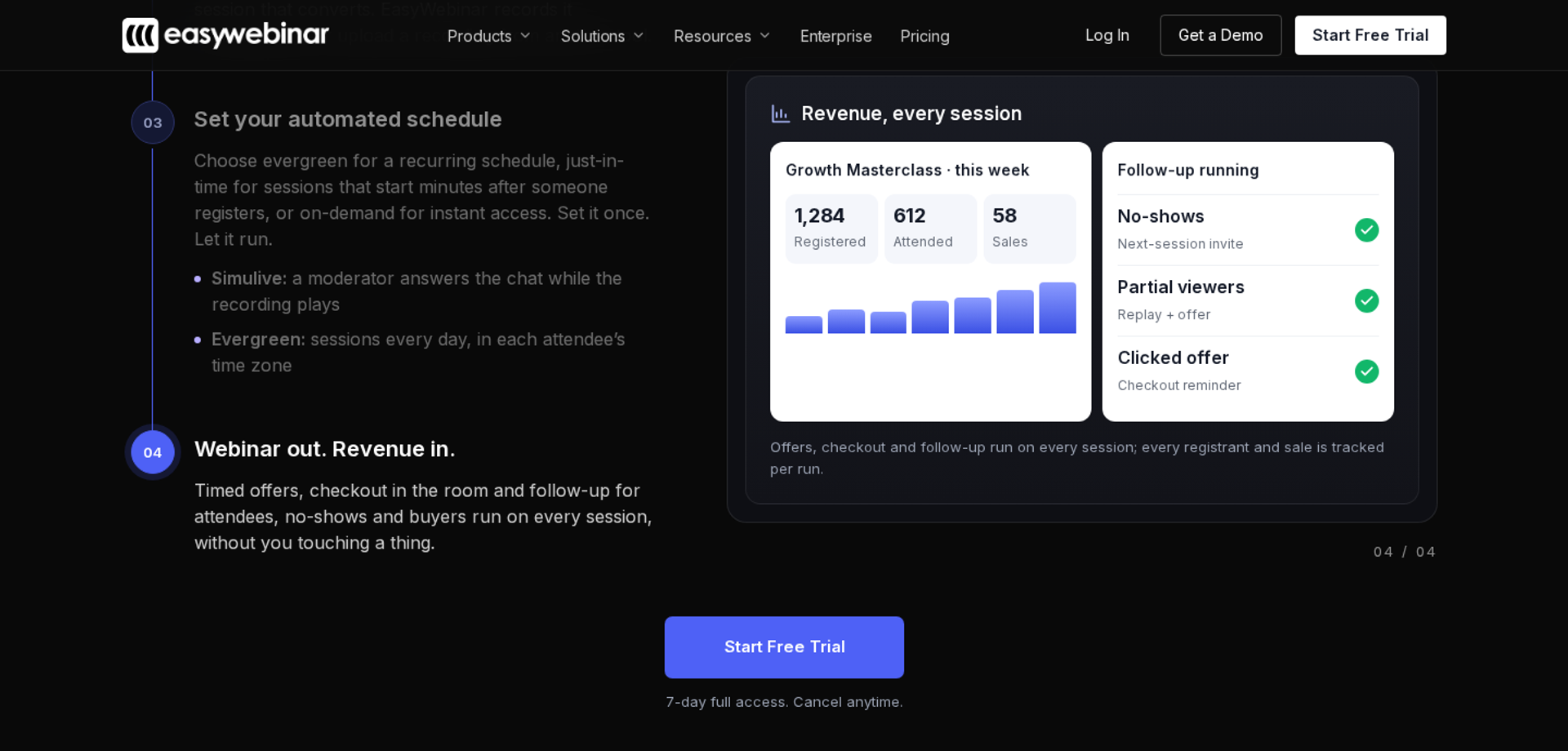
EasyWebinar is a webinar platform built for conversions. It suits course creators, coaches, and consultants who need a sales webinar that keeps selling after the live hour. It runs a session live, then turns that exact session into an automated webinar with checkout inside the room. It may not fit creators who need lessons, quizzes, and certificates, which belong in a course platform.
| - | EasyWebinar |
|---|---|
| Best for | Course creators and coaches selling a program or paid workshop through a webinar |
| Skip if | You need a course portal with learner progress, or you only run free internal meetings |
| Strongest edge | Live to automated on one login and one subscription, with in-room checkout |
| Biggest trade-off | It does not host your course or community, so you pair it with Kajabi, Circle, or a similar host |
| Pricing snapshot | Launch $44/mo, Growth $116/mo, Pro $198/mo, Scale $349/mo, 7-day free trial |
Why EasyWebinar ranks #1
🎯 It owns the job the other nine leave open
Every other platform on this list hosts a product. EasyWebinar is the selling step in front of that product. It ranks first because this guide weights conversion highest, and conversion is where creator funnels leak most.
EasyWebinar was built on a lesson from my own course business. My first course took 6 months to build and sold nothing at launch. Live webinars changed that: a weekly baseline of 60 registered, 30 attended, and 3 buyers of a $1,000 program. In my first year, that built a 14,000-person email list and $245,000 in course sales.
⏰ Live first, then automated, without rebuilding
EasyWebinar lets you prove an offer live, then turn the session that converted into an automated webinar. Formats include Simulive (a recording played with chat), Evergreen (a recurring schedule), and Just-in-Time. Just-in-Time means a session starts minutes after someone registers, in that person's own time zone. Automated sessions are presented as scheduled replays, never as live.
The pricing is published, and plan placement matters. EasyWebinar lists four plans: Launch at $44/month, Growth at $116/month, Pro at $198/month, and Scale at $349/month. Automated, simulive, and evergreen webinars, plus paid webinars, start at Growth, so Launch is a live-only plan.
📊 Conversion data the host platforms do not capture
EasyWebinar records attendee-level first-party intent data: what each person watched, asked, clicked, and bought. A drop-off heatmap shows the exact minute attendees left, so you fix that minute rather than the whole deck. ON24's 2026 benchmark found that CTAs with personalization converted 118% higher than those without. Behaviour-based follow-up applies the same principle after the session ends.
My read is that most creators over-invest in where the product lives and under-invest in the hour where the buying decision happens. EasyWebinar's data points that way, though I may be weighting it too strongly for low-ticket digital downloads.
What EasyWebinar does well
- Live to automated in one switch. You never rebuild a presentation that already converts, so the proven session sells in every time zone while you build the next offer.
- Checkout inside the room. Buyers pay through Stripe, PayPal, or PayU without a redirect, so the offer lands at the peak of the pitch and the sale data stays unified.
- Browser join with nothing to download. Attendees join from any browser on desktop or mobile, which removes a common drop-off point between registration and attendance.
- Follow-up that reacts to behaviour. No-shows, early leavers, offer-clickers, and replay viewers each get their own sequence, so recovery happens without manual tagging.
- Your CRM or ours. EasyWebinar integrates with HubSpot, Salesforce Pardot (Account Engagement), ActiveCampaign, Mailchimp, Kit (formerly ConvertKit), and GoHighLevel, or you can use the built-in EasyCRM with lead scoring and an auto-dialer.
- AI Webinar Builder. You answer about a dozen questions, and it writes the script, pages, emails, polls, and follow-up in about 10 to 15 minutes.
Where EasyWebinar falls short
- Not a course or community host. EasyWebinar is not an LMS (learning management system). Lessons, quizzes, certificates, and member forums need a separate platform such as Kajabi, Circle, or Thinkific.
- Automation starts at Growth. The Launch plan covers live webinars only. Creators who want an evergreen funnel on day one need the Growth plan or higher.
- Email reporting depth. One reviewer sends post-webinar sequences through an outside email tool because open and click rates are not tracked natively.
- Page design flexibility. Some long-term users report that landing page customization feels limited compared with dedicated page builders.
| Evaluation criterion | EasyWebinar fit | Why it matters |
|---|---|---|
| Audience growth | Strong | EasyCast multistreams one session to social channels, with QR-code offers for viewers who never registered. |
| Live webinars | Strong | Browser join and real-time delivery at sub-500ms via Dolby OptiView WebRTC keep polls and offers in sync. |
| Automated or evergreen sessions | Strong | Simulive, Evergreen, and Just-in-Time run the proven session on a schedule. |
| Funnel pages | Partial | Registration, thank-you, and replay pages are built in, though design control is narrower than a page builder. |
| Engagement | Strong | Chat, polls, Q&A, timed offers, and countdowns support in-session decisions. |
| Checkout and monetization | Strong | In-room checkout and paid webinars remove the redirect step. |
| CRM and follow-up | Strong | Native CRM sync or EasyCRM, plus behaviour-based sequences. |
| Analytics and attribution | Strong | Attendee-level data and a drop-off heatmap tie revenue back to the session. |
| Course or community hosting | Weak | It is the conversion layer, not the classroom or the member space. |
| Pricing fit | Partial | Flat monthly pricing with no per-attendee fees, but automation requires Growth or above. |
| Best-fit buyer | Strong | Creators and coaches whose revenue depends on a sales webinar. |
Choose EasyWebinar if your revenue depends on a webinar that sells a course, program, or paid workshop, and you want it to keep selling after the live hour. Skip it if you need a place to host lessons and members, or if your product sells well enough from a link in bio without a long-form pitch.
Reviews
- One course creator moved from live classes selling 10 to 12 courses to an evergreen webinar that sold 25 courses in 3 weeks, though she noted Just-in-Time sits on a higher-priced plan. Laura C., EasyWebinar G2 - Verified Review, January 2025
- A monthly host values the built-in analytics and reusable setup, but uses another email system for post-webinar sequences to track opens and clicks. Eliza W., EasyWebinar G2 - Verified Review, February 2026
1.2 Kajabi
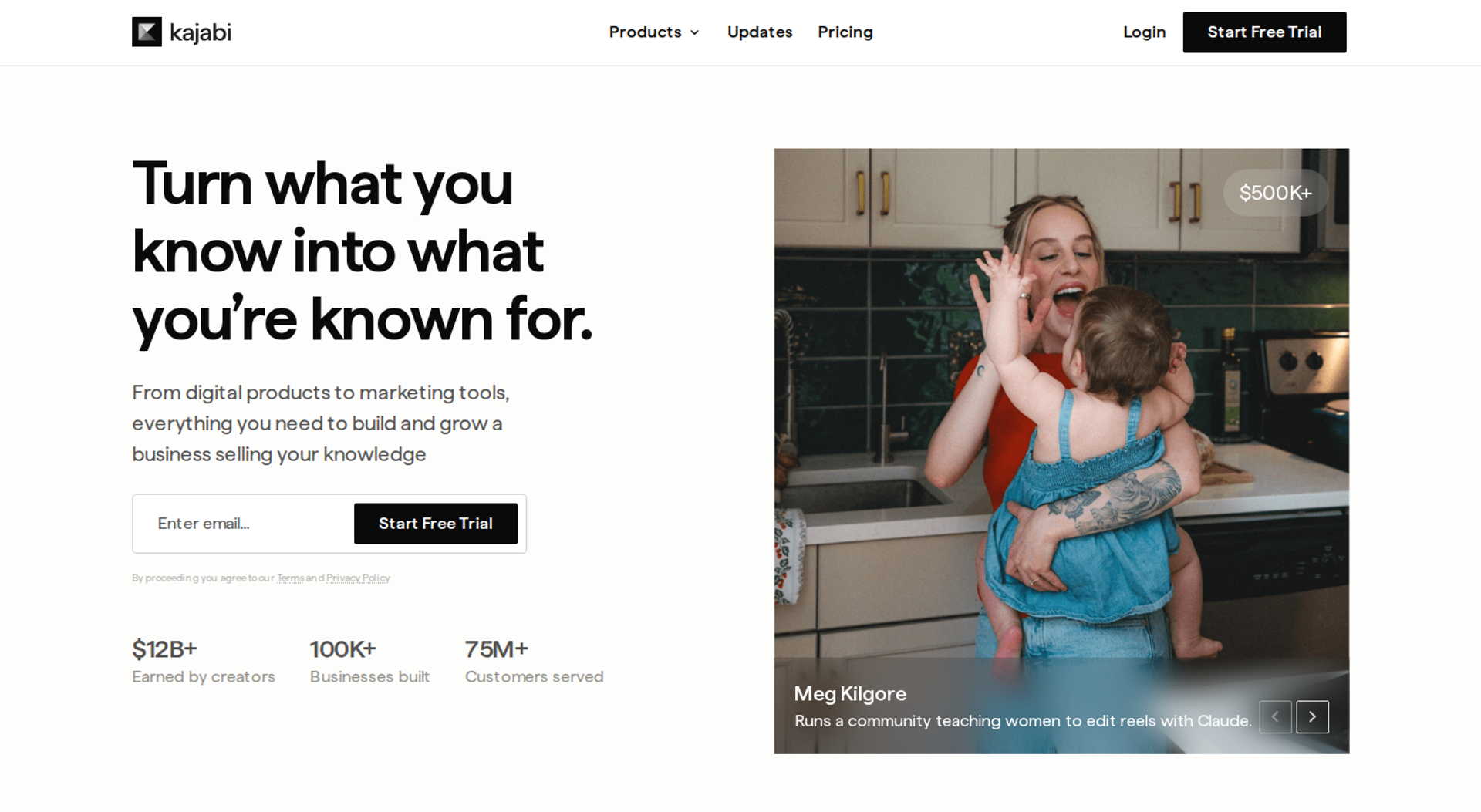
Kajabi is a course, community, and membership platform for coaches and experts who want their website, email, checkout, and products under one subscription. It earns its place because it consolidates hosting and marketing without a revenue share on Kajabi Payments. It may not fit creators on a tight budget, or those who rely on a third-party payment processor.
| - | Kajabi |
|---|---|
| Best for | Coaches and experts hosting courses, coaching, memberships, and a community in one place |
| Skip if | You only need a sales webinar, or your budget cannot absorb a plan starting at $143/mo billed annually |
| Strongest edge | Website, email, funnels, checkout, community, and courses on one subscription with 0% revenue share |
| Biggest trade-off | Contact limits force plan jumps, and outside payment processors add a surcharge |
| Pricing snapshot | Basic $179/mo, Growth $249/mo, Pro $499/mo monthly; $143, $199, and $399/mo billed annually; 14-day free trial |
Why Kajabi ranks #2
🏗️ The strongest host for a multi-product expert business
Kajabi scores high on revenue management and stack consolidation. Courses, coaching, memberships, downloads, and podcasts sit in one catalog with one checkout. For a coach who wants fewer logins, that matters more than any single feature.
Kajabi's published pricing is straightforward. Basic is $179/month, Growth is $249/month, and Pro is $499/month, with annual billing at $143, $199, and $399 per month. Contacts included are 2,500, 25,000, and 100,000.
💸 Where the fee math shifts
Kajabi takes no revenue share as a platform. The catch is the processor you choose. Kajabi lists an extra fee for outside processors of 2% on Basic, 1% on Growth, and 0.5% on Pro, excluding PayPal and Kajabi Payments. A creator on Basic using their own Stripe account at $10K a month pays roughly $200 a month in that surcharge alone.
EasyWebinar's read is that Kajabi and a conversion-focused webinar are partners, not rivals. Kajabi hosts the course. EasyWebinar sells it with a live session that becomes an automated one. Kajabi ranks second because it is the strongest single host in this list, not because it replaces the selling step.
What Kajabi does well
- One subscription for the core stack. Website, email, landing pages, funnels, checkout, and community sit together, which reduces the number of tools to maintain.
- 0% revenue share on Kajabi Payments. Fees stay predictable as revenue grows, apart from standard card processing.
- Comment to DM on Growth. A keyword comment on social sends a message automatically, which turns short-form attention into a conversation.
- Live cohort courses on Growth. Students start together and move through on a schedule, which suits creators who sell structure and accountability.
- Branded app on Pro. Your courses and community appear in the App Store under your name, which helps retention for larger programs.
Where Kajabi falls short
- Contact-based plan jumps. Moving from 2,500 to 25,000 contacts means jumping from Basic to Growth, so list growth raises your bill in steps.
- Third-party processor surcharge. Using your own Stripe account adds 0.5% to 2% on top of standard processing.
- AI credits vary by plan. Basic includes no monthly AI credits, while Growth and Pro include 500 and 1,000.
| Evaluation criterion | Kajabi fit | Why it matters |
|---|---|---|
| Audience growth | Partial | Comment to DM and email help, but long-form selling depends on your offer flow. |
| Live sessions | Partial | Live cohort courses and coaching are supported; verify webinar-style live room features. |
| Automated or evergreen sessions | Not publicly disclosed | Confirm whether automated webinar scheduling fits your funnel before committing. |
| Funnel pages | Strong | Unlimited landing pages and funnels on every plan. |
| Engagement | Partial | Community and coaching tools support members after purchase. |
| Checkout and monetization | Strong | Built-in checkout with 0% revenue share on Kajabi Payments. |
| CRM and follow-up | Strong | Contact CRM, unlimited email, and advanced automations on Growth and Pro. |
| Analytics and attribution | Partial | Analytics cover sales and contacts; verify attendee-level session data. |
| Course or community hosting | Strong | Courses, memberships, and communities are core products. |
| Pricing fit | Partial | Strong value once you use several modules, expensive if you use only one. |
| Best-fit buyer | Strong | Coaches and experts running several products under one brand. |
Choose Kajabi if you want courses, coaching, memberships, and community under one subscription and plan to use Kajabi Payments. Skip it if you only need a selling step for a product hosted elsewhere, or if your list size would push you into a higher tier before revenue justifies it.
1.3 Circle
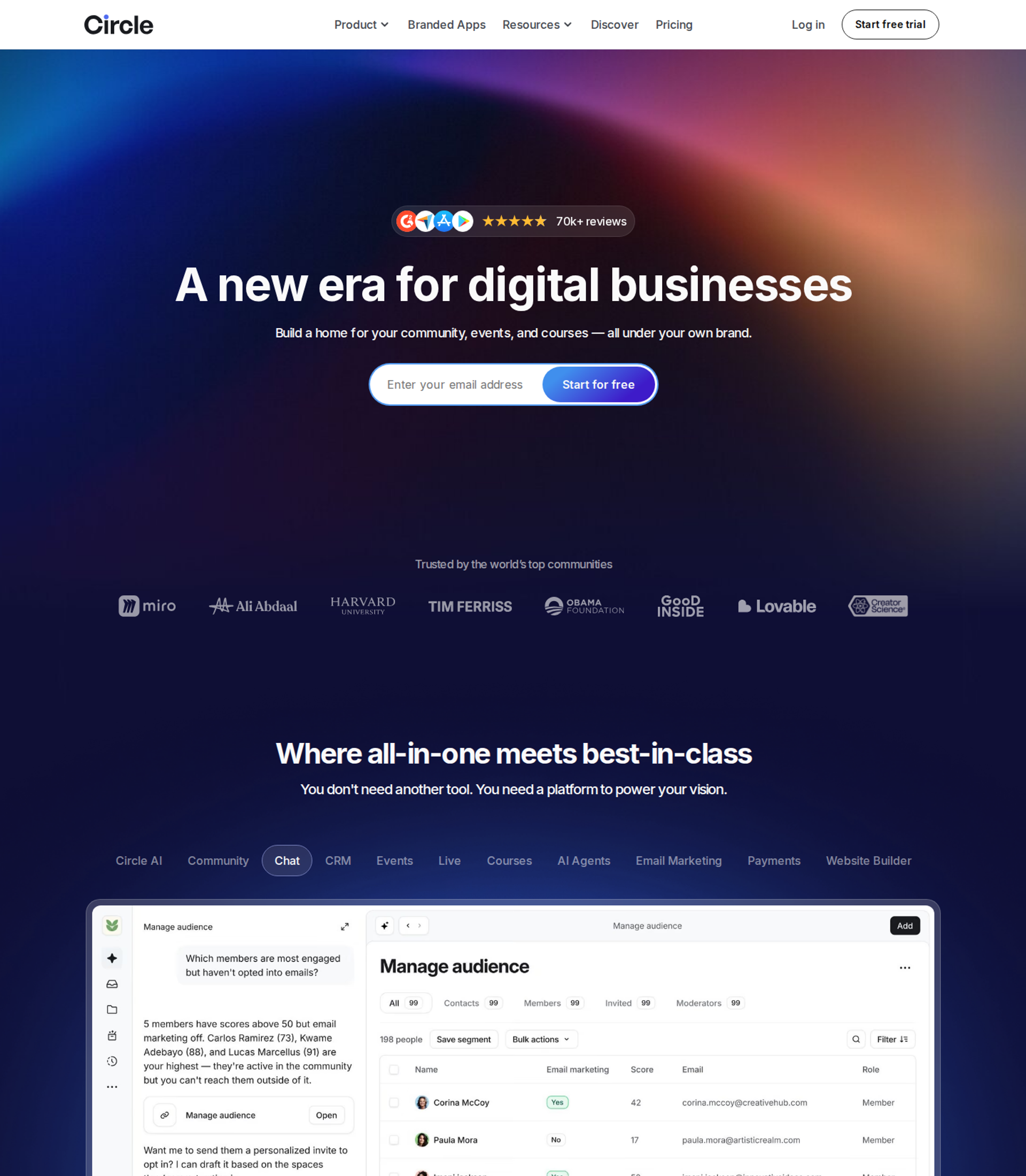
Circle is a community platform for community-led businesses that sell ongoing access. It keeps discussions, courses, live events, and paid memberships under one brand. It may not fit creators who need low entry costs or developer access on the starter plan.
| - | Circle |
|---|---|
| Best for | Coaches and operators selling a paid membership where members talk, learn, and meet |
| Skip if | You need API access on day one, or you sell mostly one-time digital products |
| Strongest edge | A branded home for community, courses, events, and paywalls in one product |
| Biggest trade-off | Transaction fees apply on every plan, and developer features sit on higher tiers |
| Pricing snapshot | Professional $89/mo and Business $199/mo billed annually; Circle Plus custom; fees of 2%, 1%, and 0.5% |
Why Circle ranks #3
🏠 Memberships are where creator revenue is heading
Circle earns its rank on revenue management. Memberships produce recurring revenue rather than launch spikes. One 2026 survey found that 88% of community builders monetized with memberships, while 53% sold courses and 18% relied on sponsorships. Circle is built around that model.
A turnaround in the research for this guide shows why structure matters. Patrick Rosendez's 3D design community hit about 25% monthly churn, and its monthly revenue fell from $25K to $12K. After he added training pathways and structured onboarding inside Circle, it climbed to $42K a month.
💸 Where the fee math lands
Circle's fees drop as you move up plans. Circle takes 2% on Professional, 1% on Business, and 0.5% on Circle Plus, and Stripe still charges its own processing fee on top. At $40,000 a month in sales, the Professional fee alone is $800. At that volume, Business is usually the cheaper plan.
EasyWebinar works alongside Circle rather than competing with it. Circle hosts the membership. EasyWebinar runs the sales webinar that fills it, with checkout inside the room.
What Circle does well
- Community, courses, and events in one place. Members do not bounce between a chat app, a course portal, and a video link, so engagement stays in one branded space.
- Paywalled spaces and tiered access. You can sell different levels of access inside one community, which supports upsells without a second platform.
- Workflow automation on Business. Emails, tags, and actions trigger from member behaviour, which reduces manual onboarding work.
- Lower fees as revenue grows. The fee falls from 2% to 1% to 0.5%, so moving up a plan can pay for itself at higher volume.
Where Circle falls short
- Developer features sit higher. API access and custom profile fields require the Business plan or above, which matters if you plan custom integrations.
- No cheap tier. Circle starts at $89 a month billed annually, which is a real cost before the first member pays.
- Admin learning curve. Community builders who set up Circle for clients report that back-end settings take time to learn.
| Evaluation criterion | Circle fit | Why it matters |
|---|---|---|
| Audience growth | Partial | Strong for retaining members, lighter for attracting new ones. |
| Live sessions | Strong | Live rooms and events run inside the community. |
| Automated or evergreen sessions | Weak | Built for live and asynchronous community, not scheduled sales sessions. |
| Funnel pages | Partial | Paywall and landing pages exist, but sales funnels are not its focus. |
| Engagement | Strong | Discussions, events, and courses keep members active. |
| Checkout and monetization | Strong | Paid memberships, tiers, and one-time purchases. |
| CRM and follow-up | Partial | Workflows on Business; deeper CRM needs an outside tool. |
| Analytics and attribution | Partial | Community analytics are available; sales attribution is limited. |
| Course or community hosting | Strong | This is the core product. |
| Pricing fit | Partial | Fair at volume, expensive at the start. |
| Best-fit buyer | Strong | Operators selling ongoing access and community. |
Choose Circle if your product is a paid community with courses and events, and members will stay for months. Skip it if you mainly sell one-off digital products, or you need API access on a starter budget.
1.4 Skool
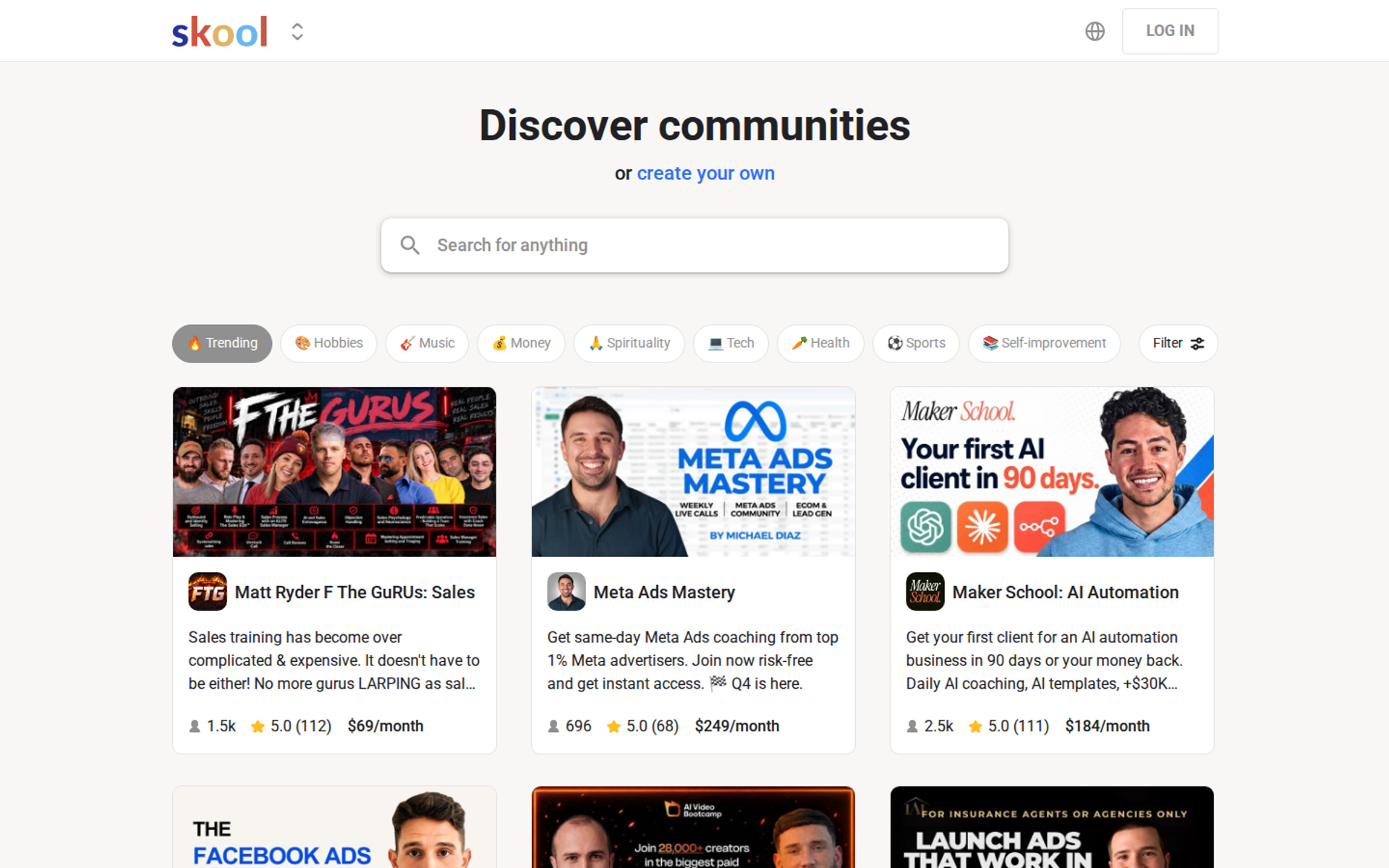
Skool is a community and course platform for beginners running a community-powered course on a flat monthly fee. It combines a discussion feed, a classroom, a calendar, and gamified leaderboards. It may not fit creators who need design control or several distinct communities under one account.
| - | Skool |
|---|---|
| Best for | First-time community builders selling a course with a community attached |
| Skip if | You want custom branding, flexible layouts, or several brands in one account |
| Strongest edge | A very simple setup with leaderboards that reward member participation |
| Biggest trade-off | A fixed layout, and the Hobby plan's 10% fee grows with revenue |
| Pricing snapshot | Hobby $9/mo plus 10%; Pro $99/mo plus 2.9% |
Why Skool ranks #4
🎮 Simplicity is the product
Skool scores well on audience growth and engagement for beginners. Members earn points and levels for participation, which keeps a new community active. Setup takes hours, not weeks.
The fee structure decides which plan you need. Skool charges $9 a month on Hobby or $99 a month on Pro, with transaction fees of 10% and 2.9%, respectively. One review notes that Pro adds a 1% platform fee on sales above $899, making the effective rate 3.9% plus 30 cents.
⚠️ What the simple layout costs you
The fixed layout keeps Skool easy, but it limits branding. Each community is a separate group, so running two brands means two setups. My read is that Skool works best as a first platform, and creators often move once their offer matures.
EasyWebinar fits beside Skool for creators who sell higher-ticket programs. The community stays on Skool, and EasyWebinar runs the session that pitches it.
What Skool does well
- Community, classroom, and calendar together. Members find posts, lessons, and events in one place, which lowers support questions.
- Gamified leaderboards. Points and levels reward participation, which helps retention in the first months.
- Low-cost entry. The $9 Hobby plan lets a creator test an idea before committing to a higher fee.
- One-time purchases added in 2026. Courses can now be sold outright rather than only bundled into a membership.
Where Skool falls short
- Fixed layout. You cannot redesign the community, so brand-led creators may find it limiting.
- Fees on Hobby scale fast. At $5,000 a month in revenue, the 10% fee costs $500, far more than the plan price.
- One community per group. Running separate brands requires separate groups and setups.
| Evaluation criterion | Skool fit | Why it matters |
|---|---|---|
| Audience growth | Partial | Skool's public discovery page helps, but long-form selling happens elsewhere. |
| Live sessions | Partial | Calendar and live calls are supported; verify room features before launch events. |
| Automated or evergreen sessions | Weak | Not built for scheduled sales sessions. |
| Funnel pages | Weak | Minimal sales page control. |
| Engagement | Strong | Leaderboards and a simple feed keep members active. |
| Checkout and monetization | Strong | Paid memberships and one-time purchases. |
| CRM and follow-up | Weak | Limited native follow-up; outside tools needed. |
| Analytics and attribution | Partial | Community metrics, limited sales attribution. |
| Course or community hosting | Strong | Community and classroom are the core product. |
| Pricing fit | Strong | Flat and simple, if you pick the right plan for your revenue. |
| Best-fit buyer | Strong | Beginners running a community-powered course. |
Choose Skool if you want to launch a paid community with a course quickly and value engagement over design control. Skip it if your brand needs a custom look, or you plan to run several distinct communities.
1.5 Stan Store
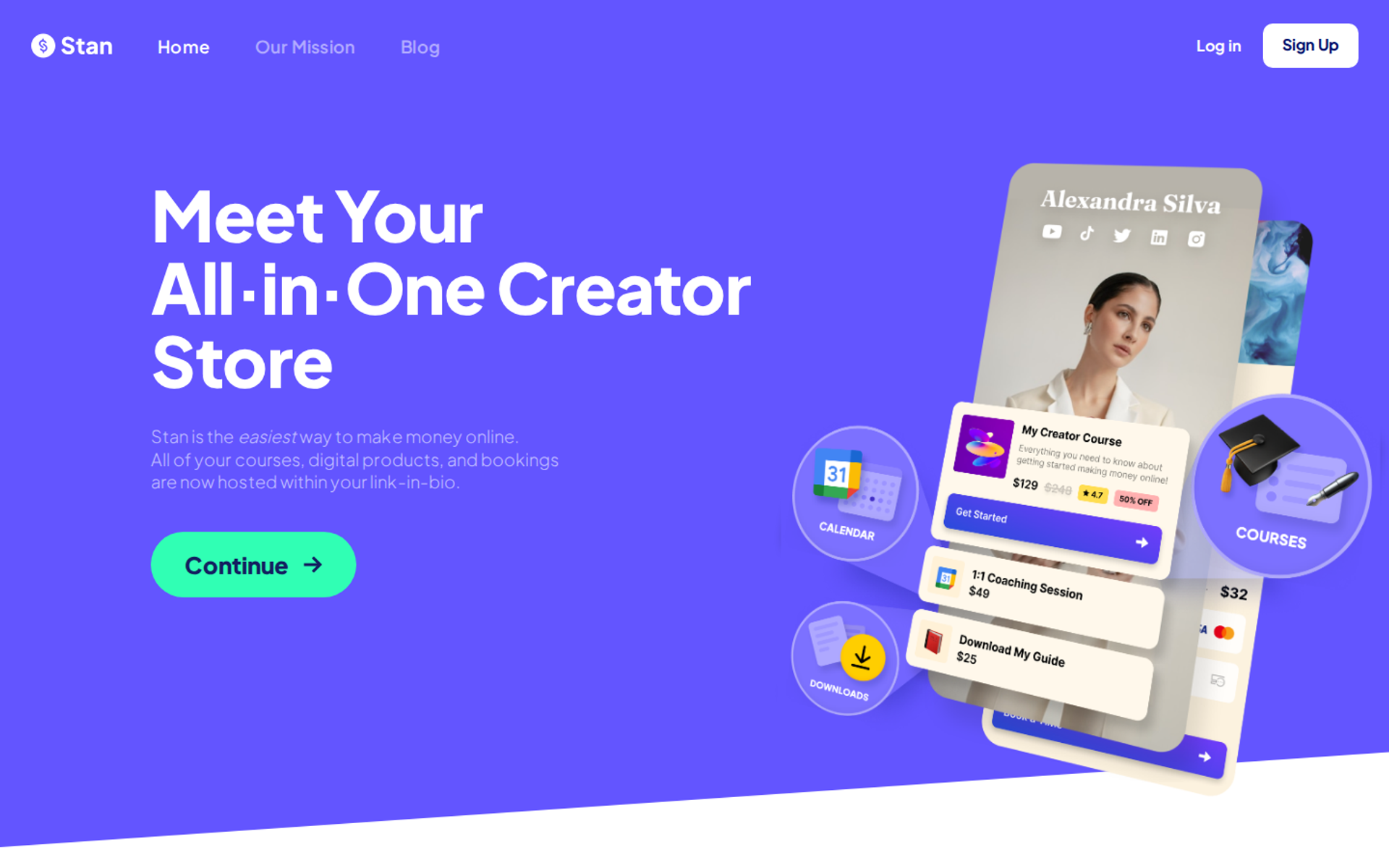
Stan Store is a link-in-bio store for social-first creators who sell digital products, short courses, and bookings from their profile link. Its edge is a mobile-first checkout with no platform transaction fee. It may not fit creators who need deep community forums or long-form selling.
| - | Stan Store |
|---|---|
| Best for | Instagram and TikTok creators selling digital products from a profile link |
| Skip if | You sell high-ticket programs that need a long pitch, or you need a member forum |
| Strongest edge | A mobile store with comment-triggered checkout links sent by DM |
| Biggest trade-off | Upsells, funnels, and email flows require the $99 plan |
| Pricing snapshot | Creator $29/mo ($300/yr); Creator Pro $99/mo ($948/yr); 0% platform fee |
Why Stan Store ranks #5
📱 Built for the scroll
Stan Store scores well on audience growth for short-form creators. A follower comments a keyword on a video and receives a checkout link by DM. The store is designed for a phone screen, which is where social traffic arrives.
The pricing is simple. Plans start at $29 a month on Creator and $99 a month on Creator Pro, with annual billing at $300 or $948 a year. Creator Pro adds discount codes, order bumps, upsells, funnels, affiliate management, email broadcasts and flows, advanced analytics, and pixel tracking.
🎯 Where short-form attention runs out
A link-in-bio store sells well when the price is low and the decision is quick. Higher-ticket offers need more time with the buyer. EasyWebinar's experience is that a $1,000 program rarely sells from a profile link alone.
EasyWebinar pairs with Stan Store when a creator adds a higher-ticket tier. The store sells the low-cost product, and a webinar sells the program.
What Stan Store does well
- Mobile-first checkout. Buyers pay in a few taps on a phone, which reduces drop-off from social traffic.
- Comment-to-DM automation. A keyword comment triggers a checkout link, which turns short-form views into sales conversations.
- No platform transaction fee. You keep more of each sale apart from payment processing.
- Fast setup. A creator can list a product and start selling the same day.
Where Stan Store falls short
- Your URL stays on Stan's domain. Store links remain stan.store/username on every plan, so you cannot use your own domain.
- Sales tools sit on Creator Pro. Upsells, funnels, and email flows add $70 a month over the Creator plan.
- No deep community or multi-speaker stage. Discussion forums and complex live events need another platform.
| Evaluation criterion | Stan Store fit | Why it matters |
|---|---|---|
| Audience growth | Strong | Built for converting social traffic from a profile link. |
| Live sessions | Partial | Live workshops can be sold; verify room features. |
| Automated or evergreen sessions | Weak | Not designed for scheduled sales sessions. |
| Funnel pages | Partial | Funnels and upsells on Creator Pro. |
| Engagement | Weak | Limited ongoing member interaction. |
| Checkout and monetization | Strong | Mobile checkout with no platform fee. |
| CRM and follow-up | Partial | Email broadcasts and flows on Creator Pro. |
| Analytics and attribution | Partial | Advanced analytics and pixels on Creator Pro. |
| Course or community hosting | Partial | Short courses yes; community forums no. |
| Pricing fit | Strong | Flat monthly pricing with no percentage cut. |
| Best-fit buyer | Strong | Social-first creators selling low-cost digital products. |
Choose Stan Store if your audience lives on Instagram or TikTok and your products sell in a quick decision. Skip it if you need a branded domain, a member community, or a long-form pitch for a high-ticket offer.
1.6 Heartbeat
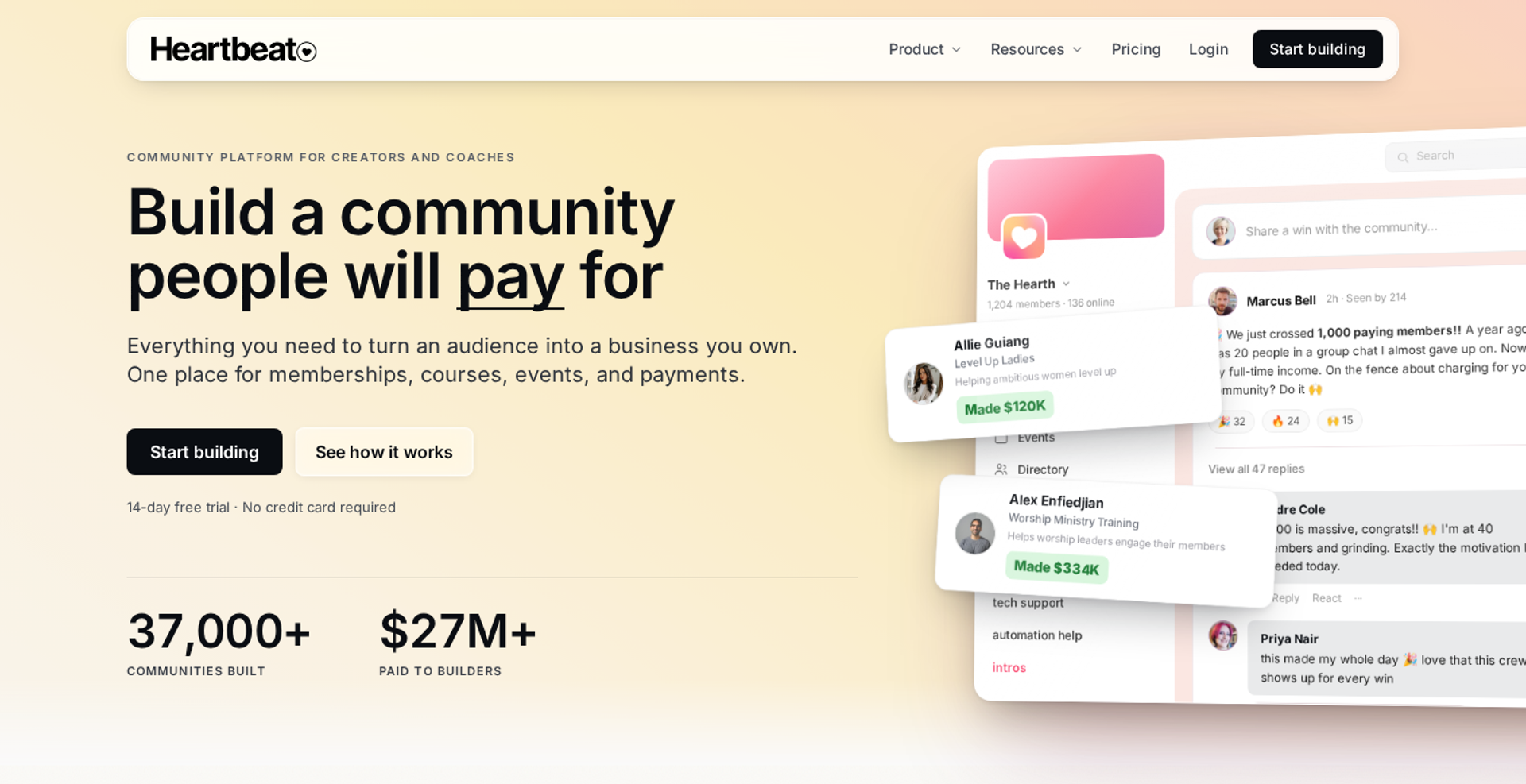
Heartbeat is a community platform for event-centric communities that sell access to live calls, workshops, and courses. It stands out for public event pages that bring outsiders into a private community. It may not fit creators who want a low transaction fee on the entry plan.
| - | Heartbeat |
|---|---|
| Best for | Community builders whose members gather around recurring events |
| Skip if | You expect to pass 350 members soon on a starter budget |
| Strongest edge | Public and private event pages with Zoom recording and attendance sync |
| Biggest trade-off | A 5% transaction fee on Build, plus a member cap per plan |
| Pricing snapshot | Build $49/mo, Grow $149/mo, Scale $849/mo; fees of 5%, 2.5%, and 1.25% |
Why Heartbeat ranks #6
📅 Events as the front door
Heartbeat scores well where events drive membership. Public event pages let people outside the community register, which turns events into lead sources. The Zoom integration creates meeting links, syncs recordings, and tracks attendance inside events.
The pricing ties fees and member limits to the plan. Build costs $49 a month for up to 350 members with a 5% fee, Grow costs $149 a month for up to 5,000 members with a 2.5% fee, and Scale costs $849 a month for unlimited members with a 1.25% fee. Those fees sit on top of Stripe's processing charge.
⚠️ Where the plan limits bite
The member cap is the first constraint. A community that grows past 350 members must move to Grow at $149 a month. Community builders also note that chat channels lack topic organization, which can feel crowded as you grow.
EasyWebinar works with event-led communities by running the public sales session. Heartbeat hosts the members afterward.
What Heartbeat does well
- Public event pages. Outsiders can register for events, which brings new leads into the community.
- Zoom integration. Meeting links, recordings, and attendance sync automatically, which cuts post-event admin work.
- Evergreen and cohort courses. You choose drip-fed or fixed-date course structures inside the community.
- No card for the trial. The 14-day trial does not require a credit card.
Where Heartbeat falls short
- Member caps by plan. Build allows 350 members, and Grow allows 5,000.
- 5% fee on Build. The entry plan's fee is high for a growing paid community.
- Chat organization. Chat channels can become a long, unsorted list as the community grows.
| Evaluation criterion | Heartbeat fit | Why it matters |
|---|---|---|
| Audience growth | Partial | Public event pages bring in leads. |
| Live sessions | Strong | Events, voice and video rooms, and Zoom sync. |
| Automated or evergreen sessions | Weak | Courses can be evergreen; sales sessions cannot. |
| Funnel pages | Partial | One landing page on Build, 15 on Grow. |
| Engagement | Strong | Events, chat, and gamification keep members active. |
| Checkout and monetization | Strong | Memberships, waitlists, upsells, and checkout pages. |
| CRM and follow-up | Partial | Workflows send emails and DMs; limited on Build. |
| Analytics and attribution | Partial | Community analytics; conversion tracking from Grow. |
| Course or community hosting | Strong | Community, courses, and events are core. |
| Pricing fit | Partial | Affordable entry, but fees and caps push upgrades. |
| Best-fit buyer | Strong | Event-centric community builders. |
Choose Heartbeat if your community is built around recurring live events and you want public event pages as a lead source. Skip it if you expect fast member growth on the entry plan, or a 5% fee would hurt your margin.
1.7 Thinkific
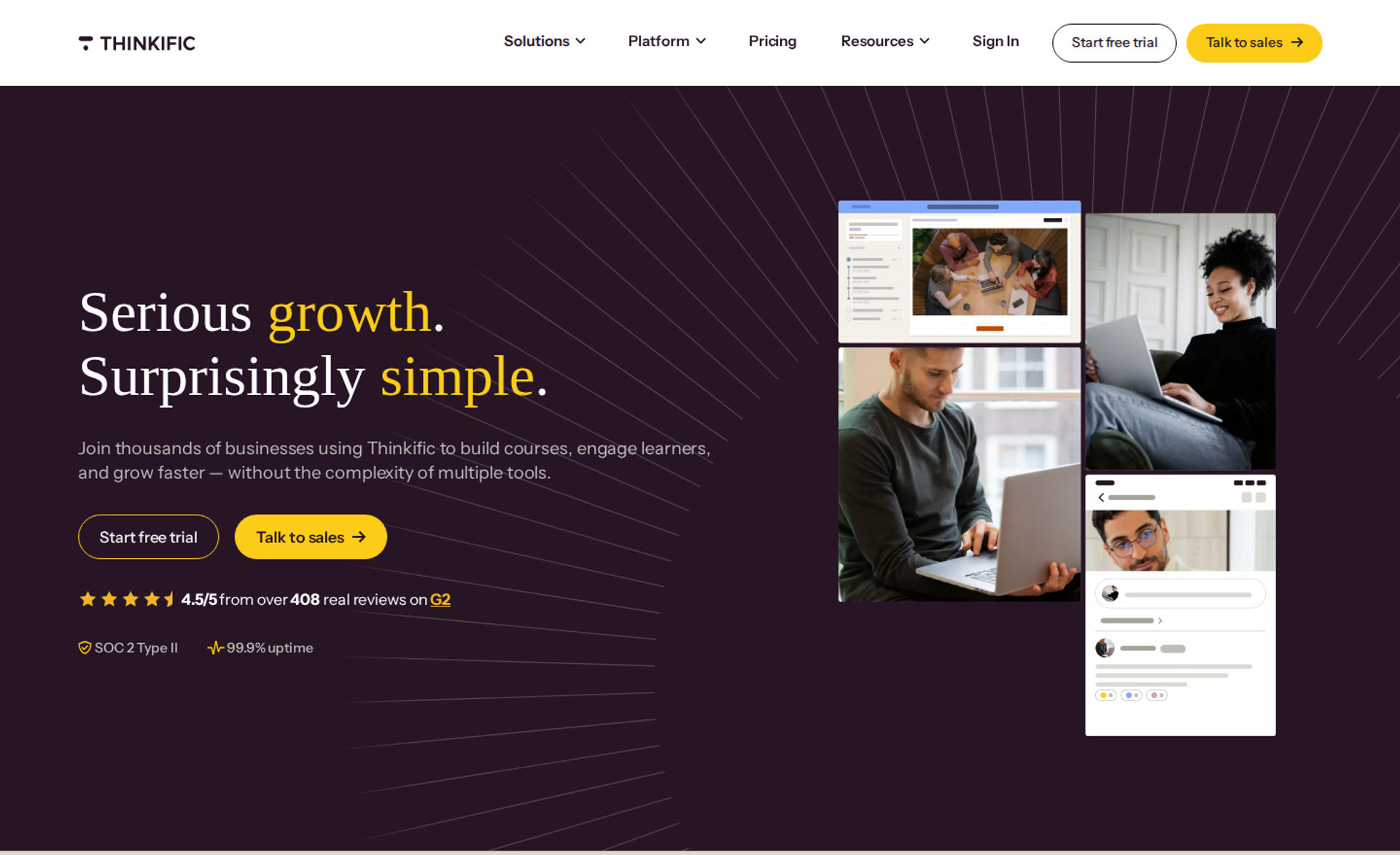
Thinkific is a course platform for educators selling structured courses with learner progress and completion certificates. It belongs on this list because course delivery is still a core creator revenue model. It may not fit creators whose business is community-first or membership-first.
| - | Thinkific |
|---|---|
| Best for | Educators selling structured courses where students track progress |
| Skip if | Your business is mainly a community, or you want to use your own Stripe account on Basic |
| Strongest edge | Course building with progress tracking and certificates |
| Biggest trade-off | Memberships need Start, and branding removal needs Grow |
| Pricing snapshot | Basic $54/mo, Start $109/mo, Grow $219/mo; $40, $82, and $164 billed annually |
Why Thinkific ranks #7
🎓 Structured learning done well
Thinkific scores well on course hosting and learner experience. Courses carry progress tracking, and Start adds certificates and assignments. That structure matters, because unstructured video courses often see completion rates of only 5% to 10%.
The pricing rose in 2026. Thinkific's pricing page lists Basic at $54 a month or $40 billed annually, Start at $109 a month, and Grow at $219 a month. Using your own Stripe account adds a gateway fee: 5% on Basic, 2% on Start, and 1% on Grow.
💰 Where the features sit
The key features are spread across tiers. Memberships, bundles, and payment plans arrive on Start. Branding removal, API access, and phone support arrive on Grow.
EasyWebinar is the conversion layer in front of Thinkific. Thinkific hosts the course, and EasyWebinar runs the webinar that sells it.
What Thinkific does well
- Course structure and progress. Students see where they are, which supports completion and testimonials.
- Certificates and assignments on Start. These features help creators sell credentials and accountability.
- 0% platform fee on Thinkific Payments. Fees stay predictable when you use the native checkout.
- Annual billing savings. Annual plans cut the monthly cost by about 25%.
Where Thinkific falls short
- Gateway fee for outside processors. Your own Stripe account adds 1% to 5% depending on plan.
- Memberships require Start. Recurring revenue models need the $109 plan or above.
- Community is secondary. Community-first or membership-first models fit other platforms better.
| Evaluation criterion | Thinkific fit | Why it matters |
|---|---|---|
| Audience growth | Weak | Built for delivery, not acquisition. |
| Live sessions | Partial | Zoom live lessons on Start. |
| Automated or evergreen sessions | Weak | Courses are evergreen; sales sessions are not. |
| Funnel pages | Partial | Site and sales pages exist; funnel depth is limited. |
| Engagement | Partial | Progress and assignments; community is lighter. |
| Checkout and monetization | Strong | Native checkout with flexible payment options. |
| CRM and follow-up | Partial | Basic email; deeper follow-up needs integrations. |
| Analytics and attribution | Partial | Course and sales reporting; deeper analytics on higher tiers. |
| Course or community hosting | Strong | Course delivery is the core product. |
| Pricing fit | Partial | Fair entry price, but key features sit on higher tiers. |
| Best-fit buyer | Strong | Educators selling structured courses. |
Choose Thinkific if you sell structured courses where progress, certificates, and assignments matter to the buyer. Skip it if your business is community-first, or you need memberships on the entry plan.
1.8 Patreon
Patreon is a membership platform for fan-supported creators who charge loyal audiences a monthly fee for exclusive content. Its strength is a widely recognized checkout that fans already trust. It may not fit creators who want a lower percentage fee or full control of their brand experience.
| - | Patreon |
|---|---|
| Best for | Artists, podcasters, and video creators with highly engaged fans |
| Skip if | You sell high-ticket programs, or a 10% platform fee hurts your margin |
| Strongest edge | A trusted membership checkout fans recognize |
| Biggest trade-off | A 10% platform fee for new creators, plus processing and payout fees |
| Pricing snapshot | No monthly fee; 10% platform fee for creators who joined after August 4, 2025 |
Why Patreon ranks #8
🤝 Trust reduces checkout friction
Patreon scores well on checkout trust. Fans recognize the brand, which removes hesitation when they enter card details. The platform is free to start, so the fee only applies once money comes in.
The fee changed in 2025. Patreon's support center states that its standard 10% platform fee includes access to all core features, with processing rates that vary. Creators who joined before August 4, 2025, kept their legacy plans.
💸 What the percentage costs at scale
A percentage fee grows with your success. At $10,000 a month, the 10% platform fee is $1,000 before processing and payout fees. That is where a flat-fee platform starts to look cheaper.
EasyWebinar fits beside Patreon when a creator adds a premium program. Patreon handles fan memberships, and a webinar sells the higher-ticket offer.
What Patreon does well
- Recognized brand at checkout. Fans trust the payment page, which supports conversion.
- No upfront cost. You pay only when you earn, which suits early-stage creators.
- Full feature set on the standard plan. New creators get all core features at one rate.
- Memberships and one-time purchases. Creators can sell recurring tiers and single items.
Where Patreon falls short
- 10% platform fee. Processing and payout fees come on top, so the effective cut is higher.
- Limited brand control. Your page sits inside Patreon's design and navigation.
- Built for fan support, not sales funnels. High-ticket programs need a different selling step.
| Evaluation criterion | Patreon fit | Why it matters |
|---|---|---|
| Audience growth | Partial | Converts existing fans; limited acquisition tools. |
| Live sessions | Partial | Community chats and posts; verify live features. |
| Automated or evergreen sessions | Weak | Not designed for scheduled sales sessions. |
| Funnel pages | Weak | Limited sales page control. |
| Engagement | Partial | Posts, chats, and exclusive content. |
| Checkout and monetization | Strong | Trusted membership checkout. |
| CRM and follow-up | Weak | Limited native follow-up. |
| Analytics and attribution | Partial | Earnings and member metrics. |
| Course or community hosting | Partial | Membership content yes; structured courses no. |
| Pricing fit | Partial | Free to start, costly at scale. |
| Best-fit buyer | Strong | Creators with loyal, paying fans. |
Choose Patreon if your fans already want to support you monthly and you value a trusted checkout over brand control. Skip it if a 10% fee will cost more than a flat-fee platform at your revenue level.
1.9 Substack
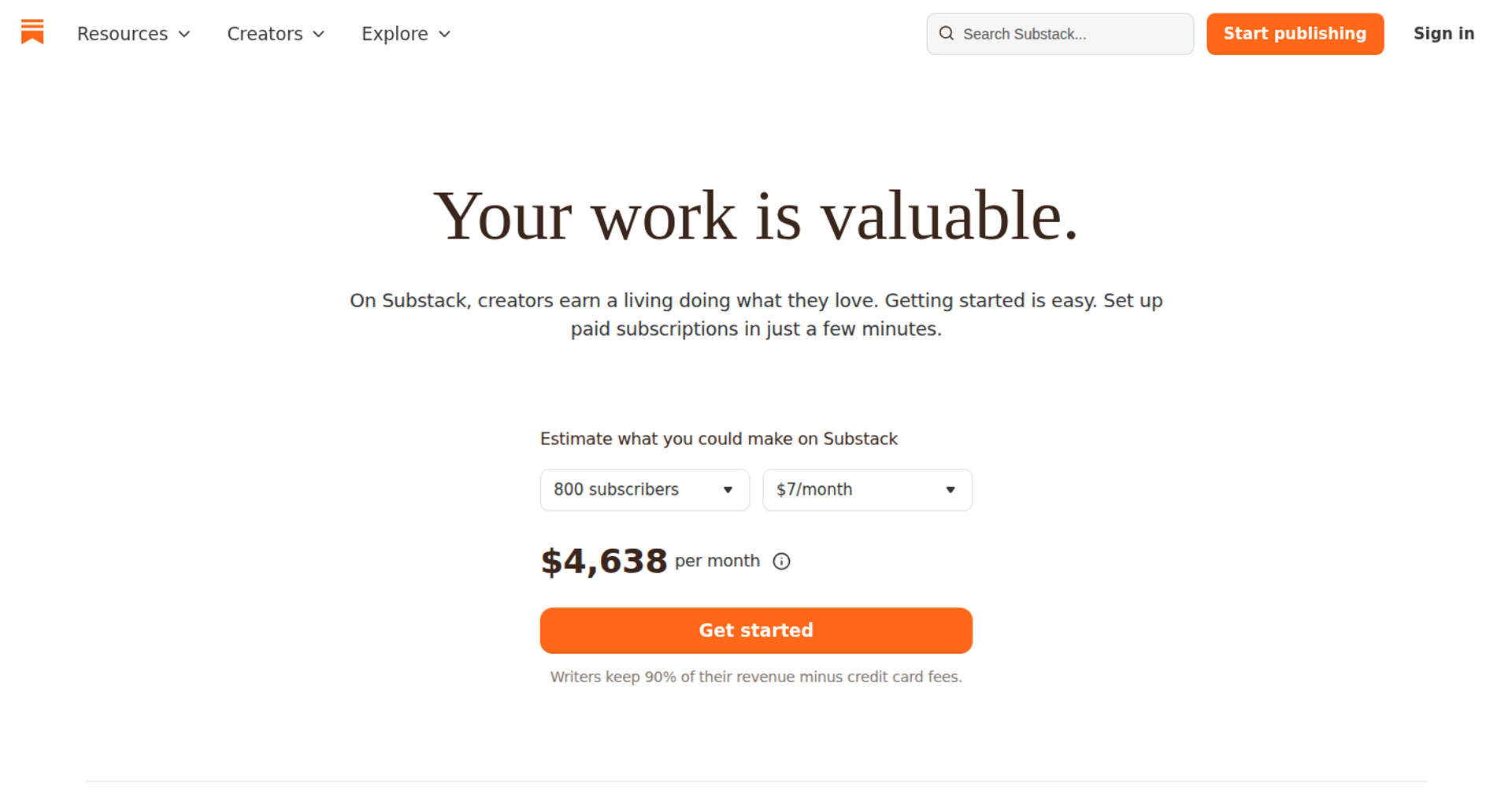
Substack is a newsletter platform for writers and podcasters who earn through paid subscriptions. Its strength is an email-first relationship where the writer keeps the subscriber list. It may not fit creators who sell courses, communities, or high-ticket programs.
| - | Substack |
|---|---|
| Best for | Writers, journalists, and podcasters building paid email subscriptions |
| Skip if | You sell courses, memberships with community, or high-ticket offers |
| Strongest edge | Paid newsletters with an exportable subscriber list |
| Biggest trade-off | 10% of paid subscription revenue, plus Stripe fees |
| Pricing snapshot | No monthly fee; 10% platform fee plus Stripe processing |
Why Substack ranks #9
✍️ Email is the product
Substack scores well on audience ownership for writers. Readers subscribe by email, and paid tiers sit on top of free ones. The model is simple to run.
The fee is a percentage of revenue. Substack charges a flat 10% platform fee on paid subscription revenue, plus Stripe processing of about 2.9% plus $0.30 per transaction.
💸 Where the percentage fee lands
The same scaling problem applies as with Patreon. At $10,000 a month, Substack takes $1,000 before Stripe fees. Writers with large paid audiences often compare flat-fee alternatives.
EasyWebinar works for writers who add a paid workshop or program. The newsletter builds the list, and a webinar sells the offer.
What Substack does well
- Email-first relationship. Subscribers receive every post in their inbox, which keeps reach steady.
- Free and paid tiers together. Free readers can upgrade, which builds a natural funnel.
- No upfront cost. Writers pay only when paid subscriptions come in.
- Podcast support. Writers and podcasters can publish in one place.
Where Substack falls short
- 10% platform fee. Costs grow with revenue.
- Limited product types. Courses, communities, and one-time products need other tools.
- Limited design control. Pages follow Substack's format.
| Evaluation criterion | Substack fit | Why it matters |
|---|---|---|
| Audience growth | Strong | Email subscriptions build an owned list. |
| Live sessions | Weak | Not built for live selling events. |
| Automated or evergreen sessions | Weak | Not designed for scheduled sales sessions. |
| Funnel pages | Weak | Subscribe pages only. |
| Engagement | Partial | Comments and posts. |
| Checkout and monetization | Partial | Paid subscriptions only. |
| CRM and follow-up | Partial | Newsletter sends; no segmented sales follow-up. |
| Analytics and attribution | Partial | Subscriber and open metrics. |
| Course or community hosting | Weak | Not a course or community platform. |
| Pricing fit | Partial | Free to start, costly at scale. |
| Best-fit buyer | Strong | Writers and podcasters. |
Choose Substack if your product is your writing and you want paid email subscriptions with minimal setup. Skip it if you sell courses, communities, or programs that need a longer sales conversation.
1.10 Mighty Networks
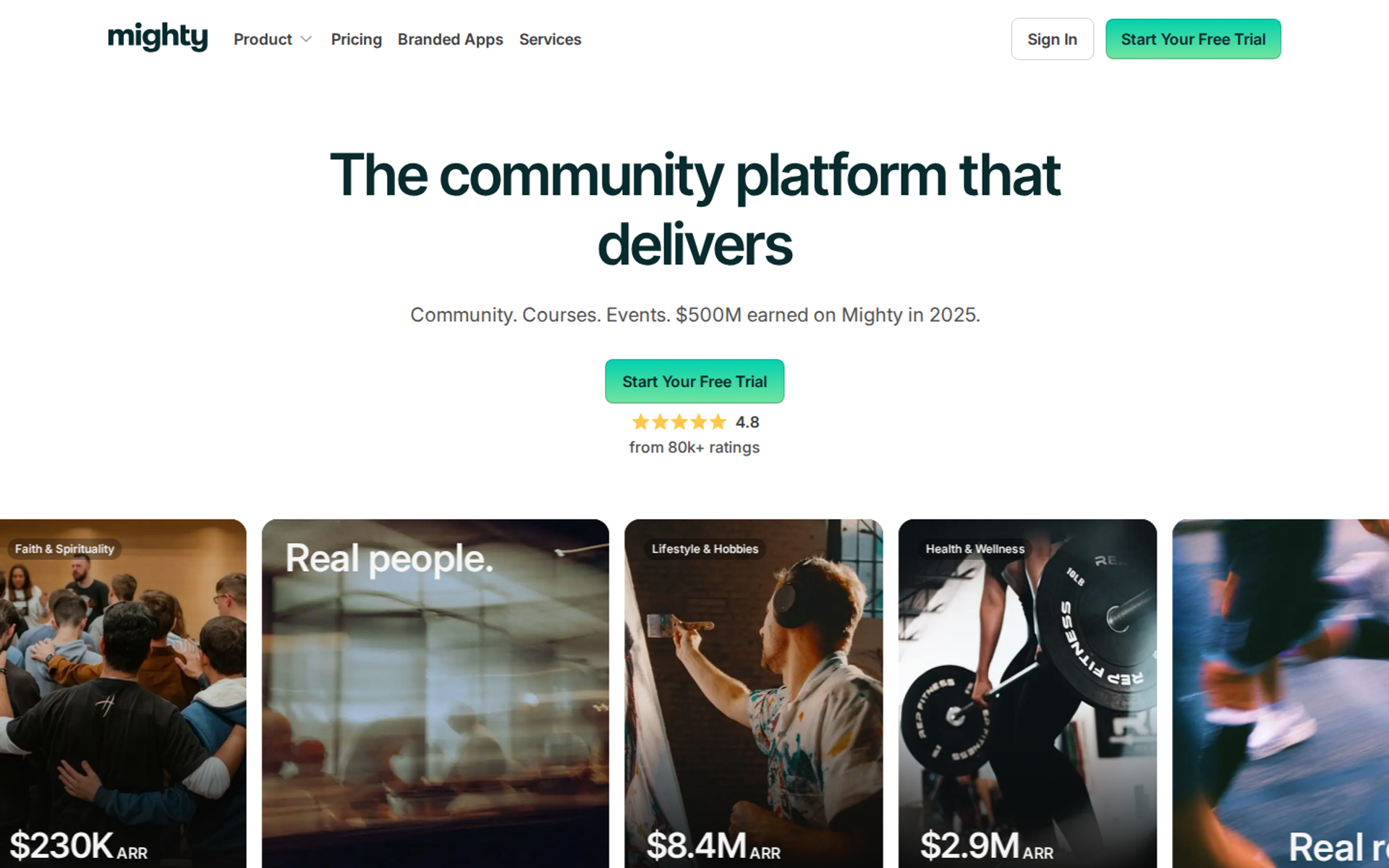
Mighty Networks is a community platform for creators combining community, courses, and events in one branded network. It belongs here because it bundles membership and course delivery. It may not fit creators who want zero transaction fees or full features on the entry plan.
| - | Mighty Networks |
|---|---|
| Best for | Creators running a branded community with courses and events |
| Skip if | You want 0% transaction fees, or you need integrations on the entry plan |
| Strongest edge | Community and courses inside one network, with a branded app on higher tiers |
| Biggest trade-off | Transaction fees on every plan, and features gated by tier |
| Pricing snapshot | Launch $79/mo and Scale $179/mo billed annually; fees of 2% and 1% |
Why Mighty Networks ranks #10
🌐 Community plus courses, branded
Mighty Networks scores well on community hosting and engagement. Courses, events, and discussions live inside one network. The branded app on higher tiers helps retention for larger communities.
The fees never reach zero. Mighty Networks lists Launch at $79 a month, Scale at $179 a month, and Growth at $354 a month, with fees of 2% on Launch, 1% on Scale, and 0.5% on Growth and Mighty Pro.
⚠️ Where the tiers limit you
The entry plan has real limits. On Launch, each Space is limited to a single primary feature. One 2026 review also reports that integrations are locked behind the Scale plan.
EasyWebinar pairs with Mighty Networks the same way it pairs with Circle. The network hosts members, and a webinar sells the membership.
What Mighty Networks does well
- Community and courses in one network. Members learn and talk in the same place, which supports retention.
- Events and gamification. Badges, tags, and events keep members active.
- Branded app on Scale. Your community appears under your name on members' phones.
- Lower fees on higher tiers. The fee drops from 2% to 1% to 0.5% as you move up.
Where Mighty Networks falls short
- Transaction fees on every plan. Even the top tiers charge 0.5%.
- Feature limits on Launch. Single-feature Spaces and gated integrations push upgrades.
- Branded app requires Scale. The app is not on the entry plan.
| Evaluation criterion | Mighty Networks fit | Why it matters |
|---|---|---|
| Audience growth | Partial | Strong for retention, lighter for acquisition. |
| Live sessions | Partial | Events are supported; verify room features. |
| Automated or evergreen sessions | Weak | Not designed for scheduled sales sessions. |
| Funnel pages | Weak | Limited sales page control. |
| Engagement | Strong | Community, events, and gamification. |
| Checkout and monetization | Strong | Paid memberships and courses. |
| CRM and follow-up | Partial | Basic automations; deeper workflows on higher tiers. |
| Analytics and attribution | Partial | Community metrics. |
| Course or community hosting | Strong | Core product. |
| Pricing fit | Partial | Fees on every plan add up at scale. |
| Best-fit buyer | Strong | Creators combining community and courses. |
Choose Mighty Networks if you want a branded community with courses and events in one network and plan to grow into higher tiers. Skip it if you need integrations on day one, or you want a plan with no transaction fee.
🔗 How the ten fit together
EasyWebinar is the only selling step on this list, so it sits in front of whichever host a creator picks. Kajabi, Circle, Skool, Heartbeat, Thinkific, and Mighty Networks host courses and communities. Stan Store, Patreon, and Substack collect payment from audiences that already exist. EasyWebinar runs the live session, turns the version that converts into an automated webinar, and takes payment inside the room, with your CRM or EasyCRM.
Q2: How Did We Choose and Score These Platforms?
Each platform was scored on five weighted criteria that total 100%: conversion optimization (30%), audience growth (25%), revenue management (20%), user reviews (15%), and fee transparency (10%). Weighted scores convert to stars in bands of 20 points, so a score from 81 to 100 earns five stars. Conversion carries the most weight because hosting a product does not sell it.
🧾 Why the method comes before the rank
Last month a course creator forwarded me three "best platform" lists. Each one ranked its own publisher first. She asked a fair question: who scored these, and how?
EasyWebinar publishes this guide, so you deserve the rubric before you trust the rank. Every platform was scored against the same five criteria, and no platform paid for placement.
The five criteria and their weights
| Criterion | Weight | What we assessed |
|---|---|---|
| Conversion optimization | 30% | Checkout at the moment of decision, offers, and follow-up that reacts to buyer behaviour |
| Audience growth | 25% | How well the platform turns social attention into an owned list |
| Revenue management | 20% | Recurring billing, pricing tiers, churn visibility, and revenue attribution |
| User reviews | 15% | G2 and Capterra ratings, plus recurring themes in written reviews |
| Fee transparency | 10% | Published pricing, percentage fees, and payment processor surcharges |
⭐ How scores became stars
Each criterion was scored from 0 to 100, multiplied by its weight, and summed. A total from 0 to 20 earns one star, 21 to 40 earns two, and so on up to five stars at 81 to 100.
| Platform | Stars | Strongest criterion |
|---|---|---|
| EasyWebinar | ⭐⭐⭐⭐⭐ | Conversion optimization |
| Kajabi | ⭐⭐⭐⭐ | Revenue management |
| Circle | ⭐⭐⭐⭐ | Revenue management |
| Skool | ⭐⭐⭐⭐ | Fee transparency |
| Stan Store | ⭐⭐⭐ | Audience growth |
| Heartbeat | ⭐⭐⭐ | Fee transparency |
| Thinkific | ⭐⭐⭐ | Revenue management |
| Patreon | ⭐⭐⭐ | Conversion (trusted checkout) |
| Substack | ⭐⭐⭐ | Audience growth |
| Mighty Networks | ⭐⭐⭐ | Revenue management |
💬 What the review score measured
The review criterion used live ratings and written themes, not star counts alone. EasyWebinar holds a 4.5 out of 5 average across 105 reviews on G2. G2's comparison data gives EasyWebinar a Quality of Support score of 9.5, based on 74 reviews.
Written reviews moved scores in both directions. One reviewer's sales gain raised the conversion score. Another's note on email tracking lowered the follow-up score.
"With my live class I used to sell 10-12 courses. With EasyWebinar I sold 25 courses within 3 weeks of my evergreen 'launch'." - Laura C., January 2025, EasyWebinar G2 - Verified Review
"I do use other email systems to send post-webinar email sequences because I can't track open and click rates on EasyWebinar." - Eliza W., February 2026, EasyWebinar G2 - Verified Review
⚠️ What this rubric does not reward
This rubric favors selling over teaching. Certificates, quizzes, and learner progress carry no direct weight. If your buyers pay for accreditation, Thinkific would score higher on your own version of this table.
I've watched creators pick a platform for features they never used. My rule after 14 years is simple: simple scales; fancy fails. A rubric that rewards the sale keeps the decision honest.
EasyWebinar scored highest on conversion because the sale happens inside the session. Buyers pay in the room, and no-shows, early leavers, and offer-clickers each get their own follow-up. Revenue ties back to each attendee. EasyWebinar scored low on course hosting, because it is not an LMS (learning management system). That trade-off is deliberate.
Q3: What Is a Creator Monetization Platform Responsible For, and Why Do Stitched Stacks Break?
A creator monetization platform turns attention into owned, recurring revenue. It handles payments, access, audience data, conversion, and follow-up, not just files behind a paywall. Stacks break at the handoffs between tools: the meeting link, the checkout redirect, and the email tag that never fires. EasyWebinar removes those handoffs at the point of sale, with one login and attendee data flowing into your CRM or the built-in EasyCRM.
🔧 The 11 p.m. Zapier log
A coach I know opened her Zapier history at 11 p.m. on launch night. Forty buyers had paid, but nine never got course access. The tag between checkout and email had failed silently.
EasyWebinar sees this pattern in many creator funnels. The product was fine, and the offer was fine. The break happened in the space between tools.
🧩 The old way: rented audiences and stitched tools
For years, the standard creator stack looked the same. The audience lived on Instagram or YouTube. Selling ran through a meeting link, a calendar tool, a Google Doc, a checkout page, and an email service, all glued together.
Each link was a place to leak. Marketer Jon Penberthy compares these funnels to a subway map, where links stop working and emails stop firing. I've built that kind of stack myself, and it took 6 months to a year to get right.
"There are just a lot of moving parts to these kinds of funnels when done well." - Ajarae C., December 2024, EasyWebinar G2 - Verified Review
📉 What changed: buyers pay for structure, not videos
What buyers pay for has shifted. Course creator Stockton Walbeck, who has sold over $25 million in courses since 2016, says education was about 60% of an offer's value in 2016 and about 15% in 2025. The rest is structure, support, done-for-you tools, and accountability.
Unstructured video courses often see completion rates of only 5% to 10%. Buyers now expect a guided experience and fewer tools. Creators expect to own their audience data instead of renting it from a feed.
✅ EasyWebinar's answer: your CRM or ours
EasyWebinar keeps the sale and the data in one place. Buyers pay inside the webinar through Stripe, PayPal, or PayU, with no redirect. Attendee behaviour flows into the system you already run.
- Native integrations: HubSpot, Salesforce Pardot (Account Engagement), ActiveCampaign, Mailchimp, Kit (formerly ConvertKit), and GoHighLevel.
- Built-in option: EasyCRM, with lead scoring (Hot, Warm, Nurture) and an auto-dialer.
- Everything else: Zapier connects to 1,500+ apps, plus webhooks.
💬 What operators report
"It also seamlessly integrated with our CRM." - Darrin B., April 2025, EasyWebinar G2 - Verified Review
"Intergration is somewhat limited, but if you are comfortable with Zapier you can easily update that." - Verified User in Professional Training & Coaching, November 2024, EasyWebinar G2 - Verified Review
EasyWebinar's read is that the fix is fewer handoffs, not one tool for everything. Keep the course on your course platform and the community on your community platform. Then let EasyWebinar run the step where the buyer decides, with payment, follow-up, and attendee data on one login.
Q4: Which Platform Type Fits Your Monetization Model?
Pick the host by what you sell. Choose Circle or Skool for communities, Kajabi or Thinkific for courses, Stan Store for mobile digital products, and Patreon or Substack for fan support and writing. Memberships are the most common model: 88% of community builders use them. EasyWebinar sits in front of the host as the selling step, running a sales webinar that takes payment in the room.
🗺️ Start with the model, not the feature list
A fitness coach once asked me to compare 14 platforms feature by feature. I asked what she sold. She sold a $49 monthly membership with weekly live calls, which cut her list to three options in one minute.
EasyWebinar's experience is that the earning model decides most of the choice. Features only break ties.
Earning models and their natural hosts
| Earning model | What you sell | Hosts on this list | Fee model |
|---|---|---|---|
| Membership community | Ongoing access and connection | Circle, Skool, Heartbeat, Mighty Networks | Monthly plan plus a transaction fee |
| Structured course | Lessons, progress, certificates | Thinkific, Kajabi | Monthly plan |
| Digital products | Templates, guides, short courses | Stan Store | Flat monthly |
| Fan support | Exclusive content for loyal fans | Patreon | Percentage of revenue |
| Paid writing | Newsletters and podcasts | Substack | Percentage of revenue |
Memberships dominate. One 2026 survey found that 88% of community builders monetize with memberships, 53% sell courses, and 18% rely on sponsorships.
🧭 Price and structure decide the community type
Community strategist Jordan Godbey sorts paid communities on two axes: price and structure. Structure means how much curriculum or guided path the community provides.
| - | Low structure | High structure |
|---|---|---|
| Low price | Pure community | Community-powered course |
| High price | Mastermind | Transformational community |
A low-price community-powered course fits Skool's simple layout. A high-price transformational community needs Circle's tiers and onboarding.
⚖️ "It depends" rules for each host
- Circle: written discussions, professional branding, and paid tiers. Expect a 2% fee on Professional.
- Heartbeat: event-led communities. Build costs $49 a month for up to 350 members with a 5% transaction fee.
- Skool: beginners who want a simple, gamified layout. Each community is a separate group.
- Stan Store: social-first creators selling quick decisions from a profile link.
Price your membership in the $49 to $299 monthly range that most paid communities use. Avoid free and lifetime tiers. Community builder Tom Ross notes that lifetime members keep costing you support time while bringing in no new revenue.
Adding the conversion layer in three steps
- Run the sales session live. Pitch the membership or course directly, and note which questions and objections come up.
- Hit a 10% attendee-to-buyer rate before automating. Below that, fix the offer, not the schedule.
- Automate the version that converts. Run it every day, with follow-up for no-shows and early leavers.
EasyWebinar handles steps one to three on one subscription. You run the session live, then turn that exact session into an automated webinar (Simulive, Evergreen, or Just-in-Time). Just-in-Time means the session starts minutes after someone registers, in their own time zone. The course or community stays on the host you chose above, because EasyWebinar is not an LMS.
Q5: How Do You Grow an Audience That Buys and Convert It at the Moment of Decision?
Followers become buyers through time spent with a creator and a moment of decision with no friction. A webinar holds attention for close to an hour; ON24's 2026 benchmark reports 49 minutes of average engagement. EasyWebinar streams one session to YouTube, LinkedIn, and Facebook through EasyCast. It takes payment inside the room through Stripe, PayPal, or PayU, and sends separate follow-up to no-shows, early leavers, and offer-clickers.
📈 The follower plateau
A creator with 40,000 Instagram followers showed me her analytics last spring. Reach was up and saves were up, but sales sat flat at $2,100 a month. She asked whether she needed more Reels.
EasyWebinar's experience says reach was not her problem. Her followers never spent more than 30 seconds with her before she asked them to buy.
🔁 The old way: Reels, redirects, and one blast email
The standard playbook ran on volume. You post short videos daily, send traffic to a checkout link, and email everyone the same replay. Marketer Yuri Elkaim argues that Reels and TikToks don't count as real time on brand, because nobody sits down with the content.
Each step leaked buyers. The checkout redirect broke the moment of decision. One blast email treated a buyer and a no-show exactly the same.
⏰ What changed: long attention and personal offers
Two things moved. Long-form sessions now hold attention for most of an hour: ON24 reports that the average attendee stays engaged for 49 minutes. Personalization also pays, because CTAs with personalization converted 118% higher than those without. A CTA is a call to action, such as a "buy now" button.
Buyers now expect the offer to meet them where they are. That means inside the session, and in follow-up that reflects what they actually did.
✅ EasyWebinar's answer: reach, sell, and follow up in one room
EasyWebinar handles all three steps on one login:
- Reach: EasyCast streams one webinar to YouTube, LinkedIn, and Facebook at once. QR-code offers let viewers who never registered still buy.
- Join: Attendees join from any browser with nothing to download.
- Sell: Buyers pay inside the webinar, with no redirect to a separate checkout.
- Follow up: No-shows, early leavers, offer-clickers, and replay viewers each get their own email sequence.
"I also love that I can trigger emails directly from EasyWebinar as soon as someone registers. It keeps the whole funnel cohesive and hands-free." - Jennifer B., April 2025, EasyWebinar G2 - Verified Review
"I would like my registrants to be able to see their own time zone when they register on the plan that I am paying for." - Jennifer B., April 2025, EasyWebinar G2 - Verified Review
💰 Proof: the numbers behind the playbook
EasyWebinar was built on my own course baseline: 60 registered, 30 attended, and 3 buyers of a $1,000 program each week. That first year, I built a 14,000-person email list and sold $245,000 of my course. Rick Mulready later reported a 166% ROI on cold paid traffic with EasyWebinar, with a 30% registration rate and an $8 to $12 cost per lead.
My rule for creators is simple. Reach a 10% attendee-to-buyer rate live before you automate. Then run a 72-hour replay window: one email on day one, one on day two, and two on day three.
EasyWebinar treats growth and conversion as one job. The same session reaches social viewers through EasyCast and takes payment in the room. Then it routes each attendee into the follow-up their behaviour earned. The creator ends up with an owned list, and the sale happens while attention is highest.
Q6: Should You Run Live Launches or Evergreen Funnels?
Creators do not have to choose between live launches and evergreen funnels. Live launches create urgency and uneven cash flow. Evergreen funnels produce steadier revenue but need a proven offer first. EasyWebinar lets a creator run a webinar live and find the version that converts. That exact session then becomes an automated webinar (Just-in-Time, Simulive, or Evergreen) on one subscription.
🔥 Launch burnout is a scheduling problem
A coach sent me her revenue chart last year. It spiked every 10 weeks and went flat in between. She asked if she could stop launching without losing the urgency that made people buy.
EasyWebinar's view is that this is less a marketing problem than a scheduling one. Her offer worked. Her calendar was the bottleneck.
"I've been going live every month since 2020 and I'm exhausted." - Verified User in Photography, August 2025, EasyWebinar G2 - Verified Review
🔁 The old way: rebuild the launch every few months
Closed launches open the doors for a week, then close them. The scarcity is real, and it works. One cohort launch, Mic Drop, reported a 300% revenue lift from that model.
The cost is lumpy cash flow and launch stress. You rebuild pages, emails, and urgency every cycle. Then you wait for the next spike.
⏰ What changed: steady revenue beats heroic launches
Community builder Tom Ross ran his community on closed cohorts, opening doors every few months. After his daughter was born, he no longer had time for launch stress. He switched to open, ongoing enrollment, and monthly revenue grew steadily.
Creators now judge a model by whether it survives a busy month. Steady monthly revenue lets you plan, hire, and rest.
✅ EasyWebinar's answer: live first, then automated
EasyWebinar runs both halves on one platform. You prove the offer live, then switch that exact session into an automated format:
- Just-in-Time: the session starts minutes after someone registers, in that person's own time zone.
- Simulive: the recording plays on a schedule, with chat running alongside it.
- Evergreen: the session runs on a recurring schedule, like a TV show that airs at the same time each week.
EasyWebinar presents automated sessions as scheduled replays, never as live. Before you automate, I'd pilot live with 5 to 25 beta buyers, collect their questions, and fix the pitch.
💰 Proof: what one proven session can do
Carla Beisinger generated $5M from one evergreen funnel on EasyWebinar. Ryan Fenn of ChiirP made $2M from one automated funnel. Both started with a session that had already converted.
"It is increasing my revenue and taking away the exhaustion of showing up live." - Laura C., January 2025, EasyWebinar G2 - Verified Review
"The biggest challenge is around setting up automated webinars, and needing the presentation uploaded first in order to set it up." - Ash A., March 2026, EasyWebinar G2 - Verified Review
EasyWebinar runs the proven session in every time zone while the creator builds the next offer. The live version stays available for launches, product drops, and high-ticket pitches. The automated version carries steady enrollment between them. One login and one subscription cover both, so nothing gets rebuilt when you switch.
Q7: What Do Platform Fees Really Cost, and How Do You Manage Revenue as It Grows?
Percentage fees grow with revenue. Substack takes 10% of paid subscriptions plus Stripe processing. Patreon takes 10% from creators who joined after August 4, 2025. Flat-rate platforms keep the platform cost fixed as revenue grows. EasyWebinar ties each purchase to what the attendee watched, asked, and clicked. Its drop-off heatmap shows the minute attendees left a session.
💸 When does the percentage stop?
A membership creator showed me her Stripe payout report. Revenue had doubled in a year, and her platform fees had doubled with it. She asked when the percentage stops.
EasyWebinar's founding lesson applies here: 30% of a massive number is amazing, and 30% of zero is nothing. Fees matter less than revenue, until revenue arrives.
Platform cost at three revenue levels
| Platform | Fee model | $1K/mo | $5K/mo | $15K/mo |
|---|---|---|---|---|
| Substack | 10% of paid subscriptions | $100 | $500 | $1,500 |
| Patreon (new creators) | 10% platform fee | $100 | $500 | $1,500 |
| Skool Pro | $99 + 2.9% | $128 | $244 | $534 |
| Heartbeat Grow | $149 + 2.5% | $174 | $274 | $524 |
| Circle Professional | $89 (annual) + 2% | $109 | $189 | $389 |
| Kajabi Basic | $179, 0% on Kajabi Payments | $179 | $179 | $179 |
| Stan Store Creator | $29, 0% platform fee | $29 | $29 | $29 |
| EasyWebinar | Flat monthly, no per-attendee fees | Plan only | Plan only | Plan only |
The figures are plan price plus platform fee, before card processing, from pricing pages checked in October 2026. Substack charges a flat 10% on paid subscription revenue, and Patreon's standard 10% fee applies to new creators. Skool Pro costs $99 a month with a 2.9% transaction fee. Heartbeat Grow costs $149 a month with a 2.5% fee. Circle takes 2% on Professional. Stan Store takes 0% of sales on both plans.
⚠️ Processor fees sit on top
Card processing, typically 2.9% plus 30 cents on Stripe, applies almost everywhere. Skool's 2.9% already includes processing. Kajabi adds 2%, 1%, or 0.5% by plan if you use an outside processor other than PayPal.
Managing revenue once it arrives
📉 Churn is the quiet fee
Patrick Rosendez's 3D design community hit about 25% monthly churn. Monthly revenue fell from $25K to $12K. After he added training pathways and structured onboarding, it rose to $42K.
Avoid free and lifetime tiers. Community builder Tom Ross notes that lifetime members keep costing support time with no new revenue. Instead, use a three-tier structure: core access, premium access at two to three times the price, and one-time workshop tickets as a low-cost trial.
📊 Knowing what sold
EasyWebinar records attendance, watch time, questions, poll answers, offer clicks, and purchases for each attendee. It also exports to CSV and passes data through GA4 and Meta Pixel.
"The analytics also show how many saw or clicked your offer." - Verified User in Professional Training & Coaching, November 2024, EasyWebinar G2 - Verified Review
"Replay insights aren't currently captured on live webinars (not sure why?)." - Verified User in Professional Training & Coaching, November 2024, EasyWebinar G2 - Verified Review
EasyWebinar uses flat monthly pricing with no per-attendee fees, and a webinar never stops at the plan limit. Revenue ties back to each session, so creators tune the next webinar on sales rather than attendance.
Frequently Asked Questions

Casey Zeman
Founder of EasyWebinar
About Author
Over the past decade, I've helped thousands of entrepreneurs, coaches, and consultants turn webinars into a predictable, powerful way to grow their audience, build trust, and scale, without the constant hustle. I created EasyWebinar because I couldn't find a system that combined authenticity, engagement, and automation the way I needed. So, I built one.
Related Posts

10 Best Community Engagement Platforms in 2026
Compare the 10 best community engagement platforms in 2026. Course creators, evaluate live hosting, analytics, and replay to pick your winner today.

10 Best Online Coaching Tools in 2026: Live Session Quality, Scheduling, Recording, and Client Engagement Analytics
Compare the 10 best online coaching tools of 2026 on session quality, scheduling, and analytics. Discover the right fit for your coaching revenue model.

10 Best Webinar Hosting Platforms Ranked by Uptime, Streaming Quality & Cost
Compare 10 webinar hosting platforms ranked by uptime, streaming quality, and cost. Discover which tool actually turns attendees into revenue.
Turn every webinar into a revenue stream
Launch your first paid event in just a few clicks - and start monetizing your expertise.
Book a Call