GoToWebinar Alternatives: 8 Platforms That Actually Drive Revenue

Casey Zeman
Published on May 7, 2026 • 51 min read

TL;DR
- The 8 GoToWebinar alternatives ranked here are EasyWebinar, Zoom Webinars, Livestorm, Demio, ON24, BigMarker, WebinarJam, and Riverside. Each is scored on access, revenue tooling, formats, reviews, and pricing transparency.
- Teams leave GoTo over attendee friction, in-session reliability, and a funnel that stops at the broadcast. Median B2B live attendance sits at 41.6%, so every lost attendee matters.
- GoTo now sells Reach, Elevate, and Complete. Payments, source tracking, and certificates sit only on quote-only Complete, and there is no permanent free plan.
- Run 5 to 10 live webinars, hit a 10% attendee-to-buyer rate, then automate the winning session. EasyWebinar runs live and automated sessions on one subscription from the Growth plan.
- Switch between launches. Check GoTo's auto-renewal date, export registrants and recordings, connect your CRM natively, and test every field before promoting.
- Stay on GoTo for formal training, certificates, or IT-standardised suites with no sales goal. Switch when the webinar must produce leads, sales, or pipeline.
Q1. What are the 8 Best GoToWebinar Alternatives in 2026?
The 8 GoToWebinar alternatives in this guide are EasyWebinar, Zoom Webinars, Livestorm, Demio, ON24, BigMarker, WebinarJam, and Riverside. EasyWebinar runs live webinars that attendees join from any browser. From its Growth plan, EasyWebinar turns a recorded session into an automated, simulive, or evergreen webinar on the same subscription. Zoom Webinars fits teams already standardised on Zoom. ON24 and BigMarker serve enterprise programmes and branded summits, WebinarJam fits one-off live launches, and Riverside fits studio-quality recording.
- EasyWebinar
- Zoom Webinars
- Livestorm
- Demio
- ON24
- BigMarker
- WebinarJam
- Riverside
A demand gen manager opens the GoTo renewal notice and sets it beside last quarter's attendee report, where registrations held but pipeline never moved. The decision is high-stakes because the platform you pick owns registration, attendance, follow-up, and revenue data for every session you run. This guide evaluates 8 vendors against defined criteria, written for the marketer, coach, or producer who builds and runs webinars every week. It also answers the shadow readers on the buying committee: the CFO, IT Director, RevOps Lead, and Marketing Head.
Our Evaluation Criteria
Webinar format coverage 🎥
Assesses whether live, simulive, automated, evergreen, just-in-time (a session that starts minutes after someone registers), and on-demand sessions run on one platform.
Attendee access and reliability 📶
Assesses browser join, stream stability, and what happens when attendance passes the plan limit.
Time to launch ⏰
Assesses how quickly a new user builds pages, emails, and the session itself, including AI-assisted setup.
Engagement depth 💬
Assesses chat, polls, Q&A, timed offers, and whether those tools hold attention through the pitch.
Funnel, CRM, and follow-up 🔁
Assesses registration pages, native CRM or CRM sync, lead scoring, and follow-up triggered by what each attendee did.
Monetization 💰
Assesses paid registration, checkout inside the webinar, and payment integrations.
Analytics and pricing fit 💸
Assesses attendee-level reporting, revenue attribution, and whether the pricing model stays predictable as attendance grows.
Who This Guide Is For
- Coaches and course creators turning a live teaching webinar into a repeatable sales funnel.
- Marketing teams leaving GoTo Webinar that use webinars for lead generation, nurturing, and pipeline.
- Revenue operators checking whether webinar data can flow into CRM, scoring, and follow-up without middleware.
- Founders and consultants replacing separate tools for hosting, landing pages, email, checkout, and follow-up.
- Buying-committee readers: CFOs validating software consolidation, IT leaders checking reliability and security, and marketing heads assessing funnel performance.
📉 Why the join step matters before you compare
Attendance is where a platform choice shows up first in pipeline math. ON24's 2026 benchmark report puts the average registration-to-attendee conversion on its platform at 60%. Every registrant lost at a download prompt or a dropped stream comes straight out of that number.
| Provider | Best For | Standout Strength | Known Limitation | Webinar Formats Covered | Support Model | Pricing Model |
|---|---|---|---|---|---|---|
| EasyWebinar ⭐⭐⭐⭐⭐ | Creators, coaches, and marketing teams turning a proven live webinar into automated sales or pipeline. | Turns a live session into an automated webinar on the same subscription. | A 2026 G2 reviewer notes automated setup needs the presentation uploaded first. | Live, simulive, automated, evergreen, just-in-time, on-demand, and replay. | Onboarding calls, a dedicated account manager on Pro, and dedicated Slack support on Scale. | Flat monthly or annual pricing , with no per-attendee fees inside your plan. |
| Zoom Webinars ⭐⭐⭐⭐ | Teams already standardised on Zoom running straightforward broadcasts. | Familiar join flow with no Zoom account required. | Simulive needs Webinars Plus, and no evergreen scheduling is listed. | Live and recurring; simulive on Webinars Plus and Events. | Standard support, with professional event services sold as an add-on. | Monthly or annual subscriptions priced by attendee capacity . |
| Livestorm ⭐⭐⭐⭐ | Teams that want meetings and webinars in one tool, with per-attendee pricing for irregular volume. | Browser-based joining with meetings and webinars in one product. | Billing runs on attendee credits rather than seats, so cost rises as show-up improves. | Live, on-demand, and automated. | — | A free plan, then attendee-credit billing on Pro . |
| Demio ⭐⭐⭐⭐ | Marketers running occasional live marketing webinars. | Clean, browser-based attendee experience. | Starter leaves out custom domains, premium CRM integrations, and Demio AI. | Live and automated. | — | Per host, with Growth and Premium priced by attendee room size . |
| ON24 ⭐⭐⭐ | Enterprise programmes with dedicated marketing operations teams. | First-party intent data and attribution for enterprise marketing systems. | Custom contracts make it heavy for small teams. | Live, simulive, and on-demand. | — | Custom, quote-based pricing . |
| BigMarker ⭐⭐⭐ | Branded multi-room summits and virtual events. | Multi-room summit and branded event hosting. | Every tier requires a sales quote, so budgets need a sales call. | Live, on-demand, and 24/7 webinars listed on the Enterprise tier. | — | Quote-based across Basic, Enterprise, and Enterprise+ . |
| WebinarJam ⭐⭐⭐ | One-off live launches that rely on live urgency. | Live-room urgency tools built for launch events. | Automated webinars run in EverWebinar, a separate product. | Live; automated sessions through EverWebinar. | — | Tiered plans with annual billing discounts . |
| Riverside ⭐⭐ | Studio-quality webinar recording and broadcast. | Local multi-track recording up to 4K per guest. | The Webinar plan covers 100 registrants, and larger audiences need the custom Business plan. | Live, pre-recorded sessions streamed as live, and recurring webinars. | Priority support on Business. | A free plan, self-serve paid tiers billed monthly or annually, and a custom Business plan . |
1.1 EasyWebinar
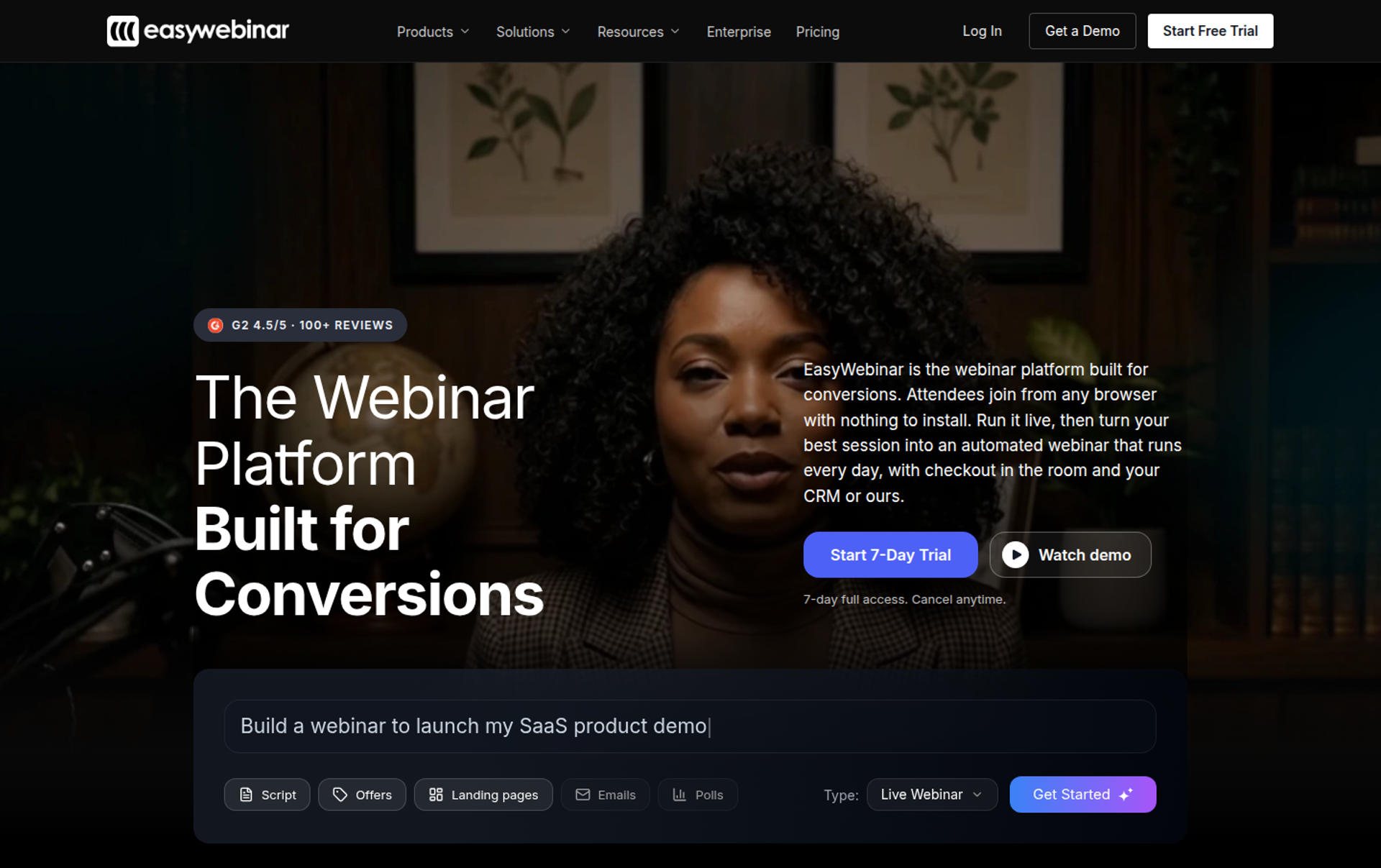
EasyWebinar is a webinar platform built for conversions, best for creators, coaches, and marketing teams whose webinars must keep selling after the live hour. It runs a session live, then turns that exact session into an automated webinar on the same subscription. It may not fit buyers who need accredited courses with certificates, internal all-hands, or investor-relations webcasts.
| Quick fit | EasyWebinar |
|---|---|
| Best for | Creators, coaches, consultants, and marketing teams turning a proven live webinar into automated sales or pipeline |
| Skip if | You need an LMS with lessons and certificates, internal all-hands, or regulated investor-relations webcasting |
| Strongest edge | Live, simulive, evergreen, and just-in-time sessions on one subscription, with checkout and EasyCRM built in from Growth |
| Biggest trade-off | Launch covers live webinars for up to 50 attendees, and automation, payments, and EasyCRM start at Growth |
| Pricing snapshot | Launch $44, Growth $116, Pro $198, and Scale $349 per month , billed monthly, with 2 months free on annual plans. There is no free plan, and the 7-day full-access trial requires a card. |
Why EasyWebinar ranks #1
EasyWebinar ranks first because this guide's criteria measure what a webinar produces, not only how it streams. A like-for-like GoTo replacement gives you another broadcast room. EasyWebinar covers the path from registration to follow-up to sale in one system.
On format coverage, EasyWebinar runs live webinars on every plan. From Growth, it adds automated, simulive, and evergreen webinars, along with built-in checkout for selling inside the room. Payments run through Stripe, PayPal, and PayU, so the buyer never leaves the webinar to pay.
🔁 Where the scoring tipped
On follow-up, EasyWebinar sends no-shows, early leavers, offer-clickers, and replay viewers into separate sequences. Teams can keep HubSpot, Salesforce Pardot (Account Engagement), ActiveCampaign, Mailchimp, or Kit (formerly ConvertKit), or use EasyCRM instead. Native HubSpot and Salesforce Pardot sync starts on the Pro plan.
EasyWebinar's read is that most teams leaving GoTo underestimate the cost of the tools around the webinar. I've watched creators pay for a webinar room, a page builder, an email tool, and a CRM. Then they lose leads in the gaps between them. Compared with WebinarJam plus EverWebinar, or Demio, the difference I care about is that live and automated sit in one place.
What EasyWebinar does well
- Live to automated on one subscription. EasyWebinar turns a proven live session into an automated, simulive, or evergreen webinar. A pitch that already converted keeps running without a rebuild.
- Browser join, nothing to install. Attendees join from any browser on desktop or mobile. That removes the launcher step a former GoTo customer warned about: "Use a web-based webinar platform for your webinars." (Verified User in Education Management, GoTo Webinar - G2 Verified Review, February 20, 2018)
- AI Webinar Builder. EasyWebinar's AI Webinar Builder drafts the delivery script, registration page, thank-you page, email sequences, poll questions, and a timed CTA from one prompt. First-time hosts start from a complete funnel instead of a blank page.
- Checkout in the room. Paid webinars and in-room checkout start at Growth. The sale stays attached to the attendee record, so revenue reporting is not broken by a redirect.
- EasyCast multistreaming. Growth streams to 3 destinations at once, and Pro raises that to more than 10. Viewers on YouTube, LinkedIn, or Facebook can still see the offer.
- Reliability under load. EasyWebinar carries a 99.9% uptime guarantee, with ultra-low latency, sub-500ms via Dolby OptiView WebRTC. A webinar keeps running past the plan limit, and extra attendees are billed as overage under the terms.
Where EasyWebinar falls short
- Automation is not on the entry plan. Launch covers live webinars only, so buyers who want evergreen funnels should budget for Growth from day one.
- Automated setup needs the recording first. A G2 reviewer notes the presentation must be uploaded before an automated webinar can be configured.
- Landing page design flexibility. Another long-time G2 reviewer found landing page customization limited in design flexibility (Jo K., EasyWebinar G2 - Verified Review, March 26, 2025).
- No free plan. Teams that want to test without a card will find that the 7-day trial requires one.
| Evaluation criterion | EasyWebinar fit | Why it matters |
|---|---|---|
| Live webinars | Strong | Browser join on every plan, with chat, polls, Q&A, and timed offers in the room. |
| Simulive or automated webinars | Strong | Automated and simulive sessions start at Growth on the same subscription. |
| Evergreen automation | Strong | Evergreen and just-in-time scheduling let a proven session run in every time zone. |
| Funnel pages | Strong | Registration and thank-you pages are built in, though reviewers note limited design flexibility. |
| Engagement | Strong | Live-room tools cover chat, polls, Q&A, countdowns, and offers. |
| CRM and follow-up | Strong | EasyCRM or your own CRM, with sequences split by attendee behaviour. |
| Monetization | Strong | In-room checkout and paid webinars through Stripe, PayPal, and PayU from Growth. |
| Analytics | Strong | Attendee-level watch time, clicks, and purchases feed revenue attribution. |
| Integrations | Partial | Native HubSpot and Salesforce Pardot sync start at Pro, and there is no Marketo integration. |
| Pricing fit | Partial | Flat monthly pricing, but automation requires Growth or above. |
| Best-fit buyer | Strong | Creators, coaches, consultants, and marketing teams whose webinars must produce revenue. |
Choose EasyWebinar if your webinars have to produce sales, booked calls, or pipeline, and you want live and automated sessions on one subscription. Skip it if you need course progress tracking with certificates, internal all-hands, or regulated investor-relations webcasts.
"With my live class I used to sell 10-12 courses. With EasyWebinar I sold 25 courses within 3 weeks of my evergreen "launch"." - Laura C., Founder, January 28, 2025, EasyWebinar G2 - Verified Review
"I can't track open and click rates on EasyWebinar" - Eliza W., Founder, who sends post-webinar sequences from a separate email tool for that reason, February 11, 2026, EasyWebinar G2 - Verified Review
1.2 Zoom Webinars
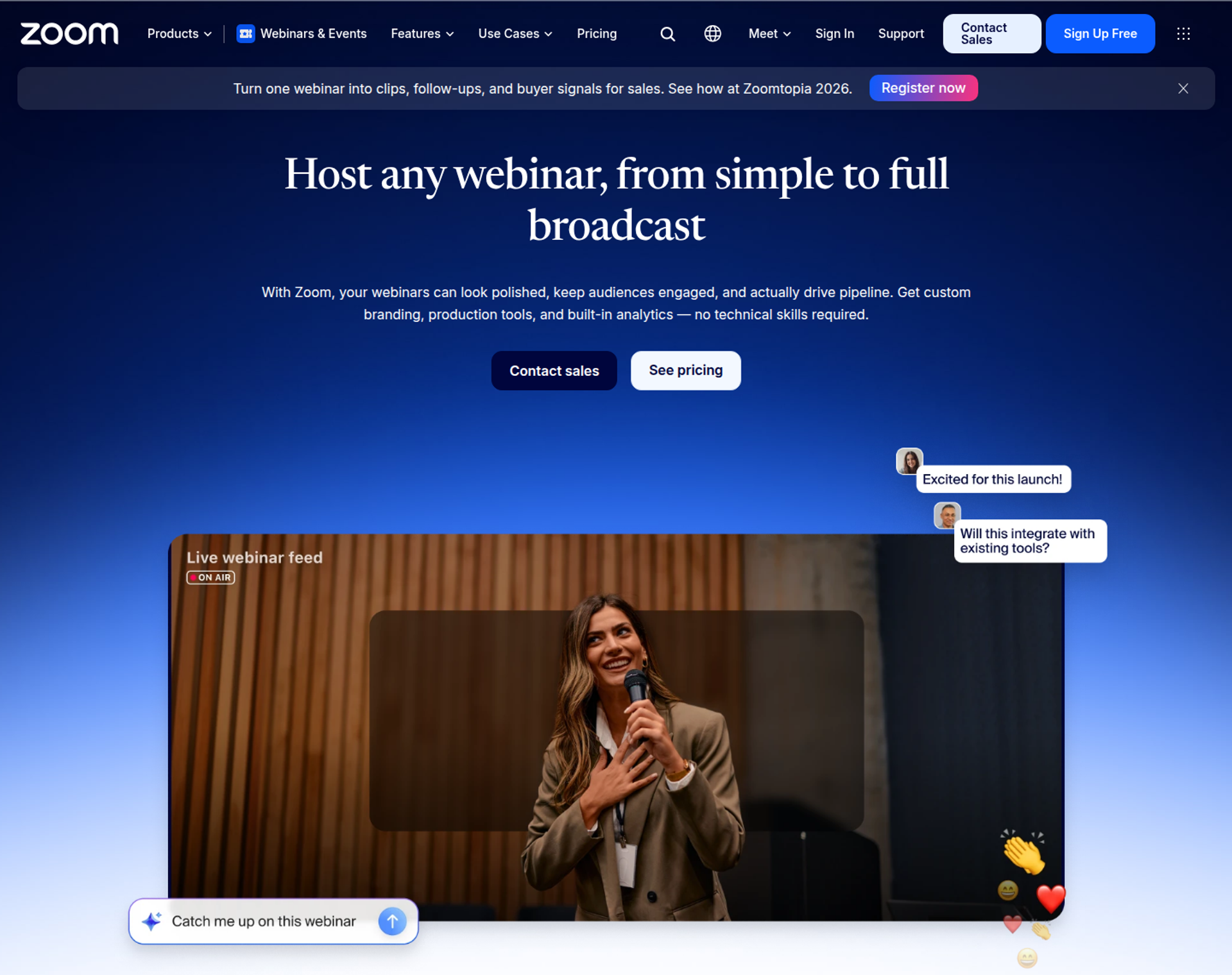
Zoom Webinars is Zoom's broadcast product, best for teams already standardised on Zoom that want webinars attendees join in a familiar interface. It may not fit buyers who need evergreen or just-in-time scheduling, or a built-in CRM.
| Quick fit | Zoom Webinars |
|---|---|
| Best for | Teams already standardised on Zoom that run straightforward live broadcasts |
| Skip if | You need evergreen or just-in-time scheduling, a built-in CRM, or behaviour-based follow-up inside the platform |
| Strongest edge | Attendees join without a Zoom account, and Zoom lists capacity of up to 100,000 attendees |
| Biggest trade-off | Pre-recorded simulive sessions are not included on the standard Webinars tier, so automation means upgrading |
| Pricing snapshot | Webinars costs $89 per month billed monthly or $66.67 billed annually . Webinars Plus costs $99 or $82.50, and Events costs $149 or $124.17. |
Why Zoom Webinars ranks #2
Zoom Webinars ranks second because it scores well on reliability, reach, and attendee familiarity. Those are the same reasons many GoTo users start looking elsewhere. Zoom's pricing page lists one-click join links, chat, polls, Q&A, and integrations with HubSpot, Marketo, Pardot, Salesforce, and Eloqua.
Zoom drops below EasyWebinar on format coverage and conversion workflow. The standard tier marks event landing pages, confirmation emails, and event analytics as basic. As a result, most sales funnels built on it still lean on other tools.
💬 Where Zoom fits a GoTo switch
Zoom tech coach Betsy Sabatini, host of Virtually Reimagined, points out that Zoom lets you add webinars one month at a time. The alternative is paying an annual rate when webinars run all year. Zoom's current page still shows that split, with a monthly price and a lower annual rate.
EasyWebinar's view on Zoom is plain: Zoom runs the meeting well, and the gap opens when the webinar has to sell. My read, and I could be off for larger teams, is that Zoom stays the right call until an offer enters the webinar. After that, the page, the follow-up, and the checkout all live somewhere else.
What Zoom Webinars does well
- Familiar attendee experience. Attendees do not need a Zoom account to join, and most already know the interface. That lowers friction on show-up day.
- Large broadcast capacity. Zoom lists support for up to 100,000 attendees and up to 1,000 video panelists, which covers company-wide or public broadcasts.
- Marketing system integrations. Native connections to HubSpot, Marketo, Pardot, Salesforce, and Eloqua send registration and attendance data into systems marketing teams already run.
- A production upgrade path. Webinars Plus adds pre-recorded sessions run as if live, a private backstage, pro layouts, and richer analytics. Teams can grow into production tools without switching vendors.
- Security documentation for IT review. Zoom lists SOC 2 Type 2 and GDPR for its webinar products, plus SSO through SAML 2.0, which can shorten procurement.
Where Zoom Webinars falls short
- Limited evergreen depth. Simulive requires Webinars Plus or Events, and the pricing page lists no evergreen or just-in-time scheduling.
- Light funnel tooling. Basic landing pages and emails on the standard tier mean lead scoring and behaviour-based follow-up usually sit in other tools.
- Customization and support complaints. G2 reviewers report limited look-and-feel customization (Gabor F., Zoom - G2 Verified Review, February 23, 2023). One also reports multi-day waits on support tickets (Pavel P., Zoom - G2 Verified Review, January 12, 2021).
| Evaluation criterion | Zoom Webinars fit | Why it matters |
|---|---|---|
| Live webinars | Strong | Stable broadcasts with chat, polls, and Q&A on every tier. |
| Simulive or automated webinars | Partial | Simulive is available only on Webinars Plus and Events. |
| Evergreen automation | Weak | No evergreen or just-in-time scheduling is listed. |
| Funnel pages | Partial | The standard tier has a basic landing page, and advanced pages require Webinars Plus. |
| Engagement | Strong | Chat, Q&A, polls, quizzes, reactions, and post-webinar surveys. |
| CRM and follow-up | Partial | Strong CRM integrations, but no built-in CRM or behaviour-based sequences. |
| Monetization | Partial | PayPal and basic ticketing are listed; in-room offer overlays are not. |
| Analytics | Partial | Basic event reports and CSV export on Webinars; dashboards on Webinars Plus. |
| Integrations | Strong | HubSpot, Marketo, Pardot, Salesforce, Eloqua, an open API, and 300+ marketplace apps. |
| Pricing fit | Strong | Monthly or annual billing by capacity suits occasional broadcasts. |
| Best-fit buyer | Partial | Teams already standardised on Zoom with few revenue webinars. |
Choose Zoom Webinars if your team already runs on Zoom and needs dependable live broadcasts that feed your marketing systems. Skip it if your webinars need to run on autopilot, sell inside the room, or score leads without extra tools.
"It was easy to implement, integrates with our systems well and is always coming out with new features." - Rob K., national membership association, February 8, 2024, Zoom G2 - Verified Review
"In our experience, Zoom Webinars almost completely lacks customization options to the look&feel" - Gabor F., February 23, 2023, Zoom G2 - Verified Review
1.3 Livestorm
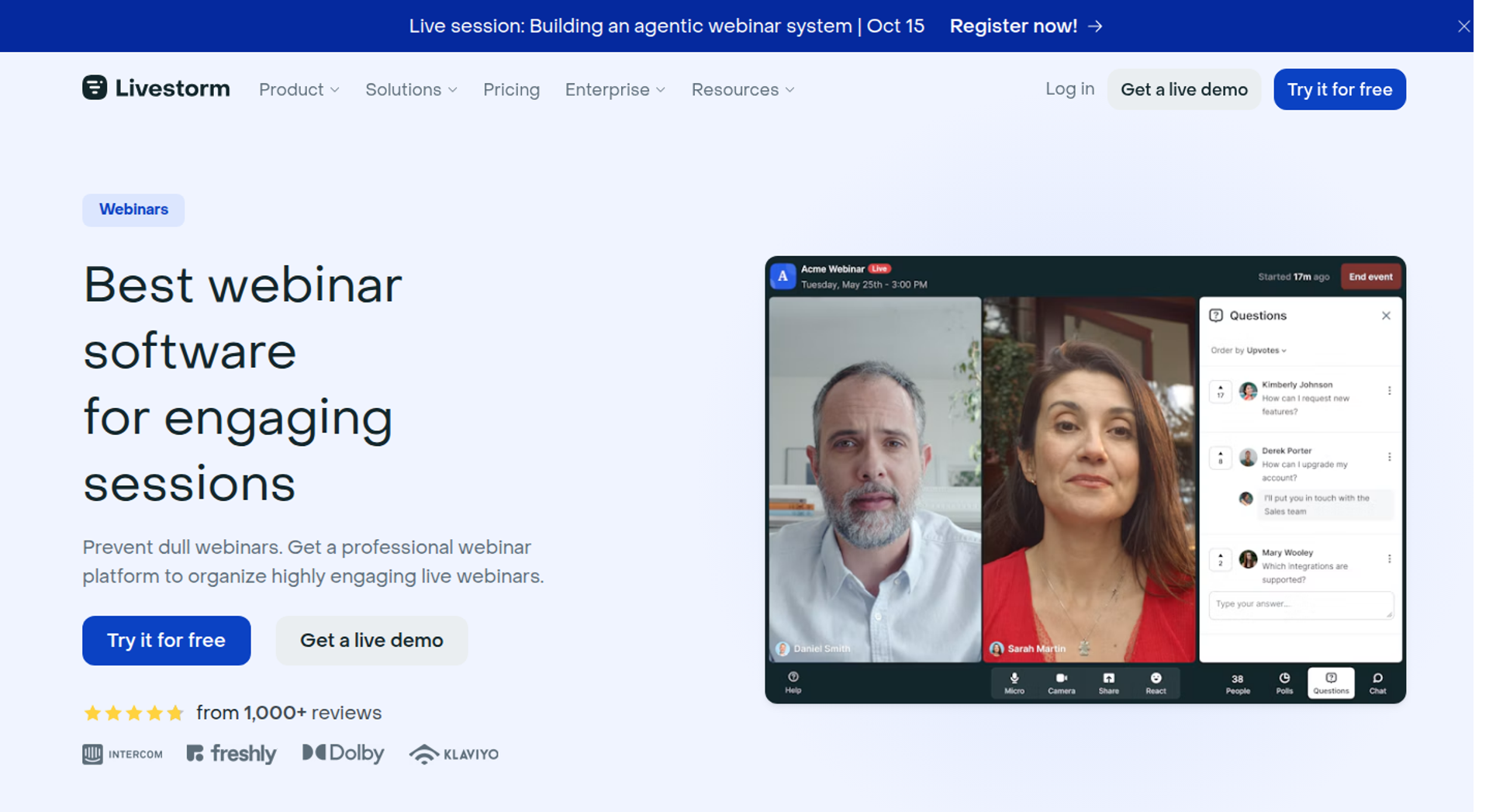
Livestorm is a browser-based webinar and meeting platform, best for B2B teams that want webinars and meetings in one tool with pay-per-attendee pricing. It may not fit teams that sell inside the room or need predictable costs as attendance grows.
| Quick fit | Livestorm |
|---|---|
| Best for | Teams that want meetings and webinars in one tool, with per-attendee pricing for irregular volume |
| Skip if | You sell inside the webinar, or you need Salesforce, Pardot, or Marketo sync without an Enterprise contract |
| Strongest edge | Browser join with event automation, on-demand events, and multi-session events on one plan |
| Biggest trade-off | Cost tracks attendance, and new attendees cannot join once the credit quota runs out |
| Pricing snapshot | Pro is priced at €2.50 per attendee credit, bought as a yearly pack, and Enterprise is custom . |
Why Livestorm ranks #3
Livestorm ranks third because it scores well on attendee access, format coverage, and B2B integrations. Attendees connect from a browser without downloading software, and the plan includes event automation and on-demand events. HubSpot connects natively on Pro.
It sits below EasyWebinar on monetization and pricing fit. Livestorm's pricing page lists no checkout or in-room payment feature. Its Pardot, Salesforce, Marketo, and Microsoft Dynamics integrations are marked Enterprise only.
💸 How credit pricing behaves at scale
Livestorm uses one credit for each unique participant per session, whether they join live, watch the replay, or watch on demand. No-shows and team members do not consume credits. That model is fair for irregular B2B programs where many registrants never join.
EasyWebinar takes the opposite approach, with flat monthly pricing and no per-attendee fees inside the plan. My read is that credit pricing works against you exactly when your show-up rate improves. Livestorm's own FAQ says new attendees cannot join once the quota is fully reached, until you upgrade. EasyWebinar keeps the webinar running past the plan limit and bills overage under its terms.
What Livestorm does well
- Browser join, no install. Attendees connect straight from a browser, which removes the download step that teams leaving GoTo often complain about.
- Live, automated, and on-demand formats. Event automation can auto-play a video on schedule, and on-demand events let people watch at any time. One recording keeps working after the live date.
- Native HubSpot on Pro. Registrants push into HubSpot as contacts without CSV exports, so sales sees new leads the same day.
- Engagement tools. Polls, question upvotes, emoji reactions, file sharing, and up to 25 simultaneous speakers support interactive demos and panels.
- Security posture for EU buyers. Livestorm lists ISO 27001 certification and GDPR compliance, which helps regulated teams pass IT review.
- Multilingual assets. Emails, registration pages, and the room are available in 24 languages.
Where Livestorm falls short
- Attendance-linked cost. Every unique participant per session uses a credit, so a successful program raises the invoice.
- Hard stop at quota. Once credits run out, new attendees cannot join until you upgrade. That is a real risk in the middle of a launch.
- Enterprise-gated CRM sync. Teams on Salesforce, Pardot, Marketo, or Dynamics need the Enterprise plan.
- No in-room checkout listed. Teams selling a program or course need a separate payment step.
| Evaluation criterion | Livestorm fit | Why it matters |
|---|---|---|
| Live webinars | Strong | Browser join, 3,000 live attendees per event, and sessions up to 4 hours on Pro. |
| Simulated live or automated webinars | Strong | Event automation plays a recorded video on a set schedule. |
| Evergreen automation | Partial | On-demand events run any time, but no just-in-time scheduling is listed. |
| Funnel pages | Strong | Customizable registration pages, a company page, and an embeddable registration widget. |
| Engagement | Strong | Polls, question upvotes, reactions, file sharing, and 25 simultaneous speakers. |
| CRM and follow-up | Partial | HubSpot and email cadences on Pro; other CRMs need Enterprise; no built-in CRM. |
| Monetization | Weak | No checkout or paid registration appears on the pricing page. |
| Analytics | Strong | Attendance rate, UTM tracking, contact profiles, and webinar conversion rate. |
| Integrations | Partial | HubSpot and Zapier on Pro; Salesforce, Pardot, Marketo, and Dynamics on Enterprise. |
| Pricing fit | Partial | Fair for irregular volume, but costs rise as show-up grows. |
| Best-fit buyer | Strong | B2B teams running demos, training, and marketing webinars with variable attendance. |
Choose Livestorm if your team runs B2B demos, trainings, and marketing webinars with irregular attendance and already works in HubSpot. Skip it if you sell inside the room or need cost certainty as your audience grows.
1.4 Demio
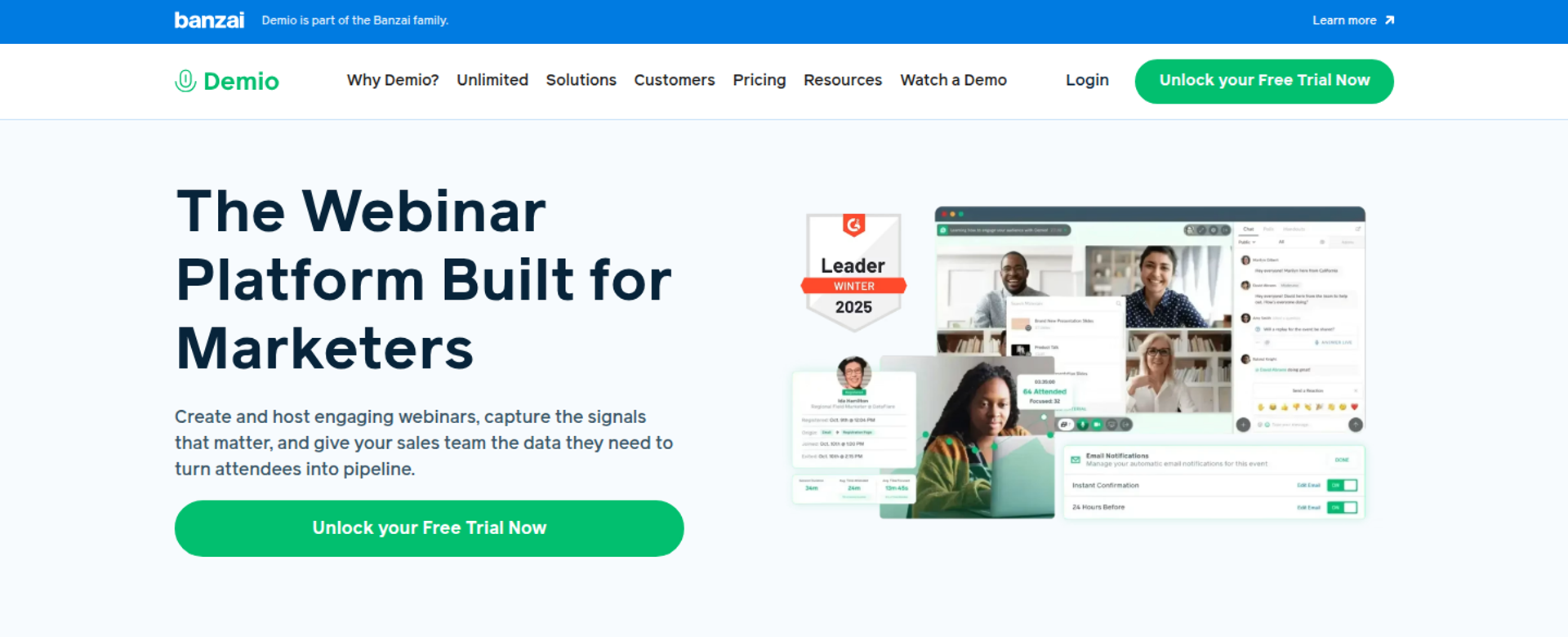
Demio is a browser-based webinar platform, best for marketers running occasional live marketing webinars who want a clean attendee experience. It may not fit buyers who need published pricing above the entry plan or a built-in CRM.
| Quick fit | Demio |
|---|---|
| Best for | Marketers running occasional live marketing webinars in a polished attendee room |
| Skip if | You need automation on the entry plan, published pricing for larger rooms, or one subscription for several hosts |
| Strongest edge | A clean, browser-based room with polls, chat, featured actions, and handouts on every plan |
| Biggest trade-off | Growth and Premium are billed per host, and Growth prices appear only after you pick a room size |
| Pricing snapshot | Starter is $45 per host per month billed annually, or $63 monthly, with a 50-attendee room . Premium is $196 per host per month billed annually. Growth is priced by room size. |
Why Demio ranks #4
Demio ranks fourth because it earns high marks for attendee experience and setup speed. Starter includes one host, live and event-series webinars, polls, chats, featured actions, handouts, and engagement analytics.
It ranks below EasyWebinar because automation, integrations, and custom domains are tiered. Growth adds room sizes of 150, 500, 1,000, or 3,000, plus on-demand and automated webinars. Premium adds premium integrations, custom domains, and Demio AI.
🔍 What the pricing page leaves out
Growth and Premium are billed per host, so two people running sessions at once means two subscriptions. The Growth price only renders after you choose an attendee room size. Budgeting a multi-host team takes several rounds of configuration.
EasyWebinar's read is that hidden room pricing makes budgeting harder than it needs to be, though I'm a competitor, so weigh that accordingly. EasyWebinar publishes all four plan prices on its pricing page. I'd still keep Demio on a shortlist if your team runs a handful of live marketing webinars a quarter and nothing more.
What Demio does well
- Simple attendee room. A clean, browser-based layout means fewer "how do I join" emails from first-time attendees.
- Prepared resources. Polls, handouts, and featured actions load before the session, so a solo host can run the room without juggling tabs.
- Event series on the entry plan. Recurring sessions run on Starter, which suits a monthly marketing webinar.
- Room sizes up to 3,000. Growth scales capacity without a vendor change.
- Automated and on-demand webinars from Growth. Prerecorded sessions extend the life of a presentation that already works.
Where Demio falls short
- Per-host billing. Growth and Premium costs multiply with host count.
- Gated integrations. Starter leaves out custom domains, premium CRM integrations, and Demio AI.
- Replays lose live interactions. A G2 reviewer reported that the replay did not show live polls and CTAs (Ivanhoe S., Demio - G2 Verified Review, August 5, 2024).
- HubSpot setup friction. Another reviewer needed several Zapier zaps to move form data into HubSpot (Verified User in Education Management, Demio - G2 Verified Review, April 20, 2023).
| Evaluation criterion | Demio fit | Why it matters |
|---|---|---|
| Live webinars | Strong | A clean browser-based room with polls, chat, and handouts. |
| Simulated live or automated webinars | Partial | Automated and on-demand webinars start at Growth. |
| Evergreen automation | Partial | Automated sessions exist, but no just-in-time scheduling appears in the plan details. |
| Funnel pages | Partial | Registration pages launch quickly; custom domains need Premium. |
| Engagement | Strong | Polls, featured actions, handouts, and Q&A. |
| CRM and follow-up | Partial | Standard integrations on Growth, premium CRM integrations on Premium, and no built-in CRM. |
| Monetization | Weak | No in-room checkout appears in the plan details. |
| Analytics | Partial | Engagement analytics are included, though a reviewer found visit analytics hard to use. |
| Integrations | Partial | Tiered by plan, with HubSpot syncing reported as difficult. |
| Pricing fit | Partial | Starter is published; larger rooms and multiple hosts need per-host configuration. |
| Best-fit buyer | Strong | Marketers running occasional live marketing webinars. |
Choose Demio if you run a few live marketing webinars a quarter and value a clean room over funnel depth. Skip it if you need several hosts on one budget, automation on the entry plan, or selling inside the webinar.
"Compared to some other ones I have used, I like the user interface, it's simple." - Saana K., online coach, August 6, 2024, Demio G2 - Verified Review
"After canceling, I was shocked to find out I couldn't export the list unless I subscribed again." - Sheida M., May 12, 2025, Demio G2 - Verified Review
1.5 ON24
ON24 is an enterprise webinar and engagement platform, best for enterprise marketing programmes with a dedicated marketing operations team. It may not fit creators, coaches, or small teams that need published pricing and flexible terms.
| Quick fit | ON24 |
|---|---|
| Best for | Enterprise marketing programmes with dedicated marketing operations teams |
| Skip if | You are a creator, coach, or small team, or you need published pricing and monthly terms |
| Strongest edge | Engagement data at enterprise scale, backed by its own annual benchmark research |
| Biggest trade-off | Annual contracts with quote-only pricing |
| Pricing snapshot | Not publicly listed. Vendr's transaction data puts the average ON24 cost at about $68,000 a year . |
Why ON24 ranks #5
ON24 ranks fifth because it is built for a different buyer than most GoTo switchers. Its 2025 benchmark report drew on millions of interactions across webinars, virtual events, and content experiences in 2024. That data depth is the reason enterprise teams choose it.
It ranks below EasyWebinar for this guide's readers on pricing fit and time to launch. CostBench's indicative data describes annual minimum commitments, auto-renewal with 60 to 90 days' notice to cancel, and 3% to 5% yearly price increases.
🏢 Where ON24 earns its price
ON24 earns its contract when a marketing operations team needs webinar data feeding attribution across many programmes. Fortune 500 account-based programmes and multi-track summits are its home ground. Those buyers have the staff to run it.
EasyWebinar concedes that segment openly. EasyWebinar's line is first-party intent data and revenue attribution from every webinar, without an enterprise contract or a marketing ops team to run it. I could be wrong for a 500-person demand gen org, but for a 12-person SaaS team, ON24 is usually more platform than the job needs.
What ON24 does well
- Data-first webinars. ON24 treats webinars as a data channel, which suits teams reporting pipeline influence to leadership.
- Published benchmark research. ON24's 2026 report found a 60% average registration-to-attendee conversion, with 43% of attendees choosing on-demand viewing. Planners get concrete targets.
- Personalization evidence. ON24 reports that CTAs with personalization converted 118% higher than those without.
- Enterprise procurement fit. Annual, total-fee contracts match how large procurement teams already buy software.
Where ON24 falls short
- Opaque pricing. There is no public price list, and Vendr's average sits near $68,000 a year.
- Contract lock-in. Auto-renewal notice periods and yearly escalators are reported.
- Overage risk. CostBench lists overage fees from $1,000 to over $5,000 per additional event.
- Heavy for small teams. Contract scope and setup assume a marketing operations function exists.
| Evaluation criterion | ON24 fit | Why it matters |
|---|---|---|
| Live webinars | Strong | Built for produced, large-scale enterprise webinars. |
| Simulated live or automated webinars | — | Confirm simulive and on-demand scope in the contract. |
| Evergreen automation | — | Confirm evergreen scheduling options with sales. |
| Funnel pages | — | Registration and content hub scope varies by package. |
| Engagement | Strong | ON24 tracks downloads, certifications, reactions, and survey responses per webinar. |
| CRM and follow-up | Strong | Built to feed enterprise marketing automation; confirm the integration list in the contract. |
| Monetization | — | Paid registration and in-room checkout are not part of its core positioning. |
| Analytics | Strong | Engagement data at enterprise scale is the core product. |
| Integrations | — | Confirm connectors for your marketing automation platform before signing. |
| Pricing fit | Weak | Quote-only, with an average contract near $68,000 a year. |
| Best-fit buyer | Strong | Enterprise programmes with dedicated marketing ops. |
Choose ON24 if you run enterprise marketing programmes with a marketing ops team and need engagement data at scale. Skip it if you are a creator, coach, or lean team, or if you need month-to-month terms.
1.6 BigMarker
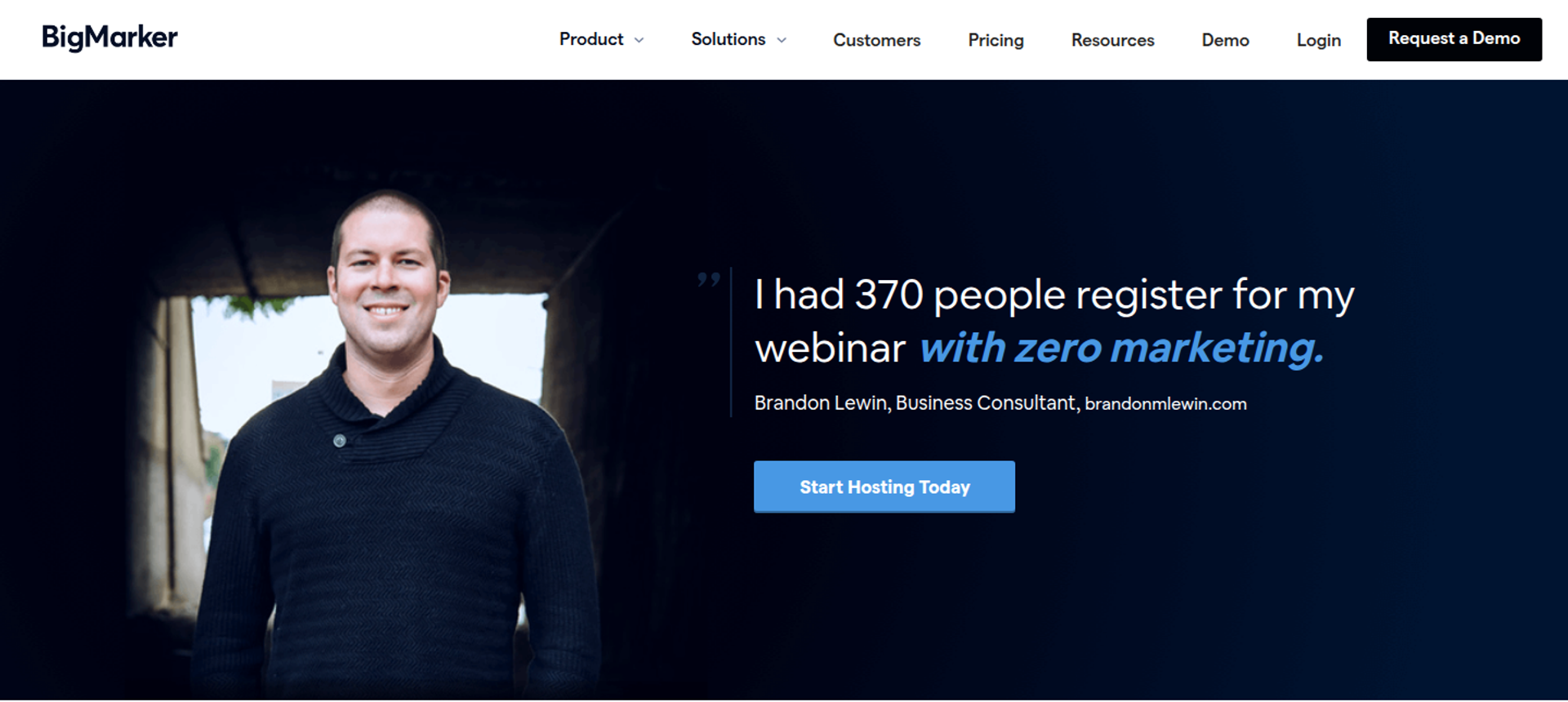
BigMarker is a webinar and virtual event platform, best for marketing teams running branded summits and recurring virtual events. It may not fit buyers who want published pricing or monthly terms, since every plan is quote-based and renews yearly.
| Quick fit | BigMarker |
|---|---|
| Best for | Marketing teams running branded summits, virtual events, and webinar series |
| Skip if | You need self-serve, published pricing or month-to-month billing |
| Strongest edge | Live, on-demand, simulive, evergreen, and 24-7 webinars on the Enterprise plan, alongside virtual event hosting |
| Biggest trade-off | Simulive, evergreen, and 24-7 webinars start at Enterprise, and every tier requires a sales quote |
| Pricing snapshot | Basic, Enterprise, and Enterprise+ all say "Request Pricing" . Vendr reports a median buyer cost of $9,690 a year, based on 15 purchases . |
Why BigMarker ranks #6
BigMarker ranks sixth because its format coverage is broad on higher tiers, but sales gates access to it. The Enterprise plan lists 4 host licenses, simulive, evergreen, and 24-7 webinars, and an Enterprise SLA.
It sits below EasyWebinar on pricing fit and time to launch. BigMarker describes itself as a subscription service whose plan renews every year. EasyWebinar publishes four plans and offers monthly billing.
🎪 Where BigMarker fits
BigMarker fits when the event itself is the product: multi-room summits, sponsor-heavy virtual events, and branded media hubs. Each subscription includes unlimited live webinars and storage for up to 100 on-demand webinars.
EasyWebinar does not compete for multi-room summits, and I would point a summit producer to BigMarker. EasyWebinar's fit starts when one session has to sell or book calls on repeat. That is a different job from producing a three-day conference.
What BigMarker does well
- Broad format coverage on Enterprise. Simulive, evergreen, and 24-7 webinars let one presentation run on a schedule.
- Unlimited live webinars. Every subscription includes them, so frequent programs do not hit an event count.
- CRM and marketing automation connections. Enterprise includes 1 CRM/MAS integration, and Enterprise+ includes 2.
- Payments for paid events. BigMarker processes payments on the host's behalf, which supports ticketed events.
- Detailed reporting. Reports cover entry and exit times, engagement duration, poll and Q&A activity, downloads, email performance, and host logs.
Where BigMarker falls short
- Quote-only pricing. Every tier requires a sales conversation.
- Annual renewals. Plans renew yearly, which limits flexibility for seasonal programs.
- Automation gated to Enterprise. Basic covers live and on-demand webinars only.
- Capped integrations. Integration count is set by tier, so a second CRM or MAP may require Enterprise+.
| Evaluation criterion | BigMarker fit | Why it matters |
|---|---|---|
| Live webinars | Strong | Unlimited live webinars on every plan. |
| Simulated live or automated webinars | Partial | Simulive starts at Enterprise. |
| Evergreen automation | Partial | Evergreen and 24-7 webinars start at Enterprise. |
| Funnel pages | Strong | Enterprise lists 15 landing page templates . |
| Engagement | — | Confirm engagement tool scope by plan with sales. |
| CRM and follow-up | Partial | 1 or 2 CRM/MAS integrations by tier, and no built-in CRM listed. |
| Monetization | Partial | BigMarker processes payments for paid events. |
| Analytics | Strong | Entry and exit times, engagement duration, and email performance reporting. |
| Integrations | Partial | Integration count depends on tier. |
| Pricing fit | Weak | Quote-only, with annual renewals. |
| Best-fit buyer | Strong | Teams producing branded summits and virtual events. |
Choose BigMarker if you produce branded summits or virtual events and can work through an annual, quote-based contract. Skip it if you want to start this week on published pricing.
1.7 WebinarJam
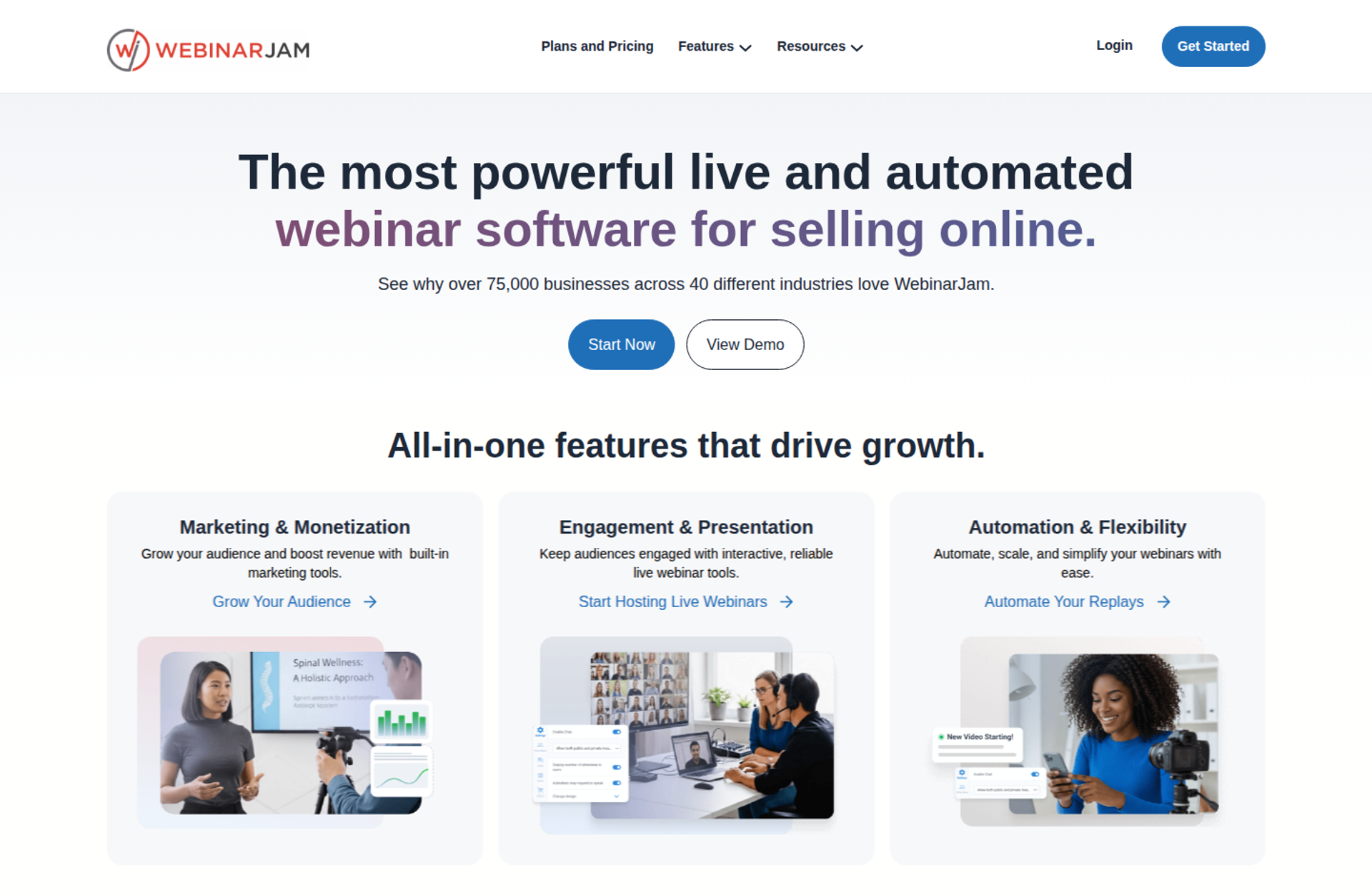
WebinarJam is a live webinar platform, best for marketers running one-off live launches that rely on live offers and urgency. It may not fit buyers who want live and automated webinars in one product, since automation runs in its sister platform, EverWebinar.
| Quick fit | WebinarJam |
|---|---|
| Best for | Marketers running one-off live launches with live offers and urgency |
| Skip if | You want live and automated sessions in one product, or a native HubSpot or Salesforce integration |
| Strongest edge | Live-room selling tools: live offer displays, an email and SMS system, A/B split testing, and a panic button |
| Biggest trade-off | Automated webinars run in EverWebinar, which is included on Basic and above but not on Starter |
| Pricing snapshot | Starter is $49 monthly or $39 annually for 100 attendees, and Basic is $99 or $79 for 500 . Professional is $299 or $229 for 2,000, and Enterprise is $499 or $379 for 5,000. |
Why WebinarJam ranks #7
WebinarJam ranks seventh because it is strong in the live room but splits the funnel across two products. Every plan includes live offer displays, an email and SMS system, fully customizable pages, and broadcast to Facebook and YouTube.
Automated webinars run in EverWebinar, which WebinarJam includes at no additional cost on Basic, Professional, and Enterprise. WebinarJam's FAQ says you host live in WebinarJam, then convert the recording into an automated session in EverWebinar. EasyWebinar runs both on one platform, with one login.
⏰ Session caps and hosts
WebinarJam caps sessions at 1, 2, 3, or 4 hours by plan, with 1, 2, 4, or 6 hosts included. For a launch with a long Q&A, that cap matters. EasyWebinar's Growth plan allows 4-hour live sessions.
EasyWebinar's read on the "WebinarJam plus EverWebinar gives you everything" pitch is that the bundle closes the cost gap, not the workflow gap. The live session and the automated replay still live in separate products. I could be overweighting this for teams that only run live launches.
What WebinarJam does well
- Live selling tools. Live offer displays and an always-on live room keep the pitch inside the session.
- Built-in email and SMS. Reminders go out without a separate tool, which cuts setup for a launch week.
- Page A/B testing. Hosts can split-test two registration page designs and track which brings in more registrants.
- Automation bundled on Basic and above. EverWebinar comes at no extra cost on the top three plans.
- Email and marketing integrations. AWeber, ActiveCampaign, Keap, GetResponse, Mailchimp, Ontraport, Drip, Twilio, and Zapier are among the listed integrations, along with Kit (formerly ConvertKit).
- Refund window. A 30-day money-back guarantee covers new purchases.
Where WebinarJam falls short
- Two products for one funnel. Live and automated sessions are configured in separate platforms.
- No native HubSpot or Salesforce listed. Its integrations FAQ names email and SMS tools plus Zapier.
- Session and host caps. Lower plans limit session length to 1 or 2 hours.
- Reviewer-reported integration issues. A G2 reviewer found Mailchimp syncing and email sending inconsistent (Tara G., WebinarJam - G2 Verified Review, June 23, 2023).
| Evaluation criterion | WebinarJam fit | Why it matters |
|---|---|---|
| Live webinars | Strong | Live offers, panic button, attendee spotlight, and up to 5,000 attendees. |
| Simulated live or automated webinars | Partial | Automated sessions run in EverWebinar, on Basic and above. |
| Evergreen automation | Partial | Evergreen scheduling lives in EverWebinar, not WebinarJam. |
| Funnel pages | Strong | A page builder with templates and A/B split testing. |
| Engagement | Strong | Chat, polls, surveys, whiteboard, and video injections. |
| CRM and follow-up | Partial | Built-in email and SMS plus email integrations; no built-in CRM listed. |
| Monetization | Partial | Live offer displays, with payments through integrated platforms. |
| Analytics | — | Confirm reporting depth for live and EverWebinar sessions. |
| Integrations | Partial | Strong email coverage; no native HubSpot or Salesforce listed. |
| Pricing fit | Strong | Published monthly and annual pricing with a $1 trial. |
| Best-fit buyer | Strong | Marketers running one-off live launches. |
Choose WebinarJam if your sales motion is a live launch with offers, countdowns, and a tight email and SMS push. Skip it if you want live and automated sessions managed in one product or need native B2B CRM sync.
"Can upsell easily by using WebinarJam interface." - Verified User in Investment Management, August 3, 2020, WebinarJam G2 - Verified Review
"The integrations with 3rd party software such as mailchimp is inconsistent" - Tara G., June 23, 2023, WebinarJam G2 - Verified Review
1.8 Riverside
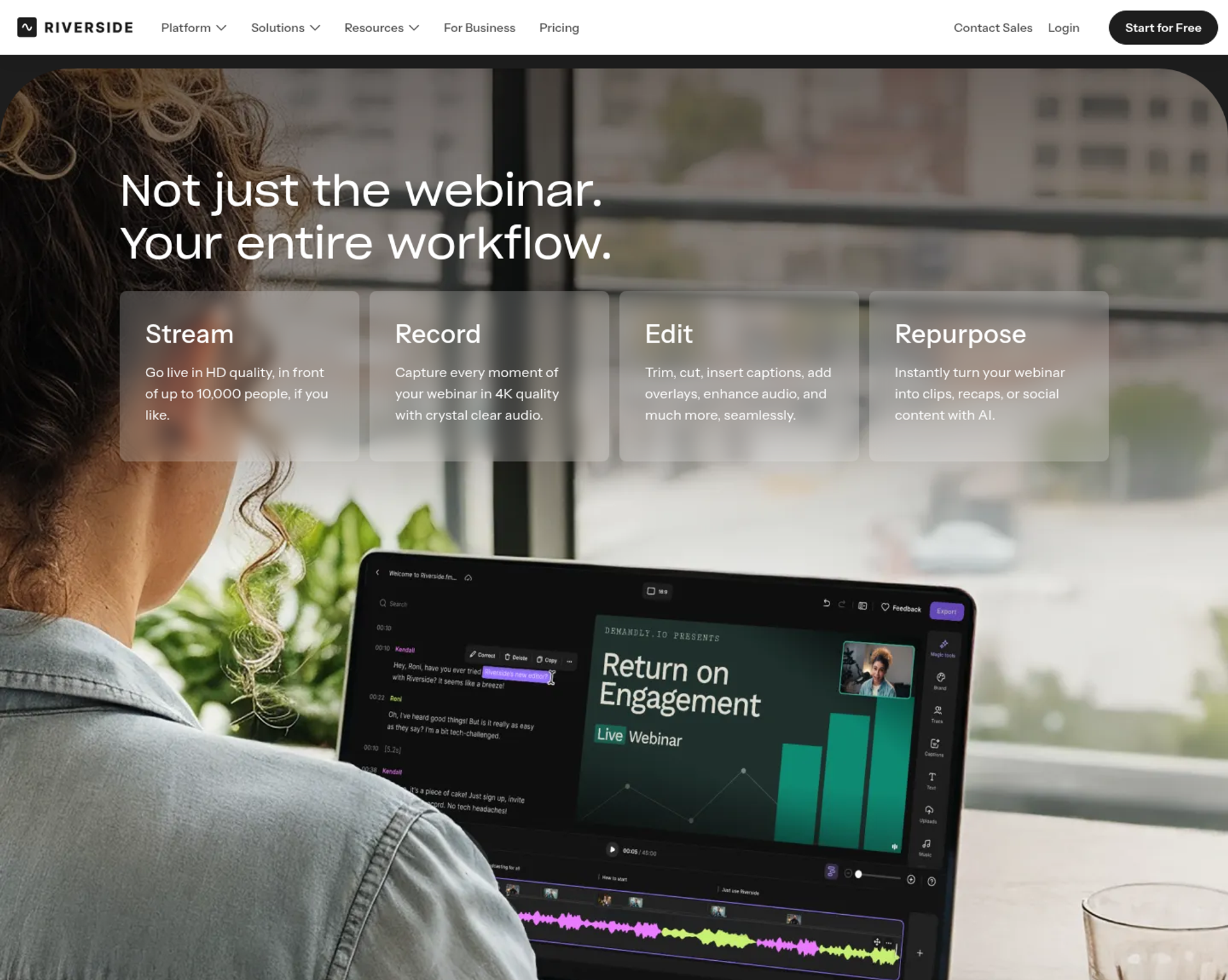
Riverside is a recording and editing studio with a webinar plan, best for creators and content teams that want studio-quality webinar recordings to repurpose. It may not fit buyers who need more than 100 registrants on a self-serve plan or who sell inside the webinar.
| Quick fit | Riverside |
|---|---|
| Best for | Creators and content teams that want studio-quality webinar recordings to repurpose |
| Skip if | You need more than 100 registrants without a custom contract, or checkout inside the webinar |
| Strongest edge | Recording up to 4K video and 48kHz audio, with AI clips and text-based editing |
| Biggest trade-off | The Webinar plan caps registrants at 100, and Business (custom) raises that to 10,000 |
| Pricing snapshot | The Webinar plan drops from $99 to $79 a month with annual billing, and Business is priced through sales . A free plan is available. |
Why Riverside ranks #8
Riverside ranks eighth because it is a recording studio first and a webinar platform second. Its Webinar plan adds branded reminders and follow-ups, Q&A, live call-ins, polls, reactions, webinar analytics, and HubSpot sync.
It ranks below EasyWebinar on capacity, conversion, and CRM depth. Riverside says Business becomes necessary past 100 webinar registrants, or for SSO, SOC2 and ISO27001 compliance, Salesforce integration, or a dedicated CSM.
🎙️ Where Riverside fits
Riverside fits when the webinar is raw material for clips, podcast episodes, and social posts. The Webinar plan supports pre-recorded sessions, recurring webinars, unlimited sessions, and no time limits.
EasyWebinar's view is that Riverside and EasyWebinar answer different questions. Riverside answers how good the recording will look. EasyWebinar answers what happens to the attendee after the offer, and plenty of teams I respect record in one tool and sell in another.
What Riverside does well
- Studio-quality capture. Recording runs up to 4K video and 48kHz audio, with 25 hours of separate track downloads on the Webinar plan.
- AI repurposing. Magic Clips, transcriptions, and text-based editing turn one session into weeks of content.
- Multistreaming. Plans from Grow up stream to YouTube, Facebook, LinkedIn, X, Twitch, Instagram, and TikTok.
- Webinar basics on one plan. The Webinar plan includes a custom branded registration form, a lead capture tool, and webinar embeds for your site.
- HubSpot sync. Leads sync into HubSpot on the Webinar plan.
Where Riverside falls short
- 100-registrant cap. The self-serve Webinar plan stops at 100 registrants.
- No checkout listed. Teams selling a program need a separate payment step.
- Enterprise needs on Business only. Salesforce, Marketo, SSO, compliance, and a dedicated CSM require a custom contract.
| Evaluation criterion | Riverside fit | Why it matters |
|---|---|---|
| Live webinars | Strong | Full HD streaming with Q&A, call-ins, and polls. |
| Simulated live or automated webinars | Partial | Pre-recorded sessions can play in a scheduled slot. |
| Evergreen automation | Weak | Recurring sessions are listed, but no evergreen or just-in-time scheduling is. |
| Funnel pages | Partial | A branded registration form and embeds, but no full page builder listed. |
| Engagement | Strong | Q&A, live call-ins, polls, and reactions. |
| CRM and follow-up | Partial | HubSpot on Webinar; Salesforce and Marketo on Business; no built-in CRM. |
| Monetization | Weak | No checkout or paid registration listed. |
| Analytics | Partial | Webinar analytics are included on the Webinar plan. |
| Integrations | Partial | HubSpot self-serve; other CRMs need Business. |
| Pricing fit | Partial | Clear self-serve pricing, but capped at 100 registrants. |
| Best-fit buyer | Strong | Creators and content teams focused on recording quality. |
Choose Riverside if your webinar's main job is producing high-quality recordings and clips for content channels. Skip it if you need hundreds of registrants on a self-serve plan or want to sell inside the session.
✅ Where EasyWebinar fits in this shortlist
EasyWebinar is the entry on this list built around the webinar that has to keep working after the live hour. You run a session live, then turn that exact session into an automated webinar on the same subscription. Checkout sits in the room, and your CRM or EasyCRM sits behind it. Carla Biesinger generated $5M from one evergreen funnel on EasyWebinar.
Q2. How Did We Choose and Score These GoToWebinar Alternatives?
This guide scored each platform on five weighted criteria totalling 100%. The criteria are attendee access and reliability (25%), conversion and revenue tooling (25%), live-to-automated format coverage (20%), verified peer reviews (15%), and pricing transparency (15%). Scores map to stars in 20-point bands. A score of 0 to 20 earns one star, and 81 to 100 earns five stars.
A RevOps lead once sent EasyWebinar's team a vendor shortlist with one column filled in: "attendee limit." The sheet said nothing about what happens after the session ends. That is the gap this method closes.
The five weighted criteria
| Criterion | Weight | What was checked |
|---|---|---|
| Attendee access and reliability 📶 | 25% | Browser join, stream stability, and what happens when attendance passes the plan limit |
| Conversion and revenue tooling 💰 | 25% | In-room offers, checkout, CRM sync or built-in CRM, behaviour-based follow-up, and revenue reporting |
| Live-to-automated format coverage 🎥 | 20% | Live, simulive, automated, evergreen, just-in-time, and on-demand sessions on one subscription |
| Verified peer reviews ⭐ | 15% | Ratings and recurring complaints on G2, Capterra, and TrustRadius |
| Pricing transparency 💸 | 15% | Published prices, monthly billing, and how cost changes as attendance grows |
Just-in-time means a session starts a few minutes after someone registers, in that person's own time zone. Simulive means a recorded session plays at a scheduled time.
⚖️ Why access and revenue carry half the weight
Access and revenue tooling each carry 25% because together they decide whether a registrant becomes a buyer. A platform can stream perfectly and still lose the lead after the session ends. Format coverage carries 20% because most GoTo switchers want one presentation running in more than one format.
Peer reviews carry 15% because ratings move slowly and can lag product changes. For context, G2 lists GoTo Webinar at 4.2 out of 5 from 801 reviews. Capterra lists BigMarker at 4.8 from 378 reviews, and Livestorm at 4.7 from 398.
How scores become stars
| Score | Stars |
|---|---|
| 0 to 20 | ⭐ |
| 21 to 40 | ⭐⭐ |
| 41 to 60 | ⭐⭐⭐ |
| 61 to 80 | ⭐⭐⭐⭐ |
| 81 to 100 | ⭐⭐⭐⭐⭐ |
Applied to the eight platforms, the results look like this:
| Platform | Stars |
|---|---|
| EasyWebinar | ⭐⭐⭐⭐⭐ |
| Zoom Webinars, Livestorm, Demio | ⭐⭐⭐⭐ |
| ON24, BigMarker, WebinarJam | ⭐⭐⭐ |
| Riverside | ⭐⭐ |
🔎 How reviews were sampled
Review evidence came from dated G2, Capterra, and TrustRadius pages, plus a review file captured in April 2026. Pricing came from each vendor's own pricing page, accessed in October 2026, wherever the vendor publishes a price. When a vendor hides every price behind a sales call, its pricing transparency score drops.
EasyWebinar's read is that most webinar comparisons weight the wrong hour. They score the 60 minutes on air and ignore the 60 days after. I could be overweighting revenue tooling for teams that only run internal training, and for them, the ranking would shift.
✅ Where EasyWebinar lands
EasyWebinar scores highest on format coverage and revenue tooling. Automated, simulive, and evergreen webinars run on the same subscription from the Growth plan, alongside checkout, EasyCRM, and EasyCast multistreaming.
EasyWebinar earns five stars because the method rewards what a webinar produces after the live hour. Attendees join from any browser, the converting session runs every day, and buyers pay inside the room. Pricing is published, with flat monthly plans and no per-attendee fees inside each plan.
Q3. Why Are Teams Replacing GoTo Webinar in 2026?
Teams leave GoTo Webinar over attendee friction, reliability during the session, and a funnel that stops at the broadcast. In an October 2025 G2 review, an organizer said registrants refused to attend until the company switched platforms. Independent B2B data puts median live attendance at 41.6%. EasyWebinar answers these gaps with browser join, a 99.9% uptime guarantee, and checkout inside the room.
A marketing manager runs three webinars a week on GoTo. On Tuesday, a speaker's microphone shows as connected, but nothing comes out. By Thursday, two registrants have emailed to say they will skip the next session until the platform changes.
Context: why buyers search for a replacement
That scene comes almost word for word from a 2025 G2 review. The reviewer runs GoTo as their main external marketing webinar tool. They describe speakers who cannot join, screen shares that fail, and support tickets escalated three times.
Most teams searching "GoToWebinar alternatives" are not unhappy with webinars. They are unhappy that the platform sits between them and the audience.
🖥️ The old way: a desktop app and stitched tools
Univid notes that full GoTo functionality typically requires a software download. A TrustRadius reviewer adds that GoTo can also launch in a browser, so the friction varies by setup. Older reviews describe the launcher working one day and failing the next, which cut attendance.
The second cost comes after the session. Registration, follow-up email, CRM entry, and checkout often live in separate tools. Every handoff is a place where a warm lead goes cold.
📉 What changed: attendance is now the metric
Buyers now judge a webinar platform on how many registrants actually arrive. ON24 reports a 60% average registration-to-attendee conversion on its platform. Contrast's independent benchmark puts the median B2B live-attend rate at 41.6%.
On ice-cold paid traffic, it gets harsher. Paid-ads operator Jeremy Haynes puts bottom-of-the-barrel show-up at 10% to 15%. At those rates, one attendee lost at the join step costs real ad money.
EasyWebinar's answer: one click in, and the session stays up
EasyWebinar removes the join step. Attendees join from any browser on desktop or mobile, with nothing to download, no plugin, and no account. Streaming runs with ultra-low latency, sub-500ms via Dolby OptiView WebRTC, so polls and offers land while the audience is still there.
EasyWebinar carries a 99.9% uptime guarantee, and a session keeps running past the plan limit. After the session, no-shows, early leavers, and offer-clickers each get their own follow-up sequence.
✅ Proof from cold traffic
EasyWebinar customer Rick Mulready earned 166% ROI on cold paid traffic, at a 30% registration rate and $8 to $12 cost per lead.
EasyWebinar exists because I learned this the hard way. My first YouTube course sold nothing until I ran a webinar. That first year of live webinars built a 14,000-person list and $245,000 in course sales.
"I have had several registrants tell me they will not attend a webinar of ours until we switch our platform, since it gave them so much trouble." - Forrester S., October 23, 2025, GoTo Webinar G2 - Verified Review
"Customer Service: very prompt at responding; dedicated reps for business accounts." - Khyati Doshi, Senior Marketing Manager, December 6, 2023, GoTo Webinar TrustRadius - Verified Review
EasyWebinar is built for the session that has to sell: one-click browser join, a 99.9% uptime guarantee, and checkout inside the room. When the webinar is a revenue channel, every attendee lost at the door or after the offer shows up in the numbers.
Q4. What Does GoTo Webinar Cost in 2026, and Is There a Free Alternative?
GoTo Webinar replaced its Lite, Standard, Pro, and Enterprise plans with three plans: Reach, Elevate, and Complete. An August 2026 capture of GoTo's pricing page shows Reach at $69 a month and Elevate at $129 a month. Billed annually, they drop to $59 and $103. Complete is quote-only. GoTo has no permanent free plan, while Livestorm and Riverside offer capped free plans.
A finance lead opens a budget sheet built last year, with "GoTo Pro, $199" on line 14. That plan name no longer exists. Many pricing articles still quote it.
GoTo Webinar pricing: old tiers vs current plans
| Old plan (retired) | Old annual price | Current plan | Current price (Aug 2026 capture) | Included |
|---|---|---|---|---|
| Lite | $49/mo | Reach | $69/mo, or $59/mo annually | 1 organizer, 500 participants |
| Standard | $99/mo | Elevate | $129/mo, or $103/mo annually | 3 organizers, 1,000 participants |
| Pro and Enterprise | $199 and $399/mo | Complete | Quote-only | Custom seats, 3,000 participants |
Old prices: Lite $49, Standard $99, Pro $199, and Enterprise $399 a month billed annually. Current prices: Reach at $69 and Elevate at $129 a month, or $59 and $103 annually, with Complete quote-only. Plan contents come from GoTo's live pricing page.
⚠️ What sits behind the higher plans
On GoTo's current page, accepting payments, source tracking, and certificates appear only on Complete. Cloud recordings, breakout rooms, custom branding, and running recordings as live events start at Elevate. A team that sells inside its webinars is pricing Complete, not Reach.
GoTo offers a free trial. GoTo says the trial includes all features and tools, with no commitment or credit card required.
How the 8 alternatives charge
| Platform | Pricing model | Free plan |
|---|---|---|
| EasyWebinar | Flat monthly or annual, no per-attendee fees inside the plan | No; 7-day trial |
| Zoom Webinars | Monthly or annual, priced by attendee capacity | No |
| Livestorm | Yearly attendee-credit pack; Enterprise quote-only | Yes |
| Demio | Per host, priced by room size | No; 14-day trial |
| ON24 | Quote-only annual contract | No |
| BigMarker | Quote-only, renews yearly | No |
| WebinarJam | Monthly or annual by attendee capacity | No; $1 14-day trial |
| Riverside | Monthly or annual tiers; Business quote-only | Yes |
🆓 The free options, and their caps
Livestorm's free plan covers up to 30 live attendees and 20 minutes per session. Riverside's free plan includes 2 hours of multi-track recording, video up to 720p, and a Riverside watermark on everything. Both work for a test run. Neither can run a real launch.
What to add up before you compare
- Webinar hosting at your real attendance, not your registrant count.
- Landing pages and registration.
- Email reminders and follow-up.
- CRM, or the cost of syncing to the one you have.
- Checkout and payment processing.
- Automation for replays and evergreen sessions.
EasyWebinar's pricing page puts a typical eight-tool webinar stack at about $495 to $1,550 a month. That is EasyWebinar's own estimate, so check it against your stack. My read is that the line most teams forget is CRM sync. It costs nothing until a launch week, when leads go missing.
💸 Where EasyWebinar fits on cost
"The only downside is that to have the "just in time" feature you have to pay a premium that is about double the price of the basic subscription. However, it has been worth it for me to invest in that." - Laura C., Founder, January 28, 2025, EasyWebinar G2 - Verified Review
"Good part of Martech but costly" - Computer software company reviewer, June 1, 2024, GoTo Webinar TrustRadius - Verified Review
EasyWebinar uses flat monthly pricing with no per-attendee fees inside each plan, and the webinar never stops at the plan limit. Automation, checkout, and EasyCRM start at Growth. There is no free plan. Every plan starts with a 7-day full-access trial, and a card is required to start it.
Q5. Should You Run Webinars Live or Automated After Leaving GoTo?
Run live first, then automate. Live sessions convert better on cold traffic while the pitch is still being refined, and automation scales the version that already works. GoTo Webinar's pricing page lists simulive events, but no just-in-time or evergreen scheduling. EasyWebinar turns a proven live session into a just-in-time, evergreen, or on-demand webinar on the same subscription, starting on its Growth plan.
A coach finishes her fourth live webinar of the month at 9 p.m. Her slides are tight, and her close rate finally looks right. Then she opens her calendar and sees four more sessions booked for next week.
Context: the live vs automated debate
Operators split hard on this. Paid-ads operator Jeremy Haynes says automated webinars have been "nerfed" on cold traffic, and that live converts far better. Course seller Yuri Elkaim argues the opposite: one evergreen webinar, recorded once, reached seven figures in seven weeks.
Both are right, just at different stages. The mistake is picking one side forever.
⚠️ The old way: pick one, or stitch two tools together
Teams that stay live-only burn out on repeat sessions. Teams that automate too early lock in a pitch that never converted. EasyWebinar customers hear this from me often: an automated webinar without traffic is like a billboard in the desert.
The other old way is stitching formats together. GoTo's pricing page lists simulive events on all three plans, but no just-in-time or evergreen scheduling. Teams fill that gap with a second tool and rebuild every pitch change twice.
🔁 What changed: a sequence, not a choice
EasyWebinar's playbook settles the debate with an order of operations. I call it the Webinar Sprint Method:
- Run 5 to 10 live webinars on the same offer.
- Fix the message using live objections and questions.
- Hit a 10% attendee-to-buyer rate.
- Record the winning session.
- Roll that exact session out as an automated webinar.
Live sessions also carry real risk. Anyone can walk behind you, or your child can throw ketchup on your face mid-pitch. Automation removes that risk once the pitch is proven.
EasyWebinar's answer: one switch from live to automated
EasyWebinar runs a session live, then turns that exact session into an automated webinar on the same platform, with one login. From the Growth plan, it runs automated, simulive, and evergreen webinars. Just-in-time means a session starts minutes after someone registers, in their own time zone.
EasyWebinar never presents an automated session as live. Each format is labeled for what it is, and the pitch that converted stays intact.
✅ Proof from evergreen funnels
Carla Biesinger generated $5M from one evergreen webinar funnel, scaling from small live events to a fully automated system. Ryan Fenn of ChiirP generated $2M from one automated funnel.
EasyWebinar's results point one way here, though I might be reading them too strongly: the teams that win automate late, not early.
"With my live class I used to sell 10-12 courses. With EasyWebinar I sold 25 courses within 3 weeks of my evergreen "launch"." - Laura C., Founder, January 28, 2025, EasyWebinar G2 - Verified Review
"The biggest challenge is around setting up automated webinars, and needing the presentation uploaded first in order to set it up." - Ash A., March 13, 2026, EasyWebinar G2 - Verified Review
EasyWebinar is built for the webinar that already works. Run it live until it converts, then let that same session run every day in every time zone, with the same pitch and offer. One platform, one login, and no rebuild between live and automated.
Q6. How Do You Switch From GoTo Webinar Without Losing Leads or Data?
Switch between launches, after checking GoTo's auto-renewal date. Export registrant lists and recordings before the subscription ends. Reconnect your CRM natively instead of through middleware, then test the full flow before promoting. EasyWebinar connects to HubSpot, Salesforce Pardot (Account Engagement), ActiveCampaign, Mailchimp, and Kit (formerly ConvertKit), or runs its own built-in CRM, EasyCRM.
Four hours before a launch, a sales team starts dialing new registrants to boost show-up. The CRM count looks a few hundred short. Nobody knows why yet.
Context: switching risk lives in the handoffs
That moment comes from paid-ads operator Jeremy Haynes. His team's Zapier plan hit its cap on how many automations could fire, so a couple hundred opt-ins never reached the CRM. They caught it four hours before the webinar, and the fix was a billing upgrade.
A platform switch multiplies that risk. Every registration form, reminder, and CRM field gets rewired at once.
⚠️ The old way: a funnel held together with middleware
Most GoTo setups pass data through connectors, meaning middleware like Zapier that moves data between apps. A 2024 TrustRadius reviewer also found GoTo's API documentation hard to work with. Each connector is one more place a lead can disappear.
EasyWebinar grew out of that same pain. I've built these funnels myself, and they get complex fast. Wiring each stage to the next can take six months to a year to get right.
🔁 What changed: sales expects the lead the same day
Buyers now expect webinar behavior to reach sales while the attendee is still warm. A no-show, an early leaver, and an offer-clicker need different messages within hours, not days.
That only works when attendance data lands in the CRM without a relay race between tools.
EasyWebinar's answer: your CRM or ours
EasyWebinar keeps the CRM you already run, or gives you one. Growth includes 13 CRM and email integrations plus EasyCRM, with lead scoring and sequences. Native HubSpot and Salesforce Pardot sync starts on Pro.
EasyWebinar then sends no-shows, early leavers, offer-clickers, and replay viewers into their own sequences. The AI Webinar Builder drafts the script, registration and thank-you pages, emails, polls, and a timed CTA, so pages do not need a manual rebuild.
✅ A six-step switch that protects your data
- Note GoTo's renewal date. Paid plans auto-renew, so cancel before the renewal date.
- Export registrant lists, attendee reports, and recordings first.
- Connect your CRM natively, or set up EasyCRM.
- Rebuild registration, reminder, and follow-up flows.
- Run a private test session and confirm every field lands in the CRM.
- Run your next sessions live before automating anything.
EasyWebinar's read is that step six matters most. A switch is a fresh start, so prove the pitch on the new platform before it runs on its own.
"The integration with my email service provider was seamless, allowing me to automate a follow-up sales sequence once someone watches the webinar." - Jennifer B., Web Designer, April 15, 2025, EasyWebinar G2 - Verified Review
"Intergration is somewhat limited, but if you are comfortable with Zapier you can easily update that." - Verified User in Professional Training & Coaching, November 1, 2024, EasyWebinar G2 - Verified Review
EasyWebinar removes the relay race between tools. Attendee activity flows into your CRM or EasyCRM, so sales acts on buying signals the same day. Keep the stack you already pay for, or start with everything built in.
Q7. When Should You Stay on GoTo Webinar Instead?
Stay on GoTo Webinar if your sessions are formal corporate training or compliance events. Stay too if IT has standardised on the GoTo suite and nothing has to sell afterward. EasyWebinar is not built for internal all-hands, accredited courses with certificates, or investor-relations calls. Switch when the webinar has to produce leads, sales, or pipeline.
A training director at a large company runs a quarterly compliance session for 2,000 employees. Attendance is mandatory, certificates are required, and nobody buys anything at the end. For her, switching platforms solves nothing.
The stay or switch decision
| Your situation | Stay on GoTo | Switch |
|---|---|---|
| Formal corporate training with certificates | ✅ | - |
| IT already standardised on GoTo Meeting and Webinar | ✅ | - |
| Large internal broadcasts with no sales goal | ✅ | - |
| Webinars that must produce leads or booked calls | - | ✅ |
| You sell a course, program, or offer in the session | - | ✅ |
| You want one session running live and automated | - | ✅ |
| Attendees struggle with downloads or join issues | - | ✅ |
🏢 What GoTo does well for staying teams
GoTo's top plan fits formal training programs. GoTo's Complete plan covers up to 3,000 participants, plus paid events and certified training. It also adds registration source tracking and an included GoTo Meeting license. For teams already inside the GoTo suite, that bundle matters.
CostBench describes GoTo's best fit as organizations that need reliable webinar infrastructure with strong support and can commit to annual contracts. Some long-time users agree, especially at scale.
⭐ What reviewers say about staying
"GoToWebinar is a great platform for large team meetings, hosting large-scale webinars, or even recording webinars and archiving them." - Khyati Doshi, Senior Marketing Manager, December 6, 2023, GoTo Webinar TrustRadius - Verified Review
"When you're hosting a webinar with more than 200 attendees, GoTo Webinar is our go-to option." - Computer software company reviewer, June 1, 2024, GoTo Webinar TrustRadius - Verified Review
"In a large group setting it has reliability issues that I feel have been left unaddressed." - Richard (Ric) Hazel, Senior Business Application Analyst, February 5, 2020, GoTo Webinar TrustRadius - Verified Review
Reviews split on large-group reliability, so test your largest expected audience before you renew.
Don't switch for prettier pages
Some teams want to leave because GoTo's registration pages look dated. That alone is a weak reason. Webinar trainer Jason Fladlien points to a client, Jay Boyer, who still uses default registration pages and has made millions from webinars. The presentation and the offer carry the conversion, not the page design.
EasyWebinar's read is the same. If your only complaint is cosmetics, fix the pitch first. Switch when the webinar has a revenue job that your current platform cannot do.
❌ Where EasyWebinar is not the right fit
EasyWebinar isn't the right fit for free hosting, open-source or self-hosted setups, podcast studios, accredited courses with certificates, internal all-hands, or investor-relations calls. EasyWebinar is not an LMS (learning management system, the software that tracks course progress and grades). It pairs with one.
I'd rather tell you that here than have you find out after signing a contract. A tool that is honest about its limits is easier to trust with the rest.
EasyWebinar is the conversion layer in front of your course platform, not the course platform itself. Host the course on Kajabi, Teachable, or Thinkific, and use EasyWebinar to run the sales webinar, take payment in the room, and follow up automatically. Everywhere a webinar should keep working, EasyWebinar fits.
Frequently Asked Questions

Casey Zeman
Founder of EasyWebinar
About Author
Over the past decade, I've helped thousands of entrepreneurs, coaches, and consultants turn webinars into a predictable, powerful way to grow their audience, build trust, and scale, without the constant hustle. I created EasyWebinar because I couldn't find a system that combined authenticity, engagement, and automation the way I needed. So, I built one.
Related Posts

10 Best Community Engagement Platforms in 2026
Compare the 10 best community engagement platforms in 2026. Course creators, evaluate live hosting, analytics, and replay to pick your winner today.

10 Best Online Coaching Tools in 2026: Live Session Quality, Scheduling, Recording, and Client Engagement Analytics
Compare the 10 best online coaching tools of 2026 on session quality, scheduling, and analytics. Discover the right fit for your coaching revenue model.

10 Best Webinar Hosting Platforms Ranked by Uptime, Streaming Quality & Cost
Compare 10 webinar hosting platforms ranked by uptime, streaming quality, and cost. Discover which tool actually turns attendees into revenue.
Turn every webinar into a revenue stream
Launch your first paid event in just a few clicks - and start monetizing your expertise.
Book a Call