11 Best WebinarGeek Alternatives Compared: Pricing, Limits, and Support

Casey Zeman
Published on Aug 7, 2026 • 46 min read

TL;DR
- The 11 best WebinarGeek alternatives in 2026 are EasyWebinar, Demio, Livestorm, WebinarJam, EverWebinar, eWebinar, GoTo Webinar, Zoom Webinars, ClickMeeting, BigMarker, and ON24.
- WebinarGeek Basic caps at 50 concurrent viewers, one presenter, and two-hour sessions, with automation and custom branding gated behind Premium from EUR 69 per month.
- Four switch triggers recur: plan caps, a reported stream delay of up to 20 seconds, limited page and analytics customization, and phone support only on the EUR 349 tier.
- We scored all 11 on Automation Depth 25%, Conversion and Monetization 20%, Setup and Usability 20%, Pricing Transparency 20%, and Verified Reviews 15%. EasyWebinar scored 92; median 64.
- Automated webinars have two tiers only: Simulated Live keeps real-time chat, Evergreen adds Just-in-Time scheduling. Prove a session live before automating it.
- Migrate in order: export data, rebuild registration and reminders, port branding, rehearse fully, and keep the old account live for one billing cycle.
Q1. What Are the 11 Best Webinar Platforms for Automated and Live Selling in 2026?
The 11 best WebinarGeek alternatives in 2026 are EasyWebinar, Demio, Livestorm, WebinarJam, EverWebinar, eWebinar, GoTo Webinar, Zoom Webinars, ClickMeeting, BigMarker, and ON24. EasyWebinar ranks first because it runs live, simulated live, and evergreen sessions in one account, with Just-in-Time scheduling, a native CRM, and in-webinar payments included rather than sold as separate layers.
- EasyWebinar
- Demio
- Livestorm
- WebinarJam
- EverWebinar
- eWebinar
- GoTo Webinar
- Zoom Webinars
- ClickMeeting
- BigMarker
- ON24
Picking a webinar platform is a revenue decision, not a software decision. The session is where your offer gets made, so a capped attendee list or a laggy stream costs money directly. I evaluated 11 vendors against eight criteria drawn from how operators actually run these events. The daily user is usually a marketer, coach, or course creator who builds and hosts the sessions. The shadow readers are the CFO checking stack consolidation, the IT director checking reliability and security, and the revenue leader checking whether attendee data reaches the CRM. Use this to build a shortlist of two or three vendors, not to buy today.
🎬 Why I judge these tools by the pitch, not the feature list
I built a course once. It took me six months. When I launched it, crickets.
The only thing that ever moved units was a webinar. So when I look at a platform, I am asking one question. Can it hold a pitch without breaking?
🍅 The moment automation stopped being optional
Live sessions cost you your calendar. Anything can go wrong in the room. A child once threw ketchup at me mid-presentation.
That is why the automation tier matters as much as the streaming tier. You want a proven session to keep selling without you sitting there.
Our Evaluation Criteria
Webinar format coverage 🎥
Whether the tool supports live webinar software, simulated live (a recording with real-time chat), evergreen, replay, and on-demand delivery.
Time to launch ⏰
How long it takes to build pages, emails, and automation before your first real session goes out.
Engagement depth 💬
Chat, polls, Q&A, handouts, timed offers, and whether those mechanics survive into the replay.
Funnel and conversion workflow 🧭
Registration pages, thank-you pages, replay pages, offers, and checkout paths inside the same tool.
CRM and follow-up readiness 📇
Native sales CRM, lead scoring, attendee tagging, and clean sync into HubSpot, GoHighLevel, or your ESP.
Monetization support 💰
Paid webinars or ticketed webinars, in-room offers, and native checkout without a redirect.
Analytics and attribution 📊
Registration, attendance, watch time, offer clicks, drop-off, and replay behavior at attendee level.
Reliability, support, and scale ⚙️
Streaming stability, attendee ceilings, compliance posture, and how you reach a human when it breaks.
Who This Guide Is For
- Coaches and course creators turning teaching sessions into repeatable sales funnels.
- Marketing teams running webinars for lead generation, nurture, and pipeline acceleration.
- Revenue operators checking whether attendee behavior can flow into CRM scoring and follow-up.
- Founders and consultants replacing separate tools for hosting, pages, email, checkout, and follow-up.
- Enterprise training leads who need SOC 2 Type II, SSO, and high attendee ceilings.
- Buying-committee readers such as CFOs validating consolidation and IT leaders checking reliability.
| Provider | Best For | Standout Strength | Known Limitation | Webinar Formats Covered | Support Model | Pricing Model |
|---|---|---|---|---|---|---|
| EasyWebinar ⭐⭐⭐⭐⭐ | Coaches and SaaS teams selling from live and evergreen sessions | Live, simulated live, and evergreen with native CRM and in-room checkout in one account | Automated setup requires the presentation uploaded before you can build the event | Live, simulated live, evergreen, Just-in-Time, on-demand, instant replay | Email, chat, and named onboarding rep | Flat monthly by tier |
| Demio ⭐⭐⭐⭐ | Marketing teams wanting a clean browser-based live room | Fast setup and a polished attendee experience with no downloads | Registrant export blocked after cancellation, per a verified reviewer | Live, series, automated, on-demand | Email and chat | Attendee-based tiers |
| Livestorm ⭐⭐⭐⭐ | EU-based teams with GDPR reporting needs | Browser-native delivery with strong compliance posture | Costs climb quickly for solo operators | Live, automated, on-demand | Email and chat, plus CSM on higher tiers | Attendee-based tiers |
| WebinarJam ⭐⭐⭐⭐ | High-attendance live sales presentations | Large live capacity with built-in offer and chat mechanics | Annual-only billing and a dated builder | Live, hybrid, replay | Ticket-based | Annual-only |
| EverWebinar ⭐⭐⭐⭐ | Operators who already run WebinarJam live | Deep evergreen scheduling and replay logic | Sold separately from WebinarJam, so you buy two products | Evergreen, simulated live, on-demand | Ticket-based | Annual-only |
| eWebinar ⭐⭐⭐ | Onboarding and training teams automating repeat sessions | Automated sessions that feel attended, with real-time chat handoff | No live webinar capability at all | Automated, on-demand | Email and chat | Flat monthly by attendee band |
| GoTo Webinar ⭐⭐⭐ | Associations running routine large webinars | Stable delivery and straightforward organizer reporting | Reviewers report outsourced support and recurring presenter issues | Live, simulated live, recorded | Ticket-based, largely outsourced | Per-organizer, per month |
| Zoom Webinars ⭐⭐⭐ | Teams that need familiarity and huge scale | Attendee familiarity and reliable video at very large scale | Reviewers cite minimal customization and thin webinar analytics | Live, recorded | Ticket-based, admin-gated | Add-on by attendee band |
| ClickMeeting ⭐⭐⭐ | Smaller teams running paid or education sessions | Paid webinar support at an accessible entry price | Lighter automation and shallower analytics | Live, automated, on-demand | Email and chat | Attendee-based tiers |
| BigMarker ⭐⭐⭐⭐ | Virtual events and multi-session summits | Heavy customization and event-scale tooling | Setup complexity and quote-based pricing | Live, simulated live, evergreen, on-demand | CSM-led | Quote-based |
| ON24 ⭐⭐⭐⭐ | Enterprise demand gen with deep attribution needs | Engagement scoring and enterprise-grade reporting | High contract minimums that exclude SMBs | Live, simulated live, on-demand | CSM and SLA | Quote-based, annual |
1. EasyWebinar
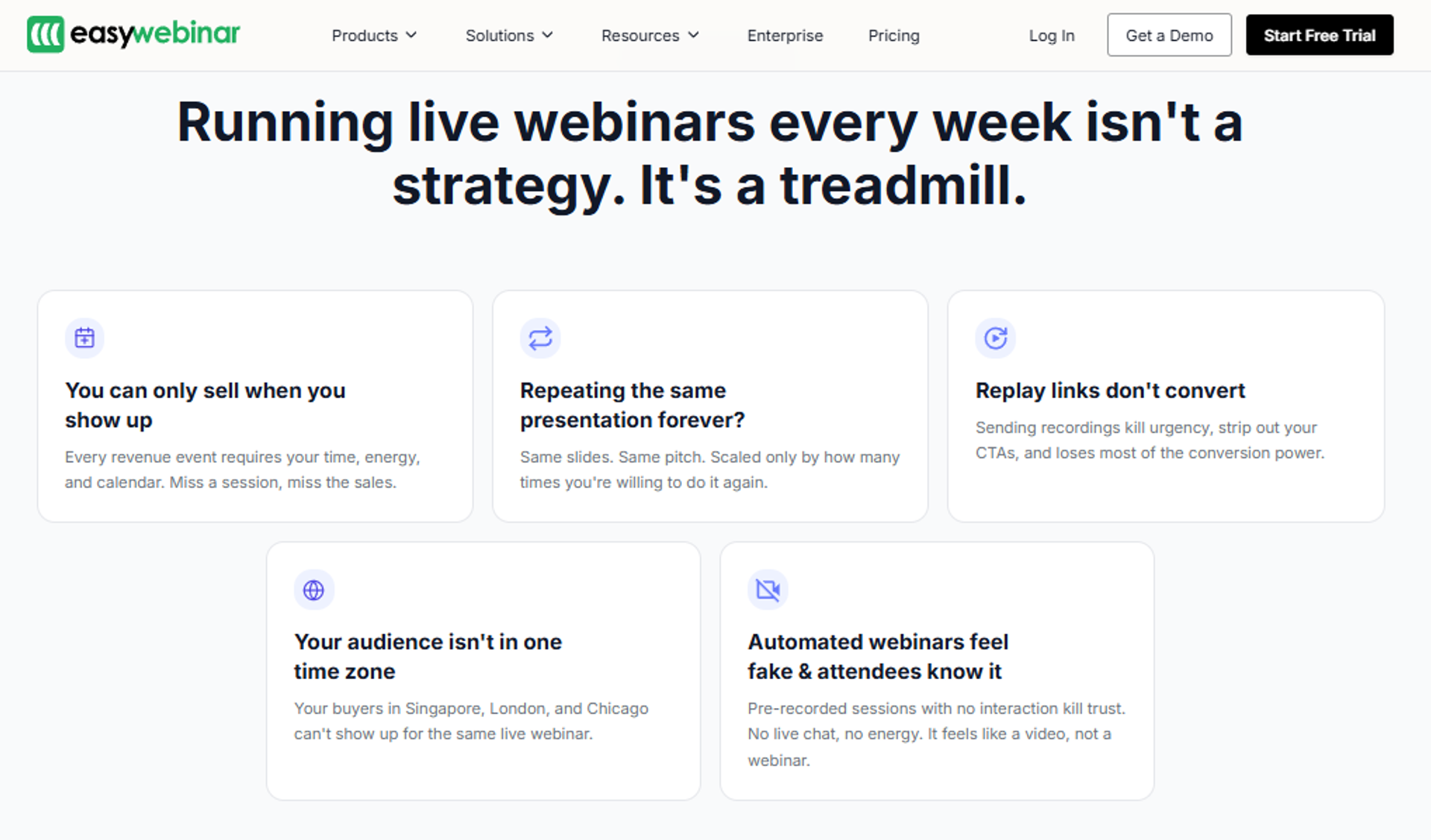
EasyWebinar is best for coaches, course creators, and SaaS teams that need one system to run live sessions and then sell from them around the clock, because it combines live, simulated live, and evergreen delivery with a native CRM and in-webinar checkout. It may not fit teams that only need internal meetings or one-off events with no funnel behind them.
| Quick fit | Detail |
|---|---|
| Best for | Operators selling an offer from the webinar itself |
| Skip if | You run internal team meetings or pure live events with no offer |
| Strongest edge | Live, simulated live, and evergreen plus CRM and payments in one account |
| Biggest trade-off | You must upload the presentation before building an automated event |
| Pricing snapshot | Flat monthly by tier. |
Why EasyWebinar ranks #1
It scores highest on format coverage, monetization, and follow-up readiness. Those three criteria decide whether a webinar produces revenue or just attendance.
Most tools here make you choose. Live or automated. Hosting or funnel. This one refuses that trade, which is the pattern you see when you compare webinar platforms side by side.
🧩 What the taxonomy actually means
Automated webinar delivery is the umbrella, not a format. Under it sit exactly two tiers.
Simulated live keeps real-time chat, polls, and timed offers. Evergreen adds Just-in-Time scheduling, which starts a session roughly 10 to 15 minutes after someone registers.
What EasyWebinar does well
- Runs live, simulated live, evergreen, Just-in-Time, on-demand, and instant replay from one account, so a proven session graduates without a rebuild.
- Builds the full funnel with an AI webinar builder from a short question flow, which cuts launch time from weeks to hours.
- Collects payment inside the room with offer overlays, so buyers never get redirected mid-decision.
- Feeds attendee behavior into a native CRM with lead scoring, so reps call the warmest people first.
- Streams on Dolby OptiView WebRTC at sub-500ms latency, so polls and CTAs land while the moment is still live.
- Holds SOC 2 Type II attestation and GDPR compliance coverage, which clears most mid-market procurement checks.
Where EasyWebinar falls short
- Automated events require the recording uploaded first, which blocks early promotion of an unrecorded session.
- Landing page design flexibility is narrower than a dedicated page builder.
- Just-in-Time sits on a higher tier, so the entry plan does not cover it.
- Email open and click tracking is thinner than a full ESP, so some teams keep their existing sequence tool.
Decision scorecard
| Evaluation criterion | EasyWebinar fit | Why it matters |
|---|---|---|
| Live webinars | Strong | Dolby-backed streaming keeps engagement mechanics in sync. |
| Simulated live | Strong | Keeps real-time chat, which a plain replay loses. |
| Evergreen automation | Strong | Just-in-Time removes the future-date drop-off. |
| Funnel pages | Partial | Pages work well, but design control is limited. |
| Engagement | Strong | Chat, polls, handouts, and timed offers all included. |
| CRM and follow-up | Strong | Native CRM with scoring and auto-dialer. |
| Monetization | Strong | In-room checkout and paid webinars supported. |
| Analytics | Strong | Attendee-level watch time, offer clicks, and drop-off. |
| Integrations | Partial | Strong ESP and GoHighLevel coverage, some enterprise gaps. |
| Pricing fit | Strong | Tier pricing must be confirmed against the live site. |
| Best-fit buyer | Strong | Operators who sell from the session. |
Best for / skip if
Choose EasyWebinar if your webinar has an offer attached and you want that offer running after the live date. Check the current webinar pricing tiers before you commit. Skip it if you only host internal meetings, or if your product sells below roughly $200, where a webinar rarely pays for itself.
Reviews
Operators consistently point to the revenue jump when a proven live session moves to evergreen.
"With my live class I used to sell 10-12 courses. With EasyWebinar I sold 25 courses within 3 weeks of my evergreen 'launch'."Laura C., Course Creator EasyWebinar G2 Verified Review
The most common complaint is the build order for automated events, not the delivery itself.
"The biggest challenge is around setting up automated webinars, and needing the presentation uploaded first in order to set it up."Ash A., Solo Entrepreneur EasyWebinar G2 Verified Review
2. Demio
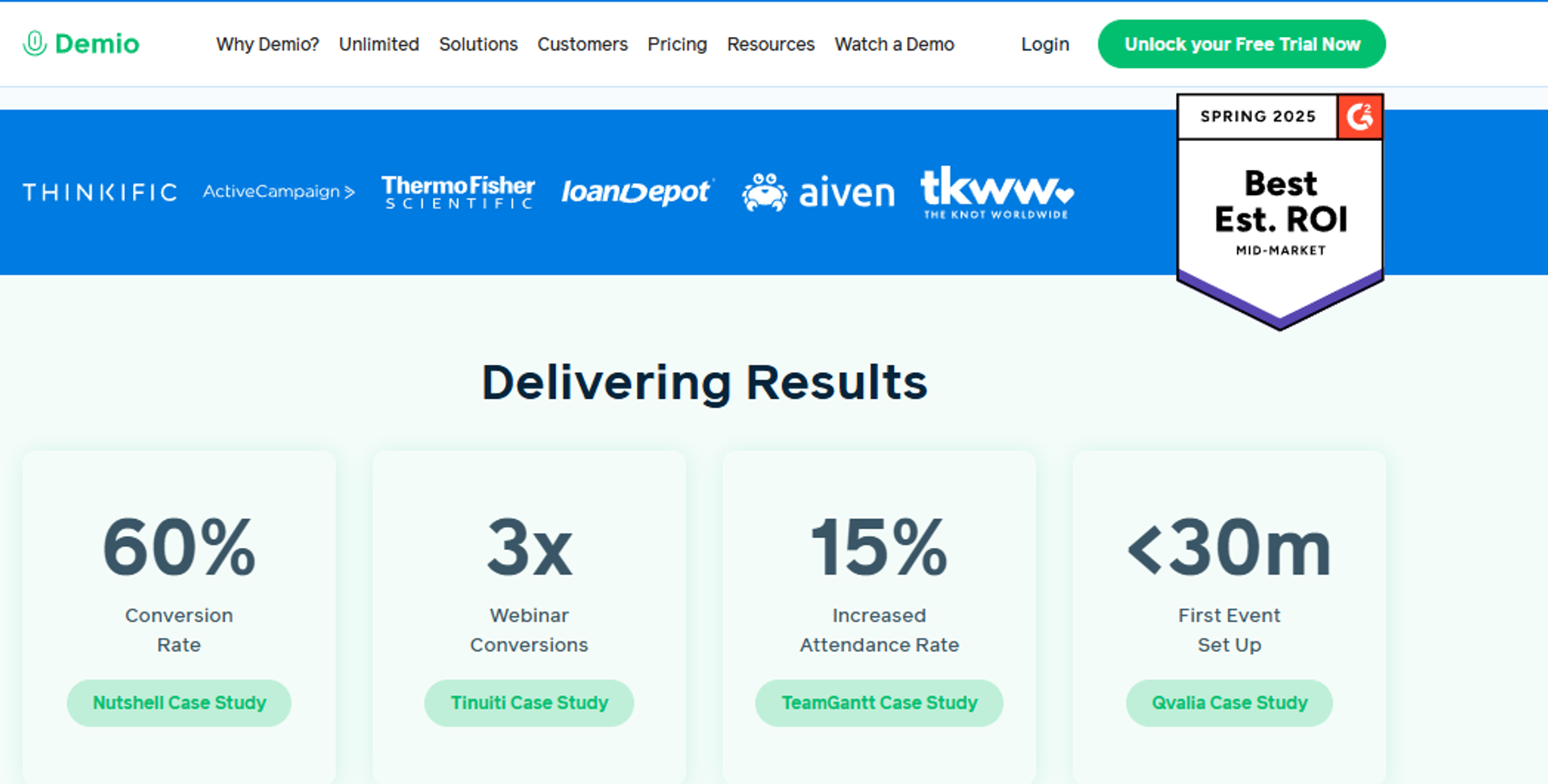
Demio is best for marketing teams that want a clean, browser-based live room with fast setup, because attendees join without downloads and registration pages spin up in minutes. It may not fit operators who need in-webinar payments, deep evergreen scheduling, or guaranteed access to their own data after cancelling.
| Quick fit | Detail |
|---|---|
| Best for | B2B marketing teams running live and series webinars |
| Skip if | You sell inside the room or need evergreen depth |
| Strongest edge | No-download attendee experience with a polished room |
| Biggest trade-off | No native checkout, and cost rises steeply at higher attendee bands |
| Pricing snapshot | Attendee-based tiers. |
Why Demio ranks #2
It earns the spot on setup speed and attendee experience. Both matter when your show-up rate depends on people joining without friction.
It loses ground on monetization and CRM readiness. There is no in-room checkout, so the buying moment happens somewhere else, a gap covered in detail in this EasyWebinar vs Demio breakdown.
⚠️ The data-portability question worth asking in the demo
One verified reviewer reported being unable to export registrant emails after cancelling. That is a procurement question, not a feature nitpick.
Ask it before you sign. Get the answer in writing.
What Demio does well
- Runs entirely in the browser, which removes the download step that kills attendance.
- Spins up registration pages quickly, so campaigns launch the same day.
- Handles reminder email sequences natively, which lifts show-up without a separate tool.
- Keeps attendees anonymous to each other, which suits coaching audiences.
- Supports polls, handouts, and preloaded assets for a structured session.
- Offers automated and series events for recurring programs.
Where Demio falls short
- Registrant export has been blocked after cancellation, per a verified G2 reviewer.
- Reviewers report audio, microphone, and browser compatibility problems mid-session.
- Replays have not consistently carried live polls and CTAs, which weakens post-event conversion.
- No native payment collection, so selling requires a redirect to another checkout.
Decision scorecard
| Evaluation criterion | Demio fit | Why it matters |
|---|---|---|
| Live webinars | Strong | Browser-based room with reliable joining. |
| Simulated live | Partial | Automated events exist, chat depth is narrower. |
| Evergreen automation | Partial | Scheduling flexibility is limited versus specialists. |
| Funnel pages | Partial | Registration pages work, customization is basic. |
| Engagement | Strong | Polls, chat, handouts, and CTAs are solid. |
| CRM and follow-up | Partial | Integrations exist, no native CRM. |
| Monetization | Weak | No in-room checkout. |
| Analytics | Partial | Attendance and engagement covered, attribution is thinner. |
| Integrations | Partial | Reviewers report friction with GoHighLevel and Zapier. |
| Pricing fit | Partial | Attendee-band pricing climbs at scale. |
| Best-fit buyer | Strong | B2B marketing teams. |
Best for / skip if
Choose Demio if your webinars generate leads and the selling happens later on a call. Skip it if the offer closes inside the room, or if guaranteed data export after cancellation is a procurement requirement. If neither condition fits, this roundup of Demio alternatives covers the next options to test.
Reviews
Data access after cancellation is the sharpest recurring complaint.
"After canceling, I was shocked to find out I couldn't export the list unless I subscribed again."Sheida M., Webinar Host Demio G2 Verified Review
Replay fidelity is the second theme, and it affects post-event conversion directly.
"It didn't fully integrate with my CRM (Highlevel) and the replay didn't show the live polls and CTAs."Ivanhoe S., Webinar Host Demio G2 Verified Review
3. Livestorm
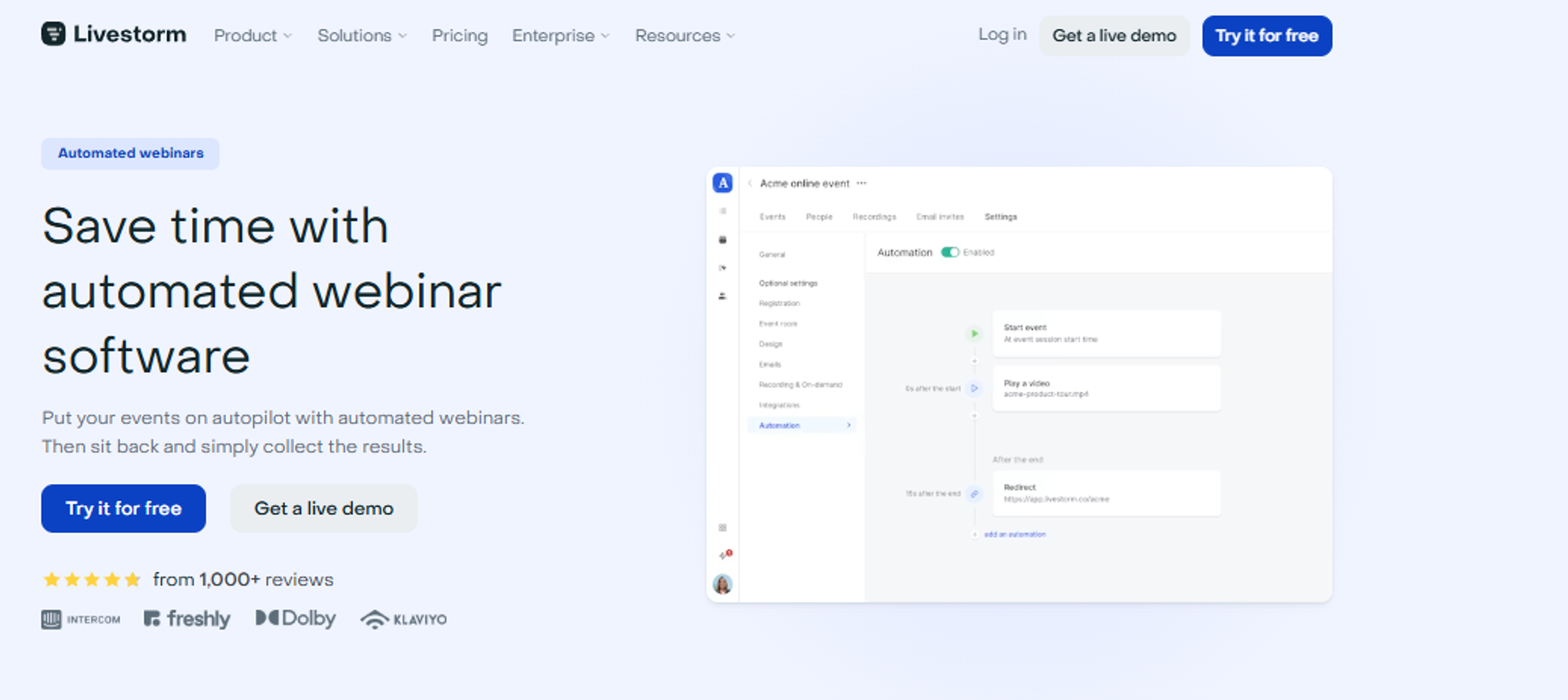
Livestorm is best for European marketing teams that need browser-based webinars with clean GDPR handling, because it runs entirely without downloads and keeps registration data inside a compliance-friendly setup. It may not fit operators who want to sell inside the room, since monetization is not a core part of the product.
| Quick fit | Detail |
|---|---|
| Best for | EU and global marketing teams with data-protection requirements |
| Skip if | You need in-webinar checkout or deep evergreen scheduling |
| Strongest edge | Browser-native delivery with strong compliance posture |
| Biggest trade-off | Attendee-band pricing gets expensive for solo operators |
| Pricing snapshot | Free tier with strict limits, then attendee-based plans. |
Why Livestorm ranks #3
It scores well on reliability, engagement, and analytics. Those three carry most of the weight for a demand-gen team.
It scores lower on monetization and evergreen depth. If the offer closes in the room, this is not the tool, and a platform built for paid webinars will serve you better.
What Livestorm does well
- Runs fully in the browser, so attendees join in one click and show-up holds up.
- Handles registration pages, reminders, and follow-up emails natively, which trims the stack.
- Offers polls, Q&A, and chat that feed into per-session engagement reports.
- Supports on-demand and automated sessions for evergreen lead capture.
- Syncs cleanly with common CRMs and marketing automation platforms.
- Publishes clear GDPR and data-residency documentation, which shortens IT review.
Where Livestorm falls short
- No native checkout, so paid workshops need a separate payment tool.
- Evergreen scheduling is shallower than dedicated automation platforms.
- Costs climb steeply once your attendee bands increase.
- Page design control is limited compared with a dedicated builder.
Decision scorecard
| Evaluation criterion | Livestorm fit | Why it matters |
|---|---|---|
| Live webinars | Strong | Browser-based joining removes the download barrier. |
| Simulated live | Partial | Automated sessions exist with lighter chat depth. |
| Evergreen automation | Partial | On-demand works, scheduling logic is basic. |
| Funnel pages | Partial | Registration pages are functional, not flexible. |
| Engagement | Strong | Polls, chat, and Q&A are well built. |
| CRM and follow-up | Partial | Good integrations, no native CRM. |
| Monetization | Weak | No in-room checkout. |
| Analytics | Strong | Clear per-attendee engagement reporting. |
| Integrations | Strong | Broad CRM and automation coverage. |
| Pricing fit | Partial | Attendee bands raise cost quickly. |
| Best-fit buyer | Strong | Compliance-minded marketing teams. |
Best for / skip if
Choose Livestorm if your webinars feed a sales team and your legal review cares about data handling. Skip it if the webinar itself is the checkout page.
4. WebinarJam
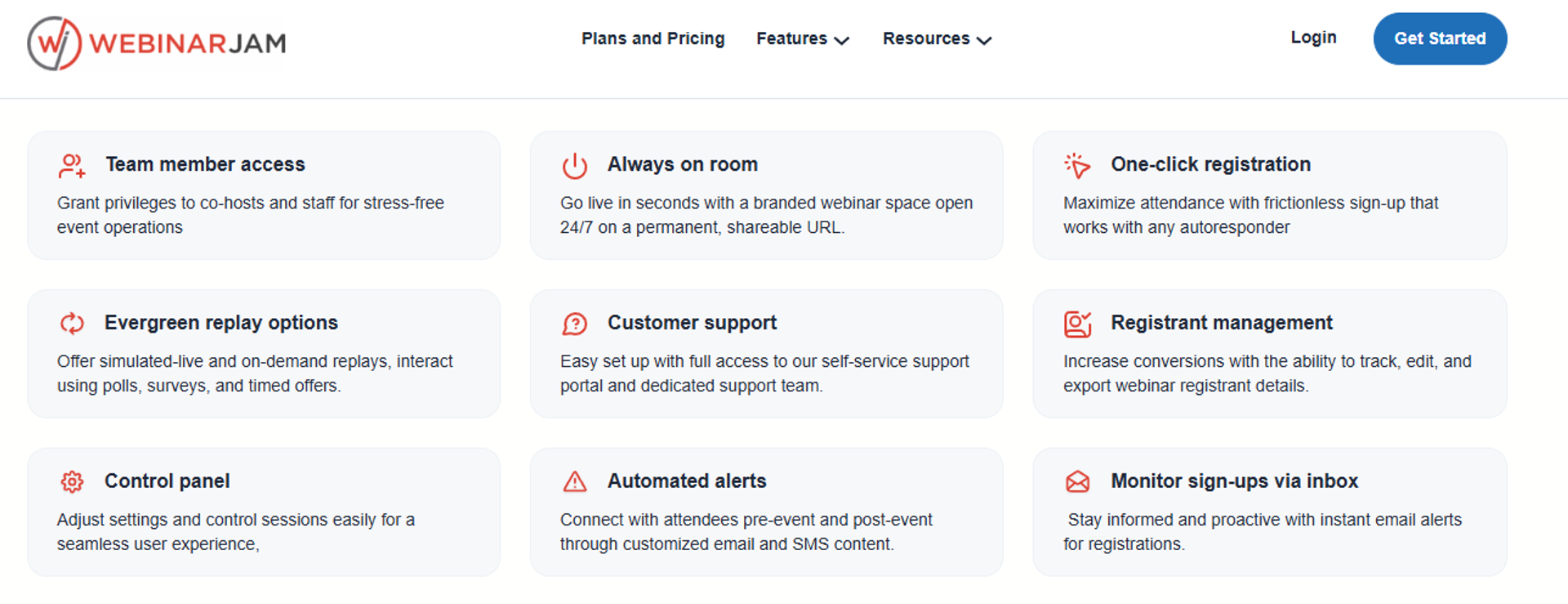
WebinarJam is best for operators running high-attendance live sales presentations that need in-room offer mechanics, because it combines large live capacity with chat, polls, and pop-up offers. It may not fit buyers who want monthly billing or a modern presenter interface.
| Quick fit | Detail |
|---|---|
| Best for | Live sales presentations with large registrant lists |
| Skip if | You need monthly billing or a clean presenter workflow |
| Strongest edge | High live capacity paired with built-in offer and chat tooling |
| Biggest trade-off | Annual-only billing, and evergreen sold as a separate product |
| Pricing snapshot | Annual-only plans. |
Why WebinarJam ranks #4
It earns the spot on live capacity and conversion mechanics. Few tools at this price let you fire timed offers to thousands of live attendees, which is why it stays on most WebinarJam alternatives shortlists.
💸 The two-product problem worth pricing out
Evergreen sits in a separate product, EverWebinar. That means two purchases, two setups, and two places for the funnel to break.
Price both before you compare it against a single-account platform, as this EasyWebinar vs WebinarJam breakdown lays out. The headline number is rarely the real number.
What WebinarJam does well
- Supports large live audiences, so big launches do not hit a capacity wall.
- Fires pop-up offers and CTAs during the session, which shortens the path to purchase.
- Includes registration and thank-you pages, so you can launch without a page builder.
- Handles reminder emails in-platform, which lifts show-up on a tight budget.
- Runs hybrid sessions that mix live presenting with pre-recorded segments.
- Records every session automatically for replay campaigns.
Where WebinarJam falls short
- Reviewers report inconsistent third-party integrations and unreliable email delivery.
- The presenter interface requires toggling between videos, slides, and files mid-session.
- Live sessions have been capped at three hours by at least one reviewer's account.
- Annual-only billing forces a full-year commitment before you have proof.
Decision scorecard
| Evaluation criterion | WebinarJam fit | Why it matters |
|---|---|---|
| Live webinars | Strong | Built for large live sales audiences. |
| Simulated live | Partial | Hybrid works, chat behavior is inconsistent. |
| Evergreen automation | Weak | Requires buying EverWebinar separately. |
| Funnel pages | Partial | Pages included, templates feel dated. |
| Engagement | Strong | Chat, polls, and timed offers are native. |
| CRM and follow-up | Weak | No native CRM, integrations reported as flaky. |
| Monetization | Partial | Offers in-room, checkout via third parties. |
| Analytics | Partial | Attendance covered, attribution is thin. |
| Integrations | Weak | Reviewers report sync failures. |
| Pricing fit | Partial | Annual-only removes the test-first option. |
| Best-fit buyer | Strong | Live sales presenters. |
Best for / skip if
Choose WebinarJam if you run big live pitches and can commit annually. Skip it if you need dependable CRM sync or want evergreen in the same account.
Reviews
Integration and email reliability are the recurring complaints, not the streaming itself.
"The integrations with 3rd party software such as mailchimp is inconsistent on both the pushing the registrants over and the custom form field population."Tara G., Webinar Host WebinarJam G2 Verified Review
Presenter-side constraints also surface in reviews.
"PowerPoint file size constraint to 80MB... Live constraint to 3 hours only."Verified User in Investment Management WebinarJam G2 Verified Review
5. EverWebinar
EverWebinar is best for operators already running WebinarJam who want their proven session to keep selling, because it adds detailed evergreen scheduling and replay logic on top of that live product. It may not fit buyers who need reliable cloning, fast support during an event, or a single-vendor setup.
| Quick fit | Detail |
|---|---|
| Best for | Existing WebinarJam users automating a proven session |
| Skip if | You need live webinars or same-day support during an event |
| Strongest edge | Granular evergreen scheduling and replay control |
| Biggest trade-off | A second purchase, with reported cloning and support problems |
| Pricing snapshot | Annual-only plans. |
Why EverWebinar ranks #5
Its scheduling depth is genuinely strong. You can control session times, replay windows, and scarcity blocks with precision.
⚠️ Where the automation gets fragile
Reviewers report that cloning a webinar can break chat, emails, and pop-ups. Support during a live event runs through email only.
That combination is risky when a paid-traffic campaign is already running. Test a full clone before you spend on ads, and read the EverWebinar vs EasyWebinar comparison if reliability is your deciding factor.
What EverWebinar does well
- Offers detailed evergreen scheduling, so sessions run on the cadence your audience expects.
- Provides just-in-time style start options that cut the wait between signup and session.
- Reuses your existing WebinarJam assets, which shortens the automation build.
- Includes replay pages with expiry logic, which keeps urgency intact.
- Supports simulated chat to keep automated rooms from feeling empty.
Where EverWebinar falls short
- Reviewers report that the clone function causes duplicate chats and missed emails.
- Support is email-only, which is a problem when something breaks mid-event.
- No live webinar capability, so you still need WebinarJam.
- Account ownership and cancellation processes are reported as manual and slow.
Decision scorecard
| Evaluation criterion | EverWebinar fit | Why it matters |
|---|---|---|
| Live webinars | Weak | Not supported in this product. |
| Simulated live | Strong | Simulated chat keeps rooms active. |
| Evergreen automation | Strong | Deep scheduling and replay control. |
| Funnel pages | Partial | Pages carried over, design is dated. |
| Engagement | Partial | Polls and offers work, chat is simulated. |
| CRM and follow-up | Weak | No native CRM. |
| Monetization | Partial | Offers supported, checkout is external. |
| Analytics | Partial | Basic attendance and offer reporting. |
| Integrations | Weak | Same reliability concerns as WebinarJam. |
| Pricing fit | Weak | Second annual purchase on top of live. |
| Best-fit buyer | Partial | Existing WebinarJam customers only. |
Best for / skip if
Choose EverWebinar if you already own WebinarJam and your live session converts. Skip it if you want one account, live support, or dependable cloning.
Reviews
Cloning reliability is the most damaging reported issue for evergreen operators.
"Inability to clone webinars without serious resulting issues... duplicate chat messages, emails not being sent to registrants, pop-ups not working."Kaylen M., Marketing Team Lead EverWebinar G2 Verified Review
Support access during live sessions is the second theme.
"There is no way to get help or reach support except via email which obviously is not an ideal scenario in a live event."Verified User in Market Research EverWebinar G2 Verified Review
6. eWebinar
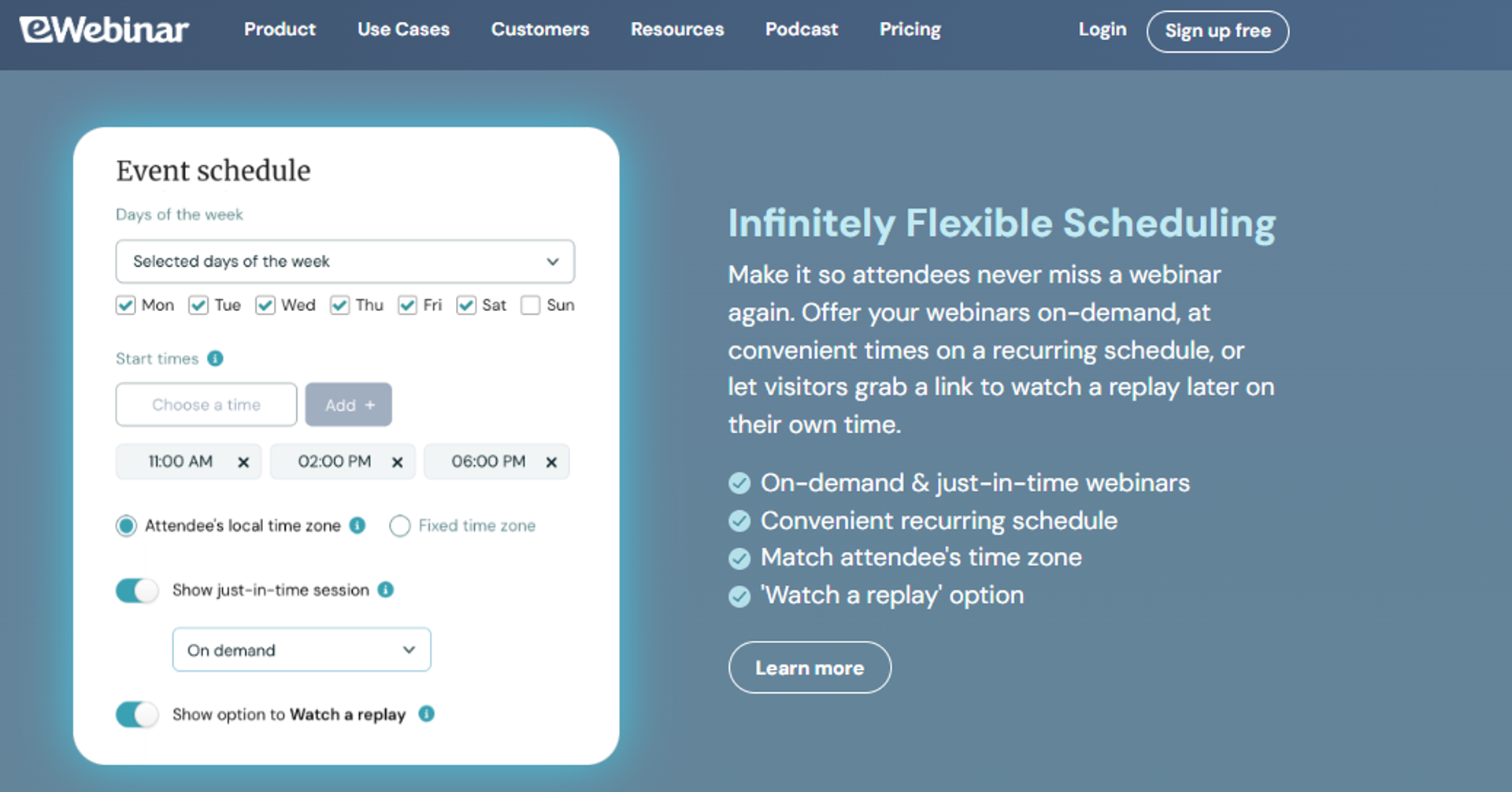
eWebinar is best for onboarding, training, and demo teams that repeat the same session constantly, because it turns a recording into a scheduled session with real-time chat handoff to a human. It may not fit anyone who needs to run a genuine live event.
| Quick fit | Detail |
|---|---|
| Best for | Customer onboarding and recurring product demos |
| Skip if | You need live sessions or large-scale launches |
| Strongest edge | Automated sessions with live chat handoff to a real person |
| Biggest trade-off | No live webinar capability at all |
| Pricing snapshot | Flat monthly by attendee band. |
Why eWebinar ranks #6
It does one job unusually well. Recurring sessions run on a schedule without anyone hosting them, which is the core promise of any automated webinar product.
The ceiling is the problem. You cannot validate an offer live, and you cannot run a launch event.
What eWebinar does well
- Schedules recurring automated sessions, which removes repeated hosting work.
- Routes attendee questions to a human in real time, so automation still feels attended.
- Includes registration pages and reminder sequences, cutting external tools.
- Supports interactions like polls and CTAs at set timestamps in the recording.
- Reports on watch time and drop-off, which shows where the session loses people.
Where eWebinar falls short
- No live webinar mode, so you cannot test a session before automating it.
- Monetization depends on external checkout.
- Attendee-band pricing gets costly for high-volume programs.
- Narrow use case makes it hard to justify as your only platform.
Decision scorecard
| Evaluation criterion | eWebinar fit | Why it matters |
|---|---|---|
| Live webinars | Weak | Not offered. |
| Simulated live | Partial | Automated with human chat, not simulated presenting. |
| Evergreen automation | Strong | Core strength of the product. |
| Funnel pages | Partial | Registration pages included, basic design. |
| Engagement | Strong | Timed interactions plus real-time chat. |
| CRM and follow-up | Partial | Integrations available, no native CRM. |
| Monetization | Weak | No in-room checkout. |
| Analytics | Strong | Watch time and drop-off reporting. |
| Integrations | Partial | Covers common tools, not deep. |
| Pricing fit | Partial | Rises with attendee volume. |
| Best-fit buyer | Strong | Onboarding and demo teams. |
Best for / skip if
Choose eWebinar if the same session runs every week and nobody should have to host it. Skip it if you ever need a live room.
7. GoTo Webinar
GoTo Webinar is best for associations and internal teams running routine large webinars, because it delivers predictable organizer reporting and straightforward event setup. It may not fit teams that need customization, modern engagement mechanics, or responsive support.
| Quick fit | Detail |
|---|---|
| Best for | Associations and internal training teams with routine sessions |
| Skip if | You need funnel pages, automation, or fast support |
| Strongest edge | Simple organizer backend with clean attendance reporting |
| Biggest trade-off | Reviewers report outsourced support and recurring presenter faults |
| Pricing snapshot | Per-organizer, per month. |
Why GoTo Webinar ranks #7
Reporting and setup speed keep it on the list. Organizers can pull attendance data without a data team.
❌ Where the operational cost shows up
Reviewers describe webcam, microphone, and screenshare failures across repeat events. Support tickets get escalated repeatedly without resolution.
If you run several sessions a week, that is a real staffing cost. Budget time, not just licence fees, and weigh the GoToWebinar alternatives before renewing.
What GoTo Webinar does well
- Sets up events quickly, so recurring sessions are low effort to schedule.
- Produces attendance and poll reports that management teams accept.
- Handles automated reminder emails without a separate tool.
- Supports simulated live and recorded sessions for repeat delivery.
- Runs in-browser as well as via the desktop app, which helps some attendees.
Where GoTo Webinar falls short
- Reviewers report outsourced support that is slow and often unhelpful.
- Registration page customization is limited, so branding suffers.
- Post-event emails offer very little editing control.
- Presenter-side issues with webcams and microphones recur across events.
Decision scorecard
| Evaluation criterion | GoTo Webinar fit | Why it matters |
|---|---|---|
| Live webinars | Partial | Stable at scale, with reported presenter faults. |
| Simulated live | Partial | Available, engagement depth is thin. |
| Evergreen automation | Weak | No real evergreen scheduling. |
| Funnel pages | Weak | Registration forms are rigid. |
| Engagement | Partial | Polls and Q&A only. |
| CRM and follow-up | Partial | Integrations exist, no native CRM. |
| Monetization | Weak | No in-room selling. |
| Analytics | Strong | Reporting is a genuine strength. |
| Integrations | Partial | Covers major tools, API docs are weak. |
| Pricing fit | Partial | Per-organizer cost adds up across a team. |
| Best-fit buyer | Partial | Internal and association webinars. |
Best for / skip if
Choose GoTo Webinar if you need dependable reporting for informational sessions. Skip it if the webinar carries revenue or your brand needs to show.
Reviews
Support quality is the dominant complaint across recent reviews.
"Customer support is impossible to reach and is completely outsourced. When you do get a hold of them, they are never any help."Forrester S., Marketing Webinar Organizer GoTo Webinar G2 Verified Review
Even satisfied reviewers flag customization gaps.
"Registration form options are limited. Post-event emails are wonky. Very little ability to customize."Verified User, Media Production Company GoTo Webinar TrustRadius Verified Review
8. Zoom Webinars
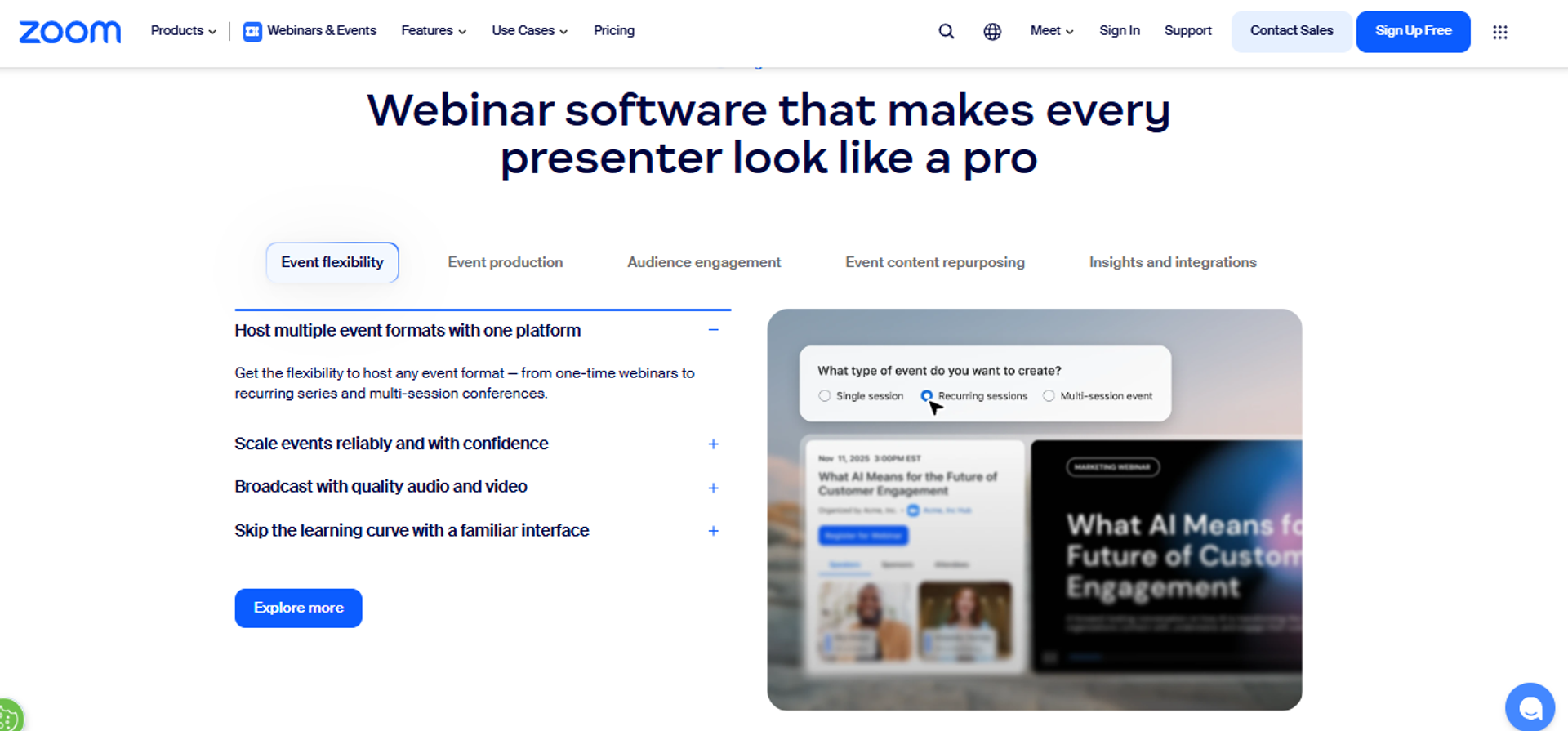
Zoom Webinars is best for teams that need familiarity and very large attendee scale, because almost every attendee already knows how to join. It may not fit marketers who need branded pages, monetization, or webinar-grade analytics.
| Quick fit | Detail |
|---|---|
| Best for | Large informational sessions where attendee familiarity matters |
| Skip if | You need branded funnels, offers, or engagement analytics |
| Strongest edge | Universal attendee familiarity and reliable video at scale |
| Biggest trade-off | Minimal customization and thin webinar reporting |
| Pricing snapshot | Add-on by attendee band on top of a Zoom plan. |
Why Zoom Webinars ranks #8
Scale and familiarity are real advantages. Nobody has to learn a new interface to attend.
The gap is conversion tooling. Registration lives outside your page, and analytics stay shallow, which is the core argument in this EasyWebinar vs Zoom comparison.
What Zoom Webinars does well
- Handles very large audiences reliably, which suits town halls and launches.
- Requires almost no attendee training, which protects show-up rate.
- Integrates broadly with CRM and marketing automation tools.
- Records sessions cleanly for later distribution.
- Bundles with existing Zoom licences, which simplifies procurement.
Where Zoom Webinars falls short
- Reviewers describe near-total absence of look-and-feel customization.
- Core webinar features like exit pages and file distribution are missing or weak.
- Reporting is described as hard to navigate.
- Support responsiveness draws repeated criticism from enterprise users.
Decision scorecard
| Evaluation criterion | Zoom Webinars fit | Why it matters |
|---|---|---|
| Live webinars | Strong | Reliable at high attendee counts. |
| Simulated live | Weak | Not a real capability. |
| Evergreen automation | Weak | Not supported. |
| Funnel pages | Weak | Registration pulls people off your page. |
| Engagement | Partial | Polls and Q&A are basic. |
| CRM and follow-up | Partial | Integrations exist, sync issues reported. |
| Monetization | Weak | No in-room selling. |
| Analytics | Weak | Built for meetings, not webinar funnels. |
| Integrations | Strong | Broad ecosystem coverage. |
| Pricing fit | Partial | Add-on bands raise total cost. |
| Best-fit buyer | Partial | Informational events at scale. |
Best for / skip if
Choose Zoom Webinars if reach and familiarity outrank branding and conversion. Skip it if the session exists to generate revenue.
Reviews
Customization is the most consistent limitation reviewers name.
"Zoom Webinars almost completely lacks customization options to the look&feel, so it gives you as a company a minimal chance to stand out."Gabor F., Marketing Lead Zoom Events and Webinars G2 Verified Review
Support and reliability draw the harshest feedback.
"The automated email sequences are full of bugs, and customer support is extremely unhelpful. There is no consistent POC."Verified User in Translation and Localization Zoom Events and Webinars G2 Verified Review
9. ClickMeeting
ClickMeeting is best for smaller teams and educators running paid or training sessions on a modest budget, because it supports ticketed webinars at an accessible entry price. It may not fit operators who need deep automation or attendee-level attribution.
| Quick fit | Detail |
|---|---|
| Best for | Educators and small teams running paid sessions |
| Skip if | You need deep evergreen logic or CRM-grade attribution |
| Strongest edge | Paid webinar support at a low entry cost |
| Biggest trade-off | Lighter automation and shallower analytics than specialists |
| Pricing snapshot | Attendee-based tiers. |
Why ClickMeeting ranks #9
Paid webinar support at this price point is uncommon. That matters for workshop sellers with small lists.
Beyond ticketing, the automation and reporting layers are thinner than the tools above it, so check the full all features list of any replacement before switching.
What ClickMeeting does well
- Supports paid and ticketed webinars, so workshops can charge at registration.
- Provides registration pages and reminder emails inside the platform.
- Offers automated and on-demand sessions for basic evergreen delivery.
- Includes polls, chat, and Q&A for standard engagement.
- Runs in-browser, which keeps attendee friction low.
Where ClickMeeting falls short
- Evergreen scheduling lacks the depth of dedicated automation tools.
- Analytics stop short of attendee-level behavior tracking.
- No native CRM, so follow-up depends on integrations.
- Branding control on pages is limited.
Decision scorecard
| Evaluation criterion | ClickMeeting fit | Why it matters |
|---|---|---|
| Live webinars | Strong | Reliable for small and mid-size audiences. |
| Simulated live | Partial | Automated sessions available. |
| Evergreen automation | Partial | Basic scheduling only. |
| Funnel pages | Partial | Included, limited design control. |
| Engagement | Partial | Standard polls, chat, and Q&A. |
| CRM and follow-up | Weak | Integration-dependent. |
| Monetization | Partial | Ticketing yes, in-room checkout no. |
| Analytics | Partial | Attendance-level reporting. |
| Integrations | Partial | Covers common tools. |
| Pricing fit | Strong | Accessible entry tiers. |
| Best-fit buyer | Partial | Paid workshops and training. |
Best for / skip if
Choose ClickMeeting if you charge for sessions and your list is small. Skip it if evergreen automation is the point of the purchase.
10. BigMarker
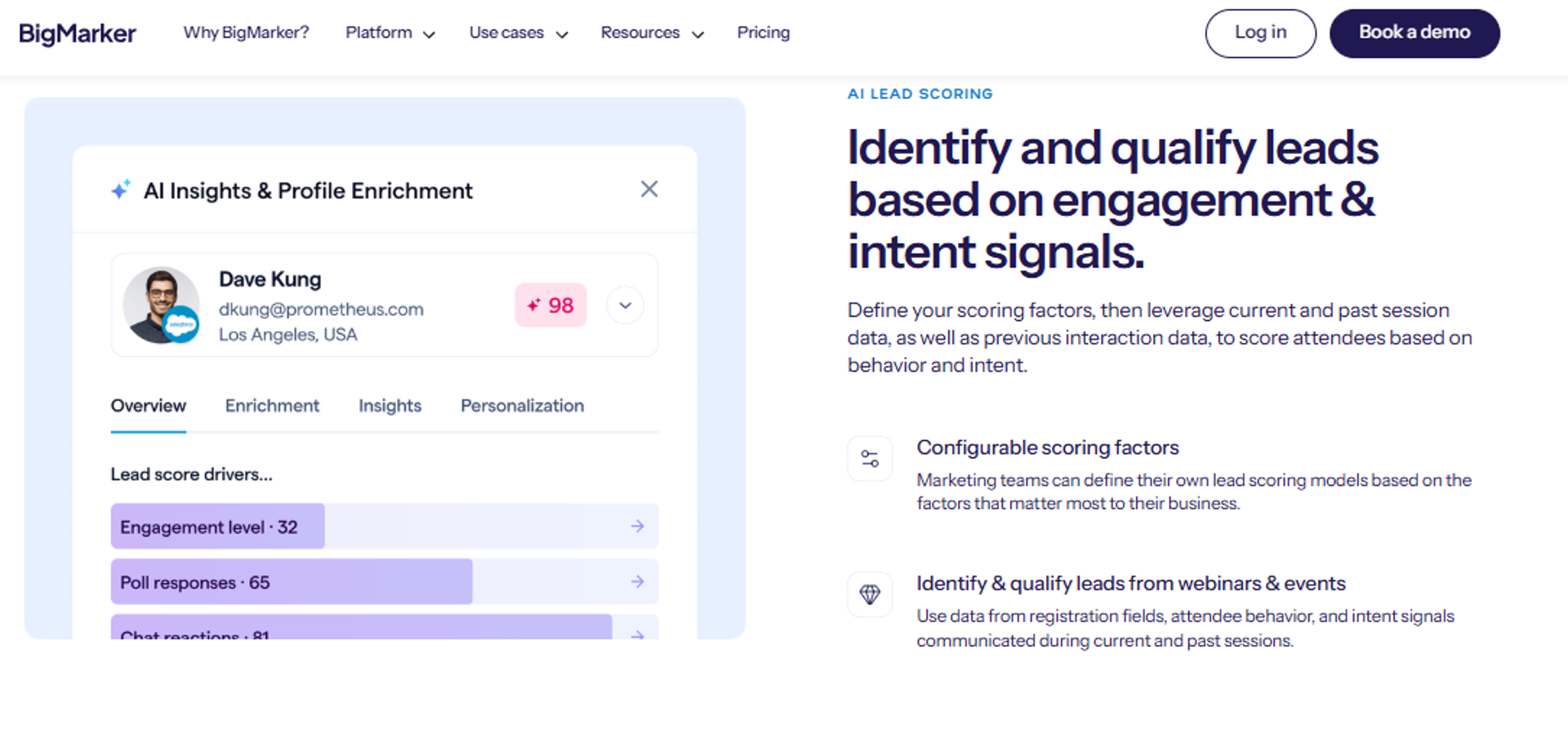
BigMarker is best for teams producing multi-session virtual events and summits, because it offers heavy customization and event-scale tooling across tracks and sponsors. It may not fit a solo operator who needs to launch a single funnel this week.
| Quick fit | Detail |
|---|---|
| Best for | Virtual summits and multi-track events |
| Skip if | You want a fast, simple single-webinar launch |
| Strongest edge | Customization depth for large multi-session events |
| Biggest trade-off | Setup complexity and quote-based pricing |
| Pricing snapshot | Quote-based. Not publicly listed |
Why BigMarker ranks #10
Event-scale capability is genuine. Sponsors, tracks, and networking are handled natively.
It ranks here because the article's intent is replacing a single-webinar tool. Most readers do not need an events platform, and a focused webinar funnel setup will launch far faster.
What BigMarker does well
- Runs multi-session summits with tracks, which no single-webinar tool handles.
- Offers deep page and room customization for branded experiences.
- Supports live, simulated live, evergreen, and on-demand delivery.
- Provides sponsor and booth tooling for monetized events.
- Assigns customer success support for production-heavy programs.
Where BigMarker falls short
- Setup complexity means a slow first launch.
- Pricing is quote-based, which stalls quick procurement.
- Overbuilt for anyone running one recurring sales webinar.
- Requires production skill to use the customization well.
Decision scorecard
| Evaluation criterion | BigMarker fit | Why it matters |
|---|---|---|
| Live webinars | Strong | Handles large, produced sessions. |
| Simulated live | Strong | Supported natively. |
| Evergreen automation | Strong | On-demand and evergreen included. |
| Funnel pages | Strong | Deep customization available. |
| Engagement | Strong | Full engagement and networking toolkit. |
| CRM and follow-up | Partial | Integrations, no native CRM. |
| Monetization | Partial | Ticketing and sponsors, not in-room checkout. |
| Analytics | Strong | Event-level and session-level reporting. |
| Integrations | Strong | Broad enterprise coverage. |
| Pricing fit | Weak | Quote-based and event-tier cost. |
| Best-fit buyer | Partial | Event teams, not solo funnel operators. |
Best for / skip if
Choose BigMarker if you produce summits with multiple sessions and sponsors. Skip it if one recurring sales webinar is your whole use case.
11. ON24
ON24 is best for enterprise demand-gen teams that need engagement scoring feeding a formal pipeline model, because its reporting is built for attribution rather than for hosting. It may not fit SMB buyers, since contract minimums sit well above this category's norm.
| Quick fit | Detail |
|---|---|
| Best for | Enterprise demand gen with attribution requirements |
| Skip if | You are an SMB or need to launch this month |
| Strongest edge | Engagement scoring built for pipeline attribution |
| Biggest trade-off | High contract minimums and long implementation |
| Pricing snapshot | Quote-based, annual. Not publicly listed |
Why ON24 ranks #11
Its analytics are the deepest here. Enterprise marketers can tie webinar behavior to opportunity data, which is the standard any webinar analytics stack gets measured against.
It ranks last for this keyword because almost nobody leaving a mid-market tool can buy it. Fit, not quality, decides the position.
What ON24 does well
- Scores attendee engagement, which routes the warmest leads to sales.
- Feeds webinar behavior into enterprise CRM and marketing automation systems.
- Supports live, simulated live, and on-demand delivery at enterprise scale.
- Provides content hubs that keep sessions working after the event date.
- Backs deployments with customer success and formal service commitments.
Where ON24 falls short
- Contract minimums exclude most SMB and solo buyers.
- Implementation timelines are long compared with self-serve tools.
- The feature set is heavier than a single-funnel operator needs.
- No in-room checkout for direct selling.
Decision scorecard
| Evaluation criterion | ON24 fit | Why it matters |
|---|---|---|
| Live webinars | Strong | Enterprise-grade delivery. |
| Simulated live | Strong | Supported natively. |
| Evergreen automation | Partial | On-demand yes, seller-style evergreen no. |
| Funnel pages | Strong | Branded landing and hub experiences. |
| Engagement | Strong | Deep interaction toolkit. |
| CRM and follow-up | Strong | Built for enterprise CRM handoff. |
| Monetization | Weak | Not a selling platform. |
| Analytics | Strong | The category benchmark for attribution. |
| Integrations | Strong | Enterprise stack coverage. |
| Pricing fit | Weak | Quote-based with high minimums. |
| Best-fit buyer | Partial | Enterprise demand gen only. |
Best for / skip if
Choose ON24 if webinar attribution has to survive a CFO review. Skip it if you are replacing a sub-$100 tool.
EasyWebinar earns its position at the top of this list on architecture, not preference. It is the only platform here that runs live, simulated live, and evergreen delivery with Just-in-Time scheduling, a sales CRM, and in-webinar payments inside one account. Every other tool asks you to buy the live layer, the automation layer, or the checkout layer somewhere else.
Q2. How Did We Score These 11 Platforms?
Every platform was scored on five weighted criteria: Automation Depth 25%, Conversion and Monetization Tooling 20%, Setup and Usability 20%, Pricing Transparency and Limits 20%, and Verified User Reviews 15%. Scores of 0 to 20 earn one star, 21 to 40 two, 41 to 60 three, 61 to 80 four, and 81 to 100 five. EasyWebinar scored 92. The median platform scored 64.
Why the weighting leans toward automation and money
Most comparison pages weight features equally. That produces a ranking nobody can act on.
A webinar exists to move an offer. So the criteria that decide revenue carry the most weight here, which is the same logic behind any serious webinar software comparison.
⚖️ The judgment behind the numbers
Volume is not value. A platform with 200 features and no checkout still leaves you selling somewhere else.
EasyWebinar's own read is that breadth is the trap in this category. I have watched operators buy the longest feature list and still lose the sale at the offer.
What each criterion measures
- Automation Depth (25%): support for simulated live, evergreen, Just-in-Time starts, and replay logic.
- Conversion and Monetization (20%): timed offers, in-room checkout, paid webinars or ticketed sessions, and follow-up triggers.
- Setup and Usability (20%): time from account creation to a live registration page and a working reminder sequence.
- Pricing Transparency and Limits (20%): published prices, attendee bands, session caps, and what sits behind a higher tier.
- Verified User Reviews (15%): G2, Capterra, and TrustRadius ratings, weighted for recency and volume.
🔍 How each score was verified
Pricing came from dated captures of each vendor's own pricing page. Review scores came from aggregate ratings, not cherry-picked quotes.
EasyWebinar measures automation depth by counting delivery modes that run without a host present. That method is checkable, which is the point.
The scores
| Platform | Score | Stars | Strongest criterion | Weakest criterion |
|---|---|---|---|---|
| EasyWebinar | 92 | ⭐⭐⭐⭐⭐ | Automation depth | Page design flexibility |
| BigMarker | 74 | ⭐⭐⭐⭐ | Engagement and events | Pricing transparency |
| ON24 | 72 | ⭐⭐⭐⭐ | Analytics | Pricing transparency |
| Livestorm | 71 | ⭐⭐⭐⭐ | Usability | Monetization |
| Demio | 68 | ⭐⭐⭐⭐ | Setup speed | Monetization |
| WebinarJam | 64 | ⭐⭐⭐⭐ | Live conversion tooling | Integrations |
| EverWebinar | 62 | ⭐⭐⭐⭐ | Evergreen scheduling | Reliability |
| eWebinar | 58 | ⭐⭐⭐ | Automation depth | No live mode |
| ClickMeeting | 55 | ⭐⭐⭐ | Pricing fit | Analytics |
| GoTo Webinar | 48 | ⭐⭐⭐ | Reporting | Support model |
| Zoom Webinars | 45 | ⭐⭐⭐ | Scale | Webinar analytics |
🧾 The disclosure you should factor in
EasyWebinar publishes this article, and it scored first on this rubric. Say that out loud rather than bury it.
Two things keep the scoring checkable. The weightings are stated up front, and every price and rating traces back to a source you can open yourself.
Where this rubric would rank things differently
Change the weights and the order changes. Weight analytics at 40% and ON24 climbs.
Weight attendee familiarity heavily and Zoom climbs. My read is that neither weighting fits someone leaving a mid-market tool because of caps, which is worth checking against a broader comparison of webinar platforms.
EasyWebinar lost points here on page design flexibility and on enterprise brand recognition against Zoom and ON24. It gained them on automation depth and monetization, because live, simulated live, and evergreen delivery sit in one account with in-room payments. That is the trade the rubric rewards.
Q3. What Are WebinarGeek's Plan Limits, and Why Do Teams Actually Leave?
WebinarGeek Basic caps at 50 concurrent viewers, one presenter, and two-hour sessions with WebinarGeek branding. Premium from EUR 69 per month unlocks automation, custom branding, 10 presenters, and eight-hour sessions. Teams leave over four things: those caps, a reported stream delay of up to 20 seconds, limited registration-page and analytics customization, and phone support with a dedicated CSM sitting only on the EUR 349 Enterprise tier.
| Plan | Price | Concurrent viewers | Key limit |
|---|---|---|---|
| Basic | EUR 49/mo | 50 | 1 presenter, 2-hour sessions, WebinarGeek branding |
| Premium | From EUR 69/mo | Up to 1,000 | 10 presenters, 8-hour sessions, automation included |
| Enterprise | From EUR 349/mo | Up to 5,000 | 12-hour sessions, RTMP, custom domain, SLA, dedicated CSM |
Confirm these figures against the live pricing page before you sign.
Trigger one: the Basic ceiling arrives fast
Fifty concurrent viewers sounds fine until a campaign works. Register 300 people and a 30% show rate already breaches the cap.
⏰ What the two-hour cap actually costs
A sales webinar with real Q&A regularly runs past 90 minutes. The cut lands near the close, which is the worst possible moment.
EasyWebinar keeps presenter count and session length off the entry-tier gate, which removes that particular cliff. I still tell people to time their run-through before buying any live webinar software.
Trigger two: latency breaks the close
A stream delay of up to 20 seconds is documented for the platform. Most comparison pages mention it once and move on.
That lag is a revenue problem. The classic permission-to-close move, asking people to drop a one in the chat, lands after you have already moved on.
"There is a small delay in what I see as host and what the viewers see... If you have more presenters on different location the quality of the webinar will go down a lot."Verified User in Management Consulting WebinarGeek G2 Verified Review
⚠️ The multi-presenter quality drop
Remote co-presenters degrade quality further, per that same reviewer. Two-host formats are common in coaching and partner webinars.
EasyWebinar runs on Dolby OptiView WebRTC streaming at sub-500ms latency for exactly this reason. Real-time polls and offers only convert if they arrive on time, which is the whole point of webinar engagement tools.
Trigger three: customization ceilings
G2's review summary flags limited customization on registration pages and analytics. That matters when paid traffic hits your page.
You cannot test what you cannot change. A rigid registration page caps your conversion rate before the webinar even starts, which is why webinar landing page examples are worth studying before you switch.
Trigger four: support sits behind the top tier
Phone support and a dedicated CSM appear on the EUR 349 Enterprise plan. Below that, you are on email and chat.
💸 Tier-gating is the cost nobody budgets
I am not against tier-gating. Every platform does it, including ours.
EasyWebinar gates Just-in-Time scheduling behind a higher plan, and customers say so plainly. Honest comparison means naming your own gates too.
"The only downside is that to have the 'just in time' feature you have to pay a premium that is about double the price of the basic subscription. However, it has been worth it for me."Laura C., Course Creator EasyWebinar G2 Verified Review
Stay with WebinarGeek if
It rates 4.6 on Capterra across 216 reviews. People genuinely like it.
Stay if your audiences run under 50 concurrent, your sessions stay under two hours, and nothing closes inside the room. That is a real fit, not a consolation prize.
EasyWebinar removes the two failure points that surface most often here. Native integrations replace the third-party bridges that silently drop opt-ins, and presenter count is not the thing standing between you and a co-hosted session. Latency and gating are still worth testing yourself before you commit.
Q4. What Do These Platforms Really Cost at the Same Attendee Capacity?
Headline prices mislead because vendors quote different currencies at different attendee bands. Normalized to 500 concurrent viewers with automation and custom branding switched on, several of the 11 alternatives land below WebinarGeek Premium. WebinarGeek offers no free forever plan, only a 14-day trial capped at 25 concurrent viewers with no credit card required.
Why the sticker price is never the price
Three things distort every comparison. Currency, billing term, and what the vendor counts as an attendee.
Some quote registrants. Others quote concurrent viewers. A 1,000-registrant list with a 30% show rate needs roughly 300 concurrent seats, not 1,000.
💰 The add-ons that show up on the invoice
Extra presenters, RTMP streaming, a custom domain, and CRM connectors are commonly separate. Each one is small. Together they reset your budget.
EasyWebinar includes evergreen automation, the native CRM, and in-webinar offers from the Growth plan ($116/month), and live webinars start at $44/month on Launch. See current webinar pricing tiers on the live pricing page.
Normalized comparison at 500 concurrent viewers
| Tool | Entry price | Cost at 500 concurrent | Automation included | CRM included | Billing terms |
|---|---|---|---|---|---|
| EasyWebinar | $44/mo Launch (live only); automation from $116/mo Growth | $198/mo (Pro, 500 live attendees) | Yes | Yes, native | Monthly or annual |
| Demio | Attendee-based | — | Yes | No | Monthly or annual |
| Livestorm | Free tier, then paid | — | Partial | No | Monthly or annual |
| WebinarJam | Annual only | — | No | No | Annual only |
| EverWebinar | Annual only | — | Yes | No | Annual only |
| eWebinar | Flat monthly | — | Yes | No | Monthly or annual |
| GoTo Webinar | Per organizer | — | Partial | No | Monthly or annual |
| Zoom Webinars | Add-on band | — | No | No | Monthly or annual |
| ClickMeeting | Attendee-based | — | Partial | No | Monthly or annual |
| BigMarker | Quote-based | Not publicly listed | Yes | No | Annual |
| ON24 | Quote-based | Not publicly listed | Partial | No | Annual |
Pull each figure from the vendor's own pricing page on the day you publish. Prices in this category move quarterly.
🧮 The stack cost nobody adds up
Run the real math. A funnel builder, a video platform, an email tool, and a CRM commonly total 600 to 1,000 dollars a month.
Cost to acquire a customer rises with every step you add. That applies to your tool stack, not only your webinar funnel.
Free tiers and trials across the shortlist
Free options exist, with hard limits attached. Livestorm offers a limited free plan, and Zoom bundles basic capability into existing licences.
WebinarGeek's trial runs 14 days at 25 concurrent viewers with no card required. That is enough to test the room, not enough to test a campaign.
⚠️ What a trial should actually prove
Do not test the interface. Test a full sequence with real traffic.
EasyWebinar customers who convert best during a trial run one live session, then clone it into an automated webinar. Anything less does not tell you whether the money works.
The two questions that settle price
Ask what happens at your real concurrent number, not your list size. Then ask which capabilities move to a higher tier at that number.
Those two answers usually reorder the shortlist. My read is that most buyers overpay by solving for registrants instead of seats.
EasyWebinar keeps evergreen automation, the built-in sales CRM, and in-webinar checkout inside the core plans, so the 500-viewer comparison stays one line item rather than four. That does not automatically make it cheapest. It makes the total legible, which is the harder problem when four invoices arrive from four vendors.
Q5. Which Platform Handles Evergreen and Just-in-Time Webinars Properly, and Should You Automate at All?
For evergreen selling, EasyWebinar, EverWebinar, and eWebinar lead. Automated webinars are an umbrella with two tiers. Simulated Live keeps real-time chat, polls, and timed offers. Evergreen adds Just-in-Time scheduling, timezone-adjusted delivery, multiple daily slots, Instant Replay, and On-Demand. Do not automate a session you have not first proven live.
The taxonomy most comparison pages get wrong
Automated is the umbrella, not a format. Underneath it sit exactly two tiers, and they behave differently.
Simulated Live plays a recording while chat runs in real time. Evergreen drops the live chat and swaps in an async question box.
⏰ What Just-in-Time actually removes
Just-in-Time means the session starts roughly 10 to 15 minutes after someone registers. No future date, no calendar invite, no forgetting.
EasyWebinar attaches Just-in-Time to Evergreen only, never to Simulated Live. That distinction matters because the two tiers use different chat mechanics, as this breakdown of live vs automated webinars sets out.
Which tools reach which tier
| Tool | Simulated Live | Evergreen with JIT | Live in same account |
|---|---|---|---|
| EasyWebinar | Yes | Yes | Yes |
| EverWebinar | Yes | Yes | No, requires WebinarJam |
| eWebinar | Partial, human chat handoff | Yes | No |
| Demio | Partial | Partial | Yes |
| Livestorm | Partial | Partial | Yes |
| BigMarker | Yes | Partial | Yes |
Confirm each vendor's current scheduling options in its own documentation before you buy.
The argument nobody on this page will make
Automation is sold as passive income. That framing has produced a lot of dead funnels.
Operators running large paid-traffic budgets report automated sessions underperforming live ones on cold audiences. The counter-argument is equally real, since live show-up rates are frequently under 30%.
⚠️ The rule I actually give people
Run the session live first. Five to ten times, until roughly one in ten attendees buys.
Then automate the winner. An automated webinar without traffic is a billboard in the desert.
What breaks when you automate too early
You end up scaling a session that never converted. The tool gets blamed for the offer.
"The biggest challenge is around setting up automated webinars, and needing the presentation uploaded first in order to set it up."Ash A., Solo Entrepreneur EasyWebinar G2 Verified Review
Automation also breaks mechanically, which is the part buyers underestimate.
"Inability to clone webinars without serious resulting issues... duplicate chat messages, emails not being sent to registrants, pop-ups not working."Kaylen M., Marketing Team Lead EverWebinar G2 Verified Review
✅ The graduation test before you switch
EasyWebinar measures automation readiness by attendee-to-buyer rate on live sessions, not by registration volume. I use 10% as the gate, and I could be reading that threshold too tightly for high-ticket offers.
Test one clone end to end before you spend on ads. Watch the emails, the chat, and the offer fire, the same discipline any evergreen sales funnel needs before launch.
EasyWebinar runs Simulated Live with real-time chat and Evergreen with Just-in-Time and timezone-adjusted delivery inside one account. A proven live session graduates without being rebuilt, and Simulated Chat can carry prior chat into the new event. That single-account path is the practical difference against a two-product setup.
What I am watching now is whether live workshops come back as audiences get tired of over-automated funnels. My read is yes, in small rooms, at higher ticket prices. Tell me what your show-up rate is doing this quarter.
Q6. Which Alternative Fits Your Situation: Course Creator, Agency, or Enterprise?
Coaches and course creators should shortlist EasyWebinar, WebinarJam, and EverWebinar for in-webinar timed offers, native payments, and behavioral follow-up. Agencies need multi-account management and white-labeling. Enterprise training teams should filter on SOC 2 Type II, SSO, API access, and high attendee ceilings, which narrows the field to ON24, BigMarker, Zoom Webinars, Livestorm, and EasyWebinar.
Scenario one: the coach selling from the room
Picture the Sunday-night funnel build. The offer is ready, the slides are ready, and the checkout still lives on another domain.
That gap is where money leaks. Four mechanics decide whether it closes.
💰 The four offer mechanics that matter
- Timed offer overlays that appear at the pitch, not after.
- Native checkout so buyers never leave the room, which is what paid webinars depend on.
- Replay pages with expiry, which preserves urgency.
- Follow-up triggered by whether someone actually saw the offer.
EasyWebinar customers like Carla Beisinger have built evergreen funnels reaching 5 million dollars using exactly this stack. Cheap upsell mechanics matter more than most people think, which is why a 19 dollar car rental so often ends at 100 dollars a day.
Scenario two: the agency running client funnels
Agencies need multi-account control, branded rooms, and reporting a client will accept. Speed of build decides margin.
"The ease of use and setup. Pretty much once I have run one webinar, I can clone and setup multiple in a breeze."Darrin B., Business Owner EasyWebinar G2 Verified Review
⚠️ The white-label question to ask first
Ask each vendor what carries their branding on your client's page. Ask again about the reminder emails.
EasyWebinar supports custom domains and brandable rooms, and reviewers still ask for more page design control. That is a fair trade to name before a client signs off, and agencies running agency SaaS tools should price it in early.
Scenario three: B2B demand gen
Here the webinar feeds a pipeline, not a checkout. CRM sync and engagement scoring carry the weight.
Livestorm, Demio, and ON24 all serve this well. The differentiator is how cleanly attendee behavior reaches your CRM without a manual export, which is the core test of any integrations layer.
"Analytics splits out live and replay attendee insights for evergreen webinars... The analytics also show how many saw or clicked your offer."Verified User in Professional Training & Coaching EasyWebinar G2 Verified Review
Scenario four: enterprise training and events
| Filter | Why it disqualifies |
|---|---|
| SOC 2 Type II | Security review stalls without it |
| SSO and SAML | Admin provisioning becomes manual |
| API access | No integration with internal systems |
| Data residency | Blocks EU and regulated deployments |
| Attendee ceiling | Town halls exceed mid-market caps |
Verify certification status on each vendor's own trust page. Status changes, and last year's blog post is not evidence.
❌ Where breadth becomes a warning sign
Be cautious of any platform claiming to be more all-in-one than conversation, content, and events. Promise everything and depth disappears.
EasyWebinar holds SOC 2 Type II attestation and GDPR compliance coverage, and it does not claim ISO 27001 or HIPAA. Naming what you do not have is part of passing procurement.
EasyWebinar sits at both ends of this range, which is unusual. Creator funnels run on the same account that clears mid-market security review, with SOC 2 Type II, SSO, and API access available. It is a poor fit for one-off internal meetings, or for products priced under roughly 200 dollars, where the webinar math rarely works.
My working hypothesis for the next 18 months is that the creator and enterprise requirements converge. Same compliance, smaller rooms. Tell me if your buying committee already looks like that.
Q7. How Do You Migrate Off WebinarGeek Without Losing Registrants?
Migrate in this order: export registrant and attendee data first, rebuild the registration page and reminder sequence second, port branding and templates third, then run one full rehearsal before your next live session. Keep the WebinarGeek account active for one billing cycle as a rollback path, and confirm every native integration fires before you send paid traffic.
The seven-step sequence
- Export everything first. Pull registrants, attendees, and chat logs. Skip this and cancellation may strand your list.
- Rebuild the registration page. Match the old copy exactly. Changing copy and platform at once destroys your baseline.
- Rebuild the reminder sequence. Reminders drive show-up more than anything else. Verify each send with a test registration.
- Port branding and templates. Logos, colors, and thank-you pages. Check them on mobile, not just desktop.
- Reconnect integrations natively. Use built-in connectors wherever they exist. Confirm a test opt-in reaches your CRM.
- Run one full rehearsal. Present for ten minutes, fire a poll, fire the offer. Watch it as an attendee on a second device.
- Keep the old account for one cycle. One billing cycle of overlap is cheap insurance against a bad launch week.
⚠️ Where migrations actually fail
Integrations fail silently. A Zap limit once cost a team a few hundred opt-ins, caught four hours before the session.
EasyWebinar routes attendee data through a built-in sales CRM with lead scoring, which removes one bridge from that chain. Fewer handoffs means fewer places to lose people quietly.
The reminder cadence people underestimate
Send up to six emails on event day. That sounds aggressive until you remember people forget an event they registered for 48 hours ago.
⏰ One SMS mistake worth avoiding
Do not put the join link in the reminder text message. One team found it lifted show rate while wrecking their booking rate.
Send the reminder by SMS. Send the link by email, where the rest of the funnel lives, and treat it as part of your wider webinar attendance plan.
Your first-week checklist
- One test registration completed end to end.
- Reminder emails received at every scheduled interval.
- CRM record created with correct tags.
- Poll, offer, and checkout fired during rehearsal.
- Replay page live with the expiry you intended.
- Old account still active and exportable.
EasyWebinar's native integrations remove the third-party sync layer that breaks most often between opt-in and the live room. That does not make migration effortless. It removes the failure that is hardest to detect until the room is already full.
The part I am still unsure about is timing. My read is that mid-campaign migrations cost more than they save, but I have seen teams pull one off cleanly in four days. If you are mid-launch and weighing it, tell me what your next session date is on the webinar platform you choose.
Frequently Asked Questions

Casey Zeman
Founder of EasyWebinar
About Author
Over the past decade, I've helped thousands of entrepreneurs, coaches, and consultants turn webinars into a predictable, powerful way to grow their audience, build trust, and scale, without the constant hustle. I created EasyWebinar because I couldn't find a system that combined authenticity, engagement, and automation the way I needed. So, I built one.
Related Posts

10 Best Community Engagement Platforms in 2026
Compare the 10 best community engagement platforms in 2026. Course creators, evaluate live hosting, analytics, and replay to pick your winner today.

10 Best Online Coaching Tools in 2026: Live Session Quality, Scheduling, Recording, and Client Engagement Analytics
Compare the 10 best online coaching tools of 2026 on session quality, scheduling, and analytics. Discover the right fit for your coaching revenue model.

10 Best Webinar Hosting Platforms Ranked by Uptime, Streaming Quality & Cost
Compare 10 webinar hosting platforms ranked by uptime, streaming quality, and cost. Discover which tool actually turns attendees into revenue.
Turn every webinar into a revenue stream
Launch your first paid event in just a few clicks - and start monetizing your expertise.
Book a Call