10 Best Webinar Platforms for Small Business in 2026 (Ranked by ROI)

Casey Zeman
Published on Jul 23, 2026 • 52 min read
TL;DR
- EasyWebinar ranks first of 10 platforms because one subscription runs live webinars, automated replays of the proven session, in-room checkout, and CRM follow-up.
- Webinar ROI depends on offer price and attendee-to-buyer rate, not the platform fee. A $47 offer at $10 per registrant loses money before software costs.
- Start live, then automate. Run 5 to 10 live sessions, reach roughly 10% of attendees buying, then turn that exact session into an automated webinar.
- The real cost is the full stack. Per-attendee, per-seat, and add-on pricing grow with your audience, while flat monthly plans stay fixed.
- Revenue comes from browser join, in-room checkout, behaviour-based follow-up, and attendee-level analytics. Every extra tool between them is a place where leads can disappear.
- Zoom is enough when a webinar only has to inform. Once it has to sell, choose the platform by what the webinar must produce.
Q1: What Are the 10 Best Webinar Platforms for Small Business in 2026?
Ten webinar platforms made this small-business list. The 2026 ROI ranking is EasyWebinar, Demio, Livestorm, Contrast, WebinarJam, EverWebinar, Zoom Webinars, WebinarGeek, meetn, and Riverside. EasyWebinar runs a webinar live, then turns the session that converts into an automated webinar with checkout in the room, on one subscription. Most other tools on this list sell live hosting and automation separately, or leave checkout and CRM follow-up to other tools.
⏰ Why this list ranks by ROI, not feature count
EasyWebinar started with a bad year. During the recession, I went from mid-six figures to $15,000 in a year and nearly lost my house. I spent six months building a YouTube course, launched it, and heard nothing.
The only thing that moved sales was a webinar. In my first year of running live webinars, I built a 14,000-person email list and sold $245,000 of that course. So when a small business owner asks me which platform is best, I start with a different question. Which platform turns registrants into buyers at the lowest cost per sale?
⭐ The 2026 ranking at a glance
- EasyWebinar
- Demio
- Livestorm
- Contrast
- WebinarJam
- EverWebinar
- Zoom Webinars
- WebinarGeek
- meetn
- Riverside
💸 Why this decision carries real money
A webinar platform sits between your ad spend and your revenue. A weak choice leaks money at registration, show-up, the offer, and follow-up. For this guide, EasyWebinar evaluated 10 vendors against seven criteria, weighted toward revenue rather than feature count. The main reader is the owner-operator who builds and runs the webinar every week, such as a coach, course creator, consultant, or one-person marketing team.
Other people around that reader will check this decision too. A CFO or bookkeeper will look at total stack cost. An operations or IT lead will look at reliability and data handling. A sales lead will want to know whether attendee signals reach the CRM.
Our Evaluation Criteria
Revenue capture in the room 💰
Whether buyers can pay during the webinar through built-in checkout, offers, or paid tickets, without a redirect.
Live and automated coverage ⏰
Whether one platform runs live, simulated live (a recording played on a schedule), evergreen, just-in-time, and on-demand sessions.
Follow-up and CRM readiness ✅
Whether attendee behaviour triggers segmented follow-up, and whether data reaches a built-in or existing CRM.
Attendee experience and reliability ⭐
Whether attendees join from a browser without downloads, and whether the stream holds during the pitch.
Time to launch ⚡
How quickly an operator can build registration pages, emails, and the session itself.
Analytics and attribution 📊
Whether reports show attendance, watch time, offer clicks, and purchases per attendee, not just headcount.
Pricing predictability 💸
Whether cost stays flat as the audience grows, or rises per attendee, per host, or per add-on.
Who This Guide Is For
- Coaches and course creators turning a teaching webinar into a repeatable sales funnel.
- Consultants who use a monthly session to fill their calendar with booked calls.
- Small marketing teams running webinars for lead generation and pipeline.
- Founders replacing separate tools for hosting, landing pages, email, checkout, and follow-up.
- Finance and operations readers checking stack cost, reliability, and data flow before sign-off.
2026 Webinar Platform Comparison Table
Pricing models were checked on each vendor's pricing page on October 15, 2026, unless noted otherwise.
| Provider | Best For | Standout Strength | Known Limitation | Webinar Formats Covered | Support Model | Pricing Model |
|---|---|---|---|---|---|---|
| EasyWebinar ⭐⭐⭐⭐⭐ | Coaches and course creators selling offers through webinars | Runs a session live, then turns it into an automated webinar on one subscription | Automation, checkout, and EasyCRM start on Growth; Launch is live only | Live, simulive, evergreen, just-in-time, on-demand, instant replay | Onboarding help, email, and chat; account manager from Pro; Slack support on Scale | Flat monthly per plan, monthly or annual; overage past plan limit ( EasyWebinar pricing ) |
| Demio ⭐⭐⭐⭐ | Teams running occasional live marketing webinars | Clean browser room with polls, handouts, and featured actions | A G2 reviewer reports replays not showing live polls and CTAs | Live, series, pre-recorded on-demand, automated | Standard support; dedicated CSM on Premium; paid setup help | Per host per month, priced by attendee room ( Demio pricing ) |
| Livestorm ⭐⭐⭐⭐ | Teams mixing meetings and webinars at irregular volume | Pay only for attendees who actually join or watch | Each unique participant per session uses a credit, so cost grows with audience | Live, on-demand, automated | Multilingual support; dedicated CSM and SLA on Enterprise | Attendee credits (€2.50 per attendee on Pro) ( Livestorm pricing ) |
| Contrast ⭐⭐⭐⭐ | HubSpot-centric teams running branded live programs | Native HubSpot sync with engagement data | Pro webinars cap at 2 hours each | Live, pre-recorded, recurring, replay | Human support on all plans; CSM on Enterprise | Free plan up to 30 registrants; Pro billed by monthly registrants ( Contrast pricing ) |
| WebinarJam ⭐⭐⭐ | One-off live launches | Live-launch room tools | Automated sessions run in EverWebinar, a separate product included from Basic up; Starter excludes it | Live; automated via EverWebinar (included from Basic) | - | Tiered by attendee cap; monthly or annual; $1 trial ( WebinarJam pricing ) |
| EverWebinar ⭐⭐⭐ | Fully pre-recorded sessions where live is never needed | Dedicated automated scheduling, including just-in-time | No native live hosting; live requires WebinarJam | Automated, just-in-time, recurring | - | $199 monthly, $99/mo annual, or $79/mo two-year ( EverWebinar pricing ) |
| Zoom Webinars ⭐⭐⭐ | Teams already standardised on Zoom | Attendee familiarity | Requires a paid Zoom Workplace Pro plan on top of the webinar licence | Live; simulive on Webinars Plus | - | Add-on licence tiered by attendee capacity ( Zoom Events and Webinars pricing ) |
| WebinarGeek ⭐⭐⭐ | EU-based training and education webinars | All webinar types plus up to 100 presenters on stage | HubSpot and Salesforce are paid add-ons on Premium | Live, on-demand, automated, hybrid | - | Tiered by viewer count; Premium €59/mo billed yearly at 75 viewers ( WebinarGeek pricing ) |
| meetn ⭐⭐⭐ | The lowest monthly entry cost | Low per-seat price with optional in-meeting checkout | Evergreen replays, checkout, and higher attendee caps are paid per-room add-ons | Live; evergreen replays as add-on | - | Per seat per month plus per-room add-ons ( meetn pricing ) |
| Riverside ⭐⭐ | Studio-quality recording and repurposing | Local multi-track recording and AI clips | Built recording-first rather than for evergreen selling | Live, pre-recorded at a set time, recurring | 24/7 priority chat and CSM on Business | Freemium; Webinar plan $99/mo or $79/mo billed annually, up to 100 registrants ( Riverside pricing ) |
1.1 EasyWebinar
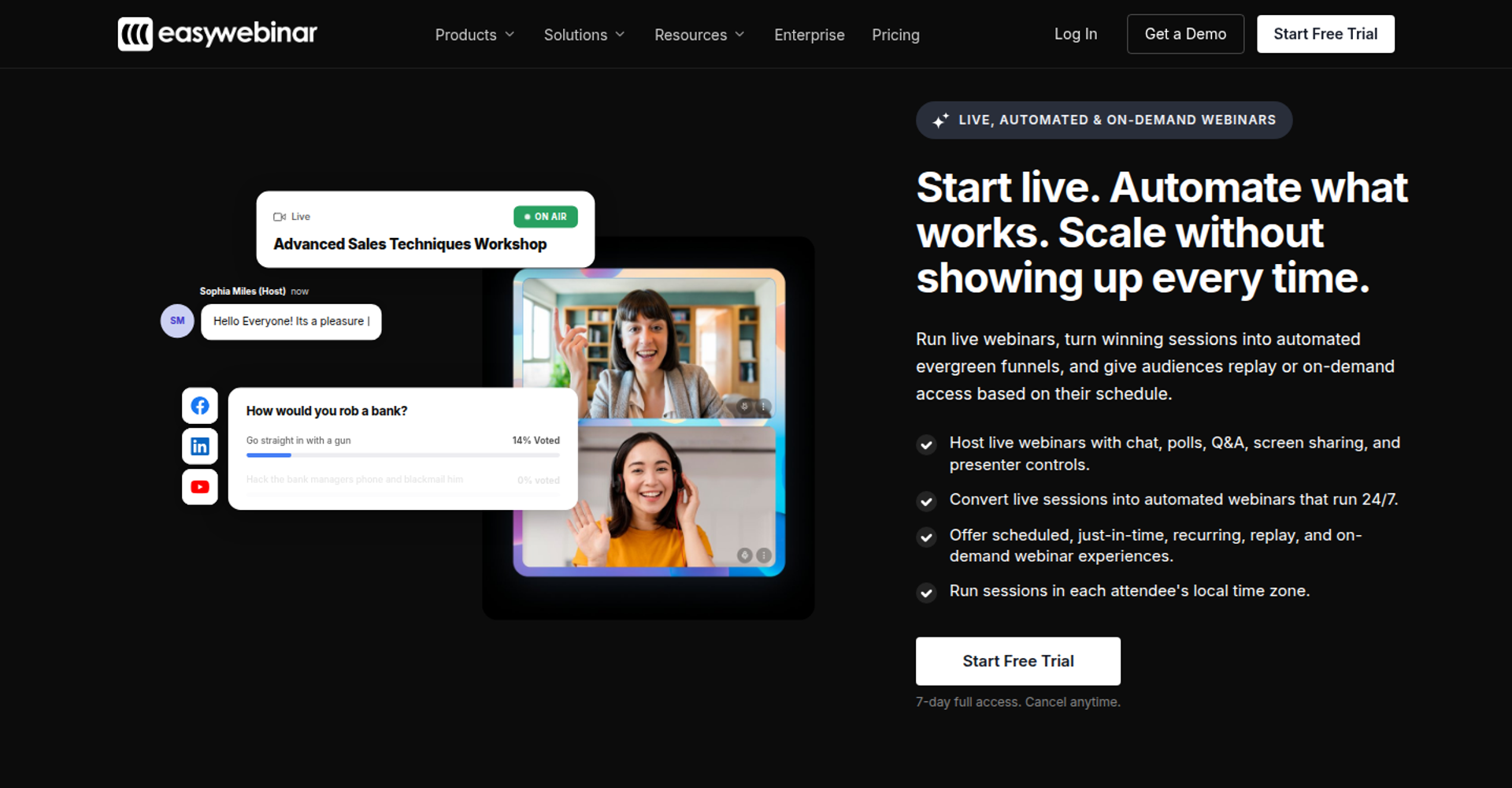
EasyWebinar is best for coaches, course creators, and consultants who need webinars that sell, because it runs live and automated sessions on one subscription. It may not fit buyers who need a free plan, accredited courses with certificates, or internal all-hands meetings.
| Quick fit | - |
|---|---|
| Best for | Coaches, course creators, and consultants selling programs or booked calls through webinars |
| Skip if | You need a free plan, a course platform with certificates, or internal team meetings |
| Strongest edge | The session you proved live becomes the automated webinar that runs every day |
| Biggest trade-off | Automation, checkout, and EasyCRM start on Growth, not the entry Launch plan |
| Pricing snapshot | Launch $44/mo (50 live attendees, live only). Growth $116/mo (200 live, 1,000 automated). Pro $198/mo (500 live, 2,500 automated). Scale $349/mo (1,000 live, 5,000 automated). Monthly billing; annual saves two months. 7-day trial with card; no free plan ( EasyWebinar pricing page ) |
Why EasyWebinar ranks #1
EasyWebinar scores highest on the two criteria that carry the most revenue: capture in the room and live-to-automated coverage. One subscription covers the live room, automated formats, checkout, follow-up, and a CRM. Most buyers on this list would otherwise pay for two or three of those separately.
Carla Beisinger shows how that compounds. She grew from small live events to one automated evergreen funnel that has generated $5M. EasyWebinar's role there was simple: keep the proven session running without rebuilding it.
⚠️ Where I could be wrong
EasyWebinar's ranking assumes your offer is priced high enough to carry acquisition costs. At $8 to $12 per registrant, a $47 offer rarely covers ad spend. If you sell low-ticket, a cheaper live room may serve you better, and I would rather say that plainly.
What EasyWebinar does well
- Live to automated without a rebuild. EasyWebinar turns a proven live session into Simulive, Evergreen, Just-in-Time, or On-Demand. Just-in-Time starts a session minutes after someone registers, in their own time zone.
- Checkout inside the room. EasyWebinar takes payment through Stripe, PayPal, or PayU while attendees watch. The sale and the attendee data stay in one place.
- Your CRM or ours. EasyWebinar includes EasyCRM with lead scoring and sequences from Growth. Pro adds native HubSpot and Salesforce Pardot (Account Engagement) sync.
- Follow-up that reacts. EasyWebinar sends different sequences to no-shows, early leavers, offer-clickers, and replay viewers. More registrants attend, and more attendees convert.
- One click into the room. EasyWebinar attendees join from any browser with nothing to download. Streaming runs at sub-500ms on Dolby OptiView WebRTC.
- No hard cutoff. EasyWebinar keeps a session running past the plan limit and bills overage at $0.78 per extra live attendee. It carries a 99.9% uptime guarantee.
Where EasyWebinar falls short
- Entry plan is live only. EasyWebinar's Launch plan has no automation, checkout, or EasyCRM. Those start on Growth at $116/mo.
- Automated setup needs the video first. One G2 reviewer wants to open registration before recording, but automated webinars need the presentation uploaded first.
- Email reporting is light. One G2 reviewer sends post-webinar sequences through another email tool to track opens and clicks.
- Not a course platform or summit tool. EasyWebinar has no lessons, certificates, breakout rooms, or multi-track agendas. Pair it with a course platform where needed.
Decision scorecard
| Evaluation criterion | EasyWebinar fit | Why it matters |
|---|---|---|
| Live webinars | Strong | Browser join and real-time chat, polls, and offers on every plan. |
| Simulated live or automated webinars | Strong | Simulive and automated sessions start on Growth. |
| Evergreen automation | Strong | Just-in-time, recurring, and scarcity scheduling run from the proven session. |
| Funnel pages | Strong | The AI Webinar Builder drafts scripts, registration pages, thank-you pages, and emails. |
| Engagement | Strong | Chat, polls, Q&A, timed offers, and countdowns run in the room. |
| CRM and follow-up | Strong | EasyCRM is built in; HubSpot and Pardot sync natively on Pro. |
| Monetization | Strong | In-room checkout and paid webinars start on Growth. |
| Analytics | Strong | Watch time, offer clicks, purchases, and a drop-off heatmap are reported per attendee. |
| Integrations | Partial | There is no native Marketo or Salesforce Sales Cloud integration. |
| Pricing fit | Partial | Pricing is flat-rate, but automation requires Growth or above. |
| Best-fit buyer | Strong | Owner-operators who sell offers or book calls through webinars. |
Best for / skip if
Choose EasyWebinar if your webinar has to sell, and you want the proven session running daily without a second tool. Skip it if you need a free plan, a course platform, or a room for internal meetings.
Reviews
One course creator more than doubled course sales by moving from live classes to an EasyWebinar evergreen webinar.
"With my live class I used to sell 10-12 courses. With EasyWebinar I sold 25 courses within 3 weeks of my evergreen "launch"." - Laura C., G2 Reviewer (5/5, January 28, 2025), EasyWebinar G2 - Verified Review
One monthly host values the time saved on setup and KPIs, but uses another email tool for open and click tracking.
"I can't track open and click rates on EasyWebinar" - Eliza W., G2 Reviewer (4.5/5, February 11, 2026), EasyWebinar G2 - Verified Review
1.2 Demio
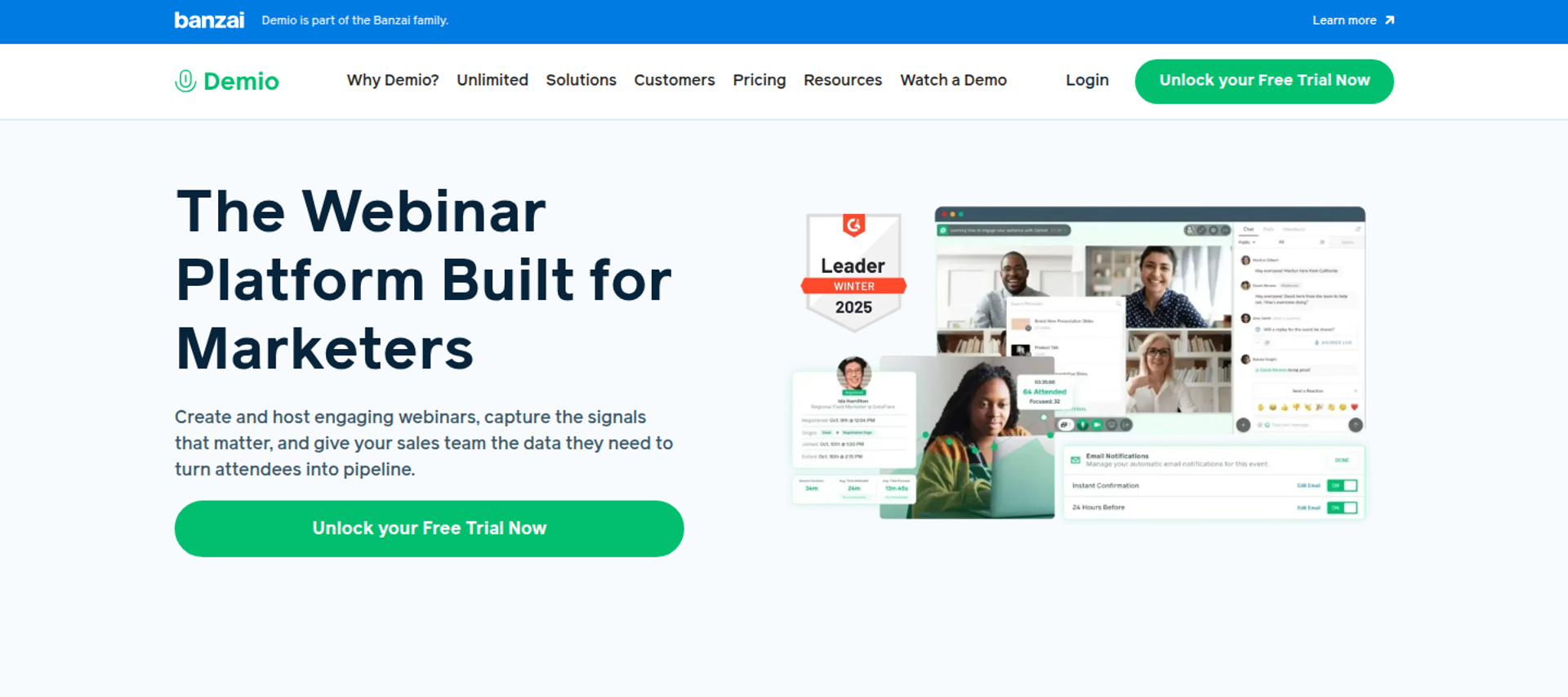
Demio is best for small marketing teams running occasional live webinars, because it offers a clean browser room with polls, handouts, and engagement analytics. It may not fit sellers who need in-room checkout, a built-in CRM, or flat pricing across several hosts.
| Quick fit | - |
|---|---|
| Best for | Small marketing teams running occasional live lead-generation webinars |
| Skip if | You need to take payment in the room or run several hosts on a tight budget |
| Strongest edge | A clean attendee room with polls, handouts, and featured actions |
| Biggest trade-off | Growth and Premium are billed per host, so each extra presenter adds cost |
| Pricing snapshot | Starter $45/mo billed yearly or $63/mo monthly, one host, 50 attendees. Growth and Premium are priced per host by room size, from 150 to 3,000 attendees. Premium starts at $196/mo per host, billed yearly ( Demio pricing page ). Third-party trackers list Growth at $80 per host monthly on annual billing. |
Why Demio ranks #2
Demio earns its place on attendee experience and engagement, two criteria small teams feel first. It holds 4.6 out of 5 on G2 across 171 reviews, with about three in four from small businesses. Demio, part of the Banzai family, supports live, series, pre-recorded on-demand, and automated events.
Demio sits below EasyWebinar on revenue capture and follow-up. Demio's pricing page lists no built-in checkout, and CRM data flows through integrations rather than a native CRM. For a team whose webinar feeds a CRM elsewhere, that trade-off can be fine.
✅ Where Demio is the smarter pick
EasyWebinar's read is that Demio wins when the webinar's job is awareness, not the sale. If a sales team closes deals after the event, Demio's room may be all you need. The gap shows up only when the webinar itself has to take payment.
What Demio does well
- A clean attendee room. Polls, handouts, and featured actions sit inside the session, so attendees act without leaving.
- Several event types. Live sessions, event series, and pre-recorded on-demand or automated events run from one account.
- Engagement analytics. Registration source tracking shows which channel filled the room, so ad spend goes where it works.
- Showcase and restreaming. Events sync to your website, and restreaming extends reach to other platforms.
- Live captions and 1080p streaming. These make sessions easier to follow for wider audiences.
Where Demio falls short
- Per-host billing. Growth and Premium charge per host, so running two simultaneous sessions means paying for two hosts.
- Replay and CRM gaps. One G2 reviewer reports replays not showing live polls and CTAs, and an incomplete HighLevel integration.
- Data access after cancelling. One G2 reviewer could not export registrant emails after cancelling a paid plan. Export your lists before you leave.
Decision scorecard
| Evaluation criterion | Demio fit | Why it matters |
|---|---|---|
| Live webinars | Strong | The browser room has solid engagement tools. |
| Simulated live or automated webinars | Partial | Pre-recorded automated events are supported. |
| Evergreen automation | Not publicly disclosed | Scheduling depth should be tested during the trial. |
| Funnel pages | Partial | Registration pages and Showcase are included; checkout pages are not. |
| Engagement | Strong | Polls, handouts, and featured actions run in the room. |
| CRM and follow-up | Partial | Data flows through integrations; there is no native CRM. |
| Monetization | Weak | The pricing page lists no built-in checkout. |
| Analytics | Strong | Engagement analytics and source tracking are included. |
| Integrations | Partial | Reviewers report Zapier work for some CRMs. |
| Pricing fit | Partial | Per-host billing grows with team size. |
| Best-fit buyer | Strong | Marketing teams running occasional live sessions. |
Best for / skip if
Choose Demio if your webinar generates leads and a sales team closes them later. Skip it if the webinar itself must take payment, or if several hosts need to run sessions at the same time.
Reviews
A coach rates Demio's interface as simple and its room tools as practical for preparing a session.
"I like the user interface, it's simple." - Saana K., G2 Reviewer (4/5, August 6, 2024), Demio G2 - Verified Review
Another reviewer liked the clear layout but hit CRM and replay gaps.
"the replay didn't show the live polls and CTAs" - Ivanhoe S., G2 Reviewer (4/5, August 5, 2024), Demio G2 - Verified Review
1.3 Livestorm
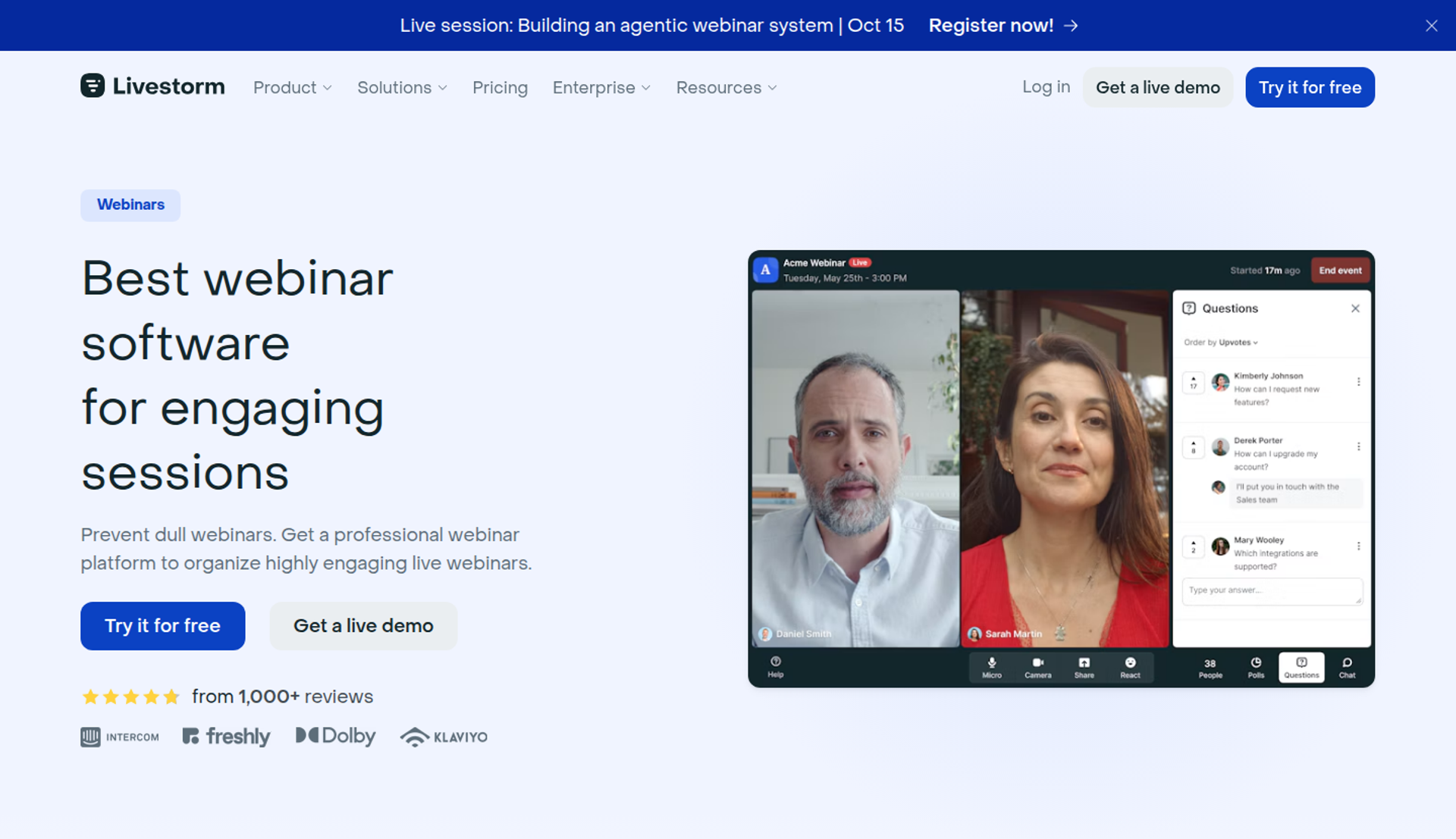
Livestorm is a good fit for marketing and customer teams that run webinars at uneven volume and want to pay only for the people who show up. It is built around browser-based sessions and attendee credits. It may not fit sellers who need checkout in the room or flat costs as their audience grows.
| Quick fit | - |
|---|---|
| Best for | Teams running meetings and webinars in one tool, with irregular event volume |
| Skip if | Your audience is growing fast and you want a flat monthly cost |
| Strongest edge | You pay per attendee, so quiet months cost less |
| Biggest trade-off | Each unique participant per session uses a credit, so cost rises with reach |
| Pricing snapshot | Pro costs €2.50 per attendee credit . A credit counts each unique participant per session (live, replay, or on-demand) over 12 months. Team members are not counted. Enterprise is custom. |
Why Livestorm ranks #3
Livestorm earns its place on attendee experience and integrations. It runs live, on-demand, and automated webinars, plus restreaming and AI features. Pro includes up to 4 hours per session, unlimited events and recordings, and unlimited team members.
Livestorm sits below EasyWebinar on revenue capture and cost predictability. EasyWebinar charges a flat monthly plan, with overage only past the plan limit. Livestorm's credit model charges for every unique participant, including replay viewers.
💸 How attendee credits play out
EasyWebinar's read is that per-attendee pricing rewards small, irregular programs and penalises growth. If 400 people attend across a year, credits are easy to forecast. If an ad campaign doubles registrations, the bill doubles with it.
What Livestorm does well
- Pay for real attendance. Team members are not counted, so internal practice sessions cost nothing.
- Several formats. Live, on-demand, and automated webinars run from one account, which reduces tool switching.
- Unlimited team members on Pro. Marketing, sales, and success can co-host without buying seats.
- Enterprise depth. Enterprise adds 12-hour sessions, custom analytics, a dedicated CSM, and live event shadowing.
Where Livestorm falls short
- Cost scales with reach. Every unique participant per session uses a credit, so a successful launch raises the bill.
- No checkout on the pricing page. Livestorm's pricing page lists no in-room payment feature, so selling needs another tool.
- Credits expire on a 12-month window. Unused credits are a forecasting risk for seasonal businesses.
Decision scorecard
| Evaluation criterion | Livestorm fit | Why it matters |
|---|---|---|
| Live webinars | Strong | Browser sessions with engagement tools. |
| Simulated live or automated webinars | Strong | Automated and on-demand formats are listed. |
| Evergreen automation | Partial | Test scheduling depth during the trial. |
| Funnel pages | Partial | Registration pages exist; checkout pages do not. |
| Engagement | Strong | Polls, Q&A, and chat support live interaction. |
| CRM and follow-up | Strong | HubSpot, Salesforce, Marketo, and Pardot integrations are listed. |
| Monetization | Weak | No in-room checkout is listed. |
| Analytics | Strong | Custom analytics are available on Enterprise. |
| Integrations | Strong | 27 base integrations plus Zapier . |
| Pricing fit | Partial | Credits suit low volume but grow with audience. |
| Best-fit buyer | Strong | Teams mixing meetings and webinars at uneven volume. |
Best for / skip if
Choose Livestorm if your webinar volume swings month to month and someone else closes the sale. Skip it if you run paid traffic to growing audiences and need predictable monthly costs.
1.4 Contrast
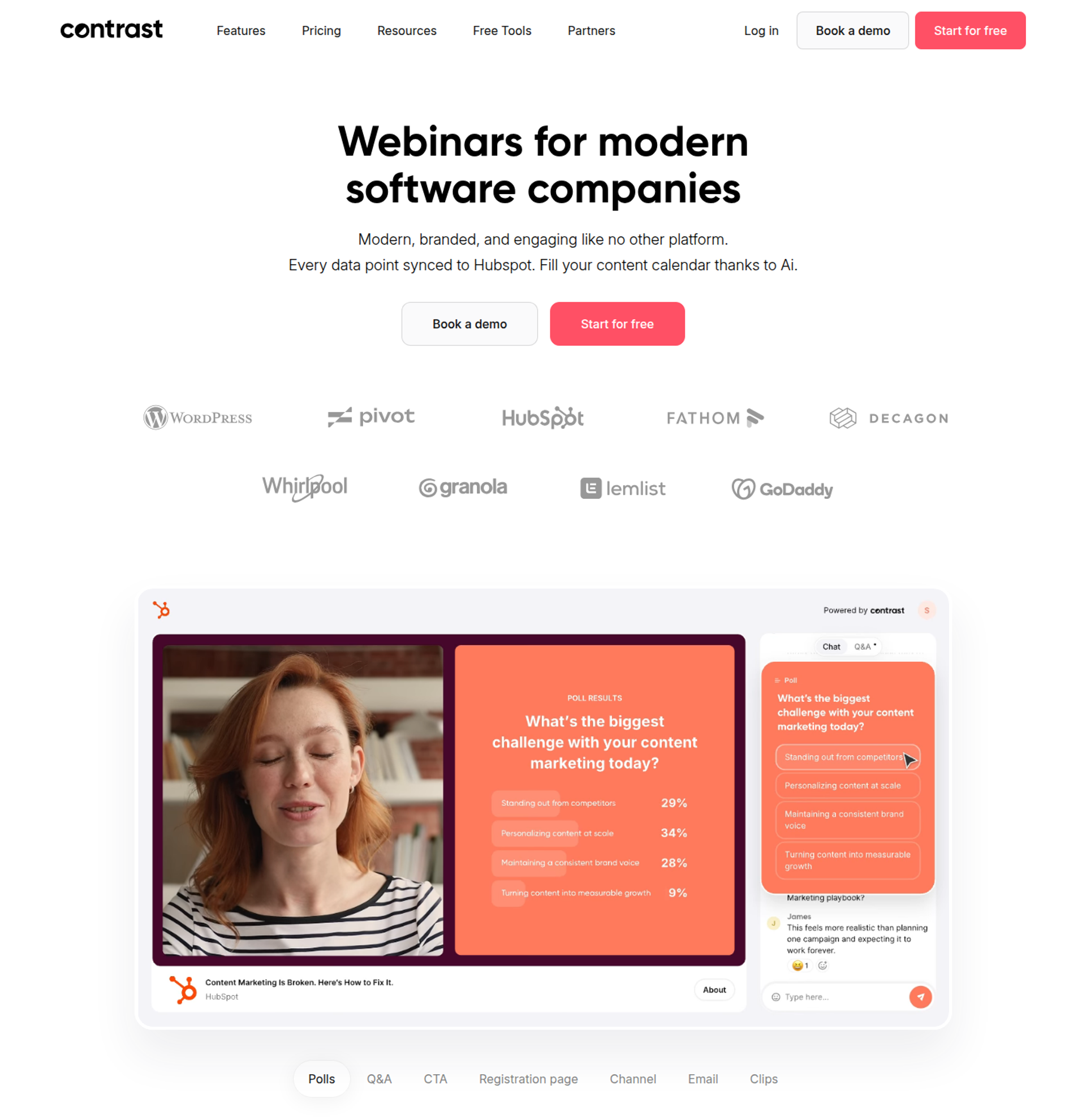
Contrast is best for HubSpot-centric marketing teams that need branded live webinars with clean CRM data, because it syncs engagement into HubSpot natively. It may not fit sellers who need checkout, evergreen scheduling, or sessions longer than two hours on Pro.
| Quick fit | - |
|---|---|
| Best for | B2B marketing teams whose sales and marketing run through HubSpot |
| Skip if | You sell in the room or need sessions longer than two hours on Pro |
| Strongest edge | Native HubSpot sync with 50+ properties, watch time, and engagement on the contact timeline |
| Biggest trade-off | No built-in checkout, and pricing rises with monthly registrants |
| Pricing snapshot | Free plan for up to 30 registrants a month with 30-minute webinars; Pro from $99/mo billed yearly at 100 registrants a month; Advanced and Enterprise by demo . |
Why Contrast ranks #4
Contrast ranks on CRM data quality and analytics. Its Pro plan includes AI repurposing, unlimited hosts, polls and CTAs on replays, and watch time per attendee. For a HubSpot team, that removes most manual list work after each session.
Contrast sits below EasyWebinar on revenue capture and automation. EasyWebinar takes payment in the room and runs just-in-time sessions. Contrast focuses on live and pre-recorded sessions that feed pipeline for a sales team.
✅ Where Contrast earns its keep
EasyWebinar's view is that Contrast fits teams whose webinar ends in a sales call, not a checkout. If a rep follows up on every lead, clean HubSpot data matters more than in-room payment. That is a real use case, and Contrast serves it well.
What Contrast does well
- HubSpot depth. Registrants, engagement, watch time, and UTMs sync in real time, so reps prioritise the warmest leads.
- Engagement that carries into replays. Polls and CTAs work on replays, so on-demand viewers can still act.
- Content repurposing. Repurpose AI turns webinars into blogs, newsletters, and LinkedIn posts, extending each session's reach.
- No block on registrations. Paid accounts keep registrations open past the limit, then adjust the plan at the next billing cycle.
- Security posture. Contrast lists SOC 2 Type II and GDPR compliance, which helps IT reviews.
Where Contrast falls short
- No in-room checkout. Selling requires a separate payment tool and a redirect.
- Session caps by plan. Pro webinars run up to 2 hours, Advanced up to 4, and Enterprise up to 8.
- Salesforce sits on Enterprise. Salesforce is an Enterprise add-on, so non-HubSpot teams pay more.
| Evaluation criterion | Contrast fit | Why it matters |
|---|---|---|
| Live webinars | Strong | Browser studio with branding and backstage. |
| Simulated live or automated webinars | Partial | Pre-recorded webinars are supported. |
| Evergreen automation | Weak | No just-in-time scheduling is listed. |
| Funnel pages | Partial | Registration pages and embeds are included; no checkout. |
| Engagement | Strong | Chat, Q&A, polls, and CTAs run live and on replay. |
| CRM and follow-up | Strong | HubSpot sync covers 50+ properties. |
| Monetization | Weak | No payment feature is listed. |
| Analytics | Strong | Live vs. replay split and per-attendee watch time are reported. |
| Integrations | Partial | HubSpot, Zapier, and Make; Salesforce on Enterprise. |
| Pricing fit | Partial | Registrant-based tiers rise with audience. |
| Best-fit buyer | Strong | HubSpot-led B2B marketing teams. |
Choose Contrast if HubSpot is your system of record and reps close deals after the webinar. Skip it if the webinar itself must sell, or if you need evergreen sessions running daily.
Reviews
One G2 reviewer scaled registrations without platform strain during live streams.
"I can quickly scale the webinar program and easily get a lot of registrants and attendees without worrying about overloading the platform" - Angelo M., G2 Reviewer (4.5/5, February 11, 2026), Contrast G2 - Verified Review
Another reviewer praised the UI but noted gaps at the time of review.
"HubSpot integration is a work in progress but improving quickly" - Verified User in IT and Services, G2 Reviewer (5/5, April 3, 2025), Contrast G2 - Verified Review
1.5 WebinarJam
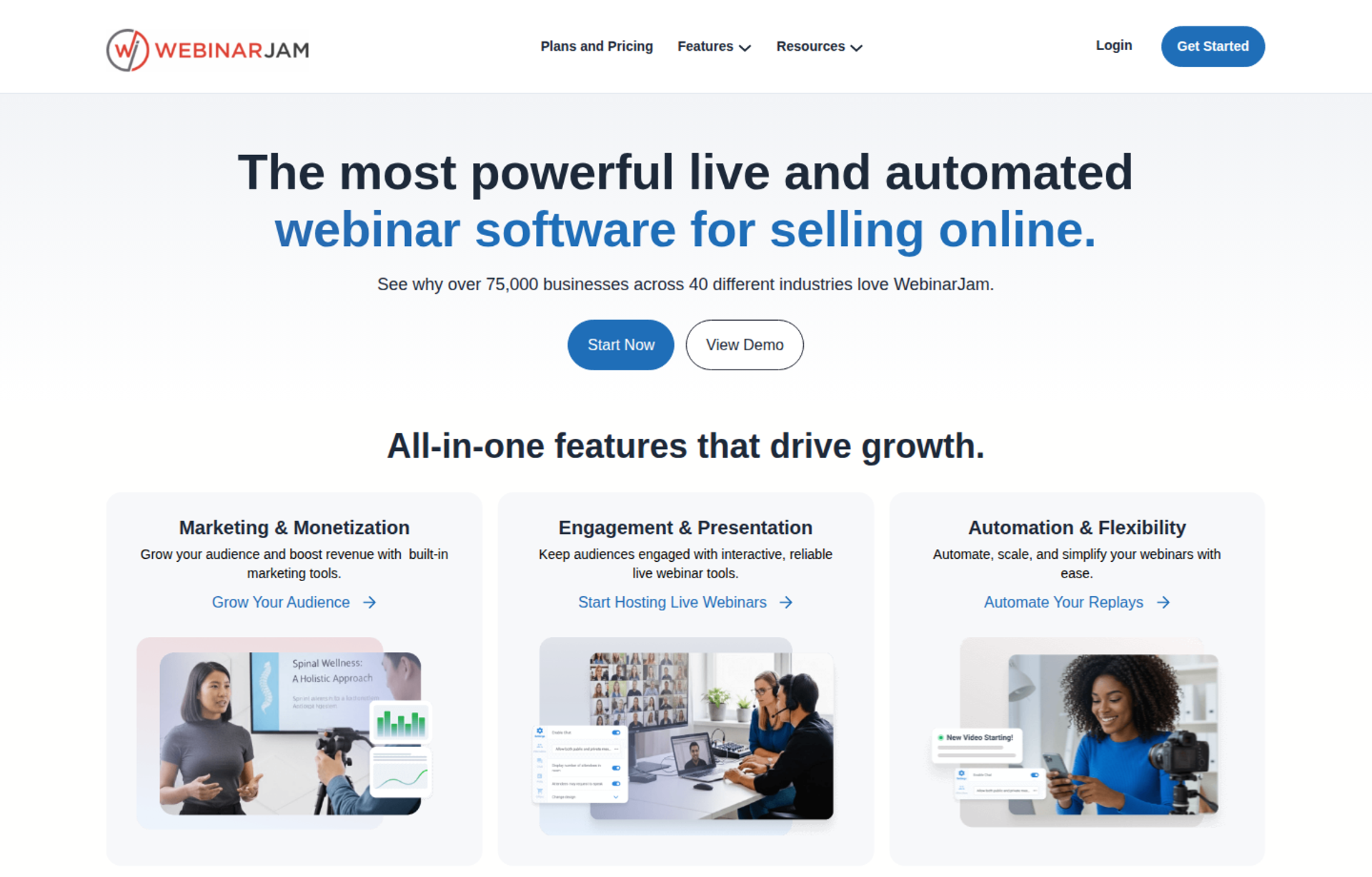
WebinarJam is best for creators running one-off live launches who want scarcity tools and a low entry price. Its Basic plan and above also include its sister product, EverWebinar, for automated sessions. It may not fit buyers who want live and automated webinars inside one product and one dashboard.
| Quick fit | - |
|---|---|
| Best for | Creators and coaches running live launches with urgency and offers |
| Skip if | You want automation, follow-up, and checkout in one product |
| Strongest edge | Live-room tools like the panic button, attendee spotlight, and always-on room |
| Biggest trade-off | Automated sessions run in EverWebinar, a separate product, and Starter excludes it |
| Pricing snapshot | Starter: $49/mo, or $39/mo billed annually (100 attendees). Basic: $99/mo, or $79/mo annually (500 attendees). Professional: $299/mo, or $229/mo annually (2,000 attendees). Enterprise: $499/mo, or $379/mo annually (5,000 attendees). EverWebinar is included from Basic. $1 14-day trial ( WebinarJam pricing page ). |
Why WebinarJam ranks #5
WebinarJam ranks on live-launch tooling and price per attendee. Every plan lists live chat, live offer displays, polls, an email and SMS system, A/B split testing, and broadcasting to Facebook and YouTube. From Basic up, EverWebinar is included at no extra cost.
WebinarJam sits below EasyWebinar because the live and automated halves are still two products. WebinarJam's own FAQ tells users to convert the recording into an automated webinar in EverWebinar. EasyWebinar turns the same session into an automated webinar inside one platform.
⚠️ What changed in 2026
EasyWebinar's earlier comparisons described WebinarJam plus EverWebinar as two subscriptions. WebinarJam's pricing page now bundles EverWebinar into Basic, Professional, and Enterprise. The architecture is still two products, but the price penalty is gone above Starter.
What WebinarJam does well
- Launch-day tools. The panic button, attendee spotlight, and always-on live room help hosts recover from problems during a pitch.
- Low cost per attendee. Basic covers 500 attendees at $79/mo billed annually, which helps ad-funded launches.
- Built-in email and SMS. Reminders go out without a separate email tool, which can lift show-up.
- Page testing. A/B split testing on registration pages helps raise opt-in rates without extra ad spend.
Where WebinarJam falls short
- Two products to manage. Automated webinars live in EverWebinar, so settings and data sit in two places.
- Session length caps. Sessions run 1 hour on Starter, 2 on Basic, 3 on Professional, and 4 on Enterprise.
- Integration consistency. A G2 reviewer reports inconsistent Mailchimp syncing of registrants and custom fields.
| Evaluation criterion | WebinarJam fit | Why it matters |
|---|---|---|
| Live webinars | Strong | Launch tools and scarcity features. |
| Simulated live or automated webinars | Partial | Runs through EverWebinar, included from Basic. |
| Evergreen automation | Partial | Handled in a second product. |
| Funnel pages | Strong | Customisable pages with A/B testing. |
| Engagement | Strong | Polls, live offers, and attendee spotlight. |
| CRM and follow-up | Partial | Integrations, with no native CRM. |
| Monetization | Partial | Live offer displays push buyers to your checkout. |
| Analytics | Partial | Test reporting depth during the trial. |
| Integrations | Strong | ActiveCampaign, Keap, Mailchimp, GetResponse, and more . |
| Pricing fit | Strong | Low annual cost per attendee. |
| Best-fit buyer | Strong | Creators running live launches. |
Choose WebinarJam if live launches drive your revenue and you are comfortable managing EverWebinar alongside it. Skip it if you want one product to run live, automated, follow-up, and checkout.
One reviewer valued how easily WebinarJam supports upsells during a session.
"Can upsell easily by using WebinarJam interface." - Verified User in Investment Management, G2 Reviewer (0/5, August 3, 2020), WebinarJam G2 - Verified Review
Another reviewer reported unreliable syncing with third-party email tools.
"The integrations with 3rd party software such as mailchimp is inconsistent" - Tara G., G2 Reviewer (0/5, June 23, 2023), WebinarJam G2 - Verified Review
1.6 EverWebinar
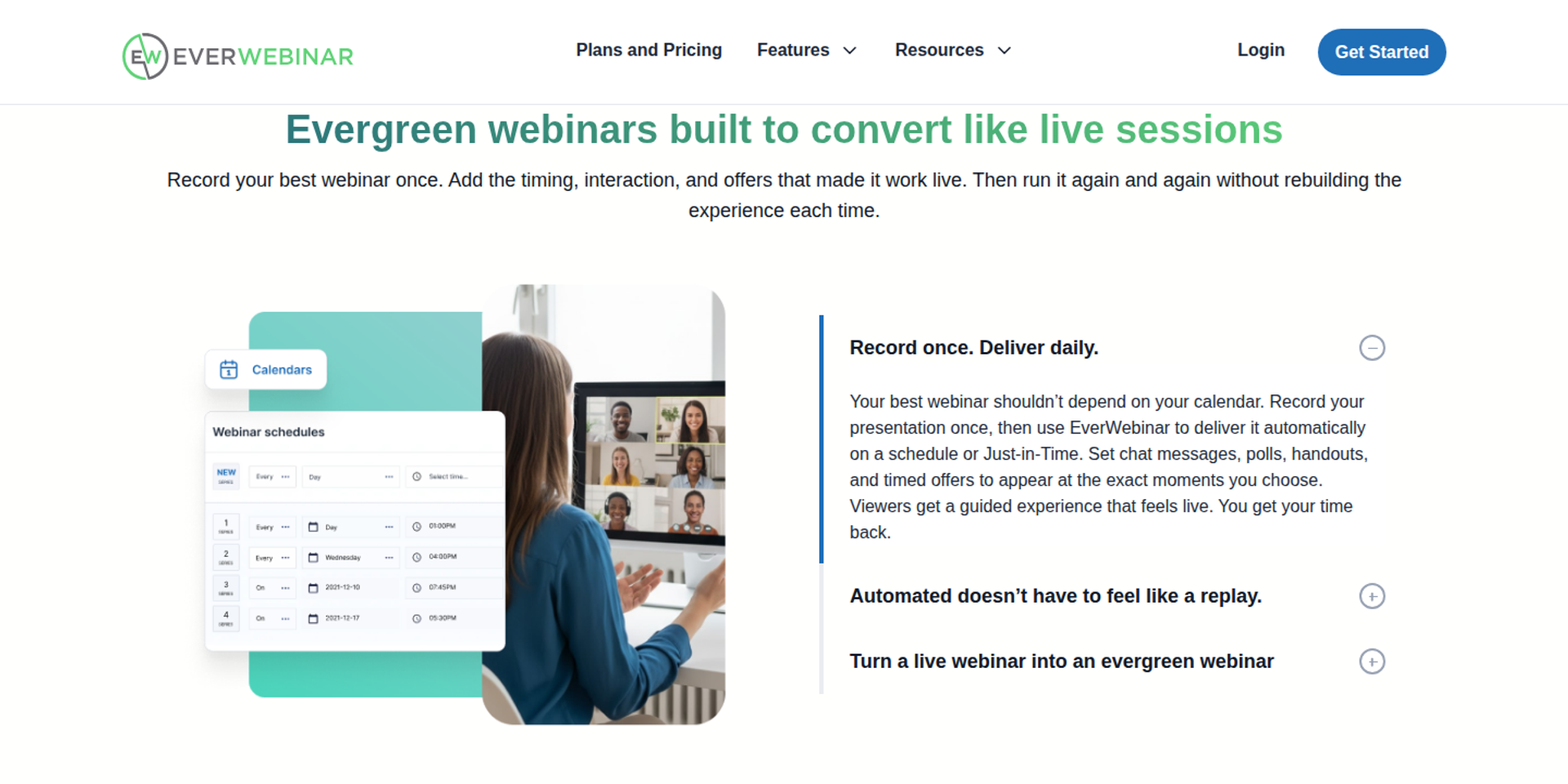
EverWebinar is best for marketers who already have a converting recorded presentation and never need to go live. It is a dedicated automated webinar product with scheduling options like just-in-time sessions. It may not fit buyers who want to prove a webinar live first on the same platform.
| Quick fit | - |
|---|---|
| Best for | Sellers with a proven recorded webinar who never need to go live |
| Skip if | You want to test and refine the webinar live first |
| Strongest edge | A product built only for automated delivery |
| Biggest trade-off | No native live hosting; live requires WebinarJam |
| Pricing snapshot | $199/mo month-to-month. $99/mo billed annually ($1,188 today). $79/mo on a two-year plan ($1,896 today). $1 14-day trial ( EverWebinar pricing page ). Included free with WebinarJam Basic and above ( WebinarJam pricing page ). |
Why EverWebinar ranks #6
EverWebinar ranks on automation depth. Just-in-time scheduling starts a session minutes after someone registers, which captures interest while it is high. Every feature is included in each billing option.
EverWebinar sits below EasyWebinar on format coverage. EasyWebinar runs the live session and its automated version on one platform. EverWebinar starts once a recording already exists.
💰 The real cost question
EasyWebinar's read is that EverWebinar's standalone price makes sense only if you never go live. At $199 a month, WebinarJam Basic with EverWebinar included costs less. Most buyers should price the bundle, not the standalone product.
What EverWebinar does well
- Dedicated automation. The product exists only to run recorded sessions on schedules, so setup stays focused.
- Just-in-time sessions. Registrants can watch minutes after signing up, reducing drop-off between registration and start.
- Every feature on every plan. Billing length changes the price, not the feature set.
- Low-risk trial. A $1 trial gives 14 days of full access.
Where EverWebinar falls short
- No live room. Testing a webinar live requires WebinarJam as a second product.
- Long commitments for the best price. The lowest rate requires paying $1,896 up front for two years.
- Reviewers report setup issues. A 2021 G2 reviewer reported problems after cloning webinars, including emails not sending.
| Evaluation criterion | EverWebinar fit | Why it matters |
|---|---|---|
| Live webinars | Weak | Requires WebinarJam. |
| Simulated live or automated webinars | Strong | This is the core product. |
| Evergreen automation | Strong | Just-in-time and recurring schedules. |
| Funnel pages | Partial | Registration pages; checkout is external. |
| Engagement | Partial | Interaction in recorded sessions is limited by design. |
| CRM and follow-up | Partial | Integrations, with no native CRM. |
| Monetization | Partial | Offers link to external checkout. |
| Analytics | Not publicly disclosed | Test reporting during the trial. |
| Integrations | Partial | Shares WebinarJam's integration list. |
| Pricing fit | Partial | Expensive standalone; cheaper inside WebinarJam. |
| Best-fit buyer | Strong | Sellers with a finished, proven recording. |
Choose EverWebinar if your webinar is already proven and you will never present live. Skip it if you still need live sessions to test and refine your offer.
One team chose EverWebinar for automation but hit problems with cloned webinars.
"We originally were excited to find a webinar software that didn't require live events." - Kaylen M., G2 Reviewer (0/5, August 24, 2021), EverWebinar G2 - Verified Review
1.7 Zoom Webinars
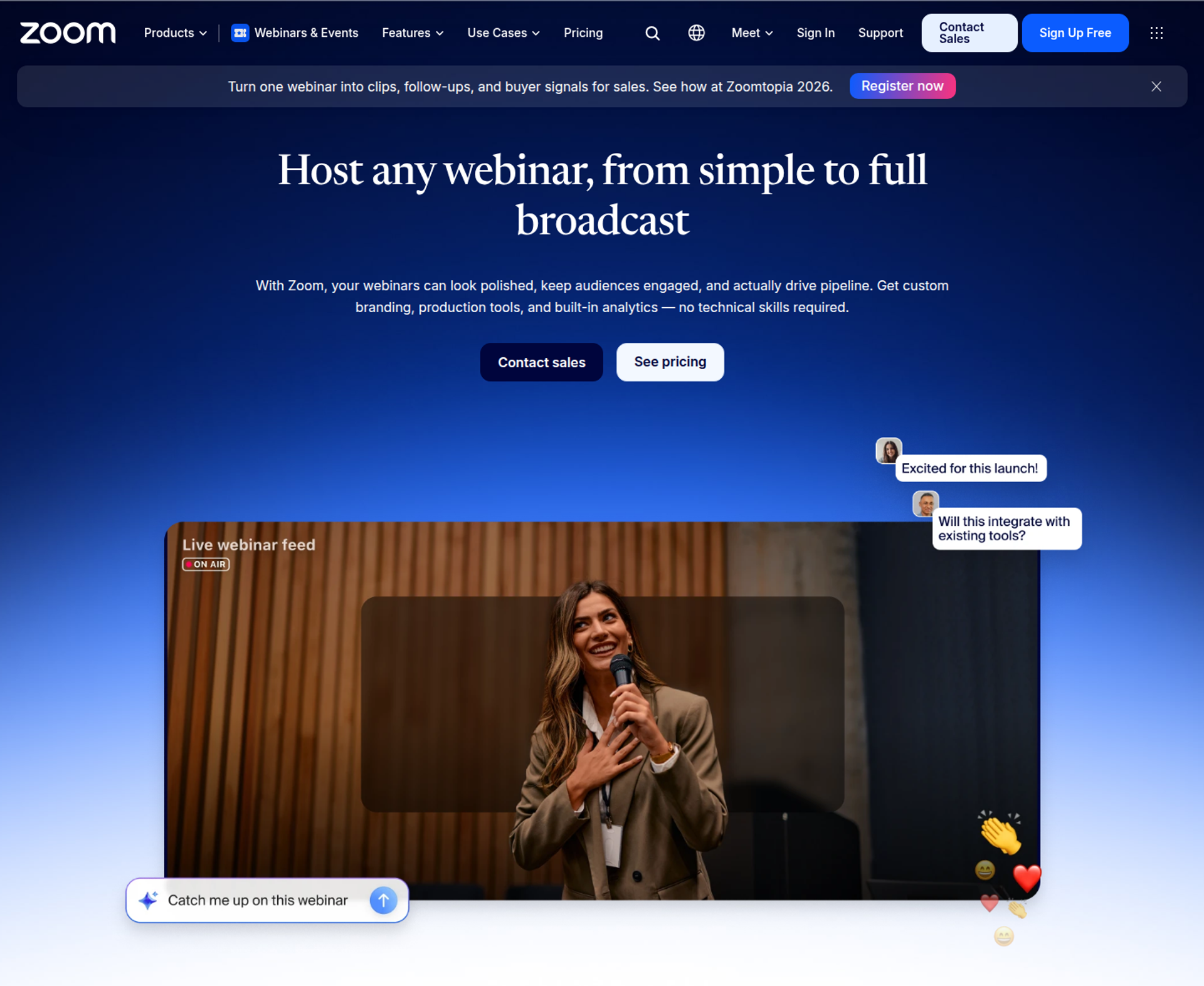
Zoom Webinars is best for teams already standardised on Zoom that need reliable broadcasts to familiar attendees. It is a paid add-on to a Zoom Workplace plan. It may not fit sellers who need evergreen sessions, in-room checkout, or branded funnel pages.
| Quick fit | - |
|---|---|
| Best for | Teams already on Zoom running informational or membership webinars |
| Skip if | Your webinar has to sell or run automatically every day |
| Strongest edge | Attendees already know the Zoom interface |
| Biggest trade-off | The webinar licence sits on top of a paid Workplace plan, with no checkout or evergreen engine |
| Pricing snapshot | Zoom Webinars for 500 attendees costs $83.33/mo billed annually and requires Workplace Pro, which is $14.16 per user per month billed annually. Webinars Plus for 500 attendees costs $290.83/mo billed annually ( Zoom Events and Webinars pricing ). |
Why Zoom Webinars ranks #7
Zoom ranks on familiarity and reliability for straightforward broadcasts. Webinars Plus adds a backstage, practice sessions, and simulive, which plays a recording at a scheduled time. Many attendees already have Zoom installed, which reduces join friction.
Zoom sits below EasyWebinar on revenue capture and follow-up. EasyWebinar adds checkout in the room, behaviour-based follow-up, and automated sessions. Zoom runs the meeting well; the selling happens elsewhere.
⚠️ Where I see Zoom stall
EasyWebinar's onboarding calls often start with a Zoom invoice, a Stripe link, and a spreadsheet of who attended. Zoom handled the broadcast fine. The problem was everything around it.
What Zoom Webinars does well
- Familiar interface. Attendees know the controls, so fewer support emails arrive before showtime.
- Production tools on Webinars Plus. Backstage and practice sessions help presenters rehearse without attendees watching.
- Wide integrations. Zoom connects to many marketing and CRM tools, according to reviewers.
- Scales by licence. Attendee capacity rises by tier, so large audiences are possible.
Where Zoom Webinars falls short
- Stacked costs. Workplace Pro plus a webinar licence means two charges before any funnel tools.
- Limited branding. A G2 reviewer reports Zoom Webinars "almost completely lacks customization options" for look and feel.
- No selling engine. There is no in-room checkout or just-in-time evergreen scheduling.
| Evaluation criterion | Zoom Webinars fit | Why it matters |
|---|---|---|
| Live webinars | Strong | Reliable, familiar broadcasts. |
| Simulated live or automated webinars | Partial | Simulive on Webinars Plus. |
| Evergreen automation | Weak | No just-in-time evergreen scheduling. |
| Funnel pages | Weak | Basic registration with little branding. |
| Engagement | Partial | Chat, Q&A, and polls. |
| CRM and follow-up | Partial | Integrations; a reviewer reports weak Marketo sync. |
| Monetization | Weak | No in-room checkout. |
| Analytics | Partial | Attendance reports; little revenue data. |
| Integrations | Strong | Broad app ecosystem. |
| Pricing fit | Partial | The licence stacks on a Workplace plan. |
| Best-fit buyer | Strong | Teams standardised on Zoom. |
Choose Zoom Webinars if your team lives in Zoom and the webinar informs rather than sells. Skip it if the webinar must take payment or run on its own every day.
A membership association found Zoom easy to implement and well integrated.
"Zoom has been everything we've wanted -- and more -- for running webinars for our national membership association." - Rob K., G2 Reviewer (4/5, February 8, 2024), Zoom G2 - Verified Review
Another reviewer valued familiarity but missed branding control.
"a lot of people have Zoom downloaded to their computer already, so it offers them a familiar interface." - Gabor F., G2 Reviewer (2/5, February 23, 2023), Zoom G2 - Verified Review
1.8 WebinarGeek
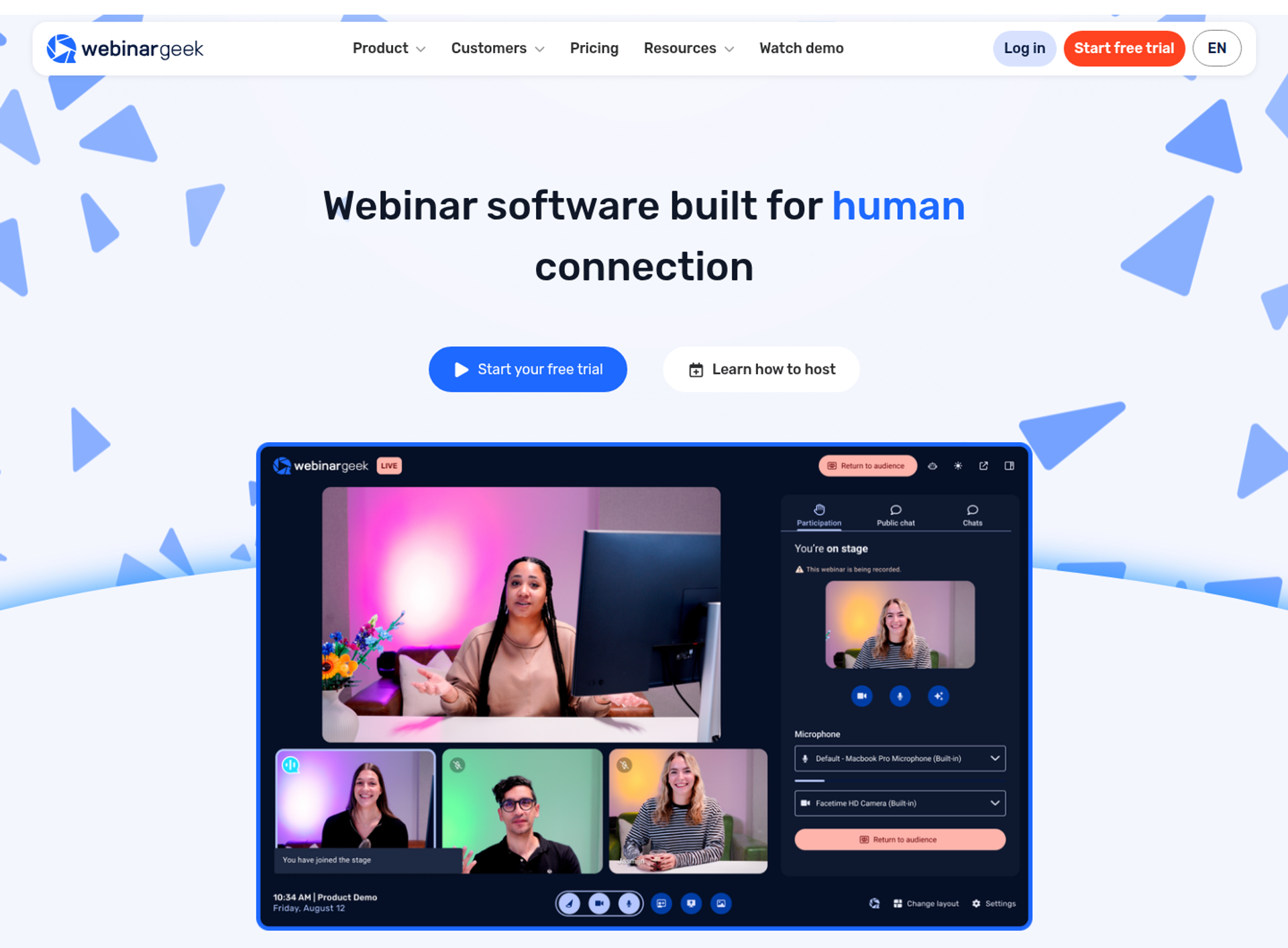
WebinarGeek is best for European training and education teams that run every webinar type from one account. It offers live, on-demand, automated, and hybrid webinars with up to 100 presenters on stage. It may not fit sellers who need native CRM sync without add-ons or USD pricing.
| Quick fit | - |
|---|---|
| Best for | EU-based trainers and educators running mixed webinar formats |
| Skip if | You need HubSpot or Salesforce sync without paying for add-ons |
| Strongest edge | All webinar types plus up to 100 presenters on stage |
| Biggest trade-off | CRM integrations and branding profiles are paid add-ons on Premium |
| Pricing snapshot | Premium: €99/mo monthly, or €59/mo billed yearly at 75 viewers, with tiers up to 1,000 viewers. Enterprise: from €349/mo billed yearly, on an annual contract ( WebinarGeek pricing page ). |
Why WebinarGeek ranks #8
WebinarGeek ranks on format coverage and session length. Premium includes all webinar types, 8-hour sessions, custom branding, live captions, AI analysis, and restreaming. Its product menu also lists paid webinars.
WebinarGeek sits below EasyWebinar on CRM depth and revenue workflow. EasyWebinar includes EasyCRM from Growth, plus native HubSpot and Pardot sync on Pro. WebinarGeek charges separately for HubSpot and Salesforce.
✅ Who WebinarGeek suits
EasyWebinar's read is that WebinarGeek suits trainers more than sellers. Long sessions, many presenters, and captions serve education well. The revenue tools that matter to coaches selling programs sit in add-ons.
What WebinarGeek does well
- Every format in one account. Live, on-demand, automated, and hybrid webinars run without extra products.
- Large stages. Up to 100 presenters suits panels and training cohorts.
- Long sessions. 8-hour sessions on Premium fit full-day workshops.
- Marketing integrations. Mailchimp, ActiveCampaign, Pipedrive, and Zapier connect on Premium.
Where WebinarGeek falls short
- CRM sync costs extra. HubSpot and Salesforce integrations are add-ons.
- Multi-presenter quality. A G2 reviewer reports quality drops when presenters join from different locations.
- Viewer-based tiers. Price rises with viewer count, so growth means upgrades.
| Evaluation criterion | WebinarGeek fit | Why it matters |
|---|---|---|
| Live webinars | Strong | Up to 100 presenters on stage. |
| Simulated live or automated webinars | Strong | All webinar types on Premium. |
| Evergreen automation | Partial | Test scheduling depth during the trial. |
| Funnel pages | Partial | Branded pages; a custom domain needs Enterprise. |
| Engagement | Strong | Interaction tools and live captions. |
| CRM and follow-up | Partial | HubSpot and Salesforce are add-ons. |
| Monetization | Partial | Paid webinars are listed. |
| Analytics | Partial | AI analysis of sessions. |
| Integrations | Partial | Marketing tools included; CRMs extra. |
| Pricing fit | Partial | Viewer-based tiers in euros. |
| Best-fit buyer | Strong | European training teams. |
Choose WebinarGeek if you run long training sessions with many presenters for European audiences. Skip it if you sell offers and need CRM follow-up without add-on fees.
One reviewer found it easy to set up, but saw quality drop with remote presenters.
"If you have more presenters on different location the quality of the webinar will go down a lot." - Verified User in Management Consulting, G2 Reviewer (2.5/5, June 7, 2023), WebinarGeek G2 - Verified Review
1.9 meetn
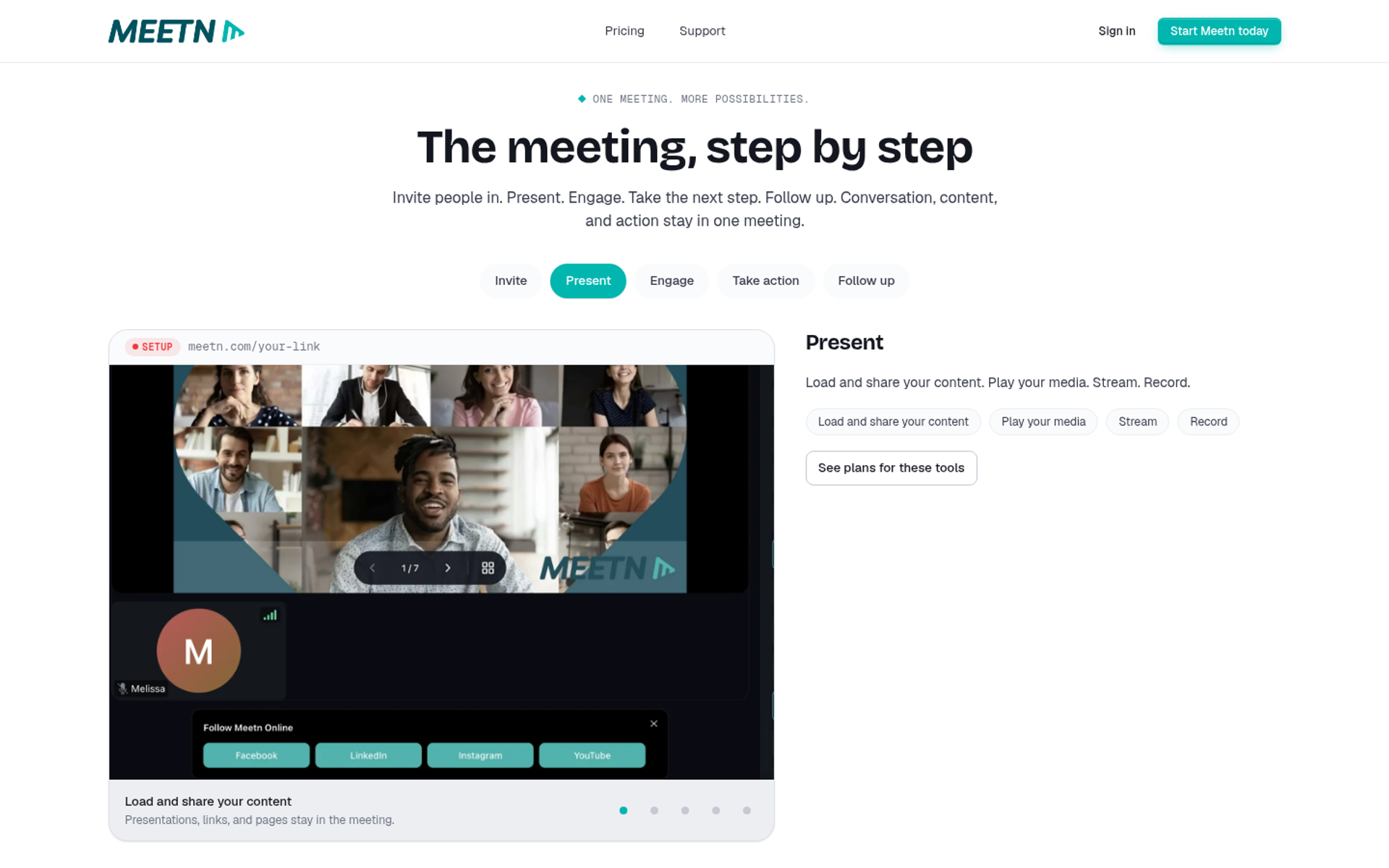
meetn is best for solo operators who want the lowest monthly entry cost for interactive sessions with optional in-meeting checkout. It prices by host seat and adds tools per room. It may not fit buyers who need a built-in CRM or evergreen automation without add-ons.
| Quick fit | - |
|---|---|
| Best for | Solo coaches and small teams starting with interactive sessions on a tight budget |
| Skip if | You need evergreen automation and CRM follow-up included |
| Strongest edge | Low per-seat entry price, with polls, quizzes, forms, and action buttons included |
| Biggest trade-off | Evergreen replays and checkout are per-room add-ons, and meetn takes a share of sales |
| Pricing snapshot | Pro: $19.95 per seat/mo (100 attendees). Business: $49.95 per seat/mo (500 attendees, 3-day trial). Ultimate adds every tool to a Business room for $125/room ($174.95 all in). Checkout add-on: $9, $29, or $79 per room, with meetn keeping 5%, 3%, or 1% of sales. Evergreen replays: $29/room ( meetn pricing page ). |
Why meetn ranks #9
meetn ranks on entry cost and interaction tools. Every plan includes polls, quizzes, whiteboards, action buttons, response forms, webinar mode, and breakout rooms. Business adds transcription, AI follow-up, live interpretation, and streaming to 5 destinations.
meetn sits below EasyWebinar on automation and follow-up. EasyWebinar includes evergreen formats, checkout, and EasyCRM from Growth. On meetn, those come as add-ons, and its CRM is listed as coming soon.
💸 Watch the add-on math
EasyWebinar's view is that per-room add-ons look cheap until you stack them. A Business seat with Ultimate costs $174.95 a month for one room. Price the full room you need, not the entry seat.
What meetn does well
- Low entry price. Pro starts at $19.95 per seat, which suits early-stage operators.
- Interactive tools included. Polls, quizzes, ice breakers, and whiteboards keep sessions active without extra apps.
- Action buttons. Donate, apply, and booking forms let attendees act in the room.
- Unlimited co-hosts. Co-hosts do not need a seat, which keeps team costs down.
Where meetn falls short
- Sales carry a fee. meetn keeps 1% to 5% of in-meeting sales, depending on the add-on.
- No CRM yet. meetn CRM is listed as coming soon on every plan.
- Evergreen is extra. Evergreen replays cost $29 per room unless you buy Ultimate.
| Evaluation criterion | meetn fit | Why it matters |
|---|---|---|
| Live webinars | Strong | Webinar mode with interactive tools. |
| Simulated live or automated webinars | Partial | Premiere and on-demand replays. |
| Evergreen automation | Partial | Evergreen replays are an add-on. |
| Funnel pages | Not publicly disclosed | Registration page depth is not detailed on the pricing page. |
| Engagement | Strong | Polls, quizzes, forms, and whiteboards. |
| CRM and follow-up | Weak | CRM listed as coming soon. |
| Monetization | Partial | Checkout add-on with a sales fee. |
| Analytics | Not publicly disclosed | Not detailed on the pricing page. |
| Integrations | Not publicly disclosed | Not detailed on the pricing page. |
| Pricing fit | Strong | Lowest entry seat on this list. |
| Best-fit buyer | Strong | Budget-first solo operators. |
Choose meetn if budget is your first constraint and you run interactive live sessions. Skip it if you need automated selling and CRM follow-up included in the base price.
1.10 Riverside
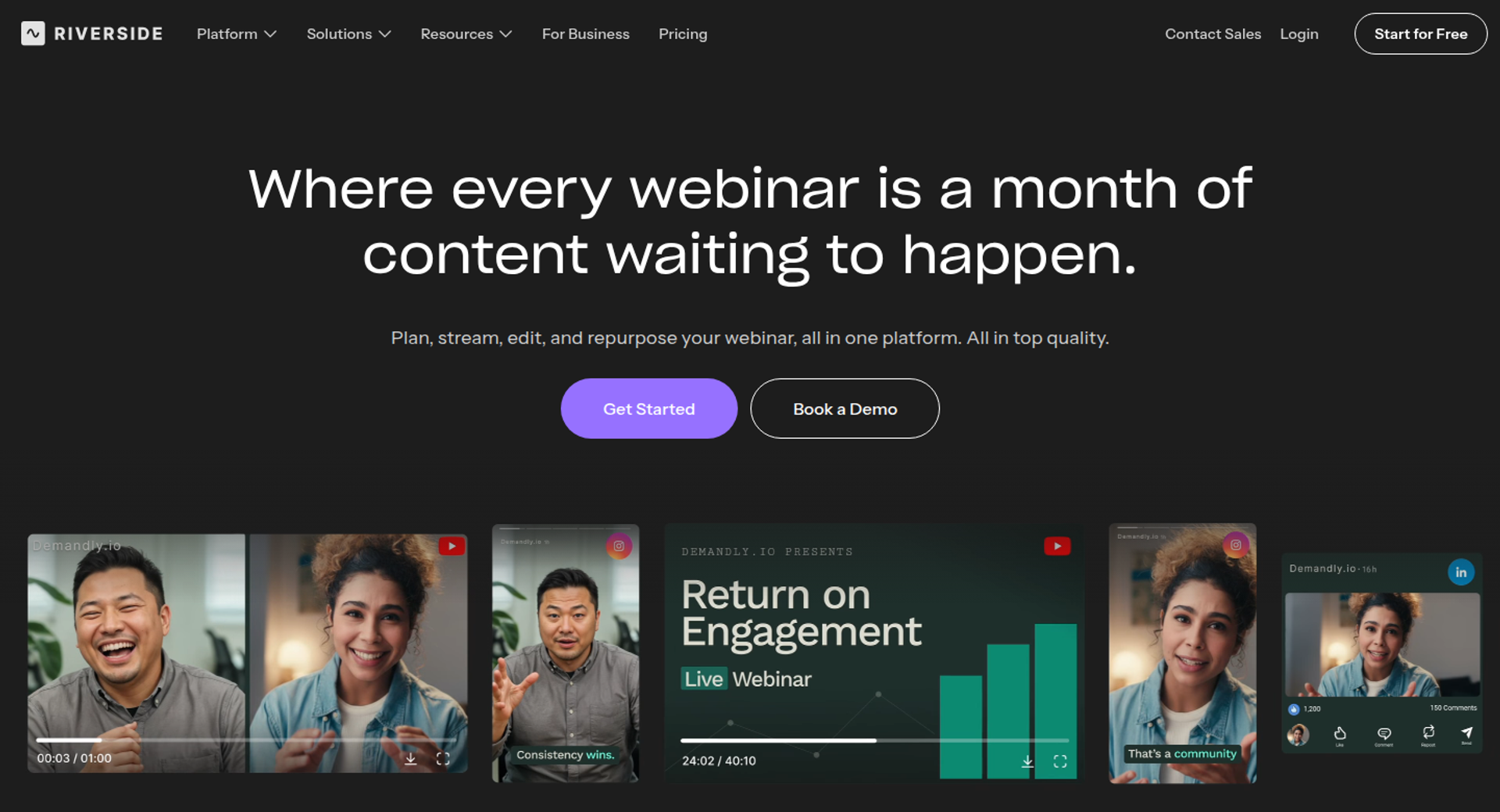
Riverside is best for creators who care most about studio-quality recording and turning sessions into clips. It records locally in high quality and adds AI repurposing tools. It may not fit sellers who need checkout, evergreen funnels, or more than 100 registrants on its self-serve Webinar plan.
| Quick fit | - |
|---|---|
| Best for | Creators producing polished recordings and repurposed clips from each session |
| Skip if | Your webinar must sell or reach more than 100 registrants on a self-serve plan |
| Strongest edge | Local multi-track recording and AI clips |
| Biggest trade-off | The Webinar plan caps at 100 registrants and lists no checkout |
| Pricing snapshot | Free: $0. Pro: $29/mo, or $24/mo annually. Grow: $39/mo, or $34/mo annually. Webinar: $99/mo, or $79/mo annually. Business: custom, with up to 10,000 registrants ( Riverside pricing page ). |
Why Riverside ranks #10
Riverside ranks on recording quality and content reuse. The Webinar plan includes pre-recorded sessions streamed at a set time, recurring webinars, branded registration forms, reminders, Q&A, polls, and HubSpot lead sync. Business adds Salesforce and Marketo, SSO, and SOC 2 and ISO 27001 compliance.
Riverside sits last on revenue criteria, not quality. EasyWebinar is built around selling and follow-up. Riverside is built around producing the recording.
⭐ Where Riverside shines
EasyWebinar's read is that Riverside makes the best raw material on this list. If your funnel depends on clips, podcasts, and social video, that matters. For selling inside the webinar, it is the wrong tool.
What Riverside does well
- Studio-quality recording. Separate audio and video tracks make editing cleaner.
- AI repurposing. Magic Clips turns sessions into short videos for social reach.
- Scheduled pre-recorded sessions. The Webinar plan streams pre-recorded sessions at a set time and supports recurring webinars.
- HubSpot lead sync. Registrants flow into HubSpot on the Webinar plan.
Where Riverside falls short
- Registrant cap. The Webinar plan hosts up to 100 registrants; more requires Business.
- No checkout listed. Selling needs a separate payment tool.
- Recording-first design. There is no just-in-time evergreen scheduling for funnels.
| Evaluation criterion | Riverside fit | Why it matters |
|---|---|---|
| Live webinars | Partial | Webinar tools sit on the Webinar plan. |
| Simulated live or automated webinars | Partial | Pre-recorded sessions stream at a set time. |
| Evergreen automation | Weak | No just-in-time scheduling. |
| Funnel pages | Partial | Branded registration form and embeds. |
| Engagement | Partial | Q&A, call-ins, polls, and reactions. |
| CRM and follow-up | Partial | HubSpot on Webinar; others on Business. |
| Monetization | Weak | No checkout listed. |
| Analytics | Partial | Webinar analytics are included. |
| Integrations | Partial | Broader set on Business. |
| Pricing fit | Partial | 100-registrant cap on self-serve. |
| Best-fit buyer | Strong | Creators focused on recording and repurposing. |
Choose Riverside if recording quality and repurposed content drive your growth. Skip it if your webinar has to sell or reach large audiences on a self-serve plan.
💰 Why EasyWebinar sits first on this list
EasyWebinar ranks first because these criteria reward the full path from registration to sale. One subscription runs the live session and turns the proven version into an automated webinar. It also takes payment in the room and routes each attendee into EasyCRM or your existing CRM. Ryan Fenn's ChiirP generated $2M from one automated EasyWebinar funnel.
Q2: How Did We Rank These Webinar Platforms by ROI?
EasyWebinar scored each of the 10 platforms out of 100 on five weighted criteria. Revenue capture in the room carries 25%. Live and automated coverage, follow-up and CRM data flow, and attendee experience and reliability carry 20% each. Pricing predictability plus peer reviews carries 15%. Scores map to stars. A score of 0 to 20 earns one star, 21 to 40 two, 41 to 60 three, 61 to 80 four, and 81 to 100 five.
⭐ Why the weights look like this
A small business owner reading a pricing page sees the monthly fee first. That number is the smallest line in the ROI math (return on investment, or profit divided by cost). What decides profit is how many attendees buy, and what each buyer is worth.
EasyWebinar weighted the criteria by how directly each one moves revenue. Features that look good in a demo but never touch the sale got less weight. Sticker price is not scored on its own, because the backend offer sets the return.
The Five Weighted Criteria
| Criterion | Weight | Why it moves revenue |
|---|---|---|
| Revenue capture in the room | 25% | Buyers who pay mid-pitch never hit a redirect, so fewer sales leak. |
| Live and automated coverage | 20% | A proven live session can sell every day without a rebuild. |
| Follow-up and CRM data flow | 20% | No-shows and offer-clickers get the next message their behaviour earned. |
| Attendee experience and reliability | 20% | Browser join and a stable stream protect show-up and the pitch. |
| Pricing predictability and peer reviews | 15% | Flat costs and real user reports reduce surprise spend and setup risk. |
💰 How each platform landed
Pricing was checked on each vendor's own pricing page on October 15, 2026, as linked in each platform entry in Q1. Peer review evidence came from verified G2 reviews. Where a vendor's page rendered no price, the entry says so rather than guessing.
| Platform | Stars | What drove the score |
|---|---|---|
| EasyWebinar | ⭐⭐⭐⭐⭐ | Checkout, live-to-automated, and EasyCRM on one subscription |
| Demio | ⭐⭐⭐⭐ | Clean browser room; no built-in checkout |
| Livestorm | ⭐⭐⭐⭐ | Strong integrations; per-attendee credits rise with reach |
| Contrast | ⭐⭐⭐⭐ | Deep HubSpot sync; no checkout or just-in-time scheduling |
| WebinarJam | ⭐⭐⭐ | Launch tools; automation runs in EverWebinar |
| EverWebinar | ⭐⭐⭐ | Automation depth; no native live room |
| Zoom Webinars | ⭐⭐⭐ | Familiar and stable; no selling engine |
| WebinarGeek | ⭐⭐⭐ | All formats; CRM sync is a paid add-on |
| meetn | ⭐⭐⭐ | Lowest entry seat; evergreen and checkout are add-ons |
| Riverside | ⭐⭐ | Recording quality; 100-registrant cap on Webinar plan |
⚠️ What this method does not measure
EasyWebinar did not score recording quality, internal meeting use, or multi-track summits. Those jobs matter, but they are not webinar ROI for a small business. If your webinar exists to inform staff rather than sell, weight attendee experience higher and re-rank.
The method also assumes a backend offer large enough to fund acquisition. A $47 product on paid traffic changes the math, which Q3 covers. I would rather show the weights than hide them, so you can move them to fit your situation.
✅ Where EasyWebinar scored, and where it did not
EasyWebinar earned its five stars on the two heaviest criteria: revenue capture and live-to-automated coverage, which together carry 45% of the weight. Checkout runs in the room through Stripe, PayPal, or PayU. It lost points on pricing fit, because automation, checkout, and EasyCRM start on the Growth plan, not the entry Launch plan.
Q3: What Does Webinar ROI Mean for a Small Business, and What Results Should You Expect?
Webinar ROI is the revenue from webinar buyers, minus ad spend, software, and labour, divided by that cost. Offer price and attendee-to-buyer rate decide it, not the platform fee. ON24 reports 60% registration-to-attendee conversion, including replay viewers. Livestorm reports a 47.7% live show-up rate. EasyWebinar's Rick Mulready case study records 166% ROI on cold paid traffic, at a 30% registration rate and $8 to $12 per lead.
💸 The wrong number on the invoice
Most owners compare webinar platforms by the monthly fee. EasyWebinar's founding math says that number matters least. If a registrant costs $10 on ads and the offer is $47, you will be in the red before the software bill arrives.
The math flips with a bigger offer. At $997 or $5,000, you can pay far more per lead and still profit. The higher the offer, the more you can spend on the front end.
❌ How small businesses used to run it
The old playbook paired low-ticket offers with paid ads and a sales rep on every call. Ad costs ate the margin on cheap products. On expensive ones, payroll ate it instead.
Alex Hormozi measures that trap with the LTV:CAC ratio. That is lifetime customer value divided by the cost to acquire one customer. A fully automated business can survive at 3:1. If people run lead generation, sales, and delivery by hand, he says you need 12:1 or more.
⏰ What changed: automation lowers the bar
Every step you automate cuts the ratio you need to stay profitable. A webinar that sells without a rep moves you down that scale. So the real question is how much of your sale the platform can carry.
Set your expectations with benchmarks before you judge the first sessions:
| Metric | Benchmark | Source |
|---|---|---|
| Registration to attendee, live plus replay | 60% | ON24 2026 benchmark, 2025 data |
| Live show-up rate | 47.7% | Livestorm 2026 benchmark, 2025 sessions |
| Show-up on cold paid traffic | 10% to 15% | Jeremy Haynes, operator data |
| Registration page conversion, cold traffic | about 30% | Rick Mulready, EasyWebinar case study |
| Attendee-to-buyer target before automating | about 10% | Casey Zeman, Webinar Sprint Method |
✅ What EasyWebinar measures
EasyWebinar attributes revenue to each attendee: what they watched, asked, clicked, and bought. The drop-off heatmap shows the minute people leave, so the next session fixes that minute. Lead scoring sorts attendees into Hot, Warm, and Nurture for faster follow-up.
That turns ROI into buyers, not headcount. I would rather see nine buyers than 300 names. A webinar with 95 attendees and nine sales tells you something real. A webinar with 300 attendees and no purchase data tells you nothing.
💰 The proof behind the math
EasyWebinar's approved case studies show both sides of the ratio. Rick Mulready earned 166% ROI on cold paid traffic. A corporate client put a webinar at the front of its sales process and went from six sales reps to one.
"We've seen such a fantastic return on investment after implementing a sales strategy that uses evergreen webinars" - Meaghan L., G2 Reviewer (5/5, December 16, 2018), EasyWebinar G2 - Verified Review
"It seems such a reasonable price for all the features you receive." - Pat G., G2 Reviewer (5/5, January 28, 2025), EasyWebinar G2 - Verified Review
EasyWebinar connects each sale to the attendee who made it, so you can see whether your offer price supports your cost per lead. In-room checkout through Stripe, PayPal, or PayU keeps the purchase and the attendee data in one place.
Q4: Should a Small Business Run Live or Automated Webinars First?
Start live, then automate. Live sessions test the offer and handle objections in real time. Automation should only scale a webinar that already converts. EasyWebinar's Webinar Sprint Method runs 5 to 10 live sessions and aims for roughly 10% of attendees buying. Then it turns that exact session into an automated webinar on the same subscription.
⏰ The exhausted host
One EasyWebinar reviewer had gone live every month since 2020. Every pitch needed the host in the room, every time. That is the moment most owners start asking about automation.
"I've been going live every month since 2020 and I'm exhausted." - Verified User in Photography, G2 Reviewer (4.5/5, August 26, 2025), EasyWebinar G2 - Verified Review
❌ The two camps, and their failure modes
Operators split into two camps. Jeremy Haynes argues automated webinars underperform on cold paid traffic. He favours live sessions instead. Yuri Elkaim calls weekly live webinars a time trap and credits evergreen webinars with over $217M in sales.
Each camp has a failure mode when owners copy it blindly. Live-only owners burned out repeating the same pitch. Automate-first owners recorded an untested deck and scaled a webinar that never sold. An automated webinar without traffic is like a billboard in the desert.
✅ What changed: validate, then scale
EasyWebinar's approach resolves the debate with sequence, not sides. The Webinar Sprint Method has three steps:
- Run 5 to 10 live webinars to sharpen the message and hear real objections.
- Track attendee-to-buyer rate until it reaches roughly 10%.
- Record the winning session and turn it into an automated webinar.
Live sessions do the learning. Automation does the repeating. Automating a webinar that does not convert only automates failure.
💰 How EasyWebinar handles the switch
EasyWebinar turns the proven live session into an automated webinar in one switch, with no second product. Owners can choose from several formats:
- Simulive: plays your recording at a set time, like a scheduled TV show.
- Evergreen: runs on a repeating schedule you choose.
- Just-in-Time: starts a session minutes after someone registers, in their own time zone, while interest is high.
- Instant Replay and On-Demand: let registrants watch right away.
Present automated sessions honestly, and never call them live. In EasyWebinar, the recording, scheduling, and follow-up all stay on one platform and one login.
⭐ The proof that sequence works
Carla Beisinger followed this path. She grew from small live events to one automated evergreen funnel. That EasyWebinar funnel has generated $5M. Another reviewer described the same split between live strength and limited time.
"EasyWebinar gives me the ability to multiply my efforts and offer a human touch, without having to be everywhere at once." - Ash A., G2 Reviewer (5/5, March 13, 2026), EasyWebinar G2 - Verified Review
That same reviewer noted a real trade-off: automated setup needs the presentation uploaded first. Plan your recording before you open registration.
⚠️ Where I would slow down
EasyWebinar's Sprint numbers are a target, not a law. I could be off for very low-ticket offers, where even 10% may not cover ad costs. Prove the economics live before you scale them.
EasyWebinar builds live and automated webinars on the same platform, so the session that proved your offer becomes the one that runs every day. Live is available on every plan. Automated formats start on the Growth plan, which also adds checkout and EasyCRM.
Q5: What Does a Webinar Platform Really Cost, Including Free Plans and the Rest of the Stack?
The real cost of a webinar platform is the full stack: the webinar room, automation, registration pages, email, CRM, and checkout. Free tiers cap registrants, session length, or features. Zoom Webinars is a paid add-on to a paid Zoom plan. EasyWebinar has no free plan. It charges a flat monthly price with a 7-day trial, no per-attendee fees, and sessions that keep running past the plan limit.
💸 The bill that arrives after the webinar
Picture a coach who picks the platform with the lower monthly fee. Three months later, she also pays for a page builder, an email tool, a CRM, and a checkout app. The webinar fee becomes the smallest line on her card statement.
EasyWebinar's view is that a $100 monthly fee is the wrong thing to worry about. Ask what each tool charges as you grow, and what it leaves you to buy.
The Pricing Models, Side by Side
Prices were checked on each vendor's pricing page on October 15, 2026.
| Pricing model | Example | What happens as you grow |
|---|---|---|
| Free plan | Contrast Free : up to 30 registrants a month and 30-minute webinars | You hit the cap fast and upgrade |
| Per attendee | Livestorm Pro : €2.50 per attendee credit | Cost rises with every new viewer |
| Per host or seat | meetn Pro : $19.95 per seat a month, with tools added per room | Each presenter and add-on adds cost |
| Add-on licence | Zoom Webinars for 500 attendees: $83.33 a month billed annually, plus Workplace Pro | Two charges before any funnel tools |
| Audience-cap tiers | WebinarJam Basic : $79 a month billed annually for 500 attendees, EverWebinar included | Price steps up at each attendee cap |
| Registrant tiers | Contrast Pro : from $99 a month billed yearly | Price follows monthly sign-ups |
| Flat monthly plan | EasyWebinar : no per-attendee fees; overage only past the plan limit | Cost stays fixed as the audience grows |
⚠️ What "free" usually leaves out
Free plans suit testing a format, not running a funnel. Riverside's free plan covers recording, while its webinar tools sit on paid plans.
Per-seat deals look cheap until add-ons stack up. On meetn, evergreen replays cost $29 a room, and checkout carries a 1% to 5% sales fee.
What Each Platform Leaves for You to Buy
| Job | Usually separate | Included in EasyWebinar |
|---|---|---|
| Automated webinars | Second product or add-on | From Growth |
| Registration and replay pages | Page builder | Every plan |
| Follow-up email | Email platform | Built in, or connect Kit (formerly ConvertKit), Mailchimp, or ActiveCampaign |
| CRM | HubSpot or similar | EasyCRM from Growth, or keep yours |
| Checkout | Payment app plus a redirect | From Growth, through Stripe, PayPal, or PayU |
💰 Two reviews on what pricing feels like
"The pricing options of the product are somehow limited which is inconvenient for huge webinars." - Hetvi B., G2 Reviewer (3.5/5, April 24, 2023), Zoom G2 - Verified Review
"to have the "just in time" feature you have to pay a premium that is about double the price of the basic subscription. However, it has been worth it for me to invest in that." - Laura C., G2 Reviewer (5/5, January 28, 2025), EasyWebinar G2 - Verified Review
Laura's point still holds today. EasyWebinar's Launch plan is live only, and automation starts on Growth.
✅ How EasyWebinar handles the stack
EasyWebinar puts the webinar, pages, email, EasyCRM, and checkout on one bill from the Growth plan. Teams that already pay for HubSpot or Salesforce Pardot (Account Engagement) can keep it and connect it instead. Every plan includes live webinars with browser join, and every plan starts with a 7-day trial.
Q6: Which Features Actually Move Revenue, and How Do You Keep the Funnel From Breaking?
Four features move webinar revenue: browser join, in-room checkout, behaviour-based follow-up, and attendee-level analytics. Extra tools between them create failure points. Jeremy Haynes found a Zapier plan limit four hours before a webinar, with a couple hundred opt-ins missing from the CRM. EasyWebinar keeps registration, reminders, follow-up, and checkout in one platform, with EasyCRM built in or your existing CRM connected.
⏰ Four hours before showtime
Jeremy Haynes tells the story plainly. His team's Zapier account hit its plan limit for automated tasks. They noticed a gap of a couple hundred opt-ins in the CRM, and sales reps were dialling to rescue show-up rates.
That is what a stitched funnel looks like on launch day. Every handoff between tools is a place where leads can quietly disappear. The features that matter most are the ones that remove those handoffs.
| Feature | What it does for revenue | Evidence |
|---|---|---|
| Browser join | More registrants reach the room | No download stands between the link and the session |
| In-room checkout | Buyers pay at the peak of the pitch | No redirect to lose them on |
| Behaviour-based follow-up | No-shows and clickers get different messages | Personalised CTAs converted 118% higher in ON24's 2026 data |
| Attendee-level analytics | You see who bought, not just who came | Next session fixes the drop-off minute |
❌ The old way: the tube map funnel
Jon Penberthy warns that funnels should not look like the London Tube map. His team once mapped a branching "monster funnel" across an office floor. It took months to build, broke often, and lost to a simple replay sequence.
Polish was the other trap. Jason Fladlien's $57.9M launch started on a registration page he called ugly. The presentation did the selling, not the design.
✅ What changed: simple scales
Penberthy's math shows where the money really sits. Lifting registration page opt-ins from 15% to 30% doubles revenue without extra ad spend. A short replay window adds urgency: one email on day one, one on day two, and two on day three.
So the job is no longer building more branches. It is making the few steps that matter work every time.
💰 How EasyWebinar keeps it in one place
EasyWebinar runs checkout inside the room through Stripe, PayPal, or PayU, so the sale and attendee data stay together. It sends separate sequences to no-shows, early leavers, offer-clickers, and replay viewers. Expiring replay pages create the deadline without a separate tool.
EasyWebinar includes EasyCRM from Growth, with lead scoring and sequences. Pro adds native HubSpot and Salesforce Pardot (Account Engagement) sync. Teams that keep another CRM connect it through native integrations or Zapier.
⭐ Proof from operators
"Pretty much once I have run one webinar, I can clone and setup multiple in a breeze. We have run close to 30 since we started running it this new year... It also seamlessly integrated with our CRM." - Darrin B., G2 Reviewer (5/5, April 29, 2025), EasyWebinar G2 - Verified Review
"We use a third party capture form and had to do several zaps to get all data to flow accurately from our form to Hubspot to Demio." - Verified User in Education Management, G2 Reviewer (4/5, April 20, 2023), Demio G2 - Verified Review
EasyWebinar's read is that fewer handoffs beat more features. Simple scales; fancy fails. Build the few steps that move revenue, then let one platform carry them from registration to sale.
Q7: Is Zoom Enough, and Which Platform Fits Your Type of Small Business?
Zoom is enough when a webinar only has to inform. Once a webinar has to sell, choose the platform by what it must produce. EasyWebinar fits coaches and course creators selling programs. Demio fits occasional live marketing webinars, Livestorm fits mixed meetings and webinars, Riverside fits studio recording, and meetn has the lowest entry seat. EasyWebinar adds browser join, checkout in the room, and behaviour-based follow-up.
⭐ Where Zoom genuinely works
Zoom's biggest strength is familiarity. Most attendees already know the controls, so fewer people get stuck at the door. One G2 reviewer runs webinars for a national membership association on it.
"Zoom has been everything we've wanted -- and more -- for running webinars for our national membership association." - Rob K., G2 Reviewer (4/5, February 8, 2024), Zoom G2 - Verified Review
❌ The old way: Zoom plus everything else
The trouble starts when the webinar has to sell. Zoom Webinars for 500 attendees costs $83.33 a month billed annually and requires Workplace Pro. Owners then bolt on registration forms, an email tool, and a Stripe link pasted into chat.
Each tool works alone, but none of them knows who watched the pitch. The sale happens on a different page, so the data that would improve the next session never comes back.
⏰ What changed: webinars are judged on revenue
Owners no longer ask whether the webinar ran. They ask whether it paid for the ad spend. That shift turns attendance into a weak metric and purchase data into the real one. An attendance report cannot tell you which minute lost the sale.
EasyWebinar's view is that Zoom runs the meeting, and EasyWebinar runs the webinar that has to sell. A corporate EasyWebinar client put a webinar at the front of its sales process and went from six sales reps to one.
✅ How EasyWebinar handles the step up
EasyWebinar attendees join from any browser, with nothing to download. Streaming runs at sub-500ms on Dolby OptiView WebRTC (real-time video delivered straight to the browser). Every attendee becomes first-party intent data: what they watched, asked, clicked, and bought.
| Business type | What the webinar must produce | Platform to shortlist |
|---|---|---|
| Course creator | Course sales from one evergreen session | EasyWebinar |
| Coach | Booked calls and program sales | EasyWebinar |
| Consultant | A monthly session that fills the calendar | EasyWebinar or Demio |
| Local service business | Informing existing customers | Zoom Webinars, if already on Zoom |
| B2B team on HubSpot | Pipeline from live sessions | Contrast, or EasyWebinar Pro for native HubSpot sync |
| Studio-led creator | Polished recordings and clips | Riverside |
| Budget-first solo operator | The lowest entry cost | meetn |
💰 Proof, and who should skip EasyWebinar
"The detailed analytics are great as they save me the hassle of calculating KPIs" - Eliza W., G2 Reviewer (4.5/5, February 11, 2026), EasyWebinar G2 - Verified Review
EasyWebinar is not built for accredited courses with certificates, free hosting, or internal all-hands meetings. If that is your job, Zoom or a course platform will serve you better. I would rather say that here than lose your trust later.
EasyWebinar works as the conversion layer in front of Kajabi, Teachable, or Thinkific. Host the course there and sell it here: run the sales webinar, take payment in the room, and follow up automatically.
Frequently Asked Questions

Casey Zeman
Founder of EasyWebinar
About Author
Over the past decade, I've helped thousands of entrepreneurs, coaches, and consultants turn webinars into a predictable, powerful way to grow their audience, build trust, and scale, without the constant hustle. I created EasyWebinar because I couldn't find a system that combined authenticity, engagement, and automation the way I needed. So, I built one.
Related Posts

10 Best Community Engagement Platforms in 2026
Compare the 10 best community engagement platforms in 2026. Course creators, evaluate live hosting, analytics, and replay to pick your winner today.

10 Best Online Coaching Tools in 2026: Live Session Quality, Scheduling, Recording, and Client Engagement Analytics
Compare the 10 best online coaching tools of 2026 on session quality, scheduling, and analytics. Discover the right fit for your coaching revenue model.

10 Best Webinar Hosting Platforms Ranked by Uptime, Streaming Quality & Cost
Compare 10 webinar hosting platforms ranked by uptime, streaming quality, and cost. Discover which tool actually turns attendees into revenue.
Turn every webinar into a revenue stream
Launch your first paid event in just a few clicks - and start monetizing your expertise.
Book a Call