10 Best Webinar Software & Platforms in 2026: Complete Buyer’s Guide

Casey Zeman
Published on Apr 29, 2026 • 55 min read

TL;DR
- This guide ranks 10 webinar platforms on five weighted criteria. Format coverage and conversion tools carry half the score, because hosting a live session is no longer the hard part.
- EasyWebinar ranks first: it runs a session live, then turns that exact session into an automated, simulive, or just-in-time webinar with checkout in the room, from its Growth plan.
- Rivals win specific jobs: Zoom for teams already on Zoom, GoTo for certified training, Webex for security reviews, EverWebinar for never-live funnels, and Contrast for HubSpot-first teams.
- Live show-up runs roughly 38% to 48% in 2026 benchmarks, and up to 60% once replays count. Browser join, reminders, behavior-based follow-up, and expiring replays move those numbers.
- Run 5 to 10 live sessions until one converts at about 10%, then automate it. Automating an unproven webinar only automates failure.
- Price the full stack, not the plan. Per-attendee billing and missing pages, email, CRM, and checkout often cost more than the webinar tool itself.
Q1. What Are the 10 Best Webinar Software & Platforms in 2026?
The 10 webinar platforms evaluated in this guide are EasyWebinar, Zoom Webinars, Demio, GoTo Webinar, Webex Webinars, Contrast, WebinarJam, EverWebinar, WebinarGeek, and WebinarNinja. EasyWebinar runs live webinars on every plan. From its Growth plan ($116/month, billed monthly, as of October 15, 2026), it adds automated, simulive, and evergreen webinars on the same subscription. Zoom Webinars, Demio, GoTo Webinar, Webex, and Contrast are live-first platforms. WebinarJam is live-only, and its automated sessions run through EverWebinar, a separate product.
- EasyWebinar: webinars built for conversions, live and automated on one subscription
- Zoom Webinars: large, familiar live broadcasts for teams already standardized on Zoom
- Demio: occasional live marketing webinars with a clean attendee room
- GoTo Webinar: formal corporate training and compliance sessions
- Webex Webinars: enterprise events run under strict IT governance
- Contrast: polished, studio-style live webinars for HubSpot-centered teams
- WebinarJam: one-off live launches, with automation in a separate product
- EverWebinar: fully pre-recorded sessions where going live is never needed
- WebinarGeek: European teams that prioritize EU-based data handling
- WebinarNinja: simple starter setups for first-time hosts
Picking a webinar platform in 2026 is a high-stakes decision, because the platform sits between your ad spend, your pipeline, and your follow-up. ON24's 2026 benchmark found that 60% of registrants became attendees once on-demand viewing was counted. That makes what happens after the live hour a buying criterion in its own right. We evaluated 10 vendors against eight defined criteria. The daily user is the operator who builds and runs the funnel. Three other readers sit beside them on the buying committee: the CFO checking software consolidation, the IT Director reviewing reliability and security, and the Head of Marketing or RevOps Lead who owns pipeline numbers. Use this guide to cut a shortlist of two or three vendors for a demo or RFP (request for proposal).
Our Evaluation Criteria
Webinar format coverage 🎥
Whether the platform supports live, simulated live (a recording played at a scheduled time), automated, evergreen, replay, and on-demand sessions.
Time to launch ⏰
How fast an operator can go from sign-up to a published registration page, a reminder sequence, and a working room.
Engagement depth 💬
The quality of chat, polls, Q&A, timed calls to action, and interaction during both live sessions and replays.
Funnel and conversion workflow 🧭
Whether registration, thank-you, and replay pages, offers, and follow-up paths live inside the platform or must be stitched together from other tools.
CRM and follow-up readiness 🔗
Native CRM options, lead scoring (ranking leads by engagement), attendee tagging, and segmented follow-up, plus integrations with existing CRM and email tools.
Monetization support 💰
Paid registration, ticketing, offers inside the session, checkout, and the payment processors each platform supports.
Analytics and attribution 📊
Visibility into registration, attendance, watch time, offer clicks, replay behavior, and revenue traced back to a specific webinar.
Reliability, support, and scale ✅
Streaming stability, attendee capacity, security documentation, and the support model buyers get when something breaks mid-session.
Who This Guide Is For
- Coaches and course creators turning educational webinars into repeatable sales funnels.
- Marketing teams using webinars for lead generation, nurturing, and pipeline acceleration.
- Revenue operators checking whether webinar data can flow into CRM, lead scoring, and follow-up workflows.
- Founders and consultants replacing separate tools for hosting, landing pages, email, checkout, and follow-up.
- Buying-committee readers: CFOs validating consolidation, IT leaders checking reliability and security, and marketing heads assessing funnel performance.
🎙️ How I read this list
EasyWebinar was built on a lesson I learned the hard way. My first online course sold nothing until I ran a webinar. In my own words: "The only thing that allowed me to actually start to generate sales was a webinar. Hands down, the only thing." Hosting the room was never the hard part. Keeping the webinar working after the live hour was.
That is why this guide weights format coverage, follow-up, and monetization as heavily as streaming quality. Every platform below can host a clean live session. Far fewer can turn a session that converts into one that keeps running. Where a rival does something better than EasyWebinar for a given buyer, the entry says so plainly.
Webinar Platform Comparison at a Glance
| Provider | Best For | Standout Strength | Known Limitation | Webinar Formats Covered | Support Model | Pricing Model |
|---|---|---|---|---|---|---|
| EasyWebinar ⭐⭐⭐⭐⭐ | Coaches, creators, and marketing teams whose webinars must sell or produce pipeline | Runs a session live, then turns that exact session into an automated webinar on one subscription | Automated setup requires the presentation video uploaded first | Live, simulive, automated, evergreen, just-in-time, on-demand (automation from Growth) | Chat, email, and live onboarding calls; dedicated account manager on Pro; Slack on Scale | Flat monthly or annual tiers by attendee capacity; no per-attendee fees within a plan |
| Zoom Webinars ⭐⭐⭐⭐ | Teams already standardized on Zoom running large live broadcasts | Familiar attendee experience at up to 100,000 attendees | A reviewer cites minimal landing page and branding customization | Live; simulive on Webinars Plus and Events | Standard support; Event Services as a paid add-on | Monthly or annual by attendee capacity; pay-per-attendee option on Plus and Events |
| Demio ⭐⭐⭐⭐ | Marketers running occasional live webinars | Clean, browser-based attendee room | A reviewer reports replays did not show live polls and CTAs, and the CRM sync was incomplete | Live, automated, series, on-demand | Standard support; priority support and a dedicated CSM on Premium | Per host, tiered by attendee room size |
| GoTo Webinar ⭐⭐⭐ | Formal training and compliance sessions | Post-session reports on attendance, polls, and surveys | A reviewer reports recurring speaker audio issues and hard-to-reach support | Live, pre-recorded, on-demand | Ticket and phone; reviewers mention dedicated reps on business accounts | Tiered per organizer by participant capacity; Complete is quote-based |
| Webex Webinars ⭐⭐⭐ | Enterprise events under strict IT governance | Enterprise security posture and scale | A reviewer reports lag and slow joins | Live, simulive, and on-demand | Chat, call-in, email, and dedicated support representatives | Per license by attendee capacity; above 1,000 attendees is quote-based |
| Contrast ⭐⭐⭐⭐ | HubSpot-centered teams wanting a studio look | Clean host and attendee UI | A reviewer notes no anonymous Q&A box | Live, pre-recorded, recurring, on-demand | Human support on all plans; dedicated CSM on Enterprise | Free plan plus paid tiers by unique monthly registrants |
| WebinarJam ⭐⭐⭐ | One-off live launches | Live scarcity tools at a low entry cost | A reviewer reports inconsistent Mailchimp syncing | Live; automation through EverWebinar, included from Basic | Support helpdesk; 30-day money-back guarantee | Monthly or annual tiers by attendee capacity |
| EverWebinar ⭐⭐⭐ | Fully pre-recorded funnels | Just-in-time scheduling for automated sessions | A reviewer reports cloned webinars sent duplicate chats and skipped emails | Automated, just-in-time, evergreen, replay; no native live | Support helpdesk; 30-day money-back guarantee | One feature set billed monthly, annually, or every two years |
| WebinarGeek ⭐⭐⭐ | European teams prioritizing EU data handling | Interaction and marketing tools in one room | A reviewer notes quality drops with multiple remote presenters | Live, automated, on-demand | Live chat and email | Tiered by viewer count, billed in euros |
| WebinarNinja ⭐⭐ | First-time hosts on simple setups | Covers the basic webinar workflow at a starter price | A reviewer says recorded on-demand files cannot be edited | Live, automated, hybrid, series | 24/7 email, phone, and live chat; dedicated success manager | Per attendee per month; 1,000+ attendees through sales |
1.1 EasyWebinar
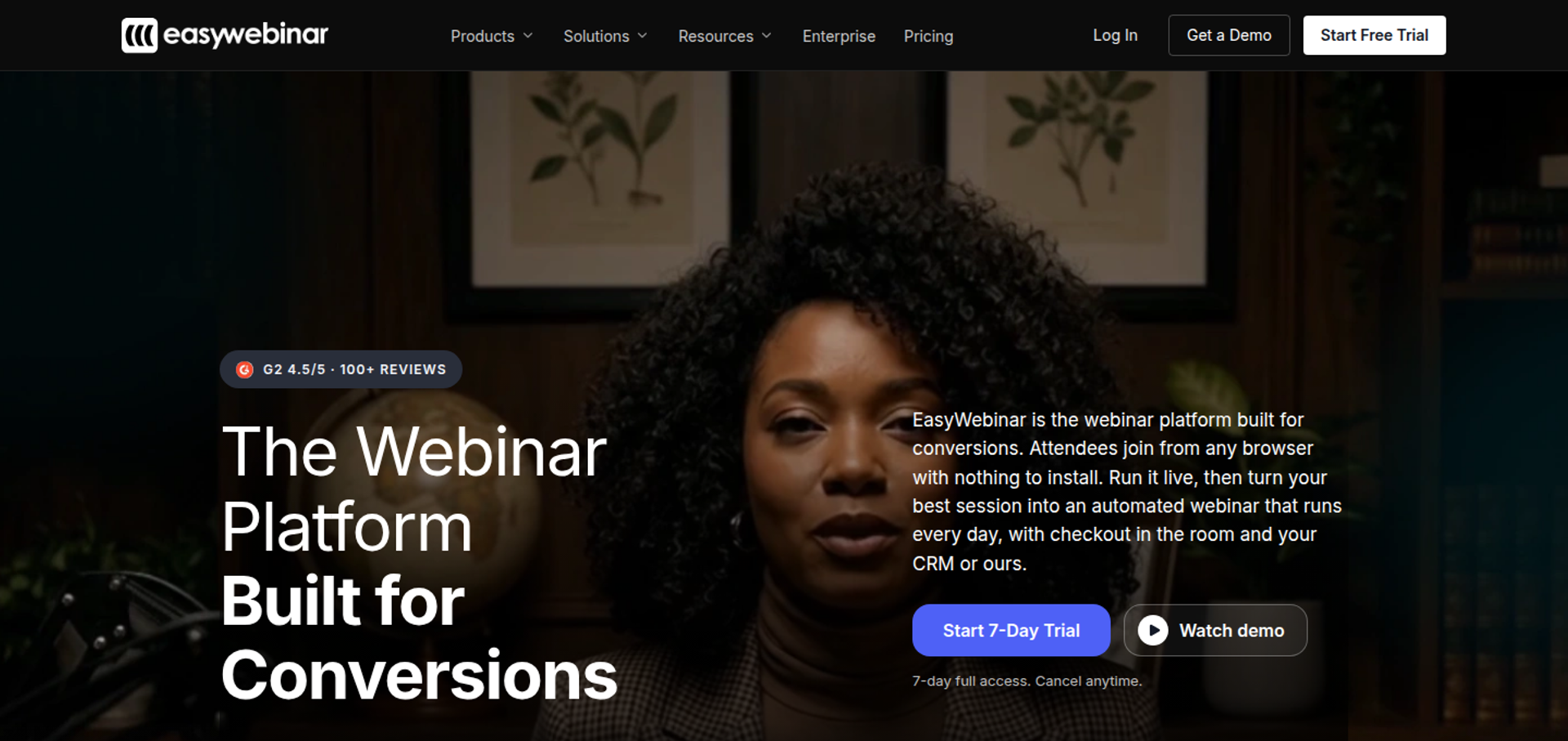
EasyWebinar is best for coaches, course creators, consultants, and marketing teams that need webinars to keep producing revenue after the live hour. It runs a session live, then turns that exact session into an automated webinar on the same subscription. It may not fit buyers who need accredited courses with lessons and certificates.
| Quick fit | EasyWebinar |
|---|---|
| Best for | Creators, coaches, consultants, and marketing teams selling a program, course, or demo with a webinar |
| Skip if | You need course hosting with certificates, internal all-hands meetings, investor-relations calls, or multi-track summits |
| Strongest edge | Live to automated on one login and one subscription, with checkout inside the room |
| Biggest trade-off | The $44 Launch plan is live-only and capped at 50 attendees; automation, checkout, and EasyCRM start at Growth |
| Pricing snapshot | Billed monthly: Launch $44, Growth $116, Pro $198, Scale $349. Annual billing gives two months free. 7-day full-access trial, card required. Checked October 15, 2026, on the EasyWebinar pricing page . |
Why EasyWebinar ranks first
EasyWebinar scores highest on the criteria that decide whether a webinar produces revenue: format coverage, funnel workflow, CRM and follow-up, and monetization. Most platforms on this list are strong at one stage of the job. EasyWebinar covers hosting, automation, checkout, and follow-up on one subscription.
🧭 The architecture difference
The ranking follows architecture, not polish. A live-first tool makes you buy a second product, or rebuild the presentation, when you want to automate it. EasyWebinar's Growth plan adds automated, simulive, and evergreen webinars to the same account that ran the live session.
For a buyer whose webinar is a revenue channel, that removes the most common breaking point. For a buyer who only needs a one-off live broadcast, the advantage shrinks, and Zoom Webinars or Demio may be enough.
What EasyWebinar does well
- Live to automated without rebuilding. EasyWebinar converts a proven live session into Simulive, Evergreen, Just-in-Time, or On-Demand formats. Just-in-Time means a session starts minutes after someone registers, in their own time zone.
- Selling inside the room. EasyWebinar's built-in checkout takes payment through Stripe, PayPal, or PayU while attendees watch. There is no redirect, so sale and attendee data stay together.
- Your CRM or ours. EasyWebinar includes EasyCRM from Growth, with lead scoring and sequences. Native HubSpot and Salesforce Pardot sync starts at Pro, alongside ActiveCampaign and Kit (formerly ConvertKit).
- One-click attendee join. EasyWebinar attendees join from any browser, with nothing to download. Streaming runs on Dolby OptiView WebRTC at sub-500ms latency (the delay between speaker and viewer).
- Funnels built for you. EasyWebinar's AI Webinar Builder drafts the script, registration and thank-you pages, emails, polls, and a timed call to action.
- Reach beyond the room. EasyWebinar's EasyCast multistreams to 3 destinations on Growth and 10 or more on Pro. A 99.9% uptime guarantee covers the live pitch.
Where EasyWebinar falls short
- Entry plan limits. EasyWebinar's Launch plan is live-only with 50 live attendees, so funnel buyers should budget from Growth.
- Automation setup order. EasyWebinar requires the presentation video before an automated webinar can be created, which slows teams that promote in advance.
- Design flexibility. Some reviewers want more landing page and email template customization than EasyWebinar offers today.
- Not an LMS. EasyWebinar does not host lessons or issue certificates. Pair it with your course platform instead.
Decision scorecard
| Evaluation criterion | EasyWebinar fit | Why it matters |
|---|---|---|
| Live webinars | Strong | Every plan includes browser-join live webinars with chat, polls, and Q&A. |
| Simulated live or automated webinars | Strong | Simulive and automated sessions start at Growth, on the same account. |
| Evergreen automation | Strong | Just-in-Time, recurring, and scarcity-date scheduling run every day without a host. |
| Funnel pages | Strong | Registration, thank-you, and replay pages are built in, so no separate page builder is needed. |
| Engagement | Strong | Polls, Q&A, and timed offers land in real time during live sessions. |
| CRM and follow-up | Strong | EasyCRM is native, with HubSpot and Salesforce Pardot sync from Pro. |
| Monetization | Strong | In-room checkout and paid webinars start at Growth. |
| Analytics | Strong | Attendee-level watch time, offer clicks, and purchases feed revenue reporting. |
| Integrations | Strong | Thirteen CRM and email integrations at Growth, plus Zapier and webhooks. |
| Pricing fit | Partial | Flat pricing suits revenue webinars, but the $44 plan excludes automation. |
| Best-fit buyer | Strong | Creators, coaches, consultants, and marketing teams selling with webinars. |
Best for / skip if
Choose EasyWebinar if your webinar has to sell a program, book calls, or feed your CRM, and you want the winning session to keep running automatically. Skip it if you need certificates and lesson tracking, internal all-hands meetings, or multi-track summits with breakout rooms.
Reviews
- A course creator reports selling 10 to 12 courses per live class, then 25 courses within three weeks of switching to an evergreen webinar on EasyWebinar. Laura C., EasyWebinar G2 - Verified Review, January 28, 2025
- A founder praises EasyWebinar's analytics and support, but sends post-webinar emails through another tool because open and click rates are not tracked. Eliza W., EasyWebinar G2 - Verified Review, February 11, 2026
1.2 Zoom Webinars
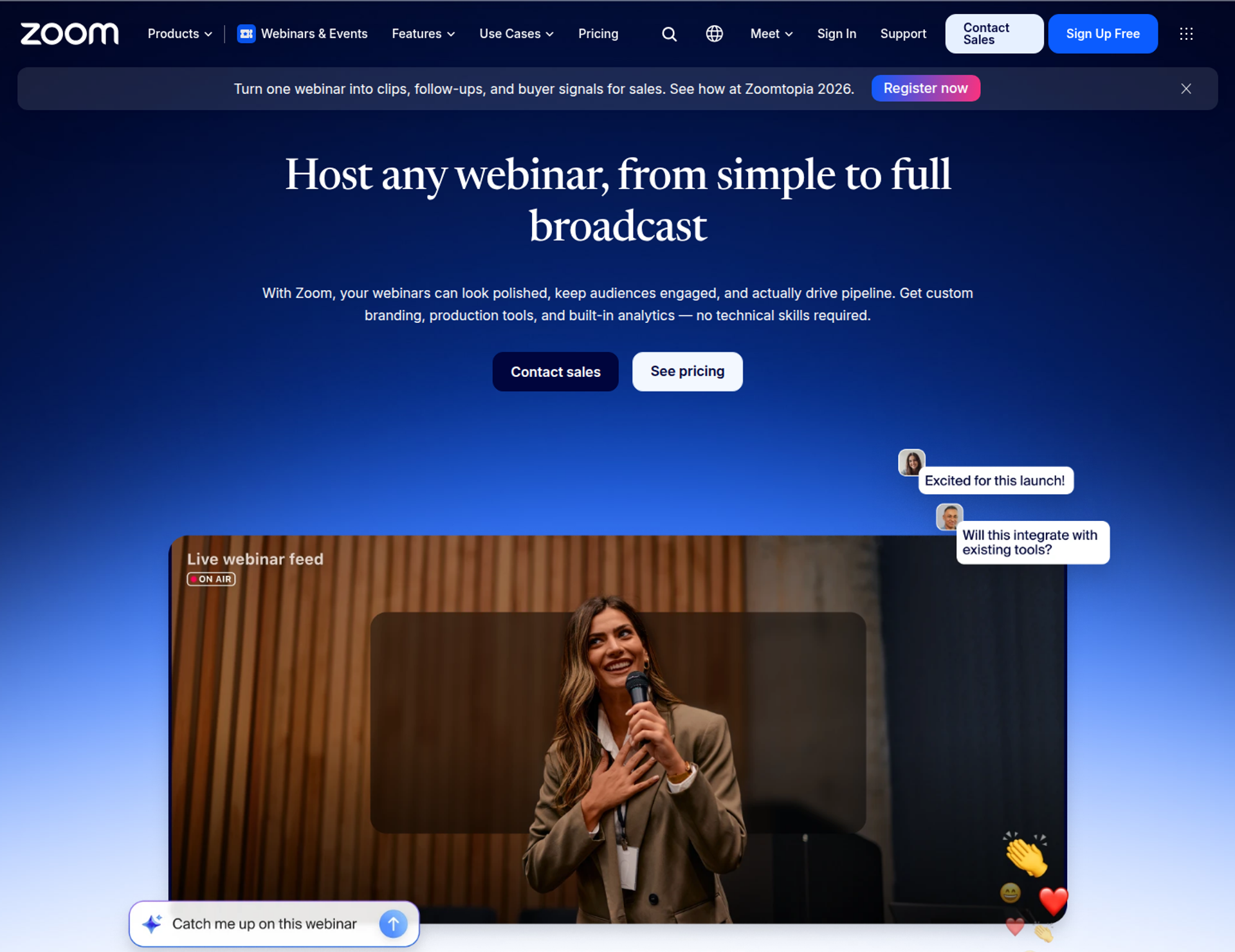
Zoom Webinars is best for teams already standardized on Zoom that need large, familiar live broadcasts. Its plans support up to 100,000 attendees, and attendees join without a Zoom account. It may not fit buyers who need evergreen automation, checkout inside the session, and funnel pages in one place.
| Quick fit | Zoom Webinars |
|---|---|
| Best for | Organizations already on Zoom running large live webinars, town halls, and member briefings |
| Skip if | Your webinar must run on autopilot, sell inside the session, or trigger behavior-based follow-up |
| Strongest edge | A familiar room that scales to 100,000 attendees, with SOC 2 Type 2 and GDPR listed on every plan |
| Biggest trade-off | Simulive, backstage, and advanced analytics require Webinars Plus or Events, not the base Webinars plan |
| Pricing snapshot | Webinars $89/month billed monthly or $66.67/month billed annually. Webinars Plus $99 or $82.50. Events $149 or $124.17. Higher capacities cost more. Checked October 15, 2026, on the Zoom Events and Webinars pricing page . |
Why Zoom Webinars ranks second
Zoom Webinars earns its place through reliability at scale, attendee familiarity, and enterprise integrations. Its pricing page lists HubSpot, Marketo, Pardot, Salesforce, and Eloqua on the base Webinars plan. It ranks below EasyWebinar on format coverage, funnel workflow, and monetization, which carry the most weight for revenue-driven buyers.
📺 Where Zoom wins and where it stops
For a live broadcast to thousands of people, Zoom is the safe default. Most attendees already know the interface, which reduces friction on the day. Zoom's FAQ confirms attendees do not need an account to join.
The gap appears after the live hour. The base Webinars plan has no simulive, and no Zoom plan lists just-in-time or evergreen scheduling. Teams that want the session to keep selling usually add a separate automation tool, page builder, and checkout.
What Zoom Webinars does well
- Scale and session length. Zoom supports up to 100,000 attendees and sessions of up to 30 hours, so large audiences rarely force a platform change.
- Marketing-stack integrations. Native connections to HubSpot, Marketo, Pardot, Salesforce, and Eloqua send registration and attendance data to existing systems.
- Familiar engagement tools. Chat, Q&A, polls, quizzes, and reactions are included on every plan, so presenters need little training.
- Production upgrades on Plus. Webinars Plus adds simulive, a private backstage, pro layouts, and richer cross-event analytics for polished marketing sessions.
- Global audiences. Language interpretation supports more than 35 languages, which helps multinational teams.
Where Zoom Webinars falls short
- No evergreen engine. Zoom's plans list simulive on Plus and Events, but no just-in-time or evergreen scheduling for daily automated sessions.
- Basic funnel pages on the base plan. Event landing pages, confirmation emails, and analytics are labeled "Basic" on Webinars and "Advanced" only on higher tiers.
- Monetization stops at registration. The pricing page lists ticketing and PayPal, with Stripe on higher tiers, but does not list checkout inside the session.
- Reviewer-reported customization gaps. Several G2 reviewers describe limited branding and landing page control on Zoom Webinars.
Decision scorecard
| Evaluation criterion | Zoom Webinars fit | Why it matters |
|---|---|---|
| Live webinars | Strong | Stable, familiar live rooms at up to 100,000 attendees. |
| Simulated live or automated webinars | Partial | Simulive requires Webinars Plus or Events. |
| Evergreen automation | Weak | No just-in-time or evergreen scheduling is listed on any plan. |
| Funnel pages | Partial | Pages and emails are basic on Webinars, advanced only on higher tiers. |
| Engagement | Strong | Chat, Q&A, polls, quizzes, and reactions on every plan. |
| CRM and follow-up | Partial | Integrations are wide, but behavior-based follow-up sequences are not listed. |
| Monetization | Partial | Ticketing and PayPal are listed, with no checkout inside the session. |
| Analytics | Partial | Basic reports on Webinars; engagement scores and dashboards on higher tiers. |
| Integrations | Strong | HubSpot, Marketo, Pardot, Salesforce, Eloqua, and an open API. |
| Pricing fit | Partial | Entry pricing is clear, but automation and pages often need extra tools. |
| Best-fit buyer | Strong | Organizations already standardized on Zoom for meetings. |
Best for / skip if
Choose Zoom Webinars if your team already runs on Zoom and needs large, dependable live broadcasts with enterprise integrations. Skip it if your webinar has to sell on autopilot. EasyWebinar is the step up from Zoom: Zoom runs the meeting, and EasyWebinar runs the webinar that has to sell.
Reviews
- A marketing team running 200-to-500-attendee webinars describes Zoom Webinars as glitchy, with late reminder emails and little landing page customization. Casey S., Zoom - G2 Verified Review, March 16, 2021
- A national membership association calls Zoom easy to implement and a money-saver, but finds running backstage and the webinar at once requires two logins. Rob K., Zoom - G2 Verified Review, February 8, 2024
1.3 Demio
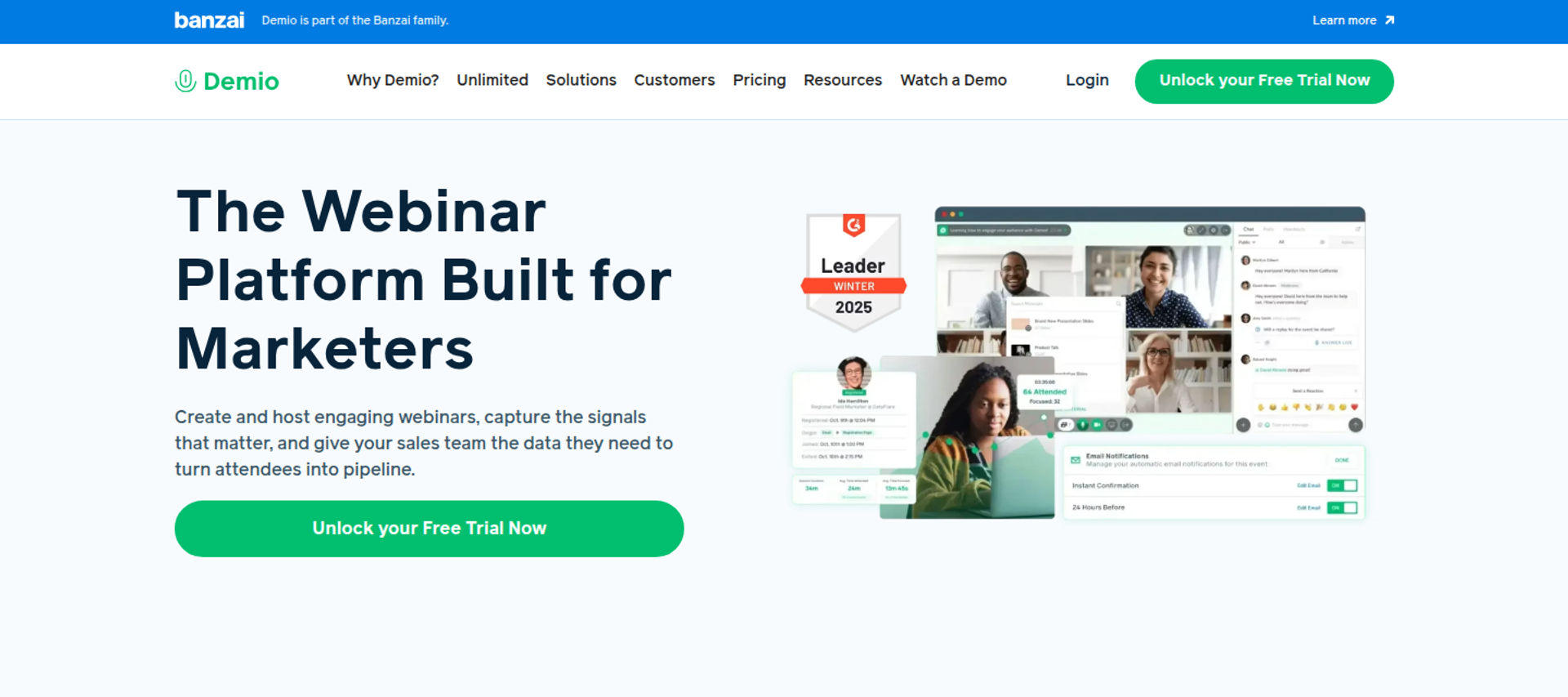
Demio is best for marketing teams running occasional live webinars that need a clean, browser-based attendee room, because it pairs simple hosting with engagement analytics on every plan. It may not fit buyers who need automated sessions or native CRM sync on an entry budget.
| Quick fit | Demio |
|---|---|
| Best for | Marketers running occasional live webinars and product demos |
| Skip if | You need automated webinars on the entry plan, or native HubSpot and Salesforce sync below the top tier |
| Strongest edge | Chat, polls, featured actions, handouts, and engagement analytics included on every plan |
| Biggest trade-off | Automated and on-demand webinars start at Growth; premium CRM integrations start at Premium |
| Pricing snapshot | Starter $45/month per host billed yearly, or $63 billed monthly (1 host, 50 attendees). Growth is priced by room size (150 to 3,000 attendees). Premium from $196/month per host billed yearly. The 14-day trial is capped at 20 attendees and 1-hour sessions. Checked October 15, 2026, on the Demio pricing page . |
Why Demio ranks third
Demio scores well on engagement depth, time to launch, and attendee experience. Its pricing page lists chats, polls, featured actions, handouts, and engagement analytics on every plan, including Starter. That makes it a credible shortlist pick for live marketing sessions.
Demio ranks below EasyWebinar and Zoom Webinars because key revenue features are gated by tier. Automated webinars start at Growth. HubSpot, Salesforce, Marketo, and Pardot connections are listed as Premium integrations.
⚖️ How Demio compares on the revenue path
EasyWebinar includes EasyCRM and checkout inside the room from its Growth plan. Demio's plan comparison does not list checkout or payment features, so teams that sell during the session usually add a separate payment tool. See the full EasyWebinar vs Demio comparison.
What Demio does well
- No-download attendee room. Demio describes its experience as no-download for attendees, which lowers join friction on the day.
- Engagement on every plan. Chats, polls, featured actions, and handouts are included from Starter, so presenters can run interactive sessions without upgrading.
- Automated and series formats. From Growth, Demio adds pre-recorded on-demand and automated webinars alongside live events and event series.
- Attribution basics. Registration source tracking (seeing which channel drove each signup) and custom form fields are included from Growth.
- Website embeds. Showcase displays upcoming events on your website, available on Growth, Premium, and Unlimited plans.
Where Demio falls short
- Tier-gated CRM integrations. Native HubSpot, Salesforce, Marketo, and Pardot connections are listed only on Premium, which is billed yearly.
- Growth pricing hidden until you choose a room. Demio's Growth card shows no price until you select an attendee room size.
- Per-host billing. Running simultaneous events requires multiple hosts, and Starter is limited to one host.
- Reviewer-reported replay gaps. One G2 reviewer reports that replays did not show live polls and CTAs.
Decision scorecard
| Evaluation criterion | Demio fit | Why it matters |
|---|---|---|
| Live webinars | Strong | Browser-based live rooms with engagement tools on every plan. |
| Simulated live or automated webinars | Partial | Automated and on-demand webinars start at Growth. |
| Evergreen automation | Partial | Automated sessions exist, but just-in-time scheduling is not listed on the pricing page. |
| Funnel pages | Partial | Registration pages and custom fields are included; checkout is not listed. |
| Engagement | Strong | Chats, polls, featured actions, and handouts on all plans. |
| CRM and follow-up | Partial | Premium CRM integrations are reserved for the Premium plan. |
| Monetization | Weak | No payment or checkout features in the plan comparison. |
| Analytics | Strong | Engagement analytics on all plans; source tracking from Growth. |
| Integrations | Partial | Zapier plus premium CRM integrations on Premium only. |
| Pricing fit | Partial | Entry pricing is clear; Growth pricing requires selecting a room size. |
| Best-fit buyer | Strong | Marketing teams running occasional live sessions. |
Best for / skip if
Choose Demio if you run occasional live marketing webinars and want a simple, interactive room. Skip it if you need to sell inside the session, or need native CRM sync without moving to Premium.
Reviews
- A coach says Demio replays did not show live polls and CTAs, and the GoHighLevel CRM sync was incomplete. Ivanhoe S., Demio - G2 Verified Review, August 5, 2024
- An online coach likes Demio's simple interface, polls, and handouts, but reports a hard time with Zapier connections. Saana K., Online Coach, Demio - G2 Verified Review, August 6, 2024
1.4 GoTo Webinar
GoTo Webinar is best for organizations running formal training and compliance sessions, because its Complete plan adds certificates, paid events, and registration source tracking. It may not fit buyers who need evergreen automation or offers inside the session on a self-serve plan.
| Quick fit | GoTo Webinar |
|---|---|
| Best for | Corporate training teams and organizations that issue attendance certificates |
| Skip if | You need checkout, certificates, or source tracking without moving to a quote-based plan |
| Strongest edge | Simulive events, reporting, and automated reminder emails on every plan |
| Biggest trade-off | Payments, certificates, and source tracking sit on Complete, which is quote-based |
| Pricing snapshot | GoTo's pricing page loads prices dynamically. A September 1, 2026 check listed Reach at $59/month billed annually or $69 monthly (1 organizer, 500 participants). Elevate adds 3 organizers and 1,000 participants. Complete (3,000 participants) is quote-based, per the GoTo Webinar pricing page . The 30-day free trial requires no credit card. |
Why GoTo Webinar ranks fourth
GoTo Webinar earns its place through reliability for large sessions, clear reporting, and training features. Its plan comparison lists simulive events (a recording played at a set time), automated emails, polls, handouts, Q&A, and closed captioning across all tiers.
It ranks below Demio on attendee experience and below EasyWebinar on monetization and automation depth. Payments, certificates, and source tracking are reserved for the Complete plan.
💰 Where the revenue features sit
EasyWebinar includes paid webinars and checkout inside the room from its $116 Growth plan. On GoTo Webinar, the same buyer needs the quote-based Complete plan to accept payments at all. That gap matters most for coaches and creators selling programs, as the EasyWebinar vs GoTo Webinar comparison shows.
What GoTo Webinar does well
- Simulive on every plan. Recordings can run as scheduled events across all tiers, so teams reuse training without presenting live each time.
- Training credentials. Complete adds certificates and paid events, which suits continuing-education and compliance programs.
- AI recaps. Elevate adds AI summaries, transcripts, cloud recordings, and breakout rooms for multi-department programs.
- Enterprise integrations. GoTo lists integrations with Salesforce, HubSpot, and Marketo, which keeps attendee data in existing systems.
- Reporting. Reporting and analytics are included on every plan, covering attendance and engagement after each session.
Where GoTo Webinar falls short
- Monetization is quote-only. Accepting payments requires Complete, so self-serve buyers cannot sell inside a session.
- No listed evergreen scheduling. The plan comparison lists simulive events, but not just-in-time or recurring evergreen sessions.
- Reviewer-reported reliability and support issues. A 2025 G2 reviewer reports recurring speaker audio problems and hard-to-reach support.
| Evaluation criterion | GoTo Webinar fit | Why it matters |
|---|---|---|
| Live webinars | Strong | Established live hosting up to 3,000 participants on Complete. |
| Simulated live or automated webinars | Strong | Simulive events are listed on every plan. |
| Evergreen automation | Weak | No just-in-time or recurring evergreen scheduling is listed. |
| Funnel pages | Partial | Full-service registration is listed; branded pages and custom URLs start at Elevate. |
| Engagement | Strong | Polls, handouts, Q&A, captions, and breakout rooms on Elevate. |
| CRM and follow-up | Partial | CRM integrations and automated emails, but no native CRM. |
| Monetization | Weak | Payments require the quote-based Complete plan. |
| Analytics | Strong | Reporting on every plan; source tracking on Complete. |
| Integrations | Strong | Salesforce, HubSpot, and Marketo are listed. |
| Pricing fit | Partial | Reach is published; higher tiers need checkout or sales. |
| Best-fit buyer | Strong | Training and compliance teams. |
Choose GoTo Webinar if you run formal training, need attendance certificates, and can budget for Complete. Skip it if you need to sell inside the session on a self-serve plan.
- A marketer running several webinars a week reports recurring speaker microphone and webcam issues, and support that is hard to reach. Forrester S., GoTo Webinar - G2 Verified Review, October 23, 2025
- A senior marketing manager praises GoTo's post-webinar reporting and prompt service from dedicated reps on business accounts. Khyati Doshi, Senior Marketing Manager, GoTo Webinar - TrustRadius Verified Review, December 6, 2023
1.5 Webex Webinars
Webex Webinars is best for enterprise teams whose webinars must pass strict IT and security review, because its pricing page lists FedRAMP authorization, SOC 2 Type II, and HIPAA/BAA support. It may not fit buyers who need offers, checkout, or evergreen automation for a sales funnel.
| Quick fit | Webex Webinars |
|---|---|
| Best for | Enterprise and public-sector teams running webinars under IT governance |
| Skip if | Your webinar must sell inside the session or run as an evergreen funnel |
| Strongest edge | Security and compliance coverage, plus Slido polling and real-time translation |
| Biggest trade-off | Monetization tools sit in Webex Events, which is sold through enterprise agreements |
| Pricing snapshot | Webex Webinars for 1,000 attendees is listed at $2,700 per license per year, shown 75% off at $675 per license per year ($56.25/month). A Webex Meet plan is added at checkout. Capacities from 3,000 to 10,000+ go through sales. Checked October 15, 2026, on the Webex Webinars pricing page . |
Why Webex Webinars ranks fifth
Webex scores high on reliability, security, and scale. Its pricing page lists FedRAMP authorization, SOC 2 Type II, ISO 27001, and HIPAA/BAA compliance for Webex Webinars. For IT-led buyers, that list can shorten procurement.
It ranks fifth because the revenue path is thin for funnel-driven buyers. Webex positions Webinars for single-session, virtual-only events such as all-hands, trainings, and lead generation. Ticketing and sponsorship monetization belong to Webex Events instead.
🛡️ Security versus selling
EasyWebinar lists SOC 2 Type II readiness and GDPR-aligned data practices, and it builds the funnel around the session. Webex leads on regulated-industry compliance. Buyers should weigh which risk matters more: a failed security review, or a webinar that cannot sell.
What Webex Webinars does well
- Compliance coverage. FedRAMP, SOC 2 Type II, ISO 27001, and HIPAA/BAA support help regulated teams clear vendor review faster.
- Interactive polling. Native polling plus Slido adds word clouds, ranking, ratings, and quizzes for deeper engagement.
- Global audiences. Real-time translation, closed captions, and simultaneous interpretation support multilingual sessions.
- Browser join and restreaming. Attendees join via browser, and hosts can stream to YouTube, Facebook Live, or any RTMP destination.
- Support model. Webex lists chat, call-in, email, and dedicated support representatives for Webex Webinars.
Where Webex Webinars falls short
- Thin monetization in Webinars. Ticketing and sponsorship are listed under Webex Events, available through select enterprise agreements.
- Quote-only pricing above 1,000 attendees. Larger capacities require a sales conversation, which slows self-serve buyers.
- Reviewer-reported performance issues. A 2025 G2 reviewer reports lag, slow joins, and freezes during screen sharing.
| Evaluation criterion | Webex Webinars fit | Why it matters |
|---|---|---|
| Live webinars | Strong | Stable live sessions up to 1,000 attendees on the published license. |
| Simulated live or automated webinars | Partial | The Webinars card lists simulive and on-demand streaming. |
| Evergreen automation | Weak | No just-in-time or recurring evergreen scheduling is listed. |
| Funnel pages | Partial | Branded registration pages and automated emails, but no offers or checkout. |
| Engagement | Strong | Slido polling, moderated Q&A, reactions, and breakout rooms. |
| CRM and follow-up | Partial | Salesforce, Eloqua, and Zapier integrations; no native CRM. |
| Monetization | Weak | Ticketing sits in Webex Events, not Webinars. |
| Analytics | Strong | Advanced analytics and real-time insights are listed. |
| Integrations | Partial | Salesforce, Eloqua, Slido, and Zapier. |
| Pricing fit | Partial | One published license; larger capacities are quote-only. |
| Best-fit buyer | Strong | IT-governed enterprise and public-sector teams. |
Choose Webex Webinars if security review and compliance documentation decide your vendor shortlist. Skip it if you need a webinar that sells inside the room or runs as an evergreen funnel.
- An IT reviewer reports constant lag, slow joins, and freezes during screen sharing, even on stable internet. Verified User in IT and Services, Webex - G2 Verified Review, June 5, 2025
- A reviewer praises Webex's user-friendly registration sites and data collection options, but wants reusable email templates. Gabriela C., Webex - G2 Verified Review, October 11, 2024
1.6 Contrast
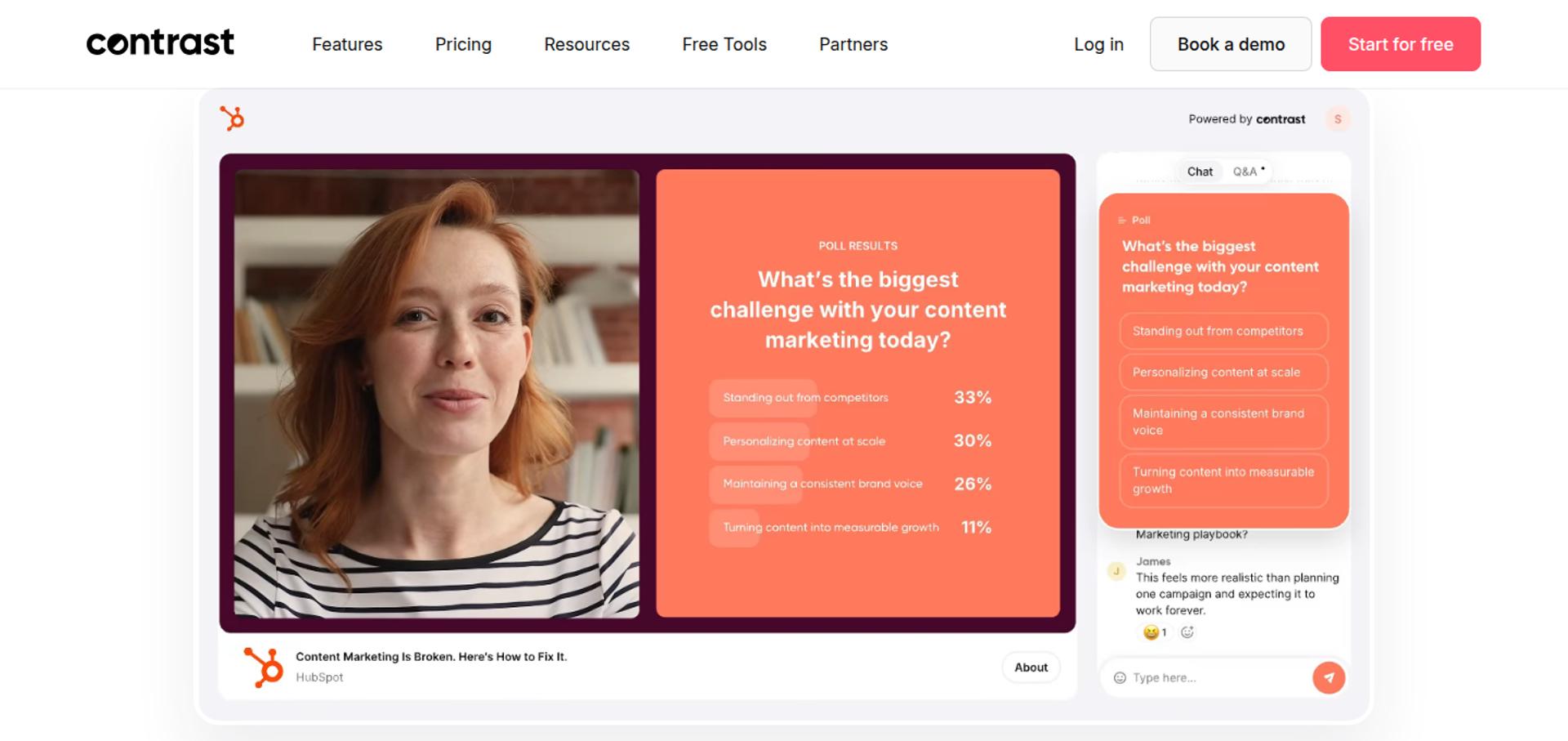
Contrast is best for teams standardized on HubSpot that want a polished, branded webinar studio, because it syncs more than 50 webinar properties into HubSpot and repurposes recordings with AI. It may not fit buyers who need to take payment inside the session.
| Quick fit | Contrast |
|---|---|
| Best for | HubSpot-first teams that want branded webinars and AI content repurposing |
| Skip if | You need checkout inside the room, or native Salesforce sync below Enterprise |
| Strongest edge | Deep HubSpot sync: 50+ properties, app events, and workflow-triggered registration |
| Biggest trade-off | No payment or checkout features are listed, and Pro sessions are capped at 2 hours |
| Pricing snapshot | Free plan for 30 registrants per month and 30-minute webinars. Pro from $99/month billed yearly for 100 registrants per month, with 250 and 500 tiers. Advanced and Enterprise are quote-based. Checked October 15, 2026, on the Contrast pricing page . |
Why Contrast ranks sixth
Contrast scores well on engagement, analytics, and HubSpot integration depth. Its pricing page lists polls and CTAs on replays, live versus replay splits, and watch time per attendee. Pricing is based on unique registrants per month, not live viewers.
It ranks sixth because the revenue path stops before the sale. The pricing page lists no checkout or payment features. Salesforce is an Enterprise add-on.
📊 Replay engagement is the standout
EasyWebinar and Contrast both treat the replay as part of the funnel, not an afterthought. Contrast does this through replay analytics and AI repurposing. EasyWebinar does it by turning the session into an automated webinar with checkout in the room.
What Contrast does well
- HubSpot depth. Contrast syncs 50+ properties and seven app events, and can register contacts from HubSpot workflows.
- AI repurposing. Pro includes Repurpose AI and Clip AI, turning webinars into blog posts, summaries, and subtitled clips.
- Replay engagement. Polls and CTAs work on replays, and analytics split live and replay behavior.
- Formats. Live, pre-recorded, recurring, and on-demand webinars are listed on paid plans.
- Security posture. Contrast lists SOC 2 Type II certification and GDPR compliance on its pricing page.
Where Contrast falls short
- No listed monetization. Coaches and creators selling inside the session will need a separate checkout tool.
- Session length on Pro. Pro webinars run up to 2 hours; longer sessions need Advanced or Enterprise.
- Salesforce is an add-on. Teams outside HubSpot pay more for CRM sync.
- Registrant-based billing. Contrast does not block registrations over your limit, but upgrades the plan at the next billing cycle.
| Evaluation criterion | Contrast fit | Why it matters |
|---|---|---|
| Live webinars | Strong | Browser studio with branding, layouts, and backstage. |
| Simulated live or automated webinars | Partial | Pre-recorded and recurring webinars are listed. |
| Evergreen automation | Weak | No just-in-time or evergreen scheduling is listed. |
| Funnel pages | Partial | Branded registration pages and embeds, but no checkout. |
| Engagement | Strong | Chat, polls, Q&A, CTAs, and replay engagement. |
| CRM and follow-up | Strong | Deep HubSpot sync; attendance-based emails are listed. |
| Monetization | Weak | No payment features are listed. |
| Analytics | Strong | Watch time, most-watched moments, and live versus replay split. |
| Integrations | Partial | HubSpot native; Salesforce as an Enterprise add-on. |
| Pricing fit | Strong | Free plan and published Pro pricing. |
| Best-fit buyer | Strong | HubSpot-first teams. |
Choose Contrast if your stack runs on HubSpot and you want branded webinars that feed content and contact data back into it. Skip it if your webinar needs to take payment inside the session.
- A reviewer scaled their webinar program without platform overload, but wants an anonymous Q&A box for attendees. Angelo M., Contrast - G2 Verified Review, February 11, 2026
- A reviewer praises Contrast's clean UI and reachable support, while noting the HubSpot integration was still a work in progress. Verified User in IT and Services, Contrast - G2 Verified Review, April 3, 2025
1.7 WebinarJam
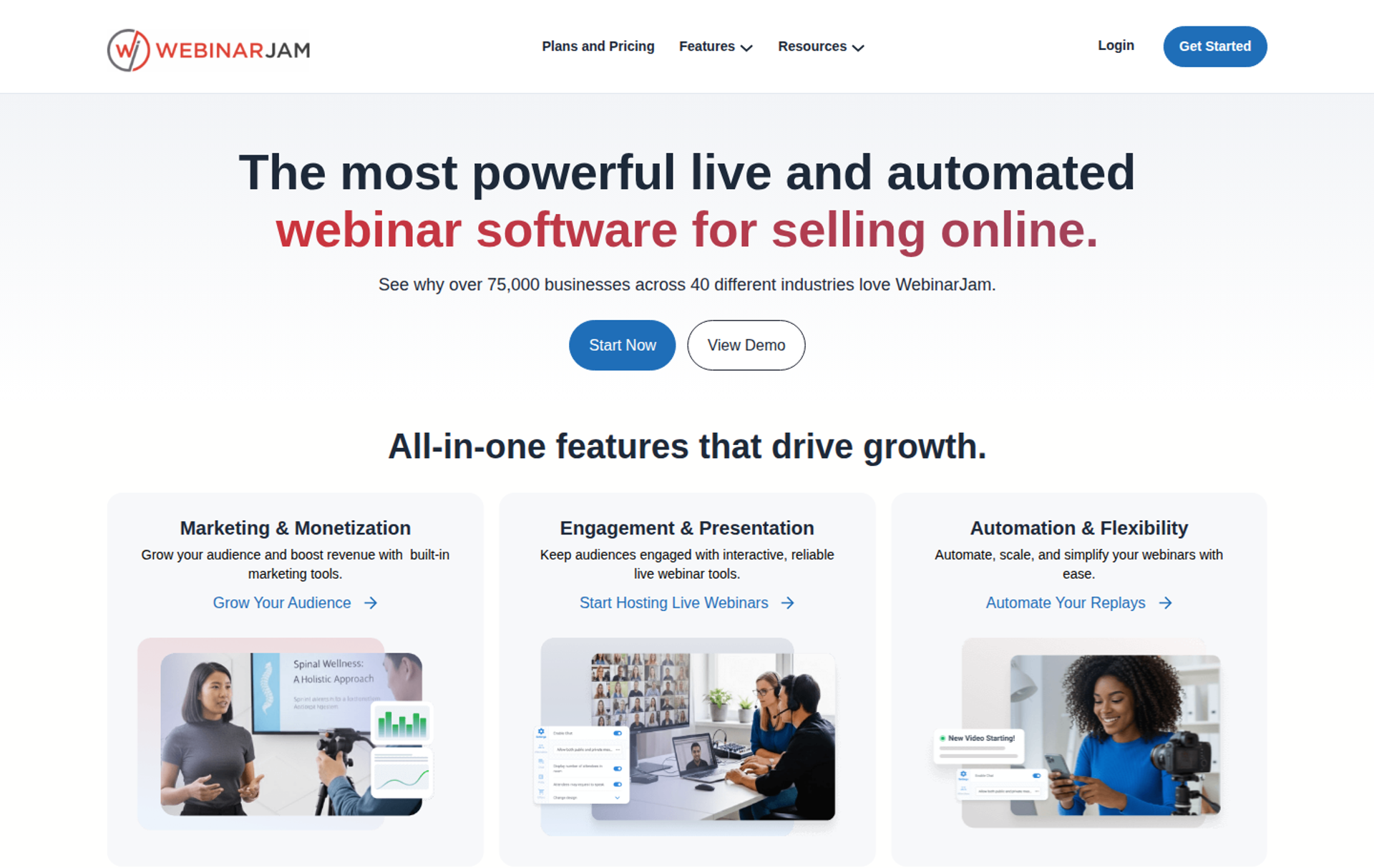
WebinarJam is best for creators running one-off live launches that depend on urgency in the room, because it offers live offer displays, a panic button, and built-in email and SMS. It may not fit buyers who want live and automated webinars inside a single product.
| Quick fit | WebinarJam |
|---|---|
| Best for | Creators running live launch events with time-limited offers |
| Skip if | You want live and automated sessions managed in one product, with a built-in CRM |
| Strongest edge | Live offer displays, a panic button, and high attendee caps per dollar on upper tiers |
| Biggest trade-off | Automation runs in EverWebinar, a separate sister product included from Basic |
| Pricing snapshot | Starter $49/month or $39 billed annually (100 attendees, 1 host, 1-hour sessions). Basic $99 or $79 (500 attendees). Professional $299 or $229 (2,000). Enterprise $499 or $379 (5,000). 14-day trial for $1. Checked October 15, 2026, on the WebinarJam pricing page . |
Why WebinarJam ranks seventh
WebinarJam scores well on live engagement and monetization in the room. Its pricing page lists live offer displays, polls, a whiteboard, video injections, A/B split testing, and broadcasting to Facebook and YouTube on every plan.
It ranks seventh because automation lives in a second product. WebinarJam's own FAQ directs evergreen users to EverWebinar, which is included from the Basic plan. There is also no built-in CRM.
🔁 One account versus two products
EasyWebinar converts a live session into an automated webinar inside the same account. WebinarJam users host live, then convert the recording in EverWebinar. EverWebinar's Replica Replay import keeps chat timestamps, polls, and offers, according to EverWebinar.
What WebinarJam does well
- Live urgency tools. Live offer displays and countdown-style scarcity support launch-style selling during the session.
- Built-in email and SMS. Reminder sequences run inside the platform, which reduces dependence on a separate email tool.
- Panic button and always-on room. These help hosts recover quickly when a live session hits a technical problem.
- Capacity per dollar. Enterprise supports 5,000 attendees at $379/month billed annually.
- Broad integrations. WebinarJam lists ActiveCampaign, Kit (formerly ConvertKit), Mailchimp, Keap, Drip, Ontraport, Twilio, and Zapier.
Where WebinarJam falls short
- Two products for live and automated. Teams manage WebinarJam and EverWebinar separately, even when both are included.
- Session length caps. Sessions are limited to 1, 2, 3, or 4 hours depending on plan.
- No built-in CRM. Lead scoring and sales follow-up depend on outside tools.
- Reviewer-reported sync issues. A G2 reviewer reports inconsistent Mailchimp syncing and unreliable email sends.
| Evaluation criterion | WebinarJam fit | Why it matters |
|---|---|---|
| Live webinars | Strong | Launch-focused live rooms up to 5,000 attendees. |
| Simulated live or automated webinars | Partial | Hybrid video injection in live sessions; automation through EverWebinar. |
| Evergreen automation | Partial | Available through EverWebinar, a separate product included from Basic. |
| Funnel pages | Strong | Page builder with templates and A/B split testing. |
| Engagement | Strong | Chat, polls, whiteboard, attendee spotlight, and live offers. |
| CRM and follow-up | Partial | Email and SMS built in; no native CRM. |
| Monetization | Strong | Live offer displays during the session. |
| Analytics | Partial | Registration and attendance reporting; depth varies by plan. |
| Integrations | Strong | Wide email marketing and CRM integration list. |
| Pricing fit | Strong | Published monthly and annual pricing with high attendee caps. |
| Best-fit buyer | Strong | Creators running live launches. |
Choose WebinarJam if you run live launches and want urgency tools in the room. Skip it if you want live and automated webinars managed in one product with a built-in CRM.
- A reviewer values the bundled EverWebinar replays, but reports inconsistent Mailchimp syncing and clunky, unreliable email sends. Tara G., WebinarJam - G2 Verified Review, June 23, 2023
- A reviewer likes how easily the interface supports upsells, but cites an 80MB PowerPoint limit and a 3-hour session cap. Verified User in Investment Management, WebinarJam - G2 Verified Review, August 3, 2020
1.8 EverWebinar
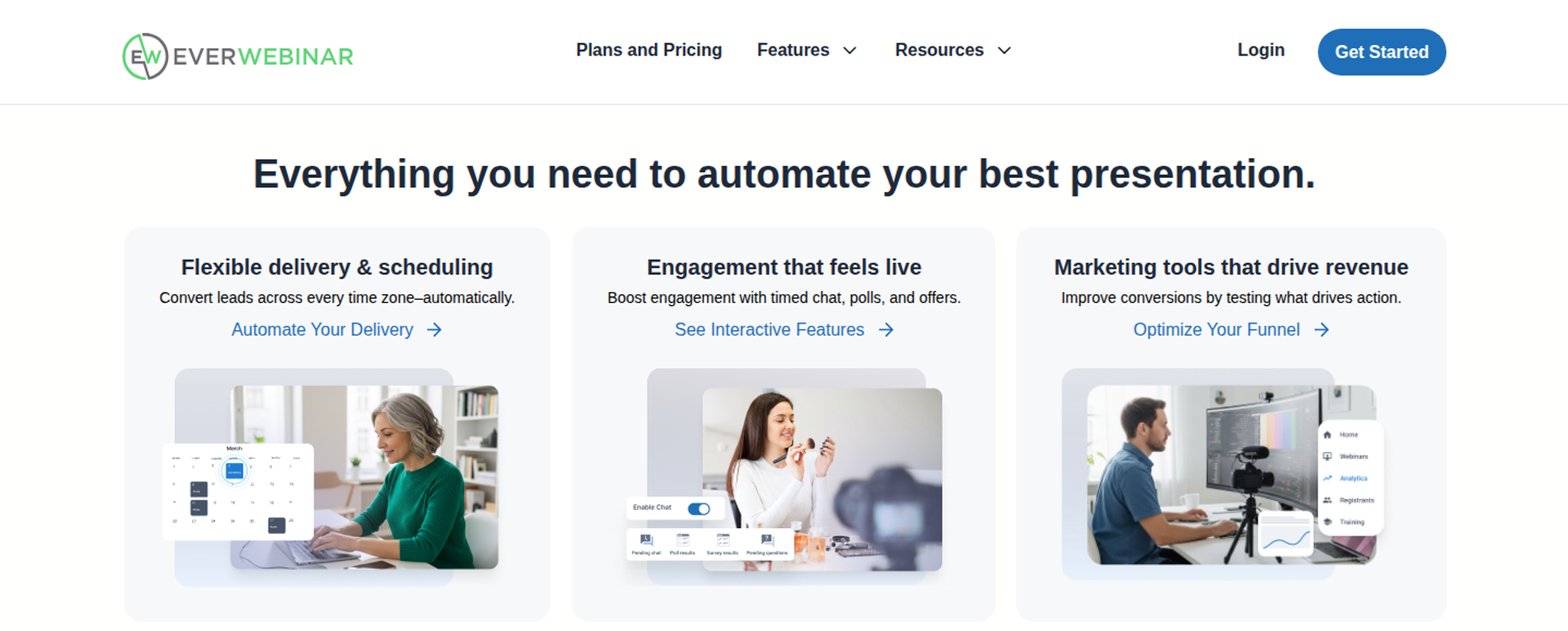
EverWebinar is best for presenters with a proven recording who never need to go live, because it runs scheduled and just-in-time automated sessions with timed chat, polls, and offers. It may not fit buyers who also need to host live webinars in the same tool.
| Quick fit | EverWebinar |
|---|---|
| Best for | Fully pre-recorded sales or education funnels |
| Skip if | You need to host live sessions, or prefer not to pay a year or more upfront |
| Strongest edge | Just-in-time sessions start 5 to 15 minutes after registration, in each registrant's local time zone |
| Biggest trade-off | No native live hosting; live sessions require WebinarJam |
| Pricing snapshot | $199/month billed monthly. Annual is $99/month, with $1,188 charged upfront. Two-year is $79/month, with $1,896 upfront. Every option includes the same features. 14-day trial for $1. Checked October 15, 2026, on the EverWebinar pricing page . |
Why EverWebinar ranks eighth
EverWebinar scores high on evergreen automation. Its FAQ explains that just-in-time webinars start 5 to 15 minutes after someone registers. Session times display in each registrant's local time zone.
It ranks eighth because it covers only one half of the job. Buyers who validate an offer live need WebinarJam as well, and longer billing options are charged upfront.
🎙️ My read on "feels live"
EverWebinar's FAQ says users decide whether viewers know a session is automated. EasyWebinar's rule is stricter: an automated webinar is never presented as live. I would rather an attendee trust the replay than feel tricked by it. Read the full EasyWebinar vs EverWebinar comparison.
What EverWebinar does well
- Just-in-time scheduling. Sessions start minutes after registration, so cold traffic watches while intent is still high.
- Timed engagement. Chat messages, polls, handouts, and offers appear at chosen timestamps in the recording.
- Hybrid mode. The recording plays while your team answers questions in chat in real time.
- Fast conversion of live sessions. Replica Replay imports a WebinarJam session with chat timestamps, polls, and offers in one click.
- Behavior-based follow-up. Email and optional SMS sequences differ for attendees, no-shows, and early leavers.
Where EverWebinar falls short
- No native live hosting. You cannot validate an offer live inside EverWebinar alone.
- Upfront billing. Annual and two-year plans charge the full amount on day one, and renew automatically.
- Reviewer-reported cloning issues. A G2 reviewer reports duplicate chat messages and unsent emails after cloning webinars.
| Evaluation criterion | EverWebinar fit | Why it matters |
|---|---|---|
| Live webinars | Weak | Live hosting requires WebinarJam. |
| Simulated live or automated webinars | Strong | Scheduled, just-in-time, on-demand, and hybrid sessions. |
| Evergreen automation | Strong | Recurring schedules in each registrant's time zone. |
| Funnel pages | Strong | Page templates and A/B testing are included. |
| Engagement | Strong | Timed chat, polls, surveys, handouts, and offers. |
| CRM and follow-up | Partial | Behavior-based email and SMS; no native CRM. |
| Monetization | Partial | Timed offers and CTAs; checkout runs through linked tools. |
| Analytics | Partial | Performance analytics are listed without attendee-level revenue detail. |
| Integrations | Partial | Email and CRM platforms plus Zapier. |
| Pricing fit | Partial | Single feature set, but longer terms are charged upfront. |
| Best-fit buyer | Strong | Presenters who never need to go live. |
Choose EverWebinar if you already have a recording that converts and never need to present live. Skip it if you want to validate offers live and automate them in the same product.
- A marketing team reports duplicate chat messages and unsent emails after cloning webinars, and slow support to resolve it. Kaylen M., EverWebinar - G2 Verified Review, August 24, 2021
- A reviewer found setup complex and support hard to reach on a live day, with email as the only channel. Verified User in Market Research, EverWebinar - G2 Verified Review, January 2, 2018
1.9 WebinarGeek
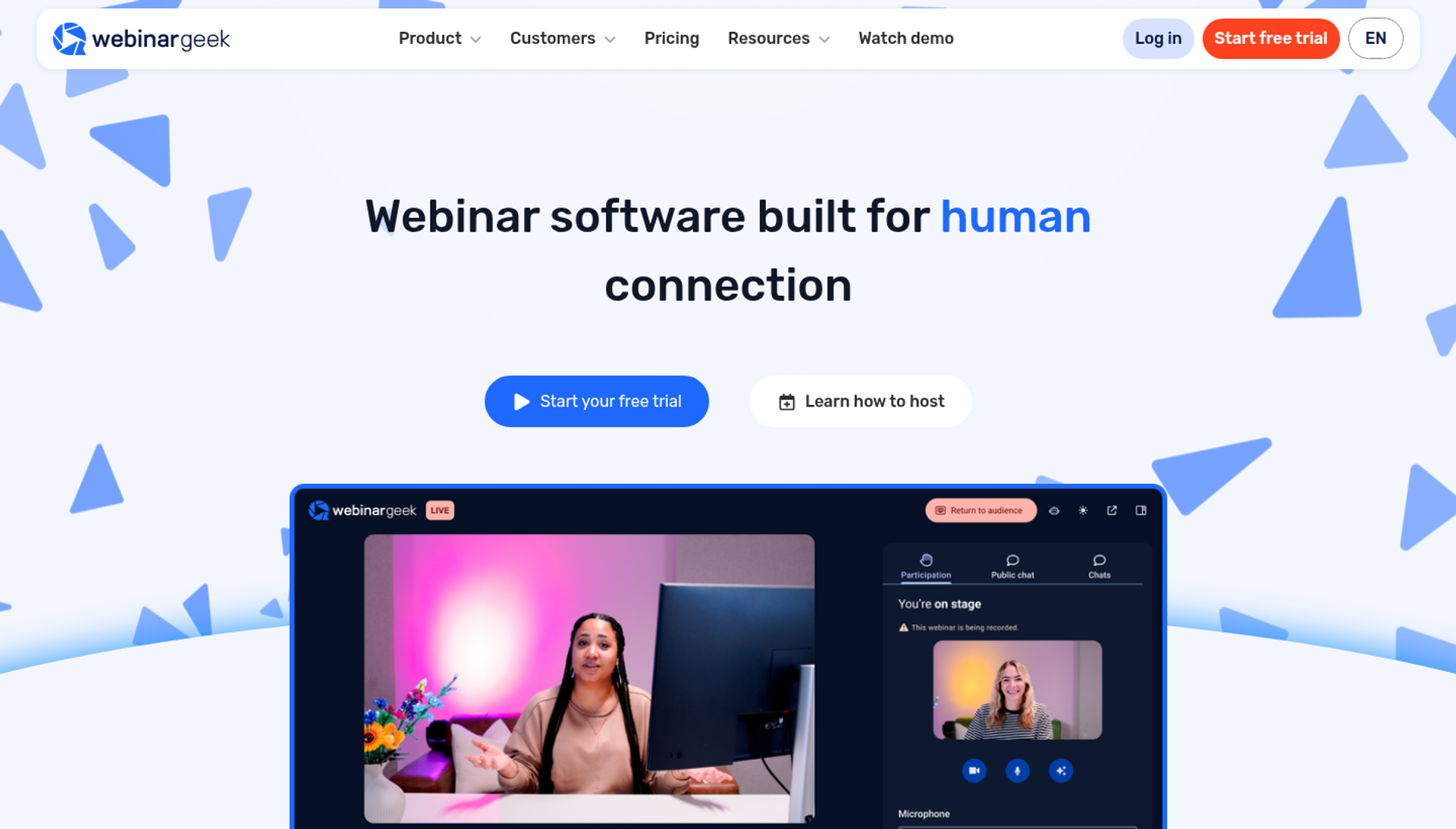
WebinarGeek is best for European teams that want a Netherlands-based webinar platform covering live, automated, and on-demand formats, because it bundles branded registration pages and paid webinars. It may not fit buyers who need automation on the entry plan.
| Quick fit | WebinarGeek |
|---|---|
| Best for | European teams that prefer an EU-headquartered webinar vendor |
| Skip if | You need automated webinars on the entry plan, or native CRM depth beyond common email tools |
| Strongest edge | Live, automated, and on-demand formats with embeddable branded registration pages |
| Biggest trade-off | Basic covers 50 live viewers and 2-hour sessions; automation starts at Premium |
| Pricing snapshot | Basic from €49/month, Premium from €69/month, and Enterprise from €349/month, with a free trial, per WebinarGeek's Capterra listing as of October 2026. |
Why WebinarGeek ranks ninth
WebinarGeek covers the core formats and adds monetization through paid webinars. Software Advice notes it can collect payment from viewers to participate. The company is headquartered in Zoetermeer, the Netherlands.
It ranks ninth because its integration list is shorter than higher-ranked tools. Capterra lists 10 third-party connections, and Premium is needed for automation.
🇪🇺 Where an EU vendor helps
EasyWebinar offers GDPR-aligned data practices with a DPA (data processing agreement). Some European buyers still prefer an EU-headquartered vendor for procurement reasons. WebinarGeek fills that preference while still covering live and automated formats.
What WebinarGeek does well
- Format coverage. Live, automated, and on-demand webinars run from one account on Premium.
- Branded registration. Custom registration pages with company logos and colors can be embedded on your website.
- Paid webinars. Viewers can pay to participate, which supports paid workshops and training.
- Common integrations. Reviewers cite ActiveCampaign, Zapier, Kit (formerly ConvertKit), and Pipedrive connections, according to Capterra.
- Personal support. WebinarGeek highlights live chat and email support.
Where WebinarGeek falls short
- Automation gated to Premium. Basic covers live webinars for up to 50 viewers only.
- Shorter integration list. Teams with deep CRM requirements may rely on Zapier.
- Reviewer-reported quality issues. One G2 reviewer notes a host-to-viewer delay and quality drops with multiple remote presenters.
| Evaluation criterion | WebinarGeek fit | Why it matters |
|---|---|---|
| Live webinars | Strong | Live sessions on every plan. |
| Simulated live or automated webinars | Partial | Automated webinars start at Premium. |
| Evergreen automation | Partial | Automated and on-demand formats exist; just-in-time is not documented. |
| Funnel pages | Strong | Branded, embeddable registration pages. |
| Engagement | Partial | Chat, polls, and interaction tools. |
| CRM and follow-up | Partial | Email tools and Pipedrive; no native CRM. |
| Monetization | Partial | Paid webinars are supported; in-session checkout is not documented. |
| Analytics | Partial | Standard webinar reporting. |
| Integrations | Partial | About 10 third-party tools listed. |
| Pricing fit | Partial | Euro pricing that scales with viewer count. |
| Best-fit buyer | Strong | European teams preferring an EU vendor. |
Choose WebinarGeek if an EU-headquartered vendor matters to your procurement team. Skip it if you need automation on the entry plan or broad native CRM integrations.
- A consultant finds WebinarGeek easy to set up with reachable support, but reports host delay and quality drops with multiple remote presenters. Verified User in Management Consulting, WebinarGeek - G2 Verified Review, June 7, 2023
1.10 WebinarNinja
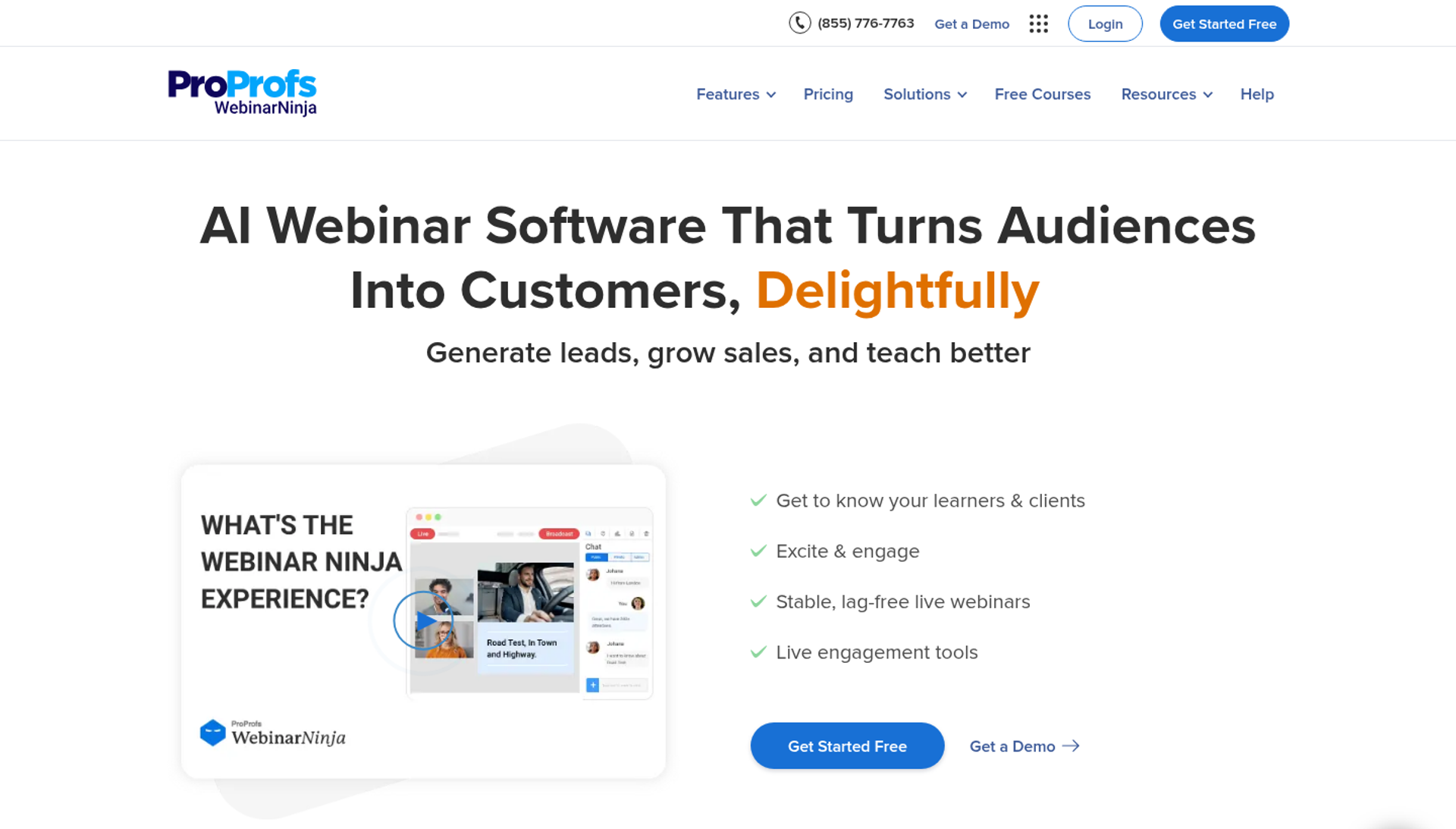
WebinarNinja is best for educators who want webinars and live courses under one per-attendee subscription, because its single plan includes automated, series, and hybrid webinars plus CourseNinja courses. It may not fit buyers who need native CRM sync or proven reliability for high-stakes live launches.
| Quick fit | WebinarNinja |
|---|---|
| Best for | Educators combining webinars with live and on-demand courses |
| Skip if | You need native CRM sync, PayPal, or deep revenue reporting |
| Strongest edge | One plan with every feature, including Stripe-based paid webinars with no platform fees |
| Biggest trade-off | Per-attendee billing grows with audience size, and integrations lean on Zapier |
| Pricing snapshot | $0.60 per attendee per month billed monthly, or $0.30 billed annually ($3.60 per attendee per year). Audiences over 1,000 go through sales. 14-day free trial. Checked October 15, 2026, on the WebinarNinja pricing page . |
Why WebinarNinja ranks tenth
WebinarNinja offers wide feature coverage in one plan, including automated, series, and hybrid webinars, timed sales offers, and paid webinars through Stripe, according to its pricing page. It also lists 24/7 email, phone, and live chat support with a dedicated success manager.
It ranks tenth because reviewer-reported reliability problems carry heavy weight for revenue webinars. Several G2 and Trustpilot reviews between 2020 and 2025 describe bugs, connection issues, and replay problems.
🧮 How per-attendee billing plays out
EasyWebinar uses flat monthly tiers by attendee capacity, with no per-attendee fees within a plan. WebinarNinja bills per attendee, so cost tracks audience size directly. At its annual rate, 500 attendees a month costs $150 a month. See the EasyWebinar vs WebinarNinja comparison.
What WebinarNinja does well
- Everything in one plan. No feature gating, so buyers do not need to compare tiers.
- Paid webinars with no platform fee. Stripe handles payments, and WebinarNinja adds no service fees of its own.
- Formats. Live, automated, series, and hybrid webinars cover most teaching and selling formats.
- Courses included. CourseNinja adds live and on-demand courses, a student portal, and coupons.
- Browser-only. Hosts and attendees join from a browser, with nothing to download.
Where WebinarNinja falls short
- Reviewer-reported reliability issues. Trustpilot and G2 reviewers describe bugs, emails landing in spam, and connection problems.
- Thin native integrations. Stripe, Zapier, and Facebook Ads are listed, with no native CRM sync.
- Payment limits. WebinarNinja does not accept PayPal for subscriptions, and plan changes are made by email.
| Evaluation criterion | WebinarNinja fit | Why it matters |
|---|---|---|
| Live webinars | Partial | Browser-based WebRTC, with reviewer-reported reliability issues. |
| Simulated live or automated webinars | Strong | Automated and hybrid webinars on the single plan. |
| Evergreen automation | Partial | Automated scheduling is listed; just-in-time is not documented. |
| Funnel pages | Strong | Custom registration, sales, and thank-you pages. |
| Engagement | Partial | Chat, Q&A, polls, reactions, offers, and handouts. |
| CRM and follow-up | Partial | Email automation; CRM through Zapier. |
| Monetization | Strong | Paid webinars and timed sales offers via Stripe. |
| Analytics | Partial | Stats and analytics without revenue attribution detail. |
| Integrations | Weak | Stripe, Zapier, and Facebook Ads. |
| Pricing fit | Partial | Simple rate, but cost scales with attendees. |
| Best-fit buyer | Partial | Educators bundling webinars and courses. |
Choose WebinarNinja if you want webinars and live courses on one per-attendee bill. Skip it if a failed live session would cost you a launch, or if you need native CRM sync.
- A reviewer praises WebinarNinja's support and starter-level tooling, but notes recorded on-demand files cannot be edited or replaced. Oscar A., WebinarNinja - G2 Verified Review, March 1, 2022
- A user reports buggy software, notification emails landing in spam, and a clunky registration page builder. Kristen Proctor, WebinarNinja - Trustpilot Verified Review, October 6, 2025
Q2. How Did We Score and Rank Each Webinar Platform?
This guide scored each platform on five weighted criteria. Format coverage and conversion tools carry 25% each, attendee experience 20%, and integrations and verified reviews 15% each. Scores of 0 to 20 earn one star, rising in 20-point bands to five stars for 81 to 100. Each score was then checked against public G2 Grid signals and dated user reviews.
The five criteria and how each was tested
| Criterion | Weight | How it was tested |
|---|---|---|
| Format coverage | 25% | Live, simulive, automated, evergreen, just-in-time, and on-demand support, checked against each vendor's pricing page |
| Conversion and revenue tools | 25% | Offers during the session, checkout, paid registration, and revenue reporting |
| Attendee experience and reliability | 20% | Browser join, capacity per plan, and reviewer-reported stability |
| Integrations and follow-up | 15% | Native CRM, named CRM integrations, and behavior-based follow-up |
| Verified reviews | 15% | Dated G2, TrustRadius, and Trustpilot reviews from 2018 to 2026 |
Simulive plays a recording at a set time. Just-in-time starts a session minutes after someone registers.
⭐ How scores become stars
| Score band | Stars | Platforms |
|---|---|---|
| 81 to 100 | ⭐⭐⭐⭐⭐ | EasyWebinar |
| 61 to 80 | ⭐⭐⭐⭐ | Zoom Webinars, Demio, Contrast |
| 41 to 60 | ⭐⭐⭐ | GoTo Webinar, Webex Webinars, WebinarJam, EverWebinar, WebinarGeek |
| 21 to 40 | ⭐⭐ | WebinarNinja |
| 0 to 20 | ⭐ | None |
EasyWebinar was scored on the same rubric as every rival. Its five stars come mainly from format coverage and conversion tools, where live, automated, and checkout sit on one subscription from Growth.
Why format coverage and conversion carry half the weight
EasyWebinar was built on one lesson from my own first course. It sold nothing until I ran a webinar, and the room was never the hard part. What decided revenue was whether the session could sell, and whether it could keep running after I logged off.
That is why those two criteria hold 50% of the score. Every platform here hosts a clean live session. Far fewer take payment in the room or automate the winning session.
💰 The benchmarks behind the weighting
EasyWebinar customer Rick Mulready reached a 166% return on cold paid traffic, with a 30% registration rate and $8 to $12 cost per lead. Numbers like those only hold when the funnel, the room, and the follow-up connect.
My working rule is to reach about 10% attendee-to-buyer conversion live before automating. A platform that cannot carry that winning session forward scores lower here, however good its video looks.
How G2 signals were used
G2's Grid combines two inputs: customer satisfaction and market presence. This guide used Grid placement as a sanity check, not a score. G2's Fall 2026 Momentum Grid for webinar software covered 59 products.
Reviews were weighed for recency and specifics, not star averages alone.
"EasyWebinar is hands-down THE webinar platform for evergreen webinars, no contest." - Ash A., EasyWebinar G2 - Verified Review March 13, 2026
"GoToWebinar is the most basic webinar tool that offers nothing more than any other tool." - Forrester S., GoTo Webinar - G2 Verified Review October 23, 2025
EasyWebinar's score still reflects its trade-offs: the Launch plan is live-only with 50 attendees, and automated setup needs the video uploaded first.
Q3. How Do the 10 Webinar Platforms Compare, One by One?
Each platform wins a different job. EasyWebinar fits revenue webinars that run live and then automated. Zoom Webinars fits teams already on Zoom, GoTo Webinar fits formal training, and Webex fits enterprise security reviews. Demio fits occasional live marketing webinars, and Contrast fits HubSpot-first teams. WebinarJam fits one-off live launches, EverWebinar fits fully pre-recorded sessions, WebinarGeek fits EU-based teams, and WebinarNinja fits educators bundling courses.
The comparison that decides most shortlists
Picture a marketing lead with three vendor tabs open before Thursday's demo. All three can host it. Her CFO asks a different question: can this sell after Thursday? The table answers that for all 10 platforms, from vendor pricing pages checked October 15, 2026.
| Platform | Live | Automated or evergreen | Selling during the session | Choose it if |
|---|---|---|---|---|
| EasyWebinar | ✅ | ✅ From Growth, incl. just-in-time | ✅ Checkout in the room | Your webinar must sell, then keep running |
| Zoom Webinars | ✅ | ⚠️ Simulive on Plus and Events | ⚠️ Paid registration | Your team already runs on Zoom |
| Demio | ✅ | ⚠️ Automated from Growth | ❌ Not listed | You run occasional live marketing sessions |
| GoTo Webinar | ✅ | ⚠️ Simulive events | ⚠️ Payments on Complete | You run formal training with certificates |
| Webex Webinars | ✅ | ⚠️ Simulive and on-demand | ❌ Not in Webinars | Security review decides your vendor |
| Contrast | ✅ | ⚠️ Pre-recorded and recurring | ❌ Not listed | Your stack runs on HubSpot |
| WebinarJam | ✅ | ⚠️ Through EverWebinar, from Basic | ✅ Live offer displays | You run live launches |
| EverWebinar | ❌ | ✅ Including just-in-time | ✅ Timed offers | You never need to go live |
| WebinarGeek | ✅ | ⚠️ Automated on Premium | ⚠️ Paid registration | You prefer an EU-based vendor |
| WebinarNinja | ✅ | ✅ Automated and hybrid | ✅ Timed offers, Stripe | You bundle webinars with courses |
✅ How to read the table
Two rows list just-in-time scheduling, which starts a session minutes after someone registers: EasyWebinar and EverWebinar. EasyWebinar also hosts the live session that comes first.
WebinarJam and EverWebinar cover both halves as two products. Most other rows are live-first, with automation gated or missing.
What the reviews add that pricing pages leave out
EasyWebinar's reviews include real trade-offs, and so do competitor reviews. These come from dated, verified sources.
"The biggest challenge is around setting up automated webinars, and needing the presentation uploaded first in order to set it up." - Ash A., EasyWebinar G2 - Verified Review March 13, 2026
"After canceling, I was shocked to find out I couldn't export the list unless I subscribed again." - Sheida M., Demio - G2 Verified Review May 12, 2025
"Customer Service: very prompt at responding; dedicated reps for business accounts." - Khyati Doshi, Senior Marketing Manager, GoTo Webinar - TrustRadius Verified Review December 6, 2023
⚠️ My read on "ugly and done"
EasyWebinar's templates are not a reason to buy it. Jason Fladlien put it plainly about his $57.9M launch: the registration page "was ugly and it was done." Polish rarely moves conversion. The offer and the room do.
When two platforms look close in a demo, check two things. Can it sell during the session, and can the winner run again without a rebuild?
EasyWebinar combines live hosting, automated and just-in-time sessions, and checkout in the room. All of it runs on one subscription from Growth ($116 a month). Its trade-off: automated setup needs the video uploaded first.
Q4. What Should Webinar Software Do in 2026, and Should You Run Live, Automated or Both?
Webinar software hosts live or recorded presentations, with registration, engagement, and follow-up built in. The 2026 test is whether a webinar keeps producing revenue after the live hour. EasyWebinar runs a session live, then turns that exact session into a just-in-time, simulive, or evergreen webinar on the same subscription from its Growth plan.
Context: the question behind the question
One EasyWebinar customer summed up the problem in a G2 review. This customer had gone live every month since 2020 and was exhausted. The real question was not which tool streams best. It was how to stop presenting the same webinar forever without losing the sales.
"I've been going live every month since 2020 and I'm exhausted." - Verified User in Photography, EasyWebinar G2 - Verified Review August 26, 2025
❌ The old way: a meeting tool and a calendar
For years, the default was a meeting tool and a weekly live slot. The meeting ran fine, but nothing tracked which attendee bought, and every session needed the presenter in the room. Teams either burned out or stopped running webinars.
My own start looked like this. I built a YouTube course over six months, launched it, and sold nothing. Webinars were the only thing that worked: in my first year, live webinars built a 14,000-person list and $245,000 in course sales.
What changed: viewers moved to their own schedule
Audiences now watch on their own time. A 2026 study of 412 webinars found on-demand views outpace live attendance by 2.3 times per webinar. ON24's 2026 benchmark reports 60% registration-to-attendee conversion once on-demand viewing counts.
That splits operators into two camps. Jeremy Haynes argues automated webinars perform worse on cold paid traffic. Yuri Elkaim reports evergreen webinars reaching seven figures in seven weeks.
⏰ The resolution: live first, then automate
Both are right at different stages. My Webinar Sprint Method runs them in order:
- Run 5 to 10 live sessions to test the offer and hear objections.
- Reach about 10% attendee-to-buyer conversion live.
- Record the winning session and automate it.
Automating an unproven webinar only automates failure. Going live forever caps your reach at your calendar. See how the live versus automated trade-off plays out in practice.
EasyWebinar's answer: one switch from live to automated
EasyWebinar converts a proven live session into Simulive, Evergreen, Just-in-Time, On-Demand, or Instant Replay formats without a rebuild. Simulive plays the recording at a set time. Just-in-Time starts it minutes after registration, in the attendee's time zone.
Every attendee becomes first-party intent data: what they watched, asked, clicked, and bought. EasyWebinar tracks watch time, poll answers, offer clicks, and purchases, then scores leads as Hot, Warm, or Nurture. An automated session is never presented as live.
💰 Proof from the evergreen side
"With my live class I used to sell 10-12 courses. With EasyWebinar I sold 25 courses within 3 weeks of my evergreen 'launch'." - Laura C., EasyWebinar G2 - Verified Review January 28, 2025
Laura validated live first, then automated. That order is the whole method.
EasyWebinar is the step up from Zoom when a webinar has to sell. Zoom runs the meeting; EasyWebinar runs the live session, automates the winner on the same subscription, and attributes revenue to each attendee.
Q5. Which Features Move Show-Up and Conversion, and What Breaks the Funnel?
About half of registrants attend live. 2026 benchmarks put live show-up between roughly 38% and 48%, rising to 60% when replay views count. The features that move these numbers are browser join, reminders, behavior-based follow-up, and replays that expire on a deadline. EasyWebinar connects attendee data to HubSpot, Salesforce Pardot, ActiveCampaign, Mailchimp, or Kit (formerly ConvertKit), or to its built-in EasyCRM.
Context: why attendance numbers disagree
One report says 38%, another says 60%. Both are right, because they measure different things.
| Benchmark | Figure | What it counts |
|---|---|---|
| Visionary Marketing, 412 webinars (2026) | 38.4% median | Live show-up only |
| Livestorm (2026) | 47.7% | Live show-up only |
| ON24 (2026) | 60% | Live plus on-demand viewing |
⚠️ What the gap means for you
The gap between live and total attendance is the replay. ON24 reports 52% of its attendees watched on demand. EasyWebinar's analytics split live and replay viewers, so you can see which half of your audience bought.
The old way: the tube map funnel
For years, operators built funnels like a subway map. Separate tools ran pages, email, the webinar, the CRM, and checkout, glued together with Zapier (an app that passes data between tools). I've called this a spaghetti funnel, and getting it right can take 6 months to a year.
Every joint is a place to leak. Jeremy Haynes, an ad agency owner, caught a Zapier plan cap 4 hours before a webinar. A couple hundred opt-ins never reached the CRM his sales team was dialing from.
"The integrations with 3rd party software such as mailchimp is inconsistent on both the pushing the registrants over and the custom form field population." - Tara G., WebinarJam - G2 Verified Review June 23, 2023
"I have usually hard time with all zapier connnections." - Saana K., Online Coach, Demio - G2 Verified Review August 6, 2024
What changed: simple funnels and less friction
Simple scales. Fancy fails. Operators now win by removing steps.
Three tactics show up repeatedly:
- One-click join. Every download between the link and the room costs attendees.
- A 72-hour replay window. Send one email on day one, one on day two, and two on day three before the replay closes.
- SMS without the join link. Some operators drop the link from texts so attendees join on desktop, where they finish the presentation more often.
✅ EasyWebinar's answer: fewer joints, smarter follow-up
EasyWebinar attendees join from any browser, with nothing to download. Streaming runs on Dolby OptiView WebRTC at sub-500ms latency, so polls and offers land while people are still watching.
EasyWebinar then sends each attendee the message their behavior earned. No-shows, early leavers, offer-clickers, and replay viewers each get their own sequence, by email or SMS through Twilio.
Your CRM or ours
EasyWebinar supports both paths. Keep HubSpot or Salesforce Pardot with native sync from the Pro plan, or use EasyCRM from Growth, with lead scoring and sequences. Either way, attendee data reaches sales without a middleware joint.
"The integration with my email service provider was seamless, allowing me to automate a follow-up sales sequence once someone watches the webinar." - Jennifer B., EasyWebinar G2 - Verified Review April 15, 2025
EasyWebinar removes the joints where funnels usually break. Browser join lifts show-up, behavior-based follow-up recovers no-shows, and native CRM sync keeps every opt-in where sales can act on it.
Q6. What Does Webinar Software Really Cost Once You Add the Full Stack?
The sticker price understates the real cost. Per-attendee pricing scales with your success, and live-only tools leave you adding landing pages, email, a CRM, and checkout. EasyWebinar uses flat monthly pricing with no per-attendee fees within a plan. A webinar never stops at the plan limit, and extra attendees are billed as overage under its terms.
Context: the bill nobody models
A coach budgets for a webinar tool, then launches. Within a month, the card statement shows a page builder, an email platform, a CRM, a checkout tool, and Zapier. The webinar line item was the smallest one.
Jeremy Haynes, who has scaled webinar funnels to seven figures a month, warns about founders who "vaporize money willingly" because they never modeled worst-case numbers. The same thing happens with software: nobody models the full stack.
💸 The old way: price the room, ignore the rest
Comparing entry prices hides two costs: pricing that grows with your audience, and every tool the platform leaves out.
| Platform | How the price scales | Funnel pieces you may add |
|---|---|---|
| WebinarNinja | Per attendee per month | CRM |
| Demio | Per host, by attendee room size | CRM below Premium, checkout |
| Contrast | Unique registrants per month | Checkout |
| Zoom Webinars | Attendee capacity tiers, plus pay-per-attendee options on Plus and Events | Funnel pages, CRM, checkout |
| EverWebinar | One feature set, with annual and two-year terms charged upfront | Live hosting, CRM |
| EasyWebinar | Flat monthly tiers by attendee capacity | None required from Growth |
What changed: buyers price the whole stack
Buyers now ask what it costs to run the webinar that sells, not just to host it. That means pricing hosting, pages, email, CRM, and checkout together, from each vendor's own page.
"The pricing options of the product are somehow limited which is inconvenient for huge webinars." - Hetvi B., Zoom - G2 Verified Review April 24, 2023
✅ EasyWebinar's answer: one bill, stated plainly
EasyWebinar puts the webinar, pages, email, CRM, and checkout on one bill. Here is what each plan includes, without spin:
- Every plan: live webinars that attendees join from any browser, plus the AI Webinar Builder.
- From Growth: automated and evergreen webinars, EasyCRM, checkout in the room, and EasyCast multistreaming.
- No free plan: every plan starts with a 7-day full-access trial, and a card is required to start it.
EasyWebinar's honest trade-off is that the entry plan is live-only. If you need automation, budget from Growth.
"The only downside is that to have the 'just in time' feature you have to pay a premium that is about double the price of the basic subscription. However, it has been worth it for me to invest in that." - Laura C., EasyWebinar G2 - Verified Review January 28, 2025
Proof: what the spend returns
EasyWebinar customer Rick Mulready ran webinars on cold paid traffic at a 30% registration rate and $8 to $12 cost per lead. The result was a 166% return on that ad spend.
That is the number that matters, not the plan price. Haynes describes "house money": profit from warm audiences that funds the riskier testing on cold traffic. A flat bill makes that math easier to model.
EasyWebinar is worth it the moment your webinars have to produce revenue or pipeline. Price your full stack line by line, then compare it with one flat bill.
Q7. Which Webinar Platform Fits Your Team and Use Case?
Choose by the job the webinar must do. EasyWebinar fits webinars that sell, educate customers, or produce pipeline after the live hour. Zoom Webinars fits teams already on Zoom, and GoTo Webinar fits formal training with certificates. Webex fits security-led enterprise buying, and EverWebinar fits sessions that never go live. Accredited courses and internal all-hands belong on a course platform or an internal meetings tool.
The decision table
Name the job first, then the platform. Each row uses a strength the vendor documents.
| Your situation | Start your shortlist with | Why |
|---|---|---|
| Coach or course creator selling a program | EasyWebinar | Live session, then automated, with checkout in the room |
| Never going live, recording already converts | EverWebinar | Just-in-time automated sessions in one feature set |
| One-off live launches | WebinarJam | Live offer displays and high attendee caps |
| Small business running its first webinar that sells | EasyWebinar | Browser join, AI Webinar Builder, and checkout from Growth |
| Team already standardized on Zoom | Zoom Webinars | Familiar room, up to 100,000 attendees |
| B2B or SaaS team turning demos into pipeline | EasyWebinar | Automated demos, lead scoring, and HubSpot or Salesforce Pardot sync on Pro |
| HubSpot-first team wanting AI content repurposing | Contrast | 50+ HubSpot properties and Clip AI |
| Occasional live marketing webinars | Demio | Engagement tools on every plan |
| Formal training and compliance | GoTo Webinar | Certificates and paid events on Complete |
| Security review decides the vendor | Webex Webinars | FedRAMP, SOC 2 Type II, and HIPAA/BAA listed |
| European team preferring an EU vendor | WebinarGeek | Netherlands-headquartered, live and automated formats |
| Educator bundling webinars and courses | WebinarNinja | Webinars plus CourseNinja on one plan |
⭐ Why specialists beat do-everything platforms
Bri Leever has built more than 55 communities on Circle and Heartbeat. Her warning about platforms that promise to be your community, CRM, email, and video host at once is blunt: each piece ends up weak. I agree, and it applies to webinars too.
EasyWebinar is built around one job: webinars that keep working after the live hour. That is also why it hands off the jobs it does not do well.
Who EasyWebinar is not for
EasyWebinar isn't the right fit for these situations:
- Free hosting, open-source, self-hosted setups, or podcast studios. EasyWebinar has no free plan.
- Accredited courses with progress tracking and certificates. EasyWebinar is not an LMS (learning management system). Pair it with your course platform.
- Internal all-hands meetings. An internal meetings tool fits better.
- Investor-relations calls and regulated financial webcasting. These need specialist compliance tools.
✅ What operators say about fit
EasyWebinar fits best when a webinar has a clear business job.
"I want to get my content out without having to rely solely on 1-to-1 calls. I'm going to use it, once my webinar is perfected, to put the presentation on autopilot for more consistent sales." - Micaela S. B., EasyWebinar G2 - Verified Review September 13, 2024
Rivals win their fits too.
"Zoom has been everything we've wanted... for running webinars for our national membership association." - Rob K., Zoom - G2 Verified Review February 8, 2024
EasyWebinar is the conversion layer in front of your course platform. Host the course on Kajabi or Teachable, and run the sales webinar, checkout, and follow-up in EasyWebinar. Learn how EasyWebinar helps you launch courses and programs.
Frequently Asked Questions

Casey Zeman
Founder of EasyWebinar
About Author
Over the past decade, I've helped thousands of entrepreneurs, coaches, and consultants turn webinars into a predictable, powerful way to grow their audience, build trust, and scale, without the constant hustle. I created EasyWebinar because I couldn't find a system that combined authenticity, engagement, and automation the way I needed. So, I built one.
Related Posts

10 Best Community Engagement Platforms in 2026
Compare the 10 best community engagement platforms in 2026. Course creators, evaluate live hosting, analytics, and replay to pick your winner today.

10 Best Online Coaching Tools in 2026: Live Session Quality, Scheduling, Recording, and Client Engagement Analytics
Compare the 10 best online coaching tools of 2026 on session quality, scheduling, and analytics. Discover the right fit for your coaching revenue model.
10 Best Webinar Hosting Platforms Ranked by Uptime, Streaming Quality & Cost
Compare 10 webinar hosting platforms ranked by uptime, streaming quality, and cost. Discover which tool actually turns attendees into revenue.
Turn every webinar into a revenue stream
Launch your first paid event in just a few clicks - and start monetizing your expertise.
Book a Call