






 Evergreen on autopilot
$5M
from one evergreen webinar funnel
Carla BiesingerOnline course creator
For course creatorsWebinar platform for course creators
Teach your class live, find the pitch that converts, then run that exact session as a just-in-time evergreen webinar that sells in every time zone. Buyers pay without leaving the room, and your course stays where it is.
7-day full access. Cancel anytime.


Rated a G2 LeaderSOC 2 Type II · GDPR-aligned
Evergreen on autopilot$5M
from one evergreen webinar funnel
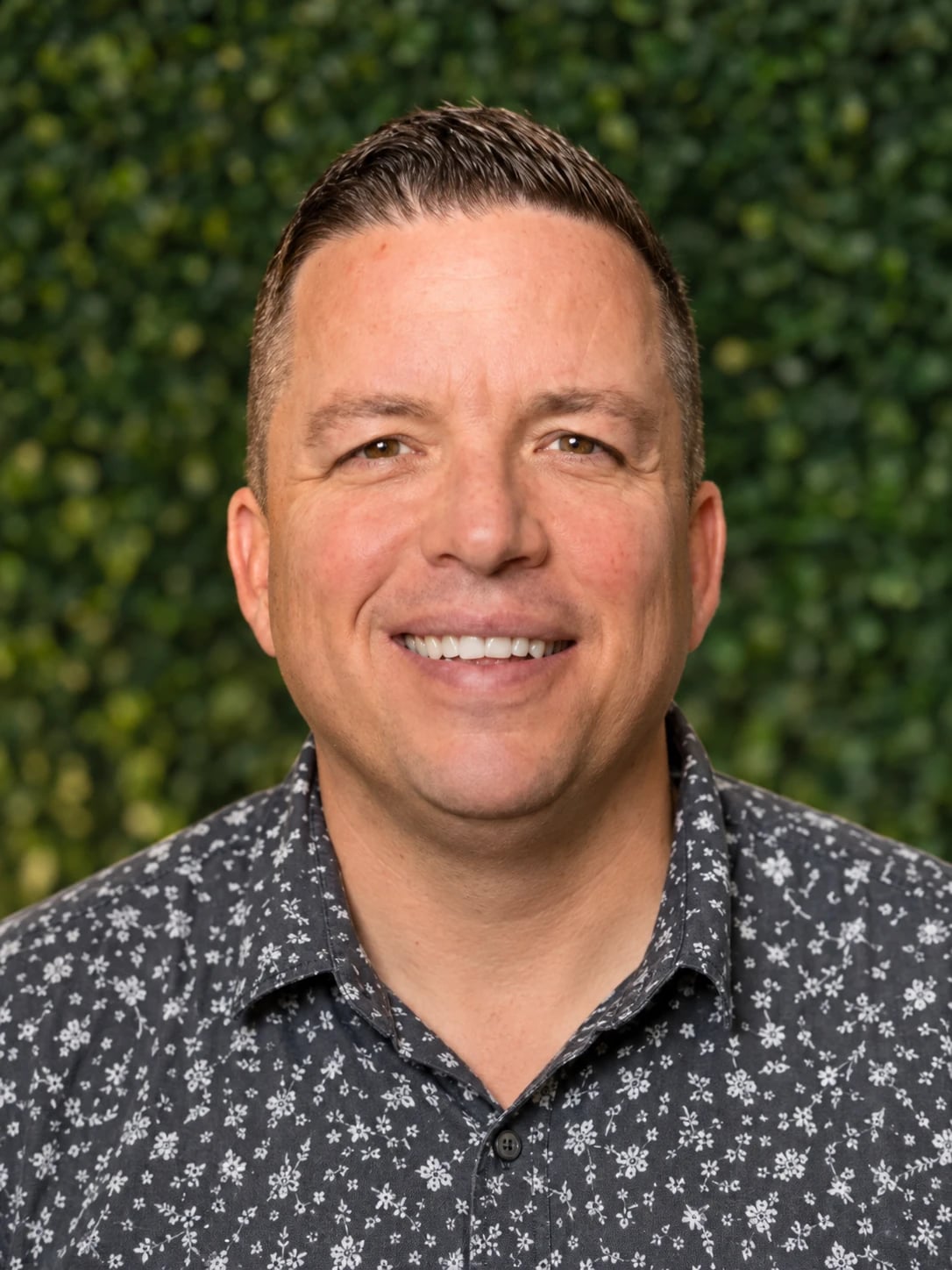
Carla BiesingerOnline course creator
 Evergreen on autopilot
$2M
from one automated webinar funnel
Ryan FennCEO, Chiirp
 One webinar funnel
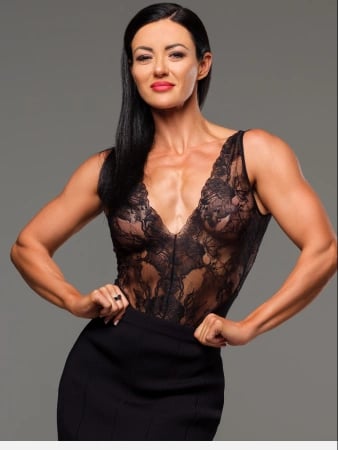
$750K
from one webinar funnel
Kim ConstableFounder, The Sculpted Vegan
 Live, then evergreen
25 courses
sold within 3 weeks of her evergreen launch
Laura K. ConnellOnline course creator
 Paid traffic to webinar
166% ROI
on cold paid traffic
Rick MulreadyOnline marketing expert
 Automated webinars
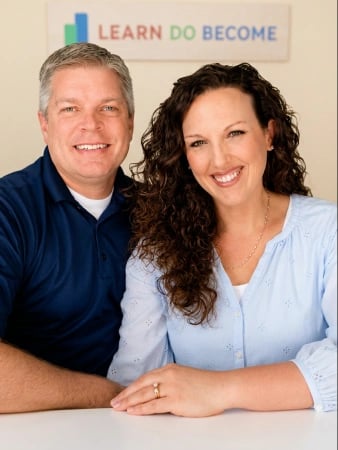
60.8%
webinar show-up rate in 2025
April & Eric PerryFounders, LearnDoBecome
 Live launches
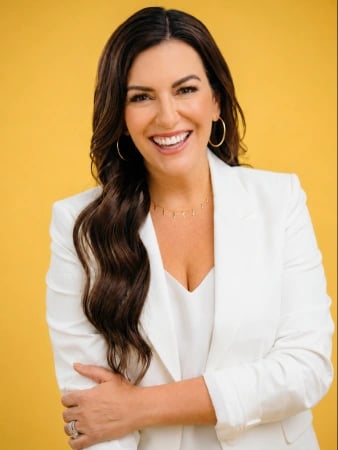
“Nothing compares to their reliability and customer support.”
Amy PorterfieldOnline marketing expert
 Coaching
“Easiest integrations, best customer service, and EASY to use.”
Susie MooreAuthor & life coach
Join 25,000+ businesses and creators on EasyWebinar, including







At a glance
A webinar platform for course creators runs the free class that sells your course: registration, the live or automated session, the offer and the follow-up. EasyWebinar runs that class live or on autopilot, lets buyers pay without leaving the room, and follows up based on what each attendee did. Your lessons stay on your course platform.
Built for the pitch, not the classroom: webinars that sell programs, courses, coaching and services, and keep selling after launch week.
 Recorded live · May 2732:40 / 52:00LiveTue, 7:00 PMLive nowSimuliveThu, 2:00 PMScheduledJust-in-time15 min after sign-upNext: 12:04On-demandWhenever they chooseWatch nowEvergreenEvery day, 9:00 AM localRunning
 Live · 214 watchingOffer open · 14:59 leftSignature course$497Enroll now
 Secure checkout
 Maya enrolledPaid in the room





The problem
Your live launch works: people show up, you teach, some buy. But the moment you log off, the selling stops with you, and revenue is capped at whatever you can personally present.
Your live ceiling
10–12sales per live class
Every sale needs you in the room.
1time zone per live session
Teach at 2 PM in New York and most of the world misses the pitch.
2apps in the usual setup
The session gets rebuilt between the live launch and the replay.
With EasyWebinar it’s one platform, one login, one subscription. The session that converted live becomes the one that sells on autopilot.
7-day full access. Cancel anytime.
“With my live class I used to sell 10–12 courses. With EasyWebinar I sold 25 courses within 3 weeks of my evergreen launch.”
 Laura K. ConnellOnline course creator
 G2 verified
How it works
Everything between your free class and the sale, in one account: the AI draft, the live room, the evergreen copy, the checkout and the follow-up.
EasyWebinar AI drafts the script, registration pages, emails, polls and offer. You review and edit.
Run the class live to find the pitch that converts. Attendees join from the browser, with chat, polls and Q&A.
EasyCast can stream it to YouTube, Facebook, LinkedIn and custom RTMP at the same time.
Clone the session that converted into a just-in-time, scheduled or weekly webinar in one switch. Each viewer sees it start at their own local time.
Open a timed offer and buyers pay without leaving the room. Follow-up and EasyCRM then react to what each person watched, clicked and bought.
Four ways creators sell
Match the webinar to how you sell: on autopilot, after a live launch, from a live class, or for the very first time.
For course creators and info-product sellers with a free class that already sells.
 Carla BiesingerOnline course creatorCustomer story
$5Min course revenue from one evergreen funnel
Carla combined live webinars, just-in-time sessions and custom replays into one automated funnel.
7-day full access. Cancel anytime.
Creator results
Each of these started as one session. Here is what it did once it ran without them.
Carla BiesingerFounder & CEO · online course creator
Carla started with small live events, then combined live webinars, just-in-time sessions and custom replays into one automated funnel that sells her courses every day.
Read Carla’s story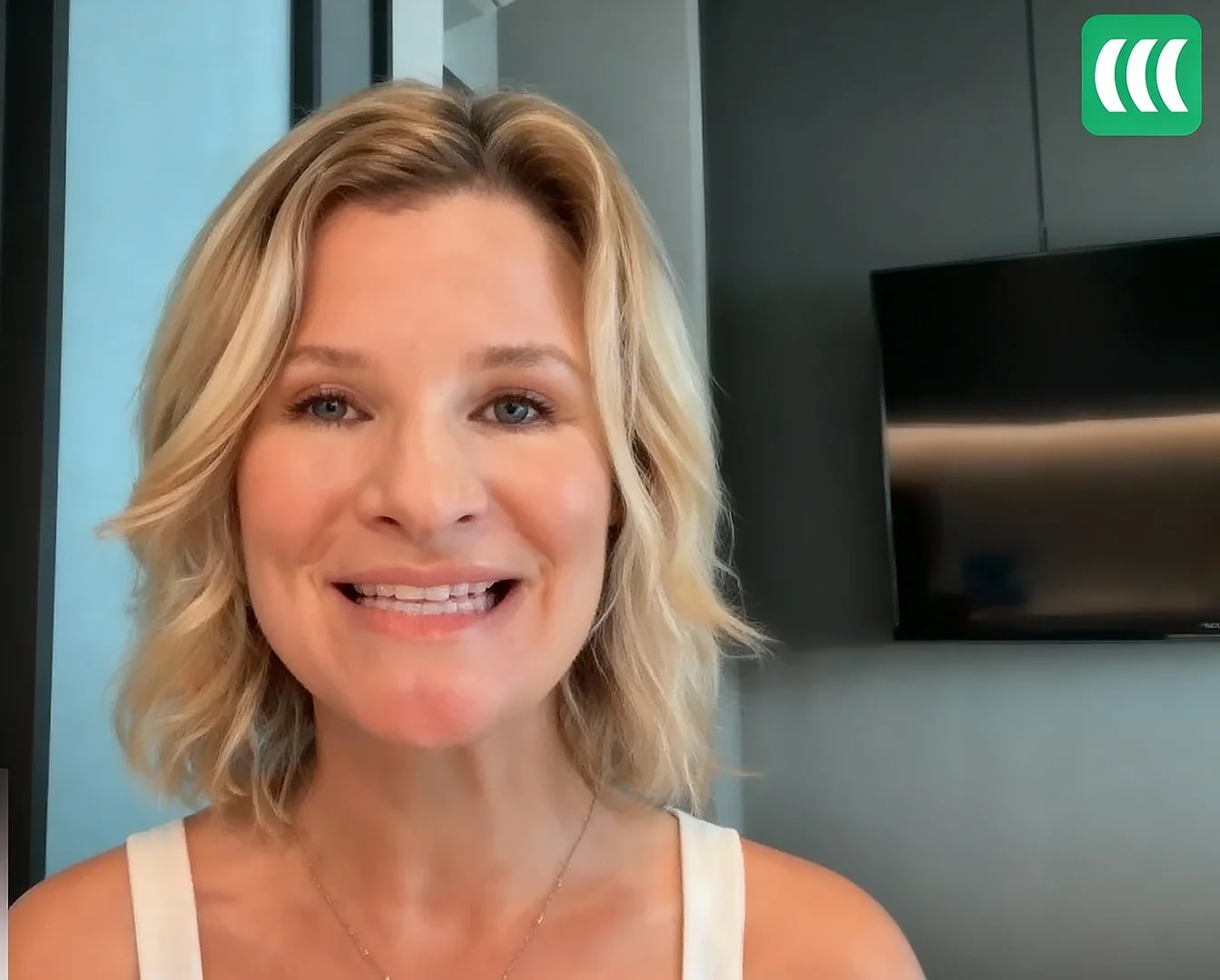 Evergreen · runs daily
01 / 06
7-day full access. Cancel anytime.
AI Webinar Builder
Answer a handful of questions about your course. The AI Webinar Builder drafts your registration page, email sequence, slide-by-slide script, polls and in-room offer, ready to edit or publish.
AI Webinar Builder
Your funnel drafted in about 10–15 minutes. Review and edit everything before it goes live.
Creators using EasyWebinarCourse creators using EasyWebinar
“I convert really well with live webinars – but I can’t be everywhere at once. EasyWebinar gives me the ability to multiply my efforts and offer a human touch, without having to be everywhere at once.”
 Ash AmbirgeOwner, DEAD VOICE CLUBG2 verified
“It allows me to automate my entire sales sequence. I feel like it’s a “set it and forget it.” I can also see how it’s performing.”
 Jennifer BardenCourse creatorG2 verified
“EasyWebinar helped me convert my live webinar to evergreen so that I could automate my sales funnel and serve more people!”
 Ashley ChandlerCEO, The Teenage GuideG2 verified
“I’m blown away with how easy it was to set up a sequence of 10 webinars. The folks at EasyWebinar were very helpful. A great experience!”
 David LarkinFounder, Deal Coach
“EasyWebinar saves me a lot of time, especially since I often host the same webinar monthly, and everything is already set up for last-minute webinars.”
 Eliza WangFounder, Joa Academy
“Once I’ve run one webinar, I can clone and set up multiple in a breeze. It’s been a game-changer for our business.”
 Darrin BrodieMarketing Director, Davenport & Associates
“I like that EasyWebinar actually has all the functions that I need to set my program on automation.”
 Gabriel von KnorringOwner, Unbreakable MindG2 verified
“EasyWebinar does one thing very well: schedule evergreen webinars – capturing leads and following up with email reminders.”
 Anya GarciaOwner, Montessori from the Heart
Is it the right fit?
EasyWebinar is built for webinars that have to produce revenue, during the live session and for months after it. It is not a course platform, and it doesn’t try to be one.
How creators choose
Every tool here is good at something. This is where each one fits, and where EasyWebinar does.
Best forLive classes and meetings where a meeting room is enough.

With EasyWebinarRegistration pages, in-room offers and follow-up in one tool.
Best forLive launches, with replays in its sister app, EverWebinar.
With EasyWebinarLive and evergreen in one app. Clone the session that converted in one switch.
Best forMarketing teams running live and series webinars.
With EasyWebinarBuilt for selling: weekly or just-in-time evergreen with checkout in the room.
Best forAutomation-first webinars.
With EasyWebinarEvergreen built from a live session you’ve already proven converts.
Best forLow-cost automated webinars, with a one-time price option.
With EasyWebinarPriced on the whole funnel: pages, email, checkout and CRM.
Best forHosting your course and community. Webinars run via Zoom or YouTube Live.
With EasyWebinarKeep your course there. EasyWebinar runs the webinar that sells it.
7-day full access. Cancel anytime.
Free guide
Live vs. Automated Webinars
Casey’s Webinar Sprint Method
 Casey ZemanFounder, EasyWebinar
Free download
Run 5–10 live webinars first. Hit a 10%+ registrant-to-buyer conversion rate. Only then automate it. The guide walks through why that order matters, and what breaks when creators skip straight to evergreen.
From the blog
A 60-minute webinar turns 60 registrants into 3 buyers and $12,000, the math behind one webinar replacing six sales reps. Casey Zeman's field-tested playbook on offers, list-building, webinar structure, the live-to-evergreen sprint, high-ticket application funnels, group coaching, and the metrics that actually move revenue.
Webinars are the fastest growth lever for an online coaching business because they convert attention into trust at scale. A 60-minute session gives a prospect 30 to 60 minutes of “time on brand” that an 11-second reel cannot. The math is simple: 60 registrants, 30 attendees, 3 buyers at $1,000 equals $12,000 from one session. One webinar can replace six sales reps. For coaches charging over $200, it is the shortest distance between stranger and client.
A coach messaged me last Tuesday. She runs a $3K nervous-system program, posts 4 reels a day, and grosses $7K in a good month. Her ceiling is her calendar. That is the trap — reels buy attention measured in seconds; coaching is sold on trust measured in minutes. The two currencies do not exchange cleanly.
Yuri Elkaim, who built a $217M health practitioner pipeline, calls this the trust economy. An 11-second reel earns you a flicker. A webinar earns you a window — a prospect watches you think, hesitate, answer, fumble, recover. That's the felt sense of working with you, compressed into one sitting.
I went from mid-six figures in real estate to $15K in a single year during the recession. I almost lost the house. I built a YouTube course over six months — it sold zero copies. The only thing that started generating sales was a live webinar. In year one of running them weekly, I built a 14,000-person list and sold $245K of my course. I was not polished. I stuttered. I overshared. The webinars still sold.
That is one hour of selling, once a week — $48K a month if it holds. No new reels. No DM hustle on a Friday night.
You can take 20 sales calls a week. You cannot take 200. A webinar takes 200 without breaking a sweat.
I had an enterprise client put a webinar at the front of their sales process. They went from six sales reps to one. The webinar did the indoctrination, framing, and objection handling — the rep did the close. That same architecture works for a solo coach: the webinar is your other five reps.
If you are charging over $200 for coaching, the question is not whether to run webinars. It is when you start.
Before you run a single webinar, your offer needs a specific avatar (demographics, pains, and goals), a transformation that solves a problem you fixed for yourself three years ago, and a price point above $200, because that is the threshold where a webinar outperforms a sales letter or lead magnet. Validate with five no-pitch live sessions. If people start asking “where can I buy?”, the offer is real.
Most coaches write a webinar before they write the buyer. That is backward. Here is the avatar to build before any pitch deck:
Skip “input sources” and you bore them with what they already know. Skip “objections” and your offer slide eats every question you should have answered earlier.
You do not need to be the world's foremost expert. You need to be three years ahead of the person you are teaching. Think about the problem you solved 36 months ago — the version of you back then is your avatar. That gap, between you-now and you-then, is your curriculum and unique selling proposition. If the answer to “am I qualified?” is “I solved this for myself, with proof,” you are qualified.
If you are selling coaching at $1K, $3K, or $10K, a webinar is not optional. It is the math. If your offer is $50, a webinar will lose you money on ad spend — build a lead magnet, validate the audience first, and raise the price when the results justify it.
Before you ever pitch, run 5 live sessions where you only solve a problem. No offer slide. No price. Just teach. Watch the chat. Watch the post-webinar emails. The signal you want is one specific question: “Where can I buy this from you?” When 2 or 3 attendees ask that, unprompted, your offer is validated.
“Validated” does not mean a flood of buyers — it means the right people asking the right question before you pitched them. That's offer-message-audience fit. If nobody asks, the offer is wrong, the audience is wrong, or the teaching missed. Change one variable, run again — three sessions usually tells you which one.
I have watched coaches skip this and burn 6 weeks building a funnel for an offer nobody wanted. The validation sprint costs 5 hours and saves a quarter.
Run free weekly no-pitch webinars and drive your first 100 attendees through DMs, Facebook groups, LinkedIn outreach, and Reddit/Quora answers. Layer $5 per day content boosting to build a retargeting pool, then graduate to lookalike audiences once you have engagement data. Add a “first 50 unlock a gift” social-share mechanic on your thank-you page for 10 to 15% extra viral registrations. I built a 14,000-person list and $245K in year-one course sales running this exact loop weekly.
The single most expensive belief I see in coaches is “I'll start webinars when I have a list.” You build the list by running the webinars — both happen at the same time. In year one, I started with 30 to 60 people per webinar. The next week I added another 30 to 60. By month three, the list was compounding into the thousands.
This part is unsexy. The first 100 attendees come from your hands and your DMs.
This is what I did before I had a VA, an ad budget, or a brand. It works because it is honest.
Once you have a recording that converts at all, paid traffic compounds the loop. Do not start at $200 a day. Start at $5.
This is the cheapest viral lift I have seen. On your thank-you page, lock a free PDF behind a social share button — the first 50 registrants who share unlock the gift. This pulls 10 to 15% extra viral registrations from a single setup. EasyWebinar's thank-you page builder ships this as a native social-share unlock, so it is not a Zapier project.
What I would not do: buy a list, or run a “viral giveaway” with $500 Amazon cards. The traffic shows up, then leaves the moment the gift is gone. The point is to build an audience that wants what you teach — cheap tricks fill the room with the wrong people, and the conversion math collapses.
One contrarian note on YouTube ads: YouTube viewers are already in consumption mode, fingers off the keys. Coaching webinars often convert higher from YouTube than from fast-scroll Facebook feeds.
A high-converting coaching webinar follows four parts: a 5-minute hook with a bold statement, 20 to 30 minutes of genuinely actionable value, a 10 to 15 minute offer that frames your program as the natural next step, and a clear single CTA. The biggest mistake coaches make is leaving the CTA vague. Use open loops every 7 to 10 minutes to keep stick rate high, and counterintuitively, shortening the sales portion increases conversions because more people stay long enough to see the offer.
Hook
First 5 min
Bold statement names the audience pain.
Value
20 to 30 min
Teach one actionable thing that builds trust.
Offer
10 to 15 min
Program framed as the natural next step.
Call to Action
Single CTA
One verb, one link, one outcome.
This is the structure I have used across 100+ webinars that have generated 8 figures in combined sales.
Coaches end with “let me know if you have questions” or “DM me.” That is not a CTA — that is hoping. A real CTA is “click the button now to book your application call.” One verb. One link. One outcome.
An open loop is a forward hook. Mid-section you say, “in a few minutes I am going to show you the exact email I sent the day I made my first $10K.” Then you keep teaching. The brain hates an unclosed loop — stick rate climbs, drop-off shrinks. Use one open loop every 7 to 10 minutes; three or four across a 60-minute session is plenty.
People connect to two things in a webinar: heart (story) and logic (data, proof). Lead with heart, back it with logic. Your story is not about you — it is about your audience. I share that I went from mid-six figures to $15K in a year, almost lost my house, then built a 14K list with weekly webinars. That story is not for me. It is for the coach watching who feels stuck at $7K months.
Rick Mulready, a Facebook ads consultant who runs his coaching practice off webinars, found that shortening the sales portion increased conversions. If the sales portion drags, people leave before they see the offer — a tighter pitch means more people stay long enough to actually buy.
There is such a thing as too much value. Overwhelm them and they freeze instead of acting — the goal is transformation, not information.
The job of a coaching webinar is not to teach. It is to break the old beliefs that have kept your audience stuck, and install the identity of the buyer who acts. Yuri Elkaim's $217M practitioner pipeline runs on this principle — belief-breaking does the conversion lift that another tutorial slide never will. If your webinar feels like a free course, the offer slide will feel like a betrayal. If it feels like a perspective shift, the offer feels like the next step.
The Webinar Sprint Method is a 3-stage progression: run 5 to 10 live webinars to fine-tune your message, automate your highest converter only after hitting a 10% attendee-to-buyer conversion rate, then layer evergreen formats like Just-in-Time and timezone-detected scheduling. Live first gives you real-time objection data automation cannot replicate. Skipping the live phase is the number one reason coaches' automated funnels die. An automated webinar without a proven pitch is a billboard in the desert.
Stage 1 · Live
5 to 10 sessions
Real-time objection data. Prove it live before you scale it dead.
Stage 2 · Automated
Gate: 10% conversion
Clone the single best session, not the average.
Stage 3 · Evergreen
Layer after automation works
JIT, recurring, and on-demand scheduling at scale.
When a coach launches their first webinar, the temptation is to record once and automate. I have watched it kill more funnels than bad ad creative ever did. Live webinars give you something automation cannot — every Q&A is a real-time objection log, every drop-off timestamp is a content note.
Do not automate at 2% conversion. Do not automate at 5%. Wait until 10% of attendees buy. Below 10%, your message has holes — automating a leaky pitch just leaks it 24/7. Prove it lives before you scale it dead.
Once one session converts at 10% or above, that is the recording you clone — not the average of five sessions, the single best one. Inside our automated webinar setup, this is one toggle on the same setup, not a rebuild. The recording streams in real time, with chat, polls, and timed offers active.
Jason Caruso ran his first automated webinar through EasyWebinar while still working a 9-to-5. First event: $14K. He did not invent a new pitch — he cloned a tested one.
Evergreen is not “set and forget.” It is “set, then watch the metrics like a hawk.” Three scheduling shapes do most of the work.
The contrarian read: most platforms push on-demand as a feature. I would not lead with it for coaching offers. When a prospect can watch anytime, they often watch never — the “hammering window” of anticipation between registration and start is what builds buying intent.
Most coaches run a separate funnel for each stage — that is the spaghetti. One funnel, one offer, run it weekly until the math holds.
For high-ticket coaching ($3K to $10K), do not send webinar attendees to a checkout page. Send them to an application qualifier. The flow is: webinar, redirect to application form, sales call. Layer a $49 to $100 paid consult fee to filter no-shows. If a prospect will not pay $50 for your time, they will not pay $5,000 for coaching. This funnel has closed over 20,000 coaching students.
Webinar attendees
Indoctrination, framing, objection handling
Application form
Five questions filter tire-kickers
Paid consult $49–$100
No-shows drop under 10%
Sales call
One closer, ready buyers only
Closed client
$3K to $10K coaching
Below $1K, a checkout page works — the buyer can convince themselves. Above $3K, the buyer needs to feel chosen, not processed. The application page is the chosen-not-processed move — it says “we screen who we work with.”
The form is not there to slow buyers down. It is there to keep your sales team off the phone with tire-kickers. Five questions: income, current results, biggest blocker, why now, can you commit.
This is the contrarian piece most coaches resist. Charge $49 to $100 for the strategy call. If a prospect will not pay $50 for your time, the $5,000 program conversation is dead before it starts.
This is the funnel architecture I have used to close over 20,000 coaching students — same shape, different niches. Group coaching at $3K. 1:1 coaching at $10K. Cohort programs at $5K. The constant is the redirect: webinar ends, attendee lands on application, the wrong people self-deselect.
I worked with an enterprise client who had six sales reps grinding the pipeline. We installed a webinar plus application funnel at the front. They kept one rep. The webinar did the indoctrination. The application did the qualification. The rep did the close.
What this looks like on Wednesday at 2pm: a coach runs a Tuesday webinar. 95 people show up. 12 click through to the application. 7 complete it. 5 book the call. 2 close at $5K. That is $10K from one webinar without a single cold DM. The math compounds when the funnel runs weekly.
A group coaching model lets you deliver one curriculum to 20 to 100 clients simultaneously. Fill it by pre-selling the cohort through a webinar, running the program live over 4 to 6 weeks via your webinar platform, then archiving every session into a membership site for fulfillment. This pre-sold bootcamp approach lets coaches collect $50K to $100K before delivery starts. Group coaching becomes the highest-margin scale path available.
A 1:1 coach trades hours for dollars. At $300 an hour, 30 hours a week, that is a $36K month and a tired coach — the math has a hard ceiling. Group coaching breaks the ceiling because one hour serves 30 people: same delivery time, tenfold revenue, margin that actually compounds.
Group coaching scares coaches because they think they need to “build the program first.” That is the exact mistake.
Sell the program before you build it. Run a webinar that pitches the cohort. Collect $3K to $5K per seat upfront. Then build the curriculum live, week by week, in front of the clients. I have pre-sold programs at $50K to $100K before a single slide existed — the deadline of the first live session is what forces the build.
Why this is not risky: pre-selling tells you the offer is real before you spend 6 weeks producing content nobody wants. The deposit is the validation.
Most coaches think webinar tools are for selling. They also fulfill. Run the 4 to 6 week cohort as live sessions on the same platform — each session auto-records, and the recordings auto-archive into a membership site for replay.
The fulfillment compound effect: the cohort delivery becomes a course. The course becomes the next webinar's pitch. The next webinar fills the next cohort. One asset, three uses.
The webinar funnel that filled cohort one fills cohort two — same registration page, same email sequences, same application form. Run the funnel monthly or quarterly. Open enrollment for two weeks, close it, run the cohort, reopen.
I have watched a chef and pastry coach run this exact loop and pull $49K in two months. A pickleball coach did $200K with a near-identical structure.
The contrarian read: the coaching industry tells you to build the program first, then sell. The standard read gets this backwards. Sell first — the deposits make the program real.
Track four metrics: cost per lead ($8 to $12 baseline), show-up rate, stick rate (percent who reach the offer), and attendee-to-buyer conversion (target 10%). Drop-off usually clusters at one timestamp. Find it, fix what is dragging there, and conversions climb. Then layer behavioral email sequences. “Clicked offer but did not buy” gets a different sequence than “watched 70% and left.” This tag-by-behavior follow-up separates a $5K-month coach from a $30K-month coach.
Most coaches track registrations and revenue. That is the scoreboard — it does not tell you what to fix. These four do.
Stick rate is how many attendees stay until the offer. If they leave before the offer slide, the conversion math is dead at minute 35. Show-up rate without stick rate is a vanity metric.
The single most useful number on a webinar dashboard is the drop-off timestamp — the minute mark where attendance falls off a cliff. Pull the chart. Find the cliff. Watch your own webinar at that timestamp. Something is dragging.
Rick Mulready found that shortening the sales portion increased conversions — more attendees stayed long enough to see the offer. The pitch did not need more. It needed less.
Generic email follow-up converts at 1 to 2%. Behavior-tagged follow-up converts at 8 to 12%. Tag every attendee by what they did inside the webinar.
Each tag fires a different sequence — the clicked-but-did-not-buy email is not the same as the missed-the-webinar email. Same coach, four parallel nurture paths.
This is where most coaches lose money. The webinar ends at 3pm, the hot leads are scattered, and by 5pm the buying window has narrowed. Inside our native sales CRM, the auto-dialer calls every Hot lead within 10 minutes of webinar end. Warm leads enter the email nurture. Nurture leads go into long-cycle content. The handoff is automatic, not a Tuesday morning spreadsheet.
I love how easy EasyWebinar makes everything from setting up automations to following up with attendees afterwards. It's so user-friendly and intuitive.
— Verified User · EasyWebinar G2 Verified Review
The honest trade-off: EasyWebinar is overkill if your offer is under $200 or you only run one-off internal team meetings. For coaches selling $1K to $10K programs who need the conversion loop closed on the same platform that ran the webinar, the math holds.
Yes, webinar affiliate programs let you generate coaching revenue before you have your own offer. Pick an aligned coaching product, build a webinar around it, drop your affiliate link inside the event page, and earn 30 to 70% commission per sale. The advanced play is the “Statue of Liberty close”: offer to run a webinar for another coach's email list (their “huddled masses”) in exchange for a profit cut. No product, no delivery, just the pitch.
I get this question every week. A new coach has the expertise but not the packaged program — stuck waiting to “build the offer” before they earn. The affiliate route skips the build: you promote someone else's tested coaching product and take a cut.
Pick same-vertical only. Do not promote a fitness program if your audience is real estate agents — cross-vertical affiliate webinars convert near zero. The list trusts you on one topic, not all topics.
Most affiliate programs offer 30%. The good ones offer 50 to 70% on high-ticket coaching. 70% of a big number beats 30% of zero. If a coach sells a $2K program at 50%, you take home $1,000 per sale. Run a weekly webinar with 100 registrations, convert 5%, and that is $5K a week without a product of your own.
Vet the back end before you promote — sit through their funnel. If their sales page is broken or their support is dead, your audience will blame you, not them.
This is the move most coaches never hear about. You walk up to another coach who has a list of 5,000 to 50,000 buyers but no webinar engine and say: “Give me your huddled masses. I will run a webinar to your list. We split the revenue 50/50.” You bring the webinar skill. They bring the audience. Neither of you owns a product alone.
I have watched this work in coaching, real estate, and faith verticals. The webinar runs once, gets cloned into an automated webinar, and the partner keeps earning while you keep promoting.
What I am still uncertain about: I think this play widens in 2027 as more coaches build lists but fewer learn to sell live. The leverage may shift toward the operator who can host, not the one who built the audience.
Coaches choose EasyWebinar over course-first platforms (Kajabi, Thinkific) and meeting-first tools (Zoom, GoToWebinar) because it is purpose-built for selling coaching, not hosting calls or storing courses. The AI builder drafts pages, emails, polls, and scripts in about 10 to 15 minutes. EasyCRM auto-dials leads who left the workshop early. Live-room psychology (no pause, no rewind) keeps automated webinars in sit-back-and-consume mode. Keep your course on the course platform; run the webinar that sells it here.
Most coaches stitch together Zoom, ClickFunnels, Kajabi, Kit (formerly ConvertKit), and Stripe. That is $600 to $1,000 a month, plus Zapier glue, plus Tuesday morning spreadsheets — leads leak at every handoff. Running the webinar, the offer and the follow-up in one platform removes most of that glue: one subscription, one source of truth.
On-demand replay lets people pause, rewind, multitask — that kills the buying mindset. The webinar room enforces sit-back-and-consume: no pause button, no rewind. The same mental state that closes deals live, applied to automated.
With my live class I used to sell 10 to 12 courses. With EasyWebinar I sold 25 courses within 3 weeks of my evergreen launch.
— Laura C. · EasyWebinar G2 Verified Review
I do use other email systems to send post-webinar email sequences because I can't track open and click rates on EasyWebinar.
— Eliza W. · EasyWebinar G2 Verified Review
After canceling, I was shocked to find out I couldn't export the list unless I subscribed again.
— Sheida M. · Demio G2 Verified Review
The honest fit check: EasyWebinar is overkill if you sell sub-$200 products or run one-off internal team meetings. For coaches running $1K to $10K offers who need the conversion loop on the same platform that hosted the webinar, the math holds.
Days 1 to 30: pick one coaching offer ($1K to $3K), build one live webinar funnel using the AI builder, run weekly free webinars to your DM and outreach list. Days 31 to 60: hit 10% attendee-to-buyer, layer $5/day paid retargeting, switch to a paid-consult application funnel. Days 61 to 90: clone your best session into an automated evergreen funnel with Just-in-Time scheduling. Target: $30K months by day 90.
One offer. Not three. Coaches stall by trying to sell a $97 mini-course, a $1,500 group program, and a $10K mastermind on day one. Pick the $1K to $3K offer. Build one webinar funnel using our AI funnel builder, which generates the registration page, emails, polls, offer slides, and script from a single prompt.
Run a free live webinar every week — same day, same time. DM your list, post in your communities, and message past leads. The first 4 webinars are data, not revenue.
Look at the drop-off timestamp. Find the cliff. Cut what is dragging at minute 35. Watch your conversion climb. Once you hit 10% attendee-to-buyer, add $5 a day in retargeting on Meta — not $50, five dollars. Test the funnel with small money before you trust big money.
Stop sending high-ticket webinar attendees to checkout. Redirect to an application form. Add a $49 paid consult fee. Watch no-shows drop and close rate climb.
Clone your best-converting session. Toggle it from live to automated webinar inside the same setup. Layer Just-in-Time scheduling, which means the next session “starts in 5 minutes” for any new visitor. Now your funnel runs 24/7 across timezones — you keep doing one weekly live to test new offers, and evergreen carries the revenue.
12 weekly evergreen webinars per month. 100 registrants per week. 30% show up. 10% buy at $1,500. That is $4,500 per webinar, $54K monthly run rate at full optimization.
The question worth sitting with: if AI compresses funnel build from 6 weeks to 10 minutes, what does the coaching market look like when 10,000 new operators ship a working funnel the same week they have the idea? My hunch is the differentiator stops being “do you have a funnel” and becomes “do you have a live-tested message worth automating.”
Skip the 6-week build. Draft your first coaching webinar funnel in about 10 to 15 minutes. Our AI Webinar Builder generates your registration page, thank-you page, email sequences, polls, offers, and a full slide-by-slide script, ready for you to edit.
Launch Your Evergreen Funnel →7-day full access. Cancel anytime.
For selling a course with a webinar that runs on autopilot, EasyWebinar is built for the job: teach your class live, then run the session that converts as a just-in-time evergreen webinar, with checkout inside the room and follow-up based on what each attendee did. If you mainly need to host lessons, a community or a membership, choose a course platform and pair it with EasyWebinar for the sales webinar.
An evergreen webinar is a recorded session that runs on a schedule, so new registrants can watch it any day, in their own time zone. With just-in-time scheduling it starts minutes after someone registers. Chat, polls and timed offers run at the same moments as the live session it came from.
Live runs in real time. Simulive plays a recording at a scheduled time with live chat. Just-in-time starts a recording minutes after each person registers. Evergreen runs a recording on a recurring schedule. EasyWebinar runs all of them from one account, and most course creators launch live first, then run the winning session as evergreen.
Yes. EasyWebinar is not a course platform, so your course stays where it is and EasyWebinar runs the webinar that sells it. Webinars on those platforms typically run through Zoom or YouTube Live; EasyWebinar adds a dedicated webinar room with evergreen scheduling and in-room offers. Buyers can pay in the room with Stripe or PayPal, or through checkout tools such as SamCart and ThriveCart. Registrants and buyers can go to email and CRM tools including Kit (formerly ConvertKit), ActiveCampaign, Mailchimp, Keap and GoHighLevel, and to other apps through Zapier on Growth and above.
No. Run your class live and convert that exact session into a just-in-time or evergreen webinar in one switch, or upload a recording you already have. If you're starting from scratch, the AI Webinar Builder drafts the script, registration and thank-you pages, emails, polls and offer in about 10–15 minutes.
Yes. Timed offers open at the moment you choose, and buyers check out inside the room with Stripe or PayPal. You can also run paid webinars and workshops where people pay to register. In-room checkout and paid webinars are included from the Growth plan.
Follow-up reacts to what each person did. EasyWebinar can trigger a different email sequence when someone registers, attends, misses the session, watches the replay, clicks the offer or buys, so no-shows get the replay and people who clicked but didn't buy get a nudge.
No. Attendees go one click from the link to the room in any modern browser on desktop or mobile, with no app, plugin or download.
Zoom is a strong choice for live classes and meetings where a meeting-grade room is enough. EasyWebinar is worth it once your webinar is how you sell: it adds registration pages, just-in-time and evergreen sessions, in-room checkout and behaviour-based follow-up in the same tool.
WebinarJam is built for live launches, and automated replays run in its sister app, EverWebinar, which is bundled from WebinarJam's Basic plan. EasyWebinar runs live and evergreen webinars in one app and one subscription, so you can validate your pitch live and then clone that exact session into evergreen in one switch.
Yes. Run it live each week, or record your best session once and schedule it as an evergreen webinar at the same local time every week, alongside just-in-time sessions that start minutes after someone registers. Registrants see times in their own time zone, the timed offer opens at the same moment every run, and follow-up reacts to whether each person attended, missed it or bought. Evergreen scheduling starts on the Growth plan.
Yes. The AI Webinar Builder drafts the script, registration and thank-you pages, emails, polls and offer in about 10–15 minutes. On the Launch plan you can go live with up to 50 attendees and a timed offer button that links to your checkout page. Growth adds checkout inside the room, paid webinars where people pay to register, behaviour-based follow-up and an evergreen version of the session that sold.
Yes. Open a timed offer when you reach the pitch, and on Growth and above buyers check out inside the room with Stripe or PayPal. You can bring an attendee on stage for hot-seat coaching, run polls and Q&A, and send a separate follow-up to people who clicked the offer but didn't buy.
Scale. Clone the session that converts into a just-in-time or evergreen webinar so it runs every day in every time zone, with up to 5x your live seats in each automated session, live-room languages from Growth, and a different offer for attendees, no-shows and partial viewers. Follow-up and lead scoring then run on what each person did.
Evergreen, just-in-time and simulive webinars, in-room checkout, paid webinars and EasyCRM start on the Growth plan. Launch covers live webinars only. Every plan is a flat monthly price with no per-attendee fees within your plan; attendees beyond your plan's limit are billed as overage under our Terms, and you can start with 7-day full access.
Not on its own. EasyWebinar is built for webinars that sell. If you need lessons, quizzes, completion certificates or a cohort community, use a course or community platform for that, and use EasyWebinar for the webinar that brings students in.
Build it with AI, teach it live, then let the session that converts sell on autopilot.
7-day full access. Cancel anytime.
 G2 verified
“With EasyWebinar I sold 25 courses within 3 weeks of my evergreen "launch". Any time I needed support the response time was quick.”
Laura K. ConnellFounder, lauraconnell.com
Carla combined live webinars, just-in-time sessions and custom replays to generate $5M in course revenue since 2022.
Carla BiesingerOnline course creator
“I personally use EasyWebinar and they are the best. I moved from using other platforms and nothing compares to their reliability and customer support!”
Amy PorterfieldOnline marketing expert
Kim reports $750K in revenue from one webinar funnel built on EasyWebinar.
Kim ConstableFounder, The Sculpted Vegan
“Easiest integrations, best customer service, and EASY to use.”
Susie MooreAuthor & life coach
“The easiest platform to set up our webinars, being new to webinars.”
Carmen ShahOnline nutrition business owner4.5/5 on G2 · SOC 2 Type II · GDPR-aligned