
How to Turn One Product Webinar into 6 High-Converting Assets

Here’s something interesting: almost 90% of marketers take their product marketing webinars and turn them into other content formats.
The numbers make sense. A good webinar can bring in 500 to 1,000 leads. HubSpot’s data shows something even better – 60% of marketers say their repurposed content actually brings in more leads than new content.
Many teams still treat webinars as one-time events. They’re missing out on great chances to reach more people. The stats back this up, too – 63% of people watch webinars after the live event. Your content keeps working hard for you even after the broadcast ends.
There’s more good news. Your product webinar is packed with valuable content – from customer success stories and product details to how-to guides and market insights. You don’t need to create ten new pieces from scratch. One complete webinar can become multiple high-converting assets.
This piece will show you a practical way to turn a single product webinar into ten different marketing pieces. You’ll learn to create everything from blog posts and social clips to ebooks and podcasts. Let’s help you get the full potential from your webinar content strategy.
Table of contents
- Upload the full webinar as on-demand content
- Create short video clips for social media
- Turn the transcript into a blog post or series
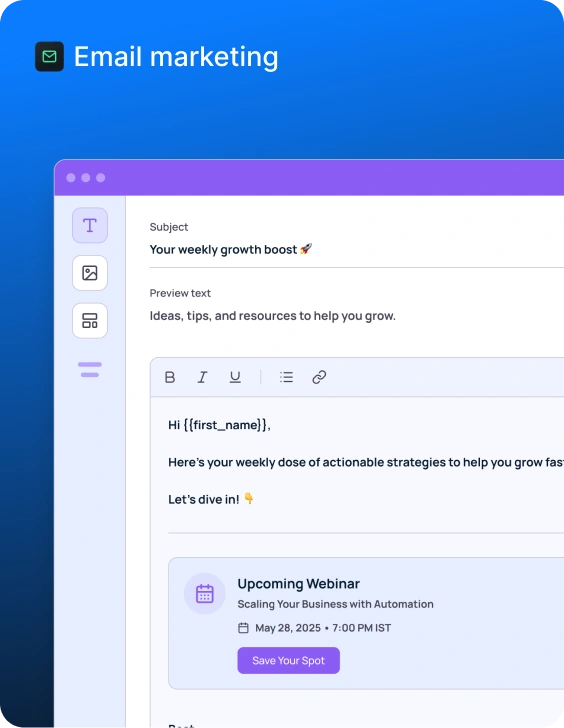
- Build an email sequence from the content
- Design social graphics and carousels
- Create a case study or white paper
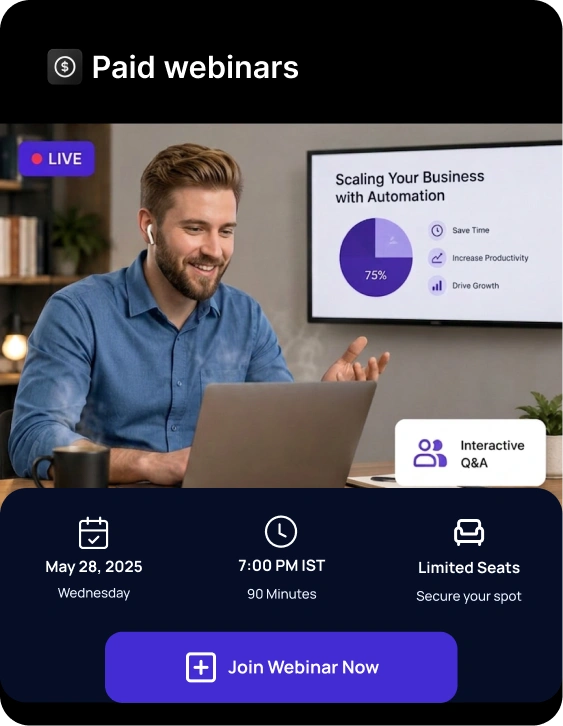
1. Upload the full webinar as on-demand content
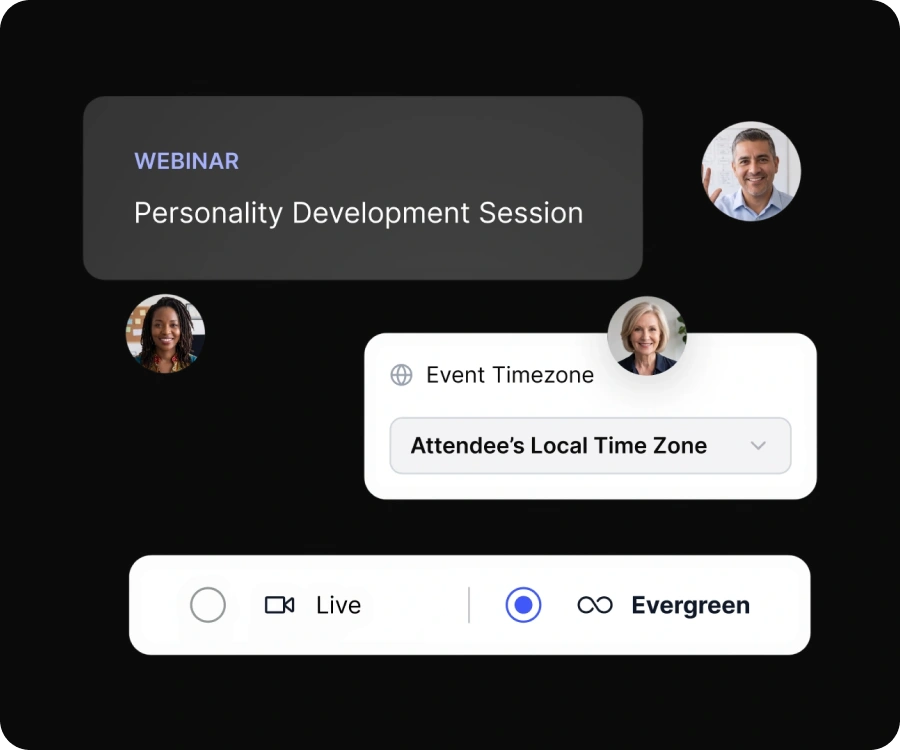
Getting the most from your webinar starts with making the complete recording available on-demand. Your live event can become evergreen content that lasts indefinitely. On-demand webinars enable viewers to watch content that fits their schedule, whatever their time zones or availability during the original broadcast.
Add to a dedicated webinar library
A centralized webinar library greatly improves content discovery and viewer participation. Prospects can easily find relevant content based on their interests on a dedicated page with all your on-demand webinars. Your pipeline might move faster when users can guide themselves through the buying experience.
Your webinar library should include:
- Well-laid-out categories with clear navigation
- A powerful search function to help viewers find specific topics
- A system to host both live upcoming webinars and past recordings
Viewers of all technical skill levels will find this setup easy to use. Specialized platforms let you create a branded channel where visitors can register for upcoming webinars, attend them, and watch replays in one convenient spot.
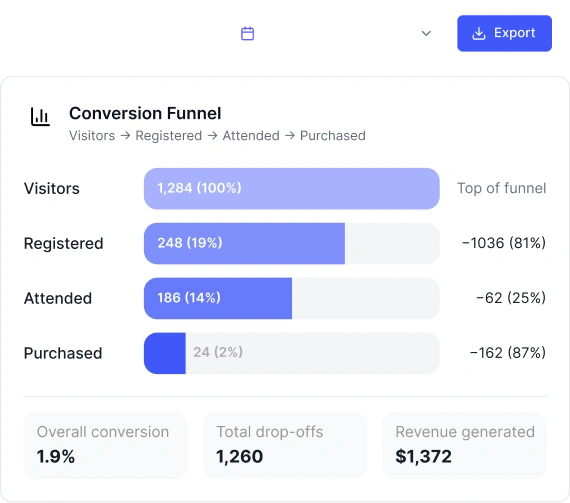
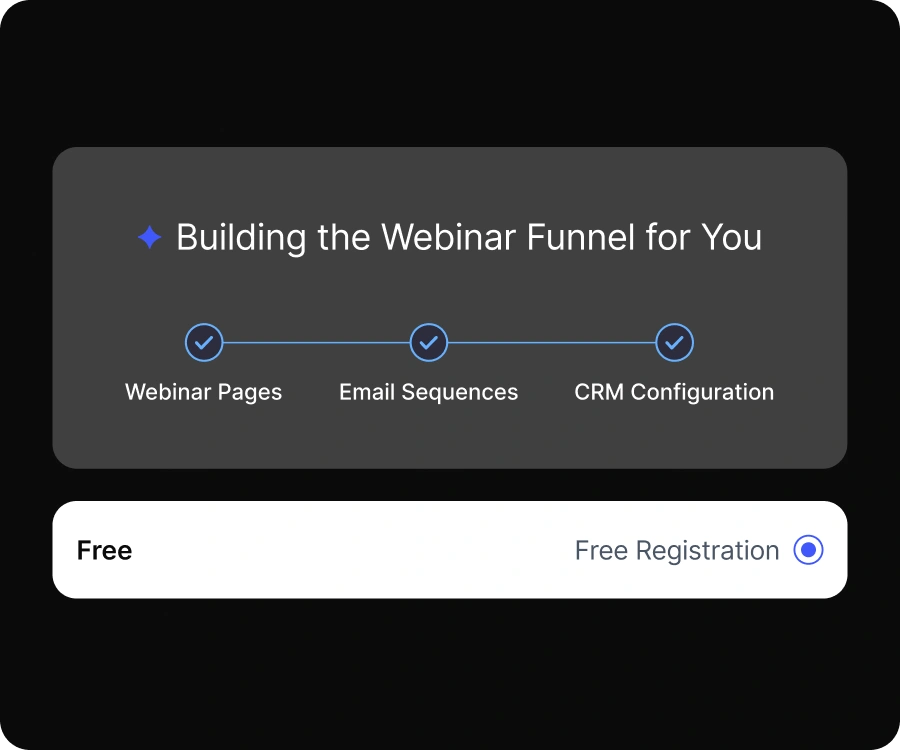
A centralized webinar library also plays a key role in how to build a webinar marketing funnel. Your on-demand webinar becomes the top-of-funnel asset that attracts organic traffic, captures leads, and educates prospects before they ever speak to sales. From there, viewers can move into email nurture sequences, product demos, and trial signups- turning a single webinar into a predictable funnel engine rather than a one-off campaign.
Embed in relevant blog posts
Webinar recordings embedded in related blog posts get much more visibility than standalone content. This smart placement makes your written content better and keeps readers engaged longer.
A blog post covering the same topic as your webinar becomes more valuable with the embedded recording. The numbers prove it works embedded webinar recordings in blog posts attract more views than any other placement.
Here’s a practical way to do it: Host a webinar to discuss findings from a new report, then put that recording in the blog post about those same statistics. You’ll create a complete resource that works for different learning styles.
Use SEO-friendly titles and descriptions
Good SEO optimization helps people find your on-demand webinar content. Well-laid-out webinar pages with SEO-friendly elements show up better in search results.
Start with descriptive, keyword-rich titles that show your webinar’s value clearly. Write compelling descriptions that highlight specific benefits for viewers. Structured data markup for your video content helps your webinar appear as a rich result in search engines, possibly landing the coveted “position 0” above regular text results.
Your SEO will work better when you:
- Use Schema.org VideoObject markup to help search engines understand your content
- Add transcripts of your webinar to increase keyword relevance
- Build dedicated landing pages for each on-demand webinar with SEO-optimized elements
- Use chapters to help viewers find specific sections quickly
These methods will expand your webinar’s reach while gathering valuable first-party data for better personalization. Your on-demand webinar becomes a steady source of leads that keeps working long after the live event ends.
2. Create short video clips for social media
A typical 60-minute product marketing webinar contains 45-55 unique talking points you can turn into individual content pieces. You’ll reach new audiences by turning your webinar into short video clips. Many viewers might skip the full recording but will watch these snippets.
Key takeaways worth sharing
Short 3-5 minute highlight reels work perfectly to introduce your webinar content. Pick clips from the introduction that set the context. Add key insights and wrap up with main points. These quick versions give viewers valuable information and might convince them to watch the complete recording.
These moments make excellent standalone clips:
- Data-rich introductory segments
- Product demo highlights
- Meaningful quotes from speakers
- Q&A session snippets
- Real, authentic behind-the-scenes moments
Most webinars have 15-20 quotable moments that work great on social media. These clips should make sense on their own. Viewers shouldn’t need the full webinar context to understand them.
AI-powered tools like Opus Clip can help you create clips faster. The software scans for speaker emphasis, relevant keywords, and emotional peaks. So you’ll spend less time editing while creating better content.
Silent viewing needs captions
83% of U.S. viewers watch videos without sound. Captions aren’t optional anymore. 80% of viewers stick around longer when captions are available. They help maximize viewer engagement.
Caption use has jumped 572% since 2021. This shows how viewer priorities have changed. It’s especially vital now since people lose focus after just 8 seconds.
Accessibility matters in your captioning strategy. About 430 million people worldwide have significant hearing loss. Students overwhelmingly support captions – 99% say captions help them learn better.
Burned-in captions work best for social media clips. They stay visible on the video and let you control accuracy, style, and visibility. Tools like Contrast can add subtitles automatically from background transcripts. This makes your workflow much smoother.
Platform-specific clips for LinkedIn, Instagram, and TikTok
Each platform needs its own approach:
LinkedIn users want professional insights with industry terms that appeal to business leaders. Your clips should focus on strategic viewpoints and practical business advice. One cybersecurity webinar clip stated “Companies spend $2 million on security software but ignore that 94% of breaches start with human error.” It got 340,000 views across platforms.
TikTok runs on educational content with an entertainment twist. Mix platform culture with real business insights to build authority and help people find you. Videos under 90 seconds keep 50% of viewers watching. They achieve 95% message retention compared to text’s mere 10%.
Instagram Reels need visual appeal that makes professional content feel natural. Use high-contrast text that’s easy to read on mobile. Stick to your brand’s color scheme for consistency.
Each platform has specific technical requirements:
- Instagram Reels: 1080×1920 (vertical), up to 90 seconds
- YouTube Shorts: 1080×1920 (vertical), up to 180 seconds
- TikTok: 1080×1920 (vertical), up to 60 seconds
Smart repurposing of webinar content into platform-specific clips helps you reach more people. You’ll boost engagement and get better returns from content you already have.
3. Turn the transcript into a blog post or series
Webinar transcripts can become excellent blog posts with the right approach. Your webinar content transformed into written pieces helps reach readers who prefer text over video. This strategy will substantially boost your website’s SEO, making it easier for potential customers to find your content through search engines.
Use ChatGPT or AI tools to draft
The manual transformation of transcripts into polished blog content takes time. AI tools make this process much simpler. Start by getting your webinar transcript – most platforms provide this automatically. You can also use dedicated transcription services.
AI tools like ChatGPT can help you:
- Clean up conversational language and filler words
- Restructure the text into distinct sections with subheadings
- Format text into proper paragraphs
- Add personal color, anecdotes, or additional facts
Raw transcripts make excellent starting material. AI can reshape the text into a more engaging narrative format. This approach saves hours of writing time but still needs your expert touch to maintain brand voice consistency.
Many platforms let you set parameters for AI-generated blogs. Brand voice, product focus, audience persona, context, intent, tone, length, and SEO keywords help customize content that meets your marketing goals.
Break into multiple posts by topic
Many marketers make the mistake of putting an entire webinar transcript into one post. Readers want structured insights, not thousands of words of unformatted dialogue.
Here are ways to break down your webinar content:
Look for distinct topics in your webinar. Product demonstrations, customer success stories, industry trends, and technical explanations work well as standalone blog posts. This approach helps you rank for different keywords while keeping each piece focused.
You could also create a series of connected blog posts. Add a call-to-action at the end of each post linking to the next one. This keeps readers engaged across multiple pieces and fills your content pipeline with minimal effort.
The best results come from writing introductions and headings based on key webinar moments. Match these with relevant long-tail keywords to maximize search potential.
Include internal links to related content
Internal linking creates meaningful connections between pages. Links help readers explore complete topics while showing search engines how your content fits together.
Internal linking brings several benefits:
- Better user experience through connected content
- Higher website ranking in search results
- Better indexing by search engines
- Shows topical authority in your industry
- More visibility for key pages
Use descriptive, keyword-rich anchor text when building internal links. This tells Google which keywords should rank for those pages. To name just one example, when writing about product marketing strategies, use specific phrases instead of generic “click here” text.
Note that regular audits of your internal linking structure matter. You’ll find new linking opportunities, maintain best practices, and spot orphaned pages without links. A solid internal linking strategy can boost traffic five times per page.
Turning your product marketing webinars into blog content creates valuable, evergreen assets. These continue bringing traffic, leads, and conversions long after your live event ends.
4. Build an email sequence from the content
Email marketing brings in $42 for every $1 spent. This makes it a perfect channel to expand your webinar’s reach. Your webinar content can become a strategic email sequence that nurtures leads well after the event ends.
Send a replay link with key points
The first 24 hours after your webinar are critical. Send a thank-you email to keep your content fresh in prospects’ minds. A replay link should stand out prominently since about 54% of registrants typically miss the live event.
Your audience loves replay emails. Companies report open rates reaching 58% for webinar recordings. Keep your replay email simple and focused:
- Thank registrants for their time
- Add a clear replay link
- Feature 1-2 key moments that spark interest
- Add one clear call-to-action
Share key takeaways in follow-up emails
The replay message starts the journey. Create 2-3 more emails that dive deeper into specific webinar segments. Each email should explain one concept from your product marketing webinar thoroughly.
A simple way to structure these emails is: As a recap, we discussed:
- Takeaway 1
- Takeaway 2
- Takeaway 3
You can build expert status by sharing extra resources that enhance your webinar content. Case studies, research reports, or blog posts add valuable context.
This structured follow-up approach also supports a clear webinar timeline for product launches. Your replay email builds awareness, follow-ups educate buyers, case studies reinforce proof, and product demos drive conversions. Mapping these emails to a launch timeline ensures your webinar content continues influencing prospects well beyond launch week, especially for longer B2B buying cycles.
Segment based on webinar engagement
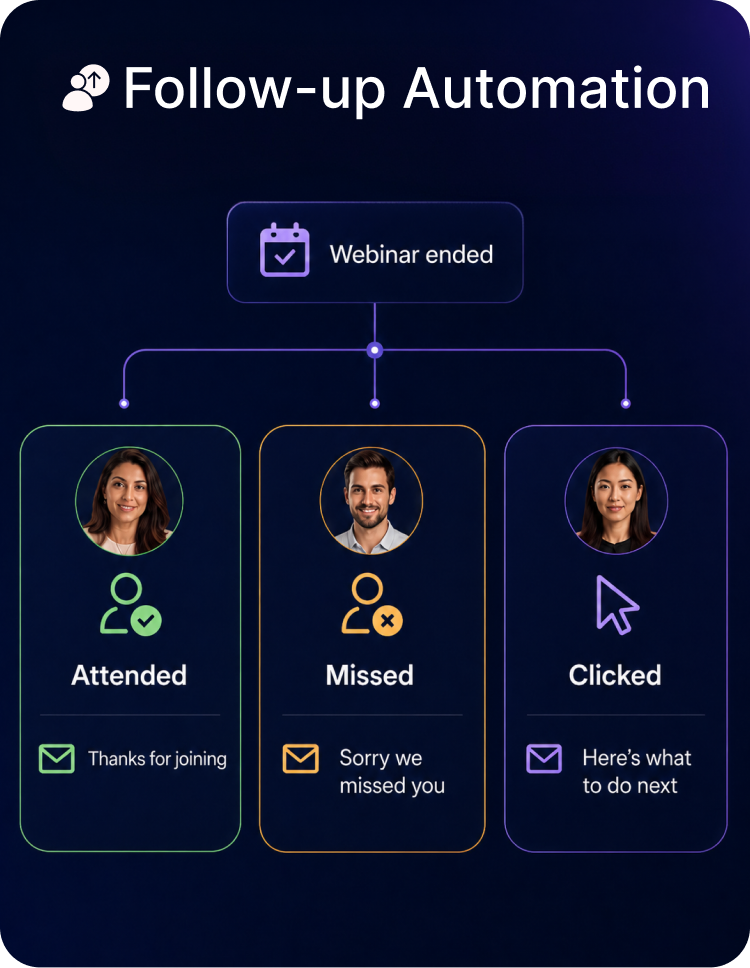
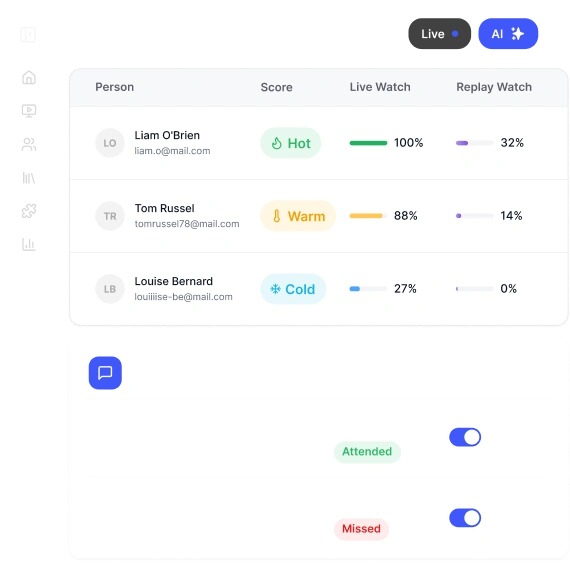
Smart email sequences recognize different engagement levels. Split your audience into three main groups:
- Active participants (attended live, asked questions)
- Passive attendees (watched but didn’t interact)
- Registrants who didn’t attend
This approach helps you tailor messages to each group. Non-attendees need more background about missed content. Active participants value deeper insights and practical tips.
Automation helps trigger different follow-up sequences based on specific actions. These could include clicking certain links or watching specific parts of your recorded webinar. This behavior-based nurturing keeps your audience engaged with your product marketing content.
5. Design social graphics and carousels
Social media loves visual content. Research shows tweets with images get 35% more retweets. LinkedIn carousel posts perform even better – they generate 2.5 times more engagement than regular posts. You can reach many more people by turning your webinar insights into eye-catching graphics.
Use quotes, stats, and charts
Your product marketing webinar has elements that make great social graphics. Here’s what to focus on:
- Speaker quotes that capture the presentation’s essence
- Surprising statistics or research findings from the webinar
- Charts and data visualizations that simplify complex ideas
- Key takeaways people can use right away
Bold colors in graphics catch people’s attention quickly. Your brand’s colors, fonts, and logo should appear in all graphics to build recognition. This approach works well – research shows carousels with consistent styling get more views than those without.
Create LinkedIn PDFs and Instagram carousels
LinkedIn PDF carousels have become a favorite way to share information. These document posts let you upload a PDF that turns into swipeable cards – each page becomes one image.
LinkedIn carousels need these specs:
- File formats: PDF, PPT, PPTX, DOC, or DOCX
- Maximum page count: 300 pages (6-10 slides work best)
- Maximum file size: 100MB
- Recommended orientation: Landscape (A4 or US letter)
Instagram has different requirements with three aspect ratios: square (1:1) at 1080×1080 pixels, portrait (4:5) at 1080×1350 pixels, or landscape (16:9) at 1280×720 pixels. Content performs better when it matches each platform’s specs.
Stick to one idea per graphic
Putting too much information on each slide ruins a social carousel. People stop swiping when they have to work hard to understand the content. Keep each slide under 60 words.
The first slide is a vital hook that makes people want to see more. Make it count with:
- A clear, specific headline (“5 LinkedIn mistakes hurting your reach”)
- A direct value promise showing why people should swipe
- A surprising fact or statistic that sparks curiosity
Canva helps create professional-looking graphics with templates for social media posts on different platforms. The tool offers over 8,000 template themes and 3 million free images to turn your webinar content into engaging social assets quickly.
Your webinar content gets a longer life when you turn it into social graphics and carousels. This approach also helps you reach people who prefer visual information.
6. Create a case study or white paper
White papers and case studies are premium content assets that showcase your expertise through detailed analysis. B2B marketers find well-written white papers most effective at generating quality leads.
Frame the webinar as a success story
The best case studies highlight a common industry problem and show how your product solves that challenge. This approach mirrors many product marketing webinars. Your webinar’s customer quotes can bring the content alive. A compelling narrative emerges when you highlight the challenges, solutions, and positive outcomes in each success story.
Include real-life examples
Your examples should directly relate to your webinar’s topic. Case studies offer solid proof through ground applications of your solutions. Success stories with measurable results work best. One effective case study demonstrated how a company helped its clients save $5 million. Readers naturally think, “If the product helped this client save millions, what could it save me?”
Use for B2B product marketing webinar best practices
These examples reinforce proven B2B product marketing webinar best practices, using real customer proof, measurable outcomes, and educational storytelling rather than hard selling. About 51% of B2B marketers rank webinars as their most effective distribution channel, and 73% say webinars generate the highest-quality leads. By placing white papers behind lead forms and keeping content objective, you create trust while building a qualified pipeline.
Conclusion

Smart marketers can create multiple content assets from a single product marketing webinar. This strategy helps you extract more value from content you already have. Your valuable information won’t disappear after a live event when you share it across different platforms that match your audience’s priorities.
A complete webinar can power your entire content calendar. The ten methods we’ll discuss need minimal extra work but create maximum effect. Your webinar transforms into an on-demand recording, social media clips, blog posts, an ebook, podcast episodes, social graphics, email sequences, support documentation, presentation decks, and white papers.
You don’t need to create fresh content for every marketing initiative. The valuable insights, demonstrations, and customer stories from your webinar can fuel multiple channels. This approach saves time and keeps your message consistent everywhere.
People consume content differently. Some viewers watch entire webinars, others read blog posts, and busy executives listen to podcasts during commutes. Strategic repurposing lets you meet these varied needs while keeping your core message intact.
Plan your next webinar with repurposing in mind. Ask speakers to share clear, quotable insights. Structure content with natural breaks that become standalone pieces later. These ten strategies can turn a single event into a content engine that delivers results for months.
Your webinar is nowhere near just a one-time event. The best marketers know this and squeeze every drop of value from their content.
FAQs
Q1. How can I maximize the value of my product webinar content?
You can repurpose your webinar content into multiple formats such as blog posts, social media clips, ebooks, podcast episodes, and email sequences. This approach helps reach a wider audience and extends the lifespan of your content.
Q2. What’s the best way to create short video clips from my webinar?
Focus on highlighting key takeaways, using captions for silent viewing, and tailoring clips for different social media platforms like LinkedIn, Instagram, and TikTok. Aim for 3-5 minute highlight reels that provide value on their own.
Q3. How can I turn my webinar transcript into effective blog content?
Use AI tools to clean up and restructure the transcript, break it into multiple posts by topic, and include internal links to related content. This helps improve SEO and provides value to readers who prefer written content.
Q4. What’s the benefit of creating an ebook from my webinar content?
Ebooks position you as an expert in your field and serve as high-value lead magnets. They allow you to expand on key points with visuals, include quotes and stats from the webinar, and create a lasting resource for your audience.
Q5. How can I use webinar Q&A sessions to create additional content?
Transform common questions into FAQ or support content, create help center articles, and use them in onboarding or customer success materials. This addresses real customer concerns and reduces support requests.