10 Best Coaching Business Software Platforms for Client Management, Automation, and Program Delivery

Casey Zeman
Published on Jul 7, 2026 • 34 min read

TL;DR
- The 10 best coaching business software platforms in 2026 are EasyWebinar, Kajabi, Thinkific, CoachAccountable, Simply.Coach, Paperbell, CoachVantage, Delenta, Practice, and Circle.
- The right pick depends on your revenue model, not feature count: solo 1:1 coaches fit Paperbell or CoachVantage, group and high-ticket coaches fit EasyWebinar, and community-led programs fit Circle.
- We weighted selling and delivering at scale highest, because a fat contact database does not pay you; the selling and the delivery do.
- Pricing ranges from about $20 a month for a solo scheduler to $150 to $400-plus for all-in-one platforms with webinars, courses, and automation.
- Run a focused 5-day trial that tests your core revenue loop end to end, not the dashboard, then shortlist 2 or 3 tools before deciding.
- Migrate around a live funnel using a parallel run, rebuilding your highest-revenue workflow first so a launch never goes dark.
Q1: What Are the 10 Best Coaching Business Software Platforms in 2026?
Most “best coaching software” lists rank glorified address books. They sort tools by how many client records they hold, then call it a day. I have spent 14 years watching coaches build their stack, and the truth is simpler: the platform that decides whether you eat is the one that helps you sell and deliver your program, not the one that stores phone numbers. As one operator line I keep coming back to puts it, engagement ain’t cash.
The 10 best coaching business software platforms in 2026 are EasyWebinar, Kajabi, Thinkific, CoachAccountable, Simply.Coach, Paperbell, CoachVantage, Delenta, Practice, and Circle. The right pick depends on your model. Solo 1:1 coaches lean to Paperbell or CoachVantage. Group and high-ticket coaches who sell through presentations lean to EasyWebinar and Kajabi. Community-led programs lean to Circle.
This is a buyer’s guide, not a marketing roundup. We evaluated 10 vendors against defined criteria so you can shortlist 2 or 3 for a real trial. If you want to see the head-to-head breakdowns first, you can compare webinar platforms directly.
Why this decision is high-stakes
Coaching software is the layer your whole business runs through. Pick wrong, and you spend six months rebuilding funnels instead of coaching. The daily operator here is the coach or course creator who lives in the tool every morning. Behind them sit shadow buyers: a finance lead checking whether one platform can replace four subscriptions, an ops or RevOps person checking if attendee data flows into follow-up, and a marketing lead checking conversion. We built this guide for shortlist and RFP-style evaluation, not casual browsing.
Our Evaluation Criteria
Selling and delivering at scale 💰
Whether the platform helps you convert clients (live or evergreen webinars, sales pages, one-to-many selling) and deliver the program, not just store contacts. Tools built for this, like automated webinar delivery, change the math.
Client management and program delivery ✅
Native client records, course or program hosting, client portals, progress tracking, and intake.
Automation and follow-up ⏰
Reminders, behavioral follow-up based on attendance or activity, and email or CRM triggers, ideally backed by a native sales CRM.
Scheduling and payments 💸
Calendar sync, booking, invoicing, and built-in checkout for paid webinars and offers.
Setup and usability ⭐
Time to launch your first offer, template quality, and how steep the learning curve is.
Pricing transparency ⚠️
Clear published pricing, predictable scaling cost, and no surprise per-client jumps. You can review transparent webinar pricing as one benchmark.
Reliability, support, and scale ✅
Streaming stability, attendee capacity, support model, and enterprise readiness (SOC 2, SSO, API).
Who This Guide Is For
- Coaches and course creators turning educational webinars into repeatable sales funnels.
- Group and cohort coaches who need to sell and deliver high-ticket programs to a room, not one call at a time.
- Solo 1:1 coaches who mainly need clean scheduling, payments, and a client portal.
- Community-led program operators who want conversation and membership at the center.
- Founders or consultants replacing disconnected tools for landing pages, email, checkout, and follow-up.
- Buying-committee readers such as finance leads validating software consolidation, IT leads checking security, and marketing leads assessing funnel performance.
Comparison Table
| Provider | Best For | Standout Strength | Known Limitation | Sell + Deliver Depth | Support Model | Pricing Model |
|---|---|---|---|---|---|---|
| EasyWebinar ⭐⭐⭐⭐⭐ | Group and high-ticket coaches selling via webinars | Live, simulated live, and evergreen webinars with in-session offers and behavioral follow-up | No built-in long-term course LMS; presentation must be uploaded before evergreen setup | High | Email, chat, live onboarding calls (named reps in reviews) | Flat monthly, tiered (just-in-time on premium tier) |
| Kajabi ⭐⭐⭐⭐ | Course creators wanting one all-in-one home | Courses, funnels, email, and payments in one place | Higher entry price; contact and feature caps at scale | Medium-High | Email, chat | Flat monthly, tiered |
| Thinkific ⭐⭐⭐⭐ | Coaches building structured online courses | Strong course builder with a usable free tier | Lighter on 1:1 client management and live selling | Medium | Email, ticket | Freemium, tiered |
| CoachAccountable ⭐⭐⭐⭐ | 1:1 coaches focused on accountability | Deep progress tracking, metrics, and client homework | Pricing scales by active client count; can get expensive | Low-Medium | Per-active-client tiers, from $20/mo for 2 clients | |
| Simply.Coach ⭐⭐⭐⭐ | Solo and team coaches needing compliance | SOC 2, GDPR, and HIPAA-aware client management | Less suited to one-to-many webinar selling | Low-Medium | Email, chat | Tiered |
| Paperbell ⭐⭐⭐⭐ | Solo coaches wanting simple admin | Scheduling, contracts, and checkout in one clean flow | No course/community depth or webinar selling | Low | Flat $57/mo, no per-client fees | |
| CoachVantage ⭐⭐⭐⭐ | Solo 1:1 coaches | Scheduling, client portal, and automation at 4.8/5 rating | Smaller ecosystem and fewer native integrations | Low | Email, chat | Tiered |
| Delenta ⭐⭐⭐ | New solo coaches | All-in-one solo toolkit with landing pages | Newer platform; deeper workflows still maturing | Low-Medium | Tiered | |
| Practice ⭐⭐⭐ | 1:1 coaches wanting a clean client experience | Polished client portal and admin workflow | Light on monetization and live selling | Low | Tiered | |
| Circle ⭐⭐⭐⭐ | Community-led coaching programs | Conversation, courses, and events under one roof | No native 1:1 coaching CRM; selling lives elsewhere | Medium (community) | Email, chat | Flat monthly, tiered |
A ranked list is useless until you know how we scored it, which is exactly what the next section covers. For now, here is the case for each platform.
1. EasyWebinar
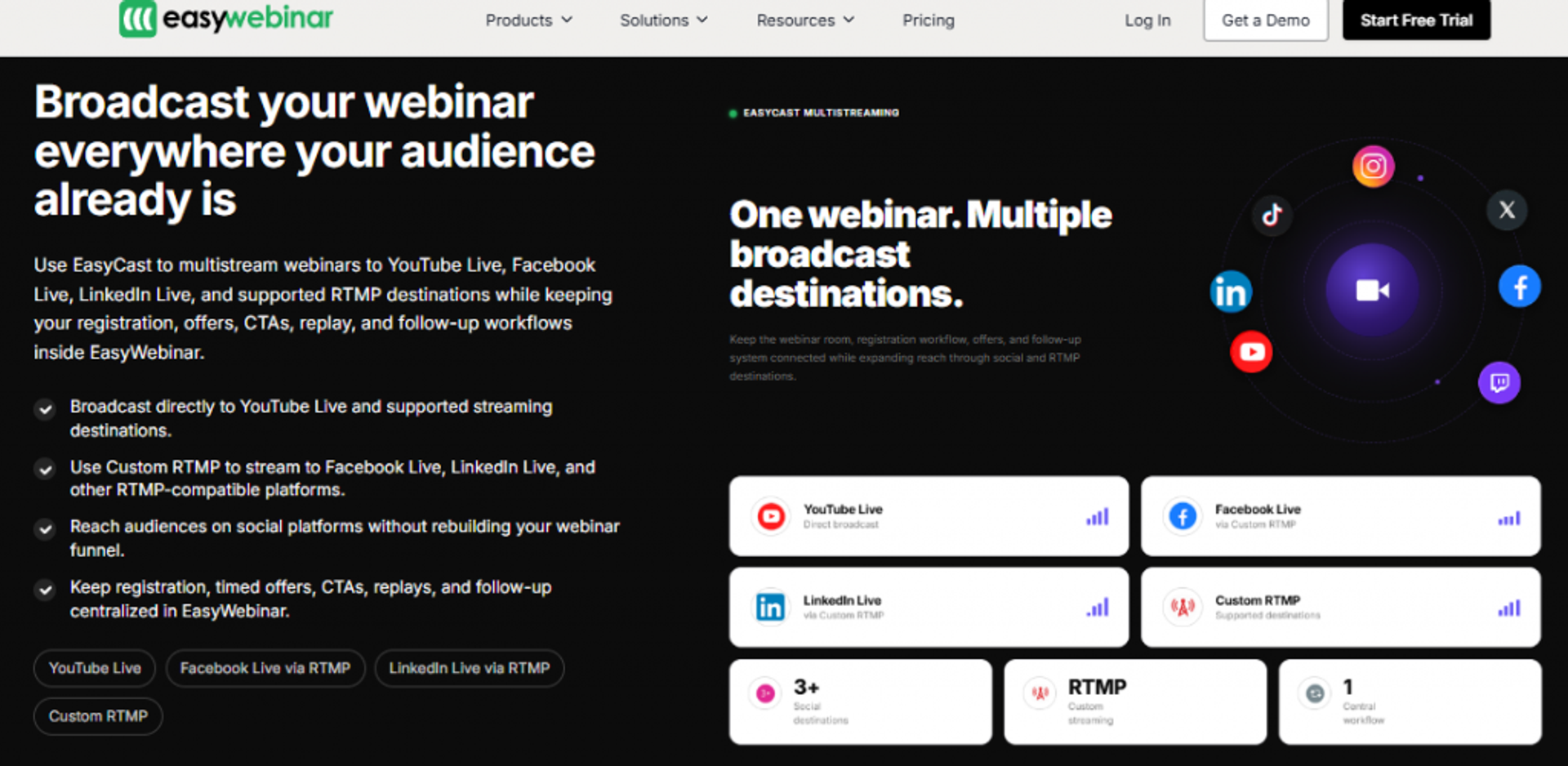
EasyWebinar is best for group and high-ticket coaches who need webinars to actually sell and deliver, because it runs live, simulated live, and evergreen formats with in-session offers and attendance-based follow-up, but it may not fit coaches who only want a long-term course library or basic 1:1 admin. I built it after a recession year where I made $15,000 and a course I spent six months on sold zero copies until I put a webinar in front of it. That scar is the reason this is a Webinar Revenue Platform, not a hosting tool.
| Best for | Coaches selling high-ticket or group programs one-to-many |
| Skip if | You only need a static course library or simple 1:1 scheduling |
| Strongest edge | One webinar runs live, then evergreen, with offers and follow-up built in |
| Biggest trade-off | You upload your presentation before automating; no deep course LMS |
| Pricing snapshot | Flat monthly tiers; just-in-time scheduling sits on a premium tier |
Why EasyWebinar ranks #1 ⭐
EasyWebinar tops the list because it leads our two heaviest criteria: selling at scale and program delivery. Most tools here let you book a call or host a course. We let you sell to a room of 95 people who showed up at 2pm on a Wednesday, then follow up based on whether they watched, skipped, or clicked your offer. That is the difference between busy and paid.
What EasyWebinar does well ✅
- Runs live webinar software, simulated live, and evergreen webinars from one setup, so you nail it live first, then automate to sell while you sleep.
- Built-in countdown offers, polls, and CTAs fire inside the event, which lifts in-session conversion without a second tool.
- Behavioral email follow-up splits attendees from no-shows, so your sequence matches what each person actually did.
- Native registration, reminders, and analytics cut setup time, especially for a webinar you run monthly.
- Integrates with email and CRM tools through Zapier and direct integrations, keeping data flowing into your stack.
Where EasyWebinar falls short ⚠️
- You must upload your presentation before you can set up an automated webinar, which blocks promoting before you have recorded.
- It is not a long-term course LMS; if you want students living inside a content library for months, pair it with a course tool.
- Some reviewers report occasional bugs, though support tends to resolve them fast.
Decision scorecard 📝
| Evaluation criterion | EasyWebinar fit | Why it matters |
|---|---|---|
| Live webinars | Strong | Native live hosting with engagement tools |
| Simulated live / automated | Strong | Core strength; built specifically for this |
| Evergreen automation | Strong | Reviewers call it the best for evergreen |
| Funnel pages | Strong | Registration, thank-you, and replay pages built in |
| Engagement | Strong | Polls, offers, countdowns inside the event |
| CRM and follow-up | Partial | Behavioral follow-up native; deep CRM via integration |
| Monetization | Strong | In-webinar offers and checkout integrations |
| Analytics | Strong | Attendance, offer clicks, and KPI reporting |
| Pricing fit | Partial | Just-in-time feature sits on a higher tier |
Best for / skip if 💰
Choose EasyWebinar if your sales motion is a webinar or masterclass and you want one system to sell live, then run it evergreen. Skip it if you mainly need 1:1 scheduling or a months-long course library with no live selling. You can sign up free to test the workflow before committing.
Reviews ⭐
“I used to do live webinars to sell my online course… With EasyWebinar I sold 25 courses within 3 weeks of my evergreen launch.”
Laura C., Course Creator EasyWebinar G2 Verified Review
“The biggest challenge is around setting up automated webinars, and needing the presentation uploaded first in order to set it up… Would love to be able to add the video later!”
Ash A., Solo Entrepreneur EasyWebinar G2 Verified Review
2. Kajabi
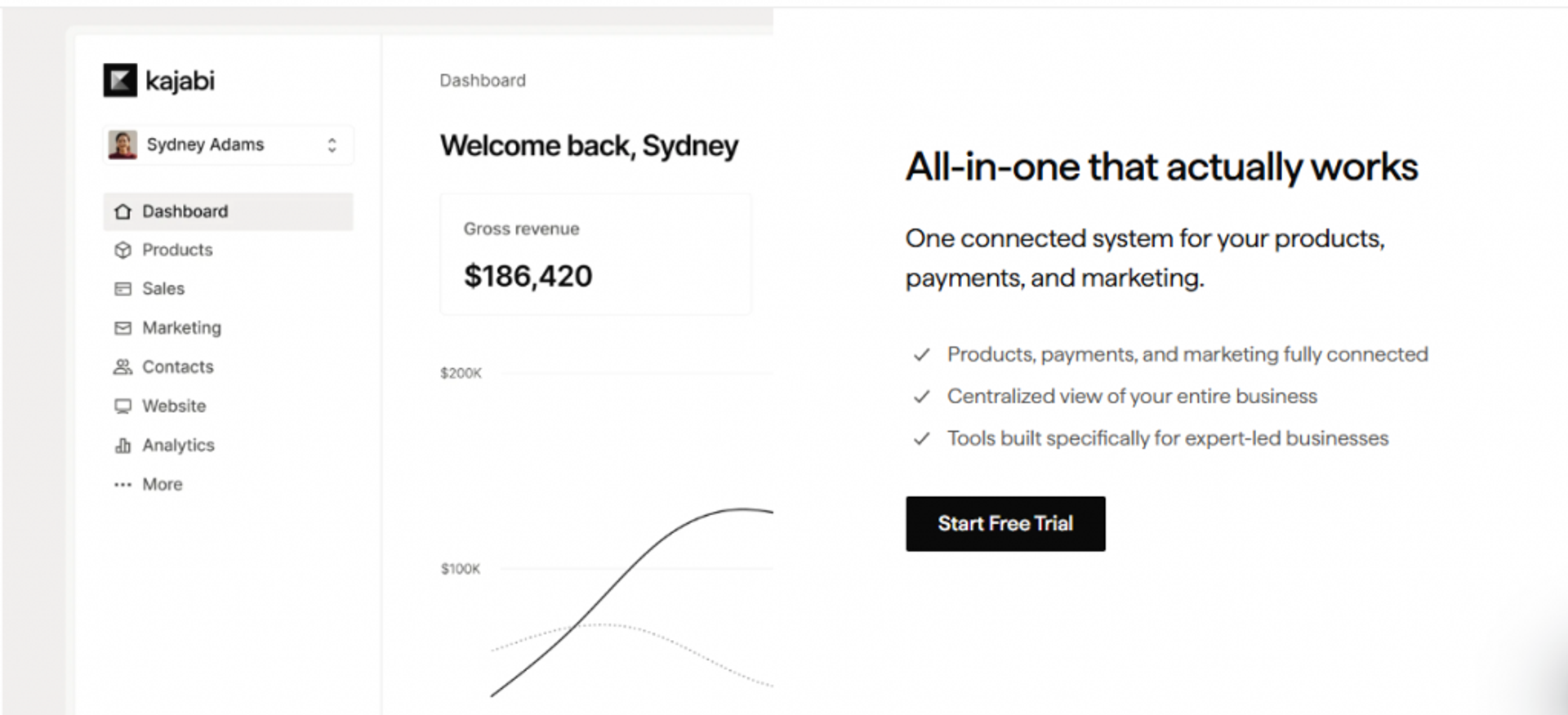
Kajabi is best for course creators who want courses, funnels, email, and payments under one roof, because it consolidates the whole stack, but it may not fit coaches on a tight budget or those who want deep live webinar selling. It is the default all-in-one for a reason: you can launch a course and a checkout in an afternoon.
| Best for | Creators wanting one home for courses and marketing |
| Skip if | You are price-sensitive or need strong live webinar conversion |
| Strongest edge | Genuine all-in-one: courses, email, funnels, payments |
| Biggest trade-off | Higher cost and caps that bite as you scale |
| Pricing snapshot | Flat monthly tiers |
Why Kajabi ranks #2 ⭐
Kajabi earns its spot on stack consolidation. It covers more of the full loop than most, which is why it scores well on client delivery and usability. It ranks below EasyWebinar because webinars are a secondary feature here, and webinars are where high-ticket coaching actually sells.
What Kajabi does well ✅
- Builds and hosts courses with a clean student experience, so delivery and content live in one place.
- Native email and funnel tools mean you can launch without bolting on a separate ESP.
- Built-in checkout with no revenue sharing keeps your margins clean.
- Templates speed up launch, helping first-timers get live fast.
Where Kajabi falls short ⚠️
- Entry pricing is steep for early-stage coaches.
- Contact limits, transaction considerations, and feature caps can pinch as you grow.
- Live webinar conversion tooling is thinner than a dedicated webinar platform.
Best for / skip if 💰
Choose Kajabi if you want one platform for courses, email, and payments and you can absorb the price. Skip it if your revenue depends on converting cold audiences through webinars, where a dedicated AI funnel builder does more.
3. Thinkific
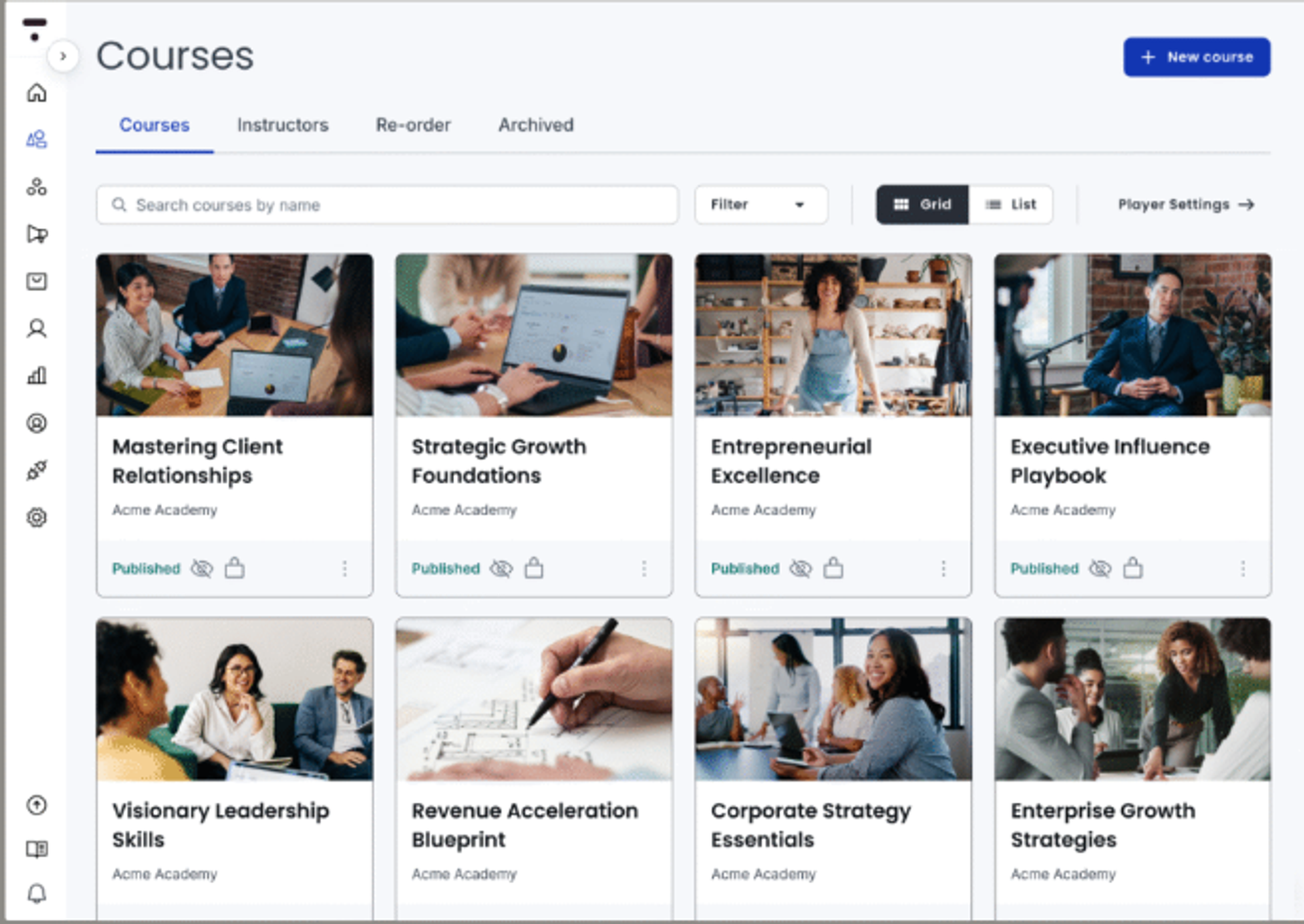
Thinkific is best for coaches building structured online courses who want a usable free tier, because its course builder is strong and approachable, but it may not fit coaches who need live one-to-many selling or deep 1:1 client management. It is a course-first tool, and it does that job well.
| Best for | Coaches whose product is a self-paced course |
| Skip if | You sell high-ticket via live presentations |
| Strongest edge | Clean course builder with a real free tier |
| Biggest trade-off | Light on live selling and 1:1 client workflows |
| Pricing snapshot | Freemium, tiered |
Why Thinkific ranks #3 ⭐
Thinkific ranks here on course delivery and ease of setup. It is one of the simplest ways to package knowledge into a sellable course. It sits mid-pack because client management and live conversion are not its focus.
What Thinkific does well ✅
- Drag-and-drop course builder gets your content live quickly.
- Free tier lets you validate an offer before paying.
- Solid student experience supports completion and delivery.
- Integrations connect it to email and payment tools.
Where Thinkific falls short ⚠️
- No native live webinar selling engine.
- 1:1 coaching and accountability features are limited.
- Marketing automation is lighter than all-in-one rivals.
Best for / skip if 💰
Choose Thinkific if your core product is a self-paced course and you want a gentle on-ramp. Skip it if live selling or accountability coaching is central to your model.
4. CoachAccountable
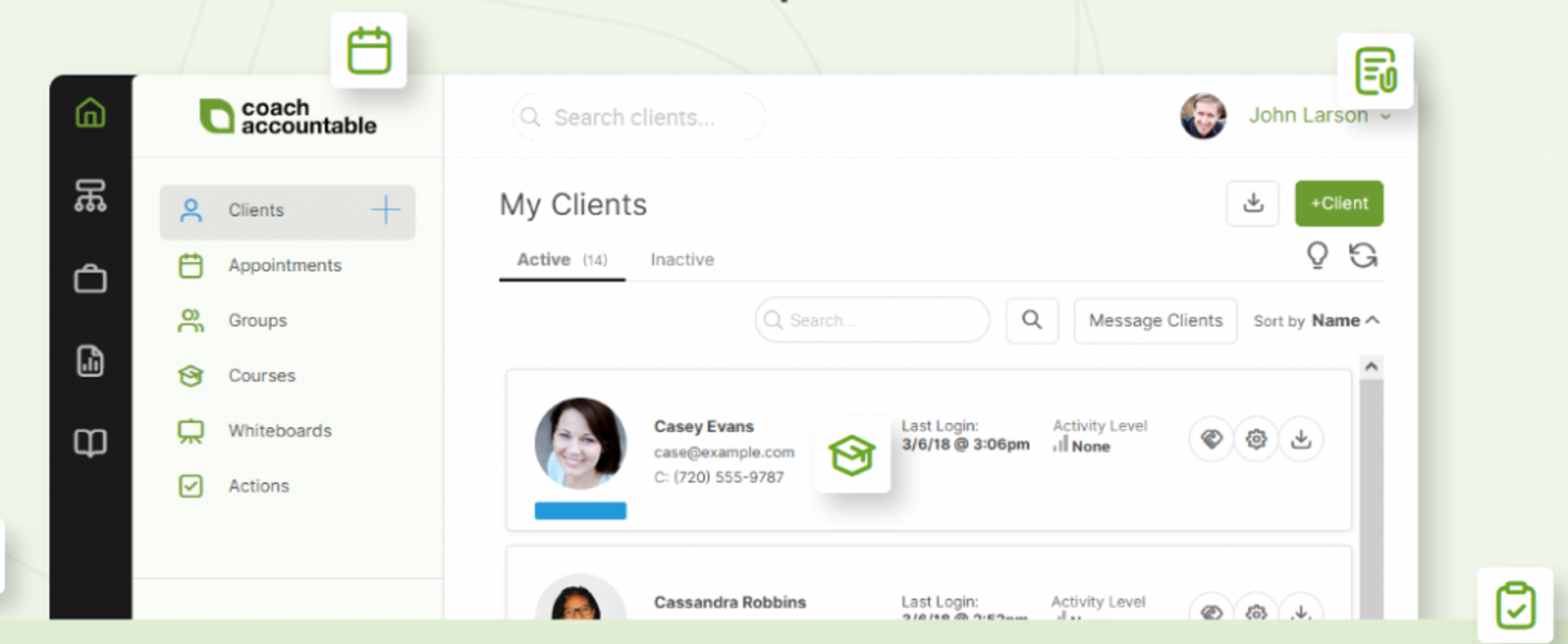
CoachAccountable is best for 1:1 coaches who live and die by client accountability, because it offers deep progress tracking, homework, and metrics, but it may not fit coaches who sell one-to-many or want predictable flat pricing. It is built around the work between sessions, which is where real coaching results happen.
| Best for | 1:1 coaches focused on results and accountability |
| Skip if | You sell via webinars or want flat pricing |
| Strongest edge | Best-in-class client tracking and accountability tools |
| Biggest trade-off | Cost scales with active client count |
| Pricing snapshot | Per-active-client tiers, from $20/mo for 2 clients up to $400/mo for 100 |
Why CoachAccountable ranks #4 ⭐
CoachAccountable scores high on client management and program delivery for 1:1 work. Few tools track client progress this deeply. It ranks below the leaders because it does not help you acquire or sell at scale, and pricing climbs with each active client.
What CoachAccountable does well ✅
- Tracks client actions, metrics, and homework, so accountability is structured, not vague.
- Client portal centralizes notes, files, and plans for a clean experience.
- Automates session reminders and check-ins to reduce admin.
- Only active clients count toward your plan, so you can deactivate quiet clients.
Where CoachAccountable falls short ⚠️
- Pricing scales with client count, which can surprise growing coaches.
- No native webinar or one-to-many selling.
- Interface prioritizes function over polish.
Best for / skip if 💰
Choose CoachAccountable if 1:1 client results and accountability are your edge. Skip it if you sell high-ticket through webinars or need flat, predictable pricing.
5. Simply.Coach
Simply.Coach is best for solo and team coaches who need enterprise-grade compliance, because it carries SOC 2, GDPR, and HIPAA-aware client management, but it may not fit coaches whose growth depends on one-to-many webinar selling. For coaches handling sensitive client data or selling into regulated buyers, that compliance posture matters.
| Best for | Coaches needing compliance and clean client management |
| Skip if | Your revenue depends on webinar acquisition |
| Strongest edge | SOC 2, GDPR, and HIPAA-aware data handling |
| Biggest trade-off | Limited live selling and funnel tooling |
| Pricing snapshot | Tiered |
Why Simply.Coach ranks #5 ⭐
Simply.Coach ranks on trustworthiness and client management, especially its compliance signals, which most coaching tools underplay. It sits mid-list because acquisition and one-to-many selling are not its strengths.
What Simply.Coach does well ✅
- Compliance-aware client management reassures enterprise and regulated buyers.
- Client portals, goals, and session tracking cover the delivery loop.
- Team features support multi-coach practices.
- Digital tools and forms streamline onboarding.
Where Simply.Coach falls short ⚠️
- No native webinar selling engine.
- Smaller integration ecosystem than the giants.
- Best for delivery, not cold-audience conversion.
Best for / skip if 💰
Choose Simply.Coach if compliance and clean client delivery top your list. If data handling is your priority, our own GDPR compliance approach shows what to look for. Skip it if you need webinars to drive new clients.
6. Paperbell
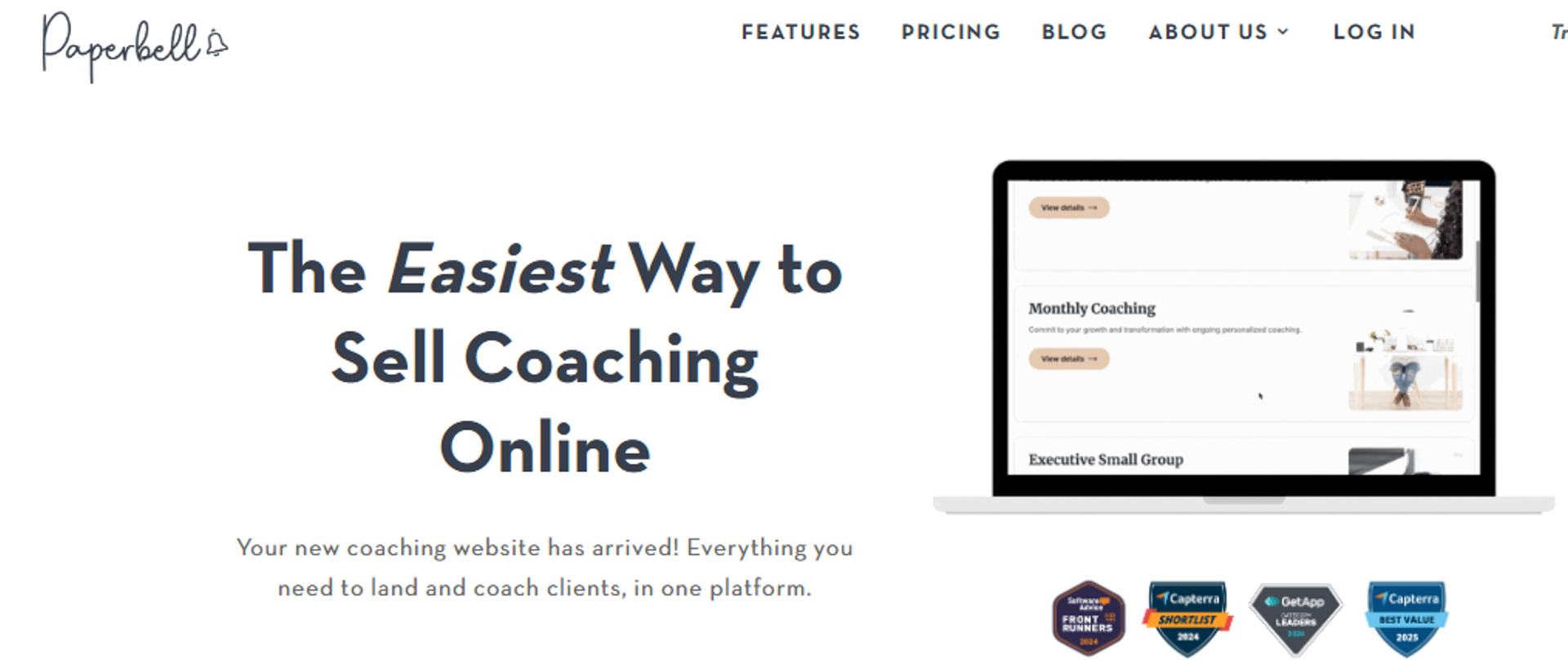
Paperbell is best for solo coaches who want simple admin without per-client fees, because it bundles scheduling, contracts, and checkout into one flat plan, but it may not fit coaches who need courses, community, or webinar selling. It is the “shopping cart for coaches,” and that focus keeps it refreshingly simple.
| Best for | Solo coaches wanting clean, simple admin |
| Skip if | You need courses, community, or live selling |
| Strongest edge | Scheduling, contracts, payments in one flat-priced flow |
| Biggest trade-off | No course/community depth or webinar conversion |
| Pricing snapshot | Flat $57/mo, no per-client fees |
Why Paperbell ranks #6 ⭐
Paperbell scores well on usability and pricing transparency. The flat price with no per-client penalty is genuinely friendly to growing solo coaches. It ranks here because it deliberately skips program delivery at scale and selling tools.
What Paperbell does well ✅
- Combines booking, contracts, and payments, so clients sign and pay in one flow.
- Flat pricing means growth does not inflate your bill.
- Free account lets you test before paying.
- Clean client experience reduces admin friction.
Where Paperbell falls short ⚠️
- No native course or community hosting.
- No webinar or one-to-many selling.
- Lighter automation than all-in-one platforms.
Best for / skip if 💰
Choose Paperbell if you are a solo coach who wants booking, contracts, and checkout handled simply. Skip it if you sell courses, run a community, or convert through webinars.
7. CoachVantage
CoachVantage is best for solo 1:1 coaches who want scheduling, a client portal, and automation in one tidy tool, because it covers the core admin loop at a strong 4.8/5 user rating, but it may not fit coaches who need a large integration ecosystem or webinar selling. It is a dependable workhorse for the solo practice.
| Best for | Solo 1:1 coaches needing core admin and automation |
| Skip if | You need many integrations or live selling |
| Strongest edge | Scheduling, portal, and automation, highly rated |
| Biggest trade-off | Smaller ecosystem; no webinar engine |
| Pricing snapshot | Tiered |
Why CoachVantage ranks #7 ⭐
CoachVantage ranks on solid client management and automation for solo coaches, backed by strong reviews. It sits here because its scope is intentionally narrow and it does not address one-to-many selling.
What CoachVantage does well ✅
- Automates scheduling, intake, and follow-up to cut admin time.
- Client portal centralizes the coaching relationship.
- Coaching agreements and invoicing live in one place.
- Highly rated for ease of use by working coaches.
Where CoachVantage falls short ⚠️
- Fewer native integrations than larger platforms.
- No webinar or course-at-scale selling.
- Smaller community and ecosystem.
Best for / skip if 💰
Choose CoachVantage if you are a solo coach who wants clean scheduling, a portal, and automation. Skip it if you need deep integrations or webinar-led acquisition.
8. Delenta
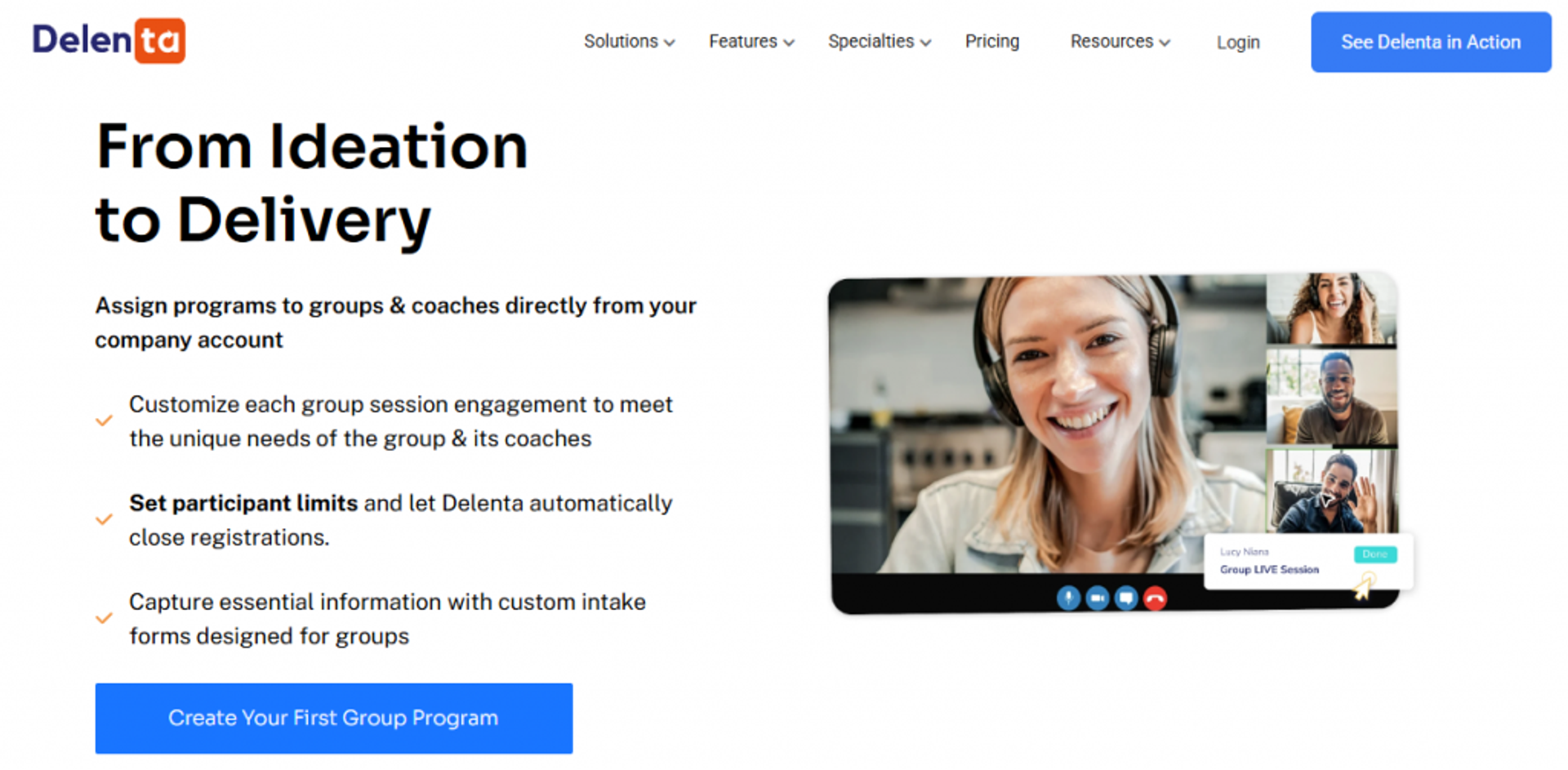
Delenta is best for new solo coaches who want an all-in-one toolkit without stitching tools together, because it bundles landing pages, scheduling, and client management, but it may not fit coaches who need mature, battle-tested workflows or webinar selling. It is a tidy starting point for someone setting up shop.
| Best for | New solo coaches wanting a single starter toolkit |
| Skip if | You need deep, mature workflows or live selling |
| Strongest edge | All-in-one solo setup including landing pages |
| Biggest trade-off | Newer platform; some workflows still maturing |
| Pricing snapshot | Tiered |
Why Delenta ranks #8 ⭐
Delenta ranks on breadth for solo coaches at an early stage. It covers a lot of the loop in one place. It sits lower because depth and polish trail the established players, and it lacks one-to-many selling.
What Delenta does well ✅
- Bundles landing pages, booking, and payments for a fast solo setup.
- Client management and packages keep delivery organized.
- Group session support extends beyond pure 1:1.
- Reasonable entry point for new coaches.
Where Delenta falls short ⚠️
- Younger product with workflows still maturing.
- No native webinar selling engine.
- Smaller ecosystem and integration set.
Best for / skip if 💰
Choose Delenta if you are a new solo coach who wants one starter toolkit. Skip it if you need mature workflows or webinar-led selling.
9. Practice
Practice is best for 1:1 coaches who want a clean, modern client experience, because its portal and admin workflow are well-designed, but it may not fit coaches who need strong monetization or live one-to-many selling. It puts client experience first, and that shows in the day-to-day feel.
| Best for | 1:1 coaches prioritizing a polished client experience |
| Skip if | You need webinar selling or deep monetization |
| Strongest edge | Clean client portal and smooth admin workflow |
| Biggest trade-off | Light on selling-at-scale and monetization |
| Pricing snapshot | Tiered |
Why Practice ranks #9 ⭐
Practice ranks on usability and client experience for 1:1 coaches. It is a pleasant tool to run a small practice in. It sits near the bottom because it does not address acquisition or one-to-many revenue.
What Practice does well ✅
- Polished client portal keeps sessions, files, and tasks organized.
- Streamlined admin reduces busywork.
- Scheduling and client communication feel modern.
- Good fit for a focused 1:1 practice.
Where Practice falls short ⚠️
- Limited monetization and selling tools.
- No webinar or course-at-scale engine.
- Narrower scope than all-in-one rivals.
Best for / skip if 💰
Choose Practice if you run a 1:1 practice and want a clean client experience. Skip it if you need to sell at scale or run webinars.
10. Circle
Circle is best for community-led coaching programs, because it brings conversation, courses, and events under one roof, but it may not fit coaches who need a native 1:1 CRM or built-in selling. The market has shifted toward interactive, community-powered programs over lonely self-paced courses, and Circle is built for exactly that.
| Best for | Community-led and cohort coaching programs |
| Skip if | You need 1:1 client CRM or native selling |
| Strongest edge | Conversation, courses, and events in one community hub |
| Biggest trade-off | Selling and 1:1 management live in other tools |
| Pricing snapshot | Flat monthly tiers |
Why Circle ranks #10 ⭐
Circle ranks for community-led delivery, where it genuinely shines. It rounds out the list because it solves a different job than the others: belonging and engagement, not 1:1 admin or cold-audience selling.
What Circle does well ✅
- Centralizes community, courses, and events, so members have one home.
- Live events and spaces keep cohorts engaged.
- Gamification and member features lift participation.
- Strong fit for high-transformation group programs.
Where Circle falls short ⚠️
- No native 1:1 coaching CRM.
- Selling and checkout often lean on other tools.
- Conversation is channel-based, which some find limiting.
Best for / skip if 💰
Choose Circle if your program is community-led and engagement is the product. Skip it if you need 1:1 client management or native selling. For high-transformation cohorts that still need a sales engine, pairing a community tool with an AI webinar builder covers both jobs.
A quick honesty note, because it matters: the only platform I can speak about from first-party data and verified reviews here is EasyWebinar. For the others, I have leaned on published pricing and third-party reviews where they exist, and described pricing in general terms where a price was not confirmed. Confirm the current plan details with each vendor before you commit budget, and if you want context, our customer reviews show how operators use the platform in practice.
Q2: How Did We Score These Platforms, and What Do They Cost?
We scored every platform on five weighted criteria totaling 100%: Selling and Delivering at Scale (30%), Client Management and Program Delivery (25%), Automation and Follow-Up (20%), Setup and Usability (15%), and Pricing Transparency (10%). Scores map to stars, where 81 to 100 earns five stars. On cost, expect roughly $20 a month for a solo scheduler up to $150 to $400-plus a month for all-in-one platforms with webinars, courses, and automation.
Why we weighted it this way
Most “best of” lists score features by the pound. I went the other way on purpose. The two heaviest weights, selling and delivering, are where a coaching business actually lives or dies. Simple scales, and fancy fails.
Here is a hard truth from running thousands of webinar funnels: a fat CRM (a contact database) does not pay you. The selling and the delivery do. That is why I weighted client records lower than the category usually does, and why a purpose-built sales CRM matters more than a bloated one.
The scoring rubric ⭐
| Criterion | Weight | What it measures | Why it matters to a coach |
|---|---|---|---|
| Selling and delivering at scale | 30% | One-to-many selling, webinars, sales pages, program delivery | This is where revenue is actually made or lost |
| Client management and program delivery | 25% | Client records, course hosting, portals, progress tracking | Keeps clients getting results, not just enrolled |
| Automation and follow-up | 20% | Reminders, behavioral triggers, email or CRM follow-up | Recovers revenue from no-shows and on-the-fence buyers |
| Setup and usability | 15% | Time to launch, templates, learning curve | Time spent in setup is time not coaching |
| Pricing transparency | 10% | Clear pricing, predictable scaling cost | Protects your cash from surprise per-client jumps |
How stars are assigned
Each tool earns a 0 to 100 score across the five criteria. We then band that score into stars so you can scan fast.
- 0 to 20: ★
- 21 to 40: ★★
- 41 to 60: ★★★
- 61 to 80: ★★★★
- 81 to 100: ★★★★★
EasyWebinar lands at five stars because it leads the two heaviest criteria, selling and delivering, backed by verified reviews from coaches who switched and saw results. You can read more in our customer reviews.
What this rubric deliberately ignores ⚠️
I might be wrong on this for some readers, but the rubric does not reward feature count or interface polish on its own. A pretty dashboard that does not help you sell scores low here. I would rather you pick the tool that earns money than the one that wins a design award.
What these platforms cost in 2026
Pricing splits cleanly by what job the tool does. Solo admin tools are cheap. Revenue and delivery platforms cost more because they replace several tools at once, which is worth weighing against transparent webinar pricing.
Pricing at a glance 💰
| Platform | Entry price | What you get | Best stage |
|---|---|---|---|
| CoachAccountable | From $20/mo (2 clients) up to $400/mo (100) | Deep 1:1 accountability and tracking | Growing 1:1 practice |
| Paperbell | Flat $57/mo, no per-client fees | Scheduling, contracts, checkout | Solo coach |
| Kajabi | Tiered monthly plans | Courses, email, funnels, payments | Course-led creator |
| EasyWebinar | Tiered monthly (just-in-time on premium) | Live and evergreen webinar selling plus delivery | Group and high-ticket coach |
The consolidation math
Cheap tools feel safe until you own five of them. A $15 scheduler, a $39 portal, a separate email tool, and a webinar app add up fast, and they rarely talk to each other. Native integrations are what keep that stack from fracturing.
A platform that costs more but replaces three subscriptions and helps you sell to a room is often cheaper per dollar earned. Remember: 30% of a massive number is amazing, and 30% of zero is nothing. Price for the model you are building, not the feature list.
A ranked list and a price tag still leave one question open: what is this category actually supposed to do? That is next.
Q3: What Is Coaching Business Software and What Must It Actually Do?
Coaching business software runs your practice end-to-end: attracting and converting clients, scheduling, taking payment, delivering the program, and tracking progress. The mistake is treating it as admin software. The platforms that move the needle handle the full loop, acquisition to enrollment to delivery to follow-up, so revenue stops depending on you manually chasing every lead.
The real question you are asking
Most buyers think the question is “which tool has the most features.” After 14 years in this work, I think that is the wrong question. The real one is quieter: how do I escape volatile revenue and that voice asking how much I am actually taking home?
A tool with 200 features does not answer that. A tool that helps you sell and deliver does, which is exactly why webinars are the best way to sell online courses.
The full coaching loop ✅
Picture two coaches. The first uses a scheduler and a notes app, so she books calls but chases every lead by hand. The second runs one system where a webinar brings people in, checkout takes payment, and a program delivers the result.
The second coach is not working harder. She built the loop once, and the loop keeps running. That is the difference between admin software and a revenue system.
What the software must actually cover
Use this as a buying filter. If a tool skips half of these, you will end up bolting on extra tools to fill the gaps.
The capability checklist 💸
| Capability | What it does | Why it matters |
|---|---|---|
| Client management | Stores records, notes, and history | Keeps the relationship organized |
| Scheduling | Booking and calendar sync | Removes back-and-forth emails |
| Payments | Invoicing and checkout | Gets you paid without friction |
| Automation and follow-up | Reminders and behavioral triggers | Recovers no-shows and fence-sitters |
| Progress tracking | Goals, homework, milestones | Clients get results, so they stay |
| Program delivery | Courses, webinars, group sessions | Where the transformation happens |
The reframe that changes your shortlist
Here is the line the category avoids. Admin tools manage the clients you already have. Revenue tools help you acquire new ones and deliver to them at scale.
Why this matters for your pick ⏰
EasyWebinar sits at the acquisition and delivery end of that loop, not the contact-record end. That is a deliberate choice. A coach told me her live webinar sold 10 to 12 courses, and the same webinar run as an automated webinar sold 25 in three weeks.
There is also a human cost worth naming. Coaches worry about being over-automated and losing the human connection that closes high-ticket sales. The fix is not less software. It is software that handles the admin, so you can show up human where it counts.
So which architecture should you actually buy: one platform or a stack of specialists? Let us settle that next.
Q4: All-in-One or Specialist Stack, and Which Fits Your Coaching Model?
Choose by your model, not feature count. All-in-one wins for speed and one source of truth. A specialist stack wins where best-in-class customization genuinely drives revenue. Solo 1:1 coaches fit Paperbell or CoachVantage; group and high-ticket coaches fit EasyWebinar or Kajabi; community-led programs fit Circle; scaling teams need SOC 2, GDPR, SSO, API, and large-attendee capacity.
The honest trade-off
There is no universally right answer here, and anyone who tells you otherwise is selling something. All-in-one means fewer logins and one place where your data lives. Specialist means you pick exactly the right tool for one critical job.
My decision rule is simple. Go all-in-one for the jobs you do every day. Add a specialist only where “good enough” is costing you real revenue, and you can compare webinar platforms to see where each lands.
The trap to avoid ❌
Be very cautious of any tool that claims to be everything at once: your CRM, your email service, your video host, your community, and your storage. Looking at you, GoHighLevel. When a platform promises all of that, it is usually mediocre across the board.
The counterpoint is fair, though. Circle genuinely pulls community, courses, and events under one roof, and for community-led programs that works well. The point is to match the architecture to the job, not to chase “everything.”
Match the model to the tool
Your business model should drive this choice, not a feature checklist. Here is how the four common models map.
Model-to-tool map ✅
| Your model | Best fit | Why | Not recommended if |
|---|---|---|---|
| Solo 1:1 coach | Paperbell, CoachVantage | Clean scheduling, payments, portal | You sell to rooms, not individuals |
| Group / high-ticket | EasyWebinar, Kajabi | Sell one-to-many and deliver at scale | Your only product is 1:1 calls |
| Community-led | Circle | Conversation and membership at the center | You need a native 1:1 CRM |
| Scaling / enterprise team | Platforms with SOC 2, SSO, API | Security and capacity for big teams | You are a solo coach on a budget |
Where enterprise and compliance come in
Once you sell into companies or handle sensitive data, the buying committee changes. An IT lead now cares about SOC 2 Type II (an audited security standard) and SSO (single sign-on, one secure login). A legal lead cares about GDPR.
Compliance as a shortlist filter ⚠️
Simply.Coach carries SOC 2, GDPR, and HIPAA-aware handling, which matters for regulated coaching. For large training programs, attendee capacity and API access (a way for tools to connect) also become real requirements. EasyWebinar fits here as the all-in-one for the events and conversion job specifically, with the scale features teams need and clear GDPR compliance, without pretending to replace your community or storage.
My contrarian read on courses
One more shift worth naming. Lonely, self-paced courses where you sit alone inside a content library are on the decline. What people pay for now is interactive, community-powered programs that actually raise their odds of success, the kind that lean on interactive webinars that drive 5x engagement.
That changes your architecture. If your transformation is delivered live and in community, weight selling and delivery tools higher than a static course host, and lean on live webinar software to carry it.
Q5: How Do You Run a Trial That Actually Tells You the Truth?
Do not test the dashboard, test the revenue motion. Shortlist 2 or 3 platforms, then run your single most important workflow end-to-end in each: bring in a lead, take a payment, and deliver the first session. The tool that completes that loop with the least friction wins, no matter how its feature list reads.
The mistake almost everyone makes
Most people start a trial by clicking around the settings, admiring the interface, and checking boxes against a feature list. That tells you almost nothing about whether the tool will make you money.
After running thousands of funnels, I can tell you the only test that matters is whether the platform completes your core revenue loop. For a webinar-led coach, that loop is registration, attendance, offer, and follow-up, which is the heart of any AI funnel builder.
Build your one critical workflow first ✅
Before you open a single trial, write down the one workflow that pays your bills. For a group coach, it might be: run a webinar, make an offer, and enroll a client. For a 1:1 coach, it might be: book a discovery call, send a contract, and take payment.
Then run only that workflow in each tool. Everything else is noise during a trial.
A 5-day trial plan that works
You do not need 30 days to know. You need five focused days running real actions, not exploring menus. Here is the structure I recommend.
The trial schedule ⏰
| Day | Action | What you are really testing |
|---|---|---|
| Day 1 | Set up your registration or booking page | Time to first asset and template quality |
| Day 2 | Connect payment and create an offer | How fast you can get paid |
| Day 3 | Run a live or simulated session to yourself | Delivery quality and stability |
| Day 4 | Trigger the follow-up sequence | Whether automation matches attendee behavior |
| Day 5 | Contact support with a real question | Response speed and quality when you are stuck |
If you want to run this plan on a webinar-led motion, you can sign up free and test the full loop, or request a demo if you would rather be walked through it.
The questions to ask before you trust a tool
A trial is also your chance to interrogate the things a feature list hides. Ask these out loud.
- How long did my first real asset take to build, honestly?
- Did the payment flow work without a workaround?
- When the session ran, was it stable, or did it glitch?
- Did follow-up fire based on what the attendee actually did?
- When I contacted support, how fast and how human was the reply?
Why support is part of the test ⚠️
People do not just buy software, they buy the feeling of being in good hands. A tool can have a small bug and still win if support resolves it fast, which is exactly what coaches report about working with our team. Test that before you commit, and read how others describe it in our customer reviews.
Once your trial names a winner, the last job is to make sure the switch itself does not cost you a launch.
Q6: How Do You Migrate Without Losing Revenue or Your Mind?
Migrate around a live funnel, never through it. Stand the new platform up in parallel, rebuild and test your single highest-revenue workflow first, then cut over only after it runs clean end-to-end. Keep the old tool active until the new one has processed real registrations and payments, so a launch never goes dark during the switch.
The fear that keeps coaches stuck
The biggest reason coaches stay on a tool they have outgrown is not loyalty, it is fear of the switch. They worry a migration will break a funnel mid-launch and torch revenue. That fear is reasonable, and it is also manageable.
I have watched this go wrong and go right many times. The difference is always sequence. You never tear down the old system before the new one has proven it can sell.
The parallel-run method ✅
Run both platforms at once for a short window. Build your core funnel in the new tool while the old one keeps running live. Send a small slice of real traffic to the new funnel, confirm registrations, payments, and follow-up all fire, then move the rest over.
This is the same logic behind any clean automated webinar launch: prove it works small before you scale it big.
A migration sequence that protects revenue
Follow this order and downtime stays near zero. Skip a step and you invite the exact disaster you are afraid of.
- Map your current funnel, every page, email, and trigger, so nothing gets lost.
- Rebuild only your highest-revenue workflow in the new tool first.
- Connect payments and confirm a real test transaction clears.
- Run a private session end-to-end, then a small live one.
- Point a slice of traffic at the new funnel and verify the data.
- Cut over fully, then keep the old tool on standby for one cycle.
What to move first, and what can wait ⏰
Move the revenue engine first: registration, checkout, and your core delivery. Historical client records, old recordings, and nice-to-have automations can follow once the money path is live. Native integrations make this easier, since your email and CRM data can flow in without manual rebuilding.
What real coaches say about switching
The reassurance you actually want is not from a vendor, it is from coaches who already made the jump. Here is what they report after moving to a webinar-led system.
“I used to do live webinars to sell my online course and would sell 10 to 12 each time. With EasyWebinar’s evergreen funnel, I sold 25 courses within 3 weeks without being on a single live call.”
Verified User, Course Creator EasyWebinar G2 Verified Review
“Setup was straightforward and any time I hit a snag, support got back to me quickly and actually solved the problem. Migrating my funnel over was far less painful than I expected.”
Verified User, Small Business Owner EasyWebinar G2 Verified Review
If you want a structured walkthrough of moving your funnel across, our team can map it with you on a request demo call, and our course creator case study shows the switch in practice.
Q7: Which Platform Should You Choose Based on Your Specific Situation?
Pick by the job you are hiring software to do. Solo 1:1 coaches who want simple admin should choose Paperbell or CoachVantage. Group and high-ticket coaches who sell through presentations should choose EasyWebinar. Course-led creators should choose Kajabi or Thinkific, community-led programs should choose Circle, and regulated or enterprise teams should prioritize Simply.Coach or platforms with SOC 2 and SSO.
The one-line decision guide
If you remember nothing else, remember this: the right tool matches your revenue model, not your wishlist. Buy for how you actually make money, then add specialists only where they pay for themselves.
Match yourself to a pick 💰
| If you are… | Choose | Because |
|---|---|---|
| A solo 1:1 coach wanting simple admin | Paperbell or CoachVantage | Clean scheduling, payments, and a portal without bloat |
| Selling group or high-ticket via webinars | EasyWebinar | It leads on selling and delivering one-to-many |
| Building self-paced courses | Kajabi or Thinkific | Strong course delivery and creator tooling |
| Running a community-led program | Circle | Conversation, courses, and events in one hub |
| A regulated or enterprise team | Simply.Coach or SOC 2 platforms | Compliance, SSO, and capacity for scale |
Why EasyWebinar is our pick for the revenue motion
I will be direct about my bias, because you should weigh it. EasyWebinar exists for one job: turning a presentation into predictable revenue, live and then evergreen. If selling to a room is how you grow, that focus is the whole point.
That is why coaches who sell high-ticket programs through live webinar software tend to land here. It is also why our deeper strategies to increase online sales center on the webinar as the engine, not an afterthought.
When you should not pick us ⚠️
I would rather you buy the right tool than the wrong one with our name on it. Skip EasyWebinar if your business is purely 1:1 calls with no one-to-many selling, or if you mainly need a long-term course library where students live for months. In those cases, a specialist scheduler or a course host will serve you better, and you can compare webinar platforms to confirm the fit.
Your next step
Shortlist 2 or 3 tools from the situation guide above, then run the 5-day trial on each. Test the revenue loop, not the dashboard, and let the results decide.
If a webinar-led motion is your path, the fastest way to know is to build one real funnel and watch it run. Start with paid offers using paid webinars, and let one webinar do the selling while you focus on coaching.
Frequently Asked Questions

Casey Zeman
Founder of EasyWebinar
About Author
Over the past decade, I've helped thousands of entrepreneurs, coaches, and consultants turn webinars into a predictable, powerful way to grow their audience, build trust, and scale, without the constant hustle. I created EasyWebinar because I couldn't find a system that combined authenticity, engagement, and automation the way I needed. So, I built one.
Related Posts

10 Best Community Engagement Platforms in 2026
Compare the 10 best community engagement platforms in 2026. Course creators, evaluate live hosting, analytics, and replay to pick your winner today.

10 Best Online Coaching Tools in 2026: Live Session Quality, Scheduling, Recording, and Client Engagement Analytics
Compare the 10 best online coaching tools of 2026 on session quality, scheduling, and analytics. Discover the right fit for your coaching revenue model.

10 Best Webinar Hosting Platforms Ranked by Uptime, Streaming Quality & Cost
Compare 10 webinar hosting platforms ranked by uptime, streaming quality, and cost. Discover which tool actually turns attendees into revenue.
Turn every webinar into a revenue stream
Launch your first paid event in just a few clicks - and start monetizing your expertise.
Book a Call