
Expectation from the Webinar: First-Time Attendee’s Guide

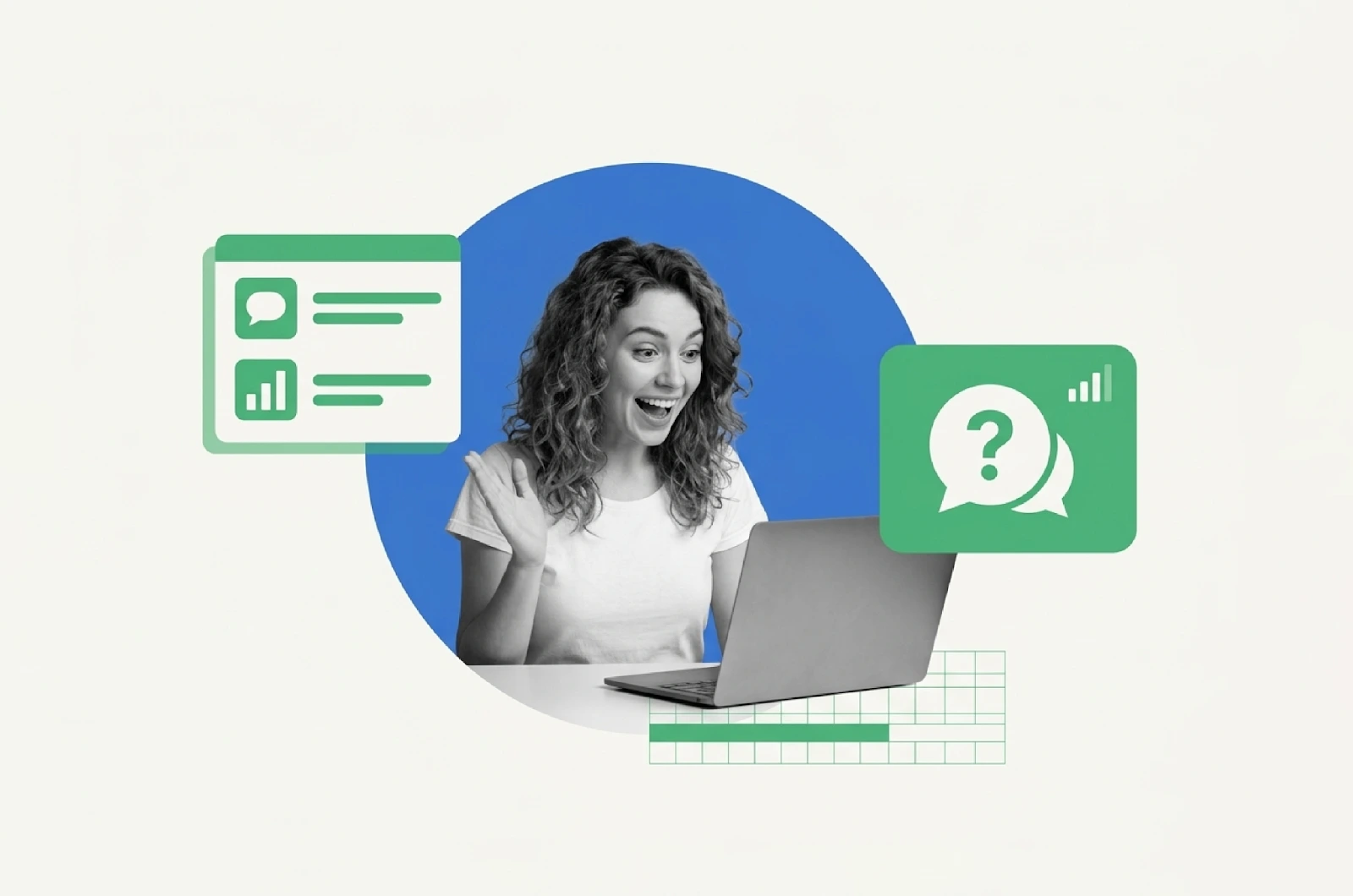
Summary: Attending your first webinar doesn’t have to feel uncertain. This guide walks first-time attendees through exactly what to expect from the webinar, how to prepare in 15 minutes, how to introduce yourself, and how to evaluate whether it was worth your time, with checklists, scorecards, and a mistake-avoidance table to make every session count.
73% of B2B marketers say webinars generate their highest-quality leads, yet most first-time attendees leave without asking a single question, capturing a single insight, or following up with the host.
The gap isn’t the webinar. It’s knowing how to show up. This guide closes that gap in 10 minutes.
Whether you’ve registered for a product demo, an industry training, or a live masterclass, webinars have become one of the most efficient ways to learn from experts, without traveling anywhere. But if this is your first one, you probably have questions:
What will actually happen? Do I need to prepare anything? Will people see me?
This guide answers all of it, clearly, practically, and without the fluff.
What Is a Webinar?
A webinar is a live or pre-recorded online event that combines a structured presentation with real-time interaction tools, chat, polls, Q&A, and sometimes breakout rooms. Unlike an online meeting (where everyone’s on camera talking), a webinar is more like a digital seminar: one or a few speakers present to a larger audience, who engage primarily through chat and questions.
Common webinar formats you’ll encounter:
- Live Webinars
Live webinar includes real-time sessions where the host presents, and you interact through chat, polls, and Q&A.
- Simulive Webinars
Pre-recorded content broadcast as if it’s live, with scheduled start times and active moderation.
- Evergreen Webinars
Always-available, automated sessions you can watch anytime, often part of a sales or education funnel.
| Quick Orientation Think of a webinar as a TED Talk you can actually interrupt, with a chat box, a hand-raise button, and a Q&A window where your specific question can be answered in real time. |
What to Expect During a Webinar
Here’s exactly what happens during a typical webinar, and what your best move is at each stage. Bookmark this and keep it open for your first session.
| What Happens | What It Means | Your Best Move |
| The presenter introduces themselves and the agenda | ✅ Normal & expected | Sit back, no action needed |
| Chat box opens; attendees say hello | ✅ Signals it’s live/interactive | Type a greeting; it boosts your visibility |
| Polls appear mid-session | ✅ Engagement tool, not a quiz | Answer honestly, data shapes the Q&A |
| Offer or CTA appears on screen | ✅ Product/service being pitched | Note it; decide after the session ends |
| Q&A window opens at the end | ✅ Your window to get value | Ask your most specific question |
| Recording offered post-event | ✅ Standard practice | Request it in chat if not announced |
Most webinars run between 45 and 75 minutes. The first 10 minutes are typically setup and introductions, the middle 30–40 minutes are content delivery, and the final 15–20 minutes are Q&A and any offer or next-step presentation.
Do I Need to Dress Up?
For most webinars, your camera is off and nobody sees you. Casual attire is completely fine.
However, if you’re planning to:
• Turn your camera on (some webinars invite audience members to join as presenters)
• Ask a live video question
• Attend a smaller, more intimate session (under 20 people)
…then dressing as you would for a professional video call is the safer call. Think: business-casual from the waist up. Nobody needs to know about the sweatpants.
| 📌 The Real Dress RuleDress for the interaction you want, not the one you expect. If you want to be remembered,Looks like someone worth remembering. |
How to Prepare for a Webinar: The 15-Minute Pre-Flight Checklist
The attendees who get the most from webinars are not necessarily the most experienced; they’re the most prepared. Here’s what to do in the 15 minutes before you join:
✅ Your Pre-Webinar Checklist
□ Test your internet, browser, and any required app (most platforms work in Chrome, no download needed)
□ Review the webinar title and description, jot down 1–2 questions you want answered
□ Open a blank doc or notepad next to the webinar window for notes
□ Mute notifications on your device, you’ll lose focus faster than you think
□ Join 5–10 minutes early, the green room / pre-show chat is often where the best conversations happen
□ Have your follow-up action ready: is this a ‘buy,’ ‘book a call,’ or ‘just learn’ session for you?
That last point matters more than it sounds. Walking into a webinar knowing your intended outcome (learn, evaluate, or buy) shapes how you engage, and whether you leave with something actionable.
How to Introduce Yourself in a Webinar
Most webinars open with a welcome period in the chat. Hosts often ask: “Where are you joining from?” or “What brought you here today?” This is your low-stakes entry point.
The 3-part formula that works every time:
| 👋 Introduction Template“Hi! I’m [First Name] from [City or Company]. I’m a [brief role, e.g., ‘marketing consultant’ or ‘smallbusiness owner’]. Excited to learn about [topic]!” Example: “Hi! I’m Sarah from Austin. I run a small coaching practice and I’m here to learn how tostop running live webinars every week and finally automate my funnel. 👋” |
This works because it’s specific enough to invite a reply from the host or other attendees, but short enough not to derail the opening. It also signals to the host that you’re engaged, which sometimes results in your questions being prioritized in the Q&A.
How to Evaluate a Webinar
Not all webinars are created equal. Some will be transformational; others will feel like a thinly disguised sales call. Here’s a simple framework to separate the two and decide whether to attend future sessions from the same host.
| Dimension | The Right Question to Ask | What a Poor Score Signals |
| Content | Did I learn something I can use this week? | If no, the topic was too broad or too basic for you |
| Engagement | Was I invited to participate, not just observe? | Good webinars are conversations, not monologues |
| Clarity | Could I explain the key idea to a colleague right now? | If not, the presenter overcomplicated it |
| Respect for Time | Did it start and end as promised? | A sign of how the host values your attention |
| Follow-Through | Did you receive a recap, resource, or replay link? | Signals whether the host thinks long-term |
The rule of thumb: If you can answer “yes” to at least 3 of these 5 dimensions, the webinar was worth your time. If you scored 4–5, follow that host; they’re a reliable source of value.
Webinars by the Numbers: What the Data Says
Still wondering if webinars are worth your attention? Here’s what the data tells us:
| 73%Many marketers say webinars generate their best leads | 57%of attendees watch the full webinar replay post-event | 20–40%of attendees convert into qualified leads after the session |
These numbers explain why webinar platforms have become the go-to format for coaches, course creators, SaaS companies, and consultants; they consistently outperform blog posts, email blasts, and social media for both reach and conversion.
5 Webinar Mistakes First-Time Attendees Make
Avoiding these five mistakes is the single fastest way to 10x your webinar ROI, even in your very first session.
| The Mistake | Why It Costs You | The Fix |
| Joining late | You miss framing and first impressions with the host | Join 5 minutes early; have your question ready |
| Multitasking with other tabs | You retain 40% less and miss interactive moments | Close everything. Treat it like a meeting with a mentor |
| Staying silent in chat | You blend into the crowd; the host can’t help you specifically | Introduce yourself once in chat at the start |
| Skipping the Q&A | The Q&A is often where the real insight is shared | Stay for at least the first 5 minutes of Q&A |
| Not following up after | The value of a webinar compounds post-event | Email the host or connect on LinkedIn within 24 hours |
Final Thoughts
Setting clear expectations from a webinar upfront is what separates a session that converts from one that just fills a calendar slot. Attending your first webinar can be an exciting and rewarding experience.
With the right preparation, you’ll be able to engage effectively, learn valuable insights, and make meaningful connections.
Remember, webinars are an opportunity to enhance your knowledge, whether you’re a coach, content creator, marketer, or business leader. With AI-powered funnels, low-latency streaming, and CRM tools, you can deliver top-notch webinars that engage, convert, and grow your audience.
If you’re a webinar host looking for a platform to manage your events seamlessly, start your free 7-day trial of EasyWebinar today!
Frequently Asked Questions
What should I expect during my first webinar?
Expect a structured session with an introduction, a presentation (usually 30–45 minutes), and a Q&A at the end. Most webinars also have live chat and polls that run throughout. Come prepared with at least one specific question.
Do I need to dress up for a webinar?
No, unless your camera is on. For most attendee-facing webinars, you’re watching, not being watched. Business-casual from the waist up is the safe choice if you’re ever invited to speak or turn on your camera.
How do I introduce myself in a webinar?
Keep it to one sentence in the chat: your name, your role or location, and what brought you to the session. Example: “Hi, I’m James from London, a freelance designer here to learn about lead generation webinars.”
How do I prepare for a webinar as a first-time attendee?
Test your tech 10 minutes early, review the agenda, have a notepad open, mute your notifications, and walk in with a clear question you want answered. That’s all you need for a great first session.
How do I know if a webinar was worth my time?
Use the 5-dimension scorecard from this guide: score it on Content, Engagement, Clarity, Respect for Time, and Follow-Through. Three or more “yes” answers means it was worth attending.
Was this post helpful?
Related Posts